

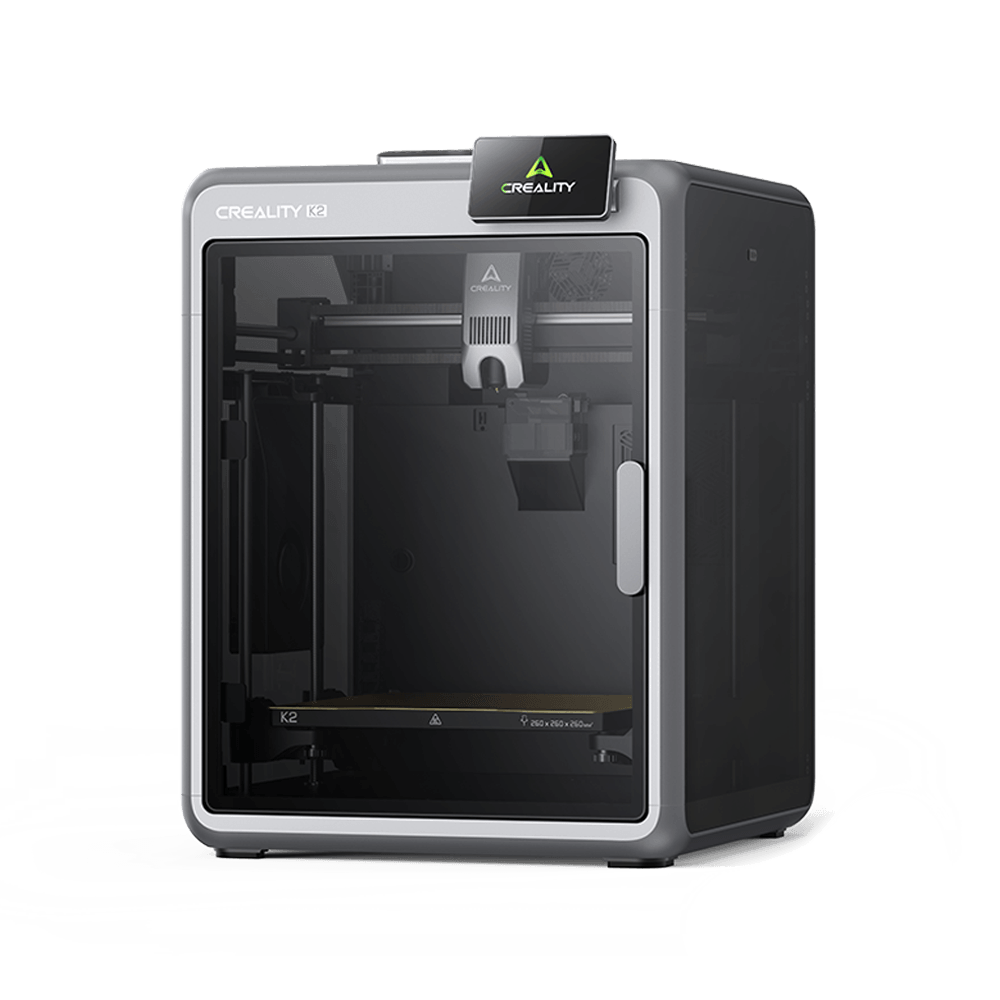
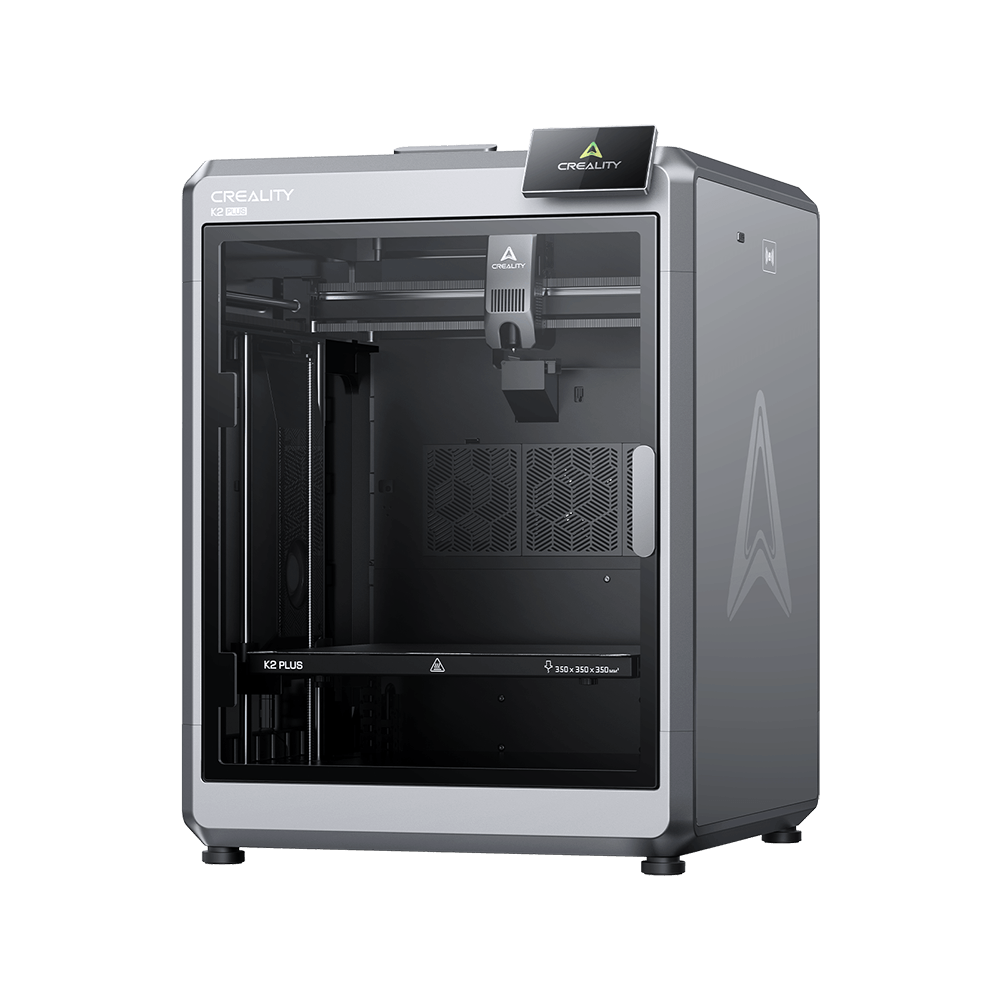
K2 Plus
Videos
Parameter
Download
Help Center
Product Service
Support
/K2 Plus
Videos
Unboxing Videos
Promotional Videos
Tutorial Videos
K2 Plus Combo Unboxing & Setup
K2 Plus Unboxing & Setup
Parameters
Connectivity & Software
UI Languages
German, English, Spanish, French, Italian, Japanese, Korean, Portuguese, Russian, Turkish, Chinese (Simplified)
File Storage
32GB
Printable File Format
STL, ОBJ, 3MF
OTA Firmware Updates
Yes
Cloud Integration
Creality Cloud
File Transfer
USB Flash Drive, LAN, Cloud Printing
Slicing Software
Creality Print, Ultimaker Cura
UI Languages
German, English, Spanish, French, Italian, Japanese, Korean, Portuguese, Russian, Turkish, Chinese (Simplified)
File Storage
32GB
Printable File Format
STL, ОBJ, 3MF
OTA Firmware Updates
Yes
Cloud Integration
Creality Cloud
File Transfer
USB Flash Drive, LAN, Cloud Printing
Slicing Software
Creality Print, Ultimaker Cura
Core Specifications
Supported Filaments
PLA, PA-CF, ASA, PLA-CF, PETG, PET, PPA-CF, ABS
Filament Diameter
1.75mm
Heatbed Temperature
120℃
Nozzle Temperature
350℃
Nozzle Material
Hardened Steel
Nozzle Diameter
Default 0.4mm, compatible 0.2mm、0.6mm、0.8mm
Hotend Material
All-Metal Hotend
Extruder
Direct
Motion System
CoreXY Frame
Acceleration
≤30000mm/s²
Printing Speed
600mm/s
Layer Height
0.05-0.3mm
Printing Accuracy
100mm±0.1
Printing Technology
FFF
Supported Filaments
PLA, PA-CF, ASA, PLA-CF, PETG, PET, PPA-CF, ABS
Filament Diameter
1.75mm
Heatbed Temperature
120℃
Nozzle Temperature
350℃
Nozzle Material
Hardened Steel
Nozzle Diameter
Default 0.4mm, compatible 0.2mm、0.6mm、0.8mm
Hotend Material
All-Metal Hotend
Extruder
Direct
Motion System
CoreXY Frame
Acceleration
≤30000mm/s²
Printing Speed
600mm/s
Layer Height
0.05-0.3mm
Printing Accuracy
100mm±0.1
Printing Technology
FFF
Show More
View All
Download


Help Center
FAQs
General Questions
Does K2 Plus support LAN and Internet file transfer?
Does K2 Plus support LAN and Internet file transfer? What are the network specifications?
K2 Plus supports CrealityPrint 5 LAN control and file transfer. After binding the machine with Creality Cloud, users can control or transfer files to the printer via cloud services.
K2 Plus supports Creality Cloud connection, allowing users to:
- View the camera feed
- Operate the machine remotely
- Start a print from local files
- Receive print completion notifications
To bind the machine, open the Creality Cloud app and scan the QR code from the homepage. Currently, K2 Plus does not support Creality Cloud slicing. Our cloud slicing engine is being upgraded to a new multi-color slicing engine. The old engine is not compatible with K2 Plus. The migration is expected to be completed by December 2024, after which K2 Plus will be supported. Thank you for your patience.
K2 Plus supports both Wi-Fi and Ethernet connections.
- LAN: HTTP protocol & WebSocket interface, video stream via WebRTC protocol
- Cloud service: HTTP protocol & MQTT interface
- Wi-Fi specifications: 2.4GHz & 5GHz, IEEE 802.11 a/b/g/n/ac; 802.11ac supports up to 433.3 Mbps transfer speed.
What is the build volume of the K2 Plus?
How does the K2 Plus achieve high-speed printing without compromising quality?
What is the Creality Filament System (CFS)
How does the K2 Plus ensure consistent print quality across multiple colors?
What connectivity options are available with the K2 Plus?
Is the K2 Plus suitable for both beginners and professionals?
View All


