










































The desktop 3D printers by Creality have progressed over time. Some of these machines become classic favorites because of their reliability and affordability. More modern offerings are a response to how printing has changed over time.
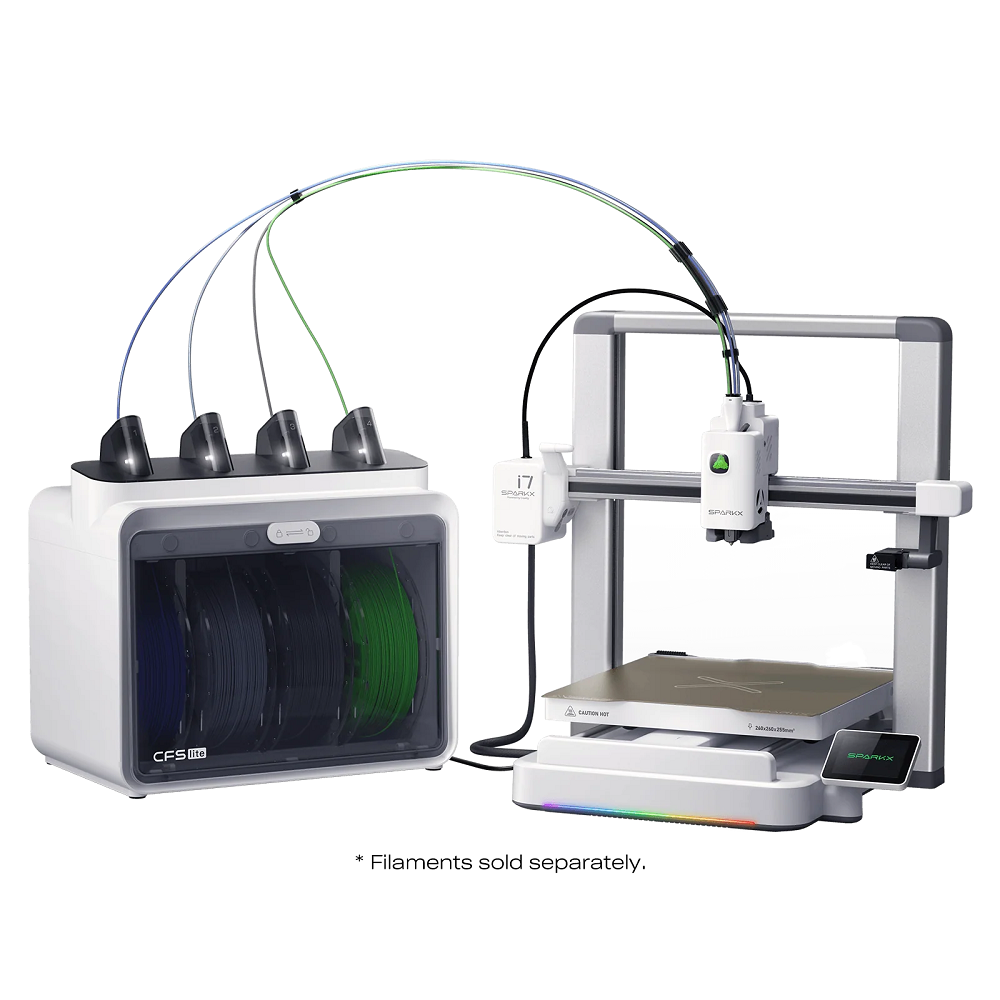
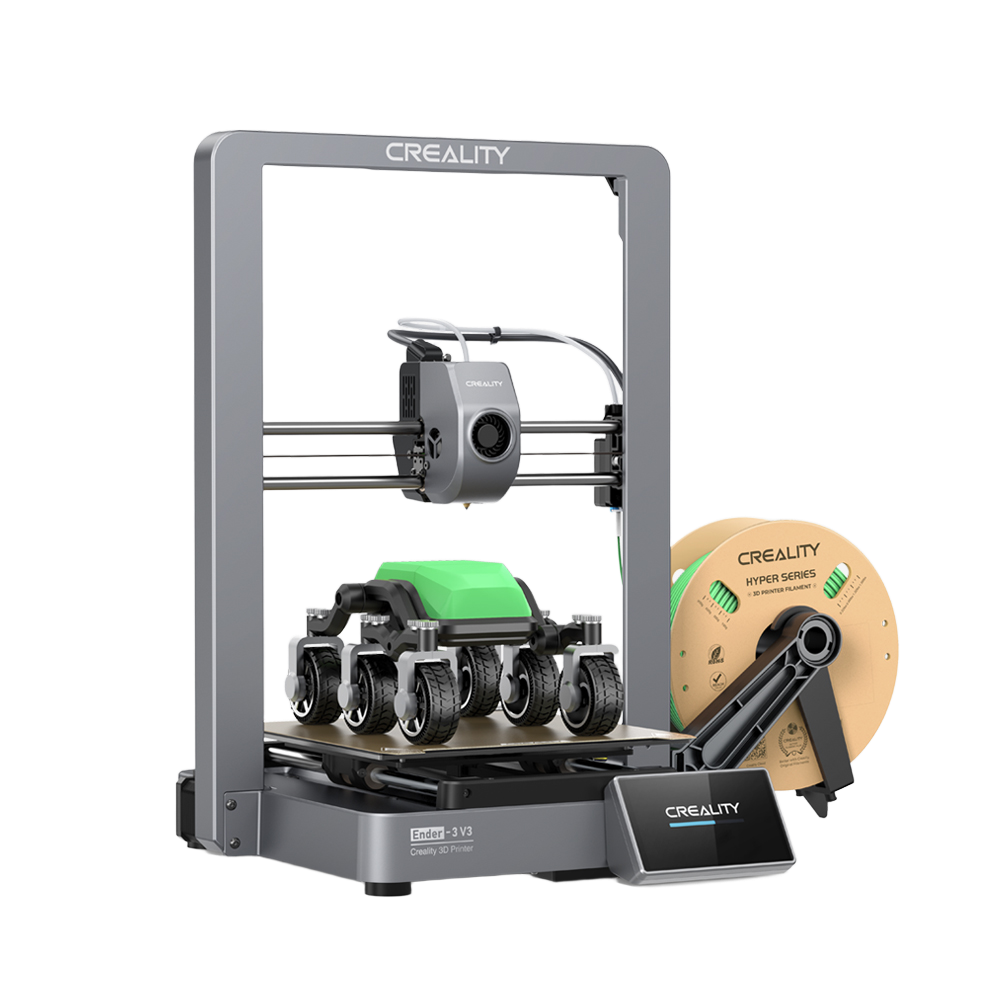
In this article, we compare Ender-3 V3, a well-established model released several years ago, with SPARKX i7, a recently launched printer designed for a more modern 3D printing experience. Both are open-frame machines, but they are positioned for slightly different stages of a user’s journey.
Quick Overview
| Specification | Ender-3 V3 | SPARKX i7 |
| Printing Technology | Fused Filament Fabrication (FFF) | Fused Filament Fabrication (FFF) |
| Build Volume | 220 × 220 × 250 mm | 260 × 260 × 255 mm |
| Max Print Speed | Up to ~600 mm/s | Up to 500 mm/s |
| Layer Height | ~0.1–0.35 mm | ~0.05–0.3 mm |
| Bed Leveling | Full auto leveling | Full auto leveling |
| Display Screen | ~4.3″ color touchscreen | 2.85″ color touchscreen |
| Filament Compatibility | PLA, ABS, PETG, TPU (varies) | PLA/PLA-Silk/PETG/TPU/PLA-CF |
| Extruder | Direct drive | Direct drive |
| AI / Smart Monitoring | Optional / not built-in | Built-in AI camera & detection systems |
| Connectivity | USB, Wi-Fi | USB, Wi-Fi |
| Estimated Weight | ~7.8 kg | ~9.1 kg |
| Nozzle Temp Range | Up to ~300 °C | ≤300 °C |
| Heatbed Temp Range | Up to ~110 °C | ≤100 °C |
Design Philosophy and Build
Both Ender-3 V3 and SPARKX i7 follow an open-frame design, which remains popular for its accessibility, ease of maintenance, and clear visibility during printing.
Ender-3 V3
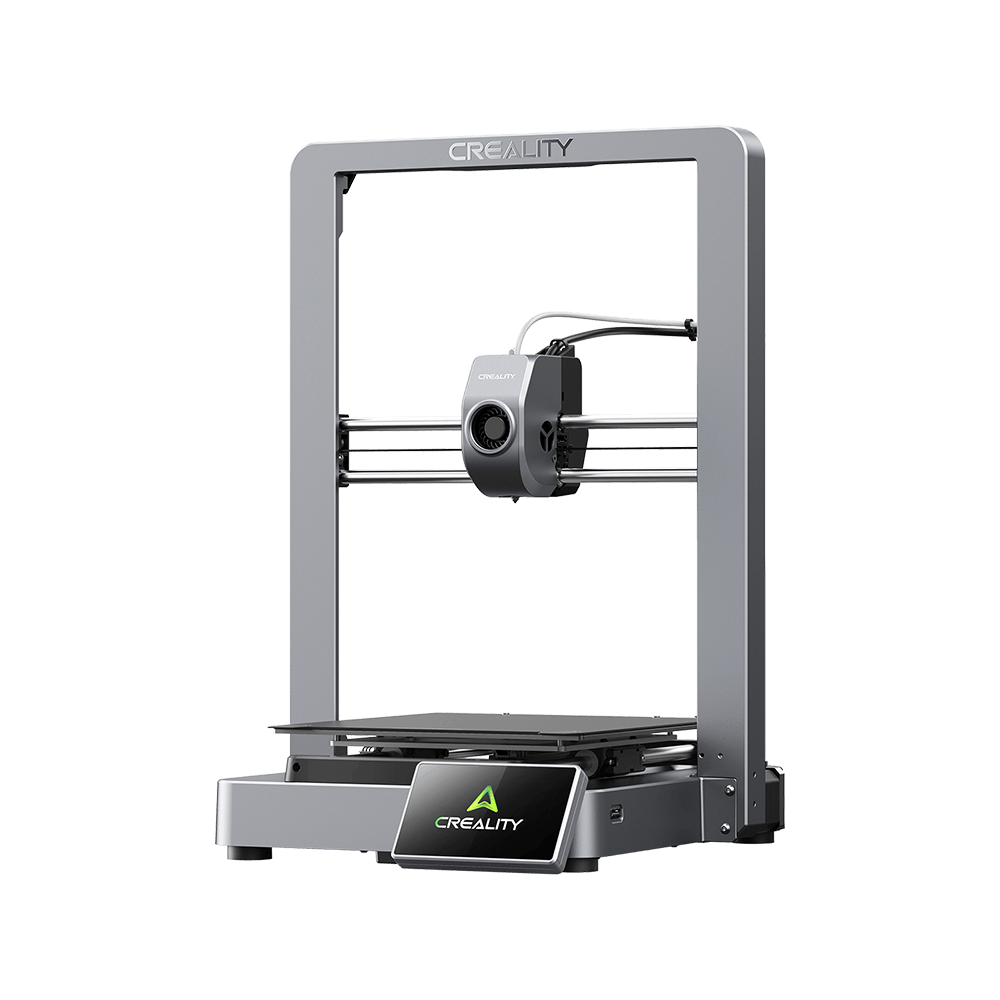
The Ender-3 V3 is a continuation of the Ender Series and aims to provide support and stability typical of a more rigid and reliable machine. The Ender-3 V3 is said to be an improvement of a previous model.
SPARKX i7
While the SPARKX i7 continues this open frame design tradition, it has moved more in line with modern design principles. Even though it has remained affordable and user-friendly, it has started to incorporate improvements to assist in intelligent functionality and easier everyday use, in relation to current workflow practices in desktop 3D printing.
Key takeaway: Both printers have an open frame design and remain easy to approach. SPARKX i7 is built taking into consideration user friendliness.
Printing Performance and Capability
At their core, both machines are FFF/FDM desktop 3D printers capable of producing accurate parts for everyday projects, prototyping, and creative work.
Shared strengths
-
Compatible with common filaments such as PLA, PETG, and TPU
-
Stable motion systems designed for consistent output
-
Direct drive style extrusion for enhanced material control capabilities
Where they differ
Ender-3 V3 emphasizes straightforward mechanical performance, giving users direct control over tuning and print parameters.
SPARKX i7 relieves this task partly by allowing the system to take advantage of AI-enhanced functionalities that make monitoring print conditions easier and minimize common problems in printing.
This difference does not change what printers can create, but it does affect how much users' attention is required during printing.
Smart Features and User Experience
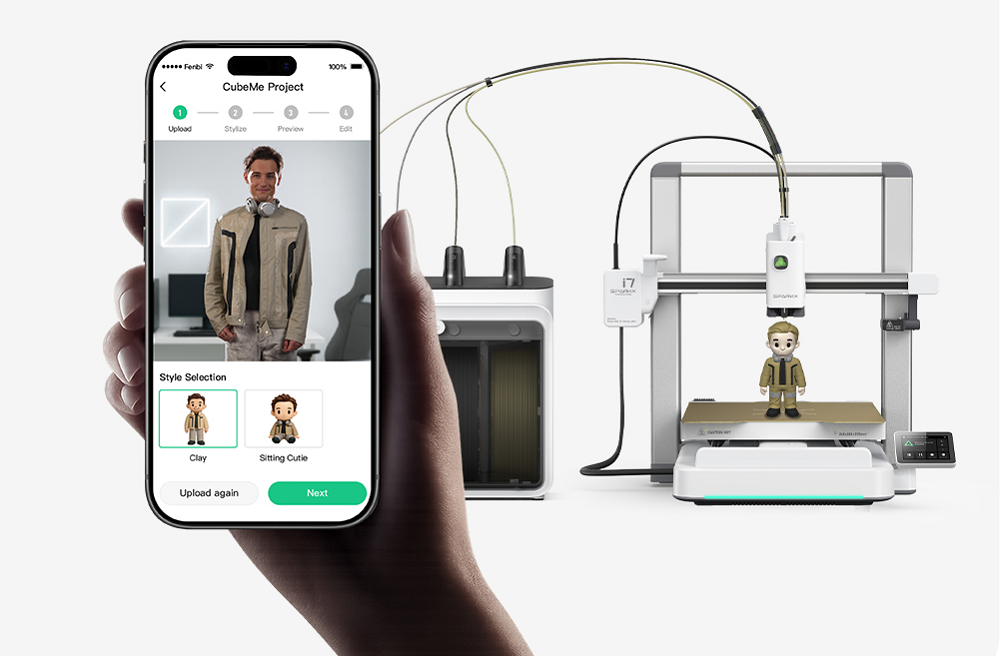
This is the area where these two 3D printers vary. Many enthusiasts find the most difficult aspect of 3D printing is how to design and create 3D models. This problem is solved by SPARKX i7 through CubeMe. CubeMe is an AI-assisted tool for creation. With it, one can easily convert portraits into printable 3D models.
Ender-3 V3
-
Focuses on essential features that improve usability compared to earlier Ender models
-
Suitable for users who are comfortable managing prints directly
-
Offers a balance between automation and hands-on control
SPARKX i7
-
Integrates AI-based modeling capability and monitoring features to assist in printing
-
Aims to reduce failed prints through intelligent detection and alerts
-
Designed for users who prefer a more guided, system-assisted experience
In practice: Ender-3 V3 rewards users who enjoy manual tuning and direct interaction. SPARKX i7 supports users who value efficiency, oversight, and reduced intervention.
Connectivity and Workflow
Modern 3D printing has seen increased integration, particularly among users who handle multiple 3D prints or who want to interact with the printing process remotely.
Ender-3 V3
-
Supports standard connectivity options for file transfer and printing
-
Fits well into a traditional desktop printing workflow
SPARKX i7
-
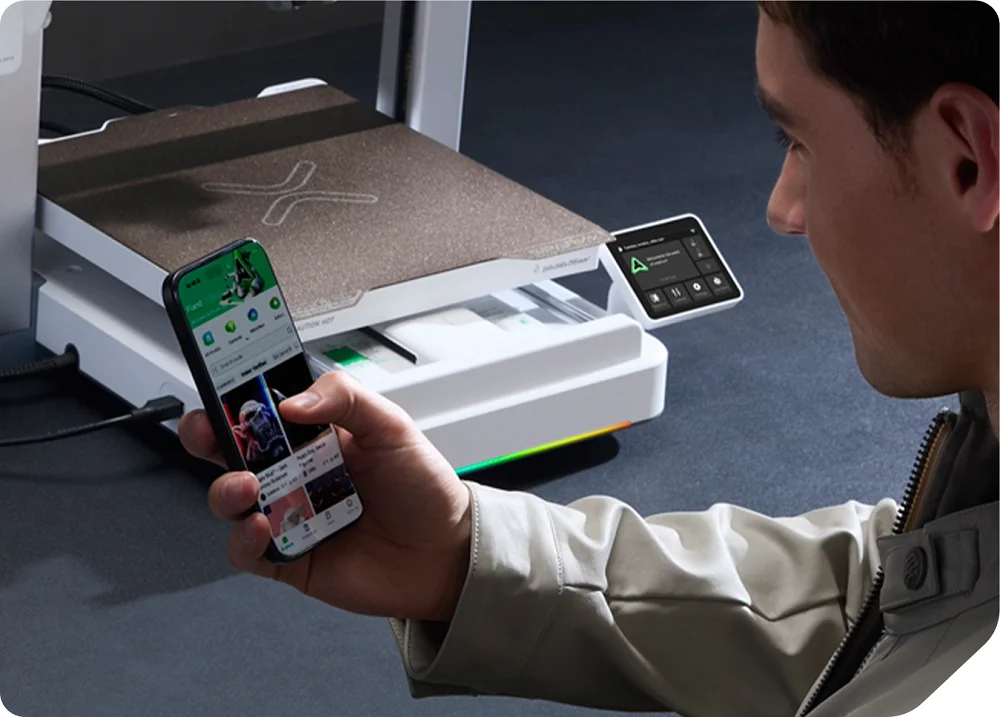
Designed with cloud integration and remote interaction in mind
-
Compatible with the newest Creality Print 7.0 (This update delivers significant enhancements in intelligent algorithms, performance efficiency, cross-device community experience, and wide-area network control capabilities.)
-
Aligns with users who want to monitor or manage prints beyond the printer itself
Learning Curve and Daily Use
| Ender-3 V3 | SPARKX i7 | |
| Setup Experience | Familiar, mechanical-focused | More guided and automated |
| Daily Operation | Hands-on, user-driven | System-assisted, intelligent |
| Best For | Users who enjoy control | Users who value efficiency and oversight |
Neither approach is inherently better. The difference lies in how much responsibility the user wants to carry versus how much they prefer the system to handle.
Which One Should You Choose?
Choose Ender-3 V3 if:
-
You appreciate a proven, familiar platform
-
You enjoy adjusting settings and understanding mechanics
-
You want a dependable printer with a long track record
Choose SPARKX i7 if:
-
You are interested in newer AI-assisted printing features
-
You want a more modern, connected workflow
-
You value reduced monitoring and smarter print management
Final Thoughts
The Ender-3 V3 is a significant milestone in the development of desktop printers offered by Creality. It is the result of years of improvement. Therefore, it still counts among the most trusted choices.
When it comes to SPARKX i7, it indicates a direction in which the desktop 3D printing market is headed. The printer is intended to make printing easier and more reliable by assisting with printing through AI functionalities and connectivity.
In conclusion, consumers who wish to upgrade to the next phase of desktop 3D printing have a lot to look forward to SPARKX i7-based on a more intuitive evolution and not a revolutionary difference.