






































Rubber is everywhere in our day-to-day lives. Your phone case, shoe soles, and the seals of your car door all have rubber. It’s natural to wonder whether you can 3D print rubber, especially if you’re creating those same types of flexible parts. Although most desktop FDM printers can’t print true vulcanized rubber, you can print materials that closely mimic the flexibility and durability of rubber.
TPU filament is the most common choice for creating a “rubber-like” material when 3D printing. It’s the easiest way to obtain the same flexibility without needing industrial manufacturing equipment. If you’re trying to 3D print rubber, then the chances are that you’re actually looking for either TPU or TPE instead.
Below, we’re sharing our complete guide to flexible filaments, with a focus on TPU, and how to create rubber-like 3D prints.
Why Traditional Rubber Doesn't Work Like Standard 3D Printing Materials
FDM printing uses thermoplastics, such as PLA or ABS, that melt and solidify repeatedly without changing their chemical properties. Rubber isn’t suitable for this type of FDM printing as it behaves differently under heat, as it is a thermoset plastic. When rubber is heated, it burns instead of melting, making it virtually impossible to extrude through a traditional 3D printer nozzle.
Although industrial rubber printing does exist, it requires specialized additive manufacturing systems and isn’t a realistic option for most hobbyists. Flexible thermoplastics like TPU and TPE are the preferred alternatives when you need a “rubber-like” material for 3D printing.
What Is TPU and Why Is It So Popular?
TPU stands for Thermoplastic Polyurethane, a flexible thermoplastic material. It combines elasticity and durability, giving it similar characteristics to rubber with better grip, impact resistance, and shock absorption than other filaments.
This type of 3D printer filament is typically used for athletic equipment and automotive parts. TPU is more DIY-friendly than rubber and is also more easily recycled, giving you the same practical benefits you would expect from rubber.
What Can You Make With Rubber-Like 3D Prints?
There are dozens of projects that hobbyists and professionals alike can do to create rubber-like 3D prints. Phone cases and device accessories like shock-absorbing cases, device bumpers, and earbud holders are some of the most practical ones. Wearable accessories are another category that’s ideal for 3D printing, including watchstraps and custom grips for sports like CrossFit.
Functional workshop parts, automotive components, and household items like flexible hooks and door stops show just how versatile a filament like TPU can be. If you’re looking for ready-to-print TPU projects, Creality Cloud offers thousands of community-created models that can be customized to suit your project goals.
Can All 3D Printers Print TPU?
Most 3D printers are able to print TPU, although some can handle flexible materials better than others. TPU is different as it uses soft materials that compress and bend inside the extruder path. It leads to common challenges like stringing, feeding issues, and filament buckling.
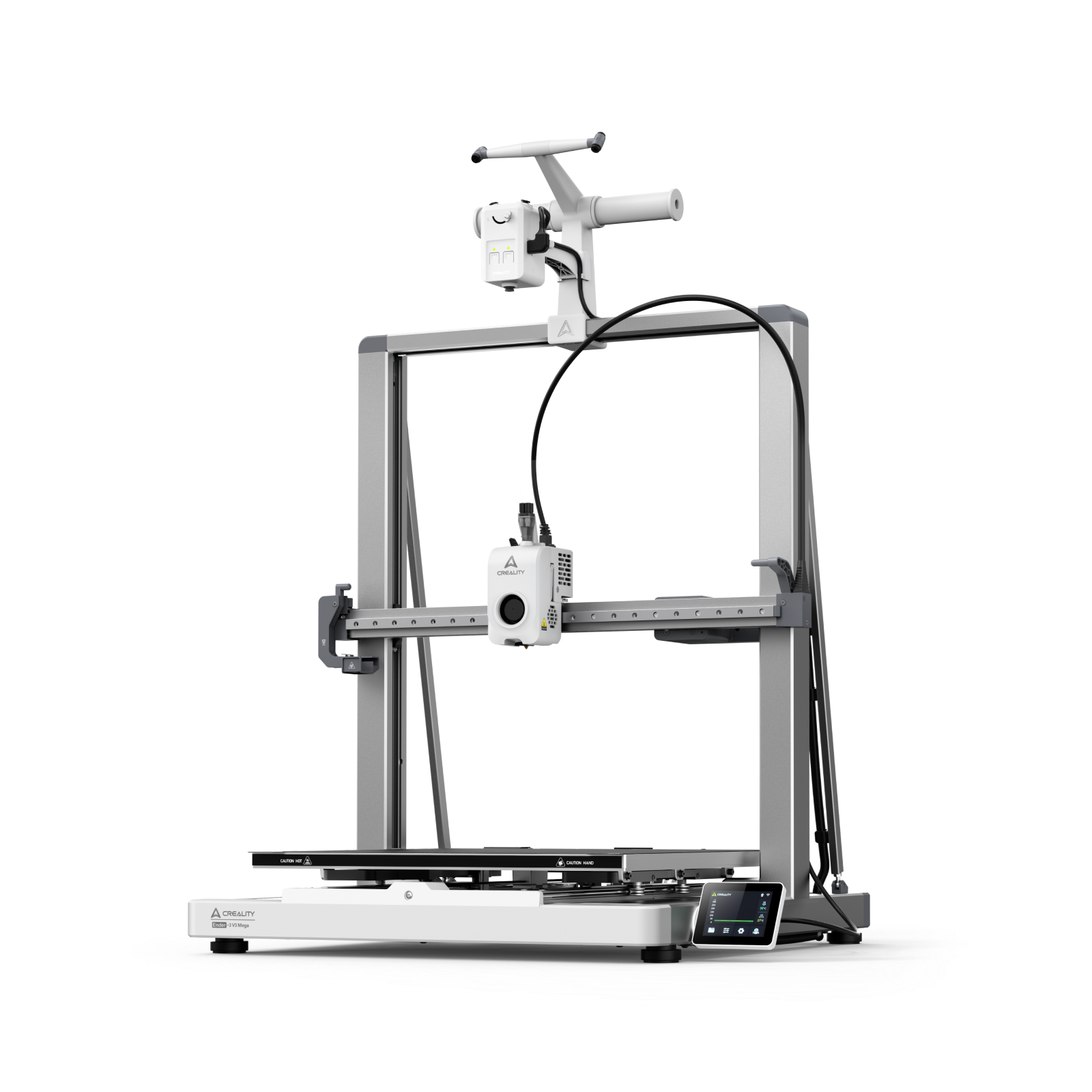
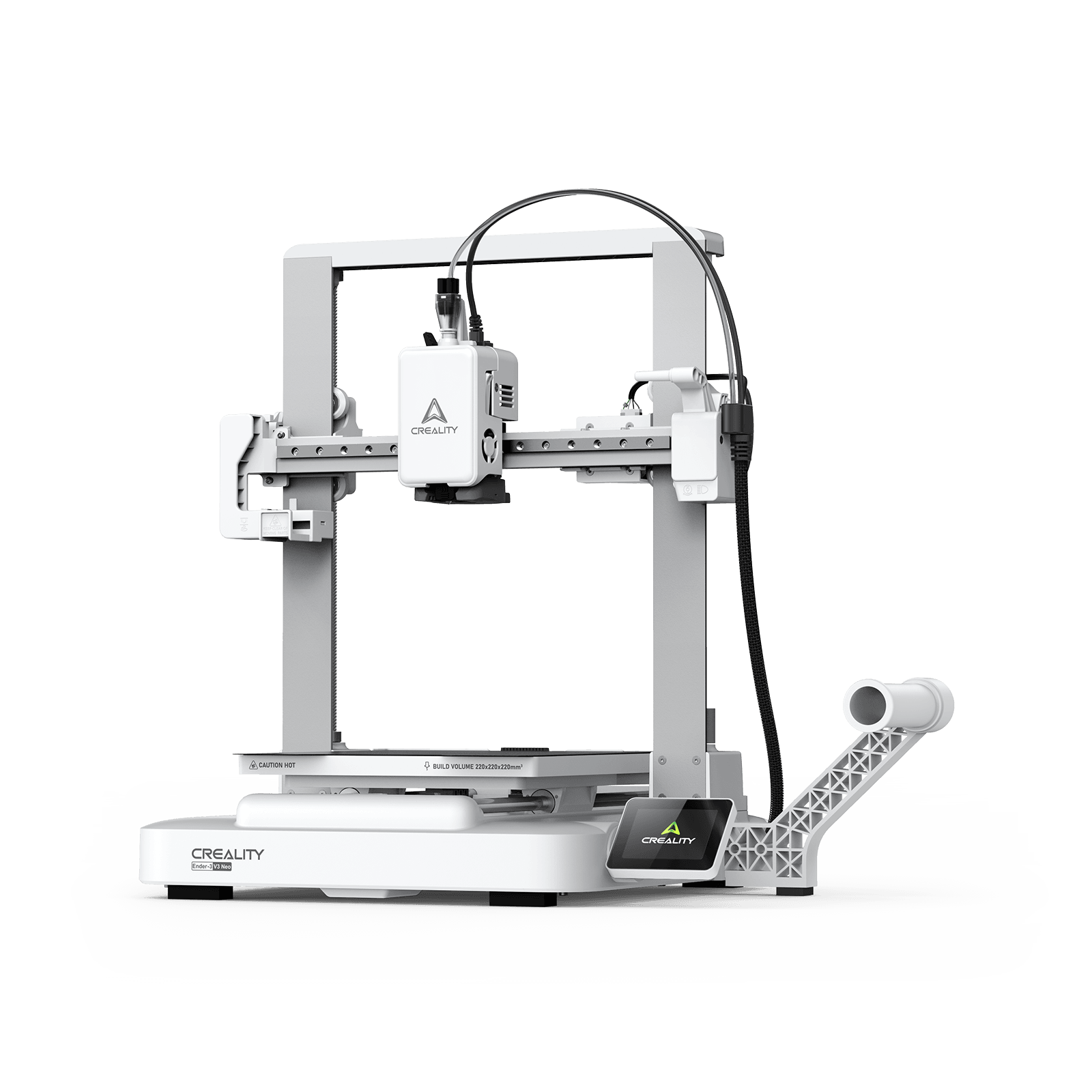
If you’re planning to use TPU filament regularly, it’s best to invest in a 3D printer that offers consistent extrusion control and direct drive extrusion. Printers like the Creality K1 Max and K2 Plus Combo can handle TPU well, even when they’re fresh out of the box with little to no set-up adjustments.
Recommended TPU Print Settings for Better Results
Your 3D printer settings are crucial when trying to create rubber-like models, even when using TPU filament. The correct print settings will give you better results and reduce the risk of common problems like filament jamming and stringing.
TPU compresses more easily than other filaments, such as PLA, so it’s best to slow down your printing speed. 20-50 mm/s is typically the sweet spot for most 3D models. You can also prevent filament jamming or tangling by reducing your printer’s retraction settings.
It’s also important to understand how your specific TPU filament works, including what its optimum print temperature is. Most TPU filaments have an optimal print temperature of 210-240°C, but this will vary by brand.
Bed adhesion is also important when using a TPU filament, as the filament will shrink as it cools, which can cause the edges to peel up or curl. Improving bed adhesion can also avoid ruined build plates and ensure your print stays anchored throughout the entire printing process. You can use textured plates, PEI sheets, or a release agent to find the right level of adhesion for your TPU printing.
Common TPU Printing Problems (And How to Fix Them)
If you’re trying to 3D print rubber for the first time, you’re likely to run into some common problems, which can be easily fixed. Excessive stringing is typically caused by your retraction settings or high temperatures. This can be resolved by reducing the temperature and tuning your retraction settings.
Filament jamming is also a concern and typically happens when there’s poor filament guidance or if the machine is printing too fast. This TPU printing problem can be resolved by reducing the printer speed and checking the extruder path.
Inconsistent extrusion can cause significant problems when printing with TPU, as it causes moisture absorption. Using a filament dryer can dramatically improve your print consistency and surface quality.
TPU vs PLA vs PETG: Which Material Should You Choose?
TPU isn’t the only material that you can use when trying to 3D print rubber, but it is by far the best option available for hobbyists. Although PLA offers moderate impact resistance and is easy to print, its strength and flexibility are lower than those of TPU. The most comparable filament to TPU is PETG, although its flexibility and impact resistance are not as high.
While PLA is best suited for decorative prints, PETG filament is a better alternative for durable everyday parts, with TPU being the best option for functional, flexible parts. You should choose TPU when you’re printing a model that is likely to undergo repeated stress and requires a high degree of flexibility and shock absorption.
Is TPU Waterproof?
Rubber is inherently waterproof, so it’s important to understand how TPU filament differs and how to waterproof your 3D prints. Although the filament is highly water-resistant, the waterproofing of your 3D model will also depend on its print quality, wall thickness, and layer bonding.
TPU is typically used for outdoor accessories, protective covers, and flexible containers. However, it’s important to ensure that the overall print is as water-tight as possible, as TPU filament can’t compensate for a poor design or printing errors.
Getting Started with Using Flexible TPU and PETG Filament for 3D Printing
Most desktop 3D printers aren’t capable of printing true rubber, but TPU filament is a practical and accessible alternative for hobbyists. It’s worth spending the time learning to use flexible filaments like TPU and PETG, as they can expand your design possibilities and help create more functional and durable 3D models.
Once you become comfortable with using TPU filaments, you can start experimenting with different types of models and designs, especially real-world products. Whether it’s a phone case or an Apple Watch strap, you can create rubber-like products with TPU. Start planning your next project by exploring our range of 3D printer filaments and visiting Creality Cloud to explore thousands of community-created 3D models.