



In 3D printing, there're many possible print quality issues you could run into, especially as a beginner. One of the most popular by far is curling or lifting. Curled/curling edges and 3D print corner lifting can be incredibly annoying, but the great news is that you can prevent it.
Let's talk about what causes curling and lifting on your 3D printers, how you can fix it, and the steps to take to prevent it from happening in future prints.
What Is Curling in 3D Printing?
Picture this: you've chosen a super cool print and are excited to see that everything is going smoothly until you look and see the corner of your print is bending away from the build plate. You've just experienced curling.
Curling is one of the most common adhesion problems and happens when the edges, corners, or overhang of your print warp upward from the build plate. But why is curling 3D printing models a problem?
Curling ruins print quality and dimensional accuracy. It not only distorts the print and takes away from its appearance, but also causes internal stress, which can lead to cracks. 3D prints must have exact measurements, and the smallest amount of warping can make them unusable. It could also cause issues with the layering, where the printer nozzle could hit the print, knocking it over, flattening, or over-extruding layers on the curled section.
Common Signs of Curling or Lifting
How do you know if your print is curling or lifting? Here are some ways to tell the difference.
Curling vs. Lifting: What's the Difference?
As we talked about earlier, curling and lifting are similar but they're not the same thing. Curling is minor warping that happens along corners, edges, or overhangs as upper layers cool and contract. Lifting is a more severe form where an entire corner detaches from the build plate due to poor adhesion. In short: all lifting is curling, but not all curling becomes lifting — and you can tell the difference by whether the corner is just bent upward or completely peeling off the bed.
Visual Signs
So, how do you know when your print is curling. There's a few visual signs to look for, like:
-
Shadow lines - Light coming from gaps created under the corners of your print can create a shadow on the bed.
-
Lifted corners - Slight lifting or peeling away from the print bed.
-
Gapping - Irregular, small spaces or gaps between the print bed and the bottom layer of your print.
-
Curling edges - Warping or curling upward along the corners of your print.
What Caused Curling in 3D Printing?
Here are a few common reasons for curling on different parts of your print.
3D Printing First Layer Curling Up
If the first layer of your print is curing, it could be due to uneven cooling, filament shrinkage, or poor bed adhesion.
3D Printing Overhangs Curling Up
Overhangs curling on your 3D prints is usually caused by insufficient cooling that doesn't let the plastic harden fast enough so it deforms under its own weight.
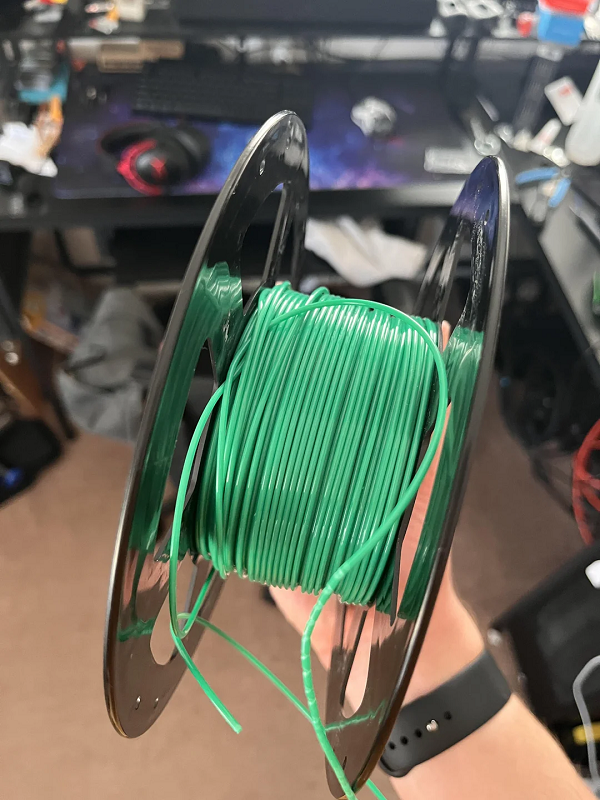
3D Printing Filament Curling
If your filament is curling you may have cooled it too quickly or your first layer isn't adhered well.
3d Printing Edges Curling Up
Curled edges are often caused by thermal deformation, which means the plastic doesn't cool and shrink evenly, so it pulls the corners up.
3d Printing Brim Curling Up
Brim curling is also caused by thermal contraction and inadequate bed adhesion.
How to Fix or Stop Curling 3D Printing (Step-by-Step Guide)
Here are a few steps to help stop curling on your 3D prints.
Step 1 - Improve the Bed Adhesion
Poor adhesion is one of the top causes of curling or lifting on 3D prints. Before you start, make sure to clean the bed thoroughly and make sure it's level. The vertical offset should be calibrated correctly and you'll need to apply a high-quality 3D printing glue. It's also important to always use a heated print bed to stop the first layers from cooling too quickly.
Step 2 - Adjust the Temperature and Cooling
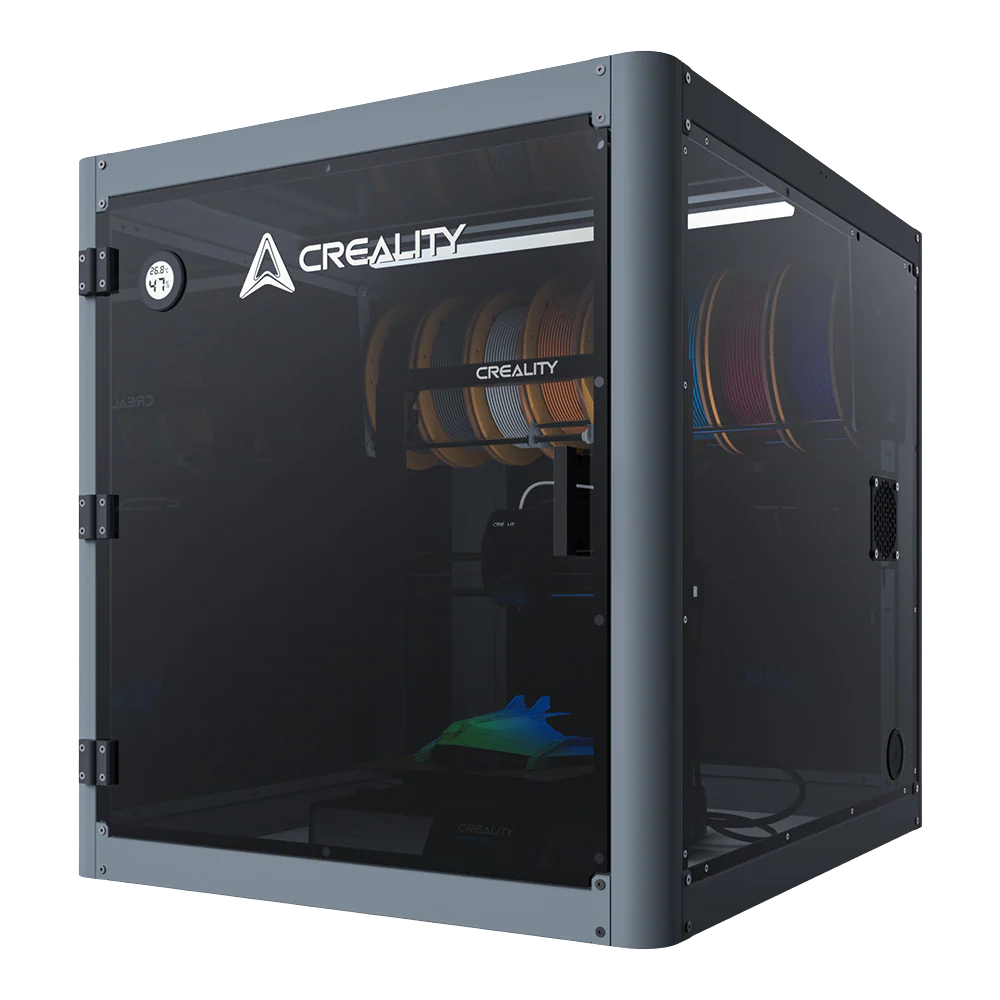
Cooling too quickly is another top reason for curling and lifting on 3D prints. You'll want to slow your print down and lower or turn off the fan on the first couple of layers to make it easier for it to adhere to the bed. Choosing a 3D printer with a printing enclosure makes it easier to maintain a consistent temperature, and using a brim or draft shield when available.
Step 3 - Check the Materials and Fine-Tune the Slicer Settings
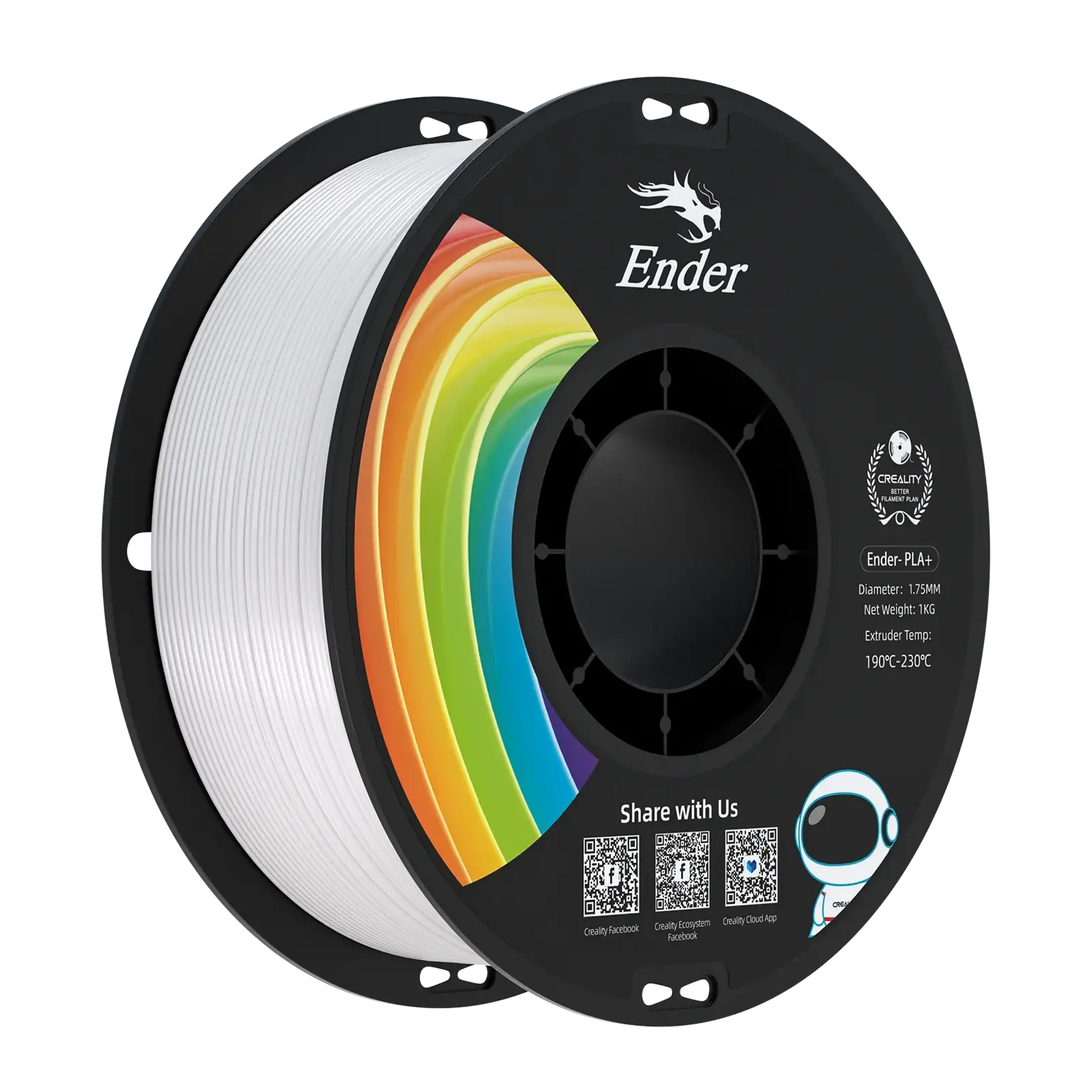
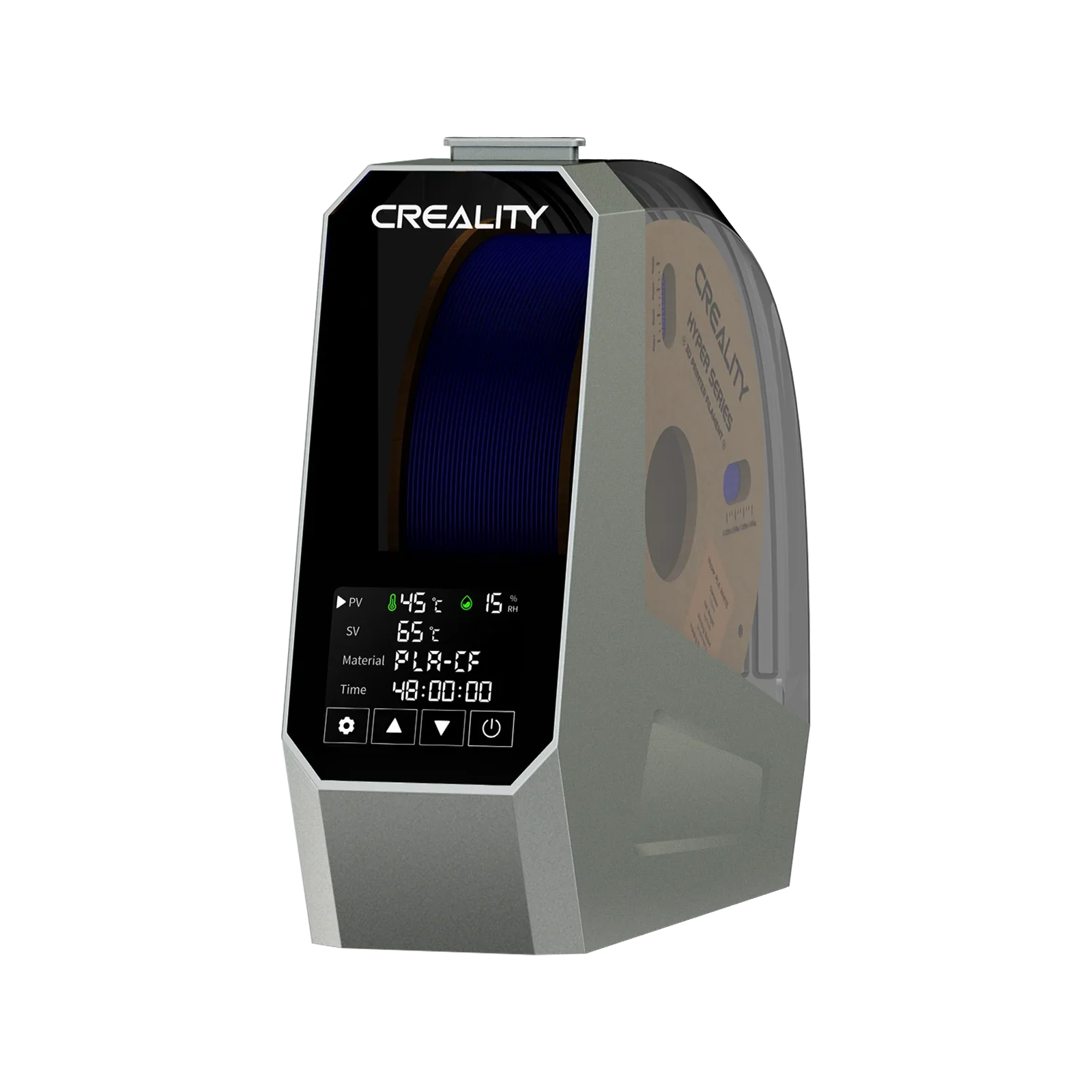
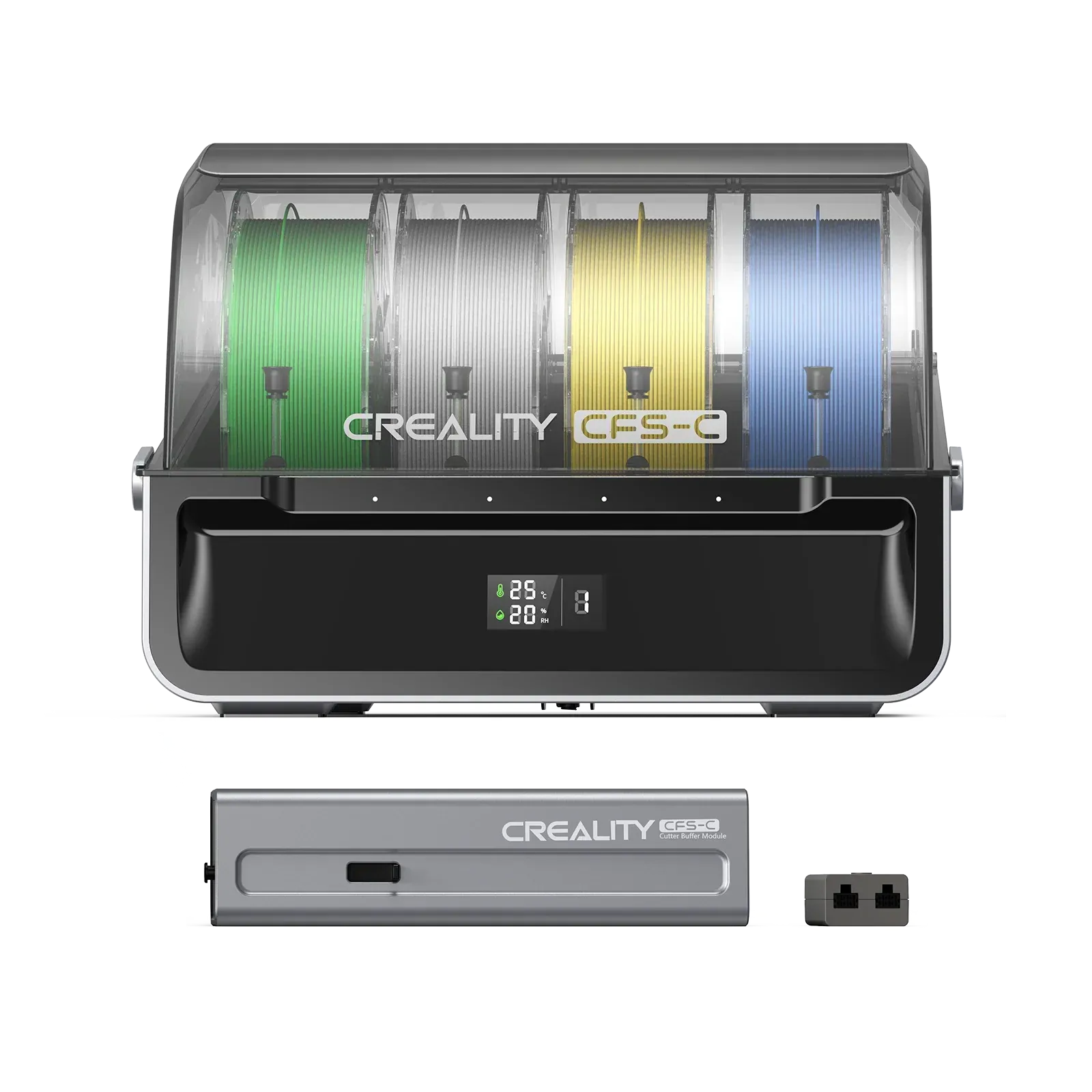
Only use a high-quality filament and make sure it's dry before printing. You should also fine tune the slicer settings to make sure the material isn't too hot, so it cools at the right speed.
How to Prevent Lifting and Curling in Future Prints
To prevent lifting and curling in your 3D prints, you'll follow the same tips mentioned above. Doing these steps beforehand can save you the headache of troubleshooting the problem and help ensure your prints come out right the first time. You should always:
-
Use a heated build plate
-
Choose a printer with an enclosure or use a brim or draft shield
-
Use a high-quality adhesive and filament
-
Manage cooling fans
-
Avoid sudden temperature changes
FAQs
Why is my brim curling up even with glue?
If your brim is curling even when using glue, it could be due to thermal stress from the print bed not being hot enough and the filament cooling too quickly.
Does filament type affect curling or lifting?
Yes, your filament plays a huge role in whether your print curls or lifts. Low-quality or the wrong type of filament can shrink too much when cooling or fail to hold the correct temperature to print properly.
Is curling the same as warping?
Yes, curling and warping are the same thing, but curling is a more specific type of warping that affects the edges, corners, and overhangs.
Final Thoughts
Curling or lifting in 3D printing is common, especially for beginners. Although it's frustrating, you can fix and even avoid it. Be sure to use a good adhesive, making sure your build plate is heated and level, and controlling the temperature around the print. With a bit practice and patience, you can create beautiful 3D prints that come out perfectly, every time.