



Desktop 3D printing has evolved quickly, but many users still face the same challenges: complex setup, steep learning curves, failed prints, and wasted filament. Whether you’re new to 3D printing or already experienced, these friction points slow down creativity.
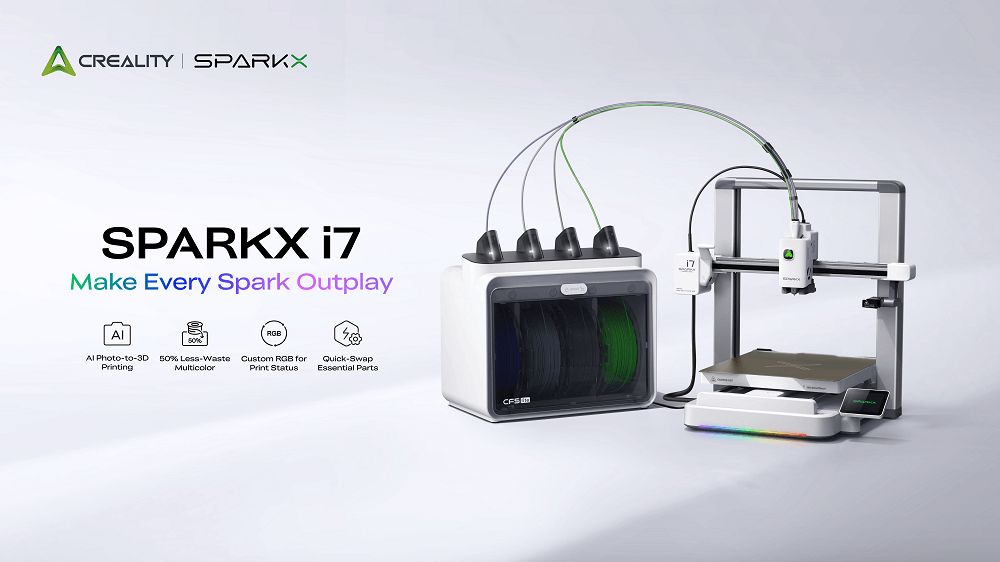
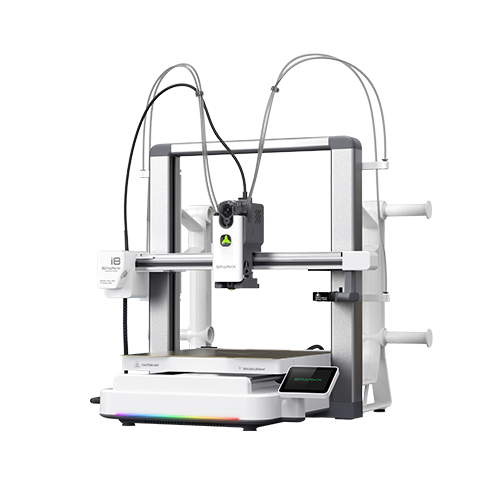
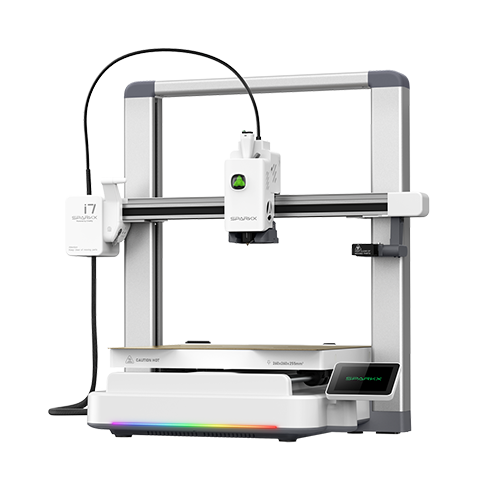
SPARKX i7 is built to change that. By combining AI-powered creation, efficient multicolor printing, intelligent monitoring, and refined surface quality, it delivers a desktop 3D printer that is both easy to use and performance-driven. This is not about adding complexity. It’s about removing it.
AI-Powered Creation Starts Here
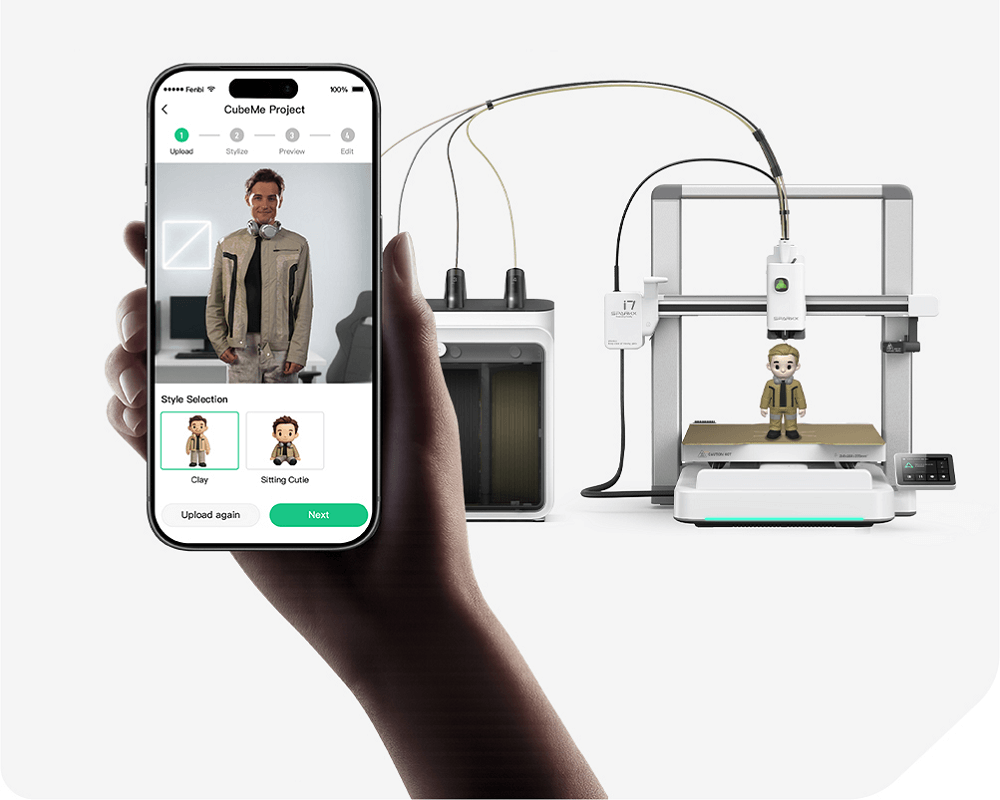
For many users, one of the hardest part of 3D printing happens before the printer even starts: how to create 3D print models. SPARKX i7 addresses this with CubeMe, an AI-powered creation tool that simplifies the entire process. Thus, creating a printable model, preparing it correctly, and tuning parameters may not be time-consuming and intimidating any longer.
CubeMe turning portraits into printable 3D models
CubeMe allows users to turn portraits into printable 3D models automatically. With AI handling the conversion, users no longer need advanced modeling skills or external software to get started.
What CubeMe handles for you:
-
Transforms portraits into printable 3D models
-
Automatically optimizes geometry for printing
-
Prepares models so they are ready to print
This means fewer steps, fewer tools, and far less trial and error. For new users, this removes one of the biggest barriers to entry. For experienced users, it dramatically speeds up ideation and iteration.
Automated Pre-Print Preparation
Traditional 3D printing often requires manual parameter tuning. The SPARKX i7 reduces that burden by automating key preparation steps.
No parameter tinkering: You simply select the 3D model you want to print; the machine handles the rest.
Auto bed leveling: Instead of calibrating the entire bed, it quickly levels only the target print area.
Nozzle Z‑offset & input shaping: These are automatically calibrated, so you don’t need to adjust them manually.
Self‑completed checks: The printer runs through all necessary pre‑print calibrations before starting.
From ideas to models, AI removes friction and lets you focus on creativity, not configuration.
Multicolor 3D Printing But With 50% Less Waste
Multicolor 3D printing provides new creative possibilities, and the drawbacks are usually the wastage of filaments and the time taken to print. SPARKX i7 does multicolor prints with time as the main priority.
More Color, Less Waste
The SPARKX i7 is capable of up to four colors, providing smooth transitions between colors and minimizing waste generation.
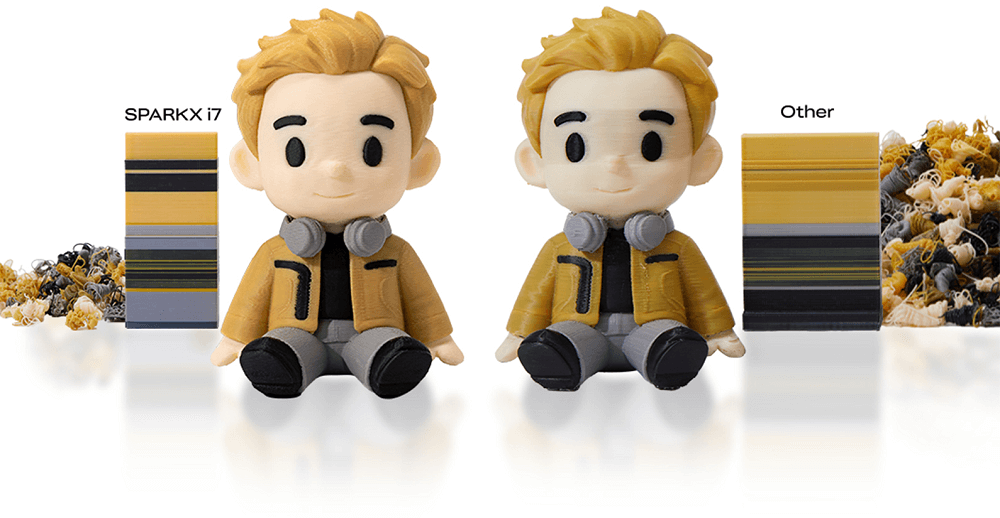
Multicolor advantages:
-
Up to 4-color printing
-
Sharp color separation
-
Faster and smoother color changes
-
Up to 50% less waste compared to traditional systems
By minimizing unnecessary purge material, SPARKX i7 helps users save filament, reduce cleanup, and lower overall printing costs.
Efficient by Design
Less waste doesn’t just mean savings on material. It also means:
-
Shorter print times
-
Less post-processing
-
A more sustainable printing workflow
Multicolor printing becomes practical, not wasteful.
Easy to Use, Ready in Only 5 Mins
Ease of use doesn't equate to reduced functionality however, so ease of use in SPARKX i7 means cutting out unnecessary steps without compromising performance.
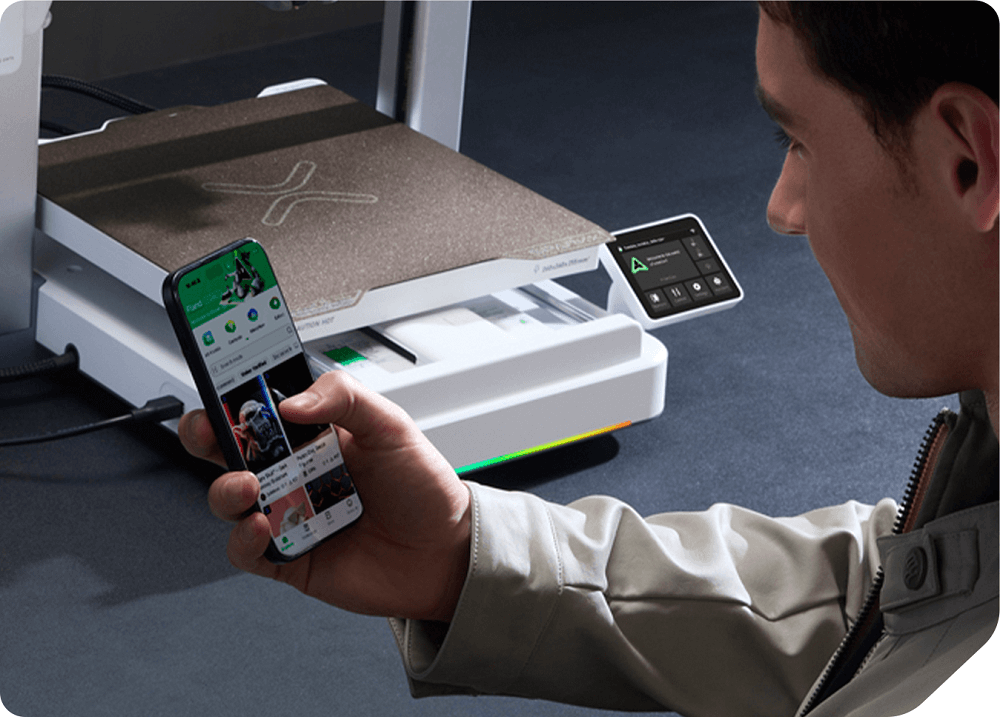
From Unboxing to Printing in Minutes
SPARKX i7 is designed for a true plug-and-play experience.
Out of the box, you get:
-
No assembly required
-
No manual calibration
-
Guided setup that works for first-time users
From unboxing to printing, the process takes about five minutes.
Beginner-Friendly, Pro-Ready
New users benefit from a smooth learning curve, while experienced users enjoy a printer that simply gets out of the way and works.
-
Beginners print with confidence from day one
-
Regular users save time on setup and maintenance
SPARKX i7 adapts to your skill level instead of forcing you to adapt to the machine.
AI Detection for Higher Success Rates
Print failures are costly in terms of time and filament. The risk of this is eliminated in the SPARKX i7 due to its AI-powered detection system.
Real-Time AI Monitoring
A built-in AI camera continuously watches your print and detects common failure scenarios before they escalate.
AI detection includes:
-
Spaghetti detection
-
Air printing
-
Filament entanglement
-
Build plate issues
Instant Alerts, Smarter Printing
When a problem is detected, the system sends real-time alerts so users can take immediate action.
Why this matters:
-
New users avoid frustrating early failures
-
Regular users don’t need to babysit long prints
-
Less filament is wasted on failed jobs
The result is a higher success rate and a more reliable printing experience. Besides, a built‑in RGB light bar shows the printer’s status during setup and printing. Lighting effects are programmable, so you can customize them to match your style.
Finer Surface Quality, Layer by Layer
Speed alone doesn’t define print quality. Control does. SPARKX i7 integrates advanced motion and extrusion technologies to deliver cleaner details and smoother surfaces.
Pressure Advance for Sharper Edges
Pressure Advance dynamically adjusts extrusion during speed changes, helping eliminate common defects.
Results include:
-
Sharper corners
-
Reduced blobs and oozing
-
More consistent extrusion
Input Shaping for Smooth Surfaces
Input Shaping counteracts vibrations that cause ringing and surface artifacts.
Benefits:
-
Cleaner walls
-
Smoother finishes
-
Better detail at higher speeds
Even if users don’t manually tune these features, they work automatically in the background to improve every print.
Who Is SPARKX i7 For?
SPARKX i7 is intended to offer benefits to all sorts of content creators.
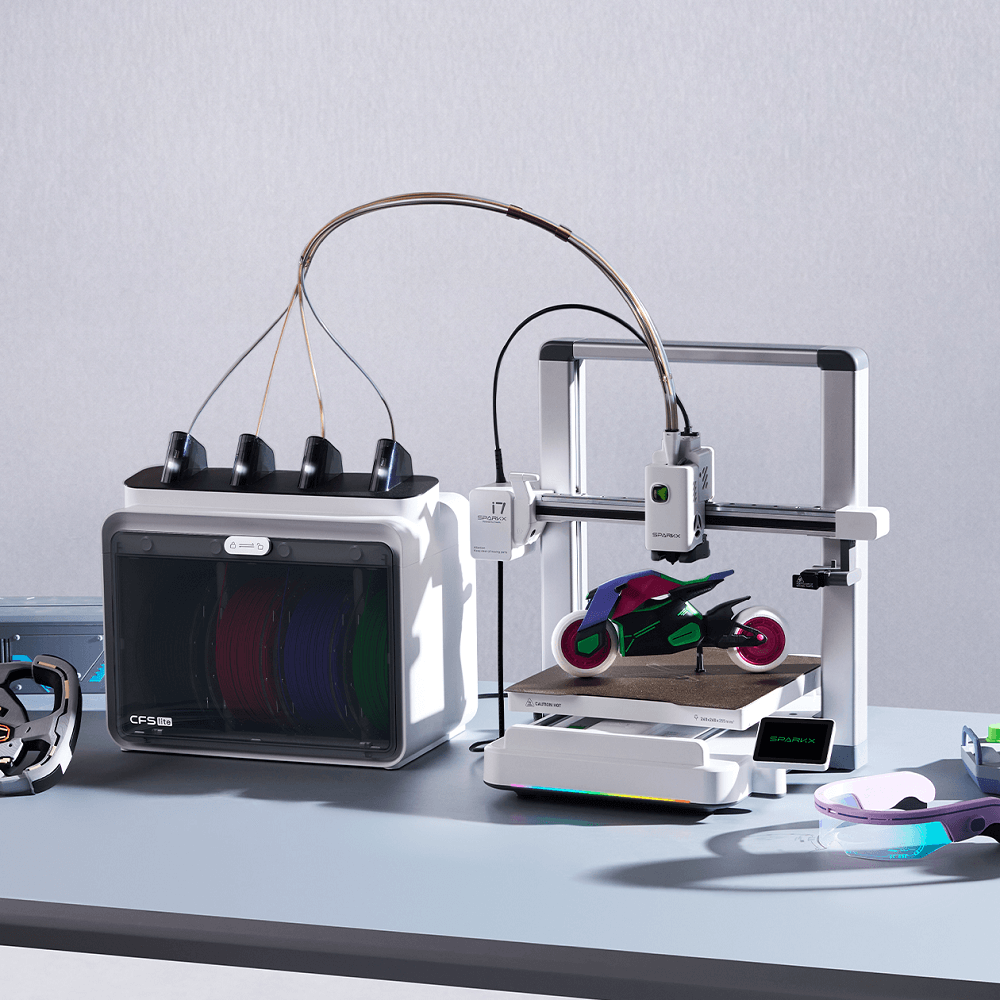
-
New users looking for an easy-to-use desktop 3D printer with AI assistance
-
Regular users who want less waste, better efficiency, and finer surface quality
-
Creators exploring multicolor printing without the usual complexity
It bridges the gap between simplicity and performance.
Wrapping Up
SPARKX i7 doesn’t ask users to relearn 3D printing. It removes the parts that slow them down and improves the parts that matter most.
With AI-powered creation through CubeMe, efficient multicolor printing with less waste, intelligent failure detection, and refined surface quality, SPARKX i7 delivers a smoother, smarter desktop 3D printing experience.
Whether you're printing your first model or working on complex tasks, the SPARKX i7 ensures you can do more, use less, and achieve better results with ease.