


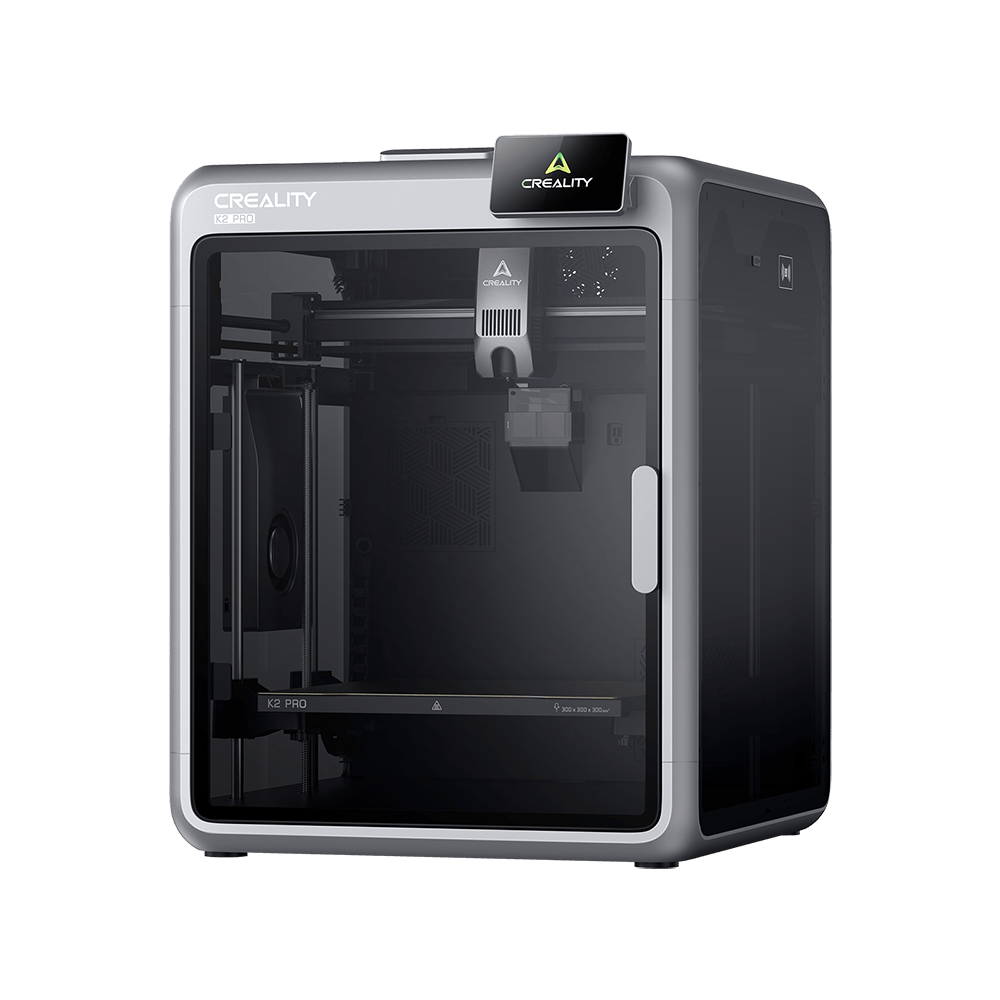
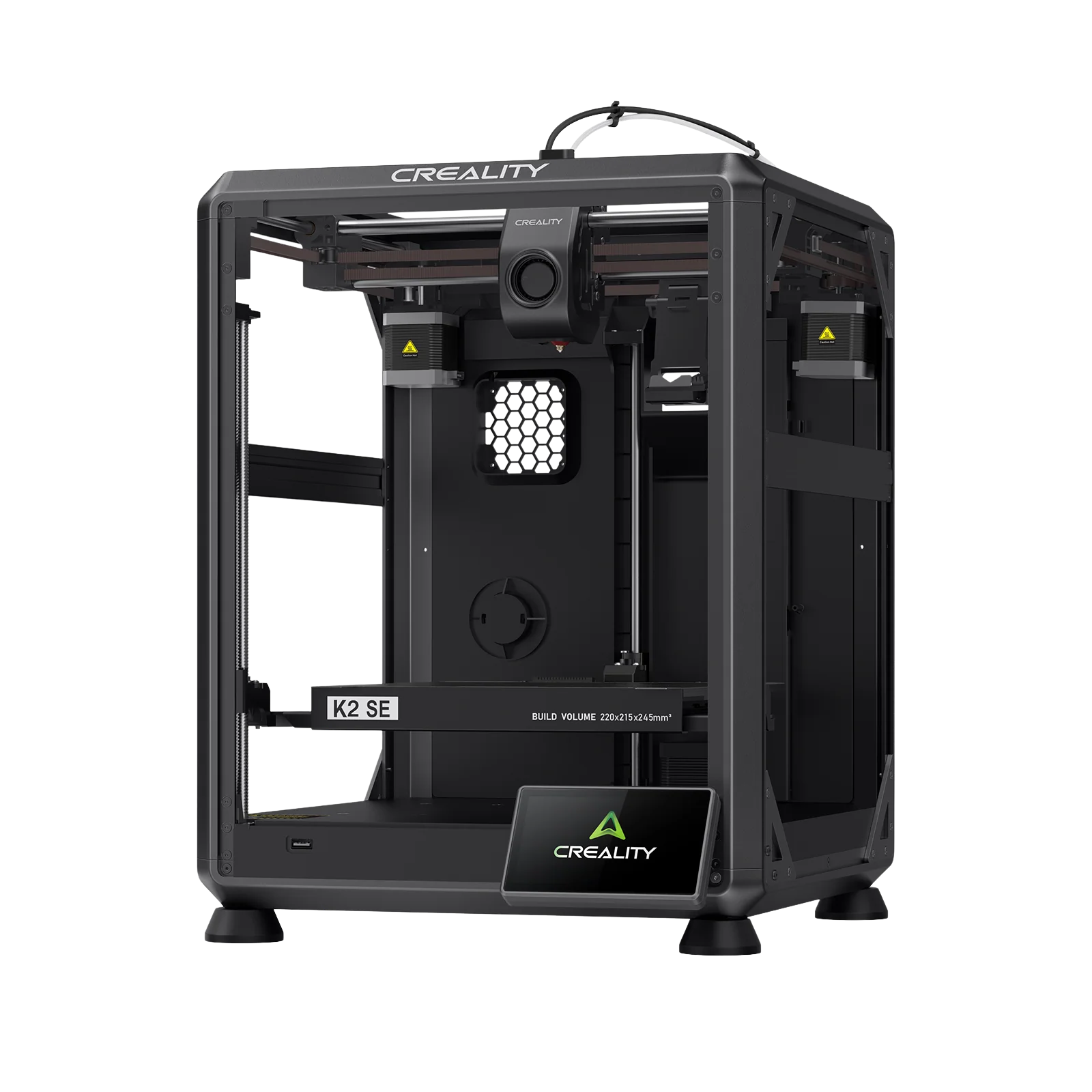
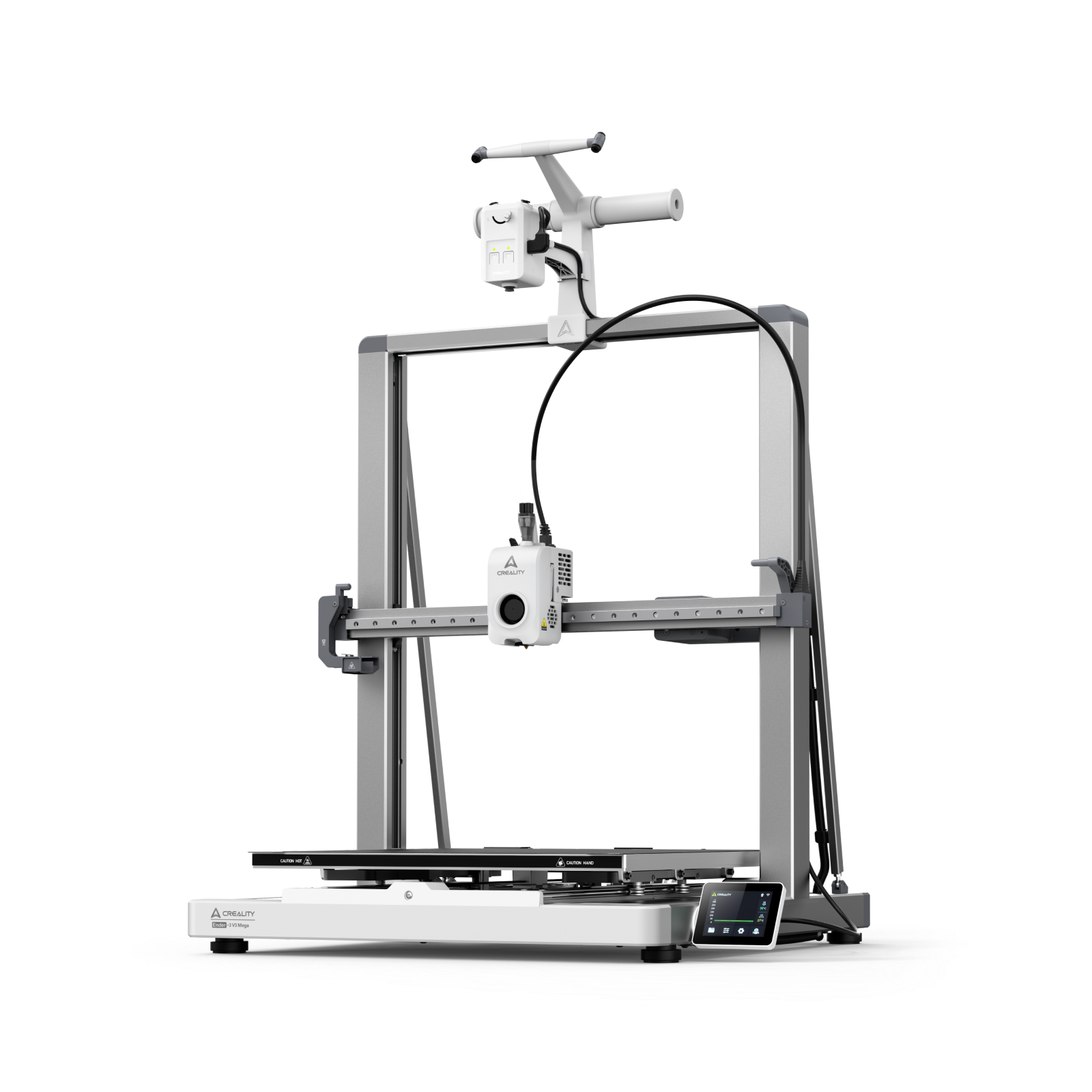
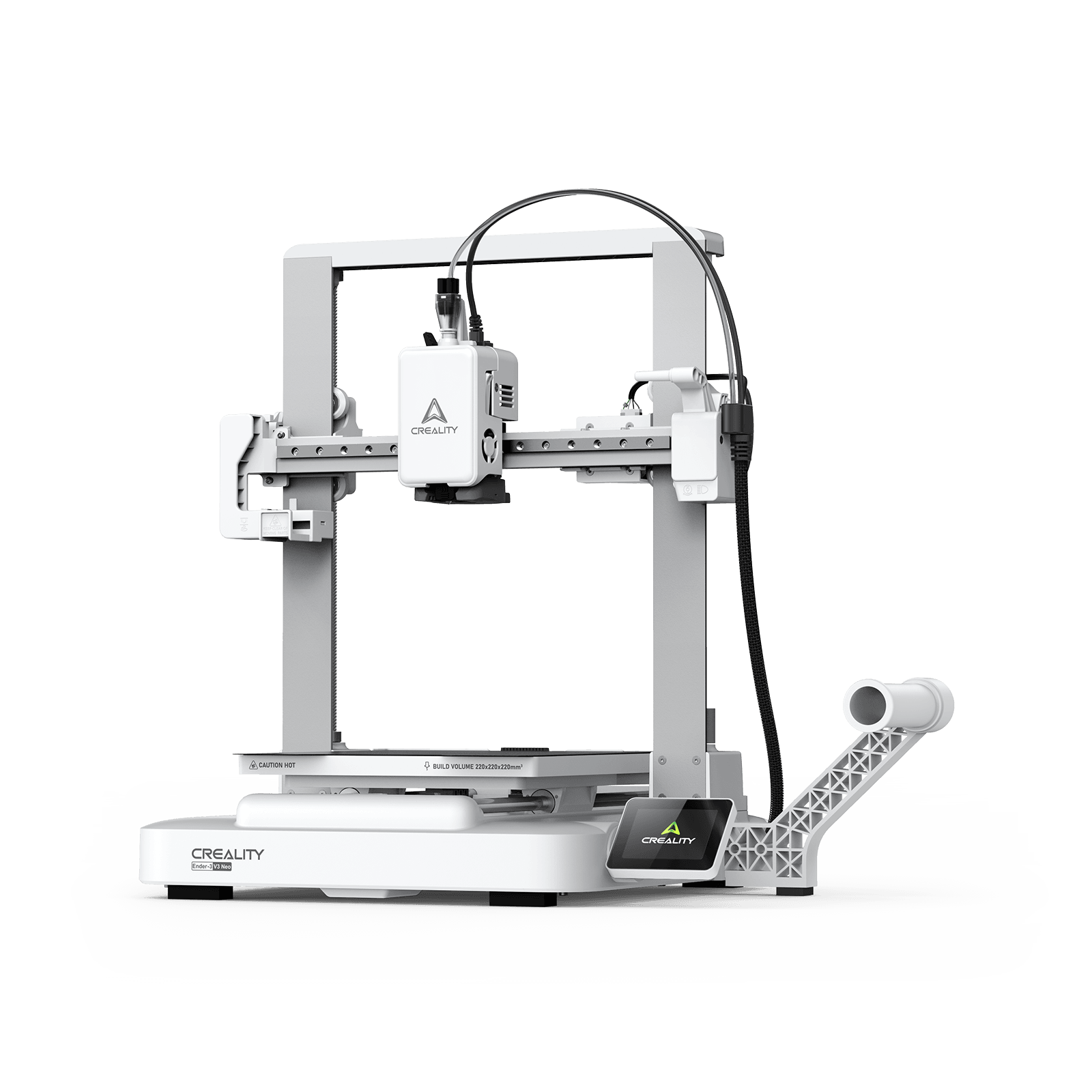












Your prints keep breaking when you try to use them. It's frustrating, but the fix is simpler than you think. A few small changes can make your prints stronger without buying expensive equipment or fancy filament.
Most users focus on the wrong things. They use 100% infill or print super slow, but that's not what makes prints strong. The real secrets are knowing which settings matter, picking the right plastic, designing parts smartly, and using simple finishing techniques.
This guide shows you exactly how to make 3D prints stronger using six proven methods. Whether you use an Ender, K1, or another desktop filament printer, these methods can help you improve part strength when applied with the correct material and settings. Let's get started.
6 Ways to Make Your 3D Prints Stronger
These are the most effective methods for stronger prints. They're listed in order of impact, starting with the biggest game-changers. You don't need to use all six at once. Start with the first few and add more as needed.
Method #1: Increase Wall Thickness
Here's something that surprises most people: walls contribute more to strength than infill. In many functional parts, increasing the number of walls provides a more efficient strength improvement than simply raising infill density. Walls carry much of the external load, while infill mainly supports the internal structure and top surfaces. Think of a cardboard box. The walls do heavy lifting. The corrugated stuff in the middle just keeps walls from collapsing.
How Many Walls Do You Need?
-
3 to 4 walls (1.2 to 1.6mm): Normal functional parts
-
5 to 6 walls (2 to 2.4mm): High stress applications
-
Screw holes and mounting points: Use at least 4 walls and consider local reinforcement, additional perimeters, ribs, or modifier settings around high-stress areas.
For more details on getting walls right, check our guide on wall thickness in 3D printing.
Method #2: Optimize Layer Height
Layer height controls how thick each layer is. Think of it like building a brick wall. Layer height affects how individual extrusion lines overlap and bond. A moderate layer height generally provides a useful balance between bonding, dimensional accuracy and printing time. But go too thin and prints take forever. Go too thick and layers barely stick at all.
Best Layer Height Settings
For strong prints, use 0.15mm to 0.2mm layer height. With a standard 0.4mm nozzle, a layer height of around 0.16mm to 0.24mm is a practical starting range for functional parts. A 0.2mm layer height usually provides a good balance between strength, detail and printing time. Very large layers may reduce overlap between extrusion lines, while extremely small layers can greatly increase printing time without delivering a proportional strength improvement.
The critical rule: Around 50% of the nozzle diameter is a reliable starting point when balancing strength, detail and printing time. With a 0.4mm nozzle, that means 0.2mm maximum. Beyond this, gaps grow between lines, density drops, and strength falls apart.
Quick Tip: Start with 0.2mm for everyday functional parts printed with a 0.4mm nozzle. Test lower or higher layer heights when a project requires better surface detail, shorter printing time or different mechanical performance.
Method #3: Print at Higher Temperatures
Temperature controls how well layers bond together. Hotter temperatures let plastic melt into the layer below, creating stronger bonds.
Printing near the upper end of the filament manufacturer’s recommended temperature range can improve layer bonding. However, excessive heat may cause stringing, poor surface quality or dimensional inaccuracies, so temperatures should be increased gradually.
Temperature Settings for Maximum Strength
|
Material
|
Nozzle Temp
|
Bed Temp
|
TemperatureImportant Consideration
|
|
PLA
|
220 to 230°C
|
50 to 60°C
|
Increase gradually if layer bonding is weak
|
|
PETG
|
245 to 250°C
|
70 to 80°C
|
Reduce cooling to improve layer adhesion
|
|
ABS
|
240 to 250°C
|
90 to 110°C
|
An enclosure helps control warping
|
|
ASA
|
240 to 255°C
|
90 to 110°C
|
Use ventilation and a stable enclosure
|
Room temperature matters too. Keep your printer in a 20 to 25°C environment. Use an enclosure for ABS and Nylon to maintain stable temperatures. These are general starting ranges. Always check the recommendations provided by the filament manufacturer and run a temperature test before printing a critical part.
Speed and Cooling Settings
Use a speed that allows the hot end to maintain stable extrusion and consistent temperature. For functional parts, reducing outer-wall speed can improve dimensional accuracy and extrusion consistency, but the ideal speed depends on the printer, nozzle and material flow rate.
Cooling fan settings:
-
PLA: 50% to 75% (100% cools too fast and weakens bonds)
-
PETG: 20% to 30% (sweet spot for this material)
-
ABS/ASA: 0% to 30% maximum (too much causes warping)
Cooling requirements vary by filament brand, overhang geometry and printing speed. Use these values as starting points rather than fixed rules.
Method #4: Choose Smart Infill Patterns
Infill is the internal structure of your print. Different patterns handle stress differently, and recent testing reveals some surprising winners. The right pattern at the right density makes a huge difference.
Best Infill Patterns for Strength
-
Triangle: Provide good resistance to loads within the pattern’s main directions and can work well for rigid functional parts.
-
Grid: Offers balanced strength and relatively fast printing, although intersecting lines may increase local material buildup in some slicers. Prints faster than triangles while staying very strong.
-
Gyroid: Provides continuous support in multiple directions and is a useful general-purpose choice when a part may experience loads from different angles.
Infill Density Guide
-
20%: Decorative items and display models
-
30% to 50%: Functional parts (the sweet spot)
-
50% to 60%: Maximum for high stress parts with triangle pattern
-
Use 100% infill selectively: Solid infill greatly increases material use, printing time and internal stress, while often providing diminishing strength gains. Increasing wall count or reinforcing only high-stress areas is usually more efficient.
For parts exposed to complex loads, choose a three-dimensional infill pattern or use slicer modifiers to reinforce only the areas that experience the greatest stress. Rotated lines create more contact points between layers. Learn more about infill patterns and settings.
Method #5: Select Stronger Materials
The filament you choose makes a huge difference in final strength. Different materials have different properties for stiffness, toughness, heat resistance, and durability. Picking the right one for your project is key.
PLA Plus: Best for Most Projects
Standard PLA is strong, stiff, and easy to print. It reaches 50 to 60 MPa tensile strength. The downside is brittleness and low heat resistance (only 55°C before it softens).
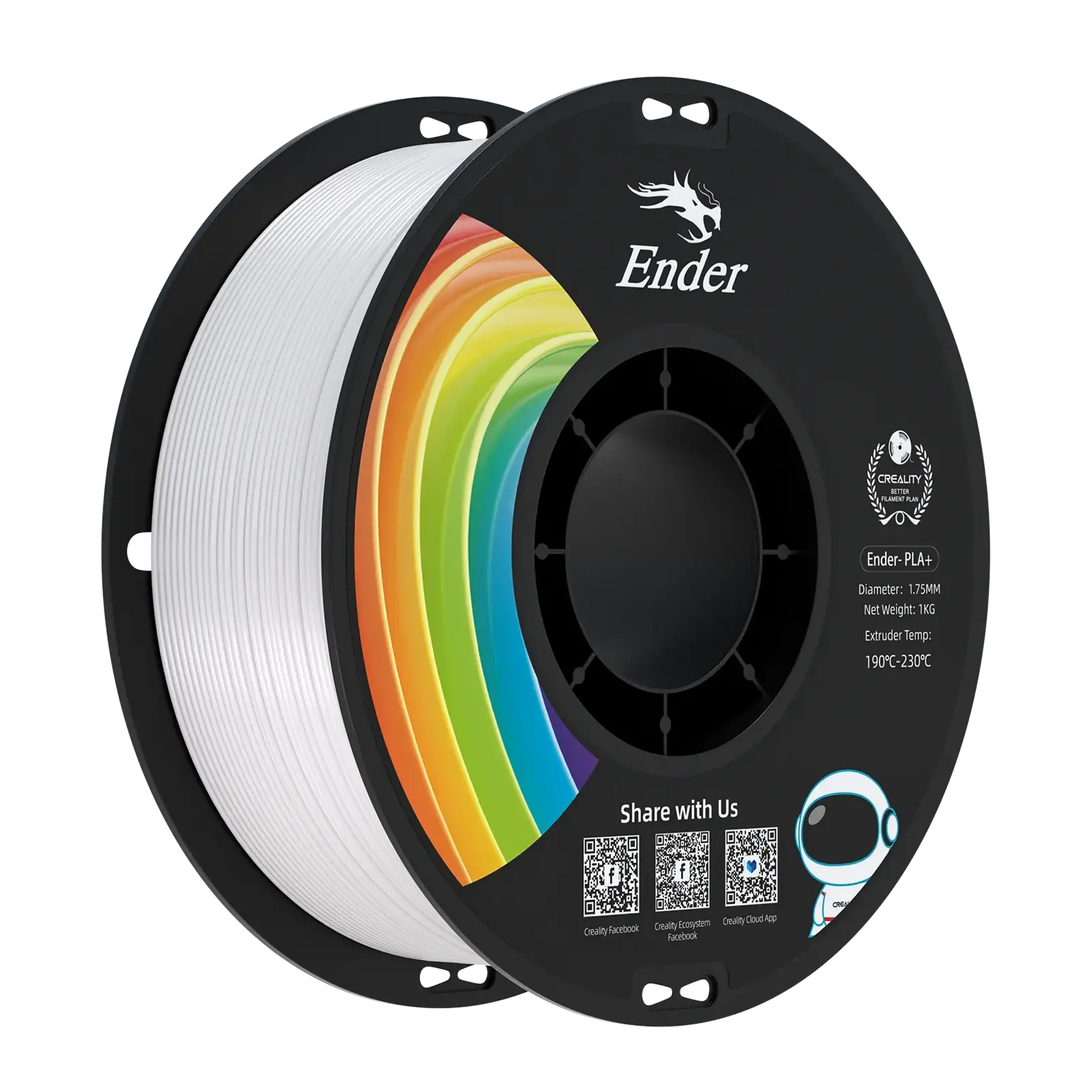
Tough PLA or PLA Plus can offer better impact resistance than standard PLA while remaining relatively easy to print. However, formulations vary significantly between manufacturers, so check the product’s technical data before using it for a load-bearing part.
PETG for Flexibility and Durability
PETG provides 40 to 50 MPa strength with important advantages: it bends instead of breaking, handles heat up to 70°C, resists UV damage, and works with chemicals. PETG has the best layer adhesion of common materials.
Use PETG for: durable household parts, components that need moderate flexibility, lightly loaded outdoor applications and objects exposed to temperatures above PLA’s practical range. Do not assume that an ordinary PETG print is food-safe.
ABS and ASA for Heat Resistance
ABS handles heat to 98°C but has surprisingly low tensile strength (30 to 36 MPa). Its strength is in impact resistance (2 to 3x better than PLA in XY plane).
ASA is the upgraded version with 47 MPa strength and superior UV resistance. ASA is the top choice for outdoor parts. Both need enclosed printers.
Advanced Materials for Maximum Strength
Nylon: Delivers 50 to 80 MPa strength with outstanding impact resistance. Perfect for gears, bearings, and high wear parts. Store in a dry box with desiccant.
Carbon-Fiber-Filled Filaments: These materials can increase stiffness and dimensional stability, making them suitable for rigid brackets, fixtures and lightweight structural parts. However, they may be less impact-resistant than unfilled materials and can produce weaker layer bonding if settings are not optimized. Because carbon-fiber-filled filaments are abrasive, use a wear-resistant nozzle recommended for the material.
For detailed comparisons, see our strongest 3D printer filaments guide.
Method #6: Design Parts for Strength
Smart design choices can double or triple part strength without adding material. Understanding how FDM printing creates weak points helps you design parts that work with the process instead of fighting it.
Orient Parts Correctly
Part orientation can have a major effect on strength because filament-based prints are usually weaker between layers than along continuous extrusion lines.
Orientation rules:
-
Place parts so stress runs along layers, not across them
-
Rotate so bolt holes don't go straight up and down
-
Think about force direction before slicing
-
Lay parts on their side if they'll be hit from above
When designing for 3D printing, always consider which direction forces will push or pull.
Add Structural Reinforcements
Ribs: Thin vertical walls that add tremendous strength with minimal material. Properly placed ribs can reduce bending and reinforce thin walls without making the entire part solid. Their thickness and placement should be based on the expected load direction.
Fillets: Add fillets to sharp internal corners wherever possible. Choose the radius according to the size of the part, available space and expected load. Sharp corners concentrate stress and start cracks. Critical spots include where ribs meet walls and around screw holes.
Gussets: Triangular supports that prevent breaking. Gussets help distribute force where vertical walls, mounting points or screw bosses meet a base, reducing stress concentration around these transitions. Always use them on screw bosses and where thin walls meet the base.
Avoid Design Mistakes
-
Walls too thin: Use minimum 1.2mm for decorative, 2 to 3mm for functional parts
-
Sharp corners: Round everything with 2 to 5mm fillets
-
Overhangs over 45 degrees: Print poorly and create weak spots
-
Unsupported screw holes: Add thick area (boss) around every hole
Ending Thoughts
Making stronger 3D prints comes down to six key techniques: increasing wall thickness, optimizing layer height, printing at higher temperatures, choosing smart infill patterns, selecting stronger materials, and designing parts correctly. You don't need to apply every method at once. Start with the basics and add more as needed.
The most effective improvements usually come from orienting the part around its expected load, adding sufficient walls, improving layer bonding and selecting a material suited to the application. Start with these fundamentals before using extremely high infill or advanced post-processing methods. These alone will dramatically improve your prints.
Add design features like ribs, fillets, and gussets when parts need extra strength. For specialized applications, carefully tested post-processing methods or external reinforcement may provide additional durability, but they should be evaluated for dimensional changes, heat exposure and material compatibility. Each technique builds on the others.
Remember that these methods work with any FDM printer. Whether you print on an Ender 3, K1, or K2 Plus, you can create strong functional parts. No more broken prints or wasted filament. Just reliable parts that hold up to real world use.
Start with one or two techniques today. Try printing hotter or adding an extra wall. See the difference for yourself. Then gradually add more methods as you gain experience.With thoughtful design and controlled settings, you can produce dependable functional parts suited to a wide range of practical applications.