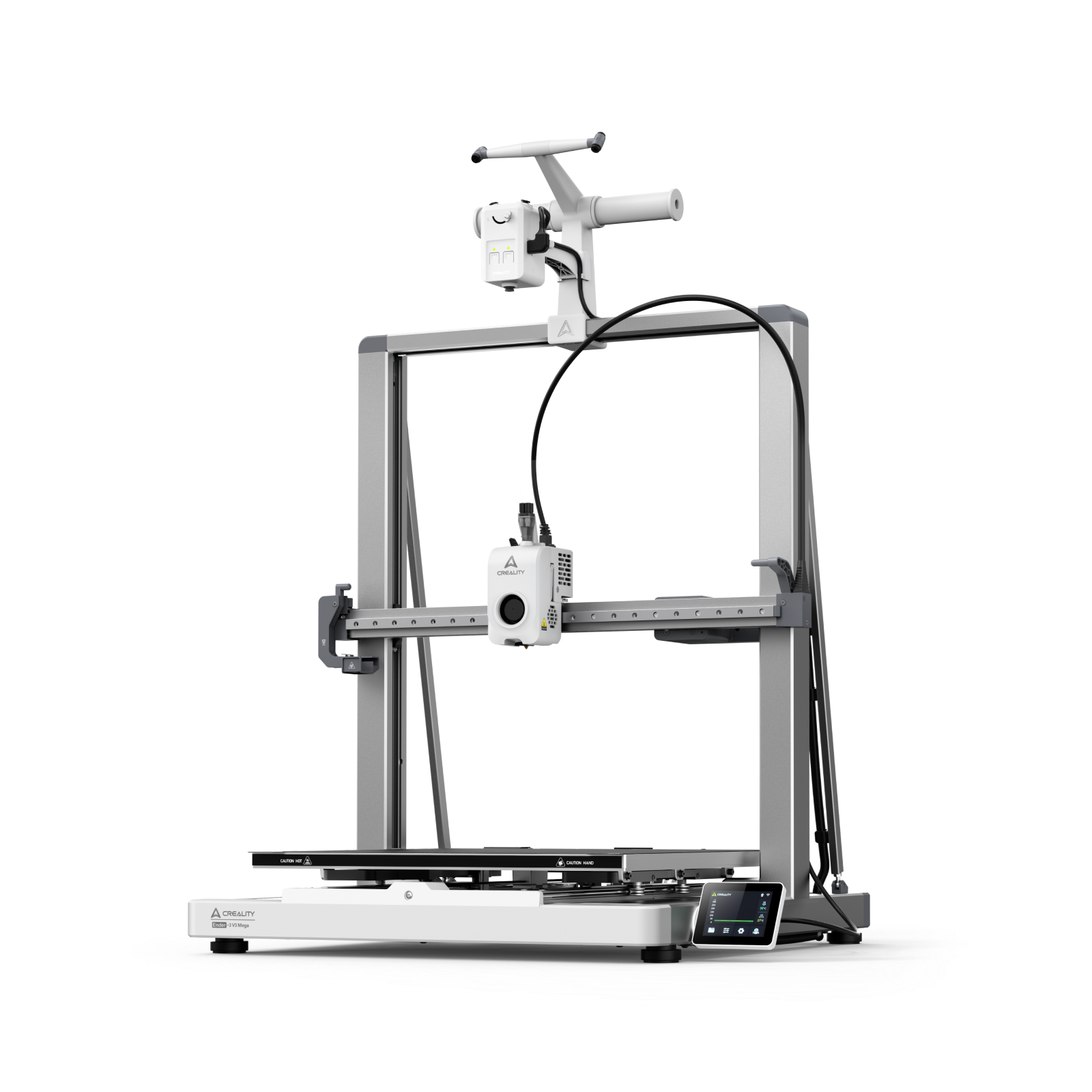
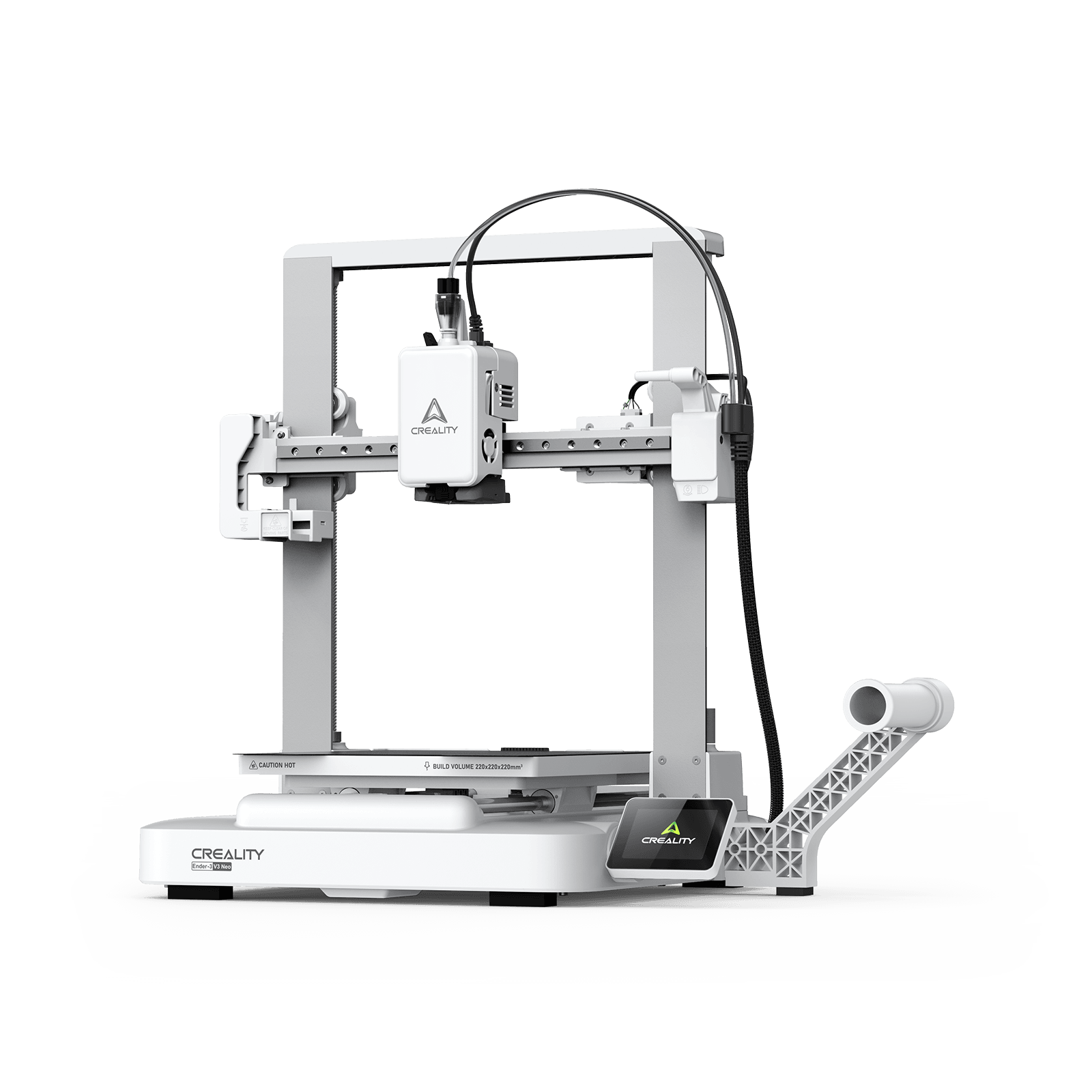































When you hit the “Print” button, watch your machine go through all the motions, and then realize—minutes or even hours later—that the nozzle is dancing over the build plate without depositing any filament, it’s easy to start wondering: “Why is my filament not coming out of the nozzle?”
When a 3D printer is not extruding, the issue can be caused by anything from a simple temperature setting mistake to a clogged nozzle or a filament jam. The good news? Most extrusion problems are mechanical and can be fixed with a clear, step-by-step approach.
7 Common Causes of 3D Printer Filament Not Coming Out
When your 3D printer is not extruding, the issue usually falls into one of several categories. Identifying the correct cause is the first step toward solving it efficiently.
Clogged Nozzle
A clogged nozzle is the most common reason filament is not coming out. Over time, carbonized bits of filament, dust, or microscopic debris can lodge inside the tiny orifice of the nozzle (usually only 0.4mm wide). It usually happens when:
-
Burnt filament builds up inside the nozzle
-
Dust or debris enters the hotend
-
Filament is left heated without printing
How do you tell if an extruder is clogged? It has the following symptoms:
-
Extruder motor turns but nothing extrudes
-
Very thin or inconsistent extrusion before complete blockage
-
Clicking sound from the extruder
Filament Jam or Heat Creep
A filament jam occurs when softened filament gets stuck above the hotend melt zone. This is often caused by heat creep, where heat travels upward and softens filament too early. Common causes are as the follows:
-
Insufficient hotend cooling
-
Excessive retraction settings
-
Printing at very high temperatures
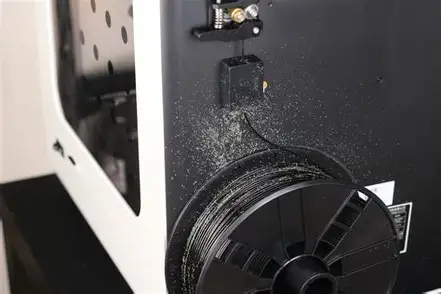
Extruder Gear Slipping or Grinding
If the extruder motor is turning but the filament is not moving, the drive gear may be slipping. This can happen due to:
-
Loose extruder tension
-
Worn or dirty drive gear
You may notice filament dust or flattened filament.
Incorrect Nozzle Temperature
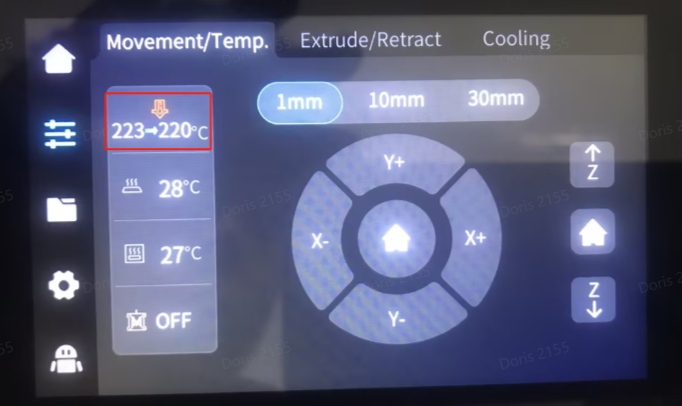
Every material has a specific range for melting. If your temperature is too low, the filament stays too viscous (thick) to pass through the nozzle. Conversely, the filament might degrade and char inside the nozzle, creating a clog. For instance:
-
PLA usually prints at 190–220°C
-
PETG often requires 230–250°C
-
ABS typically needs 230–260°C
PTFE Tube Gap or Damage (Bowden Printers)
In Bowden-style printers, a white PTFE (Teflon) tube guides the filament to the nozzle. If this tube isn't seated perfectly flush against the back of the nozzle, a small gap forms. Molten plastic leaks into this gap, cools down, and creates a "plug" that stops all flow. Signs include:
-
Inconsistent extrusion
-
Filament stopping after a short period
-
Burned PTFE tube ends
Tangled or Jammed Filament Spool
Sometimes the problem isn't the printer—it's the source. If the filament on the spool has crossed over itself (a "wind-over"), it will eventually tighten until the extruder can no longer pull it. Now you just need to check for:
-
Crossed filament loops
-
Tight resistance when pulling filament manually
Moisture-Damaged Filament
Filament is "hygroscopic," meaning it absorbs water from the air. When wet filament hits the hot end, the water turns to steam, creating internal pressure bubbles and inconsistent flow. Moisture can lead to:
-
Poor extrusion
-
Partial blockages
-
Brittle filament
Here is a simple reference to help narrow down the issue:
| Symptom | Likely Cause |
| Motor turning but no filament | Clogged nozzle or extruder slipping |
| Clicking sound from extruder | Jam or blockage |
| Stops mid-print | Heat creep or spool tangle |
| No extrusion on first layer | Bed too close or clogged nozzle |
| Filament dusty or flattened | Gear grinding |
How to Fix a 3D Printer That Is Not Extruding
Now that we know the "why," let’s look at the "how." Follow these steps in order, starting with the easiest fixes first.
Fix 1: How to Fix a Clogged Nozzle
Step 1: Heat the nozzle to the correct printing temperature.
Step 2: Manually push filament through.
Step 3: If blocked, perform a cold pull:
-
Heat the nozzle.
-
Insert nylon or cleaning filament.
-
Cool to around 90–120°C (for PLA).
-
Pull filament out firmly.
If the clog persists, remove and replace the nozzle. For more information, please refer to the whole guide: How to Unclog a Nozzle in 2026.
Fix 2: How to Clear a Filament Jam
If the filament is stuck above the heater block, you likely have heat creep. Disassemble the extruder assembly carefully.
Step 1: Heat the hotend and remove the filament.
Step 2: Disassemble the hotend if necessary. Then inspect for softened filament stuck above the melt zone.
Step 3: Reassemble carefully and ensure proper cooling.
Fix 3: How to Fix Extruder Slipping
If your extruder motor is turning but the filament is not moving forward consistently, slipping may be the problem. Below are simple steps to help you restore proper grip and steady extrusion.
Step 1: Check the extruder gear for debris.
Step 2: Clean filament dust. Adjust tension so the filament is firmly gripped but not crushed.
Step 3: If the gear teeth are worn, replace the gear.
Fix 4: Adjust Temperature Settings
Another try is to tune up your temperature settings. Below is a quick reference guide, check your filament manufacturer’s label before everything else.
| Filament Type | Standard Temp Range | Common Starting Point |
| PLA | 190°C – 220°C | 200°C |
| PETG | 230°C – 250°C | 240°C |
| ABS | 240°C – 260°C | 250°C |
| TPU (Flexible) | 210°C – 230°C | 220°C |
If the filament isn't coming out, try increasing the temperature in 5°C increments.
Fix 5: Replace or Reseat the PTFE Tube
If you suspect a gap, heat your hot end and remove the filament. For Bowden printers:
Step 1: Unscrew the pneumatic fitting, pull out the PTFE tube, and check the end.
Step 2: Check for deformation or burning. If it is, cut the tube perfectly square with a sharp blade.
Step 3: Push it back in firmly until you feel it hit the back of the nozzle.
Fix 6: Untangle the Spool
Unwind a few loops and inspect for overlapping strands. Make sure filament feeds smoothly without resistance.
Fix 7: Replace or Reseat the PTFE Tube
If moisture is suspected:
-
Dry PLA at 40–50°C for 4–6 hours
-
Dry PETG at 50–60°C for 4–6 hours
Proper drying often restores extrusion quality. Don't know how to store your filament properly? Read this article: How to Store PLA Filaments ?
How to Prevent Filament From Not Extruding Again
Prevention is far easier than disassembling a hotend for a deep clean. Follow these essential maintenance rules to keep your printer running smoothly:
Keep Filament Dry Store your spools in airtight containers with silica gel, or use a filament dryer if you print often. Wet filament can swell slightly and create buildup inside the nozzle over time.
Secure the Filament End When removing a spool, don’t let the loose end snap back onto the reel. That’s how tangles form without you noticing. Always clip or lock the filament into the holes on the side of the spool.
Check Your Cooling Fans Make sure the heatsink fan is working properly. If it stops spinning, heat can travel upward and soften filament too early, which often leads to jams.
Calibrate Your E-Steps Confirm your printer is pushing the correct amount of filament. If it feeds too much material, pressure builds up inside the nozzle and increases the chance of clogging.
Clean the Nozzle Regularly Even if your prints look fine, small bits of residue can slowly collect inside the nozzle. A quick cleaning now and then prevents bigger problems later.
Final Thoughts
If filament is not coming out of the nozzle, the issue may seem serious at first, but it is rarely permanent. Most extrusion problems are caused by clogs, jams, temperature settings, or minor mechanical adjustments.
By diagnosing the root cause systematically and applying the correct fix, you can restore normal extrusion quickly.