


Is an enclosed 3D printer worth the extra cost? Is it safer to use at home? And if you mainly print PLA, would an open-frame printer be enough?
When purchasing your first 3D printer, there will always be doubt as to whether you will later regret picking up a less expensive printer. However, an enclosure will only be worth it when its pros are well in line with your plans and needs.
Read on for a practical comparison of enclosed vs open 3D printers. We'll look at price, filament compatibility, safety and everyday features, so you can decide what you need before spending more.
What Is the Difference Between Enclosed and Open-Frame 3D Printers?
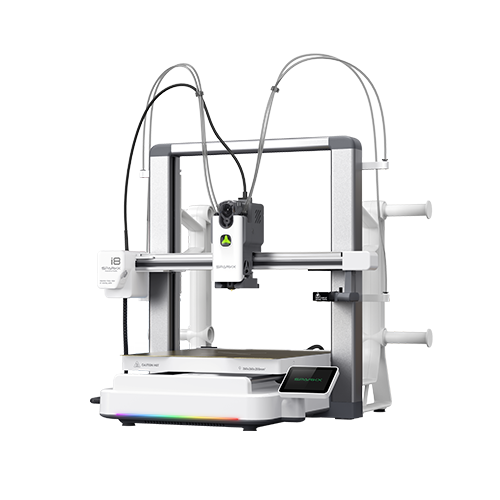
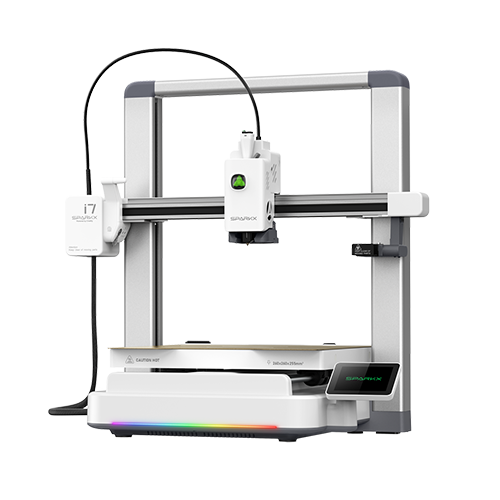
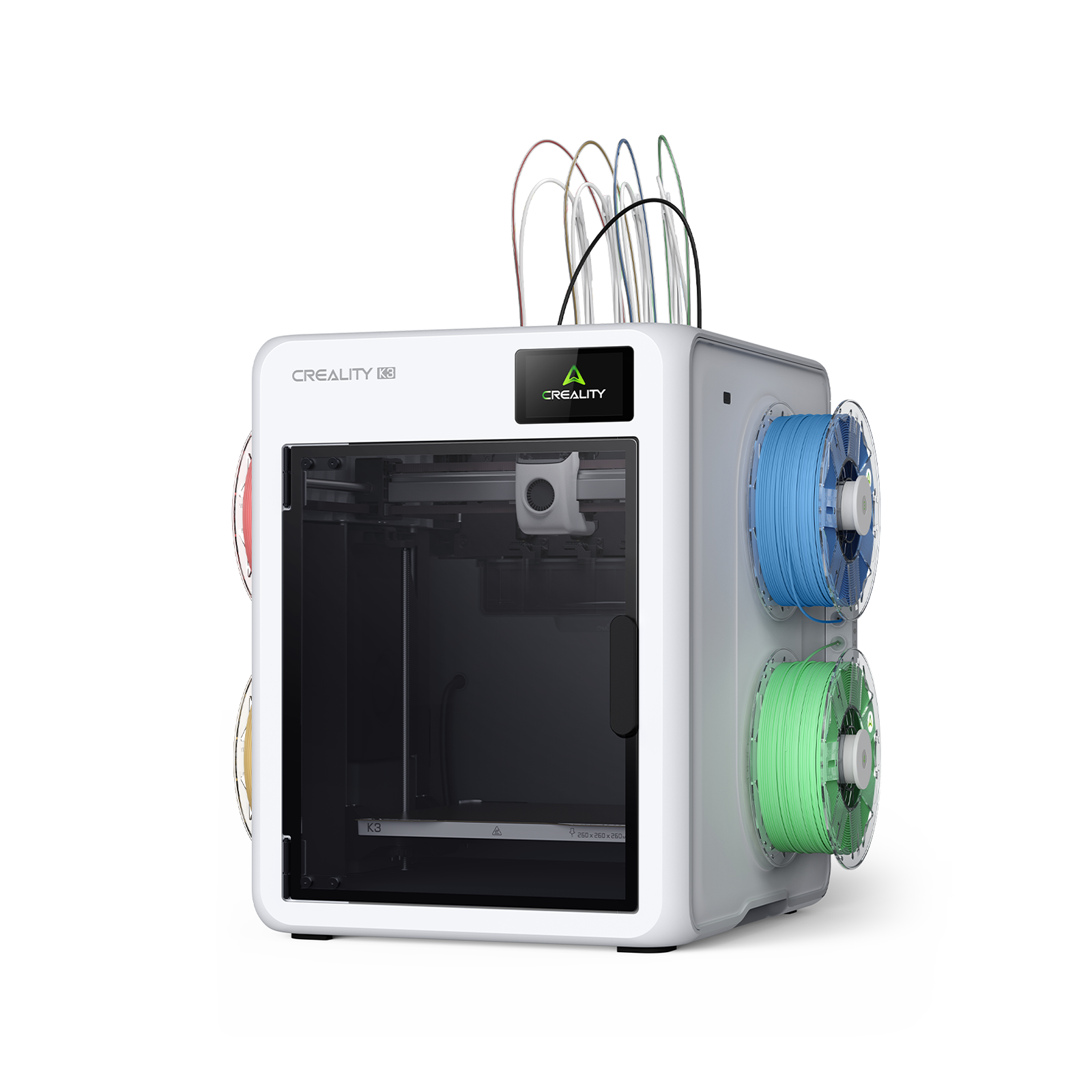
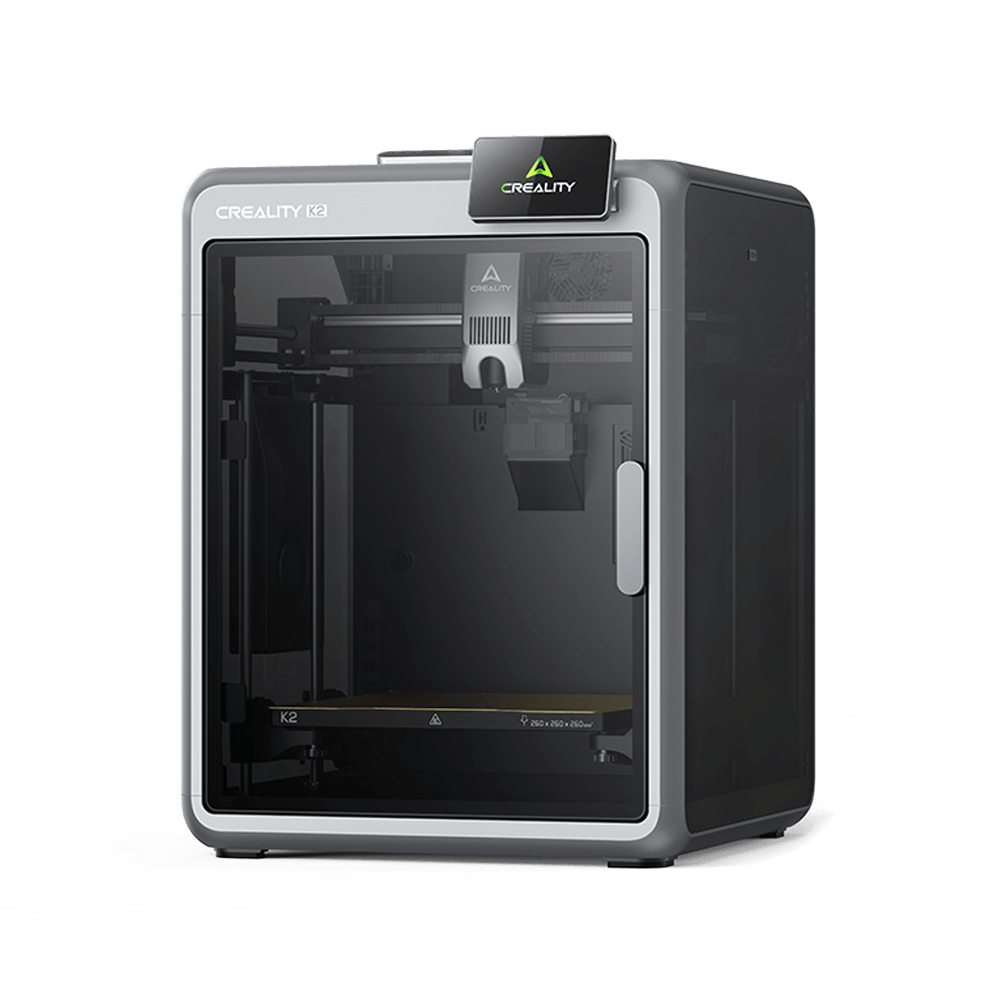
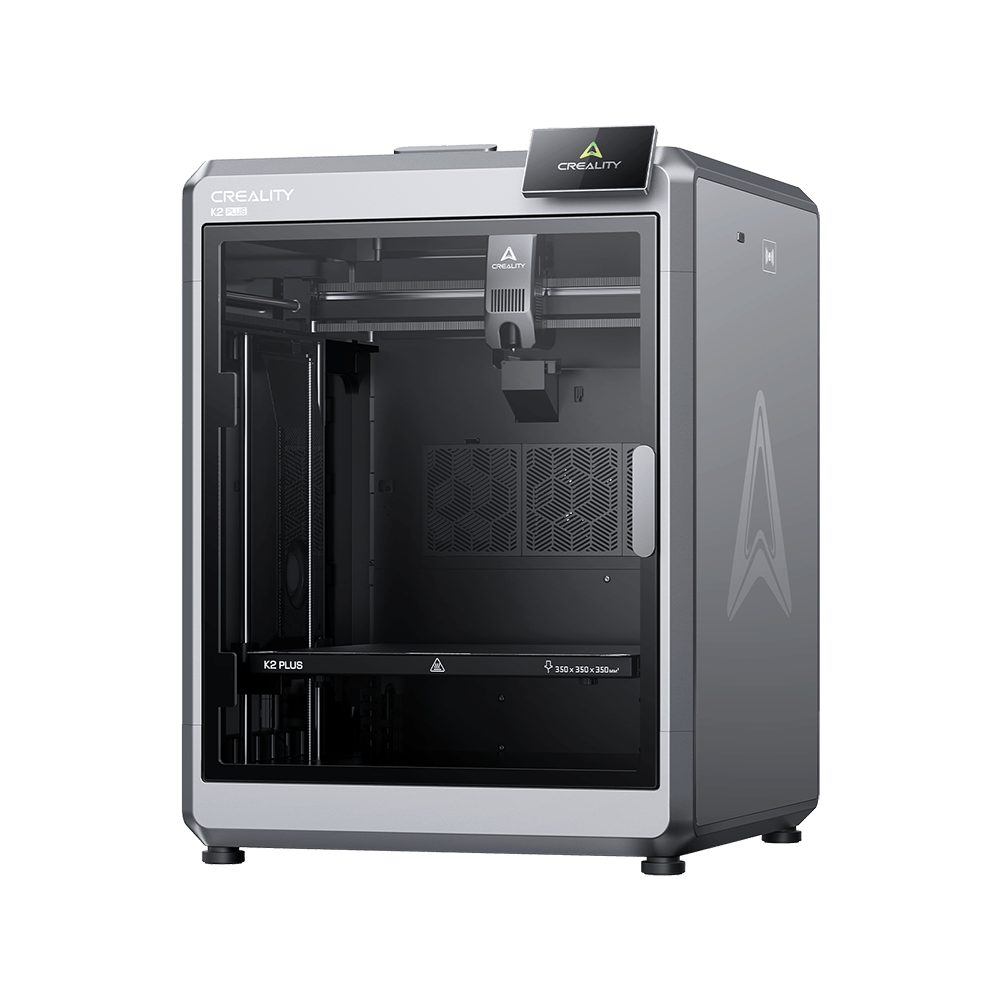
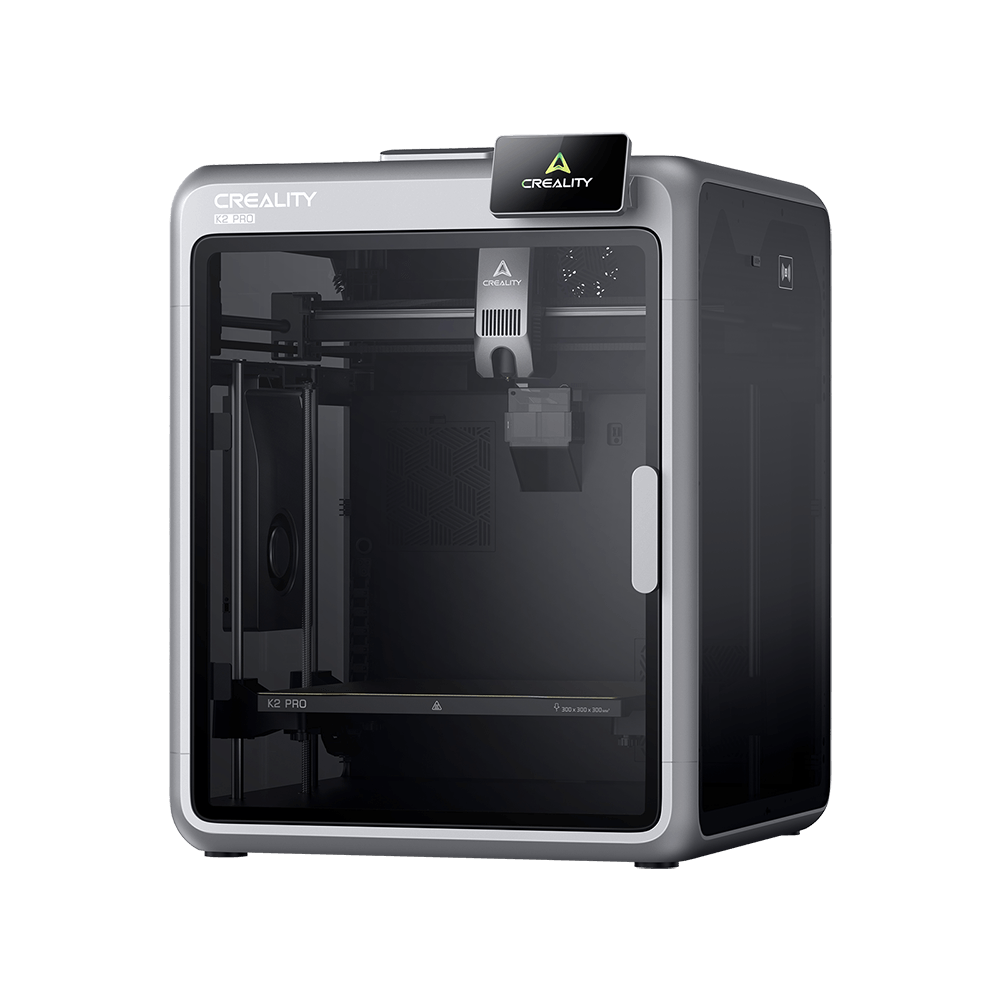
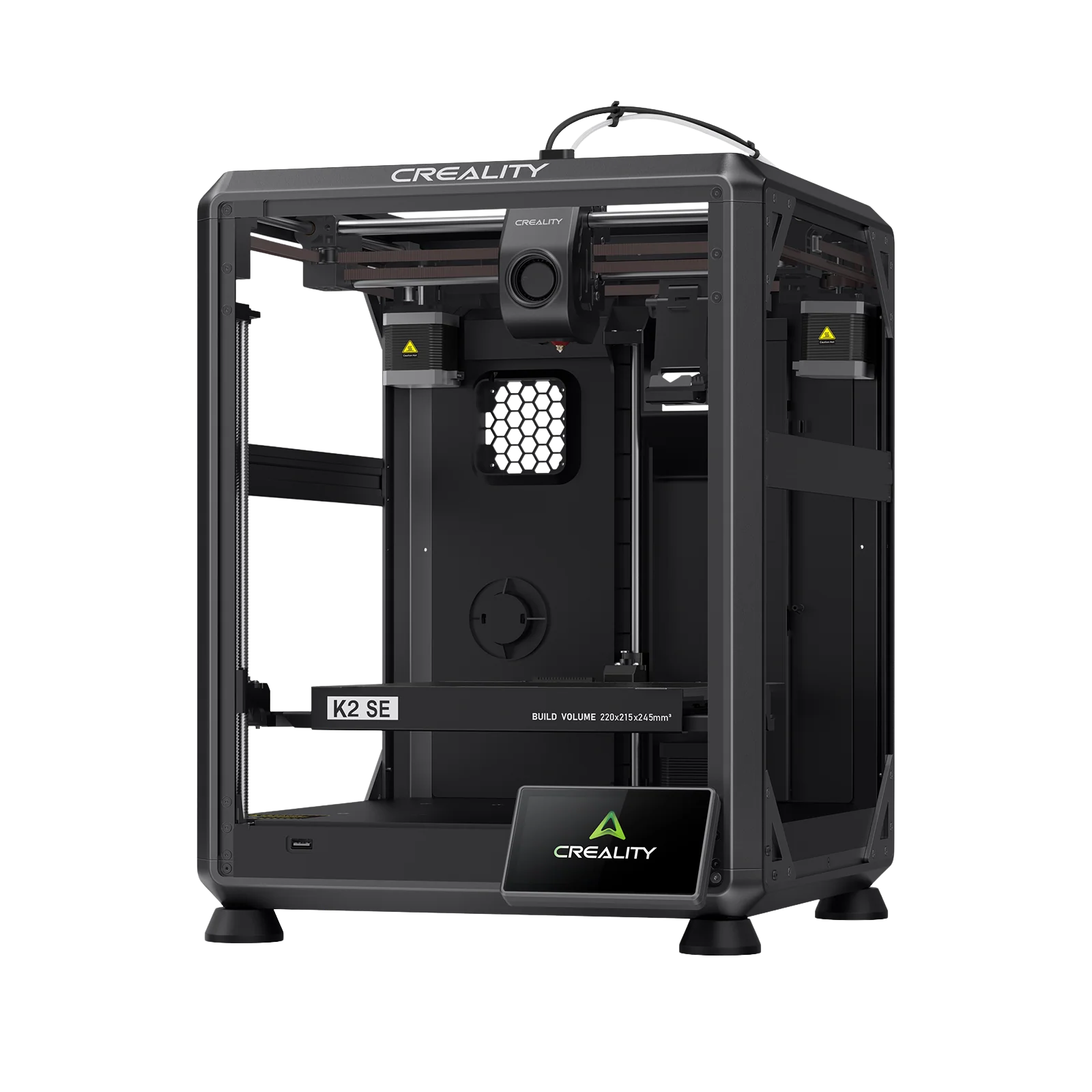
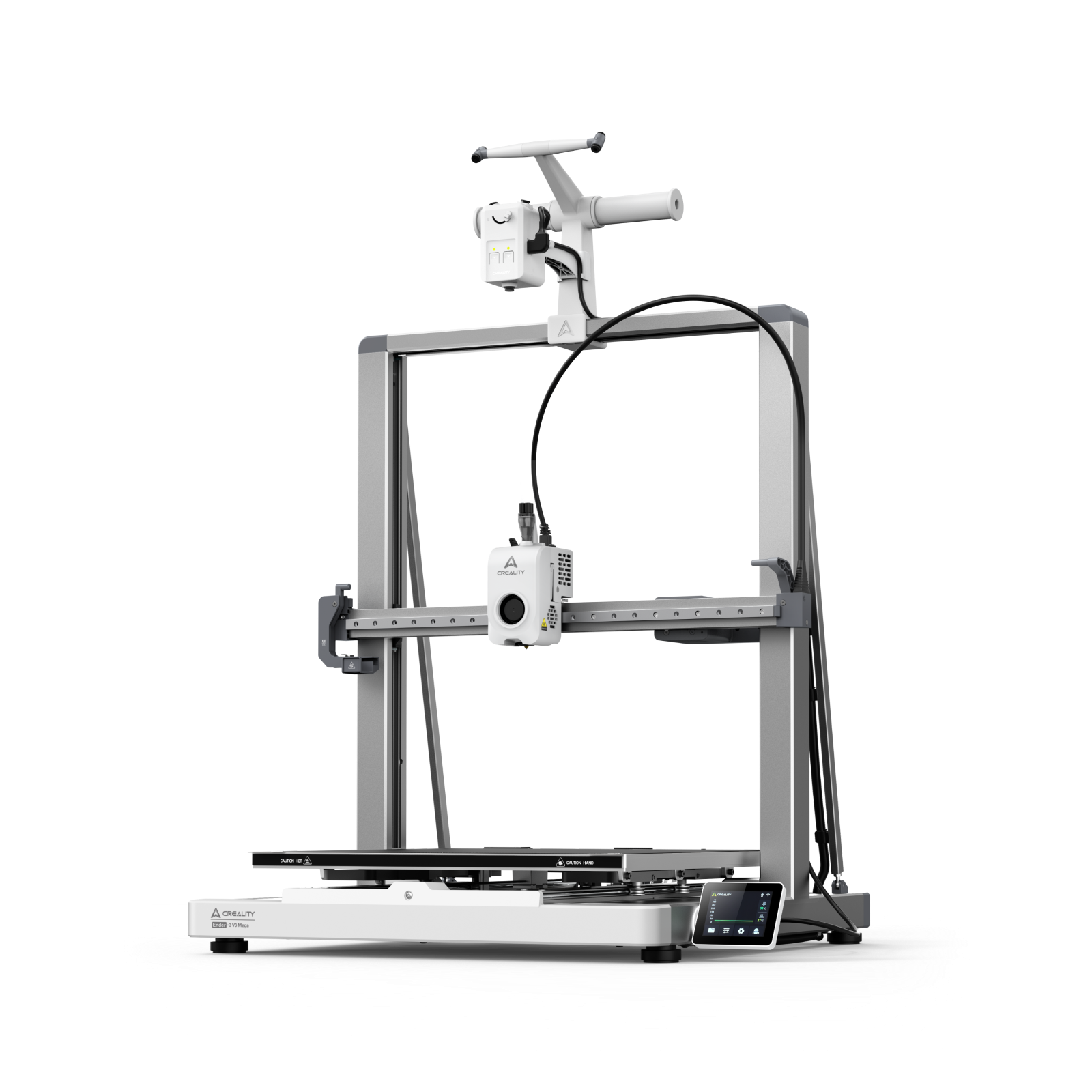
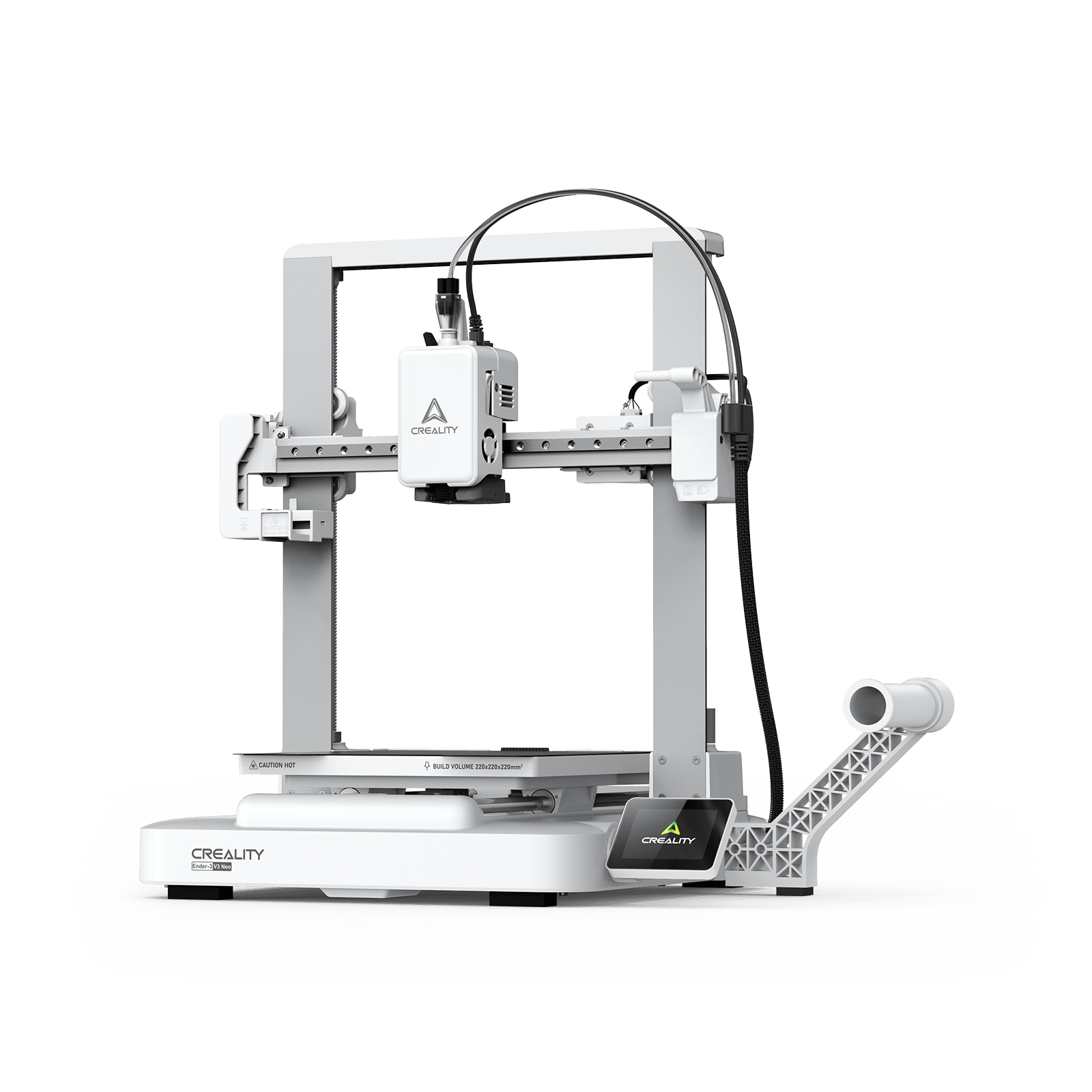
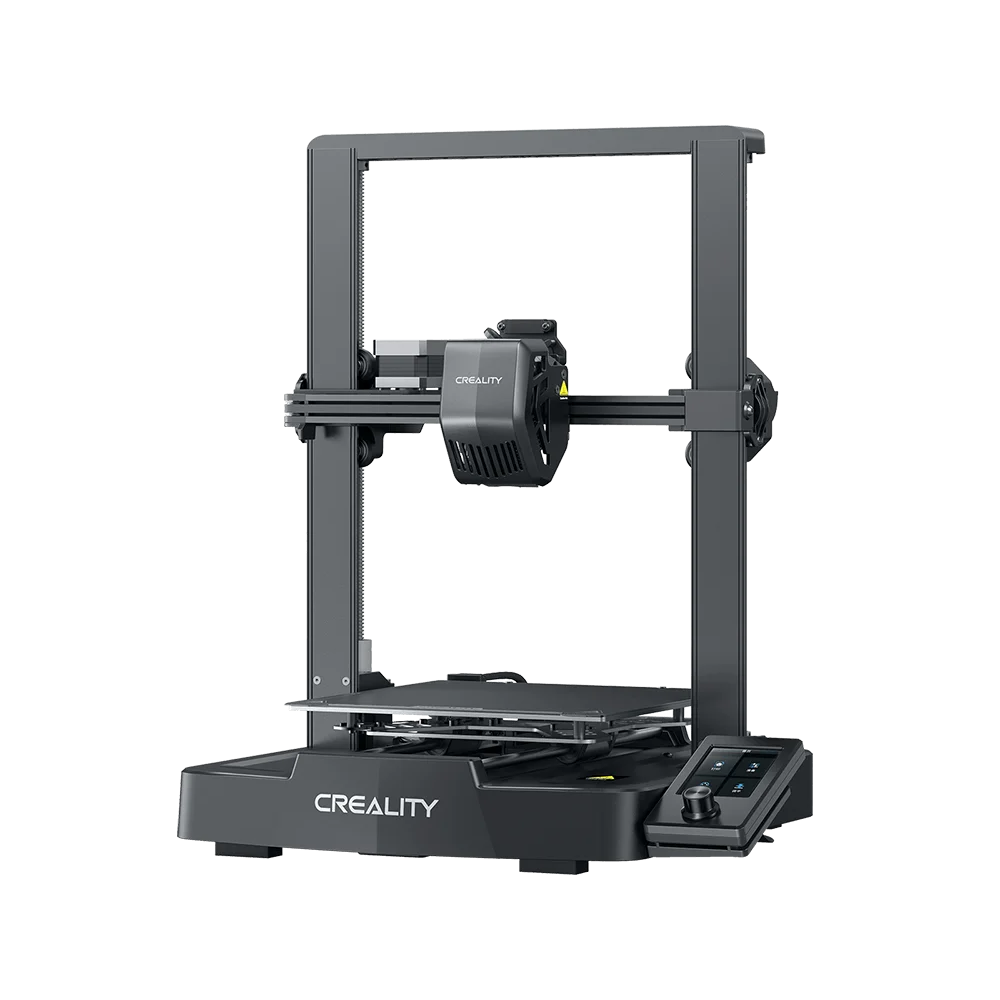
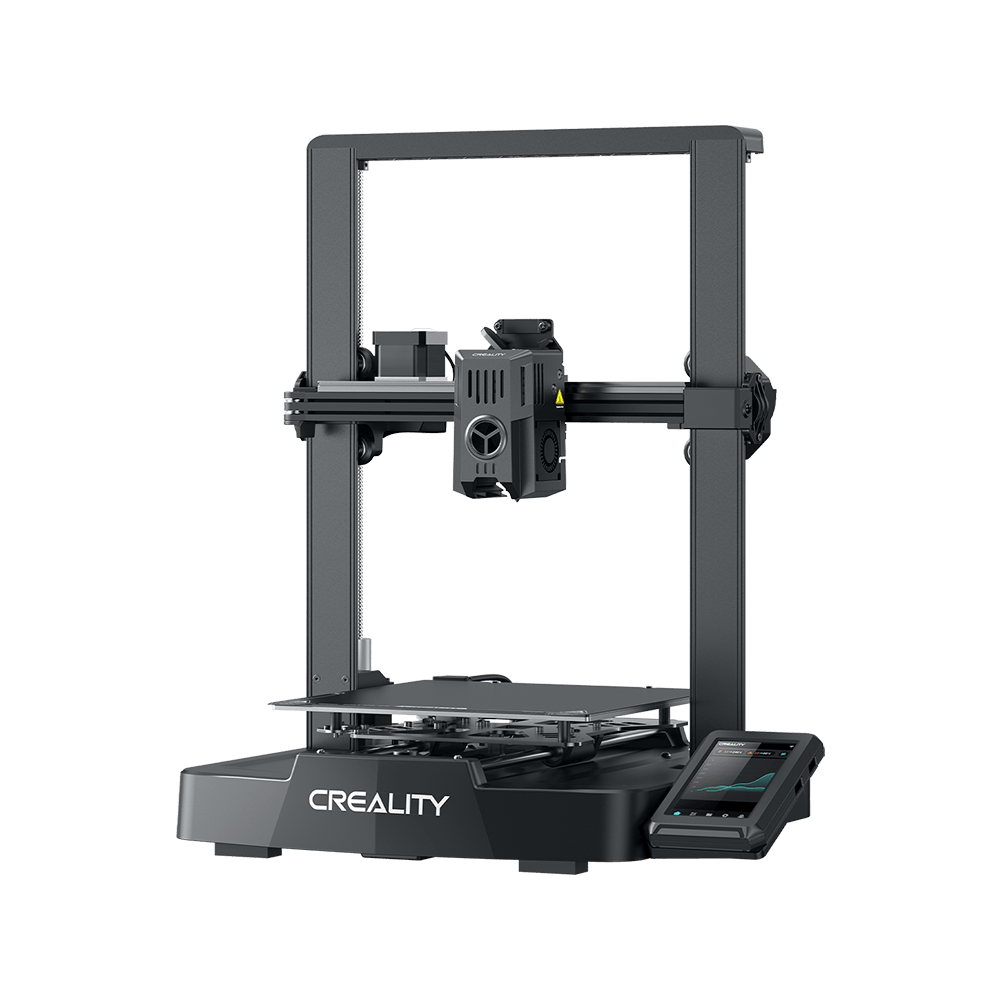
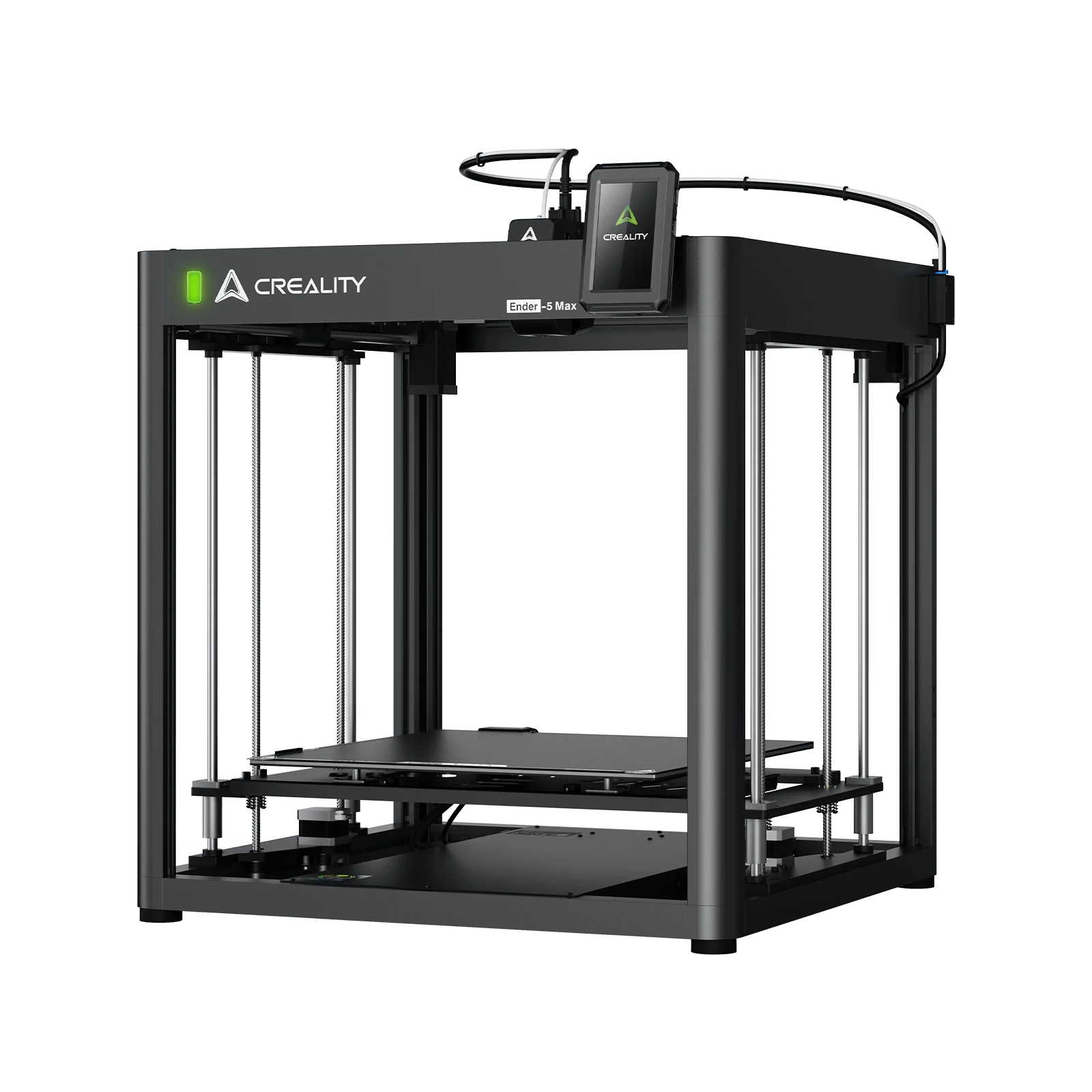
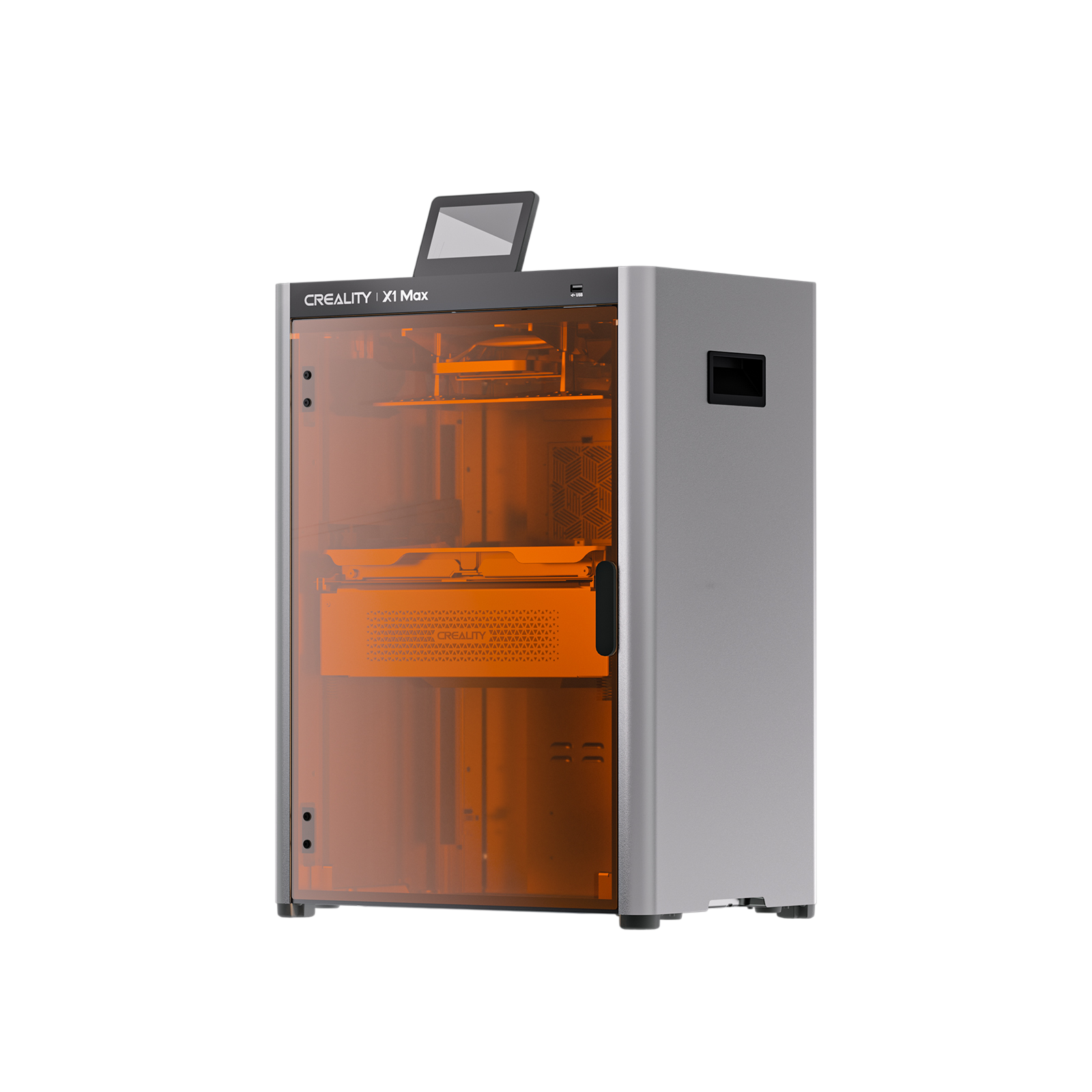
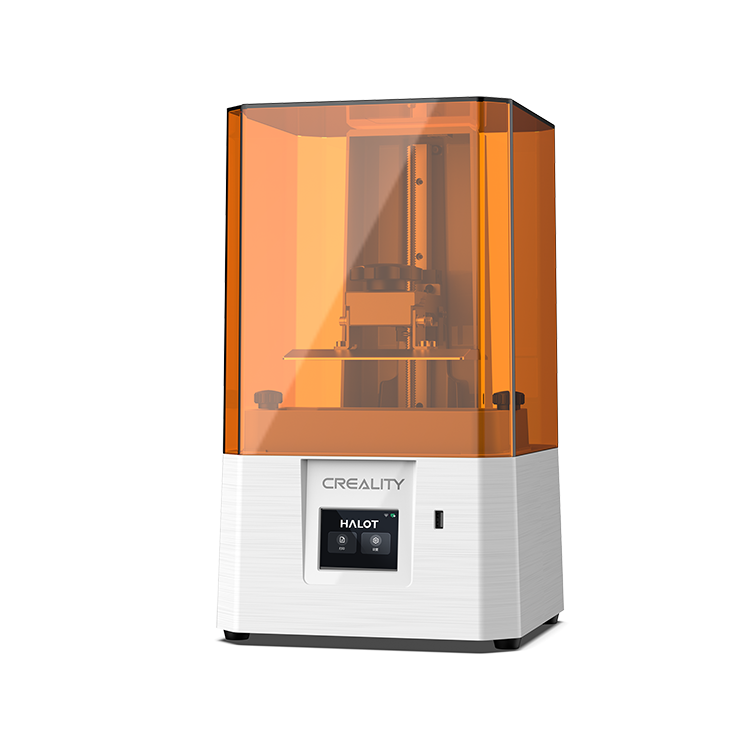
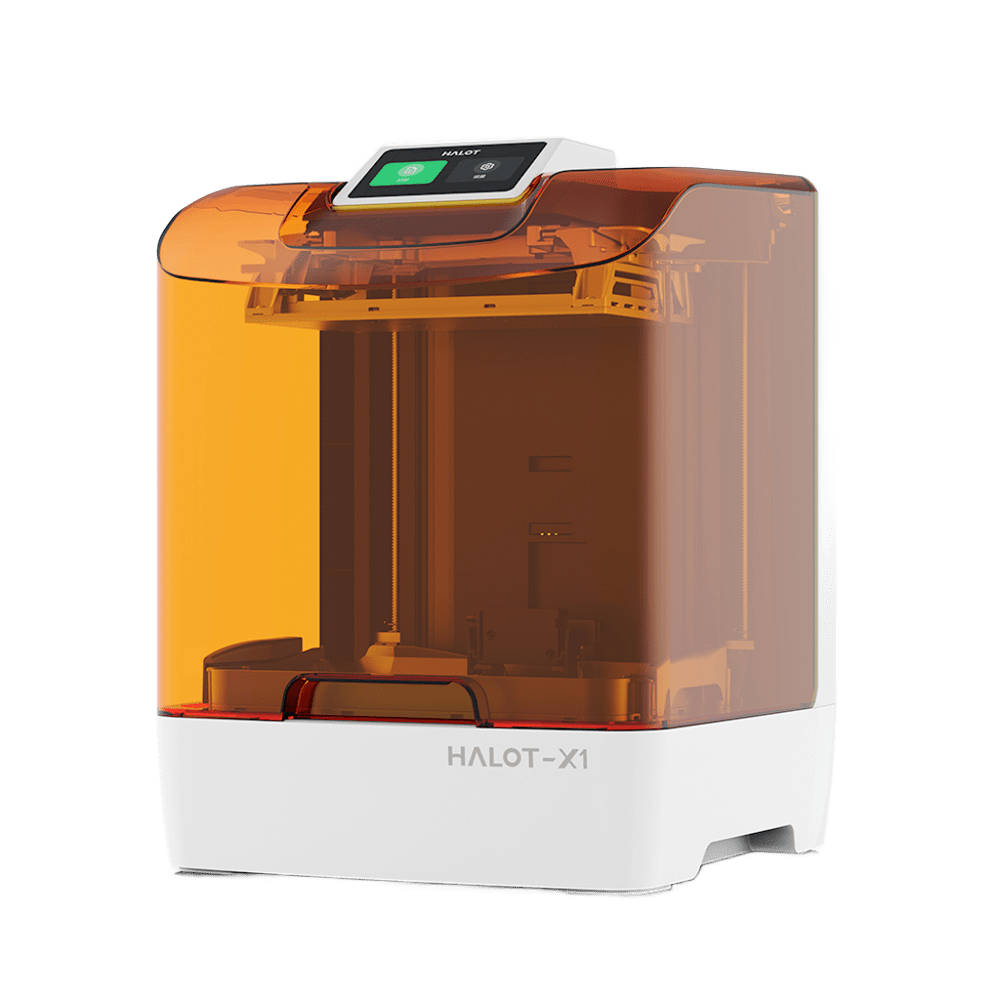
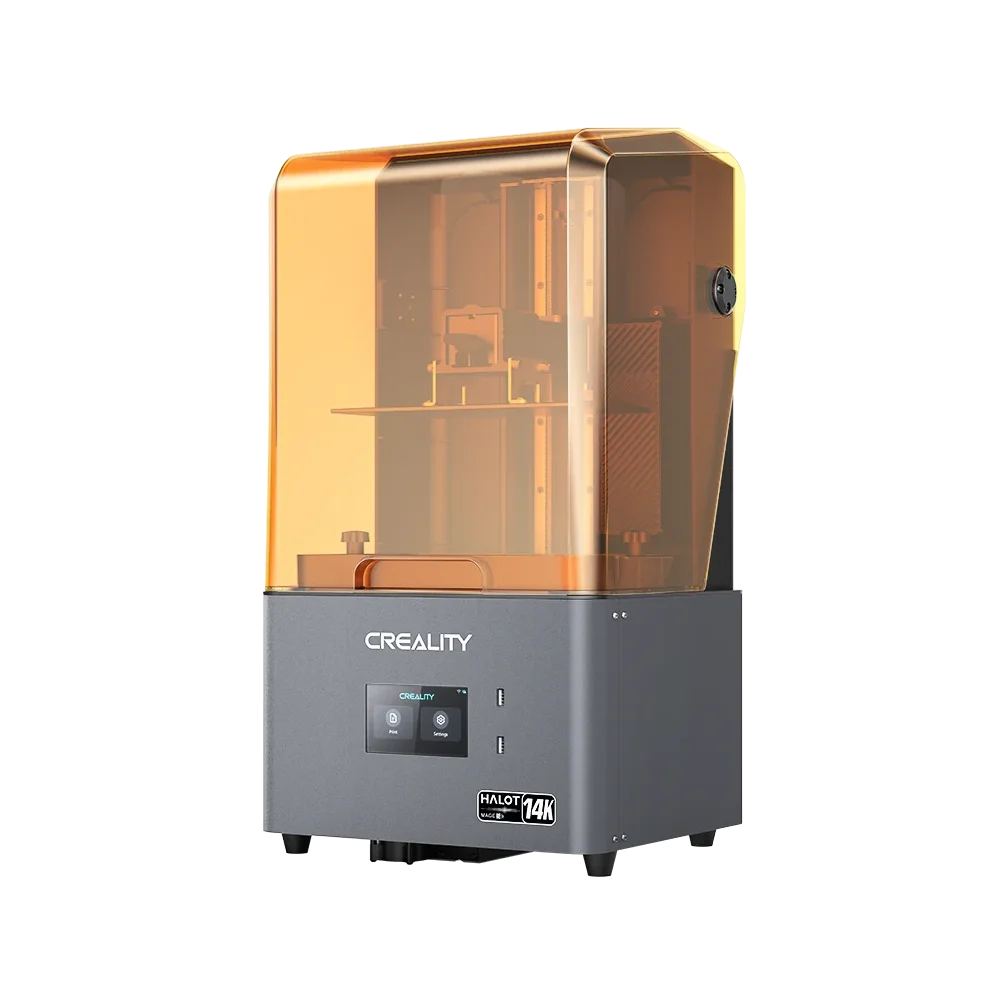
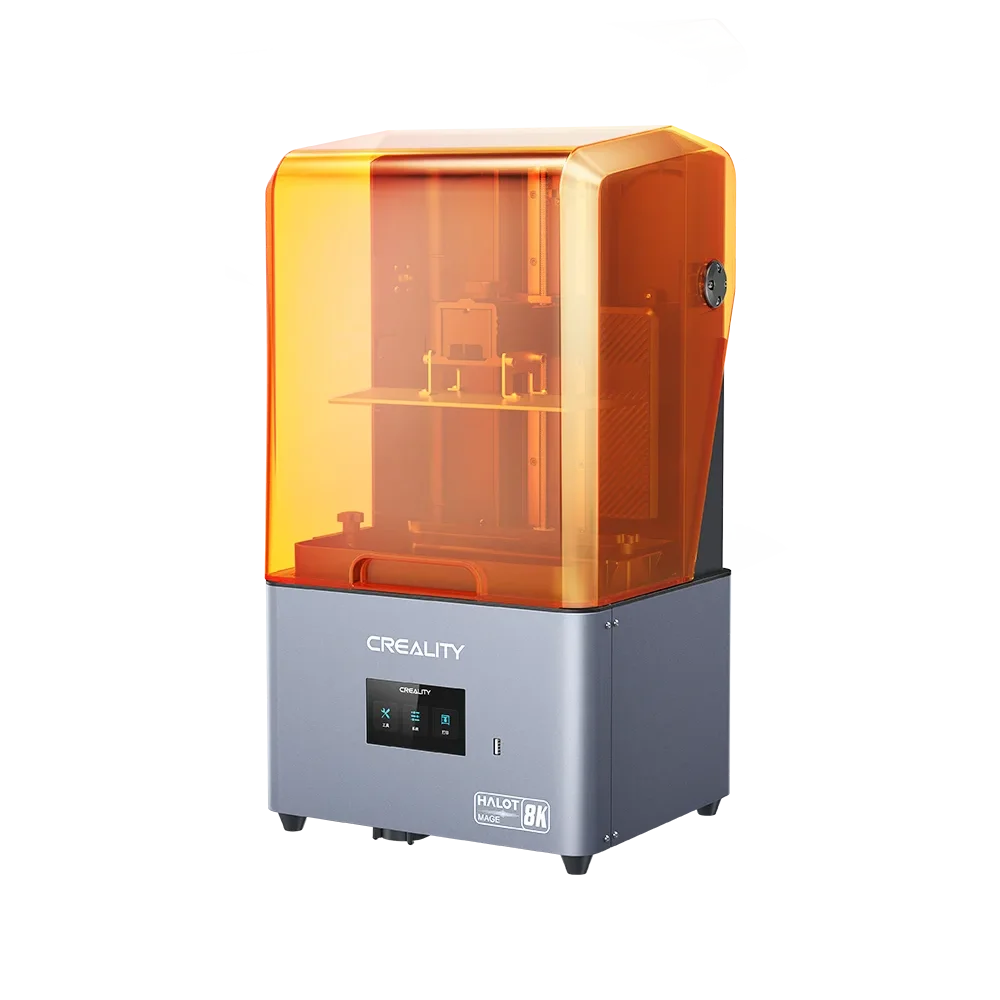
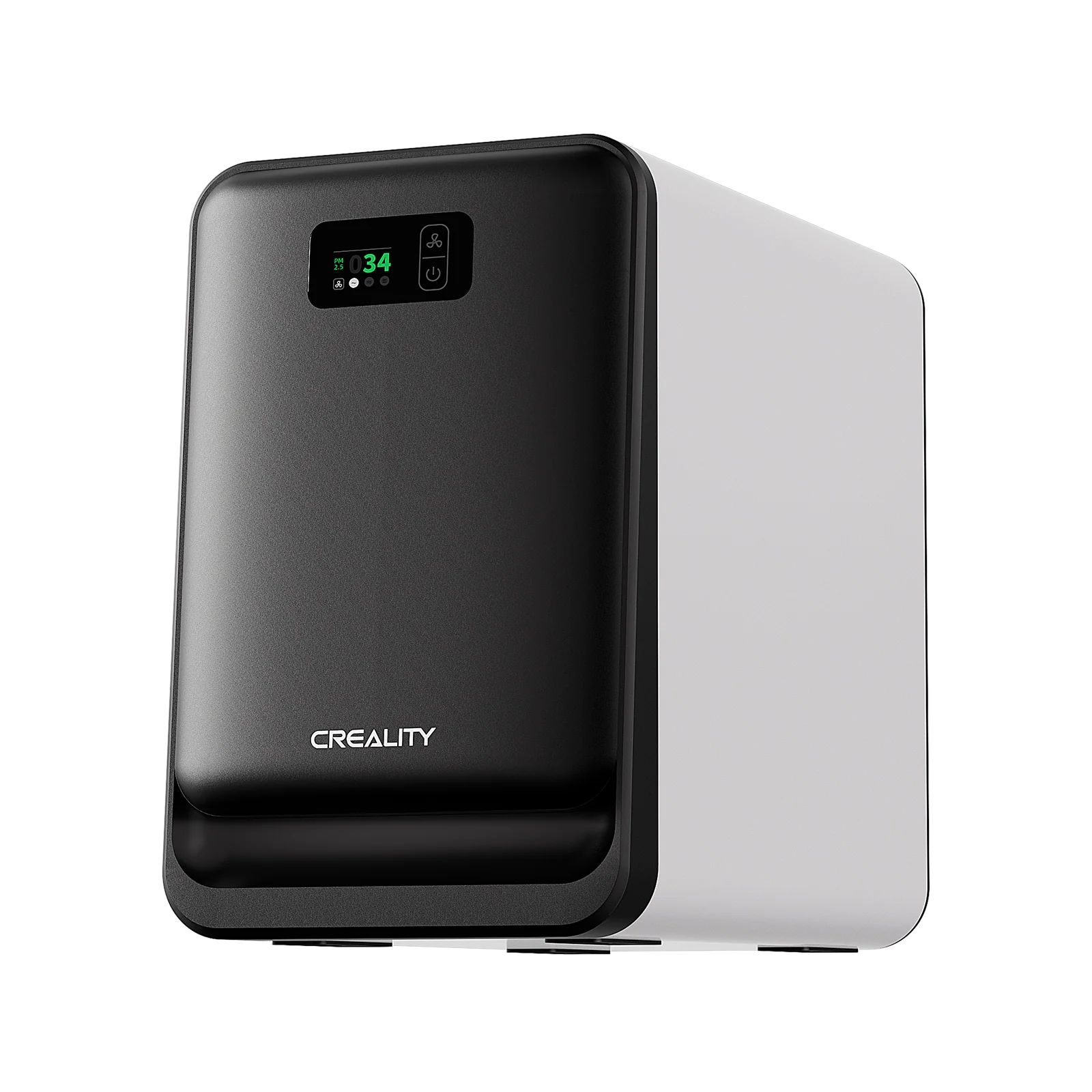
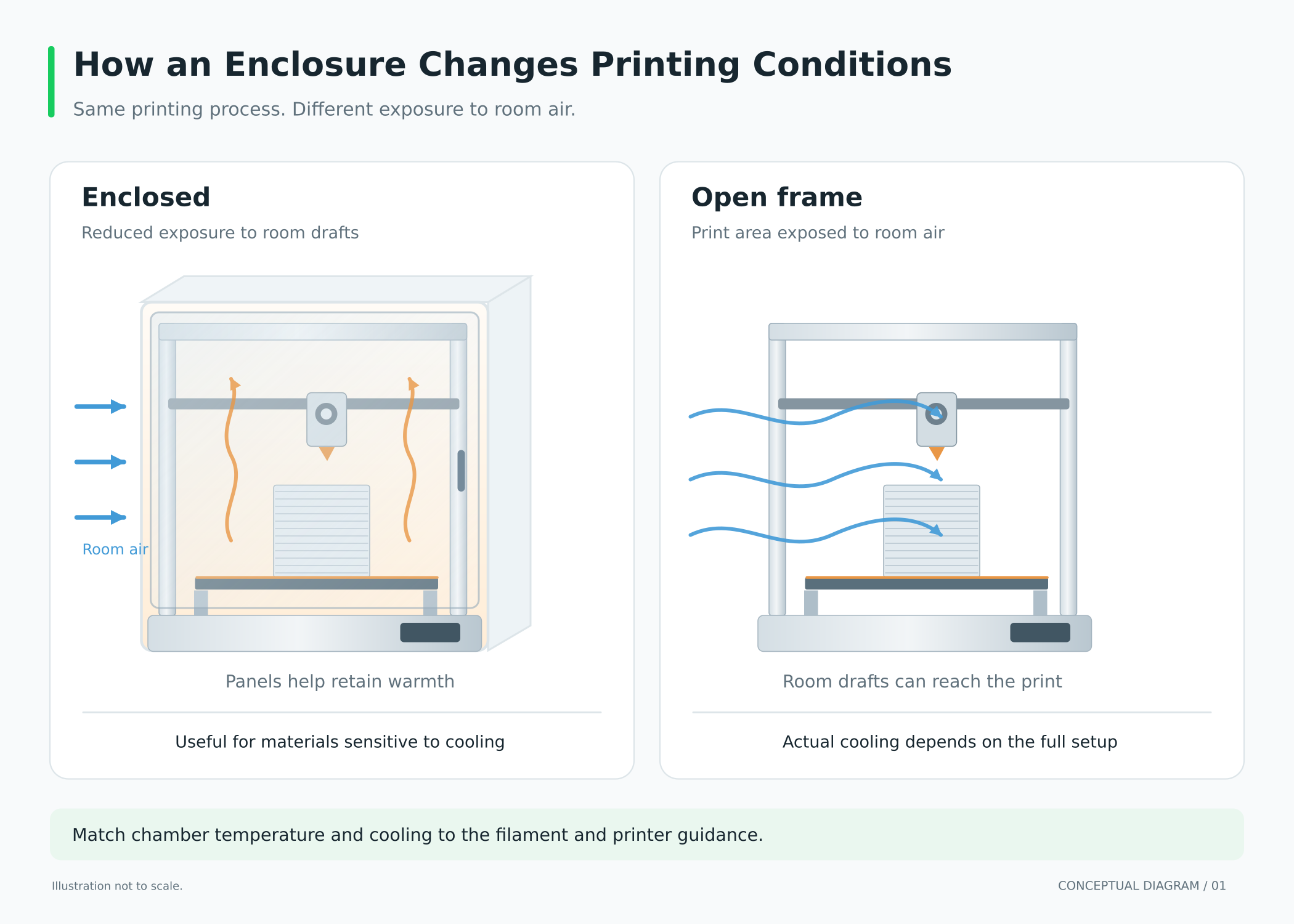
An open-frame 3D printer leaves the printing area exposed to the room. An enclosed printer surrounds it with panels, usually including a door and top cover. That space is called the chamber.
A fully enclosed 3D printer can retain heat and reduce drafts, but check its specifications: an enclosure does not automatically include active chamber heating, air filtration or a door safety switch.
If you see “covered 3D printer,” check what the seller means. A dust cover intended for storage is different from an enclosure designed for printing.
|
Factor
|
Open-frame printer
|
Enclosed printer
|
|
Price
|
Often a lower starting cost
|
Check what features the price includes
|
|
Materials
|
Often suitable for PLA, PETG and TPU
|
Useful for materials needing stable warmth
|
|
Physical access
|
Hot and moving parts are exposed
|
Panels provide a barrier when closed
|
|
Air quality
|
Requires suitable emissions controls
|
Still requires suitable emissions controls
|
|
Maintenance
|
Components are usually easy to reach
|
Access depends on doors and panel design
|
Price: Is an Enclosed 3D Printer Worth the Extra Cost?
What Are You Paying For?
An enclosed printer may cost more, but the difference can include a camera, automation, filtration or a different motion system. Compare the complete specifications before deciding that the enclosure accounts for the whole price gap.
Leave room in the budget for filament and any ventilation equipment your setup needs. Filters also need replacing. If you expect to add an enclosure soon, price that upgrade before buying the printer; the combined cost may change your choice.
Should You Prioritize an Enclosure or a Larger Build Volume?
Think about the objects you actually want to make. Large 3D printed Halloween PLA costume pieces may make build volume more valuable. Smaller ABS parts may make chamber stability a higher priority.
Check your planned models against the usable build dimensions. A helmet printed in pieces means joining and finishing those pieces afterward. That's possible, but decide whether you're happy doing it before choosing a smaller machine.
Filament Compatibility: What Do You Want to Print?
Is It Better to Print PLA Enclosed or Open?
PLA usually prints well without an enclosure. If you're starting with decorative models and simple household items, you can learn a lot using an open printer and this one material.
Enclosed printers can also print PLA well, provided they manage heat appropriately. A hot, poorly ventilated chamber can contribute to heat creep: filament softens too high inside the hotend and may jam before reaching the nozzle. The hotend is the assembly that heats and melts filament.
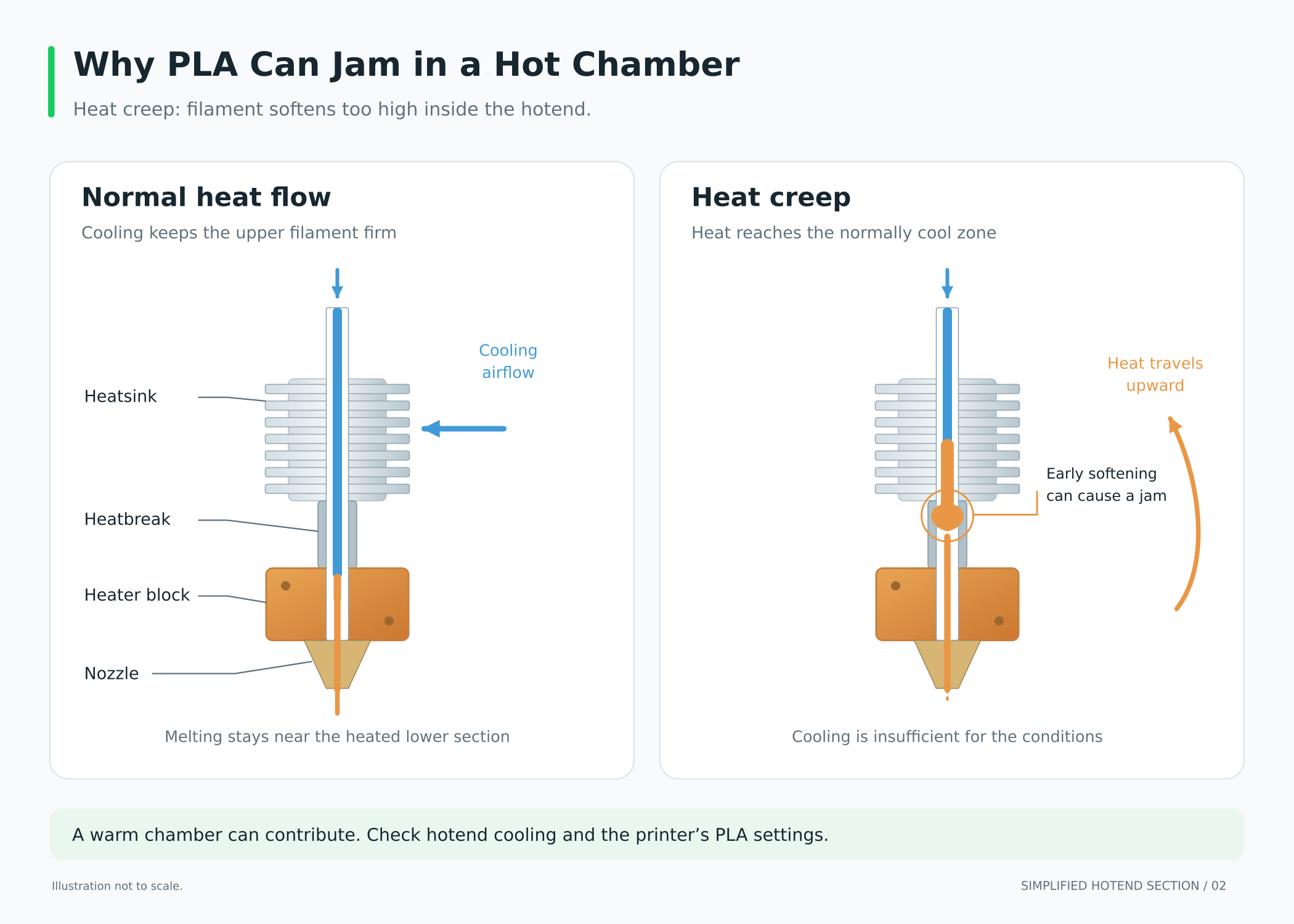
Follow the printer manufacturer's PLA instructions. Some models call for opening a door or removing a lid; others manage chamber temperature through ventilation. Keeping everything closed is not automatically the best setting.
What About PETG, TPU and More Demanding Materials?
The table below gives you a starting point. Filaments sold under the same material name can have different requirements, so read the instructions for the spool you plan to use.
|
Filament
|
Does an enclosure help?
|
What else matters?
|
|
PLA
|
Usually unnecessary
|
Effective cooling and heat management
|
|
PETG
|
Often unnecessary
|
Bed adhesion, settings and dry filament
|
|
TPU
|
Usually unnecessary
|
Extruder compatibility and filament feeding
|
|
ABS and ASA
|
Often helpful for reducing warping
|
Temperatures, bed adhesion and emissions controls
|
|
Nylon and PC
|
Depends on formulation and part size
|
Chamber requirements, drying and nozzle/bed capability
|
ABS and ASA can shrink enough during cooling to lift corners or split layers. An enclosure helps reduce drafts and temperature changes. Some nylon and polycarbonate formulations have more demanding requirements, so a printer with an enclosure is only part of the compatibility check.
Think about your next few projects. Regular ABS printing is a reason to plan for an enclosure now. A vague idea that you might try it someday doesn't have to dictate your first purchase.
Safety: Is an Enclosed 3D Printer Safer?
Hot Surfaces and Moving Parts
Closed panels provide a barrier between nearby people and the hot nozzle, heated bed and moving components. That can be useful around children or pets.
Don't assume opening the door stops the machine. Look for that feature in the specifications. Keep either type of printer somewhere children and pets can't reach it easily, and follow the manufacturer's supervision guidance.
Fumes, Particles and Ventilation
Air quality is a separate concern. Filament printing can release ultrafine particles and gases, including volatile organic compounds, or VOCs. Emissions depend on the material and printing conditions; PLA also produces emissions.
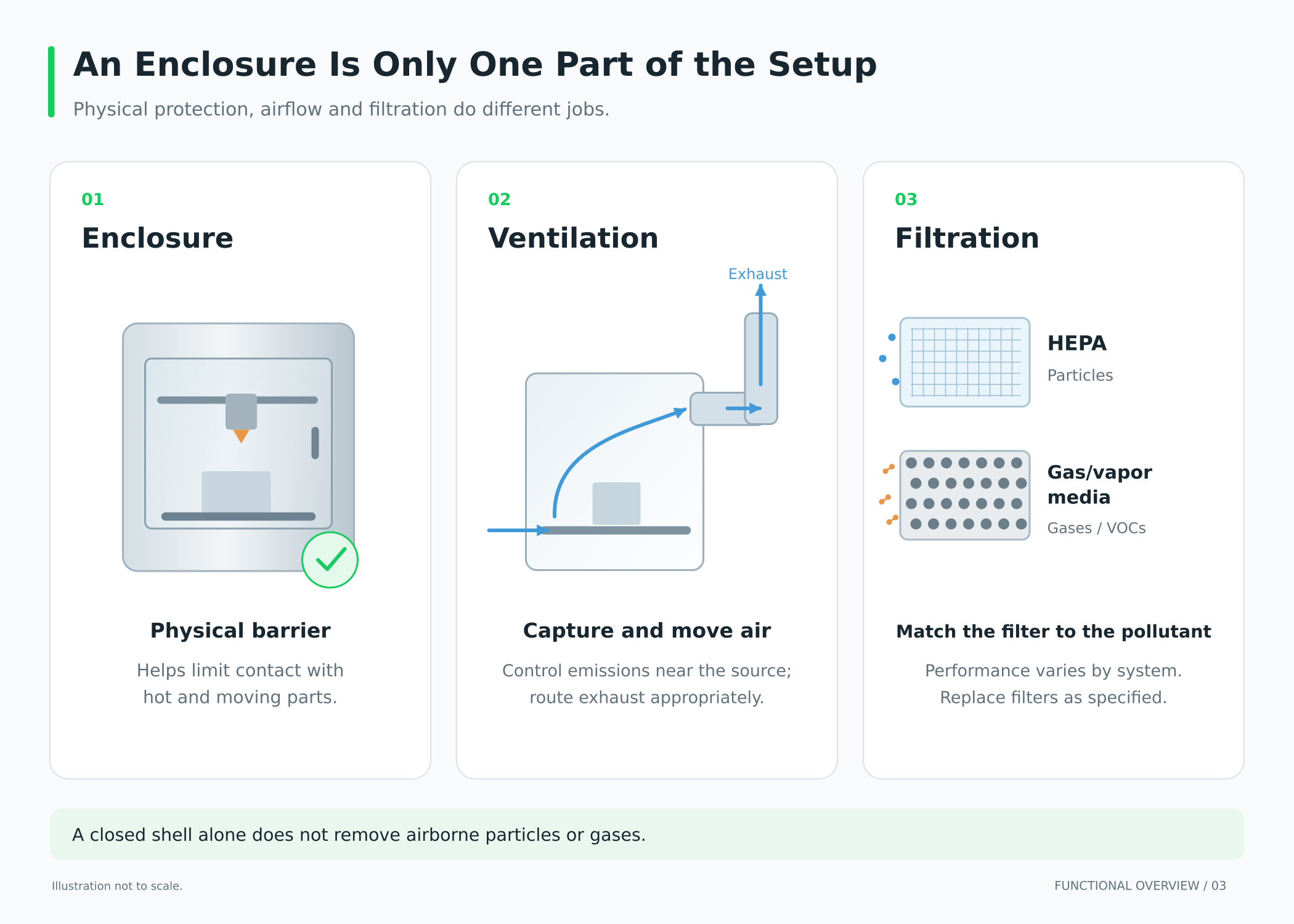
A closed shell alone does not establish effective emissions control. NIOSH recommends ventilation and source-control measures. HEPA filters target particles; gases require suitable gas/vapor filtration. Check the system's purpose, performance and replacement schedule.
Plan a suitable ventilated location for either printer type. A low odor level is not evidence that the air is clean.
Features and Everyday Use: What Else Matters?
Heating, Cooling and Print Quality
A passive enclosure retains heat from the printer. An actively heated chamber adds controlled heating. These offer different capabilities, especially for demanding materials.
An enclosure can improve conditions for some prints, but speed, surface finish and reliability also depend on calibration, cooling, mechanics and settings.
Open printers can handle some of the setup work for you, too. The crowdfunding SPARKX i8, for example, includes automatic bed leveling and Z-offset calibration, which help set the nozzle's distance from the bed. Those are useful things to compare when you're starting out.
Noise, Maintenance and Space
Panels may reduce some noise, but fans can still be noticeable. Look for comparable noise measurements or practical reviews if the printer will sit near your desk.
Picture yourself taking a finished print out or changing a nozzle. Can you reach everything comfortably? Then check the desk space: doors need room to open, and a moving bed needs clearance. The printer's listed dimensions may not describe all the space it needs during use.
Can You Add an Enclosure Later?
Sometimes, but confirm that the printer is suitable for it. Trapping heat may affect electronics, the power supply or motors, and a tent or acrylic box does not automatically control emissions.
Choose a compatible solution and follow manufacturer guidance on cooling, clearances and operation. Include its cost and extra space when comparing your options.
Final Thoughts: Which Should You Choose?
An open-frame printer can be a sensible buy for mostly PLA, PETG or compatible TPU projects, especially if easy access matters to you. Set aside space for it and plan appropriate ventilation.
Choose an enclosed printer when your materials benefit from stable warmth, or when you want a physical barrier around the printing area. Check how it handles PLA cooling and what emissions controls your room will need.
Before buying, write down your main filament, largest planned print, available space and total budget. Use those four details to narrow the options. You can make a good first choice without buying every feature you might someday want.