

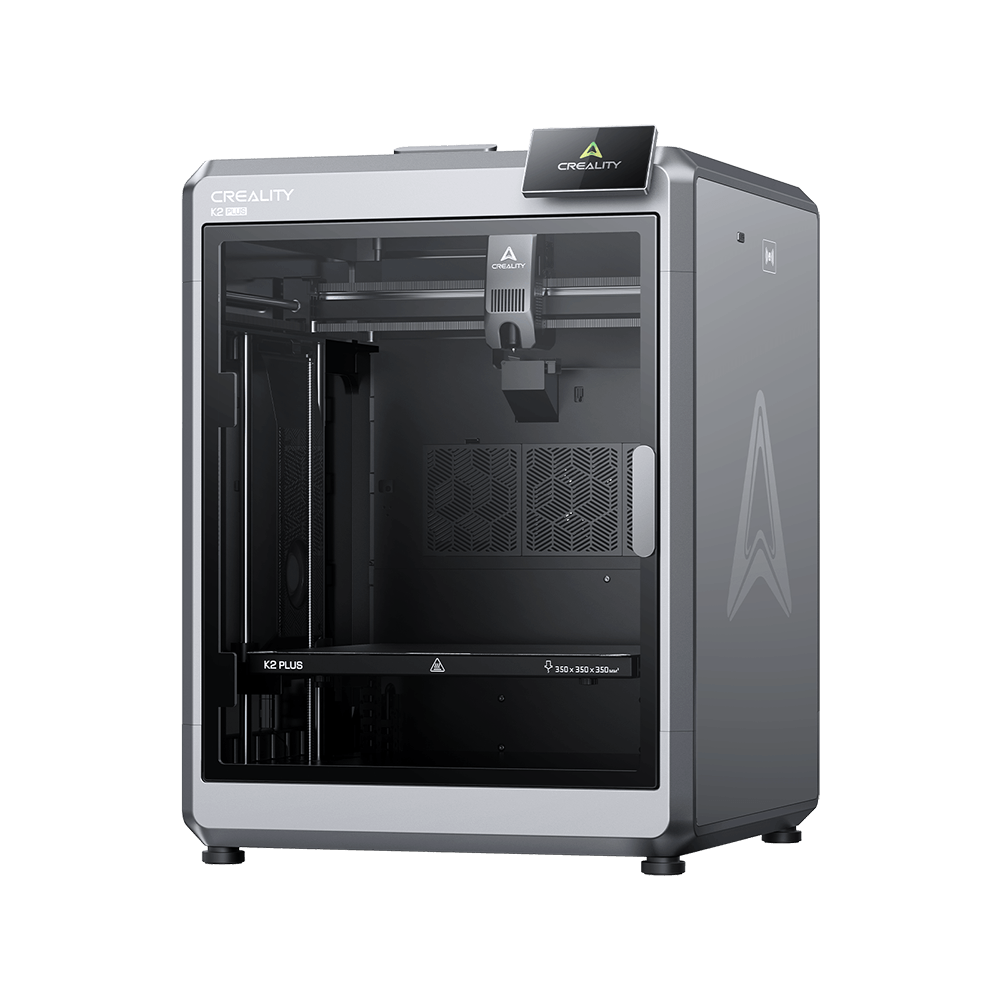
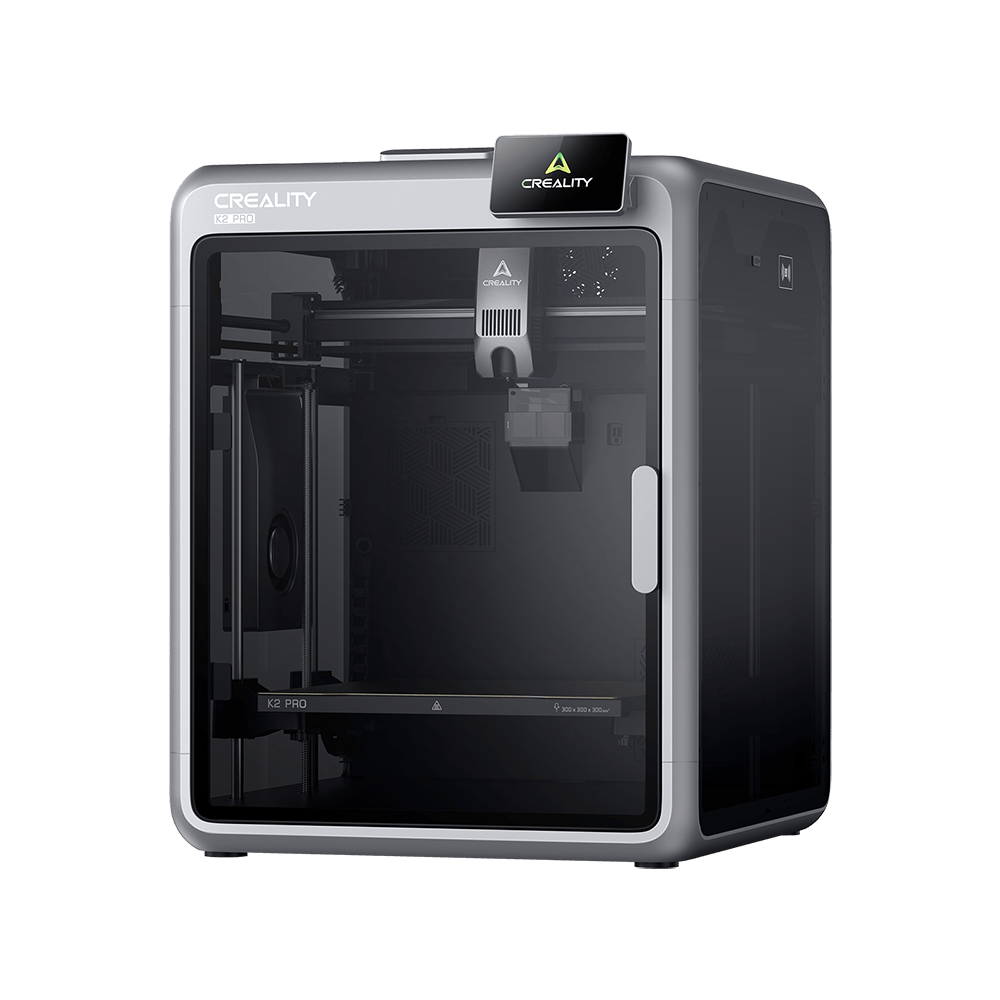
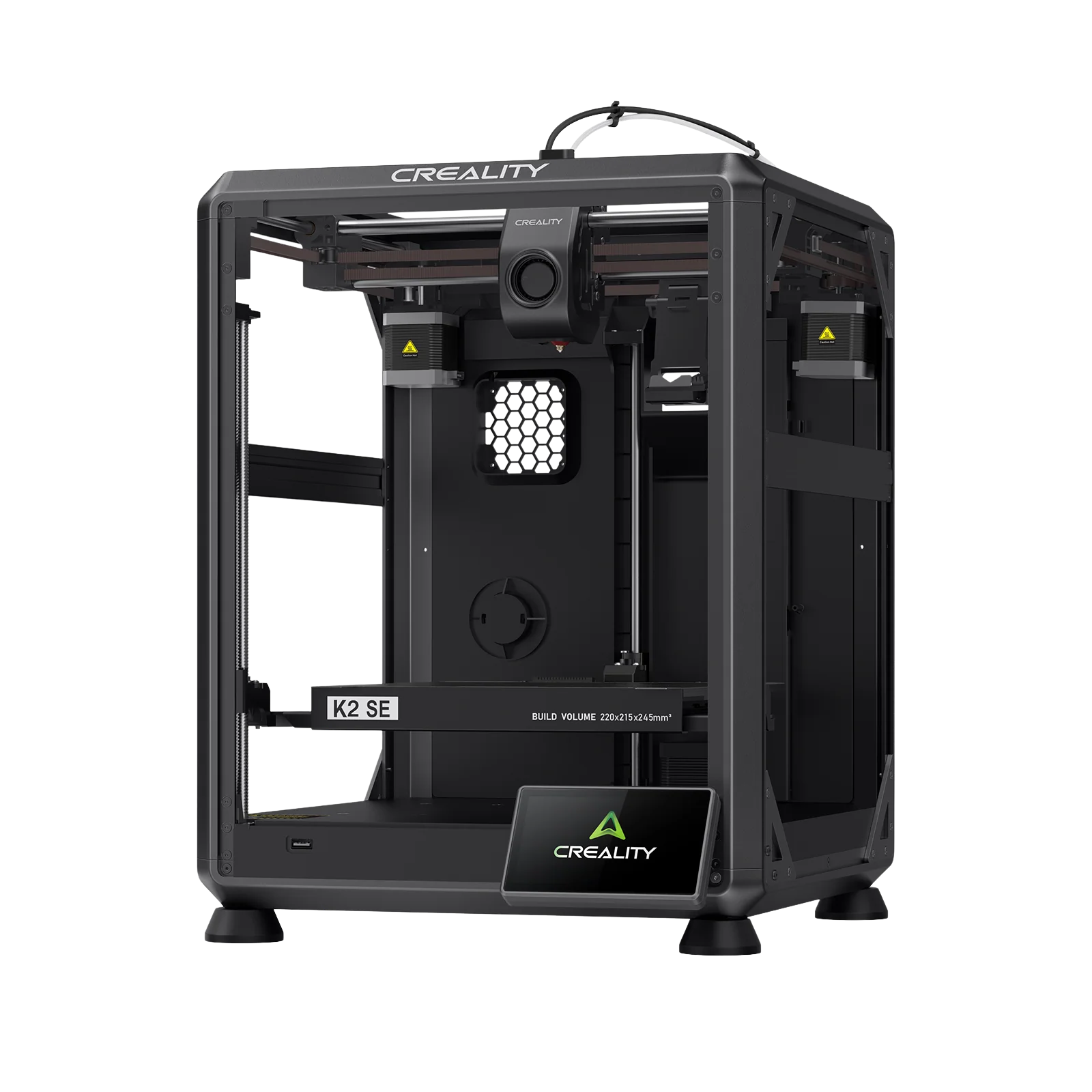
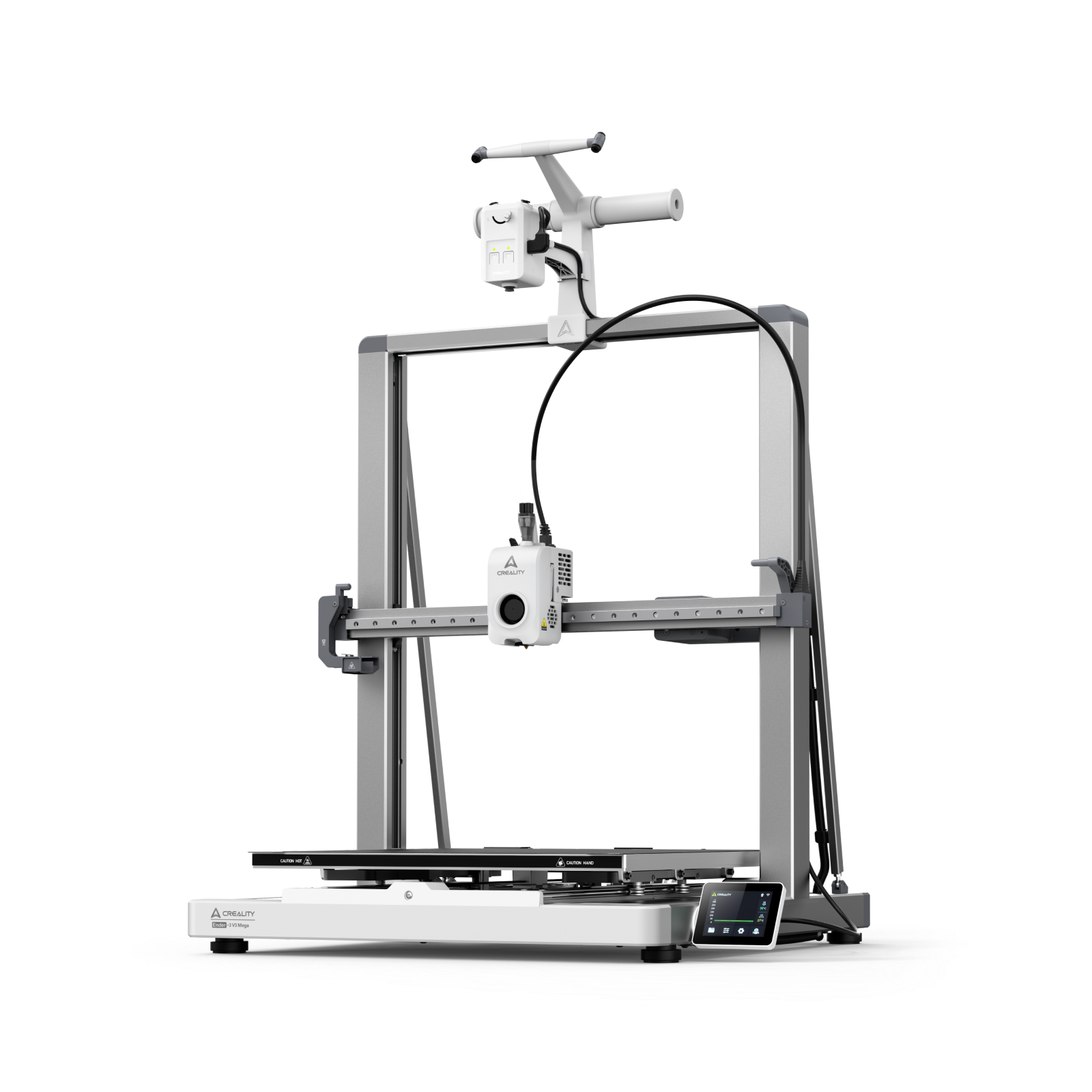
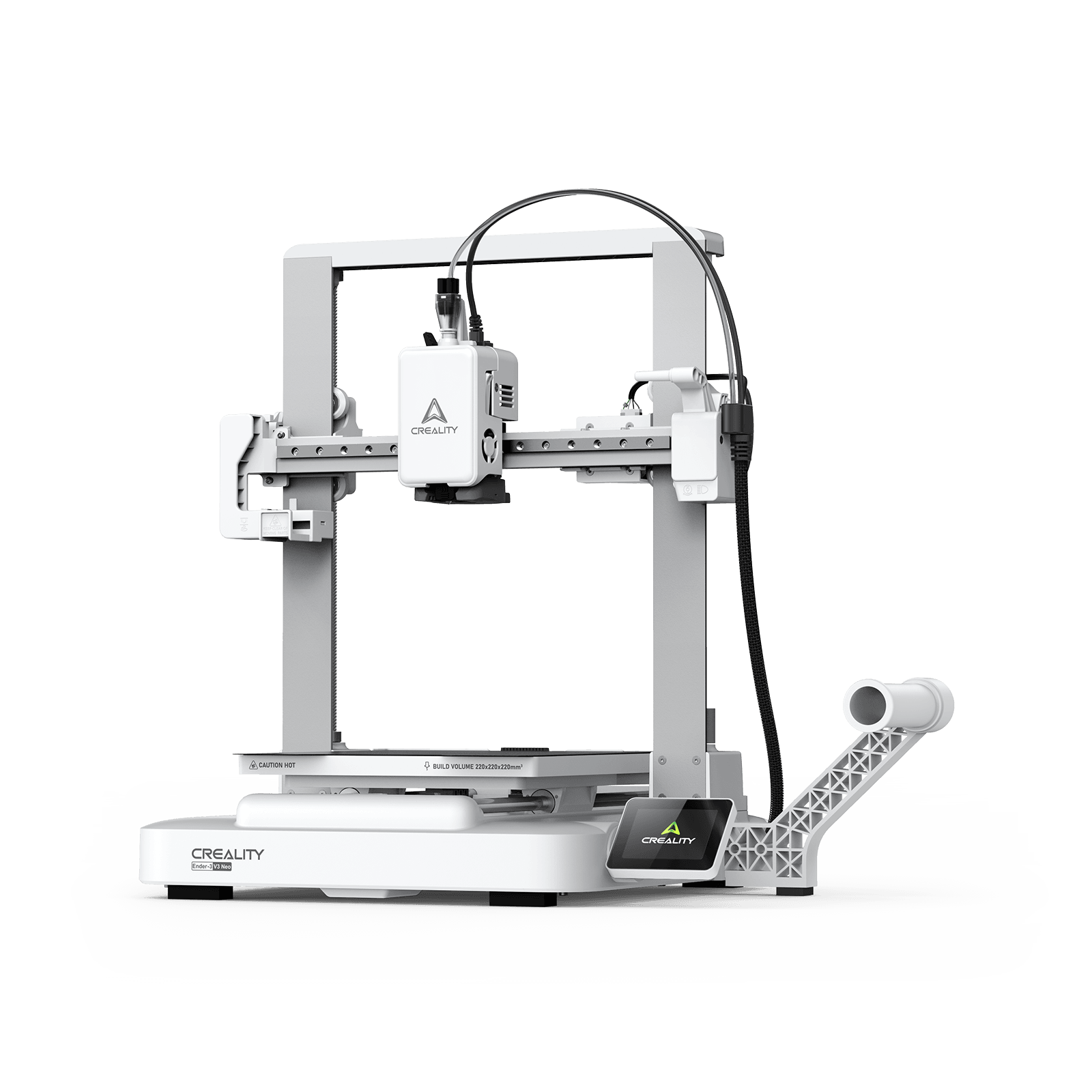
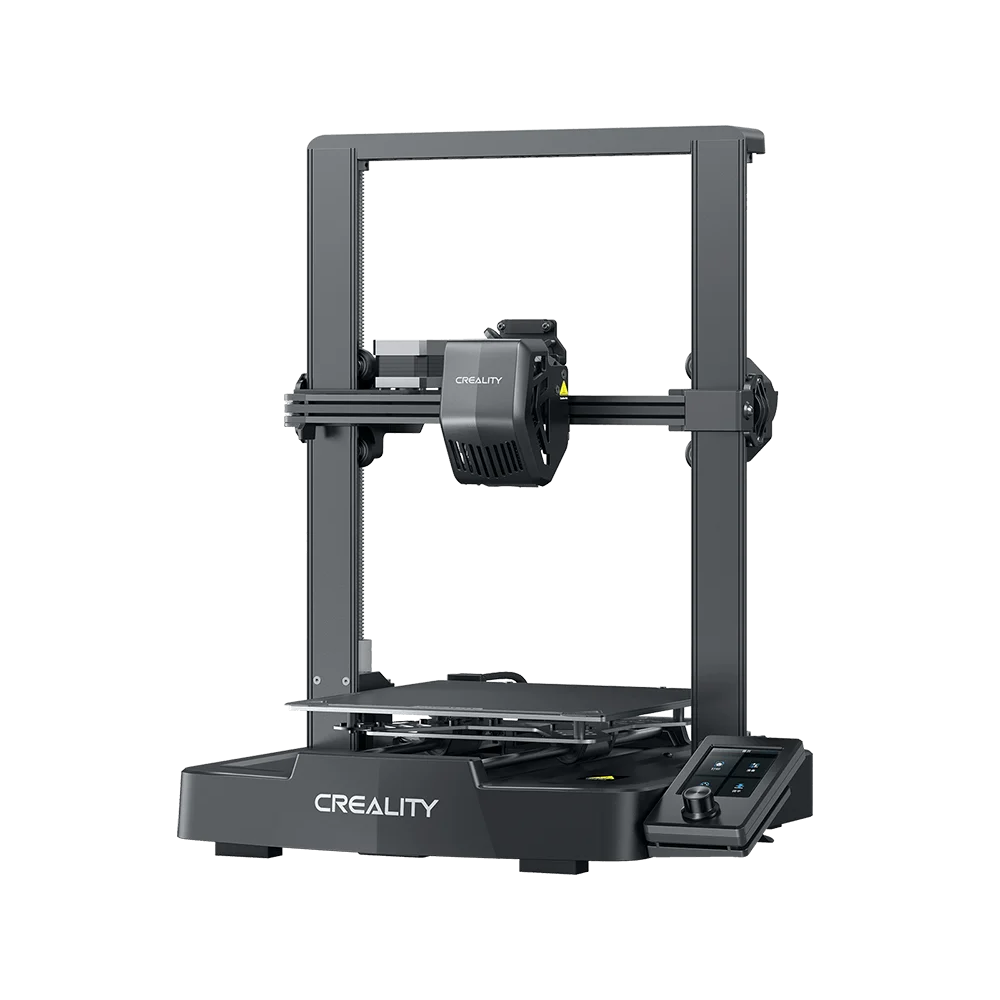
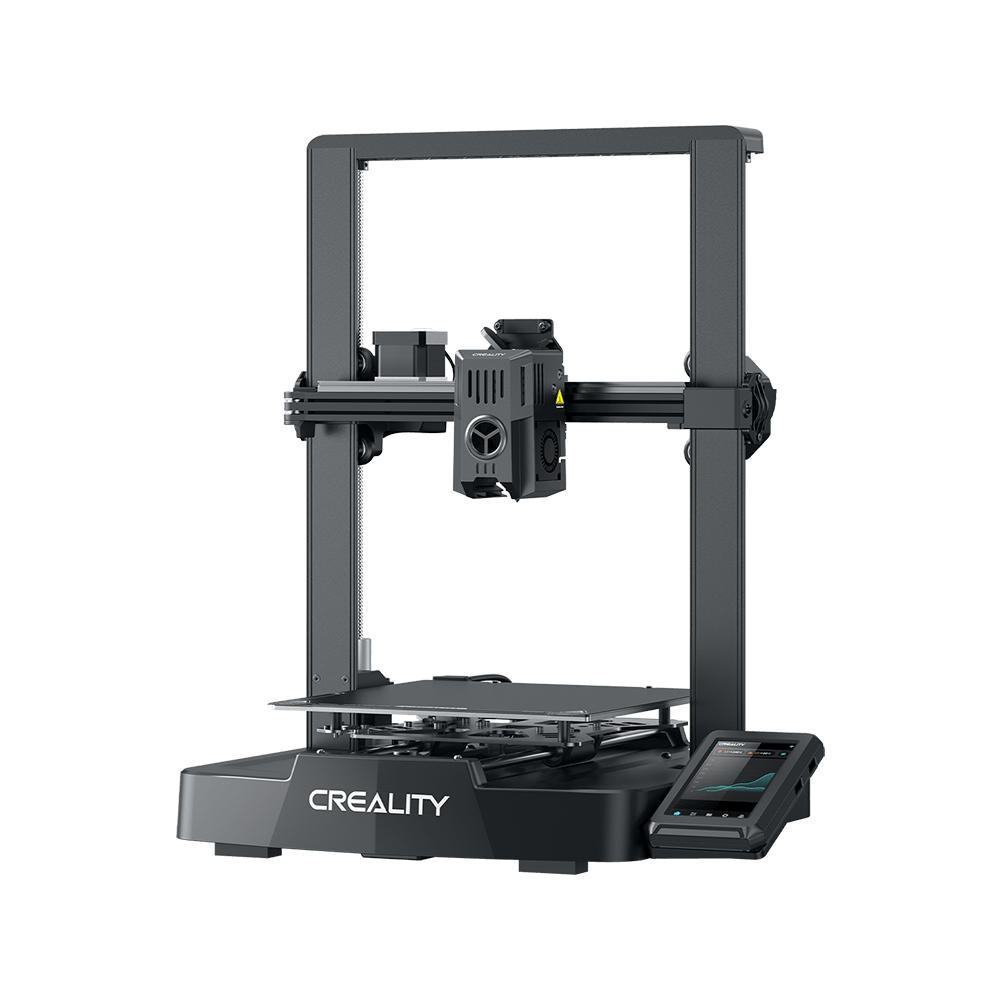
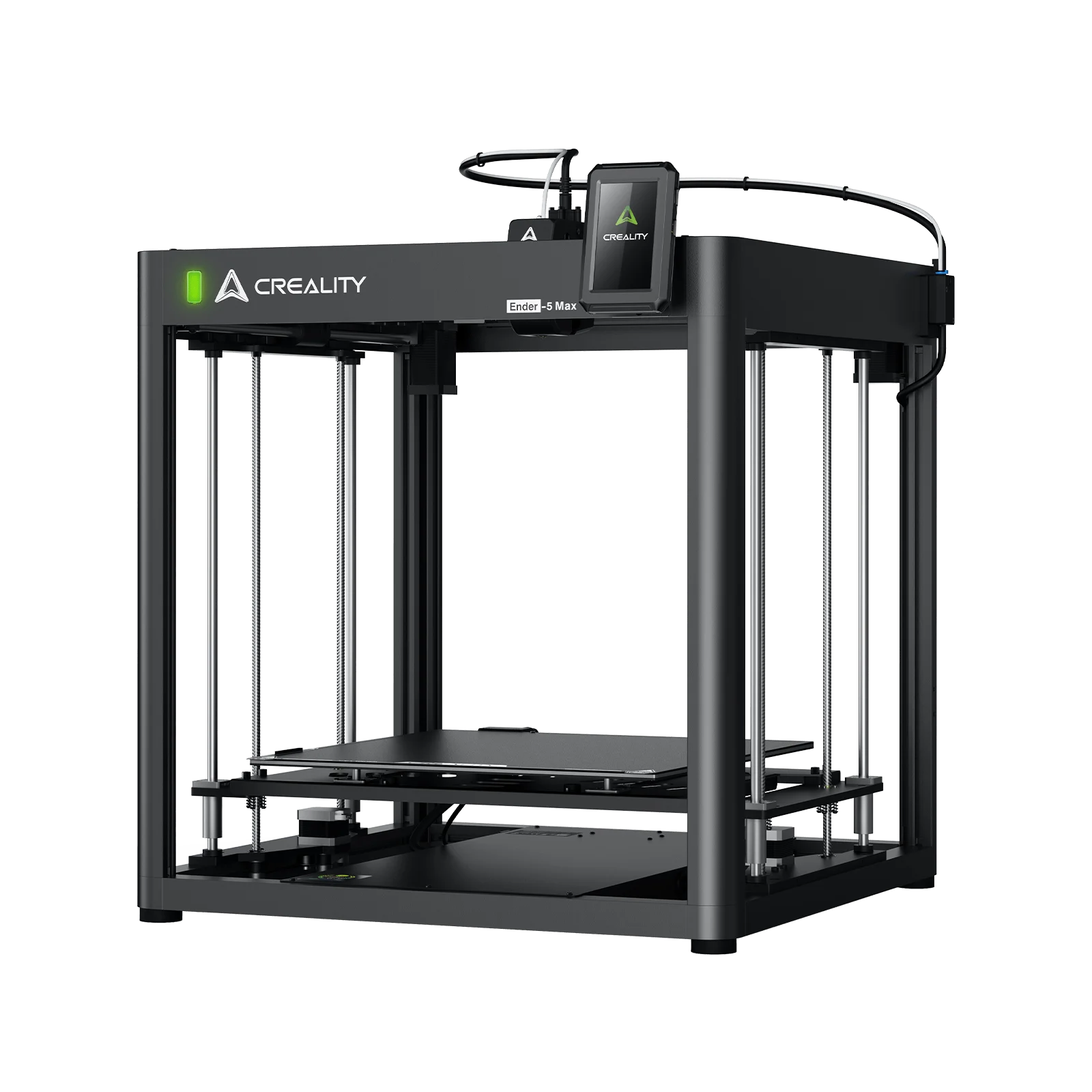

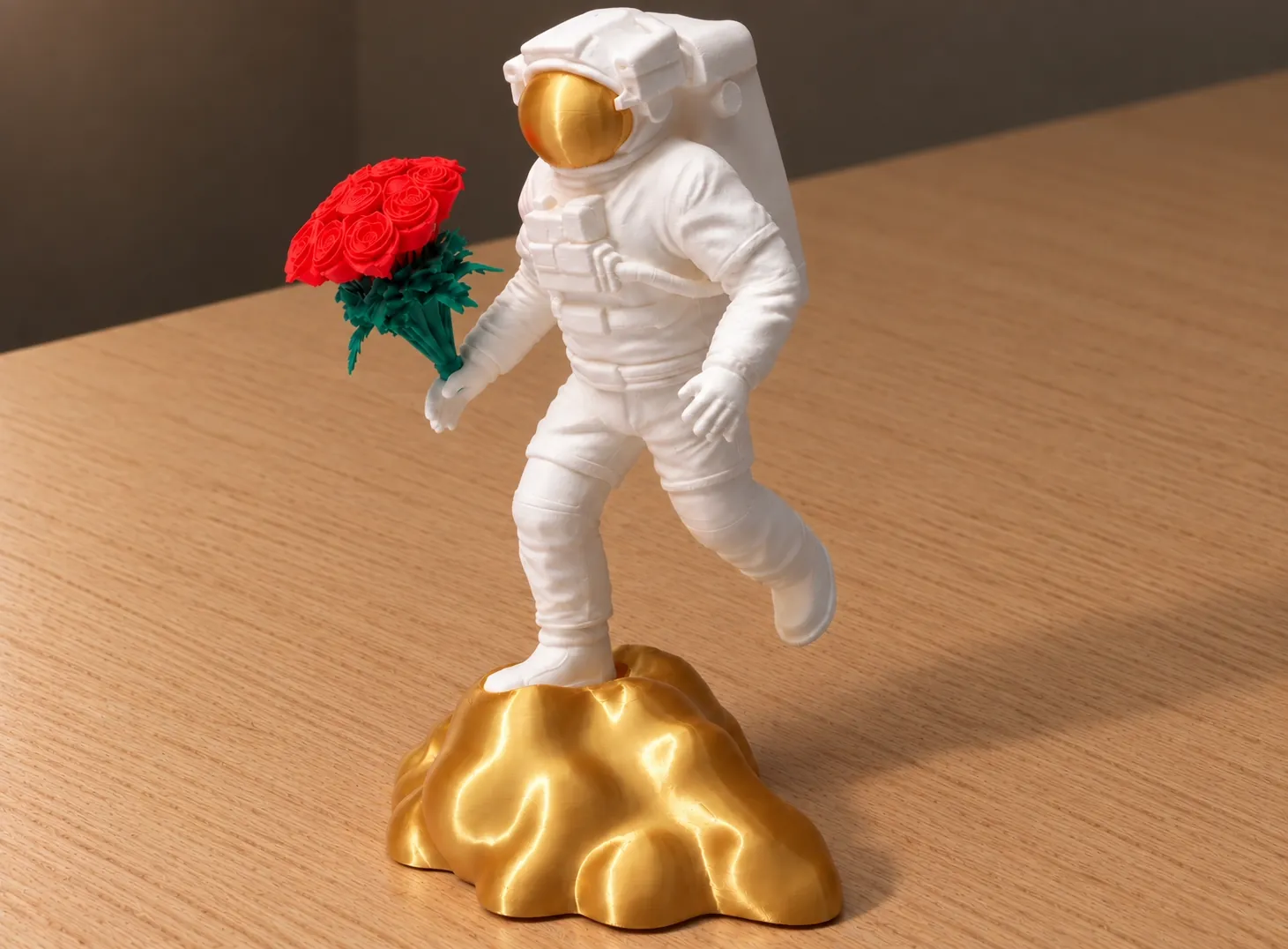
Seeing colorful 3D-printed models on TikTok or Instagram is very likely the very reason many bought their first 3D printer home.
However, once the maker device, which usually is a single-nozzle 3D printer, arrives at your desktop, one could quickly find out there is a serious catch: multicolor prints take an extraordinarily, if not excruciatingly, long time, and the failures are all too common.
A typical color change requires cutting and removing the filament in use completely from the toolhead, loading a new color, stabilizing hotend temperatures, purging, wiping, and recalibrating, and then finally resuming printing. While a single color change adds only tens of seconds, a complex model can easily reach hundreds of changes, if not thousands, of color swaps. The same 3D model, while in a single color, takes hours, but can easily stretch to multiple days for multicolor.
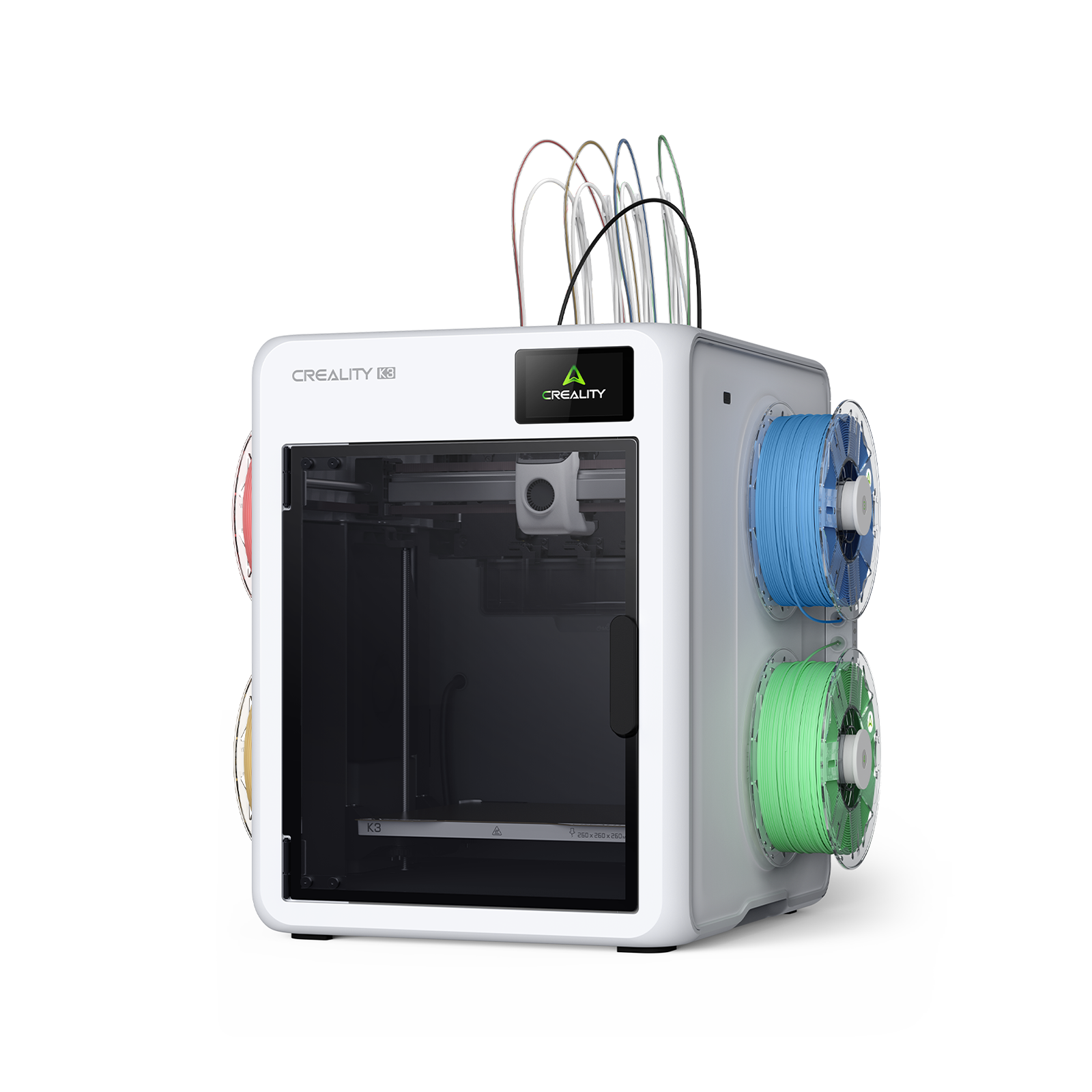
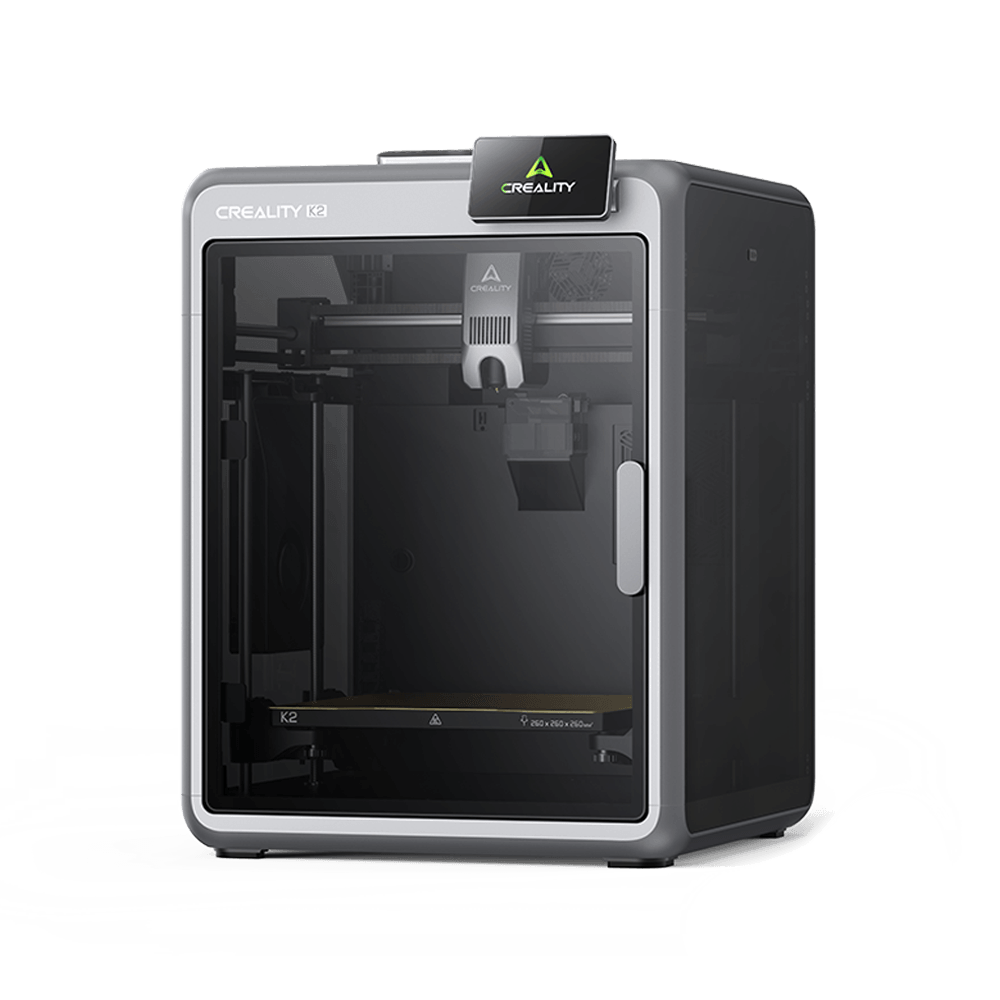
You quit multicolor printing and end up printing parts and then assembling them together. Thus, this is the hard truth — your previous-gen multicolor 3D printer isn't that colorful.
You Are Thinking: Multicolor in One Go
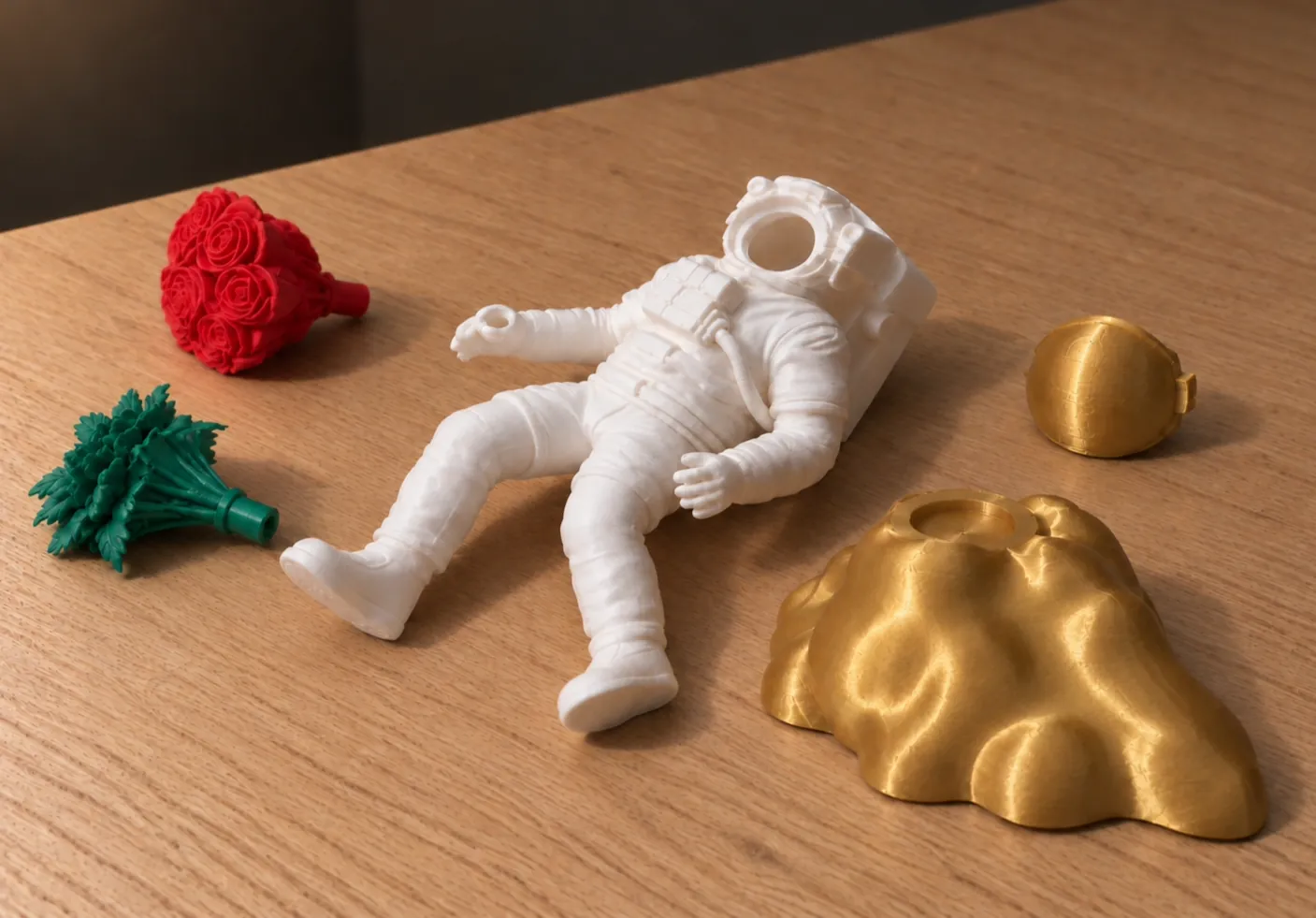
Considering All the Options Available
To find out why we end up where we are, we will lay out all of the options in the market.
The Slow and Failure-Prone Single-Nozzle 3D Printers
Single-nozzle printers suffer from more than just slow purging. Constant reloading introduces more problems: loose filaments easily tangle, and frequent stops dramatically increase the likelihood of 'spaghetti' failures. Simply put, math works against them, too many points of failure. Long multicolor prints for a single-nozzle printer seem like a game of chance.
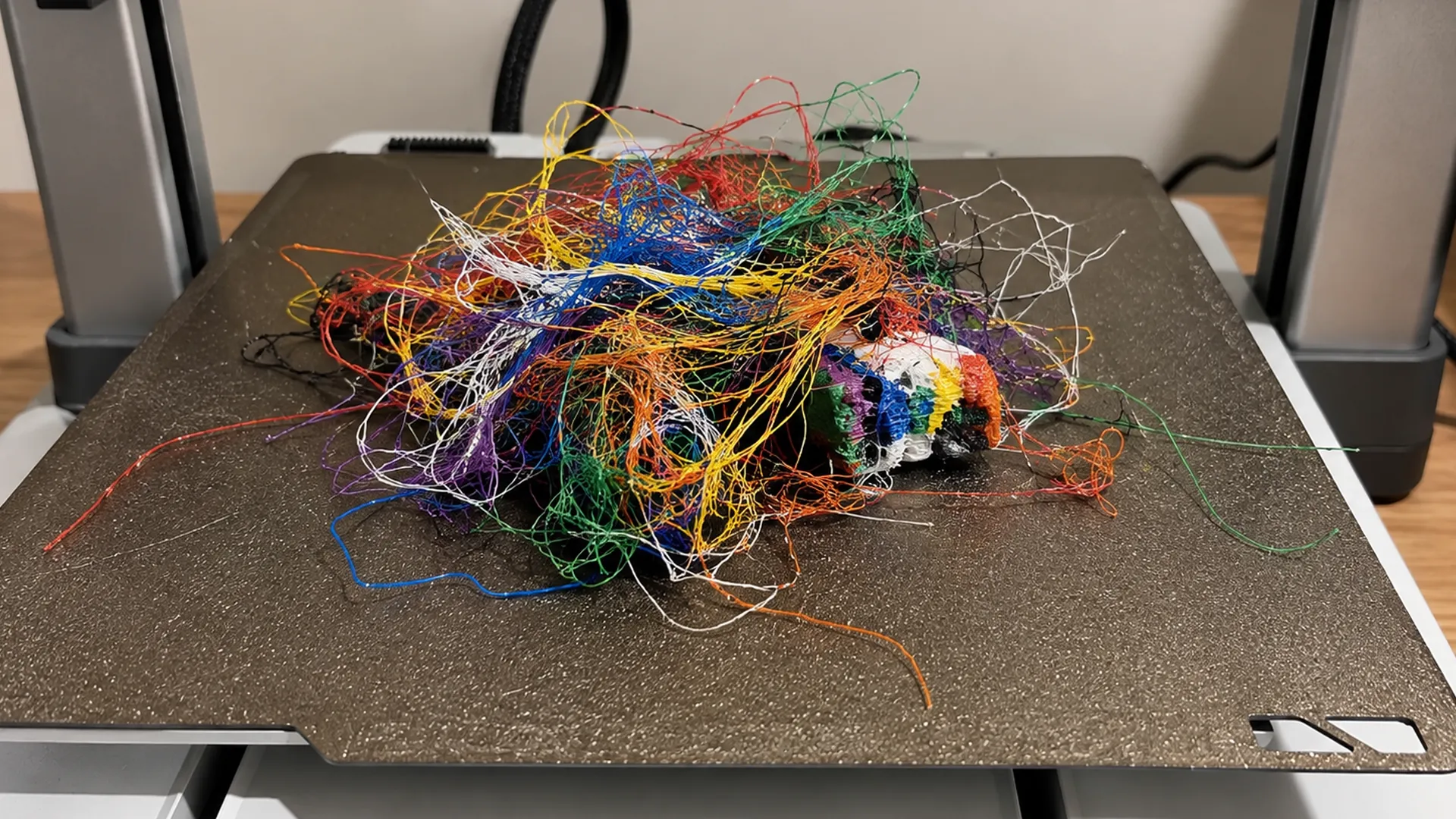
Single-Nozzle 3D Printer Is Prone to Failure
Even though several alternative solutions exist on the market, each comes with its own distinct set of trade-offs.
Approach A: Swapping Toolhead
IDEX stands for Independent Dual Extruders. It deploys two separate print heads that move independently on the same X-axis for different materials.
-
The Pros: Each nozzle has its own motor and carriage on the X-rail. It has a duplicate and mirror mode for higher production efficiency. For dual materials, when one head prints, the other parks safely away. This stops oozing and color mixing because of the existing different pathways.
-
The Cons: Typically limited to two toolheads and two X-axis motion systems.
Verdict: Not a system built for multicolor.
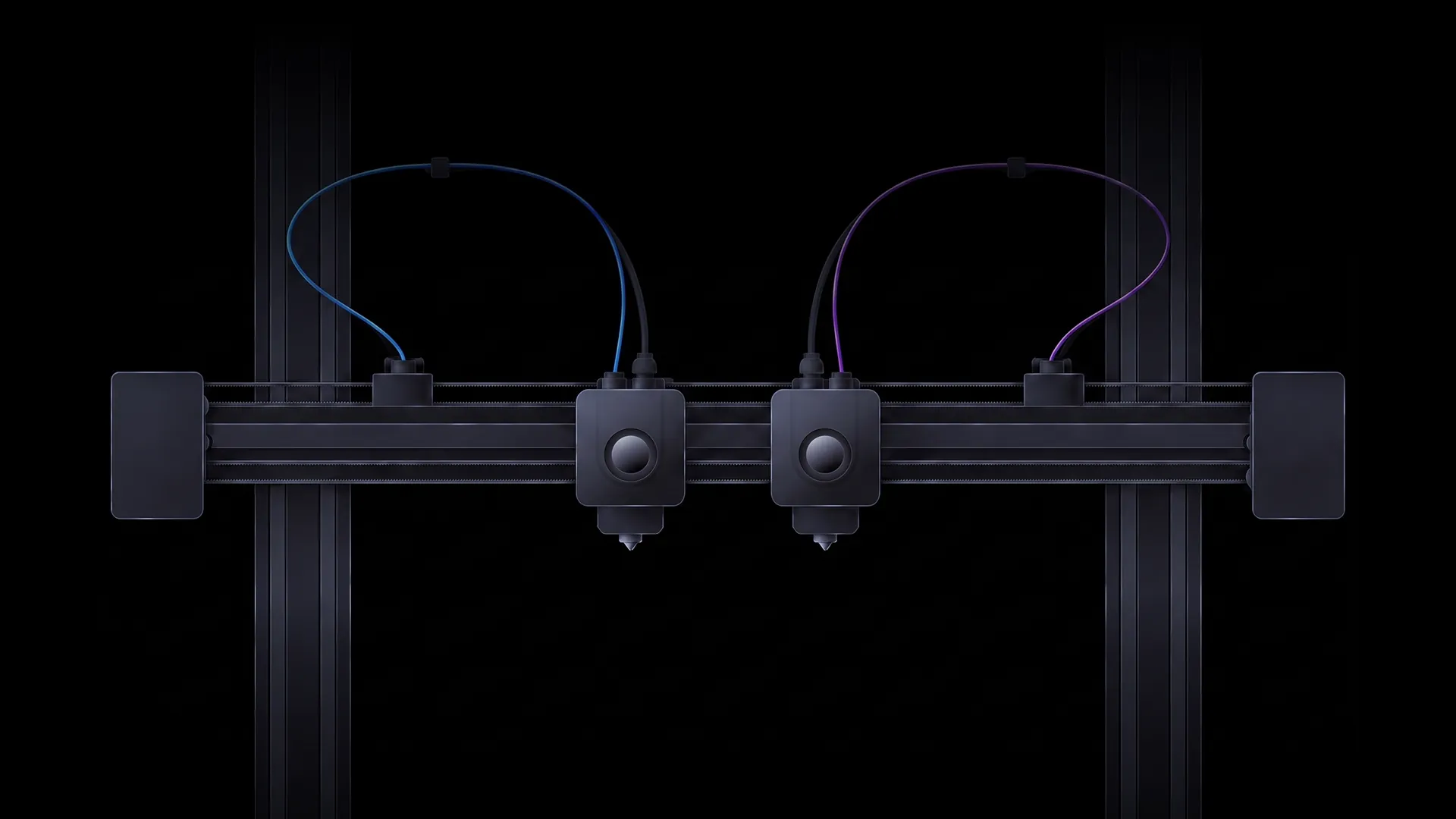
IDEX 3D Printers
Approach B: Swapping Half of a Toolhead
Tool Changers swap different modules for printing. For a toolhead changer, it usually swaps half of a toolhead. During a color change, the machine docks the active toolhead and picks up another toolhead.
-
The Pros: It prevents color and material contamination and eliminates the need for long purges.
-
The Cons: Each toolhead still houses its own extrusion, heating, cooling, and sensing units. Multiple toolheads and docking stations occupy substantial space; mechanical latching, locking, and position compensation demand rigorous long-term durability tests.
Verdict: Valid option but expensive and possible calibration issues.
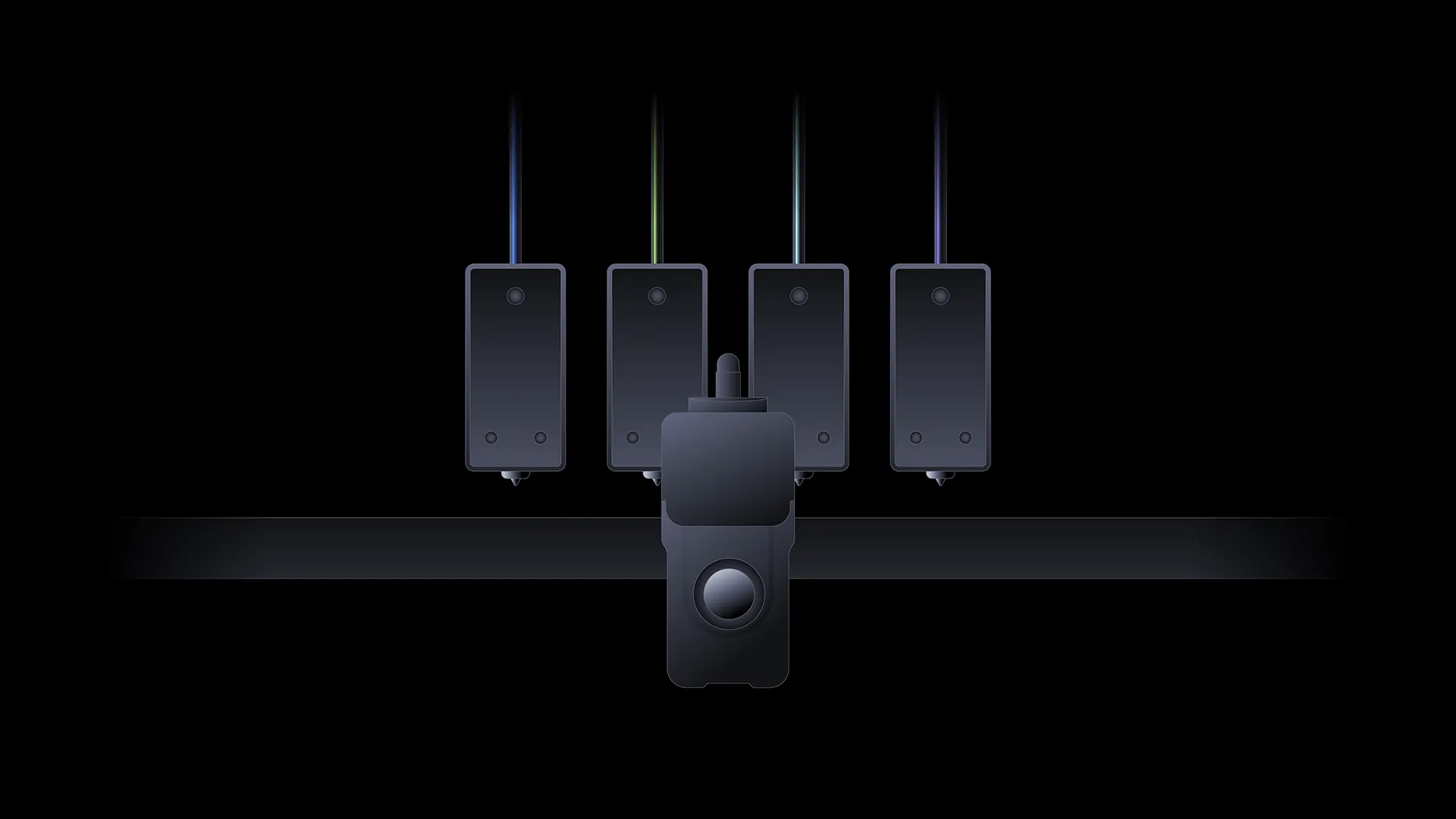
Swapping Half a Toolhead
Approach C: Swapping Hotends
Also a tool changer. Only this type of solution turns the swapping part down to the hotend only, while still sharing the motion system, extruder, and cooling fans on the toolhead.
-
The Pros: An engineering feat for keeping the swapping part minimal. No contamination when printing with multiple materials.
-
The Cons: Intricately engineered for multi-material printing. But swapping hotends requires integrated heating, thermal sensing, wiring (or some way of communication), and absolutely precise alignment. These requirements demand consistent reliability with every hotend change. Furthermore, a complete color change still requires cutting and reloading the filament, which costs a huge amount of time.
Verdict: An engineered feat of possibilities, but expensive.
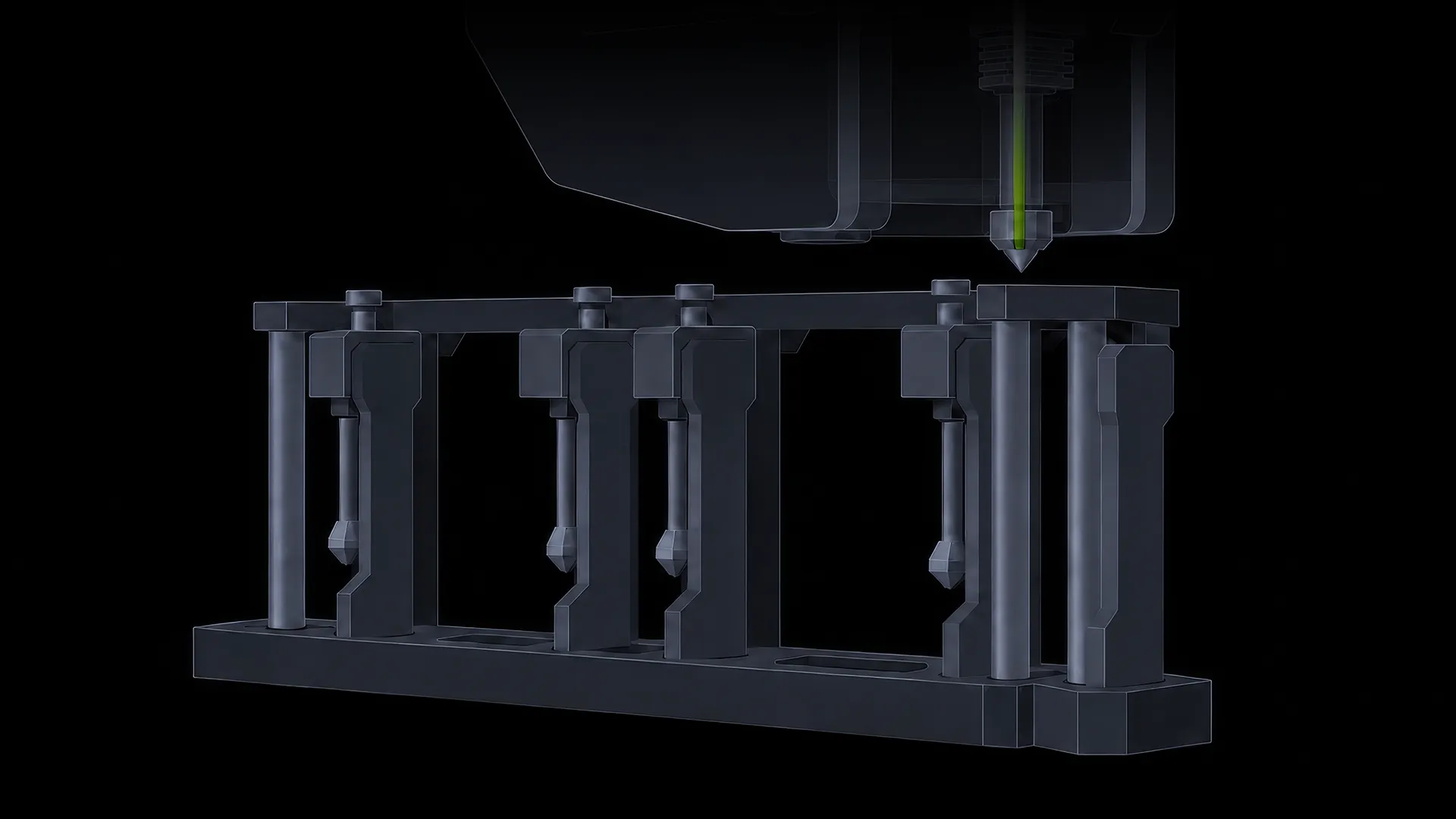
Swapping Hotends
Approach D: Multi-Nozzles in One Toolhead
Multiple nozzles are built into a single toolhead.
-
The Pros: Nozzles switch within the toolhead without swapping tools, while keeping filament channels completely separate.
-
The Cons: Mass production proved exceptionally difficult, and it stayed a concept only.
Verdict: Shelved solution, not commercially viable.
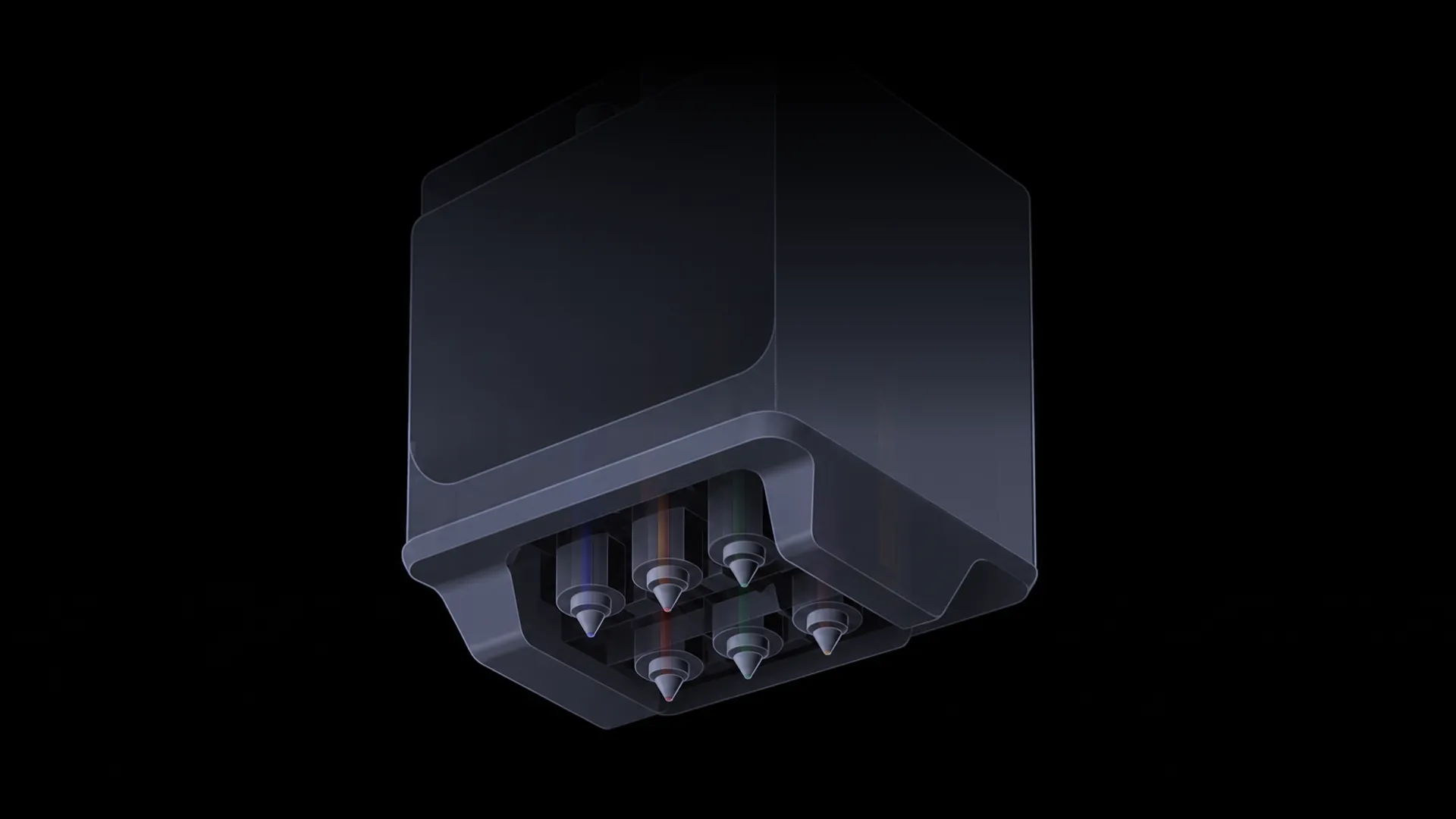
Multiple Nozzles in a Single Toolhead
Deciding Where We Should Go
All of the approaches above continue on the path of swapping the entire toolhead or parts for printing, or continue shrinking the swapping parts. They provide technically absolute material isolation, enabling the capability of combining different materials like soft and rigid, using a different material for support, printing high-temp filaments, or even mixing nozzles with different diameters.
But these solutions are commercially relatively inaccessible or inviable.
People who routinely print multicolor with PLA and PETG models demand something simpler: faster color changes for multicolor models and a more reliable maker device that is packed with fewer hard-to-maintain components and at a lower cost. The goal is now clearer and simpler than ever.
Can we retain a single toolhead, hotend, and nozzle while adding multicolor capability? This method of keeping things simple spares us from calibration issues caused by swapping tools. Four colors would be nice for multicolor prints — not too bland aesthetically, and not too over-engineered to be unbelievably expensive. We just somehow need to squeeze all the filaments into the toolhead.
From the Four-Color Pen to QuarTeks™
We got inspired by the four-color ballpoint pen that uses a simple mechanical mechanism to change colors — so color changes are performed inside the toolhead, free from swapping tools and focusing on affordability.
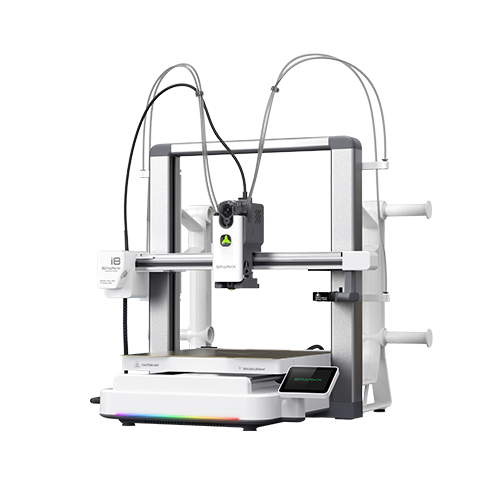
QuarTeks™ applies the philosophy of a 4-color ballpoint pen to 3D printing: four filament channels built all the way inside the hotend, where an internal mechanism on the toolhead selects the target channel for printing and changes colors. Many parts are shared — the same motion, extrusion system, and the same hotend all in the same toolhead.
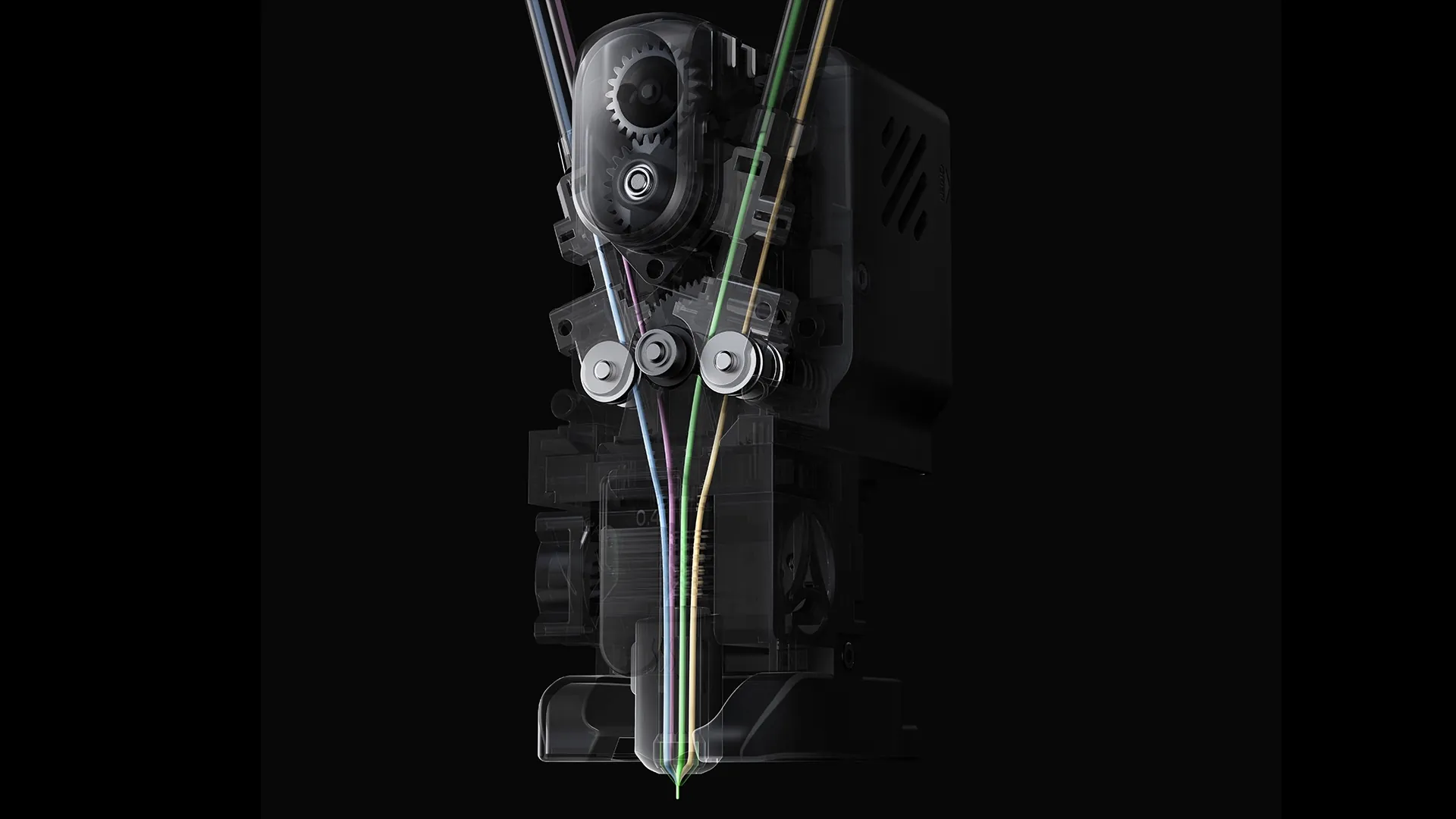
SPARKX i8: Hotend In-Built with Four Filament Channels
How Does QuarTeks™ Switch Colors
A color change takes just 4 steps:
-
One color ends printing.
-
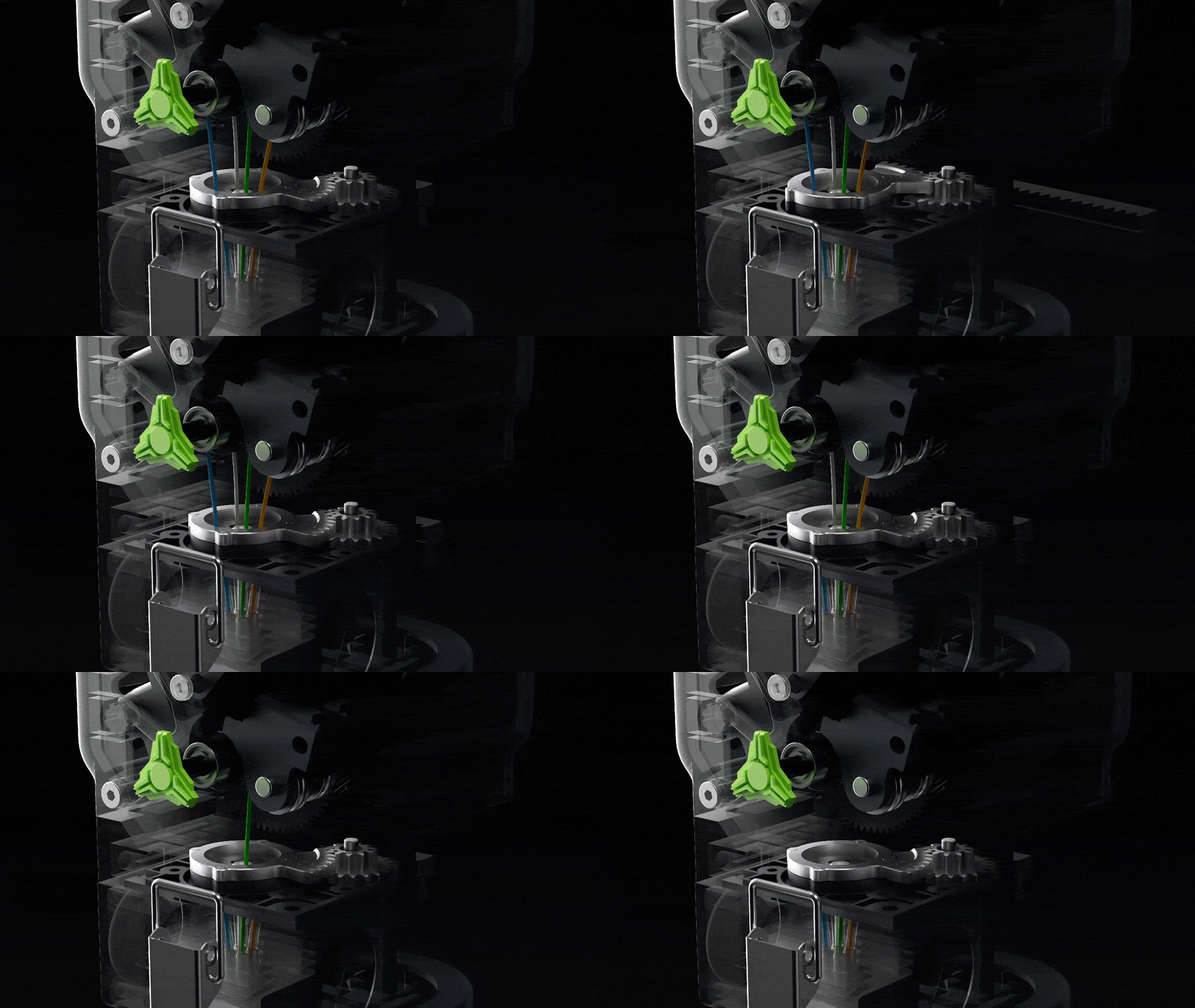
The internal mechanism on the toolhead shifts to the target channel.
-
The target filament feeds through an ultra-short shared filament path (<1 mm).
-
The system confirms the current color is extruding correctly and resumes printing.
The entire process happens completely inside the toolhead — free from long-distance reloading and nozzle or toolhead calibration issues. Channel/color switching completes in less than 1 second.
500%+ Faster Multicolor Prints
QuarTeks™: Four filament channels are built all the way inside the hotend, keeping all four filaments ready for the fastest color changes ever. With channels sharing only a minimal less-than 1 mm tip at the nozzle, purging and priming are impossibly minimal. SPARKX i8 seamlessly switches between colors in less than 1 second — delivering unprecedented 500% faster multicolor prints at the highest filament efficiency.
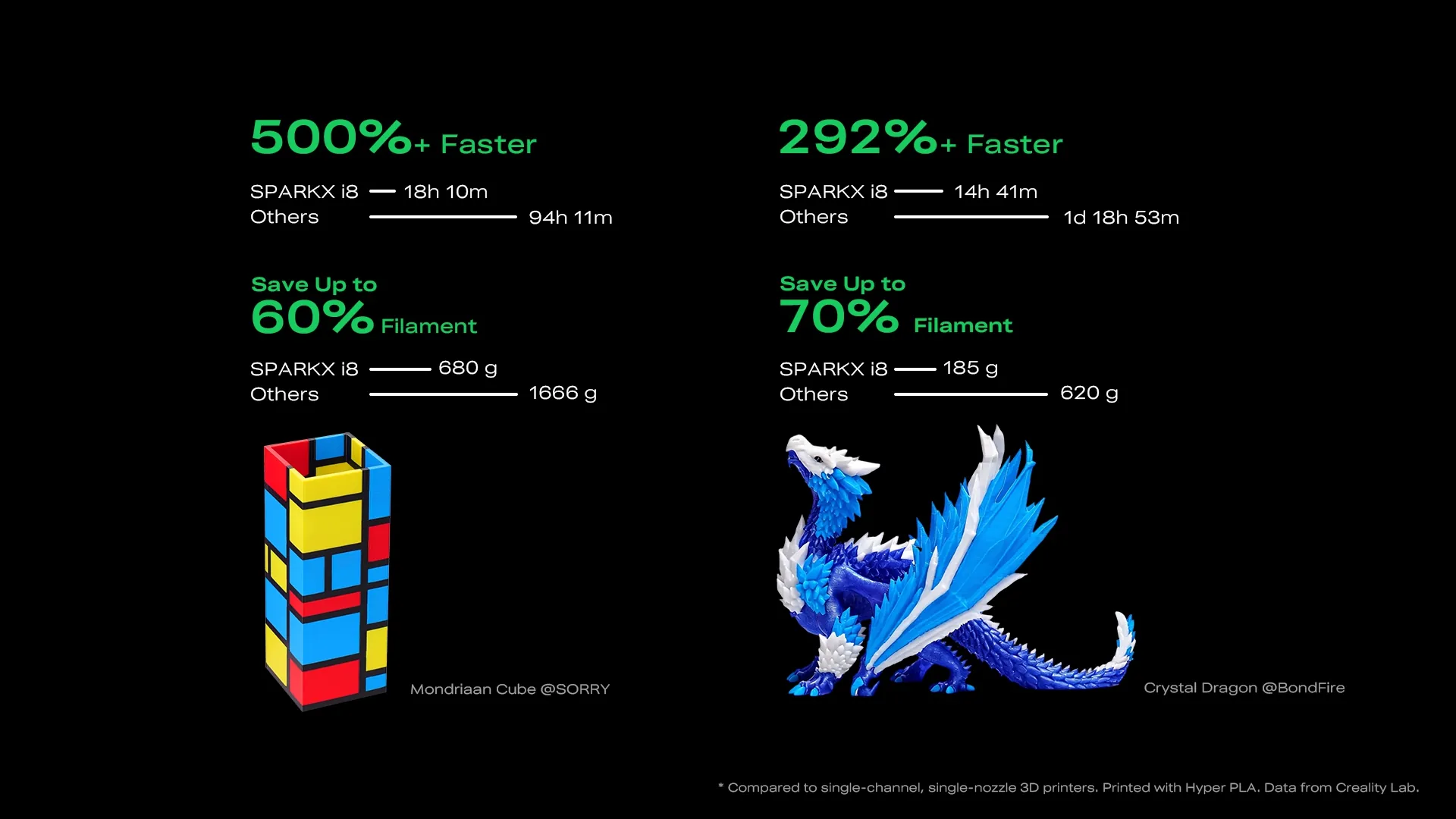
Print Time and Filament Usage: SPARKX i8 vs Single Nozzle 3D Printer
0 Waste. BTW, The Prime Tower's Gone
QuarTeks™ shrinks the four-filament shared path in a core that is less than 1 mm, virtually eliminating the need to purge during every color change. Colors to flush are minimal, and they can be directed to wipe onto the infill. To prevent these color transitions from affecting the print, an optimized algorithm ensures all transitions are completely wiped clean before reaching the outer walls — it's called the purity zone.
Many prints can now be printed without a prime tower or purges.
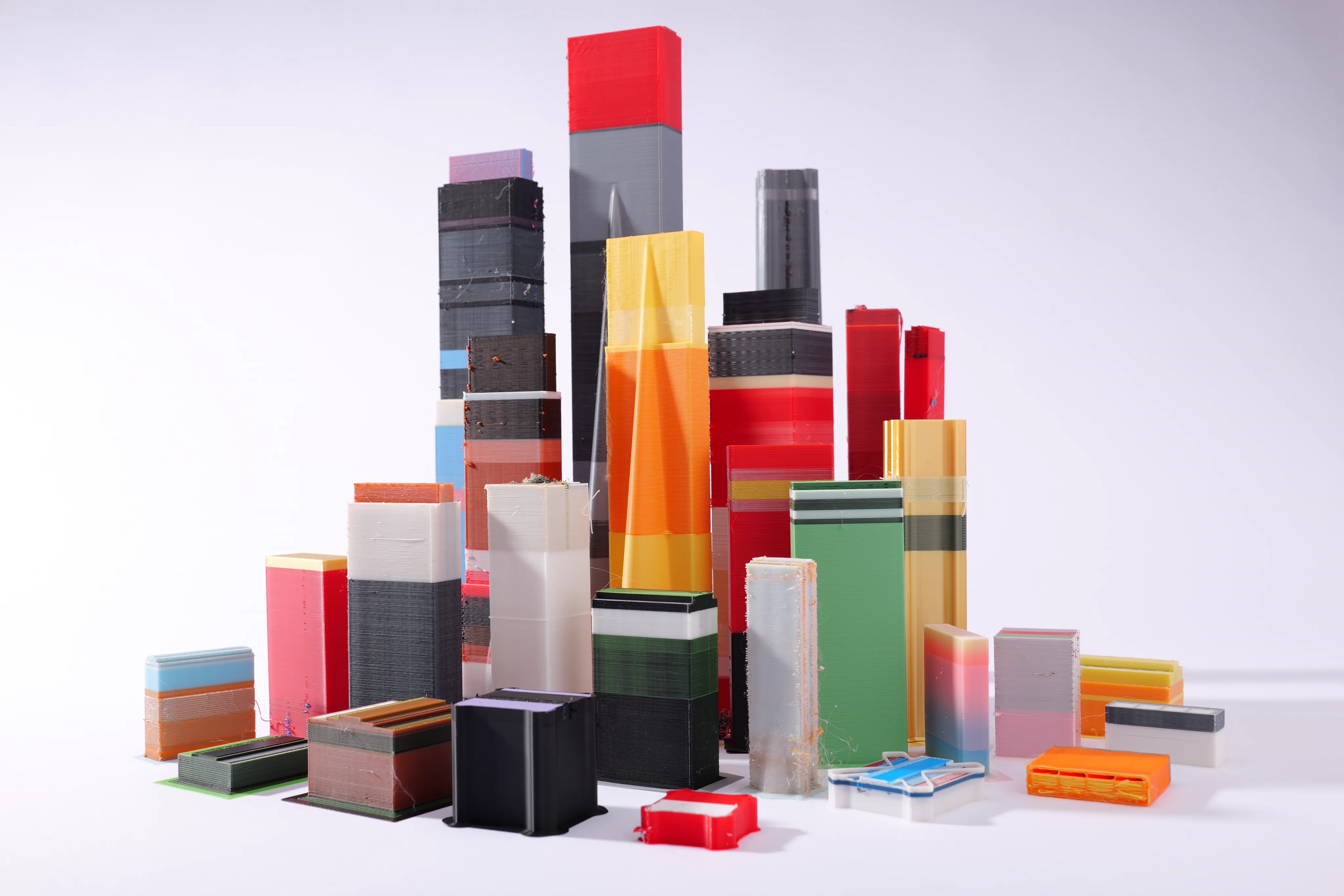
Prime Tower aka. Wipe Tower
A Hard-Earned Breakthrough
Building all filament channels inside a hotend isn't without potential risk — prolonged idle filament exposed to sustained heat might cause the filament to degrade. Plus, there are also other issues like heating and cooling that demand extra attention. Here's the hardware breakdown.
-
Clog-Free Extrusion: Extrusion motors and adjacent parts are cooled with a dedicated fan, paired with a skeletal toolhead architecture that dissipates heat efficiently to prevent premature softening of filament and possible clogging.
-
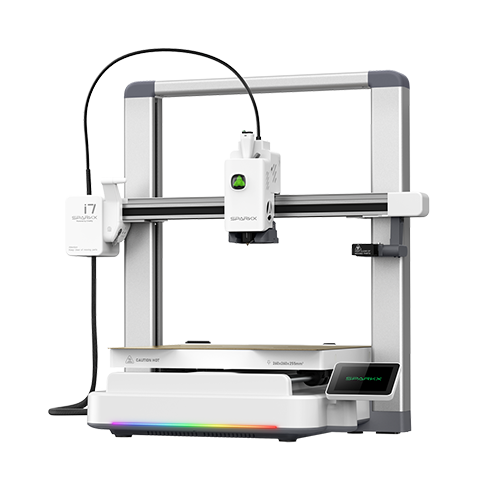
Cooling on SPARKX i8: Hotend cooling airflow increased by 50%, backed by a 100% larger heatsink surface area compared to the previous-generation SPARKX i7.
-
70W High-Flow Hotend: A 70W quick-swap hotend with a Hyper PLA volumetric flow rate of 25 mm³/s.
-
Smart Auto-Cleaning: Channel statuses are actively monitored; filament channels that have been idle for an extended period are purged onto the infill in minimal quantities to keep filament pristine and ready for printing.
-
Titanium Heatbreak: A titanium alloy heatbreak blocks heat creep from the melt zone, preventing premature filament softening and subsequent clogging.
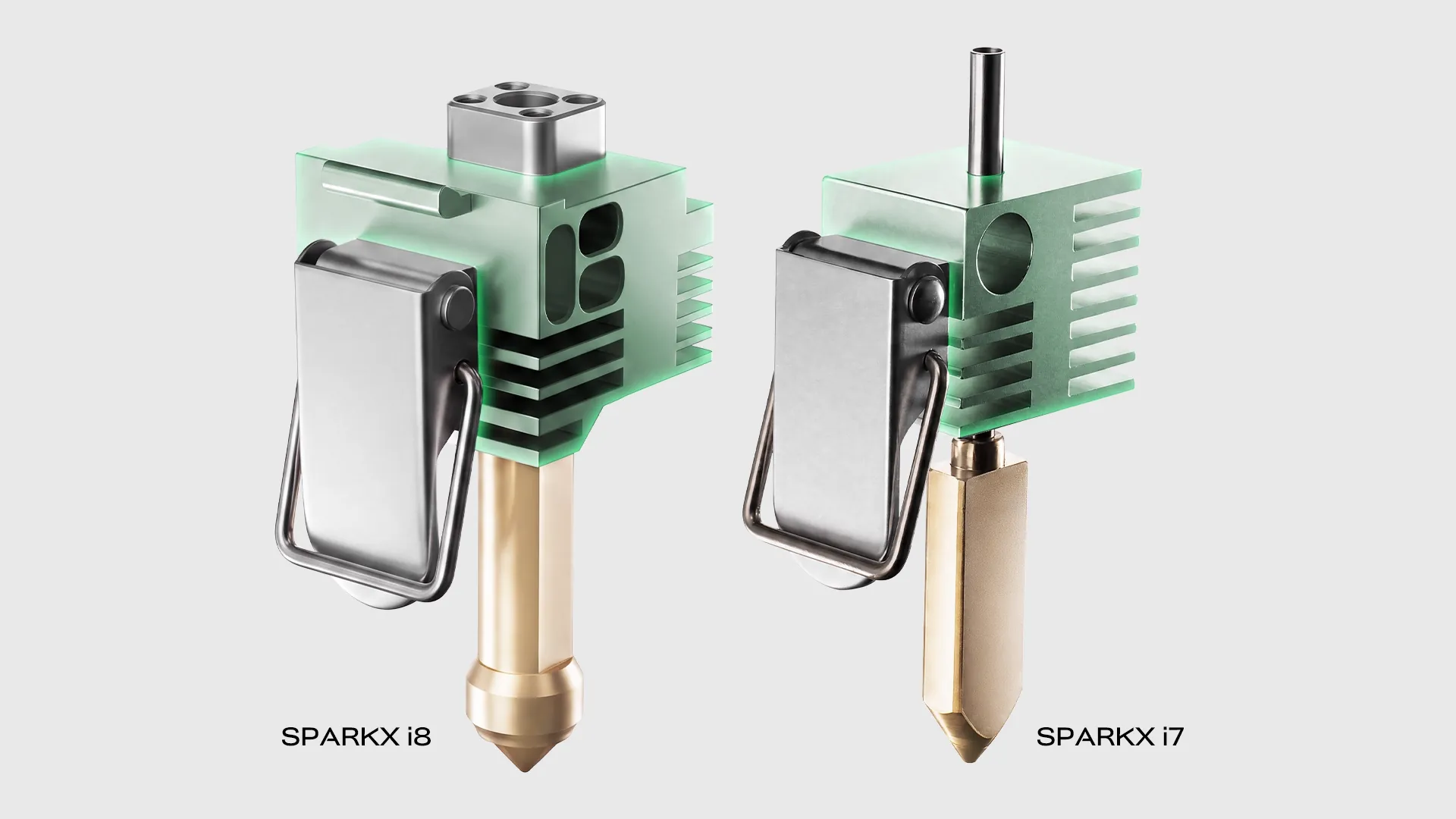
Hotend Comparison: SPARKX i8 vs SPARKX i7
Keeping It Simple and Elegant
QuarTeks™ keeps all the color/filament switching mechanisms entirely within the toolhead, leaving you with an experience as effortless and intuitive as possible.
-
13 Intelligent Sensors: Continuous monitoring of filament and channel status — for runout, air printing, and clogging.
-
Zero Repeatability Issue: No tool-changing or XYZ alignment issues.
-
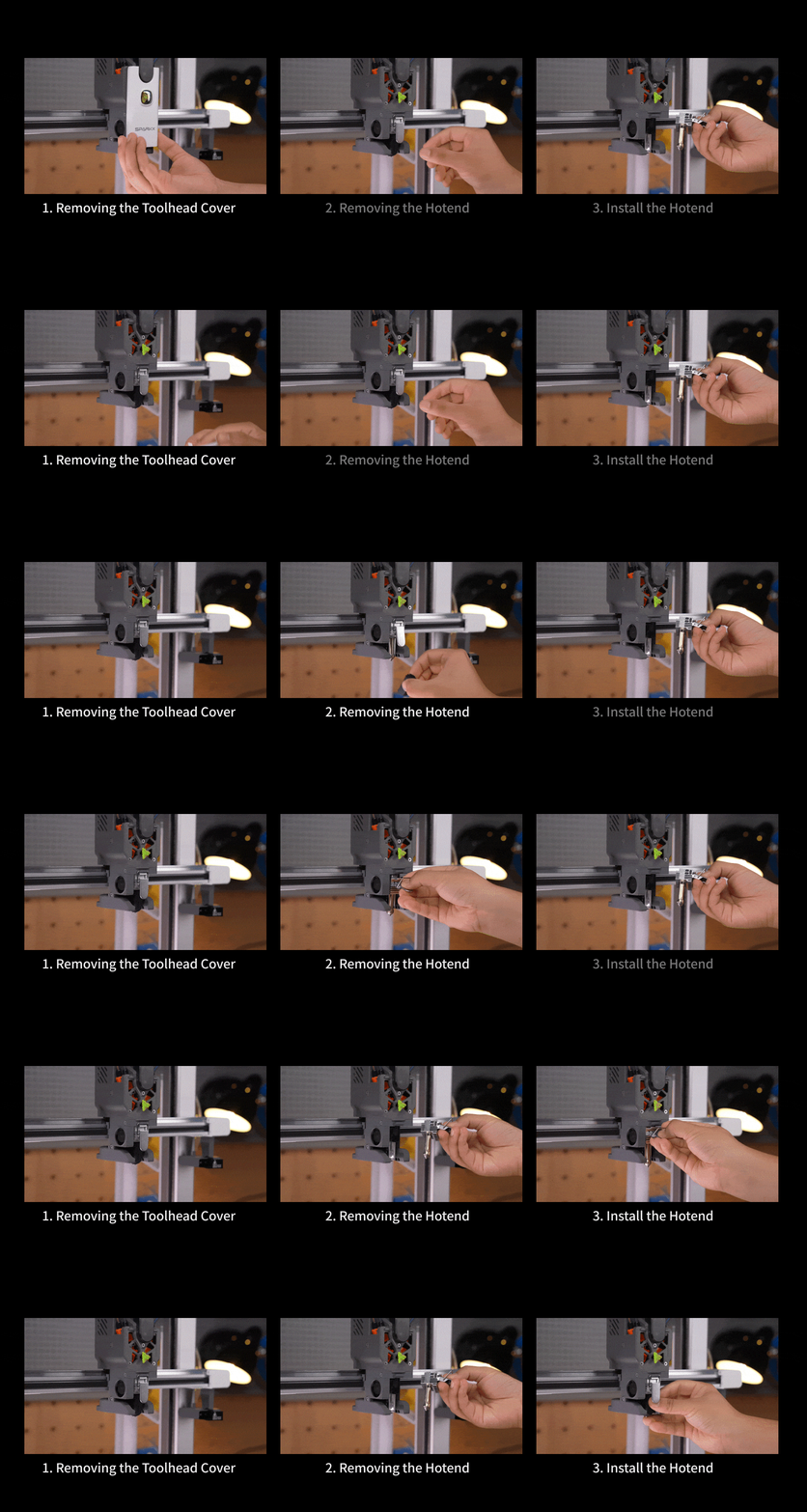
Quick-Swap Hotend: Replace or maintain hotends in seconds with ease.
-
Compact Multicolor: SPARKX i8 prints splendid four-color with just the standard model without accessories. But with CFS Lite, it takes a step further in terms of ease-of-use — RFID auto-filament identification, auto-loading and unloading, and sealed filament storage.
-
New Filament Cutter: A redesigned blade that cuts all four filaments at once for unloading filament (when paired with CFS Lite).
About Avoiding Color Bleeding
The longer the shared filament path, the higher the risk of color bleeding.
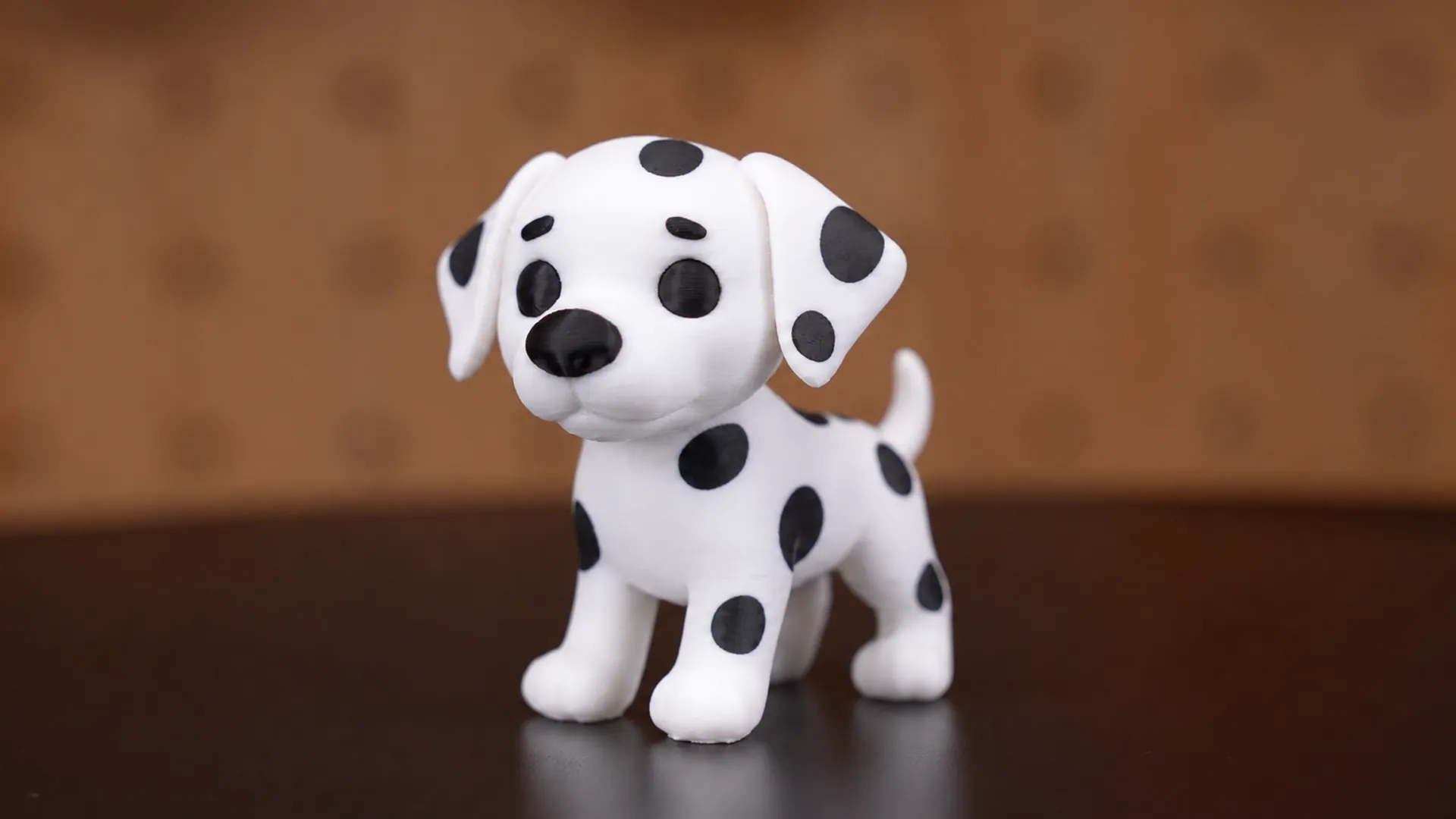
QuarTeks™ makes color contamination virtually nonexistent, leveraging its ultra-short, less-than-1-mm shared filament path, a proprietary hotend design, and an optimized flushing algorithm. Even with extremely high-contrast colors — such as white transitioning to black — SPARKX i8 maintains razor-sharp color boundaries.
Introducing SPARKX i8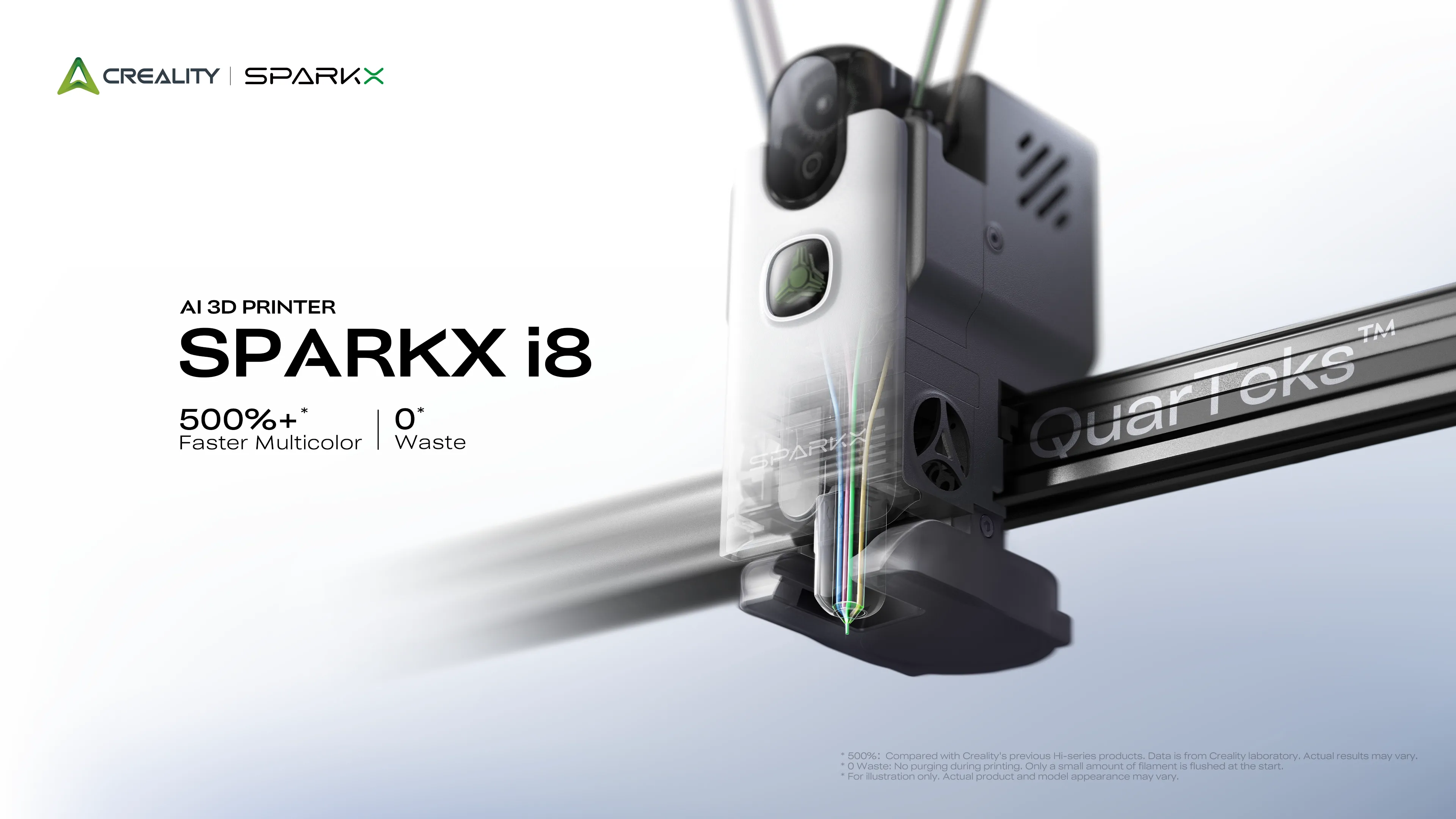
SPARKX i8 — Powered by QuarTeks™
-
500%+ Faster Multicolor Printing*
-
0 Filament Waste*
-
< 1s Color Switching
-
< 1 mm Shared Filament Path
-
Multicolor Made Effortlessly Simple
Bye-bye to splitting 3D models and hand-painting models. True multicolor 3D printing is now here.
* 500%+ Faster Multicolor: Compared with the previous-gen Creality Hi Combo. Data from Creality Lab.