

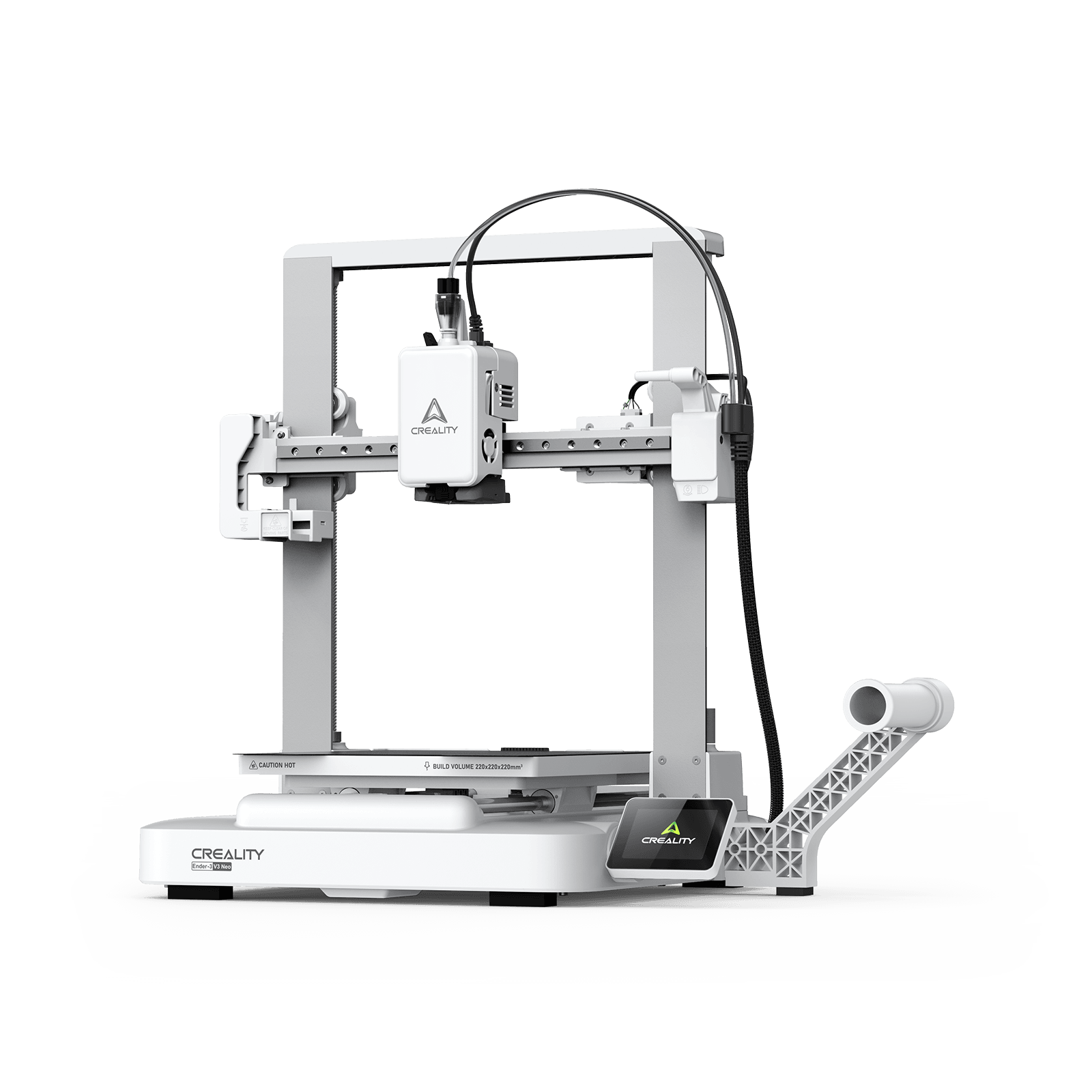
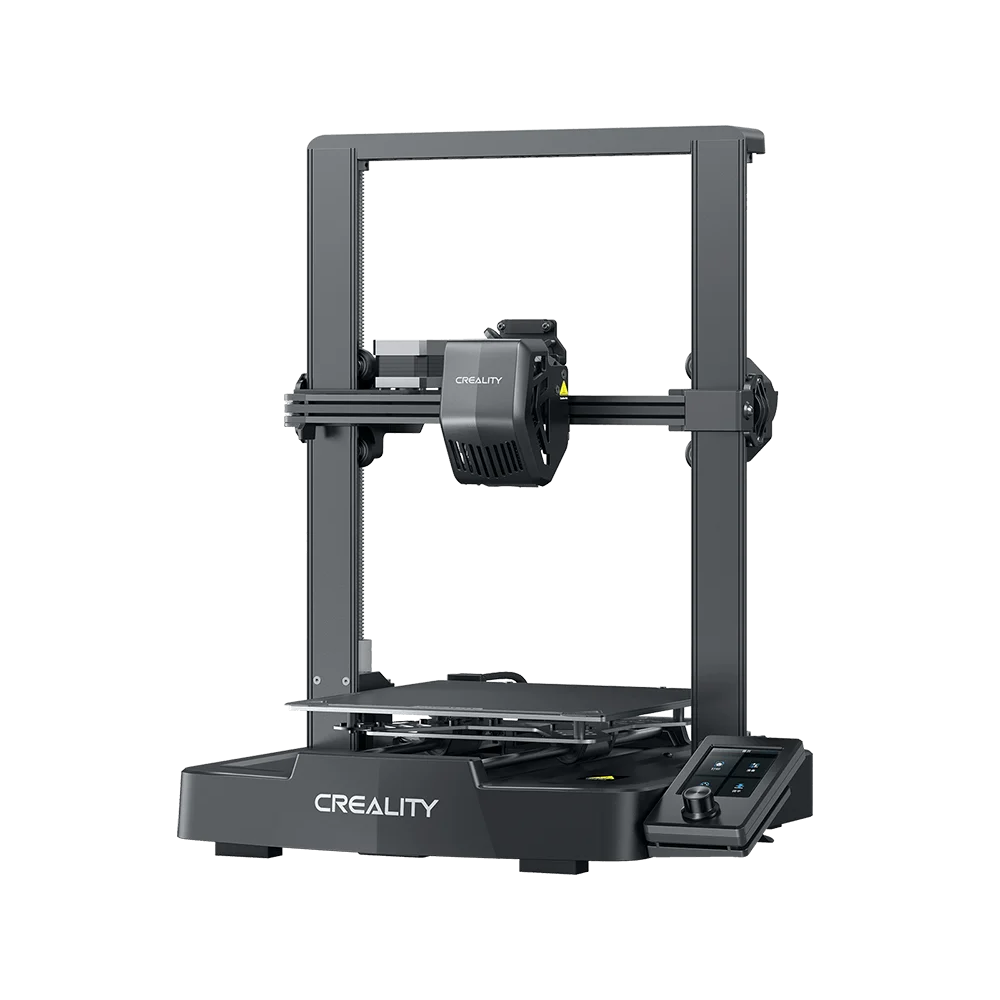
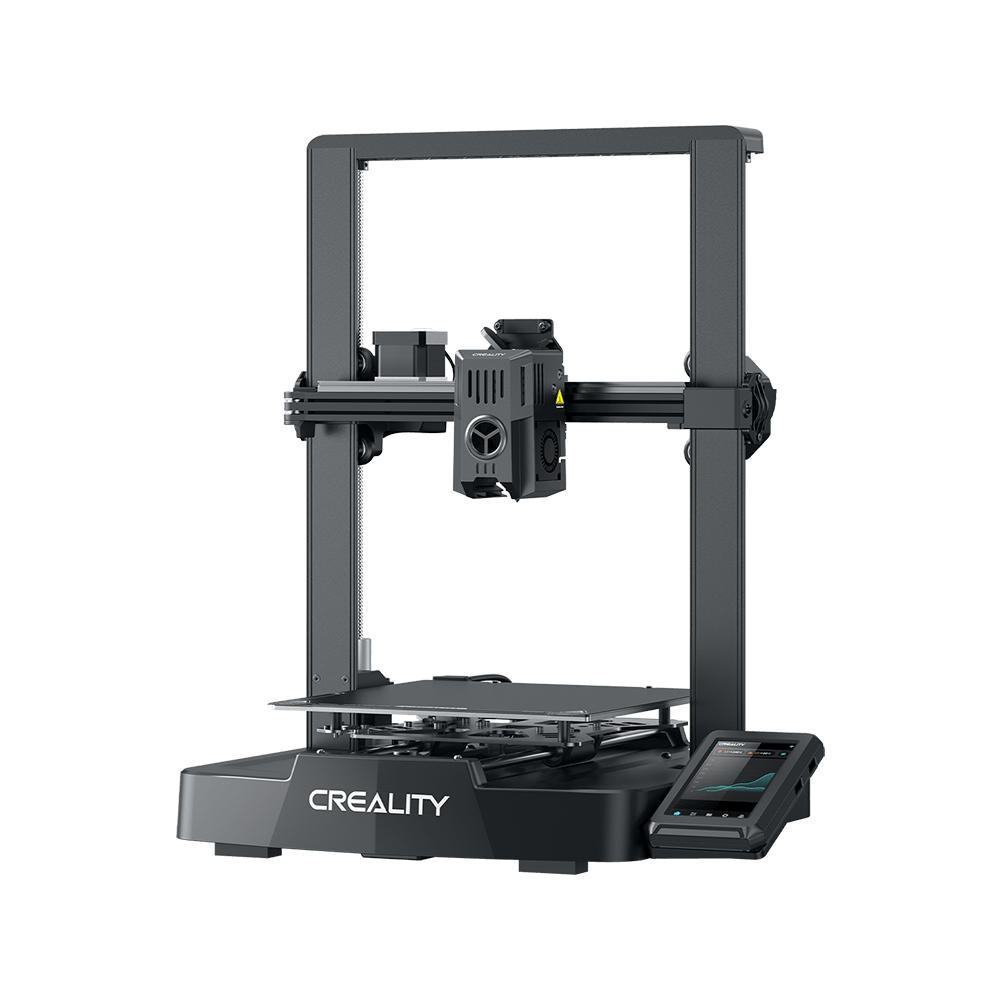
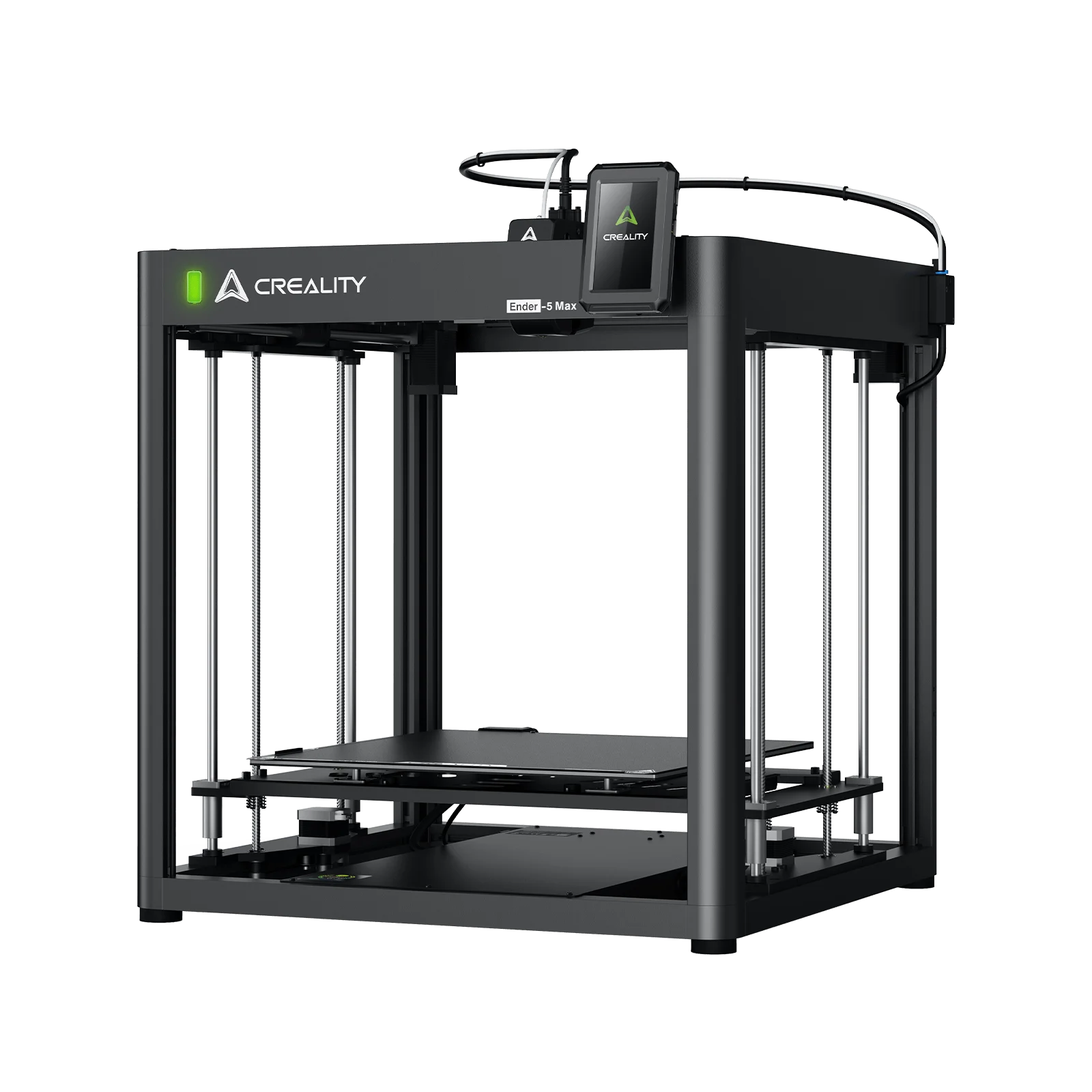
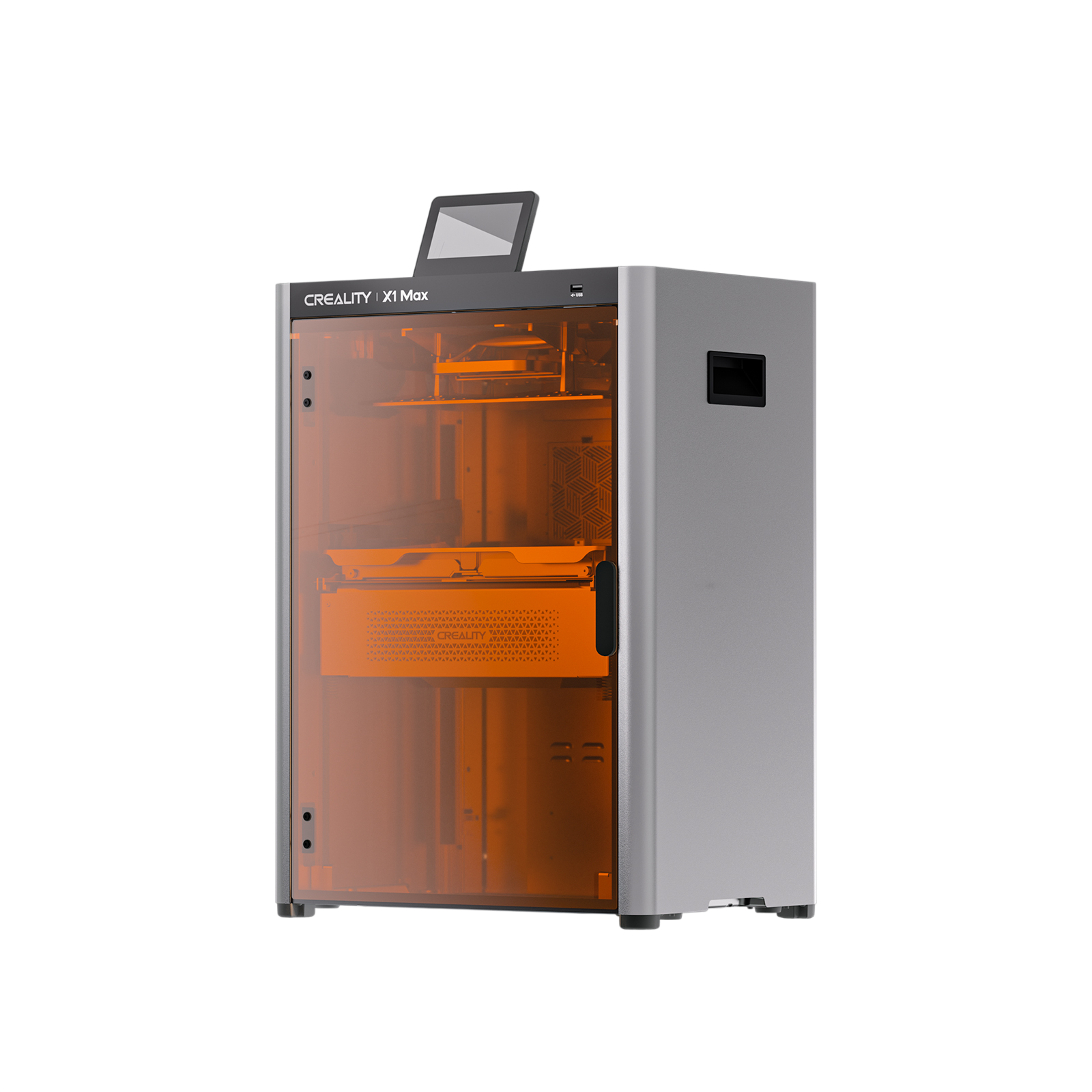
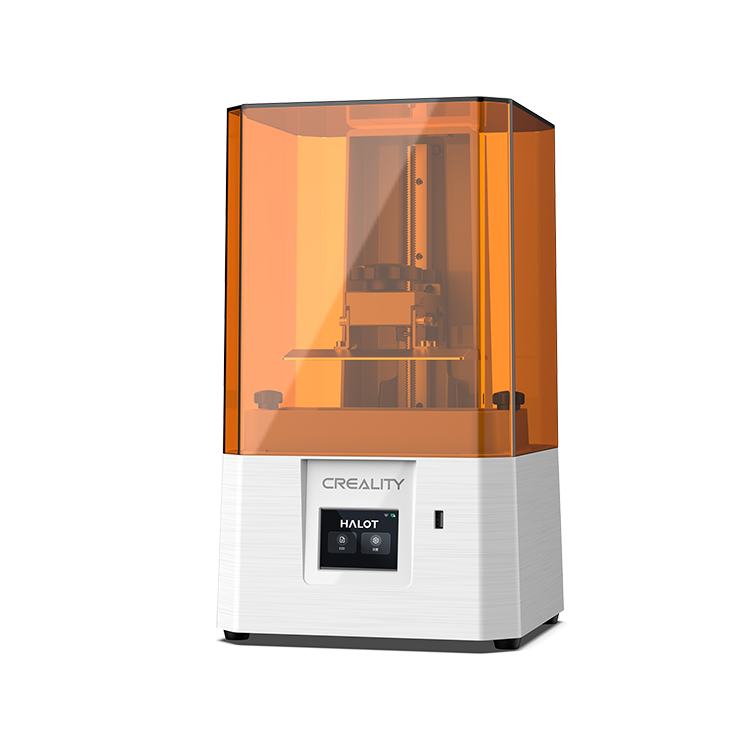
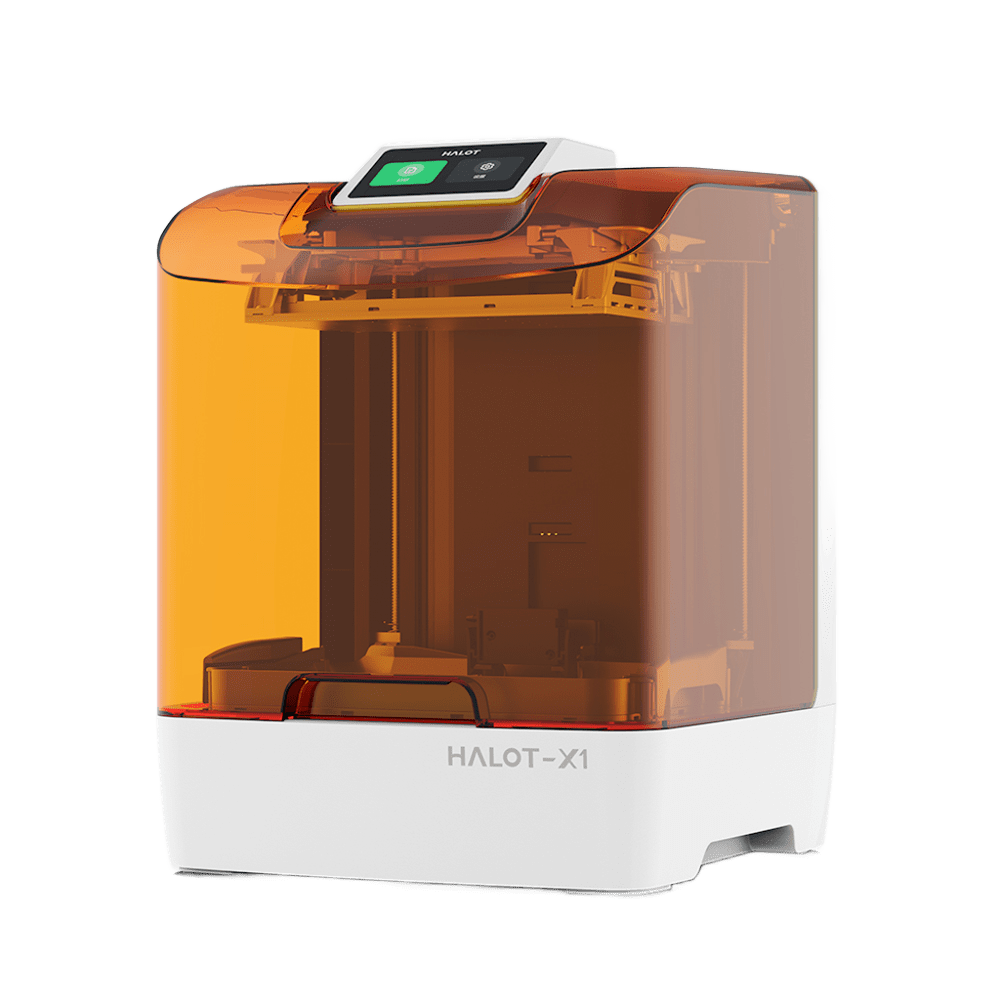
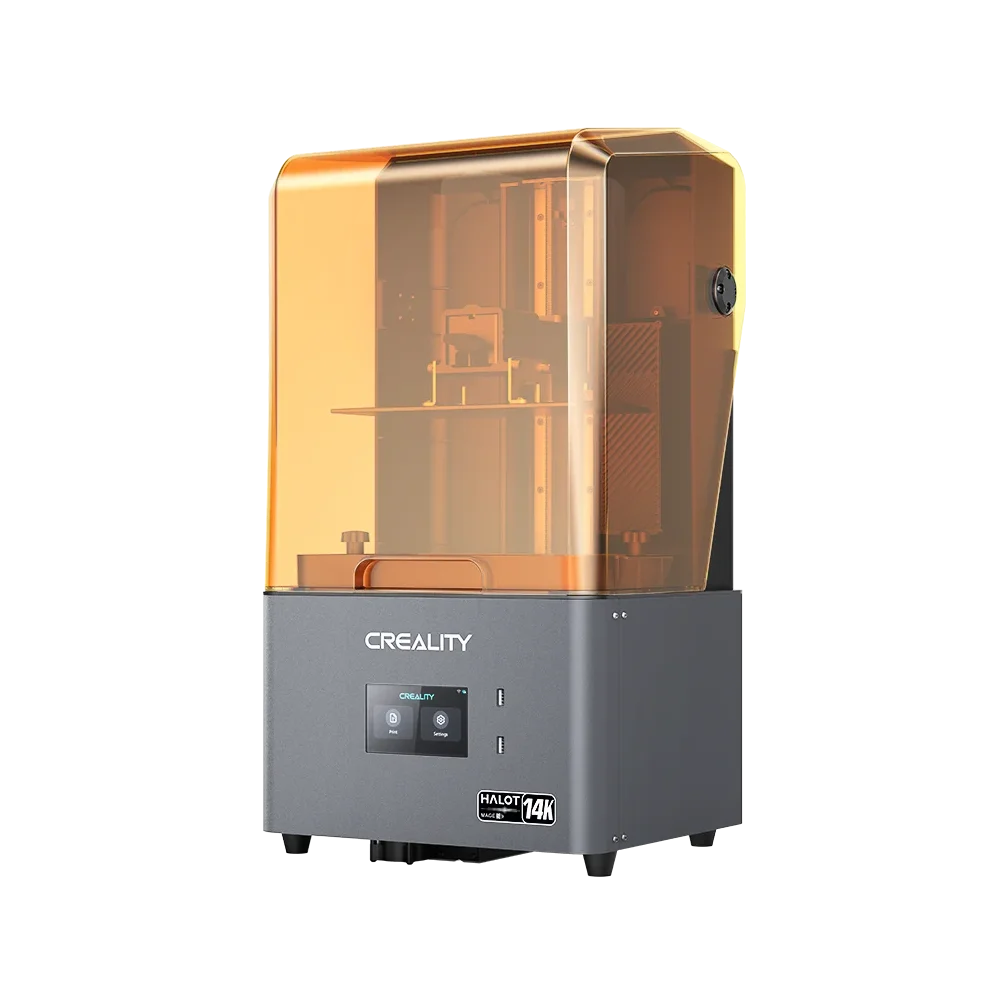
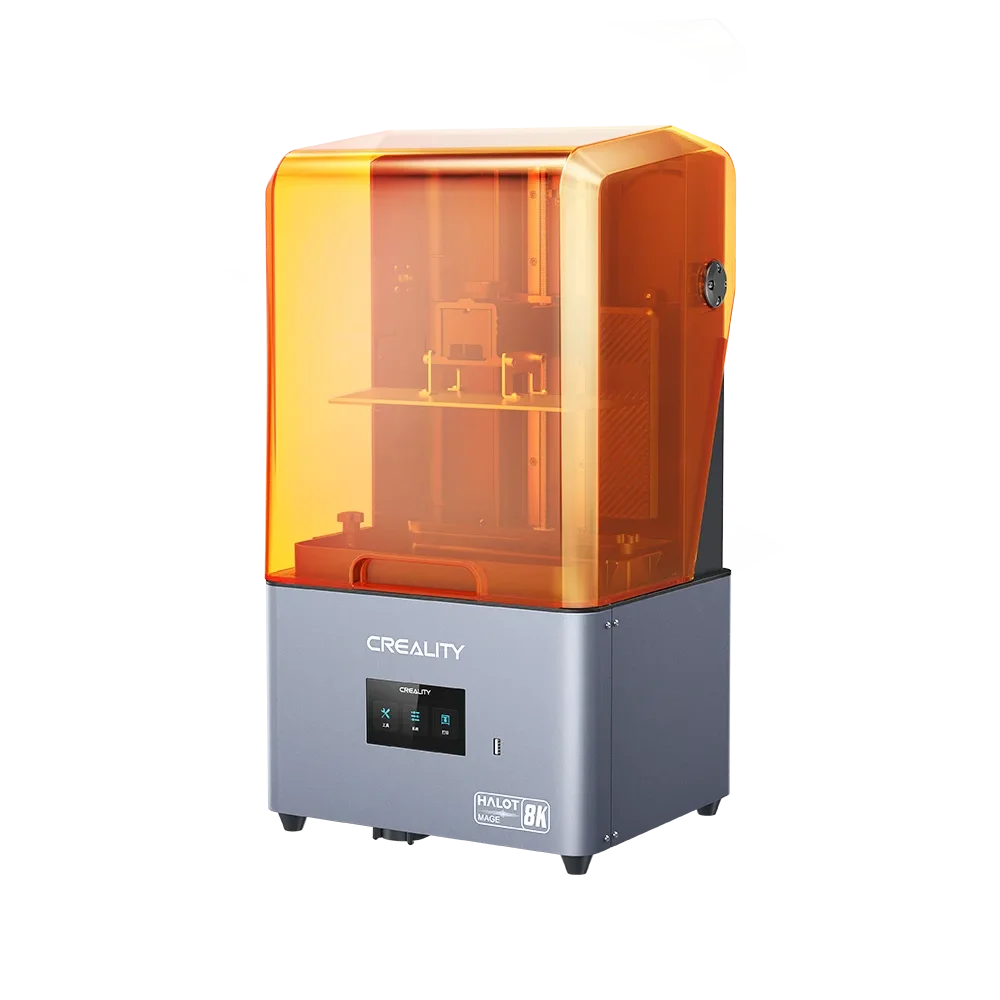
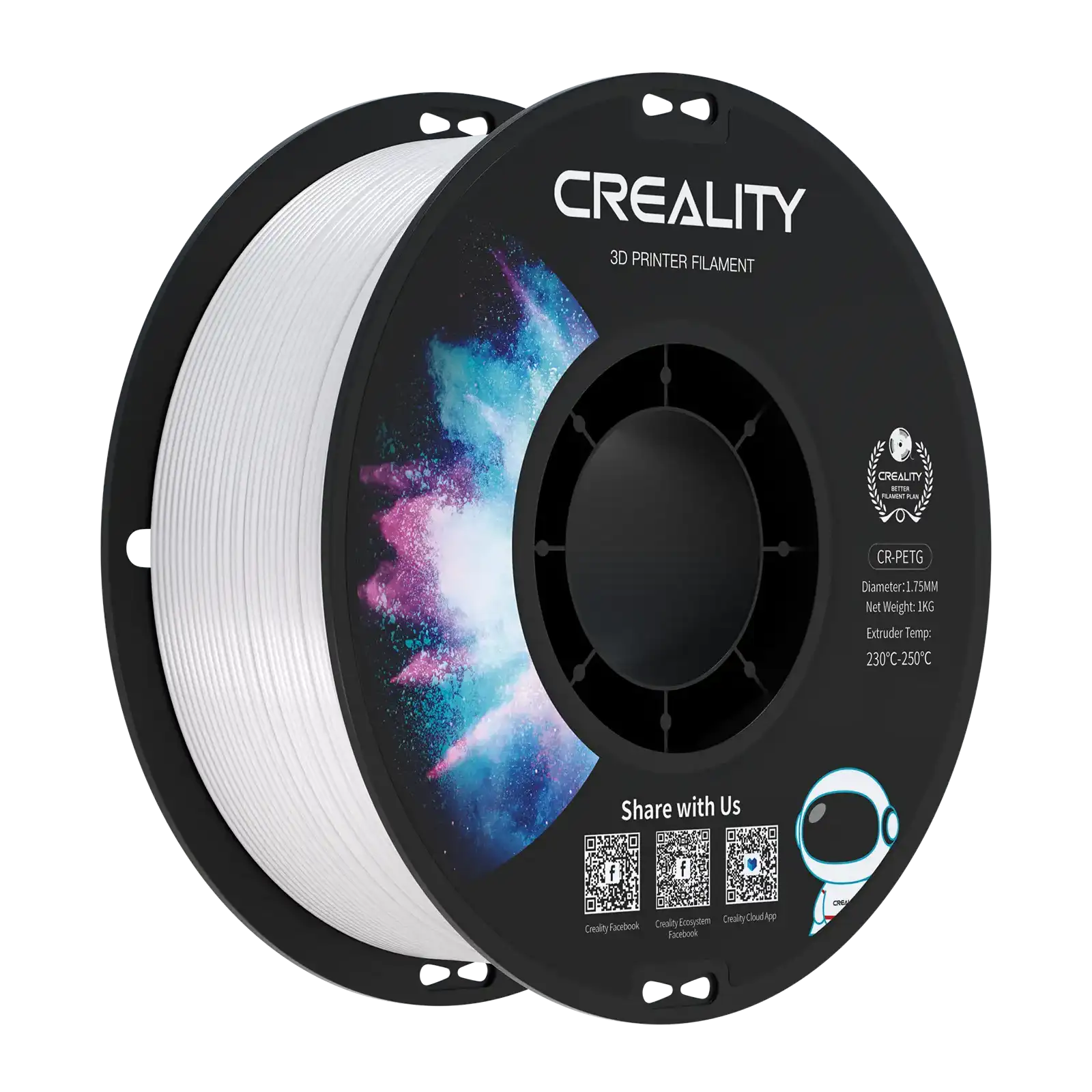
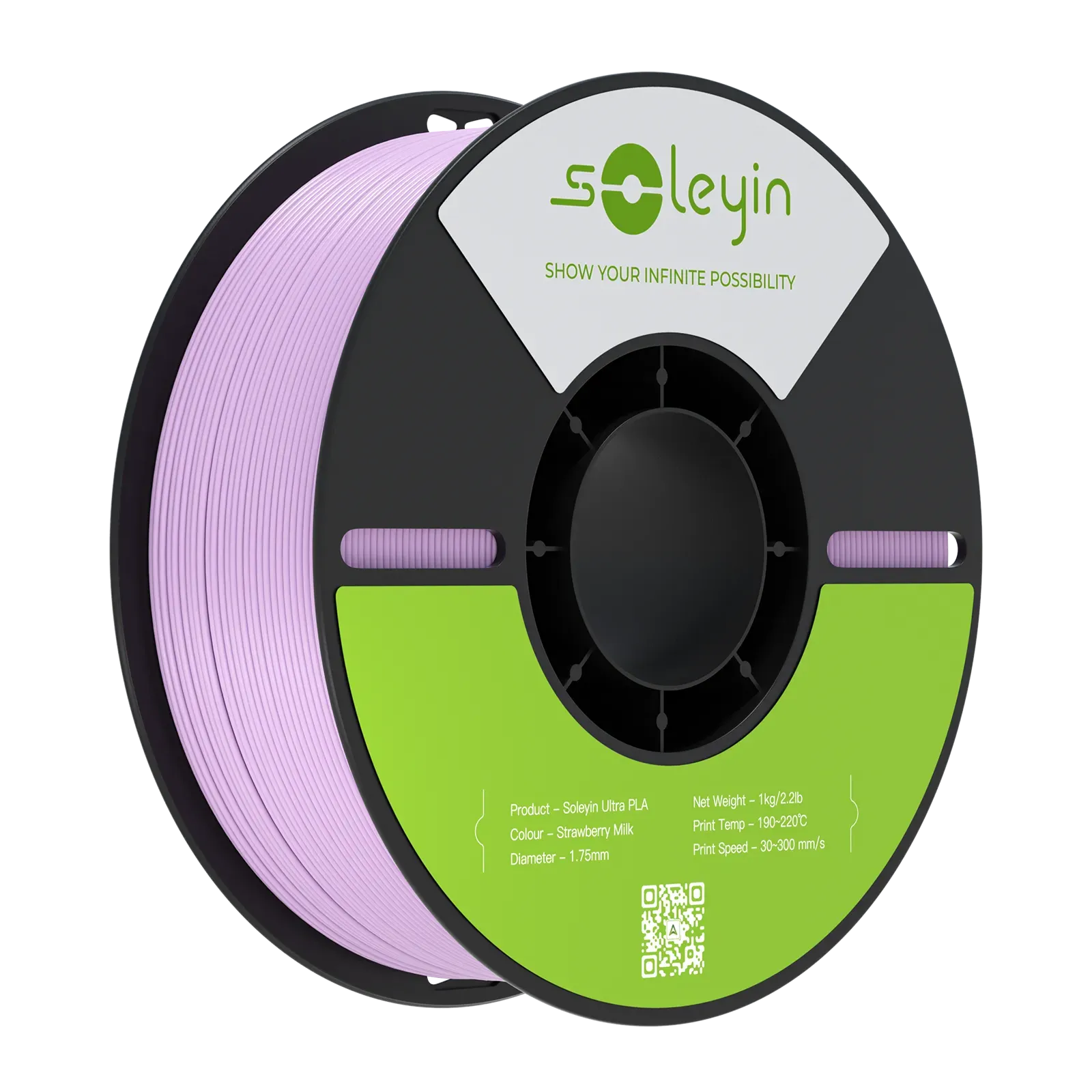
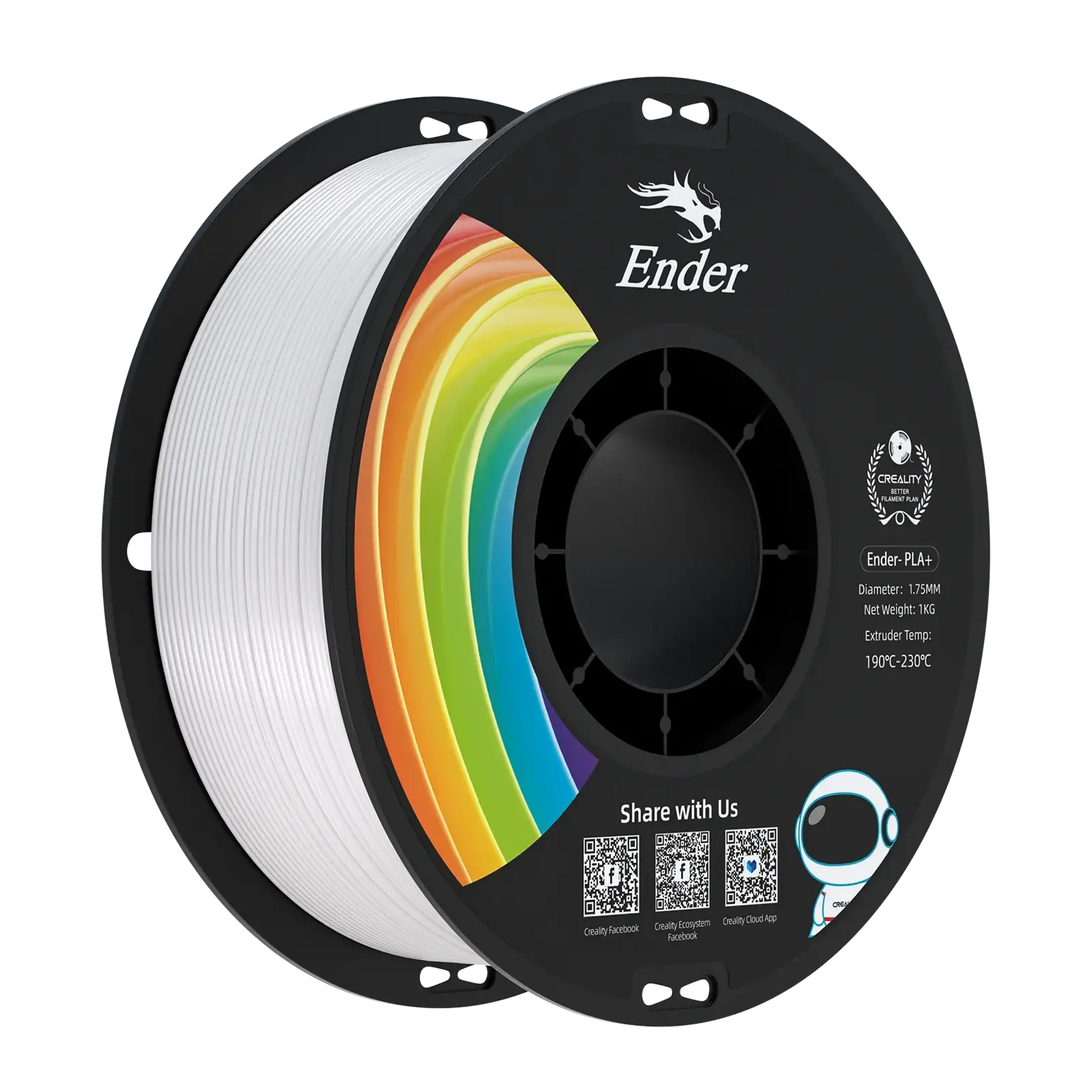
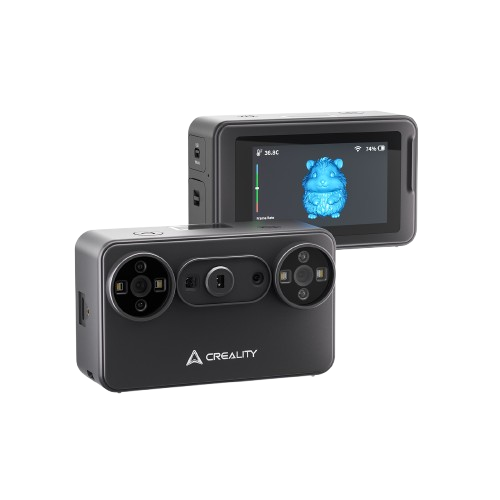
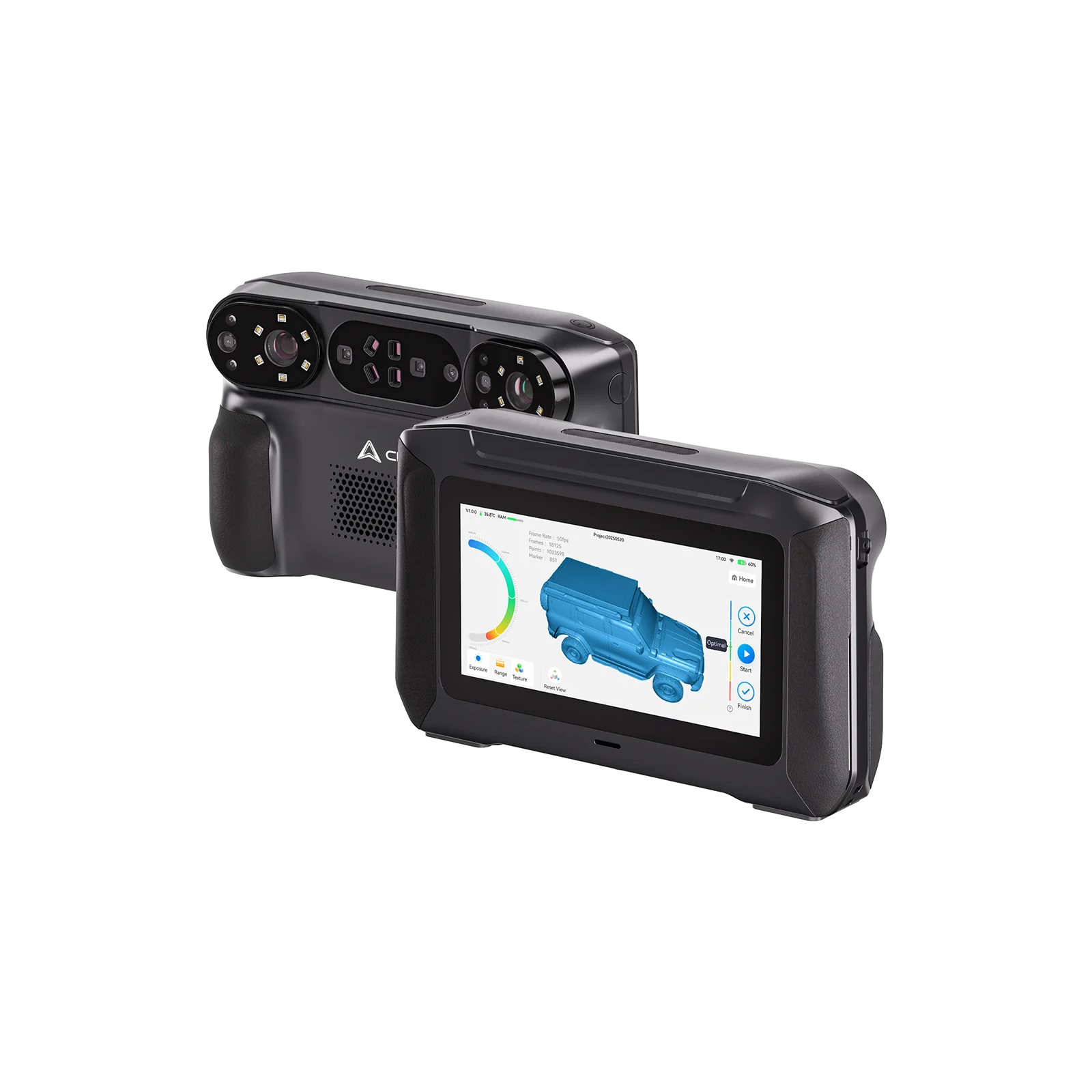
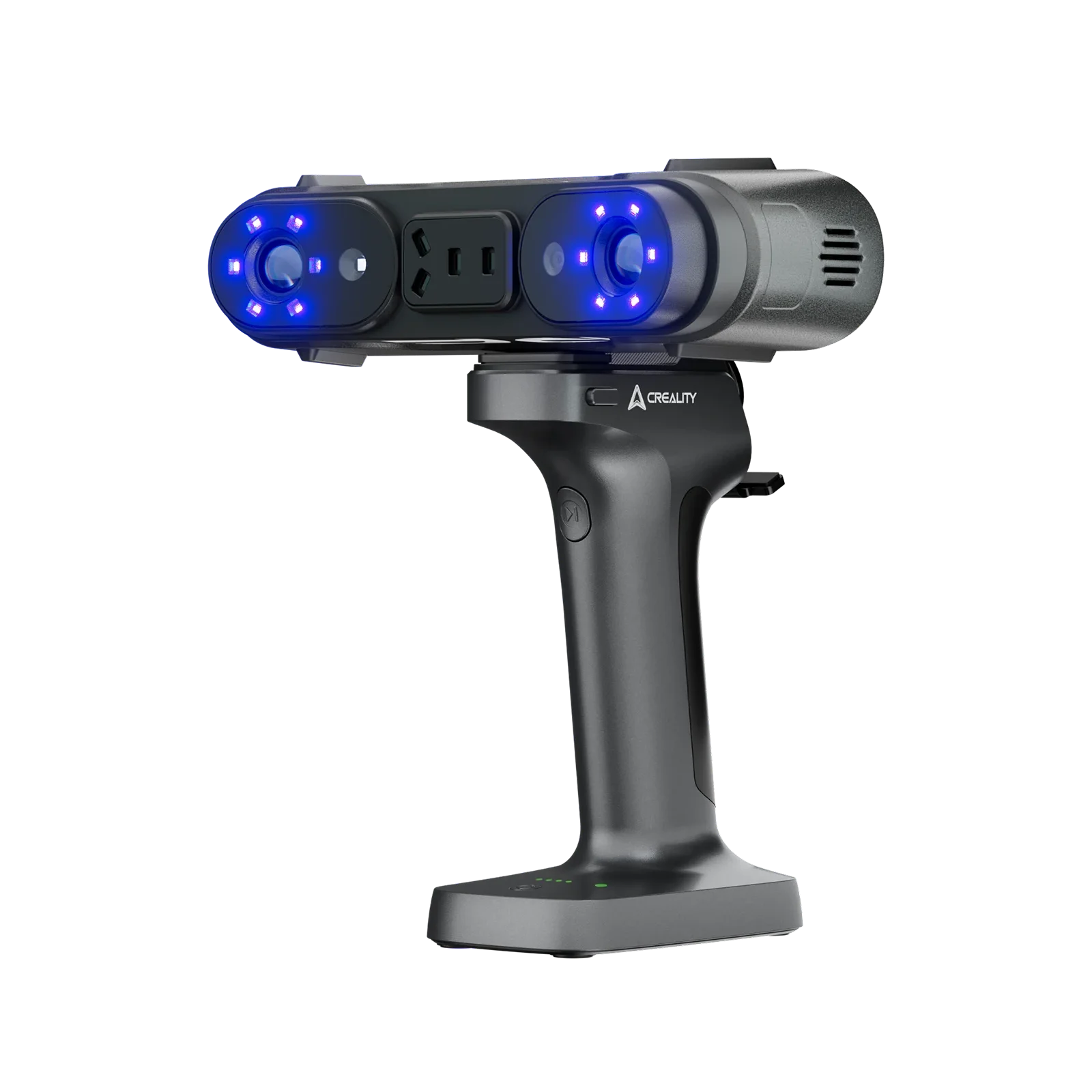

3D printers can convert your ideas into actual creations. 3D printing ideas are infinite yet overwhelming. It’s not easy to discover something you truly want to make and which ideas match where you are right now. A beginner with a new 3D printer requires different projects than a maker who’s been printing for two years. The correct idea depends on your filament, skill level, your build volume, and how much time you want to invest. This guide covers what you can make with a 3D printer, including a list of 25 practical and cool ideas to 3D print.
If you are still choosing your first machine, explore our 3D printers for beginners to compare beginner-friendly options by price, ease of use, print speed, build volume, and available features.
Beginner 3D Printing Ideas
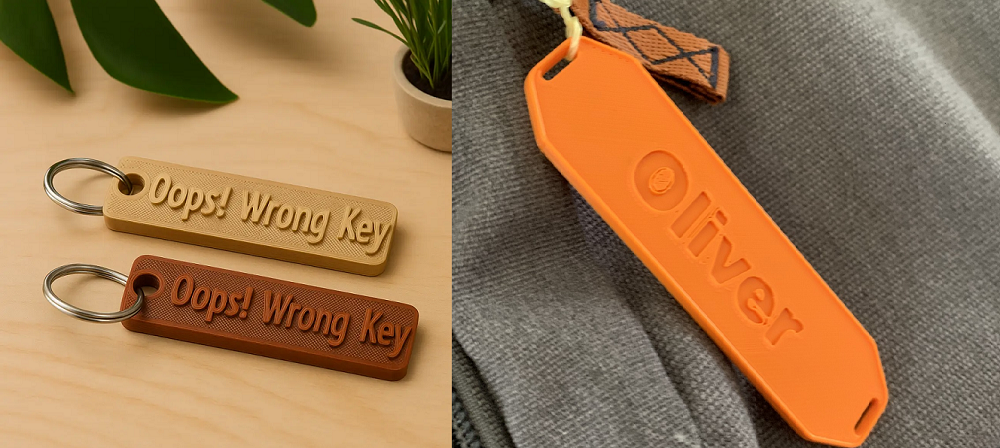
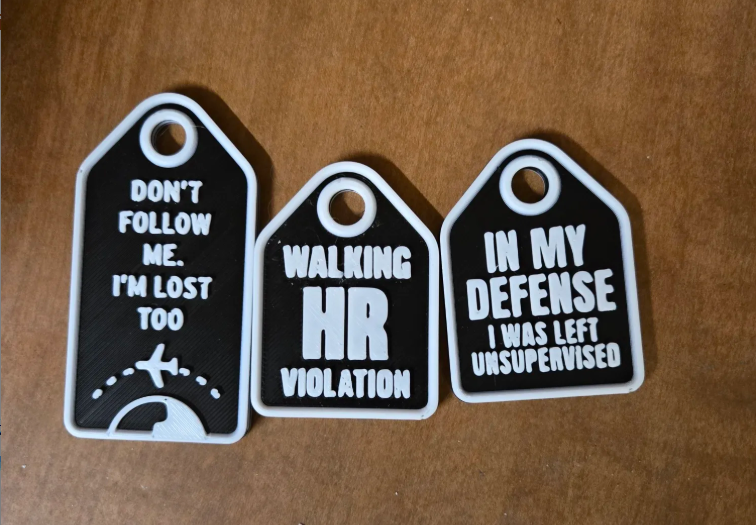
1. Custom Keychains and Luggage Tags
Keychains are the classic first print, because they’re quick, small, and practical. Go beyond a simple shape. Add elevated text with your name, address, or phone number. Print a luggage tag with contact details for travel. Each one takes 15-30 minutes and costs a few cents in filament.
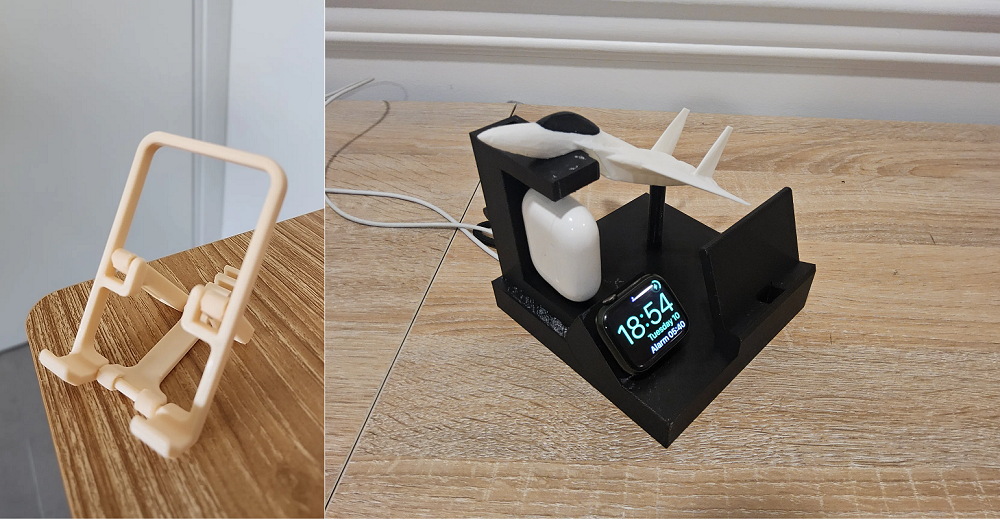
2. Phone Stand and Charging Dock
A phone stand is another simple idea to 3D print. Calculate your phone’s width before downloading a model. Inspect that the cable cutout matches your cable type. Print once, use it on your desk every day for years. It prints in under two hours and never needs replacement. Once you’ve got the basic stand dialed in, copy, add a slot for a second device, combine a cable channel, or adjust the viewing angle.
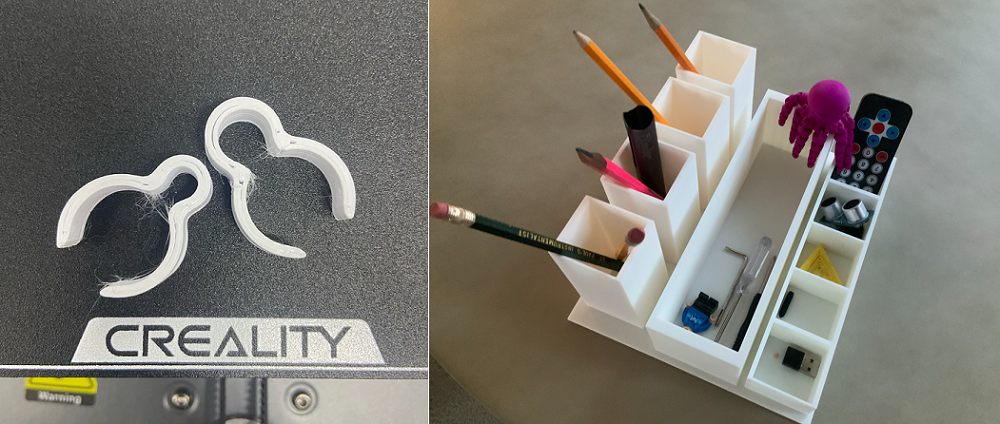
3. Cable Clips and Desk Organizers
A 3D printer fixes the chaos of both drawers and too many desk cables. Cable combs keep multiple cables aligned and labeled. Under-desk wire guides route charging cables cleanly off the surface. Charging cable holders clip to the desk edge and keep cables from slipping behind when not in use. Each of these prints costs under $0.50 in filament.
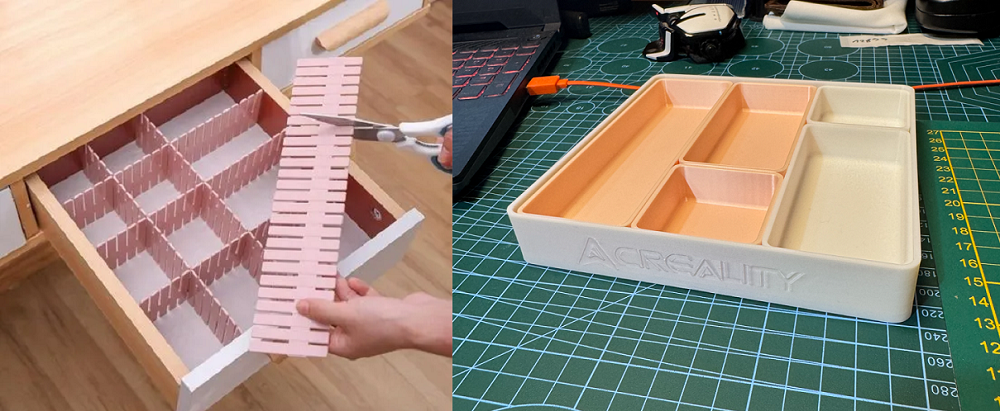
4. Drawer Dividers and Modular Trays
The ideal beginner project series is a modular system you design over time. Print one tray, and check the dimensions against your drawer. If it fits, print the matching section that attaches alongside it. Over a few weekends, you design a fully custom drawer organization setup that fits your exact space and holds your exact items.
5. Pet ID Tags
One of the most useful prints you can print in under 30 minutes. Phone number, name, and address on one side. A little icon or shape that simplifies it to find in the dark on the other. Print it in your pet’s collar color, add a second tag as a backup. Cheaper than any pet store option.
Practical Household Items Worth Printing
6. Replacement Parts for Household Items
A broken appliance knob costs $0.20 in filament and 15 minutes to replace. The similar element from the manufacturer costs $15 and takes two weeks to ship.
Common replacement parts include:
-
Appliance knobs and dials
-
Furniture feet and floor protectors
-
Drawer stops and cabinet bumpers
-
Cord clips and cable anchors
-
Light-duty handles and pulls
7. Smart Home Device Mounts
Conventional wall mounts never fit exactly where the device needs to go. The motion sensor requires a bit left. The smart speaker needs to be 30cm higher. Off-the-shelf accessories make compromises. A printed mount makes none.
Print exactly what the device needs:
-
Smart speaker bracket at the exact height and angle
-
Motion sensor mount with precise tilt adjustment
-
Remote-control holder sized for your specific remote
-
Router shelf that fits between two specific studs
-
Thermostat guard with the right cable clearance
Each one takes under an hour to print and lasts as long as the device itself.
8. Wall-Mounted Kitchen Organizer
Kitchen walls are an underused storage area, and a 3D printer fixes that in one afternoon. A wall-mounted spice rack, recipe card holder, bag clip station, and countertop tray for packaged goods all take up no counter space and take less than two hours each to print.
Food safety note: for items that touch food directly, containers, holders that contact raw ingredients, use certified food-safe filament with a stainless steel nozzle.
9. Door Handle Lever Extension
This is among the most overlooked prints but one of the most genuinely useful. A lever extension turns a round door knob into a lever-style handle. That means hands-free door operation, beneficial when your hands are full, essential for people with limited grip strength or mobility.
It takes under 30 minutes to print. It costs under $1 in filament.
10. Plant Markers and Garden Stakes
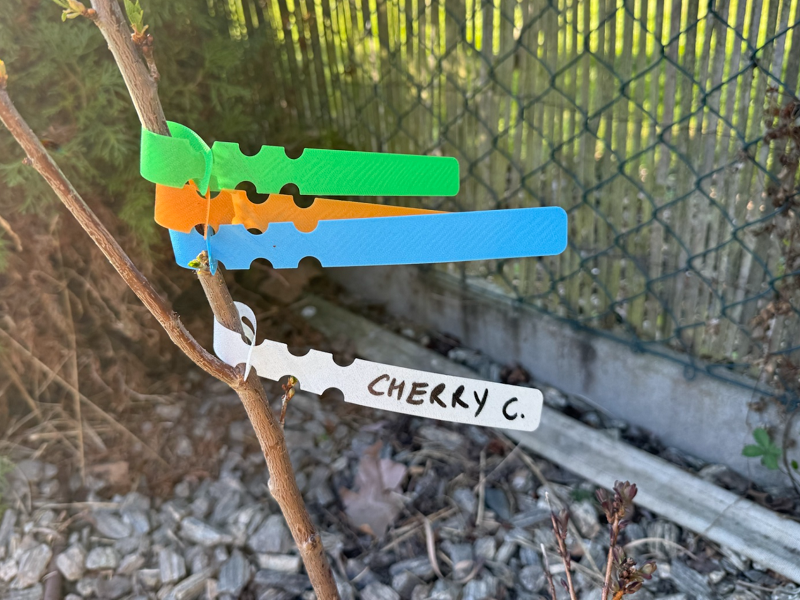
Print raised-text stakes with the plant’s common name on one side, and its Latin name on the other. Attach seedling tray inserts that label every cell clearly. Print hose guide stakes that keep irrigation lines where they belong. Print outdoor garden prints in PETG or ASA, not PLA. PLA degrades in direct sunlight, rain, and wet soil within a single season. PETG and ASA handle outdoor conditions significantly longer and maintain their shape and text clarity across multiple growing seasons.
Multicolor Projects
11. Color-Separated Anatomical Models
Anatomy is more logical when color does the explaining. A heart model with chambers in blue and red communicates blood flow without a single label. A bone structure print in white and grey separates cortical from cancellous tissue at a glance. Both teachers and students use them. And they print reliably on any multicolor-capable FDM printer without post-processing or painting.
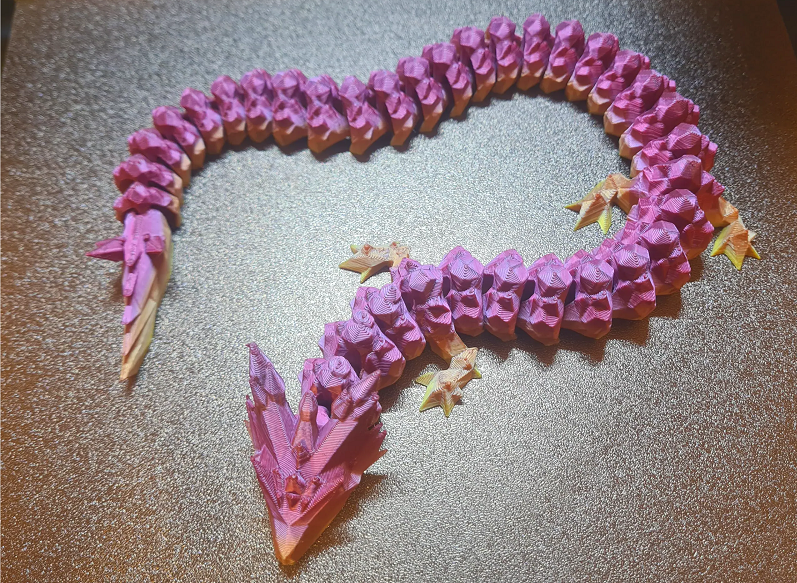
12. Articulated Flexi Dragons with Gradient Colors
These are among the most shared prints in the maker community due to the multicolor version. A flexi dragon with a color gradient running from deep orange at the head to bright red at the tail is basically a different object than the same design in a single color. The gradient adds visual depth that a painted version rarely matches. These are print-in-place designs; joints and body segments print as one piece, already connected. Pull it off the build plate, flex it in your hands, and it moves immediately.
13. Multicolor Logo Signs and Name Plaques
The approach is simple: the background prints in one color, the raised text or logo prints in a contrasting shade. A desk nameplate with a dark base and white lettering. A room door sign with a colored background and a name in gold. A wall-mounted logo with your brand colors separated cleanly. The result looks injection-molded. The process is a single print job with automatic filament switching.
14. Tabletop Gaming Terrain and Tokens
Color-coded terrain tiles separate road, grass, water, and stone automatically during printing. Dungeon room dividers print with stone-grey walls and dark floor sections as a single piece. Custom dice towers print with faction colors already separated. Faction-specific tokens print in team colors without a single drop of paint. Multicolor terrain removes the most time-consuming part of tabletop preparation: painting.
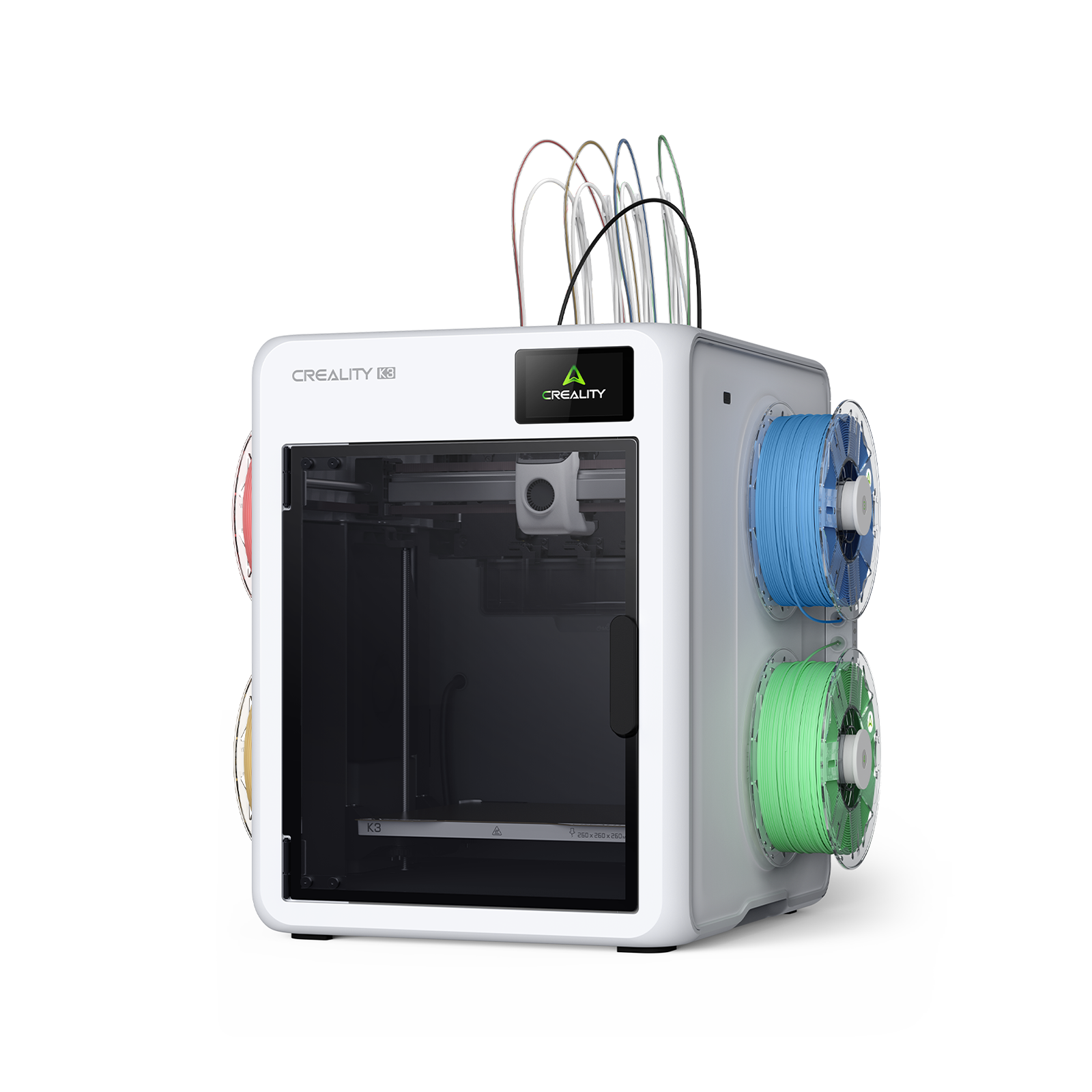
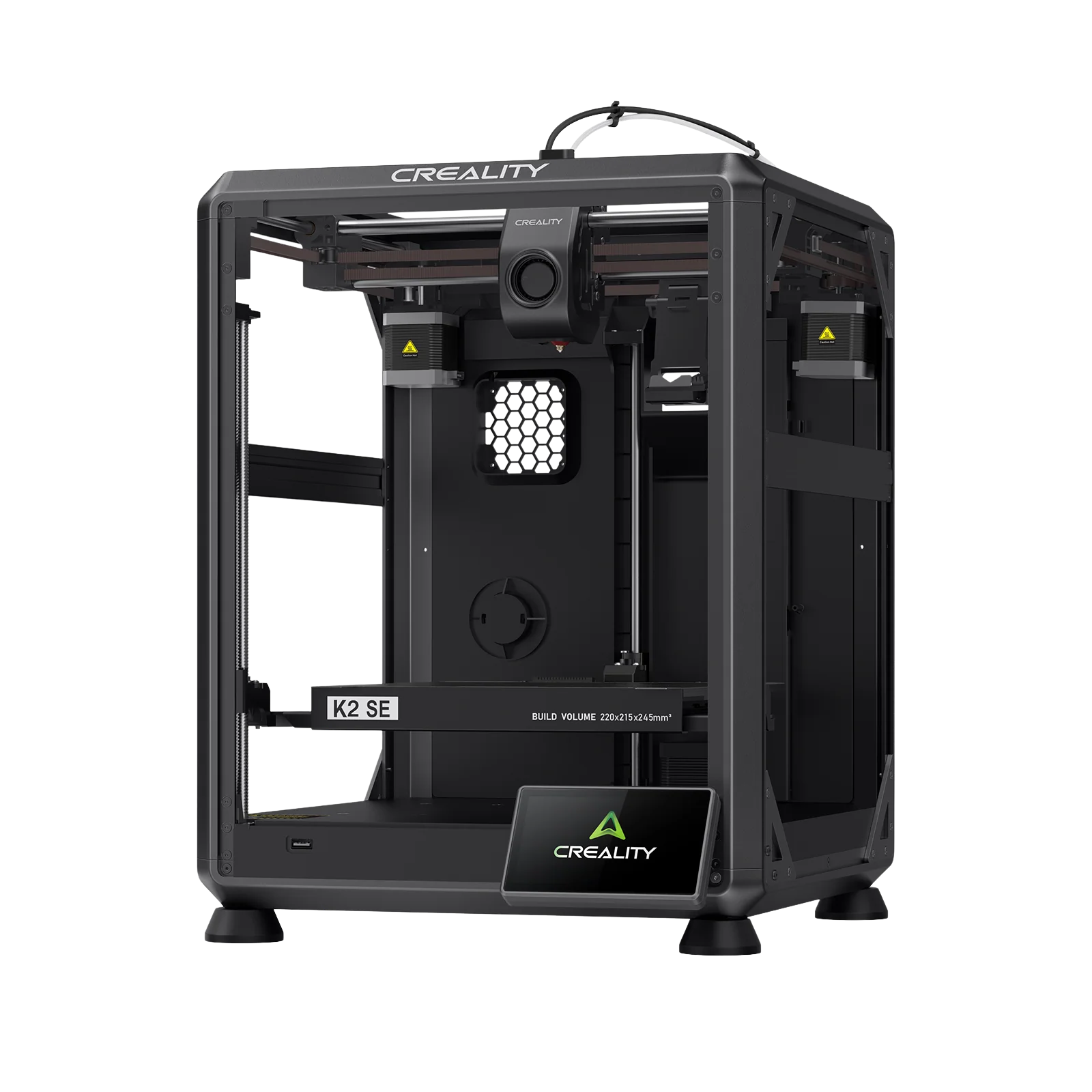
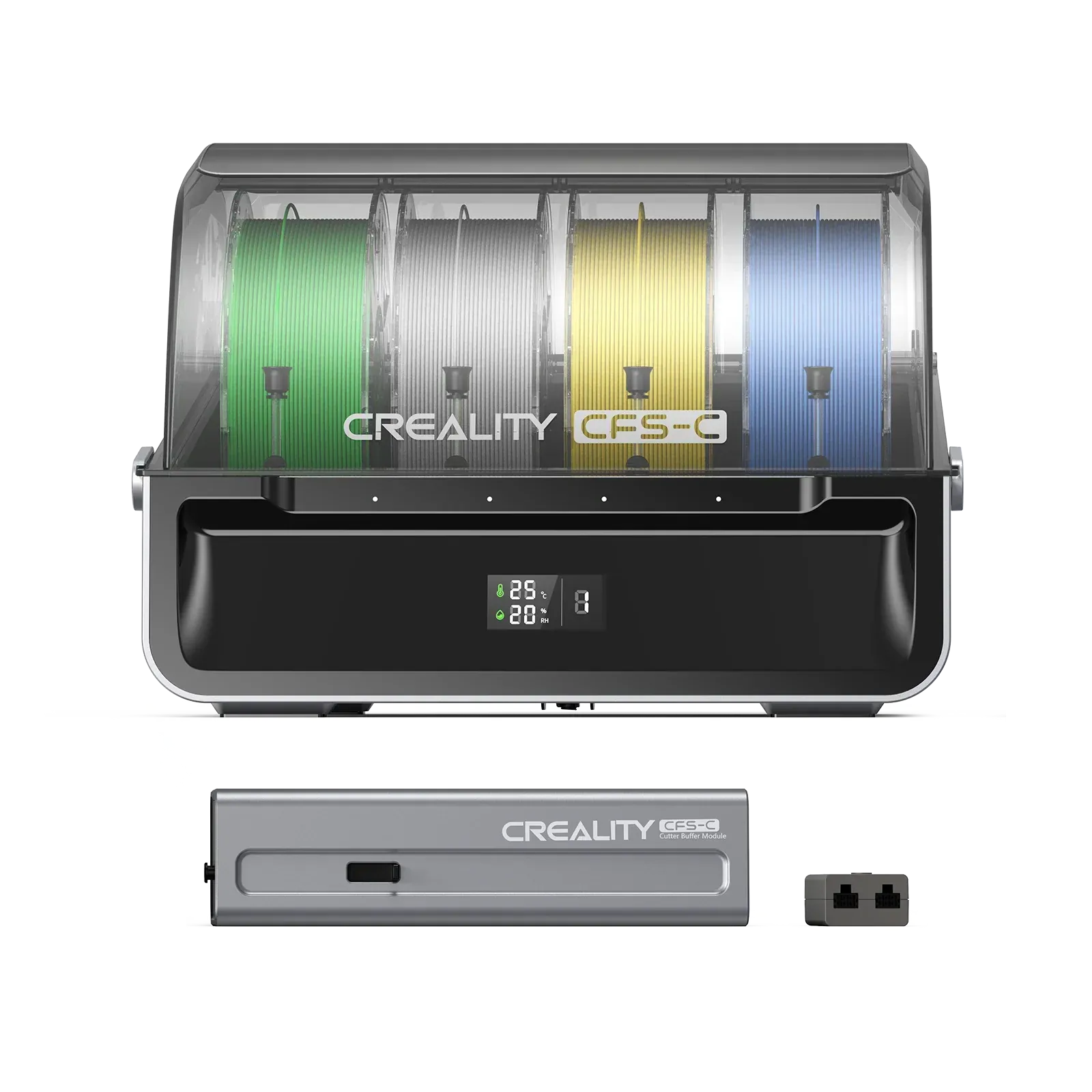
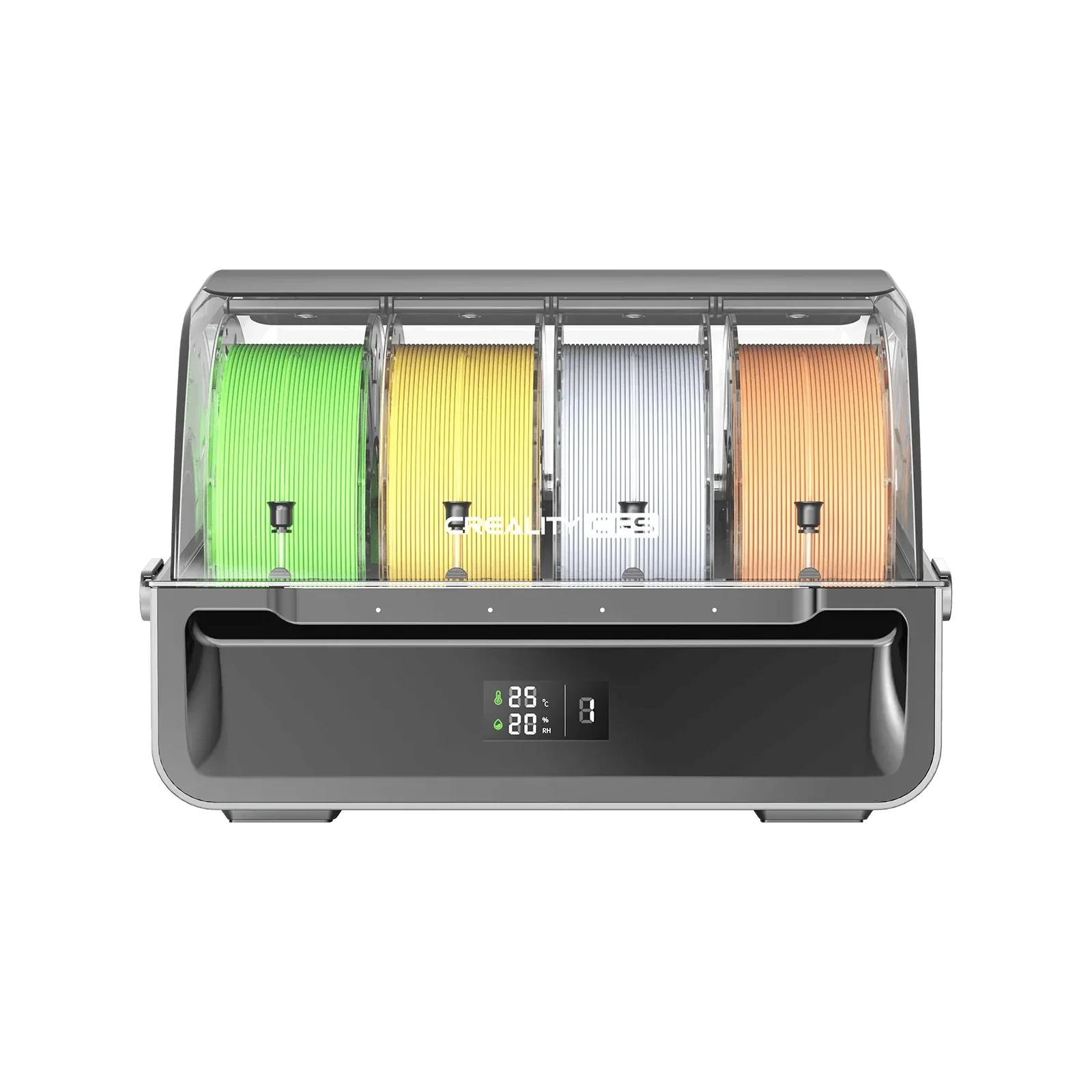
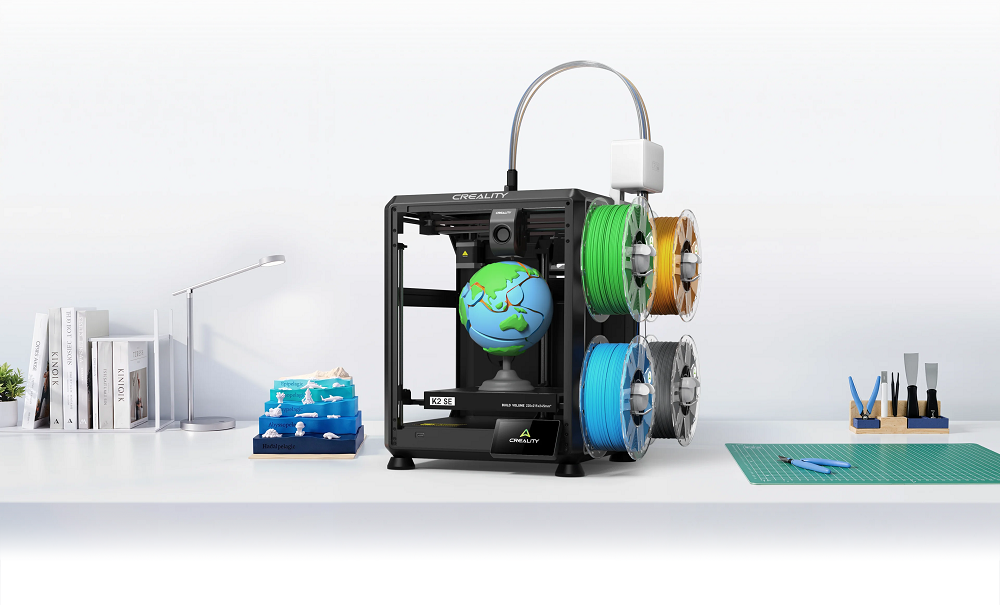
The Creality K2 SE supports up to 16-color printing through its modular CFS system. Each CFS unit holds 4 filament spools, and color transitions happen automatically through a built-in magnetic cutter.
No manual swapping between colors, no pausing mid-print, no monitoring required. For any project on this list that benefits from color separation, the K2 SE handles every transition in the background while the print runs.
Creative and Cosplay Projects
15. Geometric Wall Art and Lampshades
A patterned lampshade casts dramatic shadows. A low-poly wall panel adds instant texture. A modular hex tile system builds outward print by print. The idea is beginner-friendly, takes 1-3 hours per section, and the recommended material for this is PLA. Split large wall pieces into sections in your slicer, print each one flat, assemble with epoxy, and fill joins with filler primer.
16. Cosplay Helmet Shells and Armor Plates
What takes weeks in traditional prop-making takes a weekend to print. Helmets, gauntlets, armor plates, prop weapons, and buckles all print reliably in PLA and look exceptional with primer and paint. The difficulty is moderate for this idea, and it takes 6-14 hours to print.
17. Music Accessories
The exact pick thickness you want doesn't exist in retail. Neither does the capo holder for your specific guitar neck, or the MIDI controller shell for your custom build. A printer fixes all three in an afternoon. Guitar picks, pedal board cable clips, headstock holders, MIDI enclosures, and cable strain-relief sleeves, all underserved in retail, all fast to print. Recommended materials are PETG or PLA, and they're easy to print.
18. Pet Accessories
An elevated bowl stand sized for your dog's exact height, a treat dispenser calibrated to your cat's treat size, a gecko hide that fits your specific enclosure shelf. The difficulty for this idea ranges from easy to moderate, and it takes 1-4 hours to print. Measure twice, print once. For anything the pet chews or licks, use PETG over PLA for better durability.
AI-Powered Projects
19. Portrait Figurines with CubeMe AI
Photograph someone. Tap once. CubeMe AI converts the portrait into a print-ready 3D model and sends it directly to the Creality Cloud workflow, no CAD, no modeling, no design experience. Easy to print, takes 2-4 hours, and recommended material is PLA or multicolor PLA.
20. Classroom Self-Portrait Projects
Students photograph themselves, the AI generates a model, the printer produces a physical figurine of each student, in one session. Beginner friendly ida, takes 2-3 hours per model, and recommended filament is PLA. Already running in STEM programs at institutions including Yale, Purdue, and NUS through Creality's education partnerships.
Advanced Projects for Experienced Makers
21. Workshop Jigs and Drill Guides
A jig costs $1 in filament. The retail version costs $15–20, if it even exists. Drill guides, alignment fixtures, sanding blocks, measurement templates, feather boards. Search the tool model number on Creality Cloud before designing from scratch. The difficulty is moderate, takes 1-3 hours to print, and the recommended material is PETG or PLA-CF.
22. Robotics and Mechanical Assemblies
Gripper assemblies. Bearing housings. Gear trains. Hinge mechanisms that cycle thousands of times. Every tolerance matters. Print a small test piece, just the joint or bore, before committing to the full assembly. A 10-minute tolerance check prevents hours of reprinting. The idea requires advanced skills, takes 3-10 hours to print, and the recommended material is PETG or PLA-CF.
23. Wearable Tech Enclosures
IoT housings, bike-computer mounts, battery holders, smartwatch stands, LED controller enclosures. None of these exist in retail at the dimensions your specific build needs. It takes 2-5 hours to print, and the recommended material is PETG. Before printing: plan cable clearance, ventilation gaps, fastener access, and maintenance entry.
24. Personalized Products for Online Shops
Custom name signs, wedding cake toppers, event keepsakes, personalized jewelry, birthday gifts. Low material cost, high perceived value, strong customization demand. The difficulty ranges from easy to moderate, takes 30 min to 3 hours, and recommended material is PLA or multicolor PLA.
Copyright — non-negotiable: sell only what you designed or hold an explicit commercial license for. The U.S. Copyright Office covers 3D models as sculptural works. Etsy's Creativity Standards require items made with computerized tools to be based on the seller's original design.
25. Custom PC Components and Gaming Peripherals
Fan grills in custom patterns, GPU sag brackets, mechanical keyboard keycaps, case feet at the exact height for optimal airflow, controller thumbstick extenders, and cable management clips sized for your specific routing path. None of these exists in retail at the dimensions your build actually needs. You need advanced skills, takes 1-4 hours to print, and the recommended material is PETG or PLA-CF.
Conclusion
A 3D printer is only as useful as the projects you give it. The best first print is the one that solves a real problem, teaches a useful skill, or creates something worth keeping, not the most complex one you can find. Twenty-five ideas. Every skill level covered. Every STL file available on Creality Cloud, free to download, print-tested by the community, and ready to slice.
Find your next project at Creality Cloud and start printing today.