








































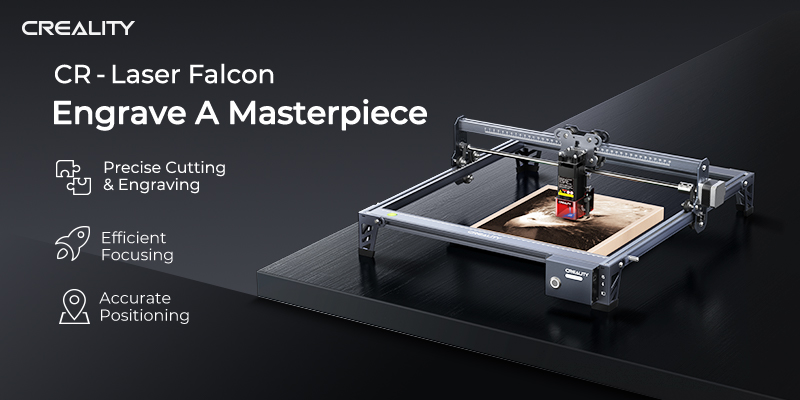
Compared with traditional manual engraving and cutting, laser engraving can be more accurate and efficient. It is available for users who crave for customization, personalization and uniqueness as well as makers to make crafts, ornaments, decorations and so on with their creativity.
The CR-Laser Falcon is a user friendly engraving and cutting machine for beginners to walk through the engraving and cutting process. It tries to hit the sweet spot between affordability, ease-of-use, and capability. For most parts, it’s a great and useful device into the world of laser engraving and cutting without risky investment and complicated manipulation processes.
The following are the advantages that users are most excited about.
1. High Precise Engraving and Cutting
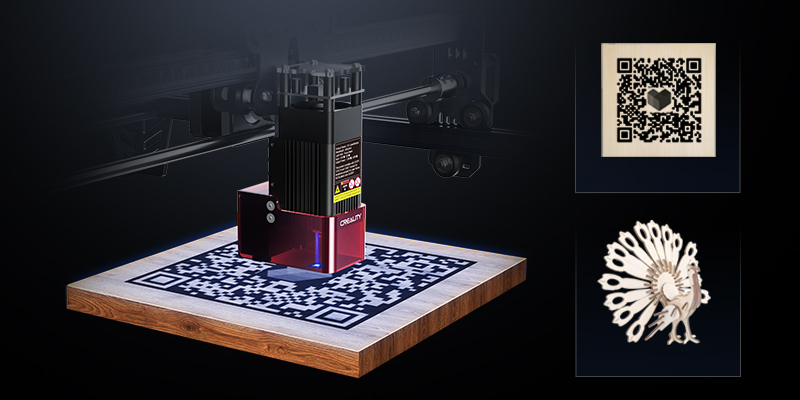
We take into account both engraving and cutting performance by adopting the poly-lens spot compressed laser technology, achieving both precision up to 0.1 mm. The spot size was compressed to 0.12*0.06 mm from 0.32*0.14 mm. In this case, the engraving accuracy and engraving speed are increased by more than 6 times. The works are finer, with less burr, flanging.
It also has extraordinary cutting ability. It can cut basswood veneer of 4-5 mm, two times thicker than the original 2 mm.
2. Easy to Use
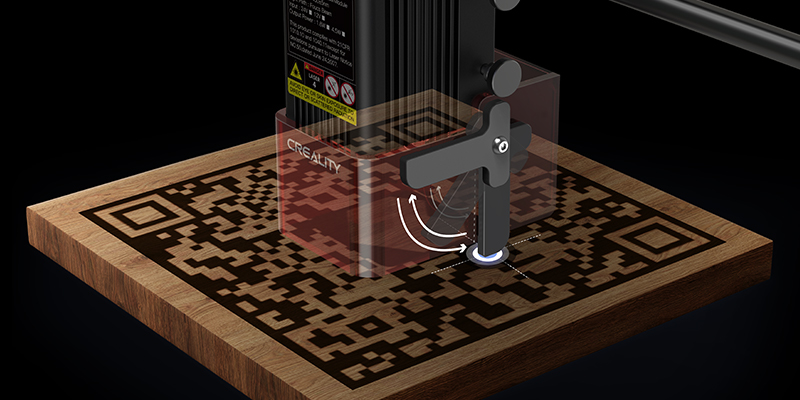
The CR-Laser Falcon is also a learner device with the merit of quick focusing and one button controlling.
We use a semi-autofocus solution, which is low-cost, efficient and accurate. Without repeatedly adjusting the focusing many times, you only need to slide down the focus bar for fast focusing. When the focus bar touches the surface of an object, you can uplift the bar and the focusing is finished. The operation is simple and convenient.
CR-Laser Falcon gets rid of the trouble of many controlling buttons. We deeply analyze the scenes of the machine under various working conditions, and deeply integrate the operation and the working state into one button.
The glowing button not only can control the engraving or cutting process, but also can show us the working state of the machine, which enables us to identify the working mode.
3. Accurate positioning
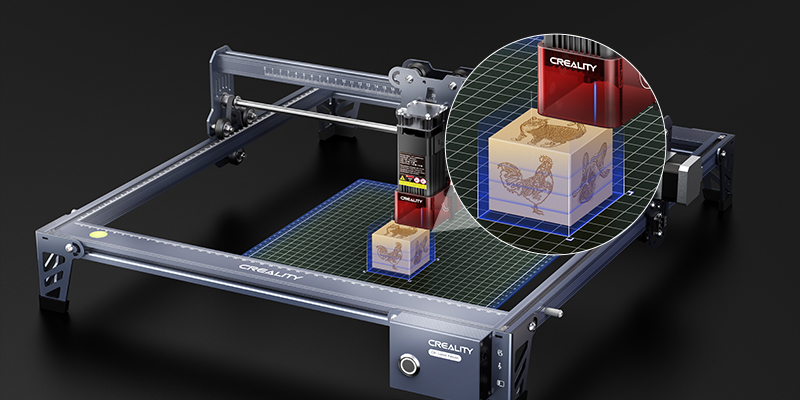
Continuous blue light emissions from the laser head will preview the engraving or cutting area. It is convenient for you to determine whether the position is your desired engraving area. If not, you can make an adjustment.
The CR-Laser Falcon is optimized by software algorithms, and it can continue to preview during the engraving preview process until it is adjusted to the engraving position you want. For batch engraving, you can use the auxiliary grid plate for the same working area confirmation.
4. Safer and Healthier
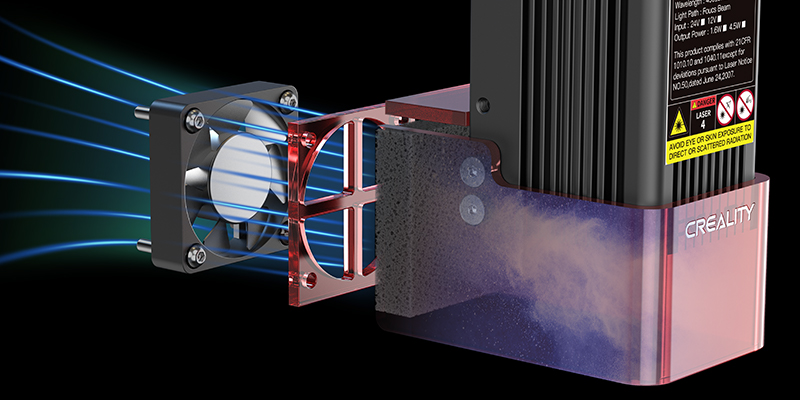
In general, during the engraving or cutting process, smoke and dust will be generated and float in the air, which would cause discomfort when inhaled by people or pets. The gathering of smoke and dust around the laser head would affect the uneven irradiation of laser power, then the engraving or cutting works would be blackened, resulting in poor effect.
Now, you don’t need to worry about these annoying problems. According to the air fluid simulation, CR-Laser Falcon is equipped with the exhaust fan and filter cotton, which can effectively absorb the smoke and dust, protecting users’ respiratory system and ensuring the engraving quality with an avoidance of object blackening.
In addition, the laser protective cover meets FDA Class 1 safety level and can filter 90% UV light, enabling users to observe the process without wearing goggles.
4. Multiple Materials Support
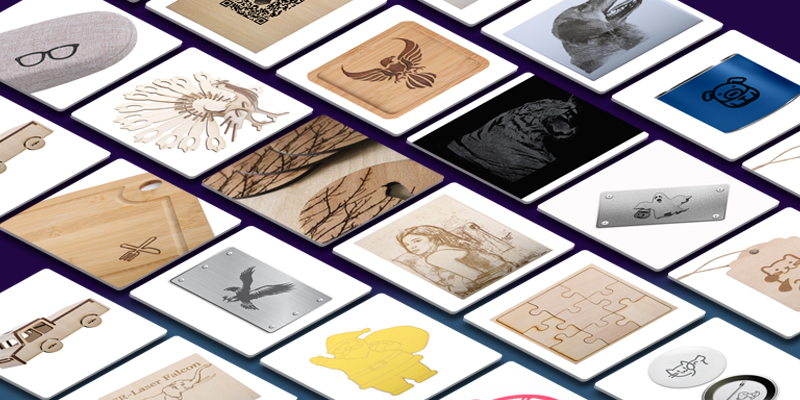
CR-Laser Falcon can engrave and cut more than ten materials. It can engrave patterns on board, wood, bamboo, rubber, leather, fabric, acrylic, plastic, paper, metal, and also can cut wood, plastic, paper. The extensive material support makes it possible for you to have creative, wonderful, entertaining and variety of projects on your hand.
5. Support Software
CR-Laser Falcon is compatible with multiple software: CrealityLaser (initial level, free of charge), LaserGRBL (advanced level, free of charge), LightBurn (advanced level, charge).
We have launched a brand new online store, please click the link to learn more details: https://store.creality.com/products/cr-laser-falcon-engraver-pre-sale.