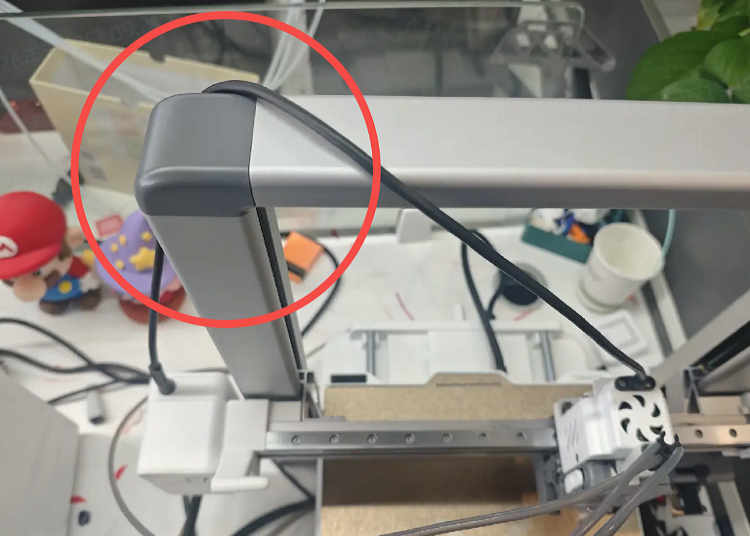
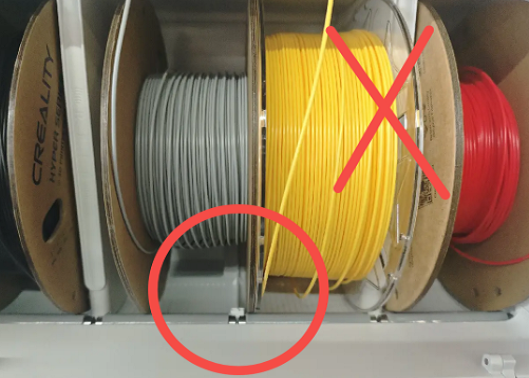
Hotend Clumping occurs when, during printing, the filament fails to adhere firmly to the Print Plate and gradually wraps around the Hotend. As the Nozzle continues extruding filament, the clumping increases, forming a tangled mass of plastic. This is usually caused by incorrect filament settings or weakened adhesion on the Print Plate.
In this guide, we will explain how to handle Hotend Clumping and how to prevent it.
Required Tools
Cutting pliers
Tweezers
H2.0 Hex Wrench
Heat-resistant gloves
Hair dryer (optional)
Safety Precautions
Handling Hotend Clumping requires heating the Hotend. Wear heat-resistant gloves to avoid burns from direct contact with the Hotend. If the clumping is severe, personal repair is not recommended. Submit a support ticket or contact the SPARKX after-sales team directly.
Steps
On the screen control interface, tap Unlock Motors and manually move the X-axis to a convenient position for operation.
Remove the Toolhead Front Cover to expose the Hotend.
Try to remove the Hotend Sock and clean it. If it is difficult to remove, proceed to later steps.
Raise the Nozzle temperature above the recommended printing temperature for the filament currently clumped (e.g., for PLA, recommended printing temperature is 190–230 °C, set nozzle to ~250 °C). Wait 3–5 minutes after reaching the temperature.
Wear heat-resistant gloves or use pliers and other tools to carefully remove the clumped filament from the Hotend. Shaking left-right and front-back can make removal easier. A hair dryer (hot air mode) can be used to assist in heating and gradually removing the clumped filament.
After most of the clumped filament is cleared, set the Hotend temperature to 30 °C and wait for it to cool.
Manually push the Cutter Arm to cut the filament.
Try to remove the Hotend, then clean any remaining clumped filament.
Clean the Hotend. If severely damaged, consider replacing the Hotend Assembly.
After cleaning, reinstall the Hotend Assembly and Hotend Sock, then reinstall the Toolhead Front Cover. The printer can now be used normally.
Components That May Be Damaged
During Hotend Clumping or the cleaning process, the following components may be damaged. Check their condition and decide whether to replace them, submit a support ticket, or contact after-sales support:
i7 Hotend
i7 Part Cooling Fan
i7 Hotend Cooling Fan
i7 Hotend Heating Assembly
How to Prevent Hotend Clumping
Ensure filament matches the slicing file:Using a filament that does not match the slicing file (e.g., slicing set for PLA but printing with ABS) can cause temperature mismatch and poor adhesion. Always confirm the filament matches the slicing file before printing.
Keep the Print Plate clean:Dirt or grease on the Print Plate can cause the model to detach. Regularly clean the plate with detergent or other degreasing products, or evenly apply the included glue stick to improve adhesion. Refer to “i7 Plate Maintenance Guide” for more details.
Environmental temperature confirmation:if below 15 degrees, it's recommended to increase the hot bed temperature by 10 degrees.
The model has a small bottom contact area or for tiny models:adding a skirt is necessary.