

Welcome to Creality    

Creality
3D PrintersEcosystem3D Footwear SupportSoftwareBlogCreality CloudInvestor Relations
Store
SPARKXFlagshipHi SeriesEnder SeriesHALOT Series
SPARKX i7
New
SPARKX i7
More Products
Compare
K2 SE
New
K2 SE
K2
New
K2
K2 Pro
K2 Pro
K2 Plus
K2 Plus
K1 Max
K1 Max
More Products
Compare
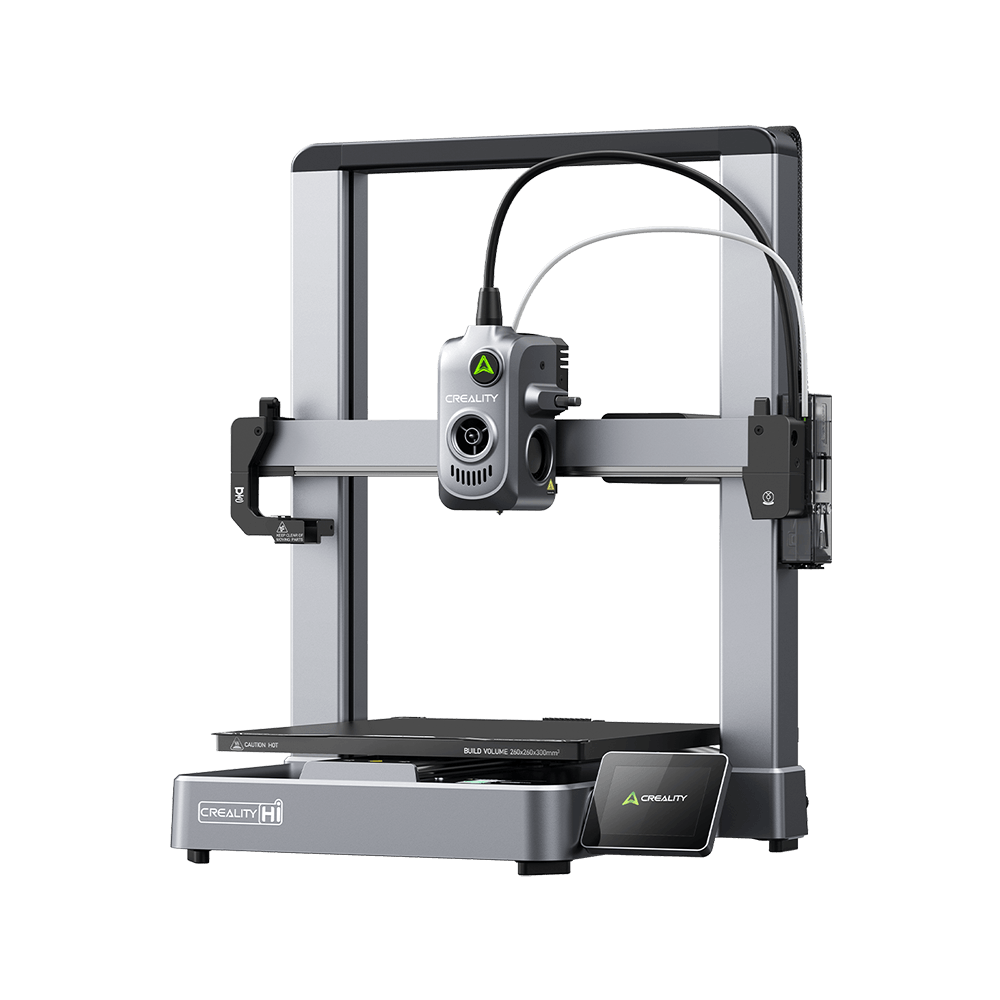
Creality Hi
Creality Hi
More Products
Compare
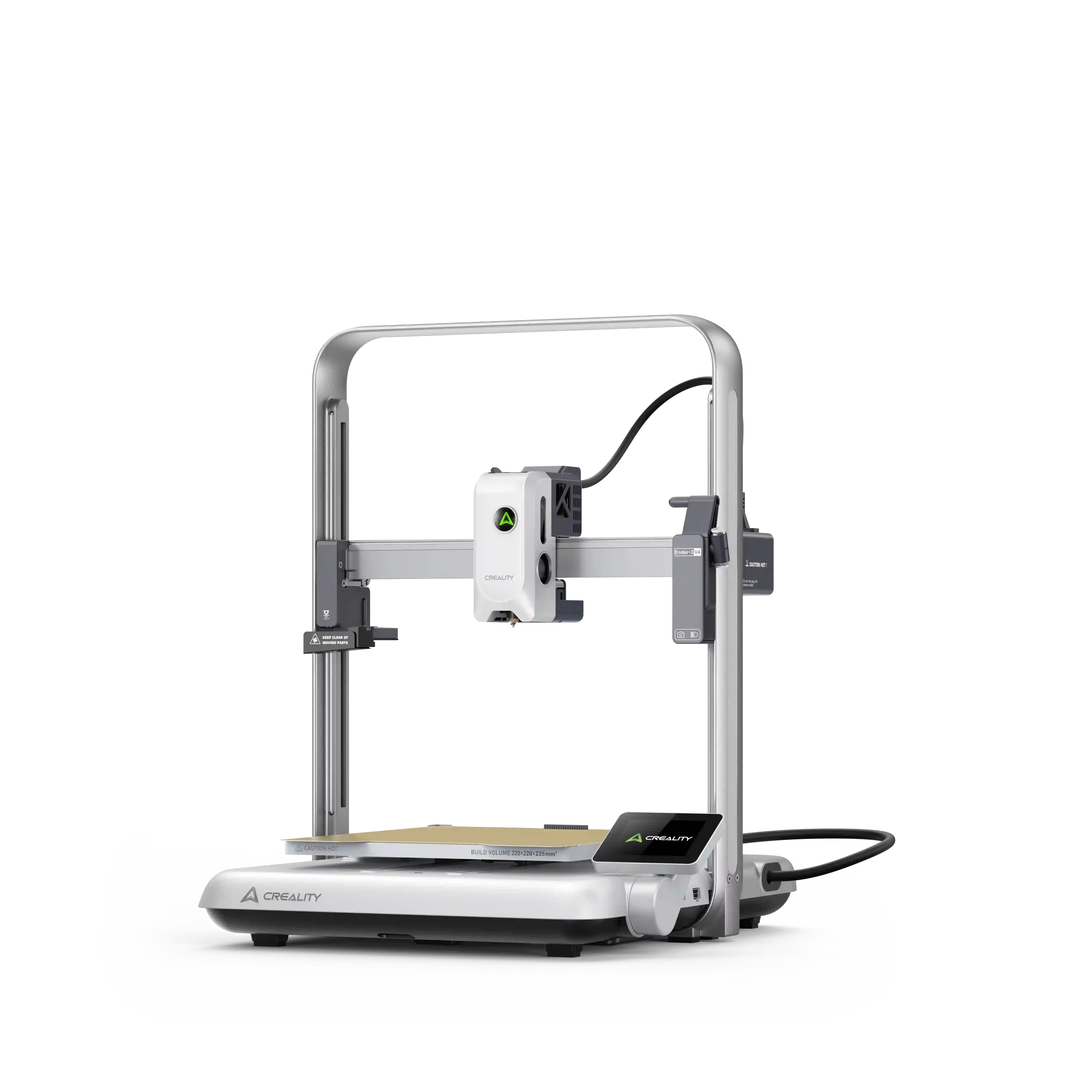
Ender-3 V4
New
Ender-3 V4
Ender-5 Max
Ender-5 Max
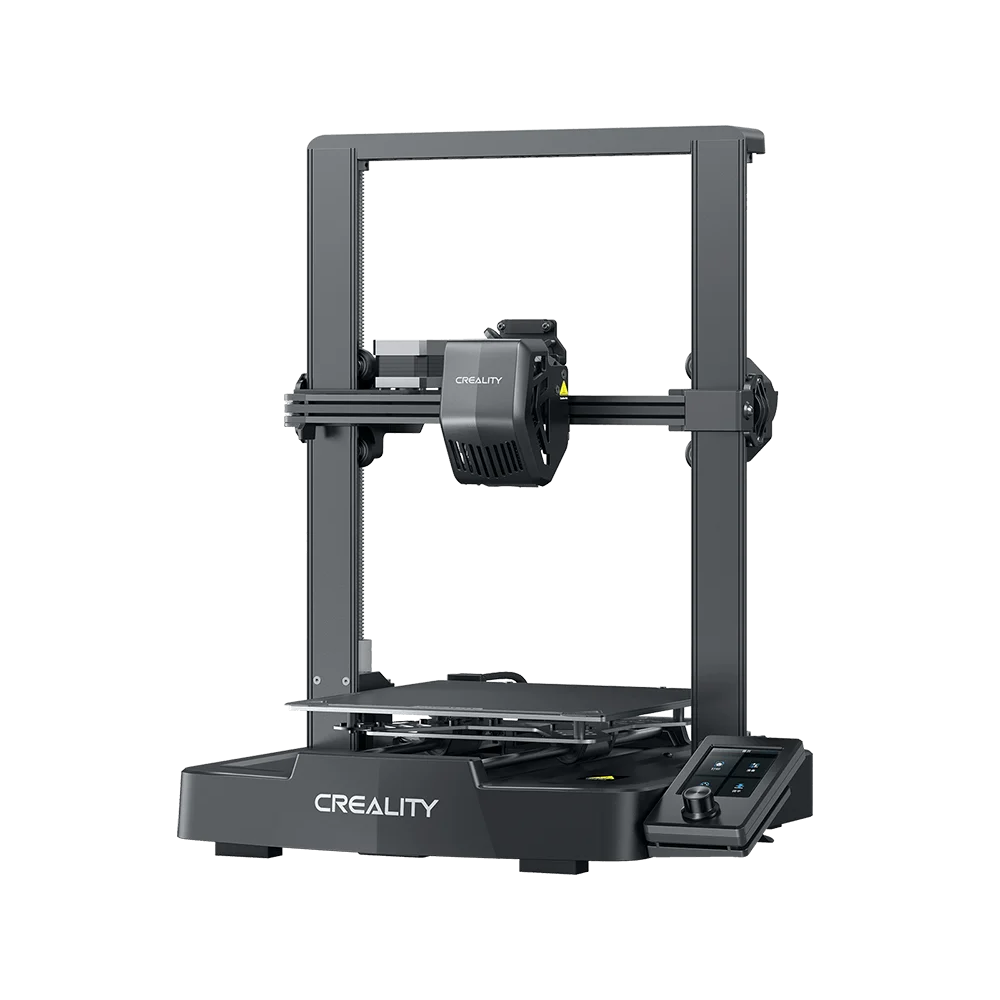
Ender-3 V3 Plus
Ender-3 V3 Plus
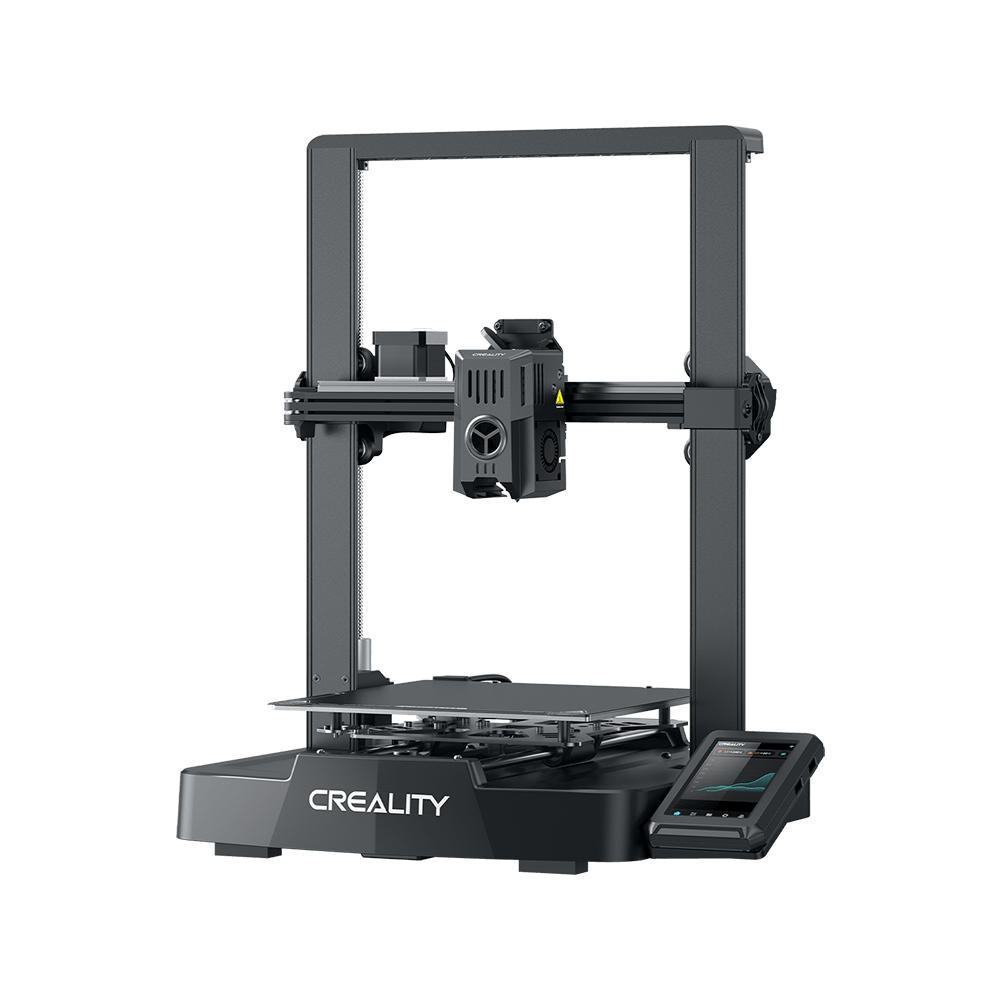
Ender-3 V3
Ender-3 V3
Ender-3 V3 SE
Ender-3 V3 SE
More Products
Compare
HALOT-X1
New
HALOT-X1
HALOT R6
HALOT R6
HALOT-MAGE S
HALOT-MAGE S
HALOT-MAGE
HALOT-MAGE
More Products
Filaments3D ScannersLaser EngraversAccessories
Hyper Series
Hyper Series
CR Series
CR Series
Soleyin Series
Soleyin Series
Ender Series
Ender Series
More Products
Filament Guide
Creality Pika
New
Creality Pika
Sermoon P1
New
Sermoon P1
Sermoon X1
Sermoon X1
Sermoon S1
Sermoon S1
Creality Raptor Pro
Creality Raptor Pro
More Products
Falcon A1C
New
Falcon A1C
Creality Falcon T1
New
Creality Falcon T1
Creality Falcon A1 Pro 20W
Creality Falcon A1
Creality Falcon A1
Creality Falcon2 Pro 60W
More Products
CFS-C
New
CFS-C
SpacePi X4L
New
SpacePi X4L
Creality SpacePi X4
Creality SpacePi X4
Creality Space Pi  Dryer
Creality Space Pi Dryer
CFS - Creality Filament System
More Products
Download Center
3D Models
Creality Cloud App
Firmware & Software
Service Center
Help Center
Creality Wiki
Product Support
Video Guides
Product Comparison
Filament Guide
Find Your Printer
Discover
User Stories
3D Scanner Applications
3D Printing in Education
Blog Center / Fix SPARKX i7 Layer Shift Issues | 3D Printing Support
Contents
contents

Join Our Newsletter

Subscribe to our newsletter for 3D printing insights, step-by-step guides, and inspirations for your next 3D printing adventure.

By subscribing, you agree to our Terms and Privacy Policy.

Social Media

  • Youtube
  • Facebook
  • Instagram
  • TikTok
  • Twitter
  • Reddit
  • Discord
  • LinkedIn

Contents

  • Check for Motion System Interference
  • Check the belts on all axes to ensure they are properly tensioned.
  • Check whether the slicing parameters are appropriate for the i7’s printing performance.
  • Check whether the Creality Print software and its online settings are up to date

Fix SPARKX i7 Layer Shift Issues | 3D Printing Support

Mar 17, 2026 15:06:36

What Is Layer Shifting

Layer shifting refers to a printing defect in which one or more layers of a 3D printed model are displaced as a whole along the X-axis or Y-axis relative to the previous layers during the printing process. This results in step-like offsets, misaligned contours, or structural deformation in the printed part.

Layer shifting typically appears at a certain height where the model suddenly “shifts,” and all subsequent layers continue printing from the new offset position. This is a relatively common printing anomaly in FDM 3D printing.

Common Causes of Layer Shifting

Loose or slipping belts

Excessive printing speed or acceleration

Collisions between the model and the toolhead during printing

SPARKX i7 Layer Shifting Troubleshooting

Check for Motion System Interference

Interference from external resistance in the motion system is one of the most common causes of layer shifting. Check the printer’s placement as well as the condition and routing of cables and PTFE tubes to ensure that all axes can move freely without obstruction.

Move the heated bed forward and backward to confirm that there is sufficient clearance at the front and rear of the printer, and that no debris is interfering with the underside of the heated bed.
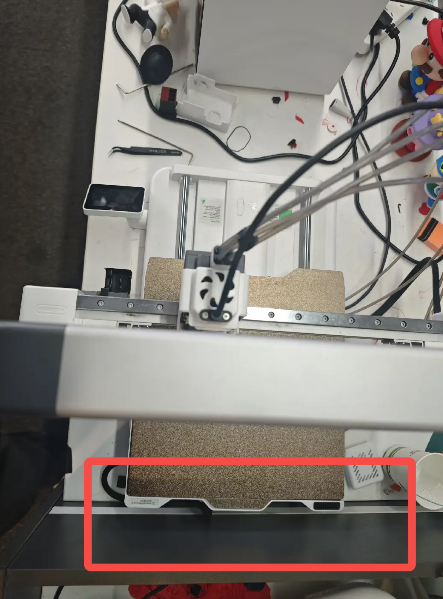
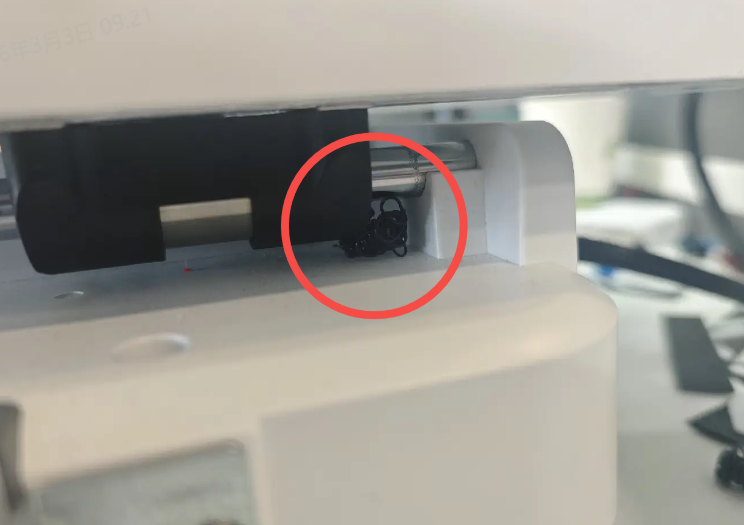
SPARKX i7 Layer Shifting

Move the toolhead left and right to ensure that the PTFE tube and toolhead cable do not interfere with toolhead movement.
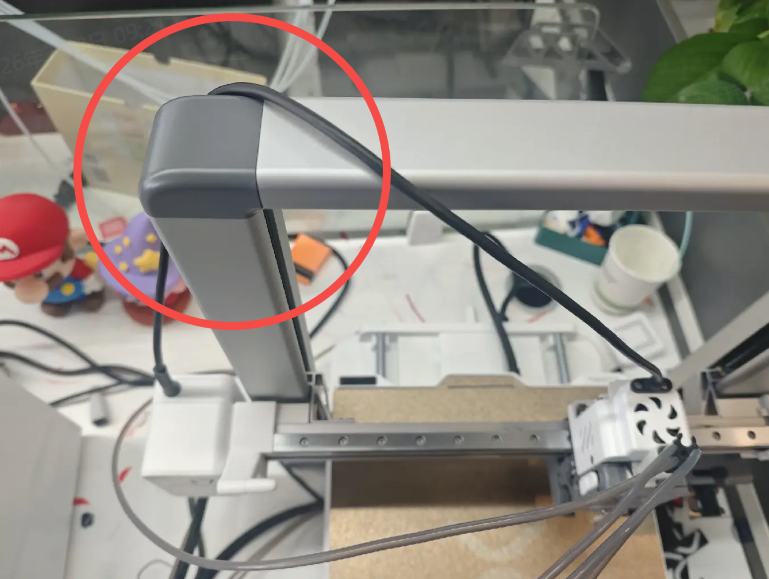
SPARKX i7 Layer Shifting

Check the belts on all axes to ensure they are properly tensioned.

Loose drive belts may slip and cause layer shifting.

For belt tensioning instructions, please refer to SPARKX i7 Belt Tensioning

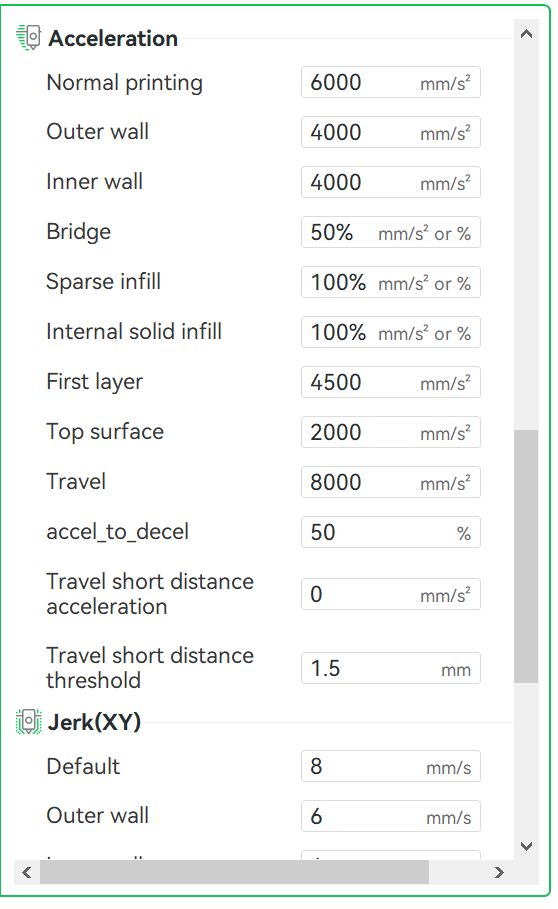
Check whether the slicing parameters are appropriate for the i7’s printing performance.

Check the speed and acceleration settings in the slicer. The SPARKX i7 supports a maximum speed of 500 mm/s and a maximum acceleration of 10,000 mm/s². Exceeding these limits may cause skipped steps during printing, leading to layer shifting.
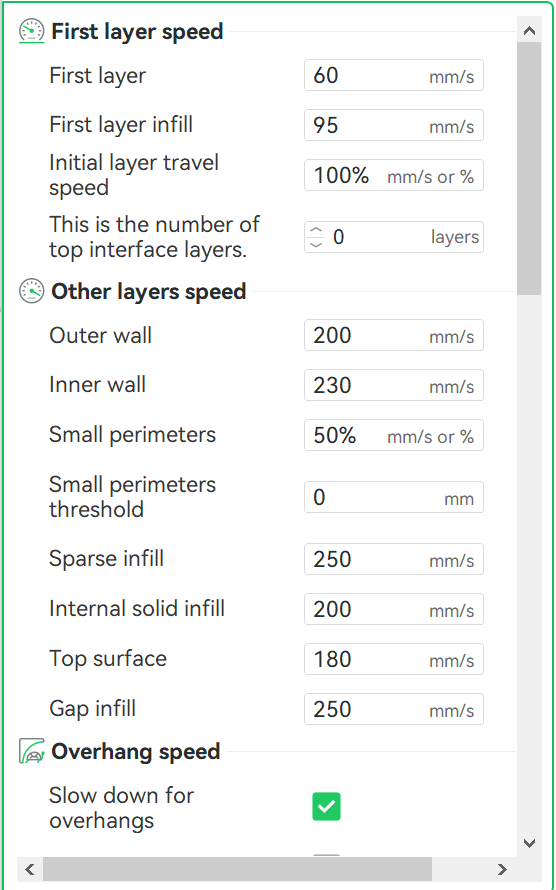
SPARKX i7 Layer Shifting 04
SPARKX i7 Layer Shifting

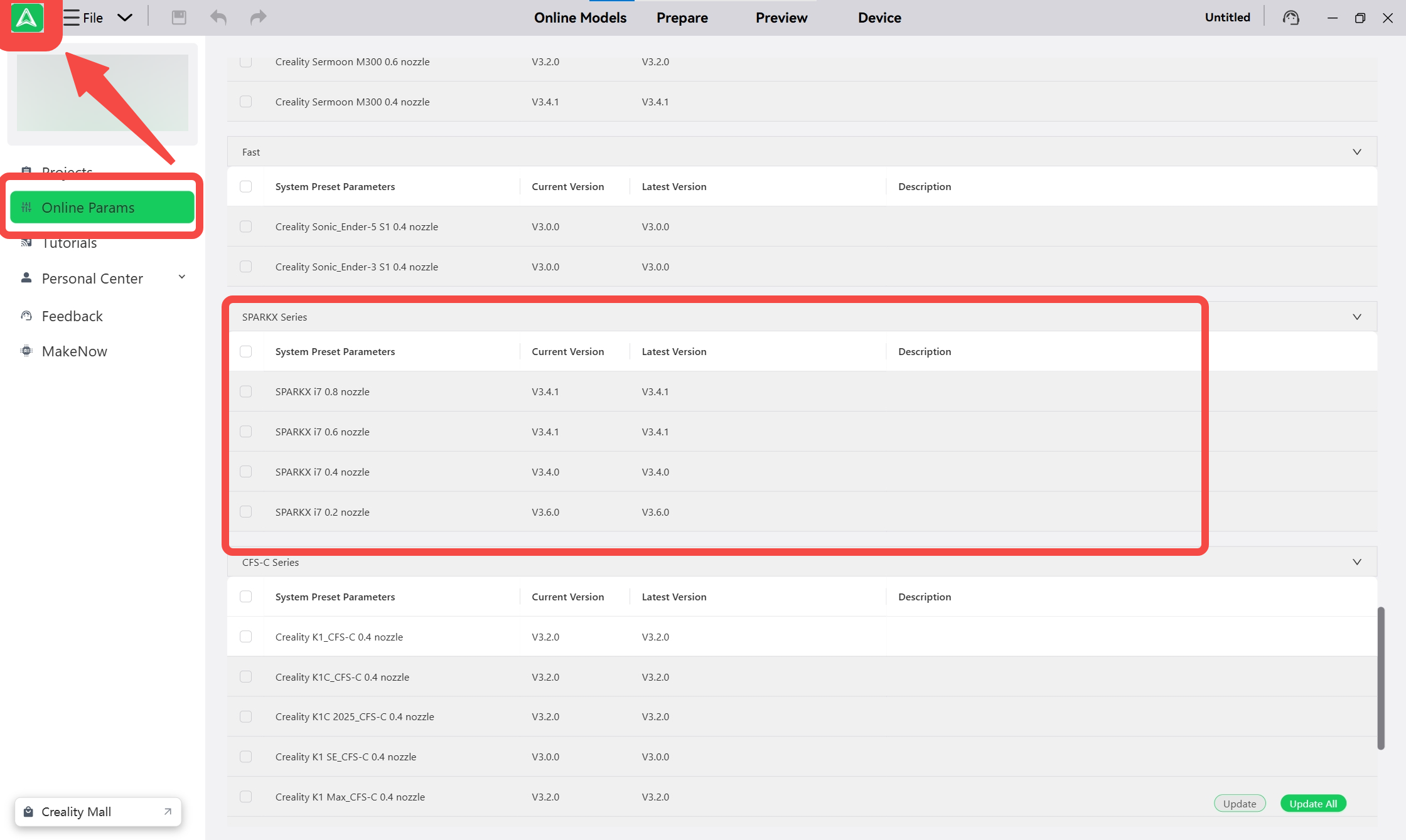
Check whether the Creality Print software and its online settings are up to date

Check the version of the Creality Print software.
SPARKX i7 Layer Shifting

Check the version of the online params

SHOP

  • Store
  • Falcon Store
  • Where to Buy
  • K Series
  • Hi Series
  • Ender Series

COMMUNITY

  • Forum
  • Creality Cloud
  • Discord
  • Reddit
  • Open Source

SUPPORT

  • Downloads
  • Help Center
  • Video Guides
  • Warranty & Repairs
  • Creality Wiki

ABOUT

  • Contact Us
  • Distributors
  • ShareFest Events
  • Investor Relations

Be the First to Know

Get the latest news from Creality.

  • Youtube
  • Facebook
  • Instagram
  • TikTok
  • Twitter
  • Reddit
  • Discord
  • LinkedIn
Privacy PolicyTerms of SalesShipping PolicyFeedback
United States(English)

Copyright © 2026 Creality Co., Ltd. All rights reserved.