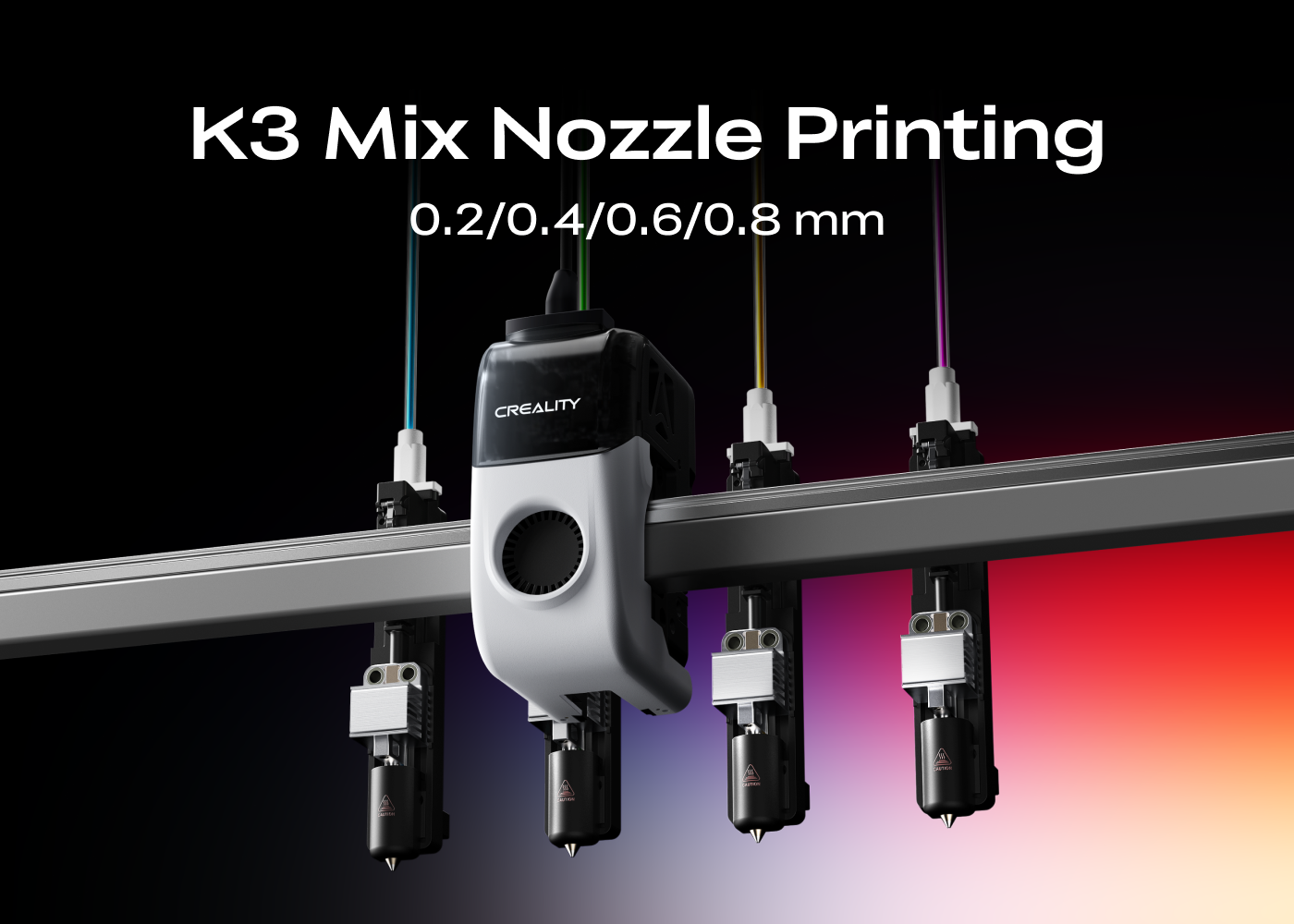
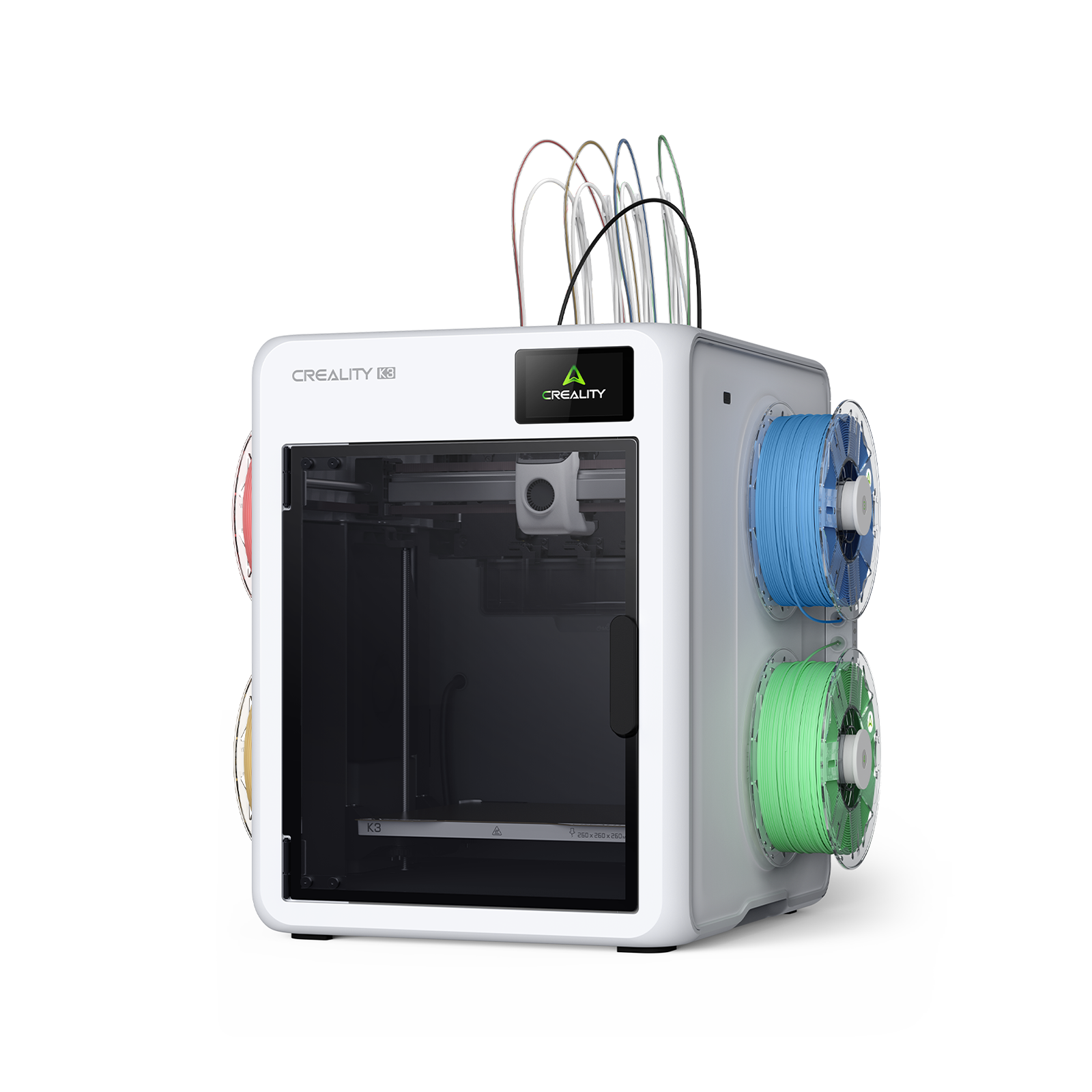
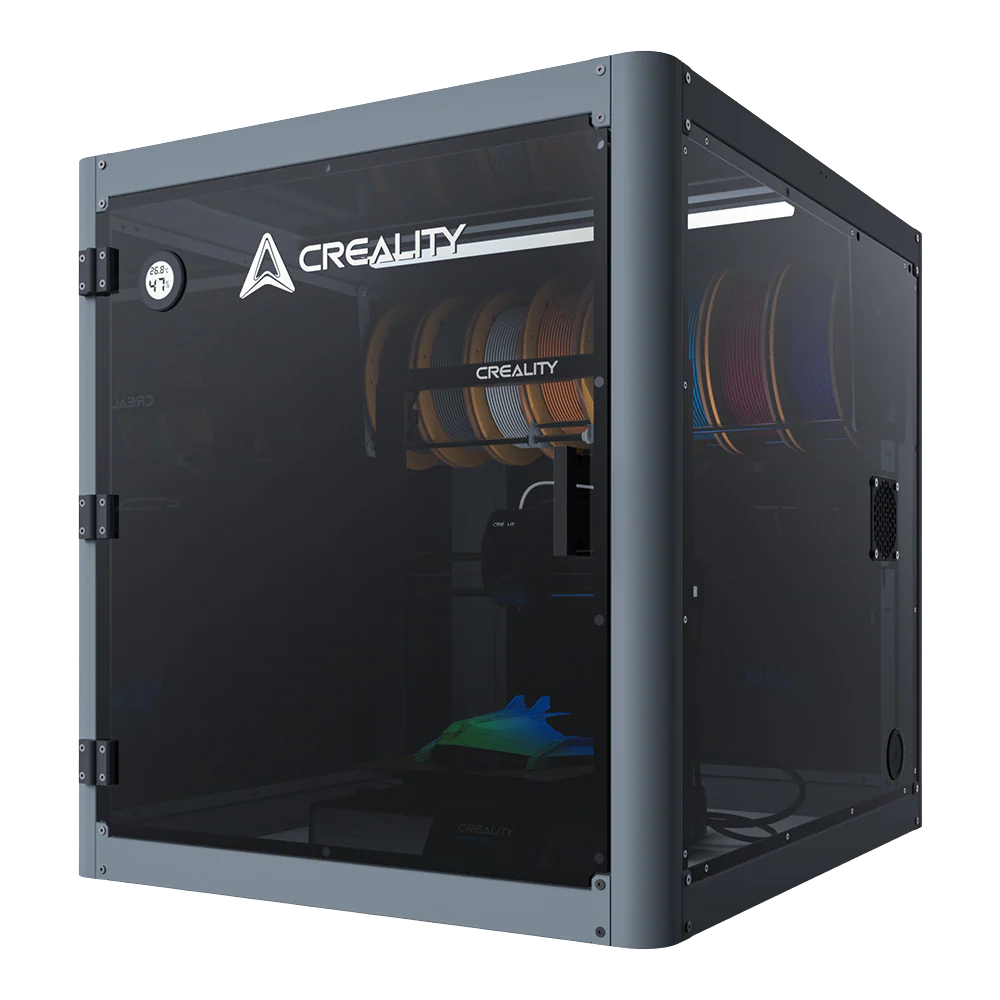
Creality K3 is Creality's next-generation flagship CoreXY multicolor nozzle-changing 3D printer, engineered for maximum multicolor & multi-material printing efficiency. It's a powerhouse for productivity, but there is a lot more to it. We've been listening to your feedback. Here are the answers to some of your most-asked questions.
① When is K3 launching, and what is the shipping date?
A: Pre-orders open in mid-October. Stay tuned.
② How much will K3 cost, and what bundles or packages will be available at launch?
A: Creality K3 is expected to launch below $900. Stay tuned for the official pricing.
③ How long does the nozzle change take, and how does that reflect on the print quality?
A: It performs nozzle changes in 4.8 seconds and completes color/material changes in 15 seconds. K3 is tested through over 800,000 high-speed nozzle changes, and accuracy deviation along the XYZ axes remains strictly under 25 μm. Print quality shows no compromises.
④ What mechanism does KliTek™ have to prevent filament from oozing and stringing during nozzle preheating?
A: KliTek™ features intelligent nozzle preheating while docked, paired with precise temperature control and filament retraction to prevent filament from oozing and stringing.
⑤ Can the K3 print different materials within a single print?
A: Yes, absolutely! Creality K3's nozzle-changing system fully supports combining different materials — such as PLA, PETG, and TPU — within a single print.
⑥ How many colors can K3 print with?
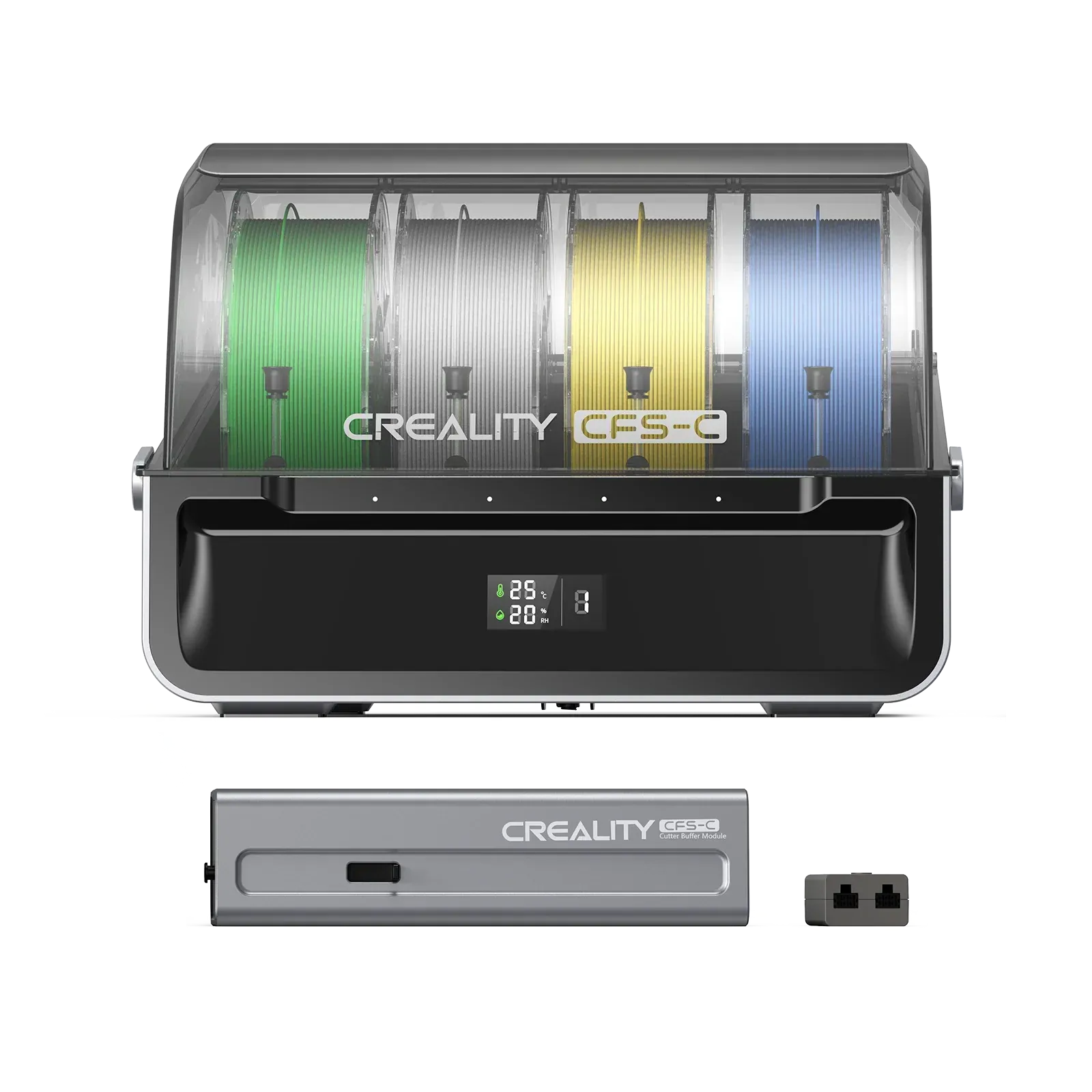
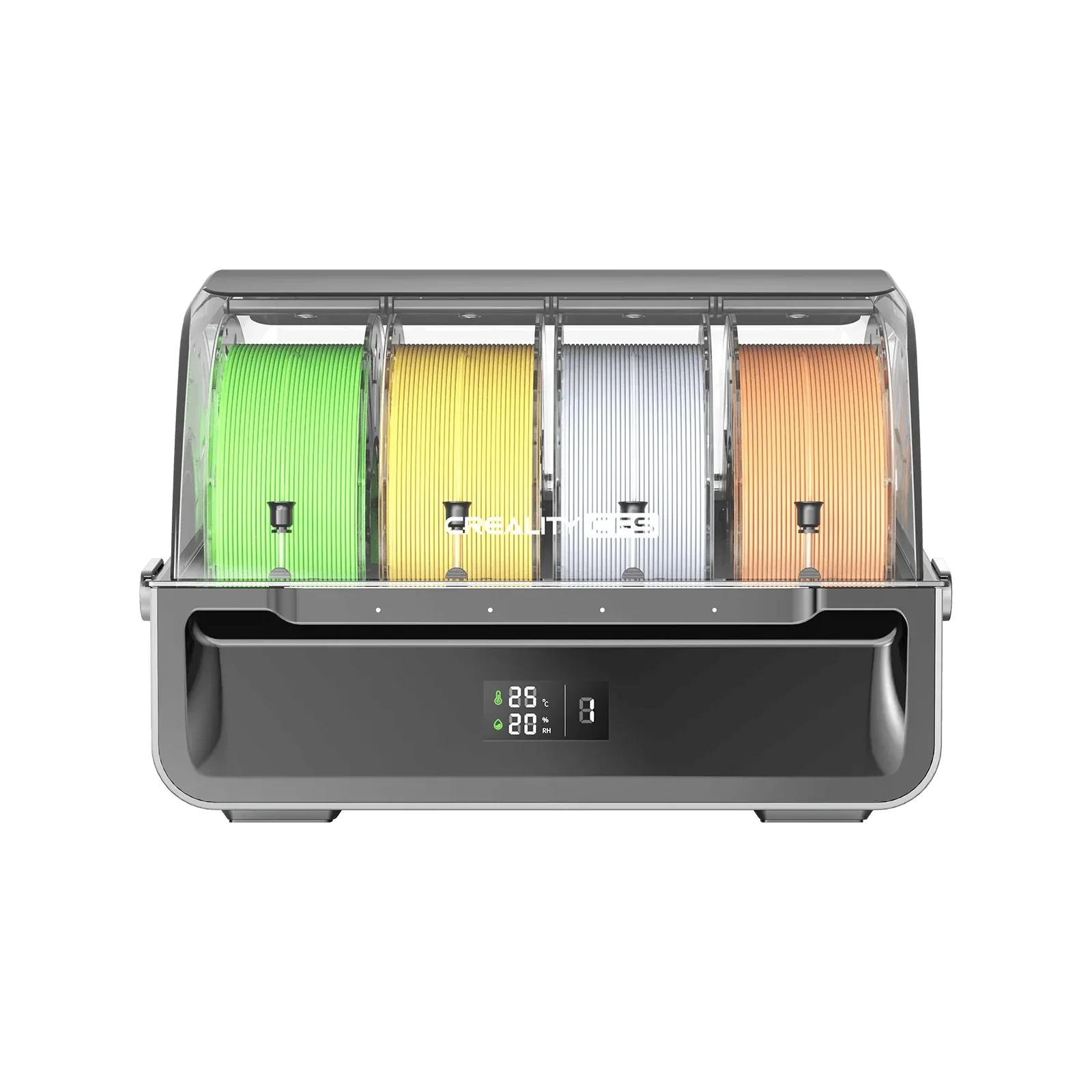
A: Out of the box, K3 features 4 built-in spool slots and 4 nozzles for waste-free 4-color/material printing. In addition, users can leverage CMYK color layering to unlock more colors and even richer shades. Plus, with an additional CFS Hub, K3 can be connected to CFS for more colors.
⑦ Can the K3 print TPU?
A: Yes. Creality K3 supports printing 95A Shore hardness TPU right out of the box, and can support printing softer TPU (such as TPU 90A and 85A) when equipped with an optional multi-material kit.
⑧ Does K3 automatically unload filaments?
A: K3 supports fully automated loading and unloading.
⑨ Can you mix nozzles with different diameters for printing?
A: Yes. Mixing and matching nozzle sizes is a core feature of Creality K3. K3 ships with a set of standard 0.4 mm nozzles. A separate multi-nozzle kit (0.2, 0.4, 0.6, and 0.8 mm nozzles, one of each size) will be available for purchase later after launch.
⑩ When mixing nozzle sizes, how does Creality Print adjust pressure advance and flow control to prevent blobs at the layer seams?
A: Different nozzle sizes cannot simply be combined for printing. We custom-tune each nozzle diameter to work together within the same print on K3.
⑪ Can you mix nozzle tips made of different materials, such as brass and hardened steel nozzles, within the same print job?
A: Creality K3 comes standard with four 0.4 mm brass-tipped nozzles. Users can mix nozzles made of different materials.
⑫ Which version of Creality Print is required for K3?
A: Creality Print 7.0 or later versions are fully optimized for K3 (including the multi-nozzle feature), with ongoing updates and enhancements. In addition, K3 is compatible with OrcaSlicer, and Root access is available out of the box for advanced users.
⑬ Will K3 be open-sourced?
A: Creality K3 Klipper-based firmware will be released in phases, and root access is available out of the box for advanced users.
⑭ Will there be an official review or creator program for K3?
A: Yes, the creator program is underway. Follow our official social media accounts for more details and K3 giveaways.