







































3D printers make it easy to create highly detailed prints, but even the best machines can leave visible lines. Sanding removes these imperfections, leaving a flawless and smooth finished product. To ensure your print isn't damaged during this process, it's important to use the right method with the correct materials. Knowing how to sand 3D prints can be a game-changer that delivers exceptional results.
Why Sanding 3D Prints is Important
3D printing opens the door for creatives to design and craft intricate, detailed objects in their home or business. However, all 3D printers, no matter how advanced, create surface imperfections and visible layers. To remove them and create a professional appearance, sanding is required. Additionally, any print that you plan to paint must be sanded beforehand to prepare the surface and ensure proper adhesion. Here are a few of the top reasons why sanding 3D prints is important.
Remove Blemishes and Imperfections
It's common for blemishes and imperfections to be left behind on a print, especially when support structures are used in the printing process. Sanding smoothers over these marks, removing them and leaving the surface flawless.
Refine Intricate Details
3D printers can create intricate details, but they may be partially hidden by an imperfect surface. Sanding helps refine and showcase complex designs and fine features, improving the model's overall quality.
Improved Feel
Creating a print that's smooth and tactilely pleasant is essential, especially when creating toys, wearables, and other objects that are frequently handled. Sanding ensures all touch points are safe, without harsh edges or sharp points.
Better Fit
If you're creating a print or model that moves or fits together, sanding is essential to ensuring a precise fit and easy movement. It gives you greater control over the clearance between all of the components for meticulous results.
Paint Preparation
Painting is a great way to bring your 3D prints to life, but if you don't properly prepare the surface area beforehand, it could look sloppy. Sanding smoothes the surface, providing a better base for priming and painting, so everything adheres evenly and creates a polished, high-quality finish.
Aesthetics
You want your models and prints to look exceptional, and sanding makes it happen. It removes visible lines and layers for a refined and professional-looking result.
What Materials to Use for Exceptional Results
While sanding your 3D print is important, if you're not using the right materials, you could do more harm than good to your print. This list of materials will help you choose the right one for your print or model.
-
Sandpaper: 1multi-grit ranging from 80 to 150 and progressing up to 2000
-
Wet Sandpaper: To reduce friction and minimize dust, especially when using finer grits
-
Sanding block or sponge: for flexibility and even pressure
-
Clean rage and water: For wiping dust and for wet sanding
-
Filler primer: Essential for filling in smaller imperfections to create uniform smoothness before painting and after the final finish
Once you have your materials, you're ready to begin the sanding process.
How to Sand 3D Prints: A Step-by-Step Guide
When sanding your 3D prints, it's important to be patient and go slowly, especially when working around delicate areas. Take your time and use a light hand; it's easy to sand more, but if you go too far, you could ruin the object.
Step 1 : Begin with coarse grit
Start sanding with a coarse sandpaper, between 80 and 150 grit, to smooth down prominent imperfections and layers.
Step 2 : Progress to finer sandpaper grits
As you smooth each layer, gradually progress to finer grits, like 220, 320, and 500. Gently wipe the print down after each pass to remove dust and debris.
Step 3 : Use sanding blocks or sponges
Sanding blocks and sponges are an excellent option for detailed areas and delicate curves. They offer greater flexibility and control while making it easier to maintain even pressure.
Step 4 : Begin wet sanding
Once you've reached 400-grit sandpaper or higher, you can switch to wet sanding for a smoother finish. Dab water on the surface of the print to reduce friction and cut down on dust.
Step 5 : Spray on filler primer
Once your print is smooth, it's time to spray on one or two layers of filler primer to fill in any small gaps and create a base for the final sanding stage. Allow the primer to dry completely before continuing.
Step 6 : Final sanding
Once the filler primer is dry, you're ready for the final sanding. To create the smoothest finish, you'll want to use 800 grit or higher. This ultra-fine sandpaper creates a satiny, buttery-smooth finish that's perfect for paint or whichever finishing technique you prefer.
Step 7 : Wipe Down
After the final sanding, wipe down your print with a clean, damp rag to remove any leftover dust. It should now be completely smooth without any imperfections, ridges, or lines.
Sanding your 3D print isn't hard, but it does take time. Remember not to rush through any steps; patience is the key to success.
Tips for Getting the Best Results
To get the best results when sending your 3D print, follow these proven tips.
1. Prepare Beforehand
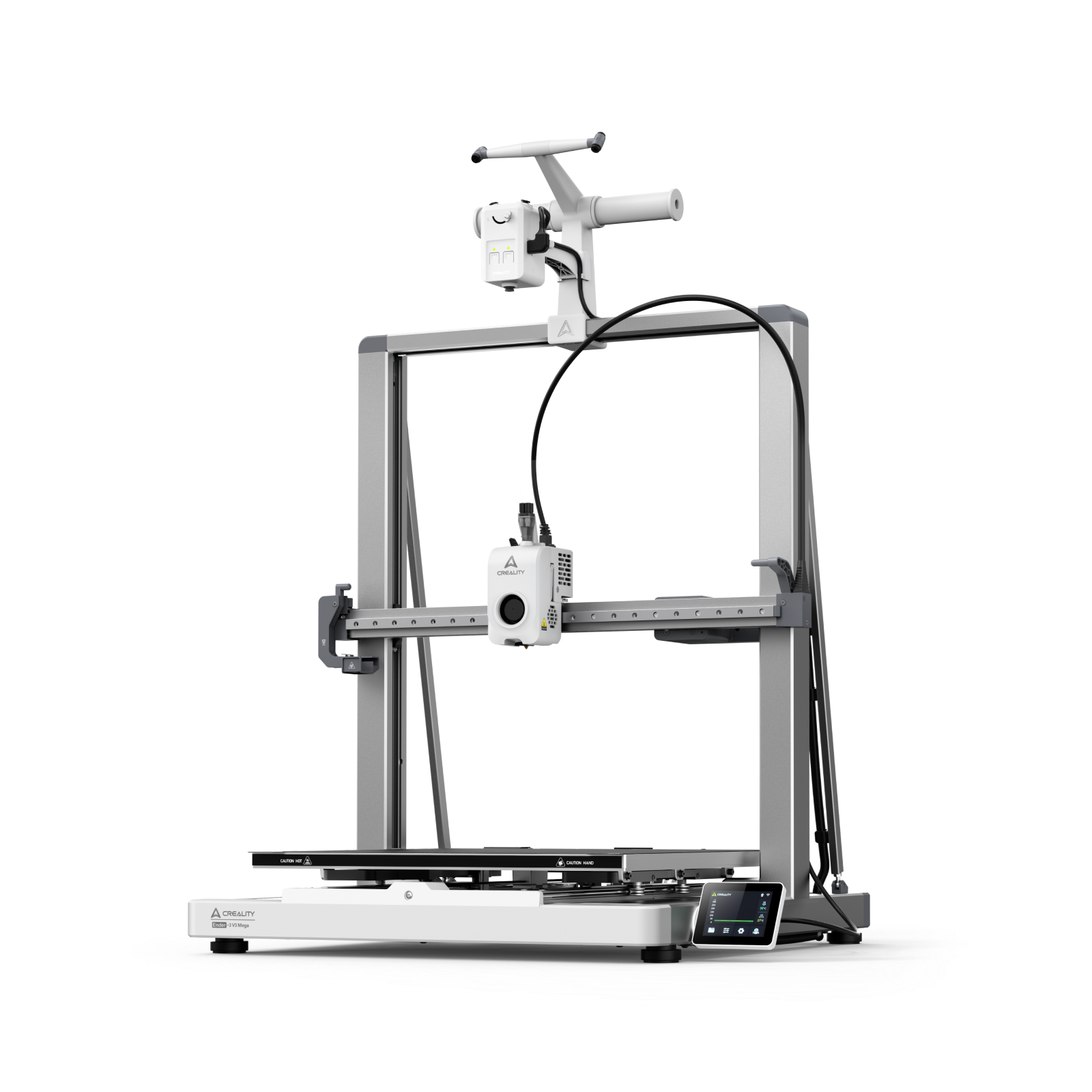
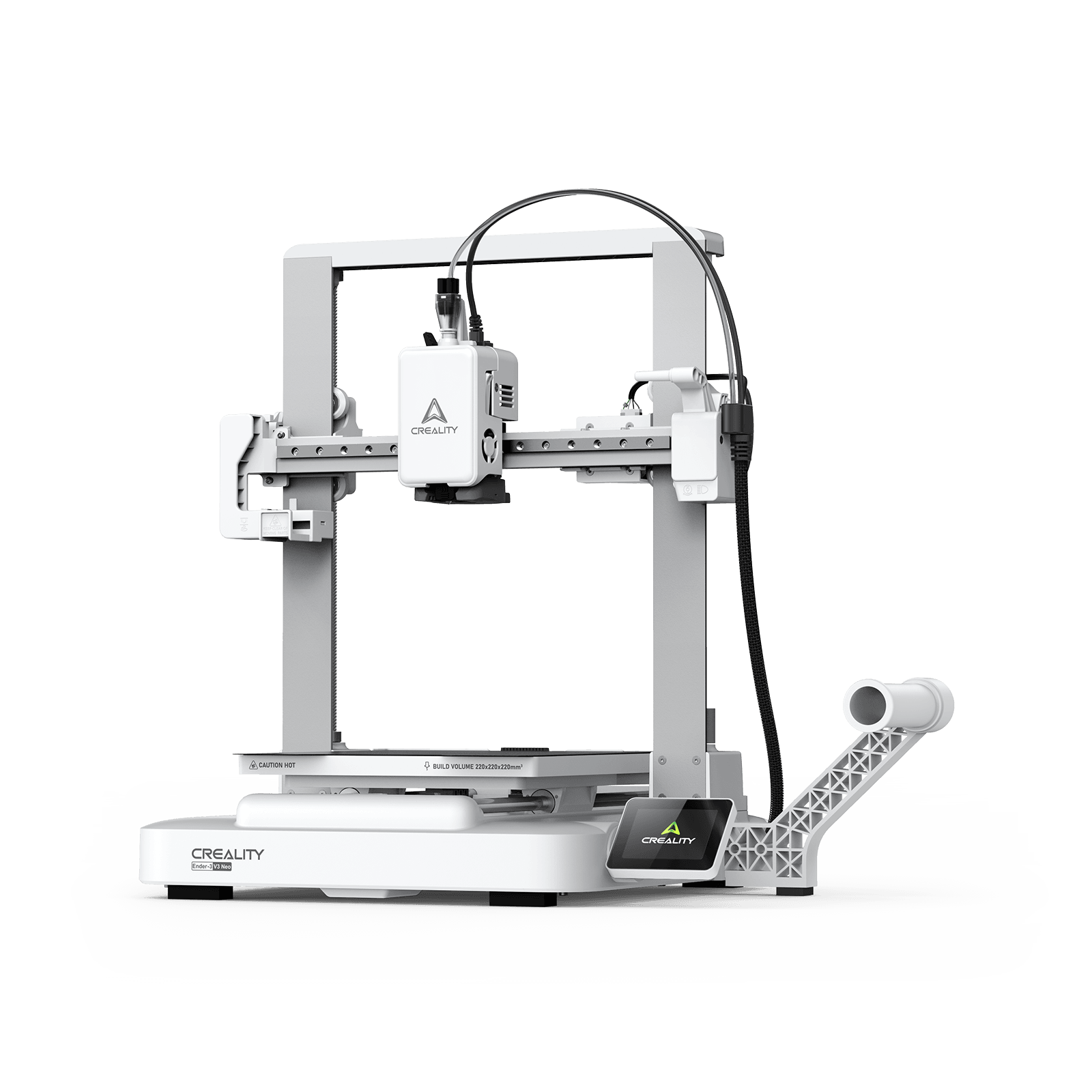
The key to top-quality prints is starting with a high-quality printer. There are many models available to fit your needs, from affordable options like the Creality Hi/ Combo to the K2 Series for exceptional precision and performance. Be sure to optimize your printer settings to reduce the amount of surface roughness and make sanding faster and easier. You'll also want to test fit all parts before you start to ensure they fit properly, since sanding can impact their dimensions.
2. Don't Be Afraid of Course Sandpaper
Course sandpaper can be a bit intimidating, especially when sanding more delicate prints. However, starting with 80 to 100 grit sandpaper will smooth out rough edges and layer lines for a flawless finish.
3. Take Your Time
It may be tempting to rush the sanding process so you can just get to the final result. However, this step is key, and if you're not careful, you could damage your print. Take your time on each layer, being sure to get into every nook and cranny and wiping the print down thoroughly as you go. The result will be well worth the effort.
4. Don't Skip the Filler
Filler primer is how professionals get their 3D prints and models to look flawless and professional. It fills in all the small imperfections you may not see until you apply paint or other finishers. For deep layer lines, you can also use spot putty or Bondo; just be sure to sand it thoroughly so it blends seamlessly.
5. Use the Appropriate Tools
Using the appropriate tools can make sanding faster and easier. An orbital sander is great for large areas, while a Dremel provides greater control on the finer details. Just be sure to avoid using high speeds if you choose an electric sander, since the heat they produce can melt the plastic.
Conclusion: Is Sanding a 3D Print Worth It?
Sanding 3D prints is the only way to get a smooth, professional finish. The process is simple, but requires patience and precision. Starting with a top-quality 3D printer can make all the difference, leading to smoother prints and less sanding time. Creality is proud to offer high-speed 3D printers that create exceptional prints. Choose from a full line of affordable, high-precision models designed to put you in control.