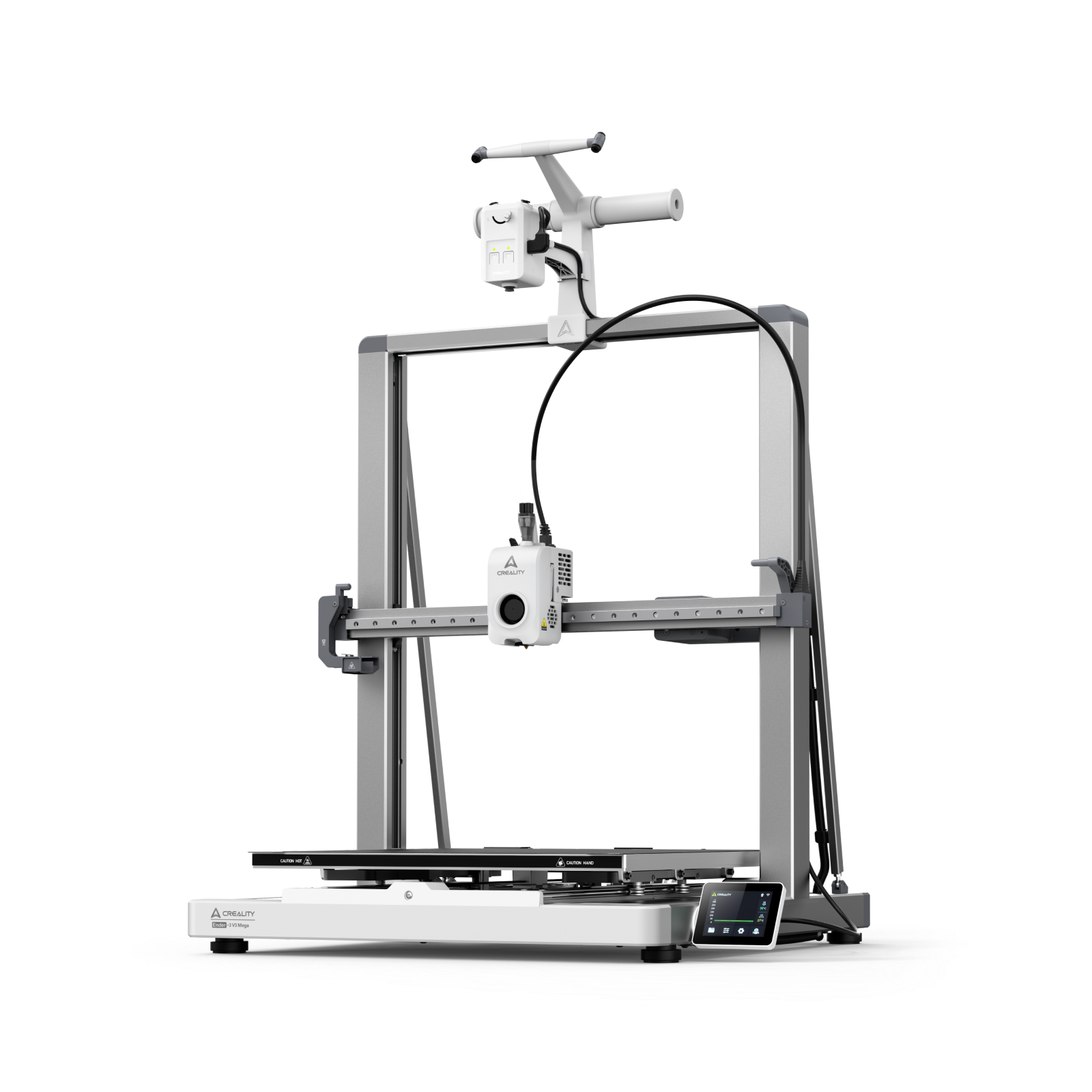
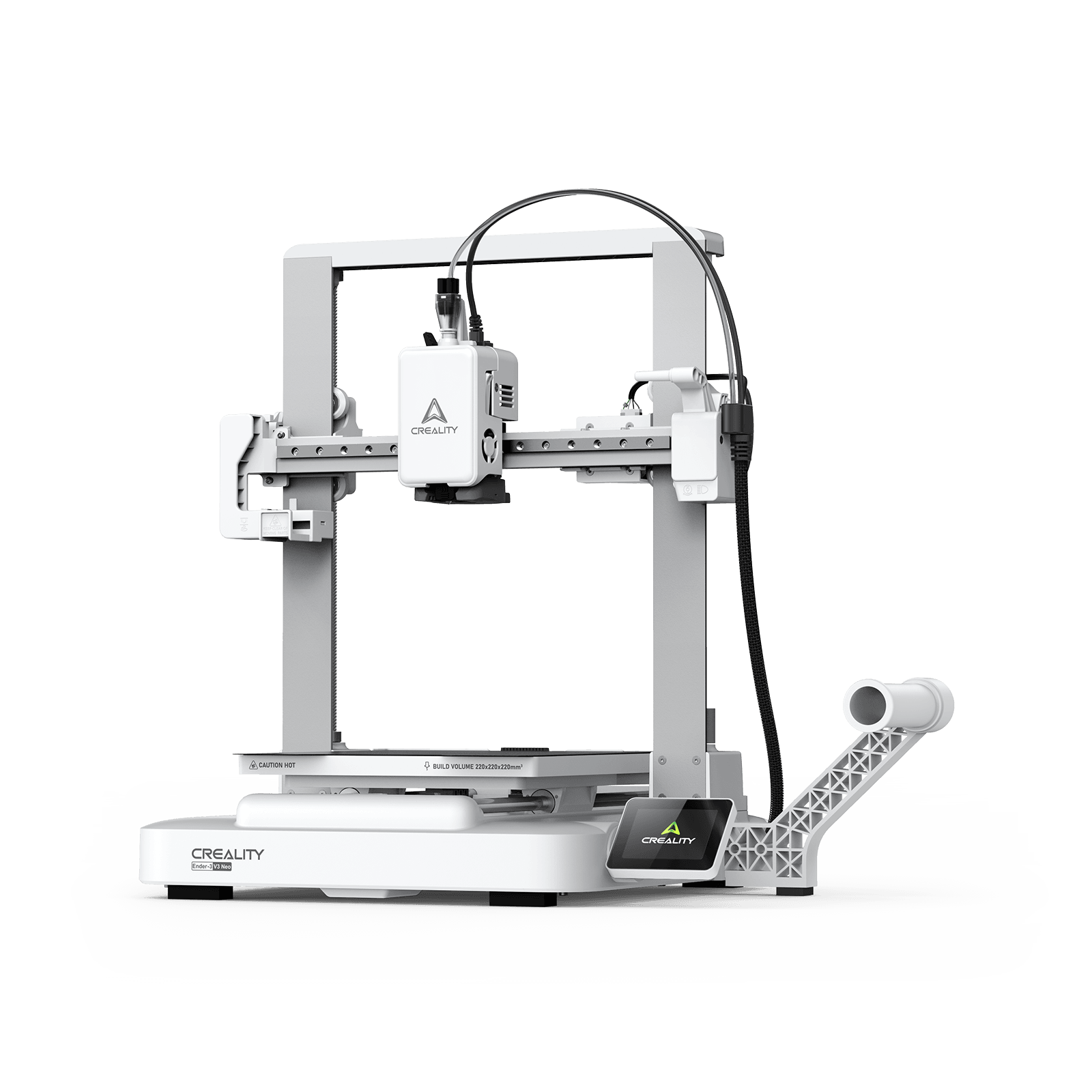
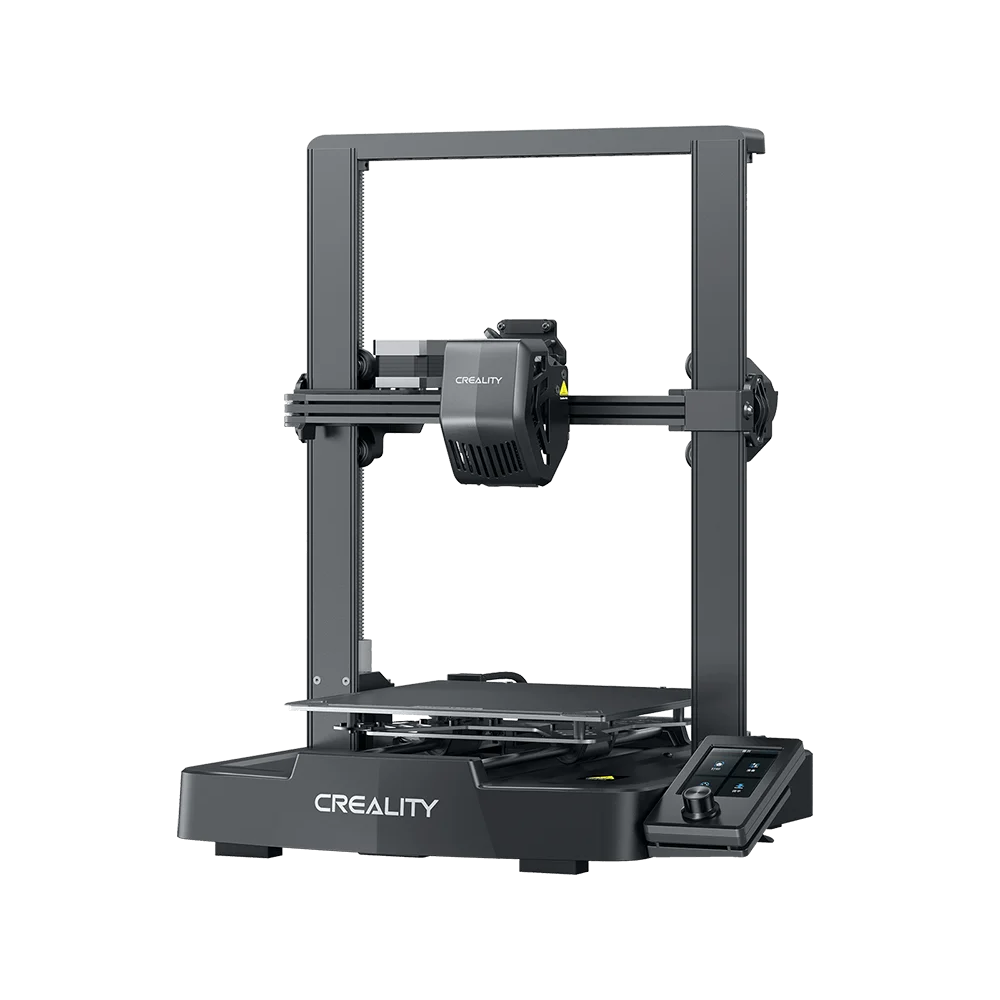
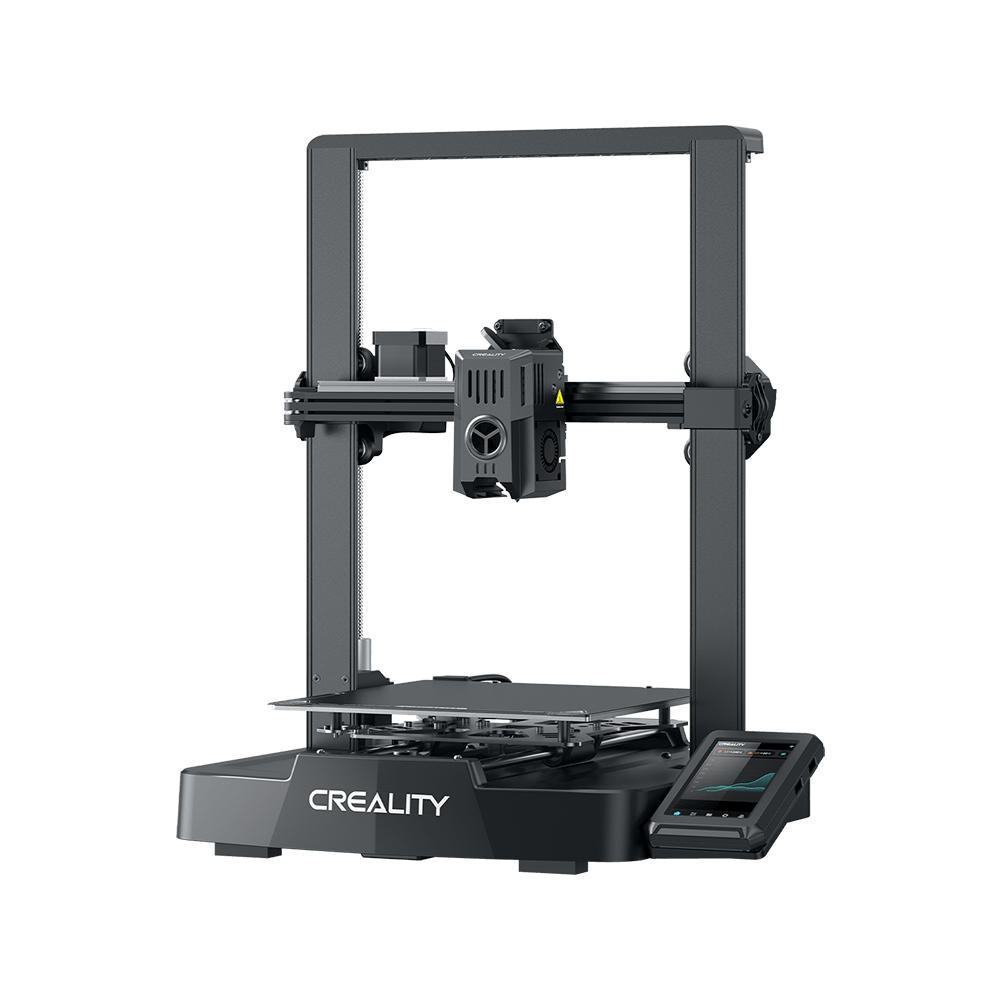
3D printing users should know that 3D printing is a long time process.
FDM printer as an example, it takes about 2-3 hours to print a 20g model. Normally users cannot keep an eye on the entire printing process.
During this time, there is a small probability that there will be problems caused by printing fails, such as poor leveling, feed-in clogging, model warping, string and etc. If it cannot be found in time, it will not only cause the waste of time and filaments but also may damage the printer's performance.
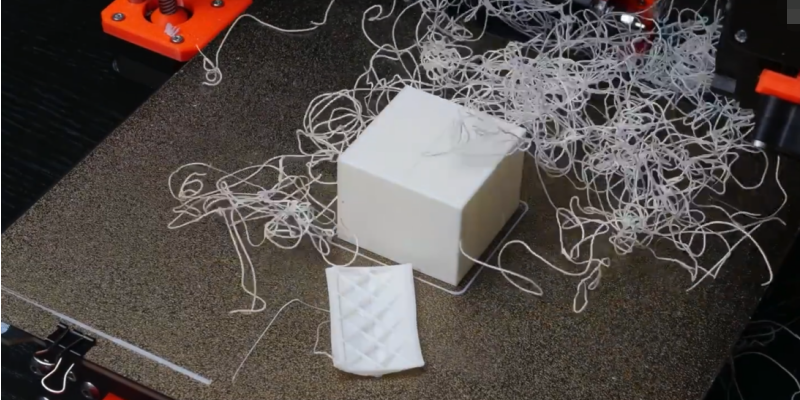
(Image from Weibo video:@老师好我叫何同学)
In order to solve this problem, there is an urgent need for a product that can remotely control the printer online, so, here comes the"Creality Cloud".
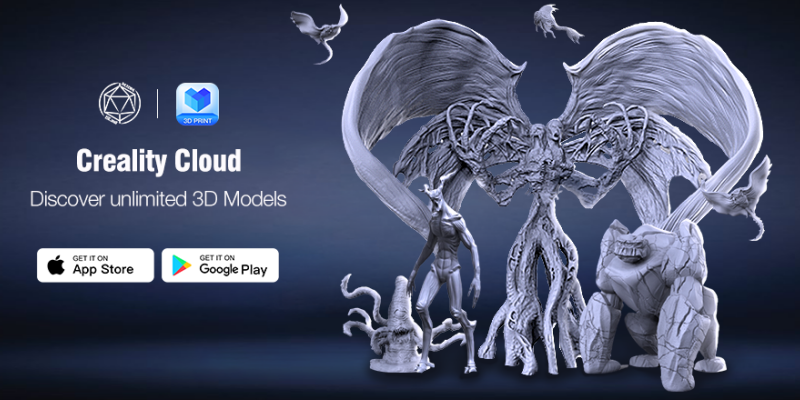
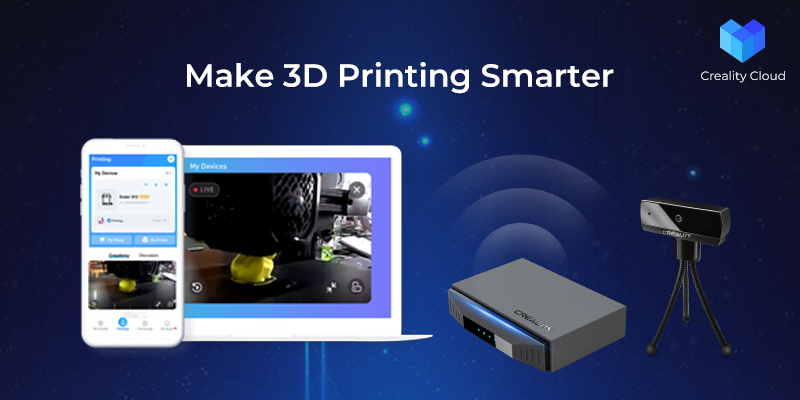
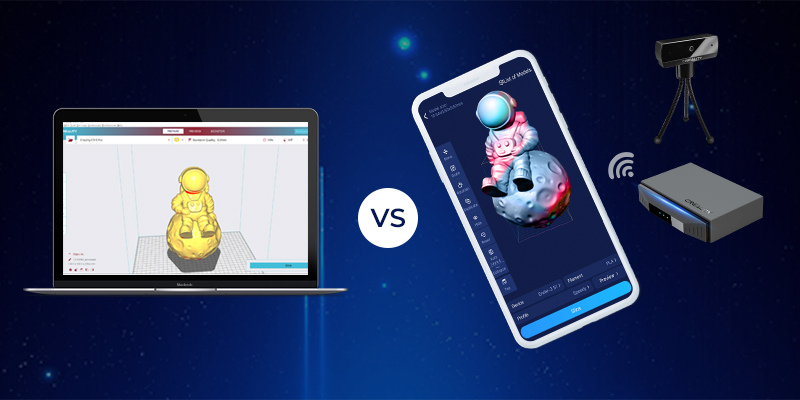
Creality Cloud——The world's first all-in-one 3D printing platform integrates mobile APP, web page and application plug-ins with built-in slicing software to realize remote slicing function.
Creality Cloud has a wealth of model databases, machine firmware, printing software, operation videos, and so on that can be searched with one click.
So far, Creality Cloud has more than 1,000,000 users from 190 countries and cities around the world. The vibrant community is a social network for 3D printing enthusiasts to exchange printing tips, share their models, and get new information about the 3D printing industry.
What's more, Creality Cloud implement online model trading function. Users can buy or sell 3D models with credits, turning your creativity into earnings.
There are also creative tools to allow users to easily model, planet lights, 3D photos, and laser engraving can be printed at will.
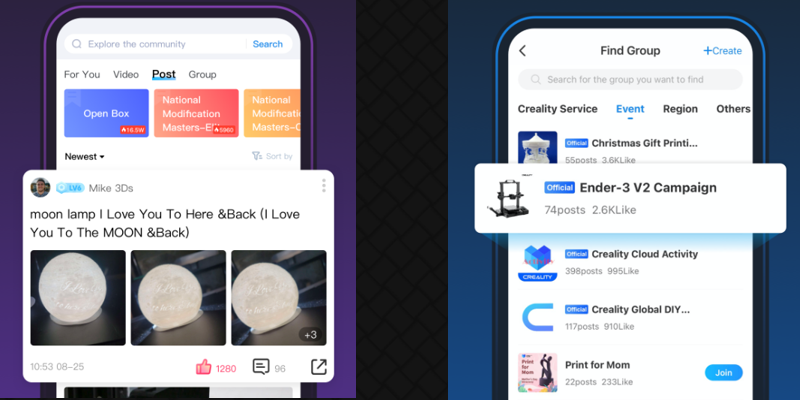
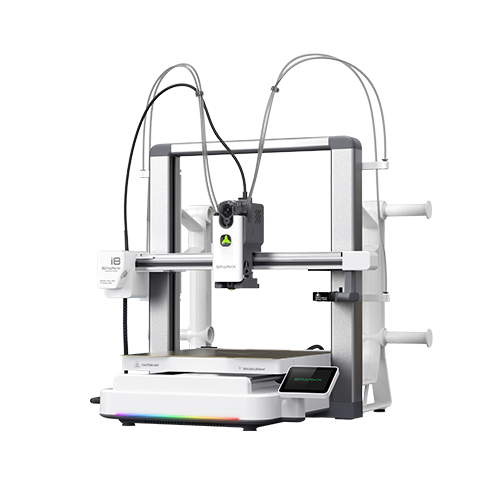
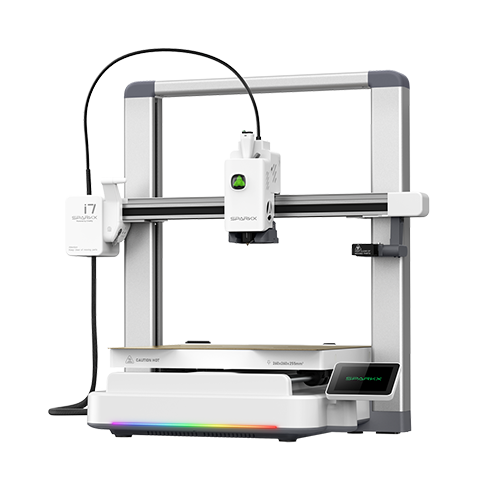
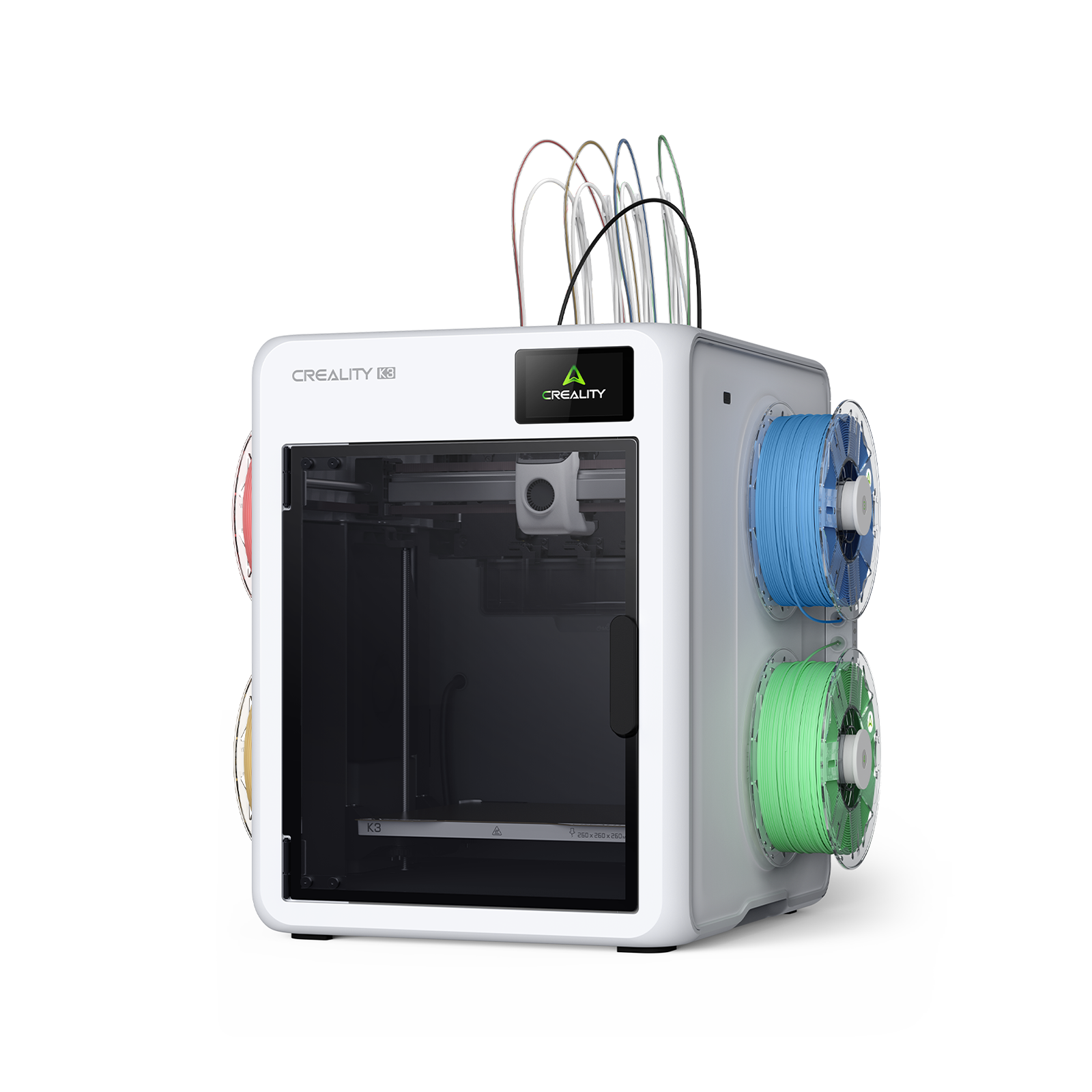
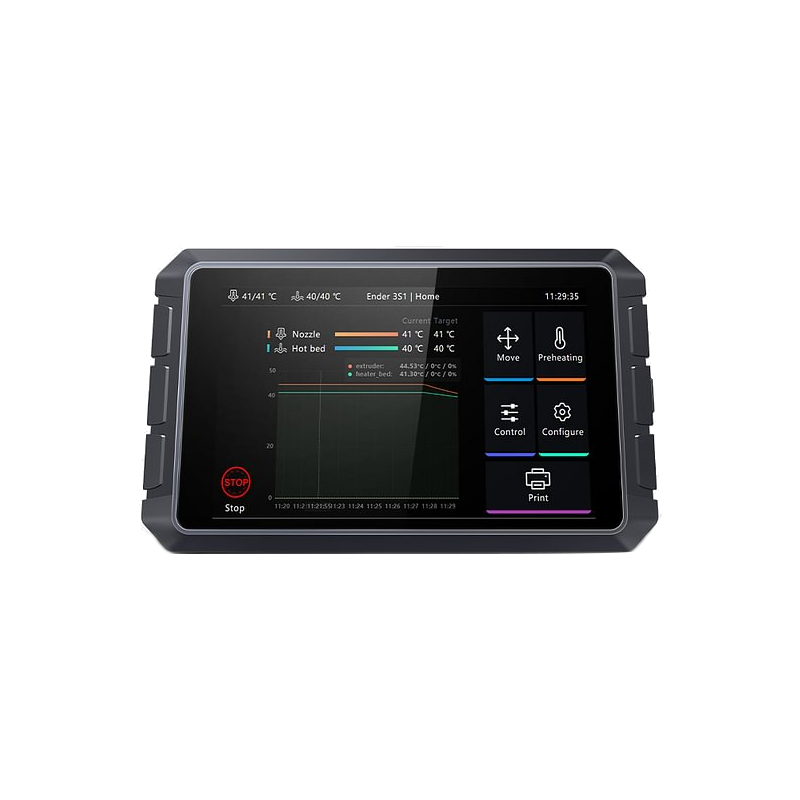
In addition, the printer can also be directly connected with the Creality Cloud for more functions.
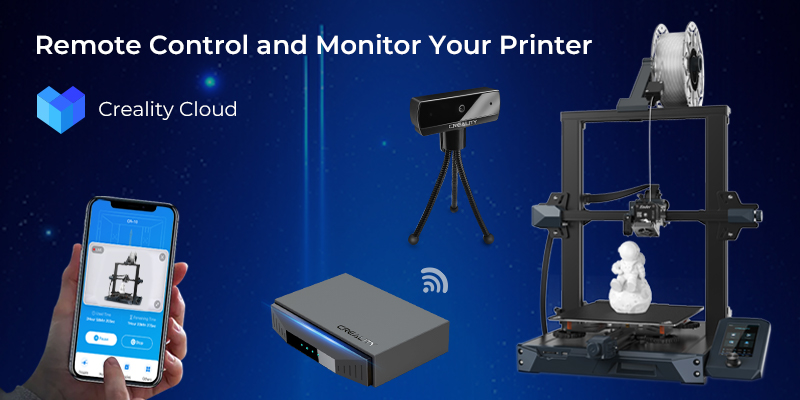
So, how do you get printers like the Ender-3S1 Pro, Ender-3 V2 and others without networking capabilities to connect to the Creality Cloud? The answer is Creality Smart Kit!
The Creality Box in the Creality Smart Kit is connected to the Creality Cloud via the internet and enables remote monitoring and real-time printing. Control the printer work anytime, anywhere and check the printing status in real-time, making 3D printing smarter and more convenient.
It is well known that conventional printers require a computer for slicing, but not every user has a computer and not every user has access to professional slicing software for computers.
When users connect to the Creality Cloud using the Creality Box, the Creality Cloud offers cloud slicing, multi-model slicing and one-click printing. Users can print their favorite models remotely, breaking location restrictions and printing anywhere, anytime is no longer a dream. With customized slicing parameters, even novice users can quickly get started.
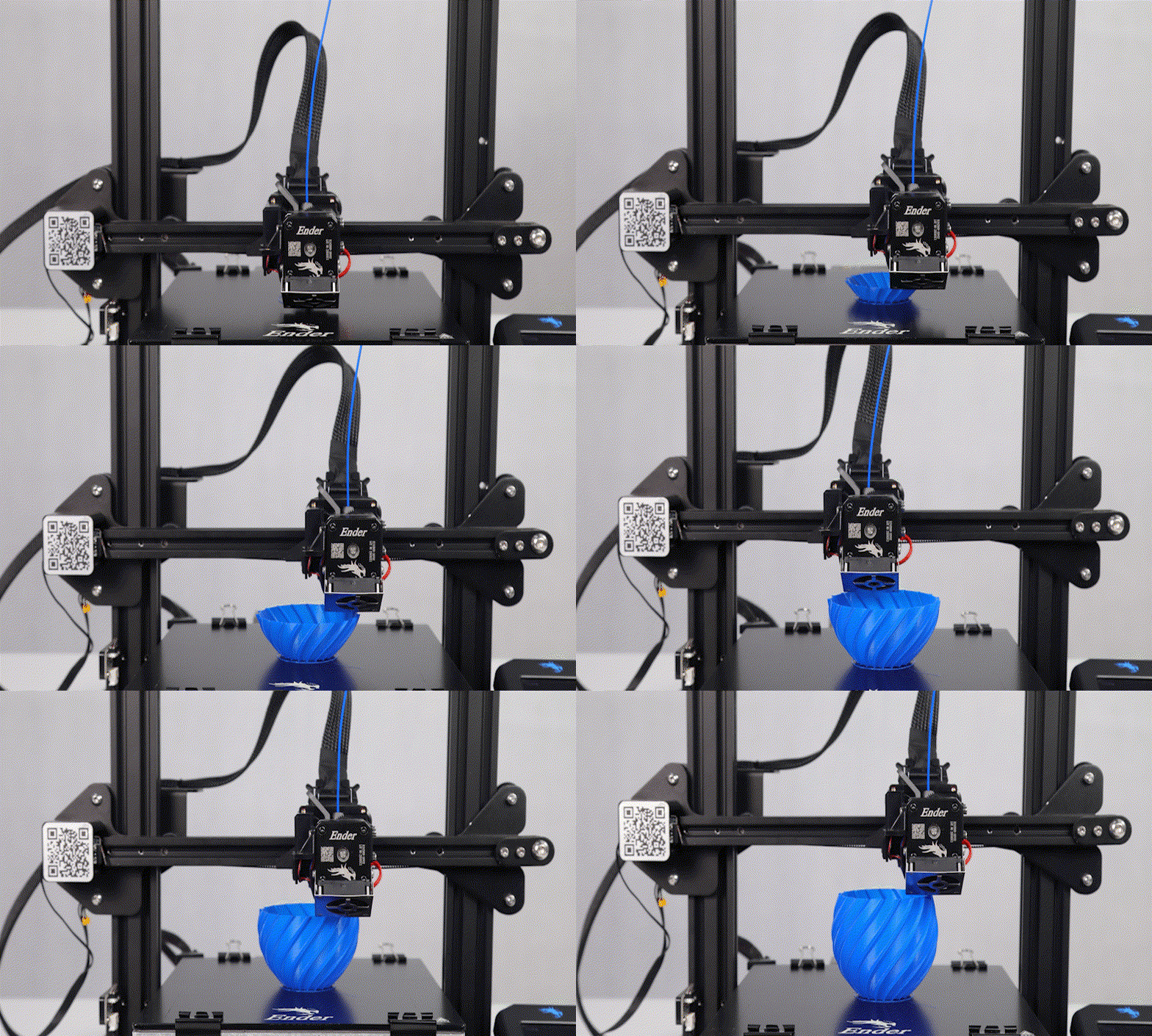
For users who like to shoot video, the Smart Kit's HD camera has a time-lapse video function, so you don't need to take multiple photos to make a video, just view the printed video in the Creality Cloud.
More other features, coming to discover, let's find out 3D infinite wonderful!