

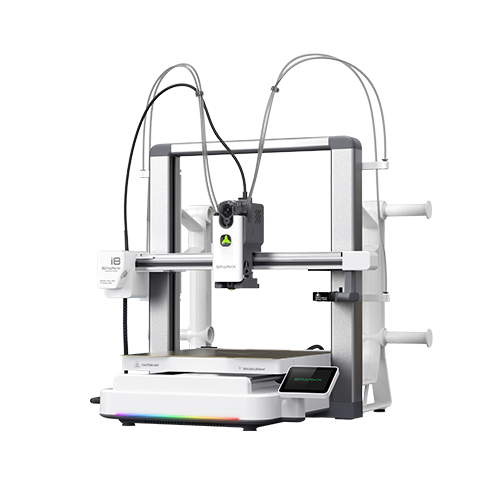
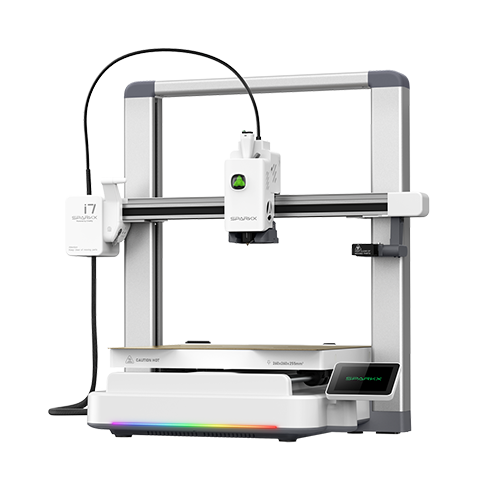
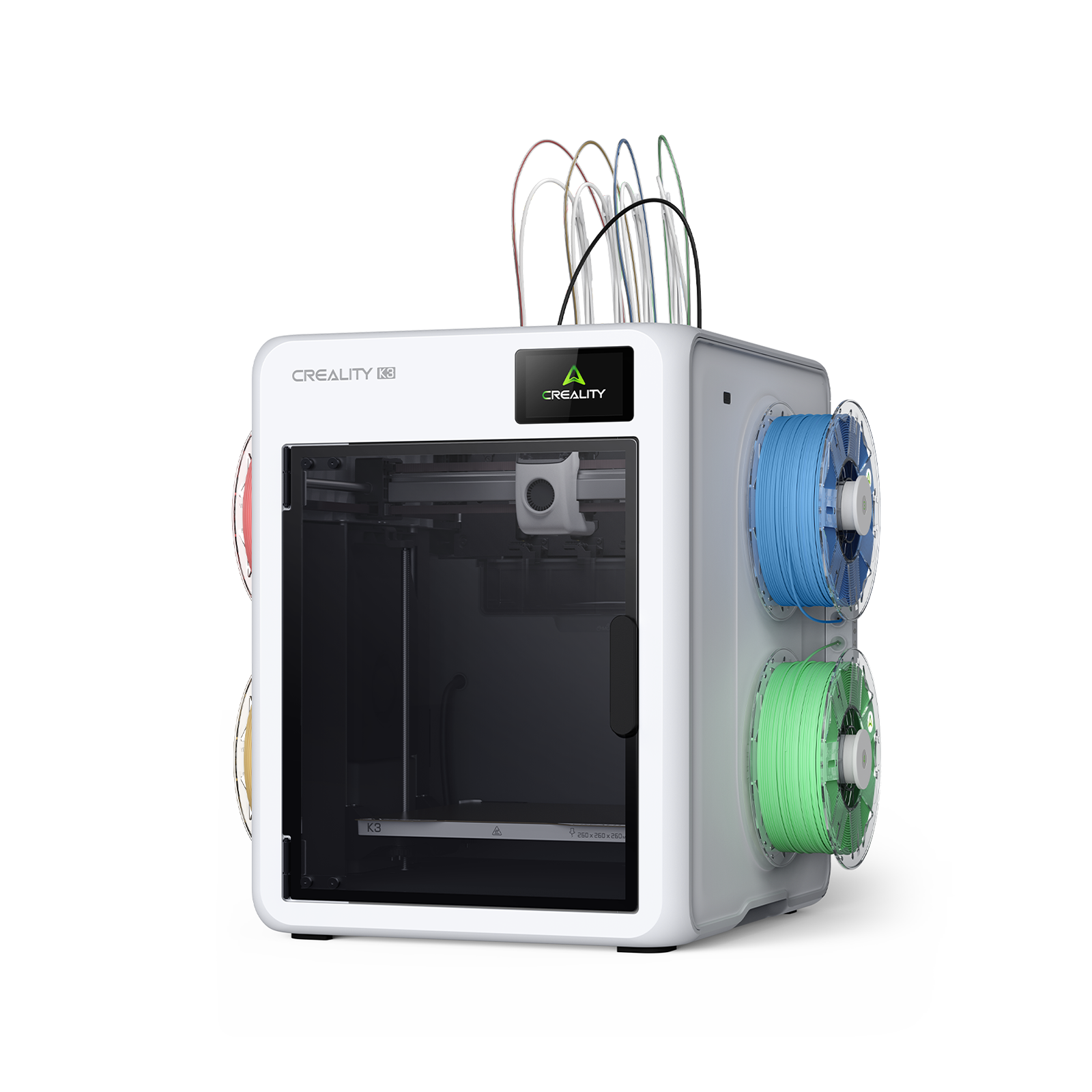
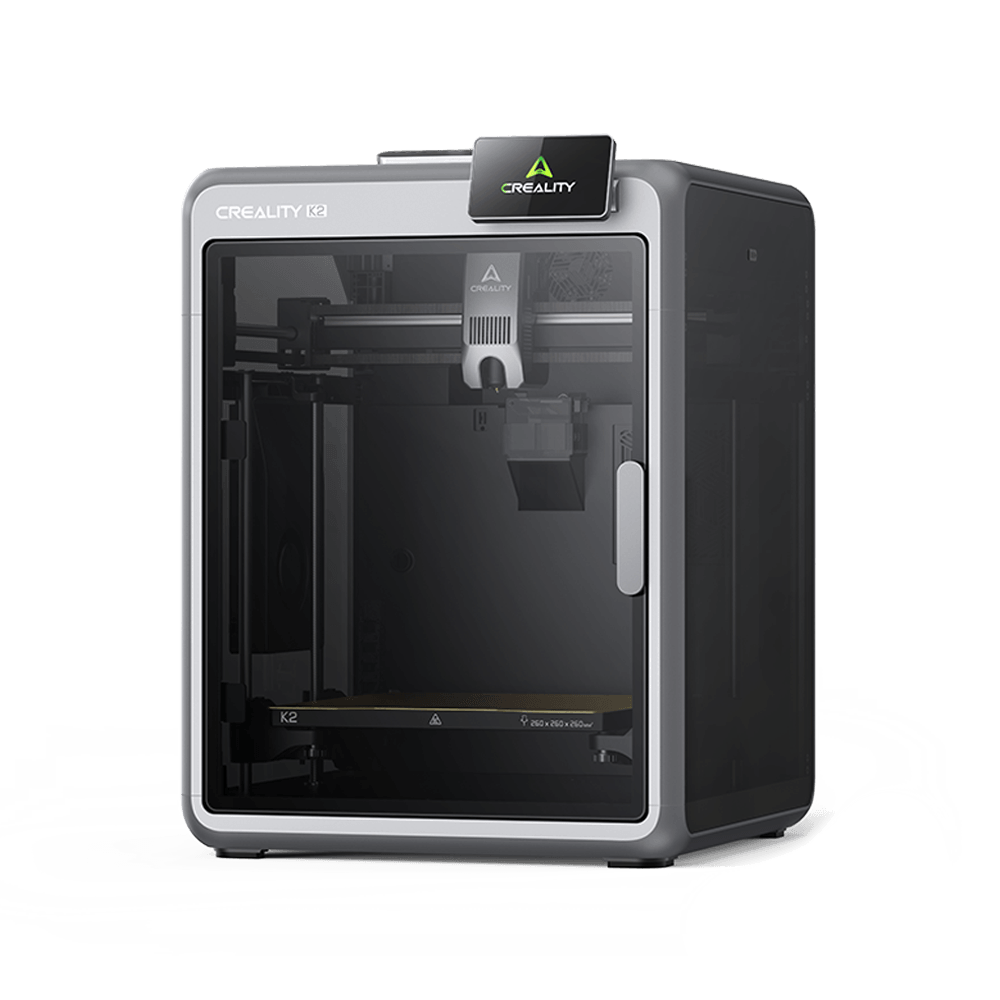
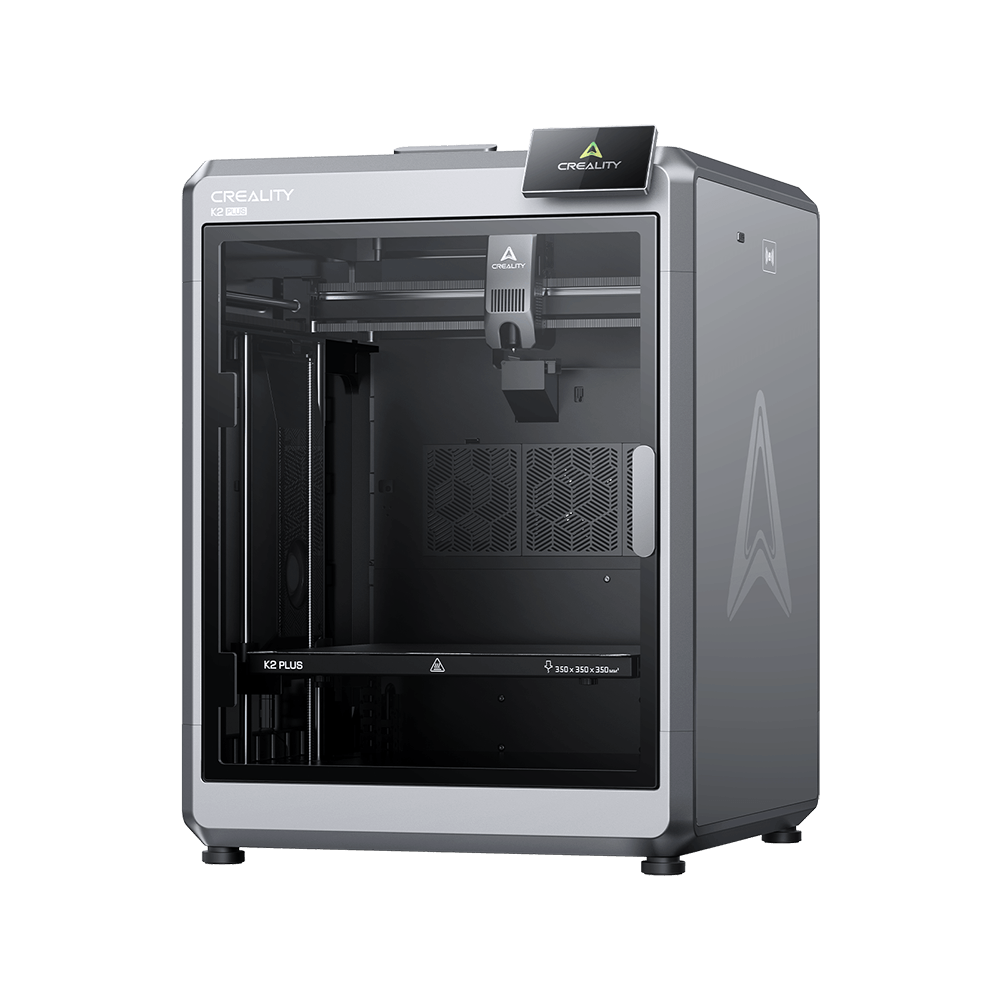
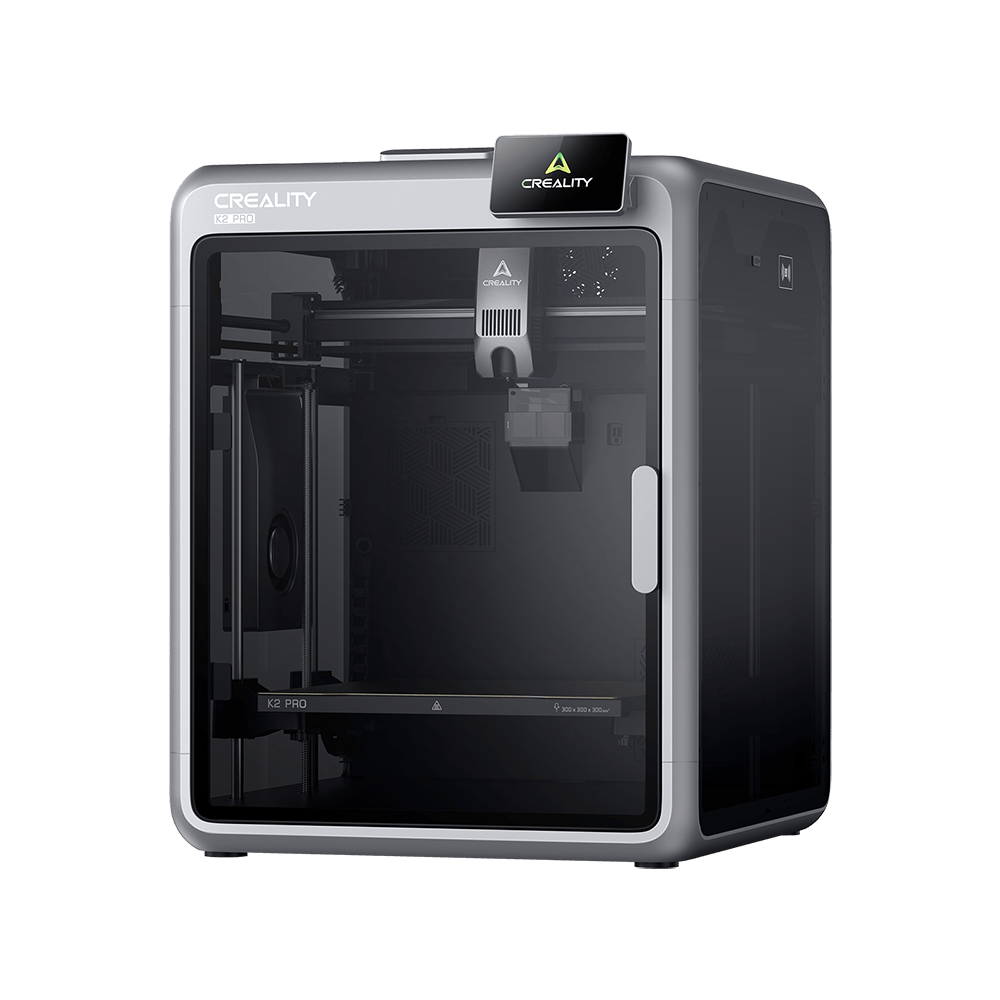
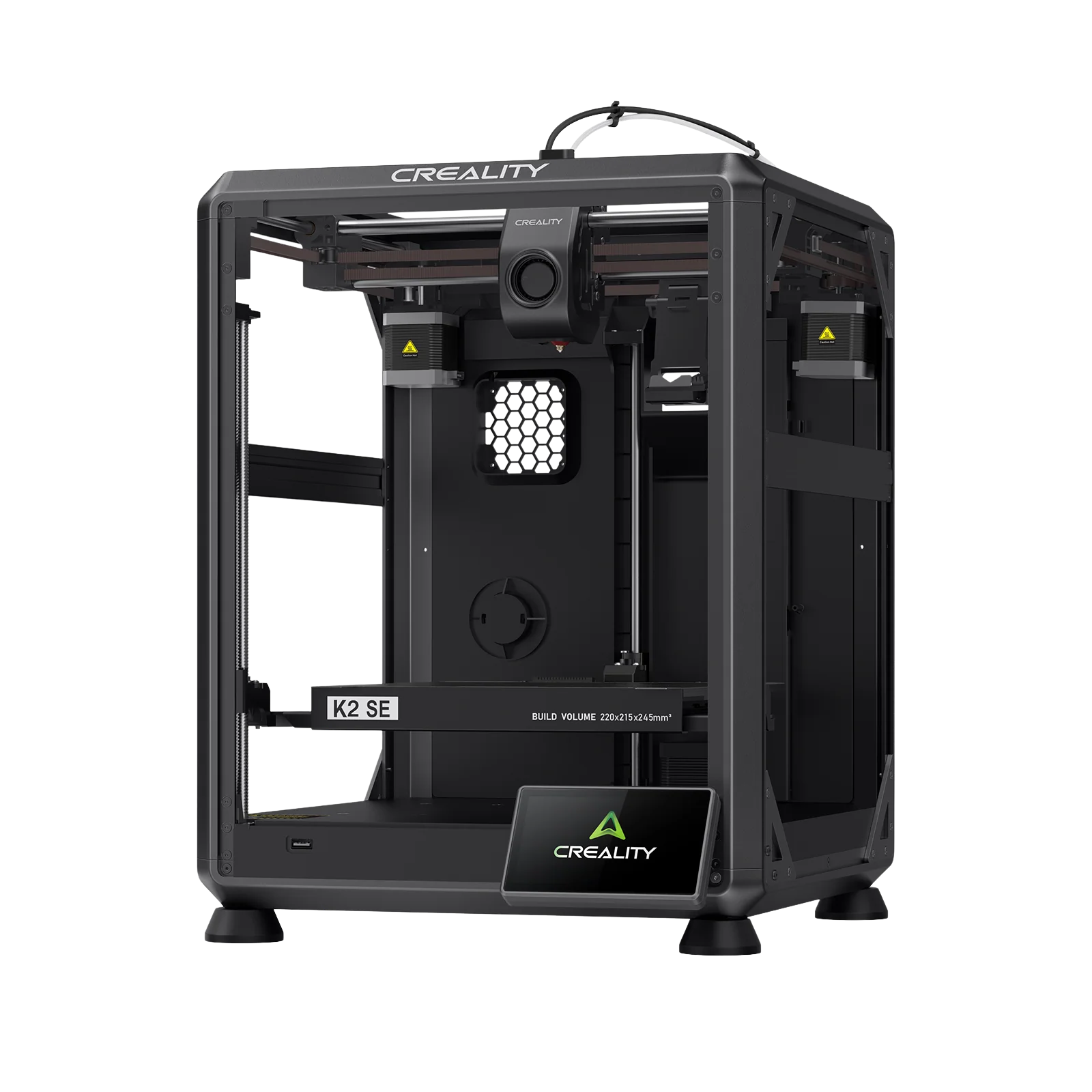
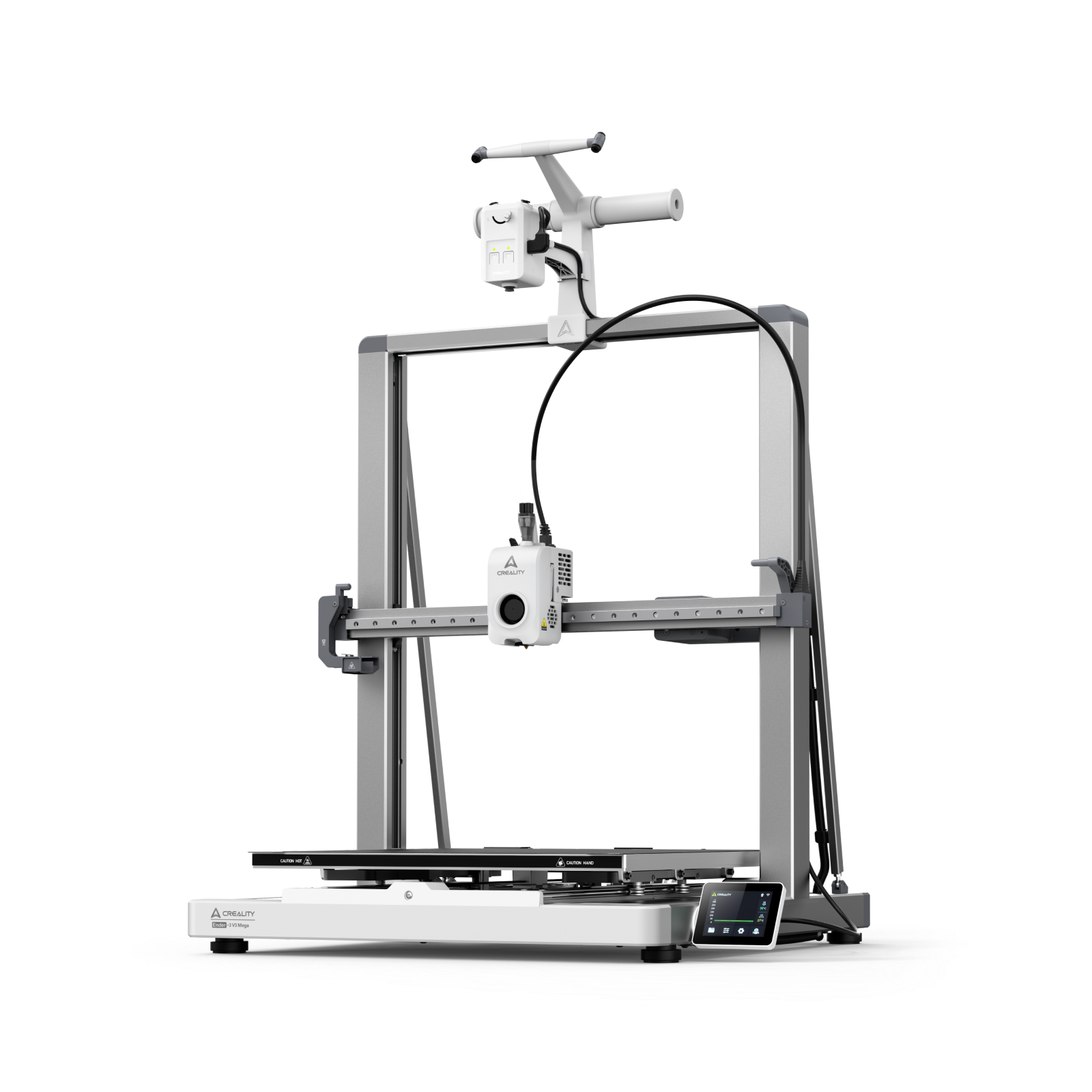

If you’ve been 3D printing for any length of time, you know the feeling: the printer is humming along, your model is halfway done and suddenly the filament stops flowing. The extruder clicks, the layers look thin, or nothing comes out at all. A clogged nozzle struck again.
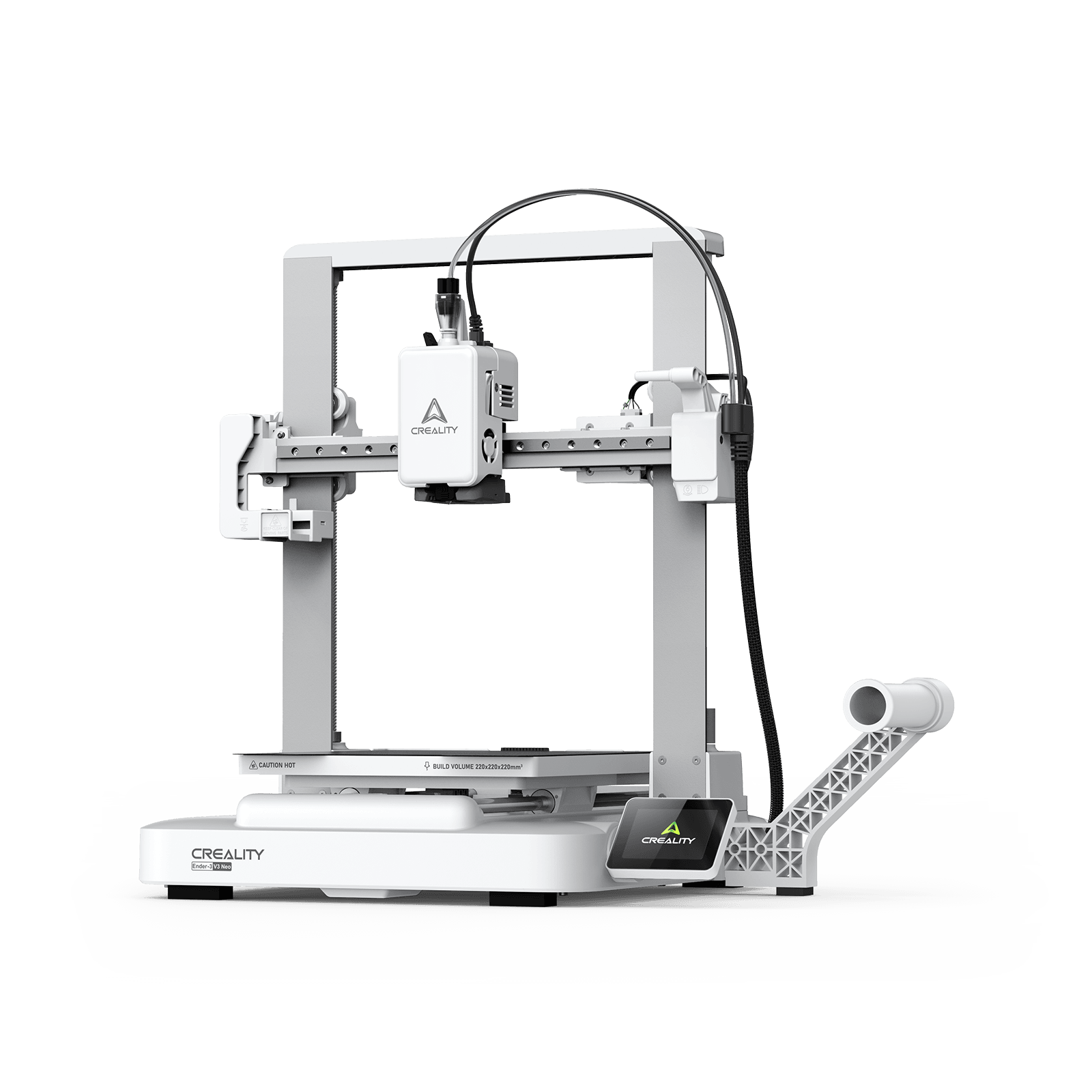
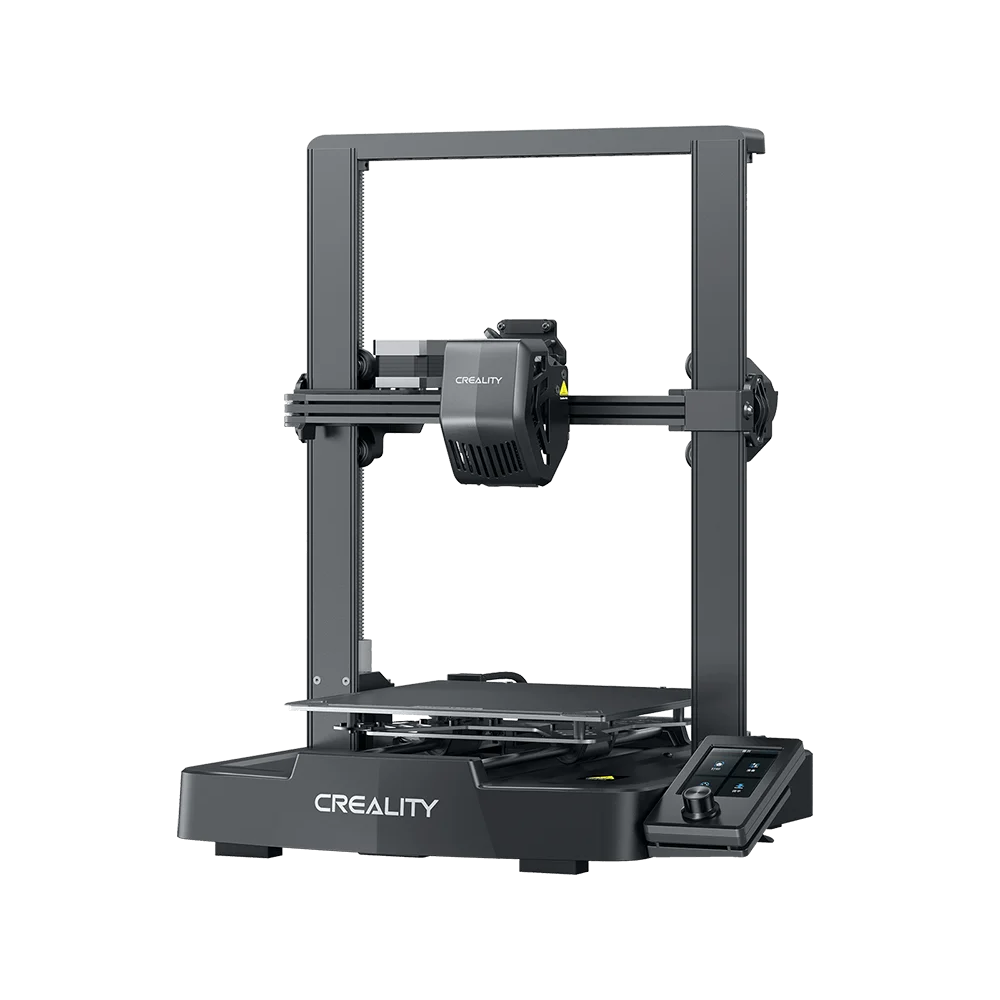
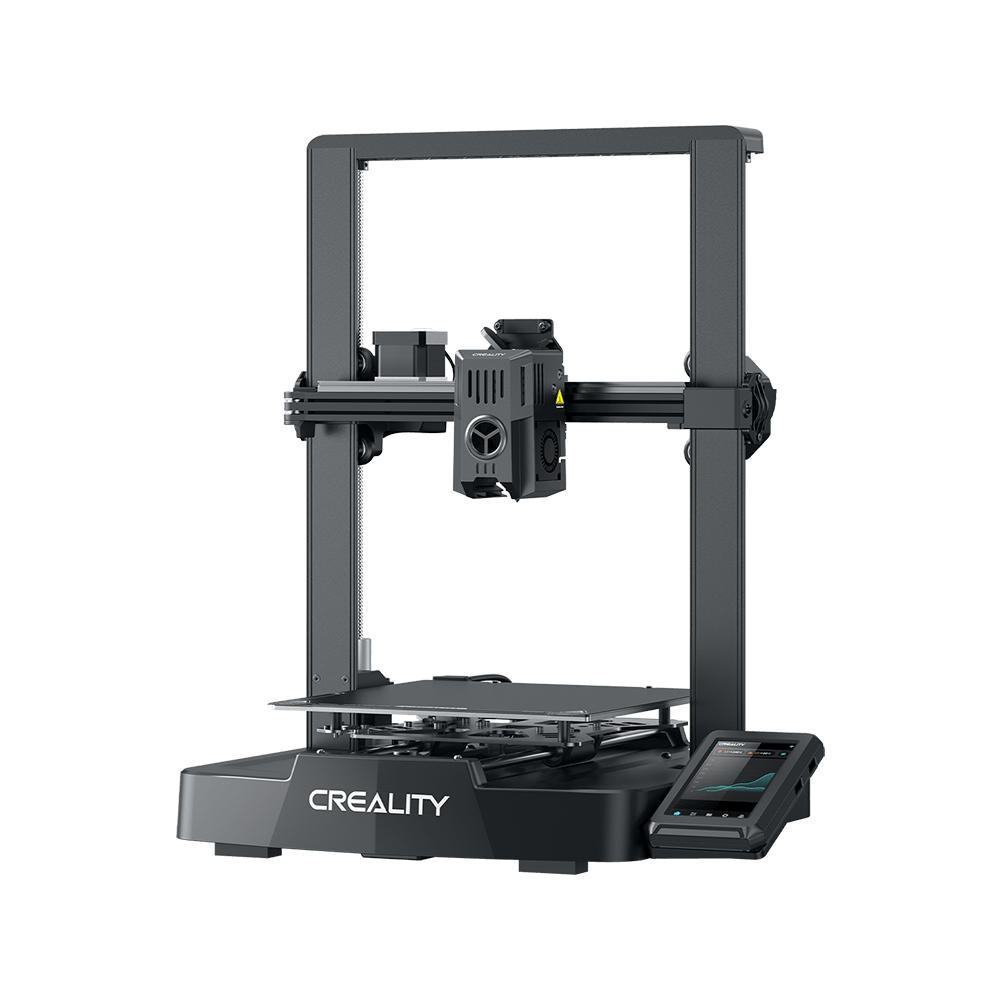
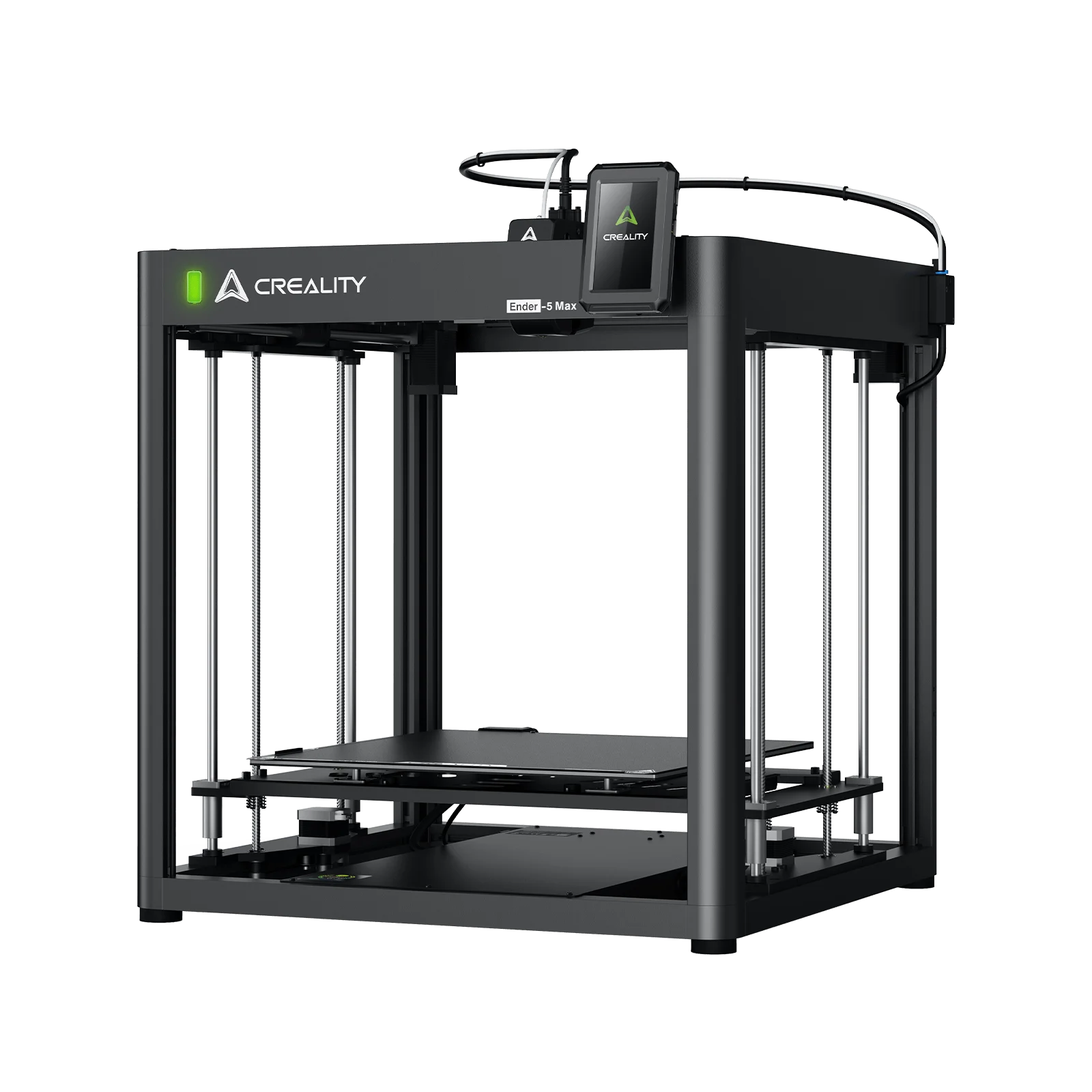
Whether you’re running an Ender, a K1, or K2 series, nozzle clogs are one of the most common and most frustrating interruptions. The good news? You don’t always need to tear down your hotend or replace parts to fix it. There’s a simple, reliable maintenance trick trusted across the 3D printing community: the cold pull (also known as the atomic pull).
In this guide, we’ll break down exactly what a cold pull is, why it works, and how you can use it to quickly restore smooth extrusion on your 3D printer.
Why and When to Use a Cold Pull
A cold pull is more than just a quick trick. It’s one of the most effective ways to keep your hotend healthy without tearing it apart. Hobbyists on forums like Reddit’s r/3Dprinting often swear by it as their go-to method for a 3D printer nozzle clog fix, especially when switching between materials or after long prints.
So, what kinds of problems does it actually solve? Cold pull filament cleaning is perfect for removing partial clogs caused by pigment residue, bits of charred plastic, or even tiny dust particles that sneak in with your filament. Over time, these build-ups create inconsistent flow and lead to the symptoms you’ve probably seen: a clicking extruder, thin or patchy layers, or sudden under-extrusion mid-print.
That said, cold pulls aren’t a cure-all. If the nozzle tip is fully hardened with plastic and completely blocked, the filament won’t grip the clog. In those cases, you’ll need to use a nozzle cleaning needle while hot or, as a last resort, perform a full hotend teardown.
Tools & Materials You Need
Before you start, gather a few simple tools. Most Creality owners already have them in their drawer: a pair of pliers, flush cutters, and heat-resistant gloves. It’s also smart to keep a nozzle cleaning needle nearby in case the clog is more stubborn than expected.
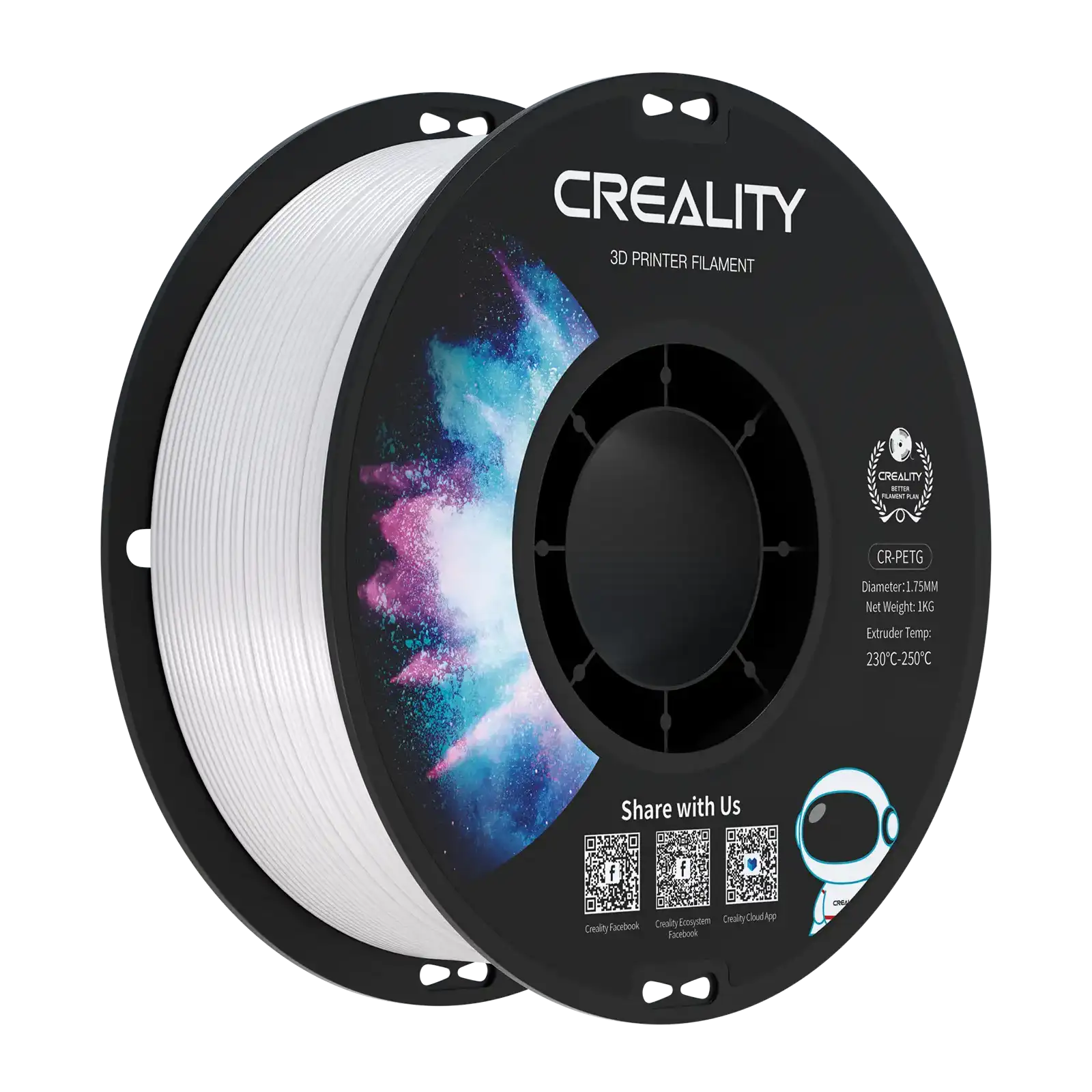
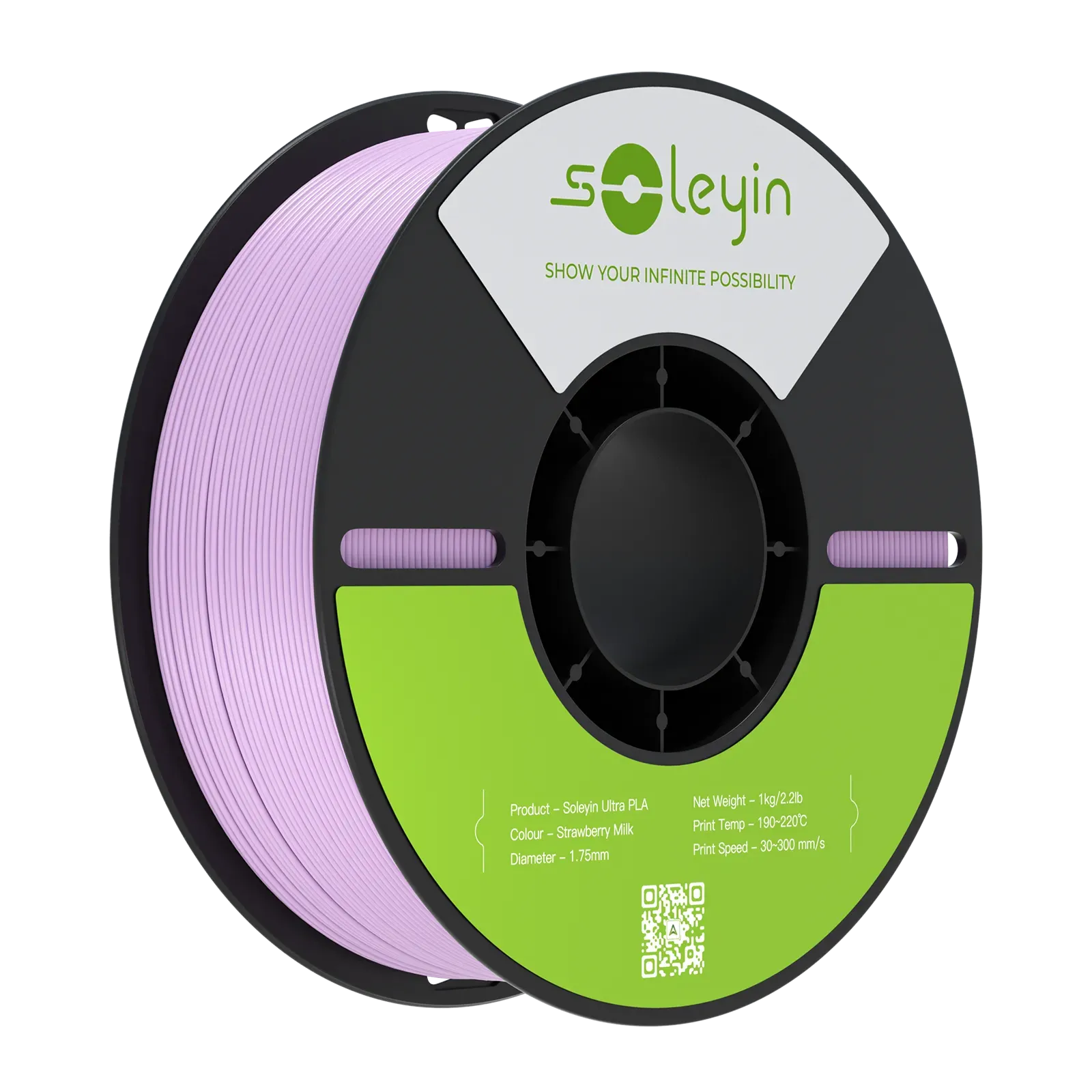
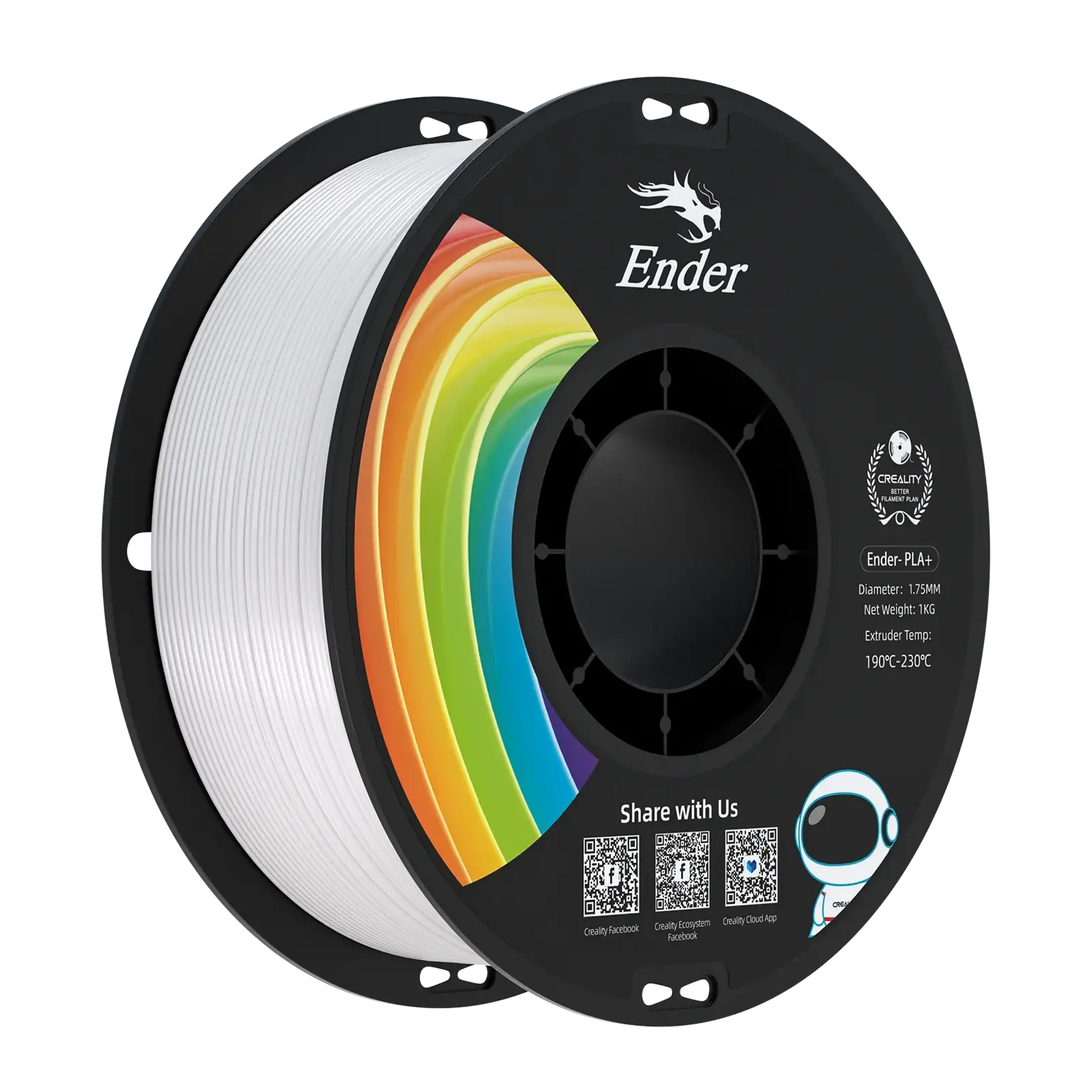
The real choice, though, is filament. If you’re following a nylon cold pull guide, you’ll know nylon is considered the gold standard. It softens at higher temperatures, forms a tough plug, and grips debris better than most materials. That said, you can also use PLA, ABS, or PETG, depending on what you have on hand.
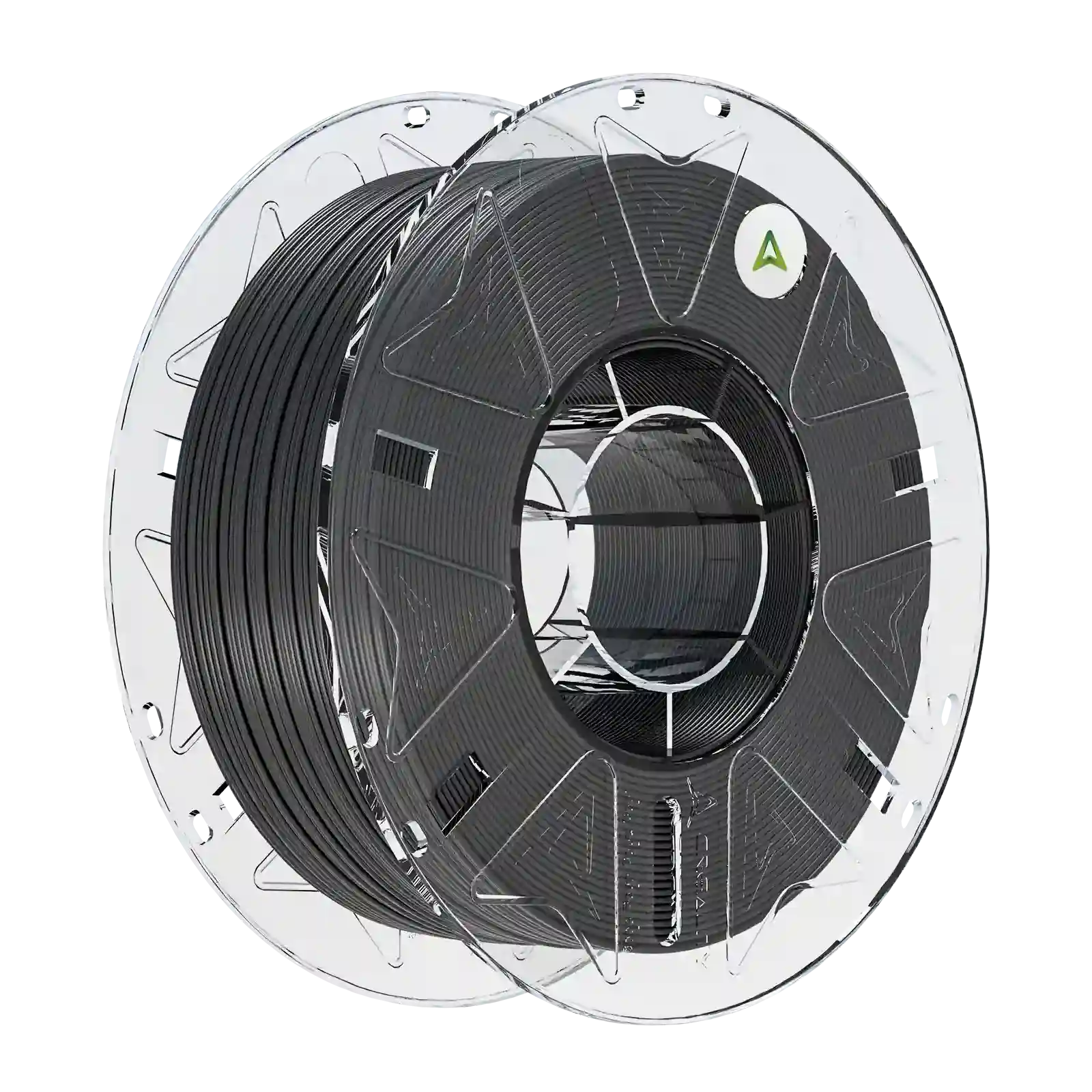
Some hobbyists also rely on specialty sticks sold as cleaning filaments for 3D printer nozzles. These are designed specifically for maintenance and can be handy backups, especially if you switch materials often.
Step-by-Step Guide to Performing a Cold Pull If you’ve never done this before, don’t worry; here’s a simple, reliable process. This is the how to cold pull 3D printer nozzle guide most Creality users swear by:
1.Unload Filament & Prep a New Strand
- Retract your current filament and trim a fresh, clean tip.
- For Bowden setups (like Ender-3), cut extra length so it feeds smoothly through the PTFE tube. With a Sprite direct drive hotend, you can insert shorter strands directly.
2.Heat the Nozzle to Printing Temperature
- Heat up to the normal extrusion range (e.g., 220–260 °C depending on what’s loaded).
- Gently push until a bit of filament flows out. This softens residue and loosens blockages.
3.Cool Down to Pull Temperature
- Lower the nozzle temperature until it’s semi-solid but still flexible. Typical ranges:
- Cold pull PLA: 70–100 °C
- Cold pull PETG: 120 °C
- Cold pull ABS: 120–160 °C
- Cold pull nylon: 140–160 °C
- Tip: If the filament snaps, it’s too cold; heat slightly and try again.
4.Perform the Pull
- Wearing gloves, grip the filament with pliers and pull straight upward in one smooth motion.
- Inspect the tip: a good plug will have a mirror of the nozzle interior, with dark specks or residue attached.
5.Repeat as Needed
- If debris remains, reload the filament and repeat the heat–cool–pull cycle until the plug comes out clean.
Troubleshooting a Cold Pull
Even with the right steps, your first cold pull attempt might not give perfect results. Here’s how to fine-tune the process if things don’t go as planned:
-
Filament snaps instead of pulling cleanly: Your nozzle temperature is likely too low. Increase by 5–10 °C and try again.
-
Filament feels mushy and stretches: The temperature is probably too high. Let the nozzle cool further before pulling.
-
No imprint of the nozzle tip on the filament plug: This usually means the filament didn’t fully fill the nozzle. Heat back to extrusion temp, push more filament through, and retry.
-
Cold pull not working after several tries: Use a nozzle cleaning needle while the hotend is heated, then repeat the cold pull for best results.
If stubborn debris remains or extrusion is still inconsistent, it may be time for a deeper clean, like partially disassembling the hotend or replacing the nozzle altogether. For Creality printers with Sprite hotends or Bowden setups, this escalation is sometimes faster than endless retries.
Knowing when to escalate is just as important as learning how to unclog a 3D printer nozzle. A good rule of thumb: if three clean pulls don’t restore smooth extrusion, move to the next level of maintenance.
Alternatives & Complements
While the cold pull is one of the most effective 3D printer nozzle cleaning methods, it’s not the only option. A hot pull, which involves removing filament at extrusion temperature, can clear partial clogs but is less effective at gripping debris (making it best for softer plugs or quick cleanups). Specialized cleaning filament sticks marketed as “nozzle cleaning” are also handy, especially when switching between materials. For hardened carbonized tips, carefully using a nozzle cleaning needle while the hotend is hot can dislodge stubborn blockages. If all else fails, a complete nozzle teardown remains the last resort.
When comparing hot pull vs cold pull, the cold method is more thorough, while hot pulls and cleaning filaments are lighter-touch tools to use before escalation. Needles and teardown should only be used when softer methods fail.
Preventive Care & Maintenance Tips
The best way to avoid downtime is to make nozzle cleaning part of your regular routine. Many users perform a cold pull as preventive maintenance every 100–150 printing hours, or whenever switching between materials. This habit helps extend nozzle life and keeps extrusion consistent. Adding simple accessories like filament dust filters or storing spools in a filament dryer further reduces debris buildup.
Temperature management also matters: avoid running your hotend at excessively high temps for long periods, since this can cause filament charring and increase the risk of clogs.
For Creality users, staying on top of routine maintenance is key. Whether you’re printing on an Ender-3 or a K1 series printer, these habits help prevent nozzle clog 3D printer issues before they happen. And remember, you can always use cold pull 3D printing not only to fix clogs but also to keep your nozzle in top shape long-term.
Frequently Asked Questions
When learning the cold pull technique, a few questions always come up:
-
What’s the best filament for a cold pull? Nylon is considered the gold standard because of its strength and flexibility. PLA also works well for routine nozzle cleaning.
-
Can I cold pull with PETG? Yes. Just use slightly higher pull temperatures (120 °C) to prevent it from snapping.
-
How often should I do a cold pull? Whenever extrusion looks inconsistent, after material changes, or every 50–100 printing hours as preventive care.
-
Does a cold pull work with hardened nozzles? In most cases, yes. The only exception is ceramic-coated nozzles, where material may not grip as effectively.
If you’re following this cold pull for 3D printers guide, always remember that temperatures vary by material. As such, always double-check recommended ranges (e.g., nylon cold pull temperature 140–160 °C).
Conclusion: Keeping Your Prints Flowing
A cold pull is one of the simplest and most reliable methods for 3D printer maintenance. It’s safe, quick, and often all you need for unclogging a 3D printer nozzle without tools or full teardown.
Before you start taking things apart, try a cold pull! It can save hours of downtime and keep your Creality machine running like new.