

Why there is Ender-5?
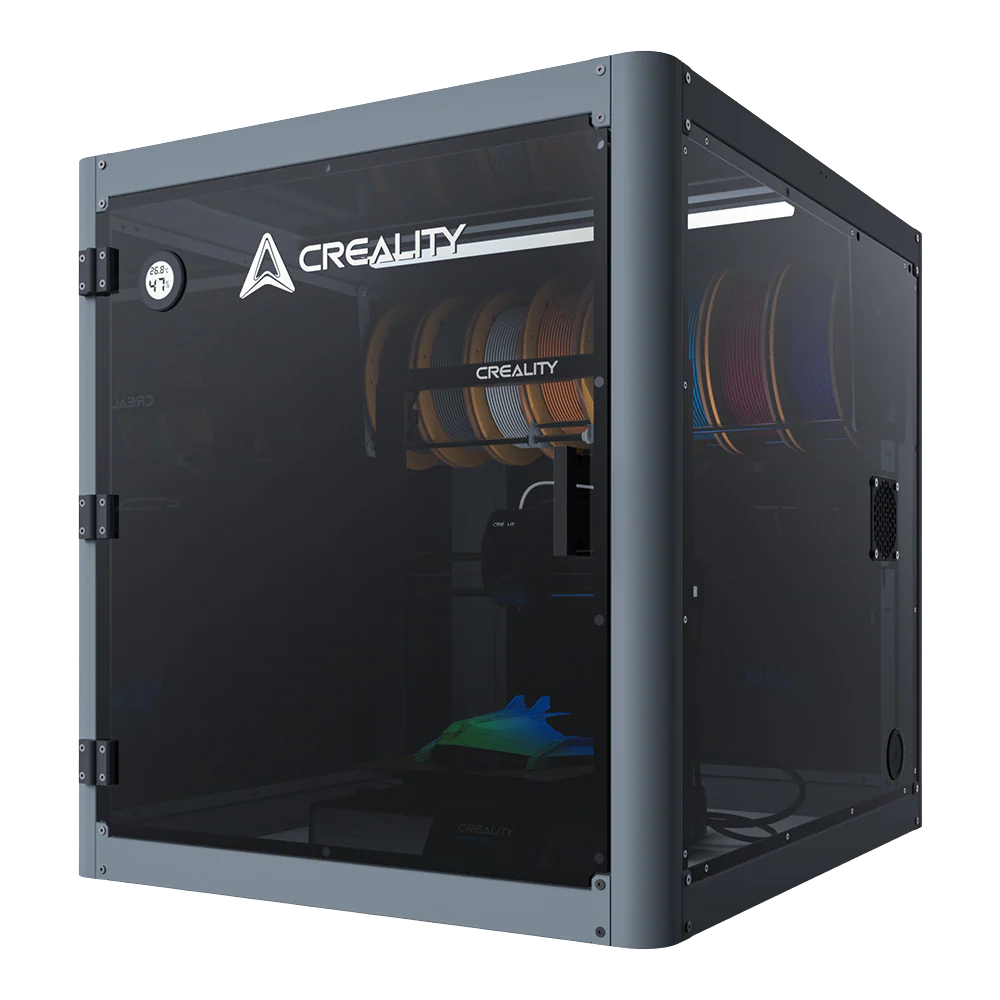
People might be curious about why Ender-5 comes out after Ender-3. Why there is Ender-5? Right Now, there are lots of options on the FDM 3D printer market, Ender-3 can be described as a great success of Creality. Ender-3 series has become a star with its acceptable price and high printing precision since 2016. In 2018, Ender-3 was upgraded to be Ender-3 pro for more possible functions. and most people are suggesting making a box-like 3d printer, there’s why Ender-5 comes out. And it really impresses people with its unique compact frame.
After the birth of Ender-5, Ender-5 Plus and Ender-5 Pro are also launched one after another. For these three products, you may be not sure how to choose. Here, we will introduce these three products in detail, so that you can fully understand the Ender-5 series differences and make the best choice.
Just as Creality brought the Pro version of the Ender-3 to the desktop 3D printer market shortly after recognizing its initial success, the manufacturer has decided to revisit this strategy once again with the Creality Ender-5 Pro and Ender-5 plus for more updating funs. Next, there are the Ender-5 series differences.
The Difference between Ender-5 and Ender-5 Pro
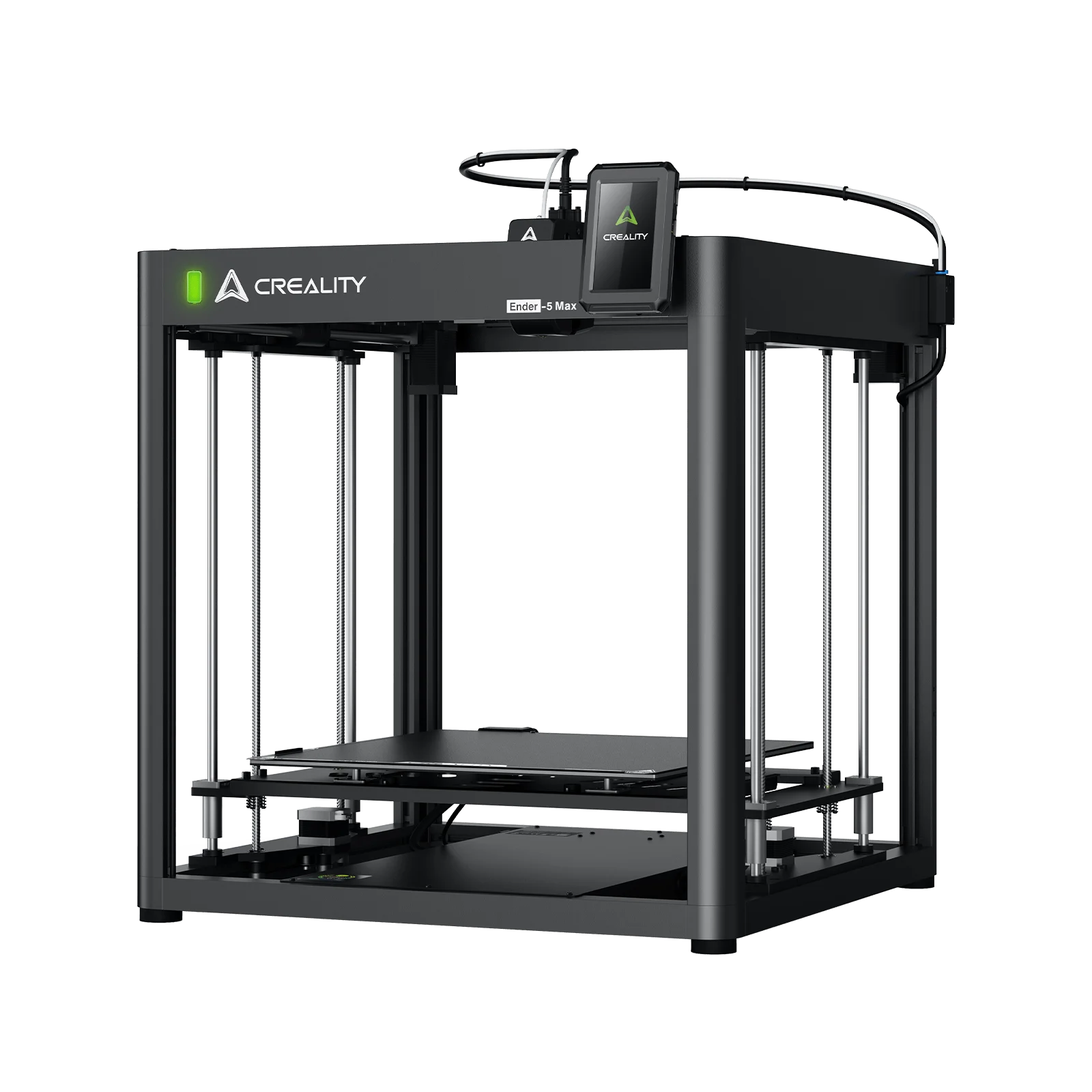
The box-like printer has outer dimensions of 440 x 410 x 465 mm and builds a volume of 220 x 220 x 300 mm – so better make some room on your workbench. While the X and Y-axis measurements are the same as the Ender-3, the new version provides more room for the Z-axis. Each of the axes has a dedicated stepper motor. In a quite unusual way, the Y-axis motor drives both sides of the gantry at the same time so you get an overall smoother movement. The Z-axis is mounted in the middle of the bed with a big 8-mm-rod.
Overall, with a Meanwell 350W / 24 V power supply (also to be found in the Ender-3 Pro) lets you heat the bed up to 100 degrees faster. The cable management is good – no loose ends here, so to speak. The printer runs a modified Marlin firmware. And right now Ender-5 also can be added with BL touch for better auto-leveling. Ender-5 price is about $300 to $350. This price will be more acceptable for most people.
Ender-5 Pro is an upgraded version of Ender-5. The machine parameters are almost the same. The only difference is that some major parts have been updated. For example, the mainboard, extender frame, and filament tube.
1. Ender-5 Pro has the new V1.15 silent mainboard with TMC2208 drivers. It’s much quieter and accurate when printing. This mainboard with Marlin 1.1.8 and Bootloader also has thermal runway protection enabled and provides extra protection in case the printer reaches unpredictably high temperatures. However, Ender-5 is the industrial circuit board and build-in motherboard.
2. Ender-5 Pro has a highly durable metal extruder frame. This feature can provide much stronger pressure, while the filament is pushed through the 3D printer's nozzle. It also can improve the printing performance of the printer. This upgraded metal extruder kit is equipped with an adjustable bolt so that you can adjust the pressure of the extruder gear to select the most suitable filaments. while Ender-5 has only a normal extruder frame.
3. Ender-5 Pro also includes new and improved filament tubing. The Capricorn Bowden PTFE Tubing has a 1.9mm ± 0.05mm inner diameter, reducing any excess wiggle room and preventing the filament from buckling inside of the tube. The addition of this high-end tubing makes the printer better suited to print with flexible filaments and other exotic materials. Ultimately, if you want enhanced safety, more silent printing performance, as well as additional flexibility when it comes to filament selection, it’s worth shelling out the extra cash for the enhanced Ender-5 Pro. If you want to print with flexible filament, the Ender-5 Pro is also likely the right choice for you.
The Difference between Ender-5 Pro and Ender-5 Plus
Ender-5 Pro has a cube frame and a volume of 220*220*300mm to meet various printing requirements and diverse creations. Ender-5 Pro rolled the DIY machine model and whole machine working into one with enhanced stability. A single machine, two different experiences.
Independent development ultra-mute motherboard gives fewer noises and higher precision.
The metal extruder kit is stable in feeding in filaments and wear-resisting so that the print quality is better. and it also has a double Y-axis control system with the synchronous operation and stable output to avoid vibrations resulting from long-time printing.
Ender-5 Plus is the upgraded version of Ender-5 Pro. Ender-5 Plus has made many promotions based on Ender-5 and Ender -5 Pro. There are some differences between Ender-5 Pro and Ender-5 Plus.
1. Size: Ender-5 Plus(350*350*400mm) has a much larger size than Ender-5 Pro(220*220*250mm). The box design with overhead gantry and ultra-large printing format will meet more of your printing requirements. It can achieve better print results and a large print model at a time.
2. BL touch: Ender-5 Plus with BL touch can auto bed level pre-installed. You just plug them in and start printing. It can precisely measure the tilt of the bed surface, offer the automatic compensation for the Z-axis for unevenness of the platform plate, easily solve the printing failure caused by the unevenness of the platform and provide reliable operation with all build surfaces. However, Ender-5 Pro is not.
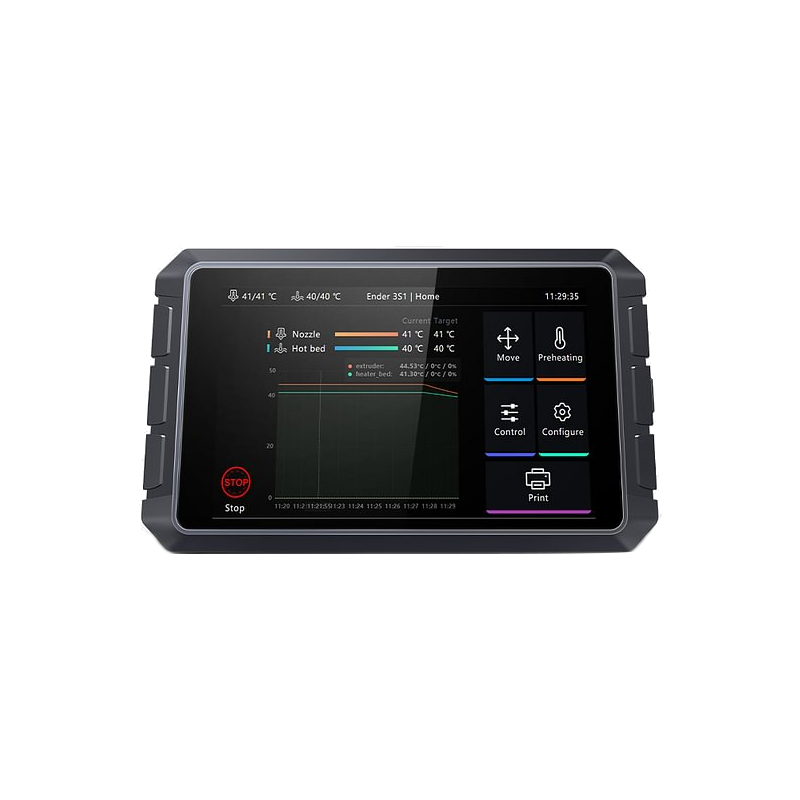
3. Touch screen: Ender-5 Plus has a 4.3-inch touch screen. It’s easy to operate. But the Ender-5 Pro does not have the touch screen.
4. Updated Y-axis motor: Ender-5 Plus upgraded Y-axis motor. dual Y-axis is synchro and equipped with a 42-48 motor. Strong power support and smoother transmission, flexible, and reliable.
5. Dual Z-axis: Ender-5 Plus has the dual Z-axis. It's lead screw drives smoothly and steadily. The movement of the build plate will be more stable.
6. Filament end sensor: the function is to let you know whenever your filament breaks, runs out or gets tangled on the spool when you're not around the printer. The Ender-5 Plus has this feature, and the Ender-5 Pro does not have.
The Difference between Ender-5 Plus and Ender-5
Creality official DIY 3d printer Ender 5 plus made by 3d printing manufacturer, 350*350*400mm, Ender's cube frame, 4.3inch touch screen, ultra-large printing format to meet more of printing requirement, stable Z-axis, auto bed leveling pre-installed, maximum protection, easy to assemble, printing resume, filament end sensor, and strong power supply.
Ender-5 Plus has made many upgrades and improved some functions on the basis of Ender-5. there are some differences between the two printers.
1. Platform: Ender 5 has the C-Magnetic sticker while Ender-5 Plus with the tempered glass plates.
2. Size: Ender-5 Plus (350*350*400mm) has a bigger size than Ender 5(220*220*300mm).
3. BL touch: Ender-5 Plus with BL touch can auto bed level pre-installed. You just plug them in and start printing. Although Ender-5 does not have a BL touch, it can buy a BL touch and install it by yourself. Ender-5 also has a large leveling nut for easier control, and it is ergonomically designed, and the leveling speed is fast, helps you get rid of the problem of time-consuming and labor-intensive.
4. Upgrade Y-axis: for Ender-5, the dual Y-axis motion control system drives the high-quality stable output of the two-sided timing belt, effectively avoiding the shock caused by printing. However, Ender-5 Plus has some promotions for the dual Y-axis. Ender-5 plus’ s dual Y-axis is synchro and equipped with a 42-48 motor. Strong power support and smoother transmission, more flexible and reliable.
5. Dual Z-axis: Ender-5 Plus has the dual Z-axis. It's lead screw drives smoothly and steadily. The movement of the build plate will be more stable than Ender-5.
6. Touch screen: Ender-5 Plus has the touch screen, it is convenient to operate. But Ender-5 is LCD.
All the Ender-5 series differences are clearly clarified as above. If you just began with 3d printing, I will suggest you get an Ender-5 for first try. for people who prefer a bigger size, Ender-5 Pro will definitely your best choice. Well, if later you would like to add a bed leveling part, you can order the BL touch yourself for modification. Now did you figure out which one would be your best choice?