

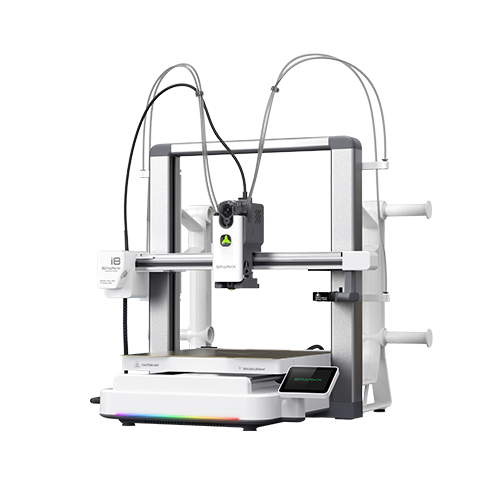
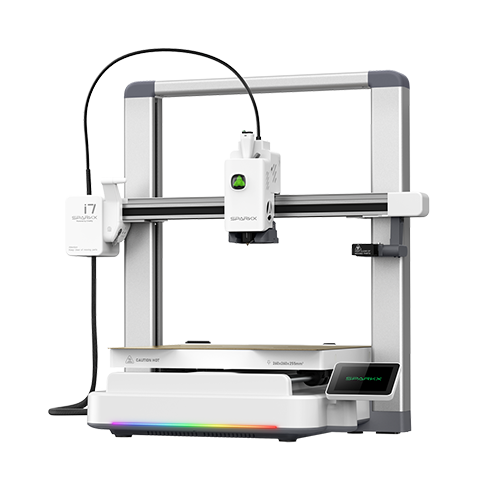
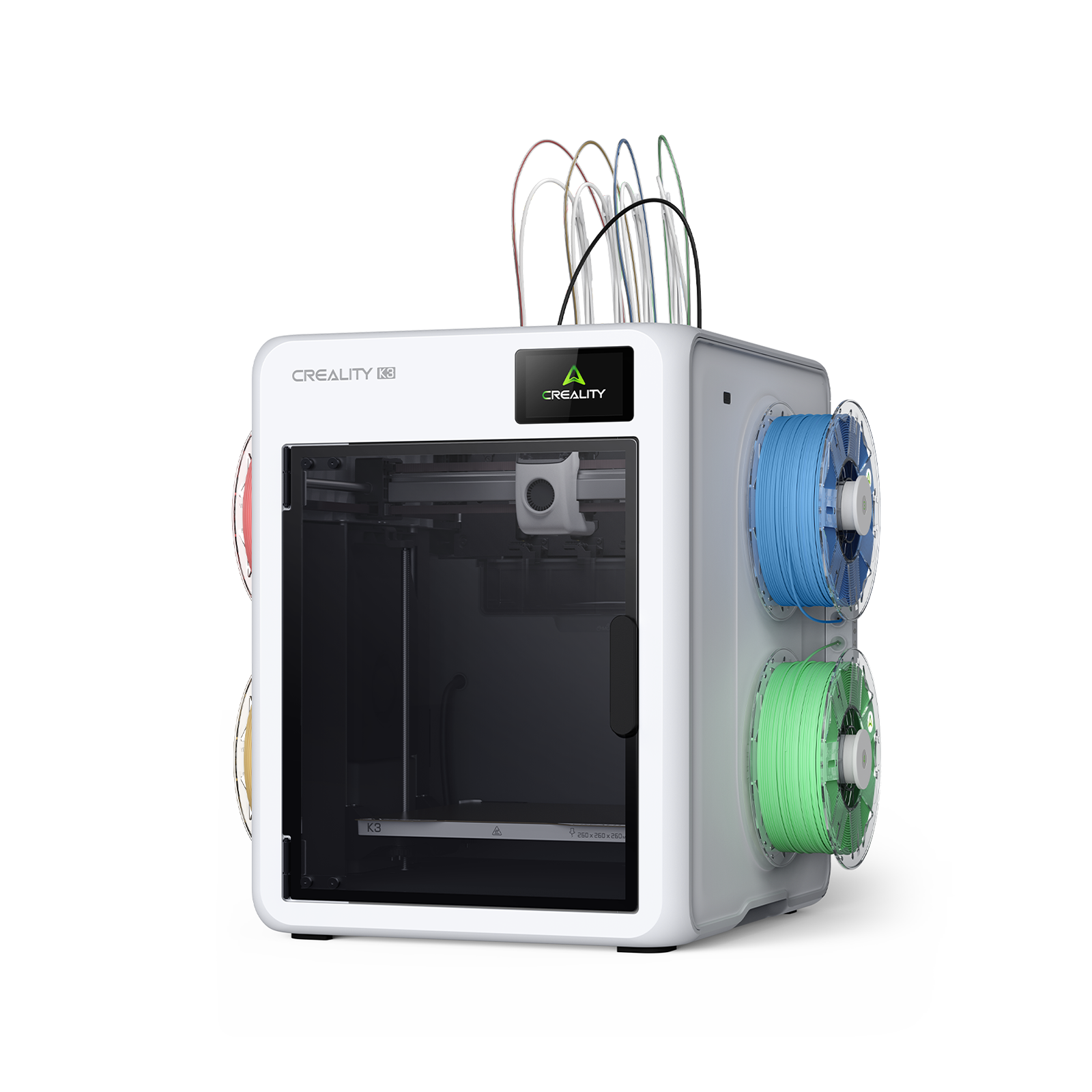
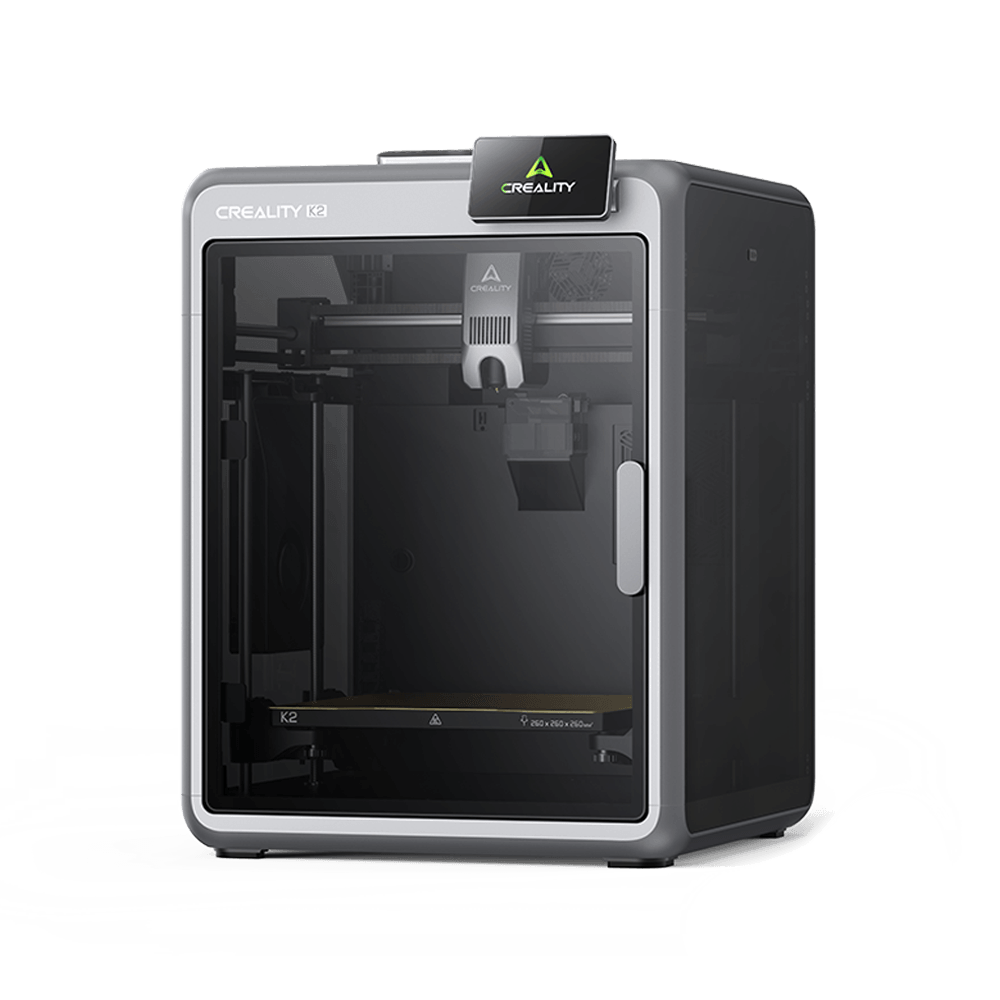

For a beginner, countless models available online make it difficult to select their first project. If you just got your 3D printer and you’re tired of printing benches and random upgrades, this list is your starting point. Real things. Useful things. Today’s guide covers 15 3D printing ideas for beginners, sorted by use case, print duration, and what every one teaches. If you're figuring out what to print first, start here.
Before You Choose a 3D Printing Project, Know These Three Things
Three brief checks before you open any website and start downloading models.
-
Match your build volume. Each project here fits on a 220 × 220 mm print bed or larger, a standard size for many beginner 3D printers.
-
Default to PLA. For beginners, PLA is the correct choice. It’s tolerant, prints without problems, and covers each idea on this list unless noted otherwise.
-
Begin short. Choose something under one hour first. A quick win builds confidence before you take on a longer print.
Quick Wins: Two Projects for Your First Morning
The first hour at a new printer should boost confidence, not test your patience. These two prints do just that.
1. Mini Calibration Cube
|
Detail |
Value |
|
Print Time |
20 minutes |
|
Material |
PLA |
|
Supports Needed |
None |
|
Difficulty |
First-timer |
|
File Source |
Creality Cloud (free) |
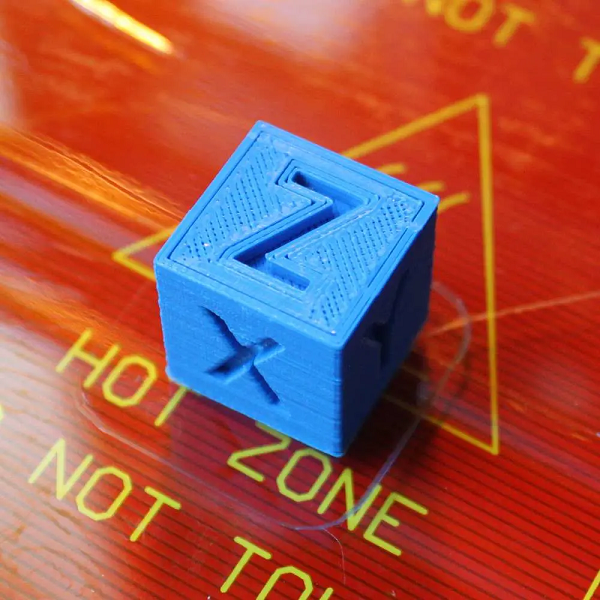
First of all, print this. A calibration cube is a 20mm test block that inspects three things right away: dimensional precision, first layer adhesion, and bed leveling. After the print finishes, run your fingers across the top surface. If it is clean and flat with sharp edges, your printer is ready to go. Warped corners or rough texture indicate something needs adjusting before you move on to something you care about.
Twenty minutes. A few cents in filament. Meet the Mini Calibration Cube.
2. Custom Bookmark
|
Detail |
Value |
|
Print Time |
25–40 minutes |
|
Material |
PLA |
|
Supports Needed |
None |
|
Difficulty |
Beginner |
|
File Source |
Creality Cloud (free) |
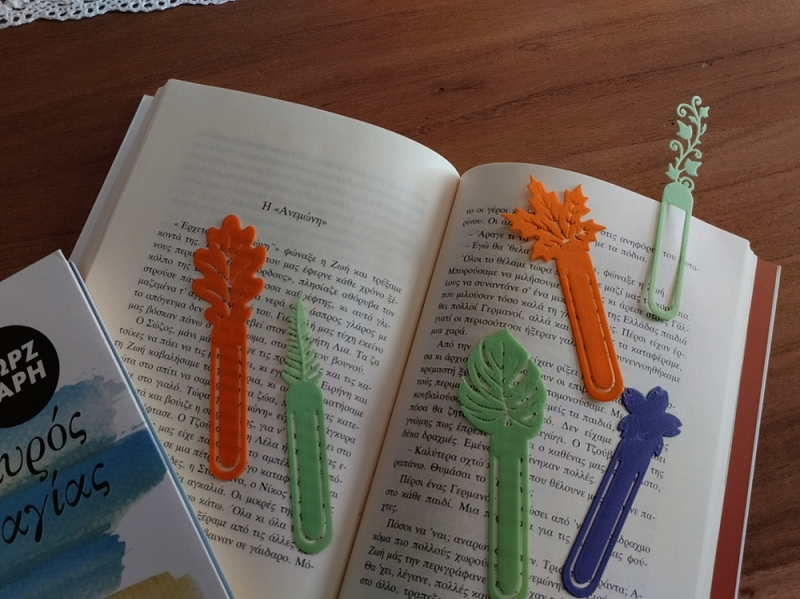
This is a quick, flat, gift-worthy idea on the first try. Include a name, a short quote, or a geometric cutout pattern, and what comes down the build plate is something valuable. A bookmark teaches two skills that appear across dozens of future prints: thin-wall printing and flat-bed adhesion.
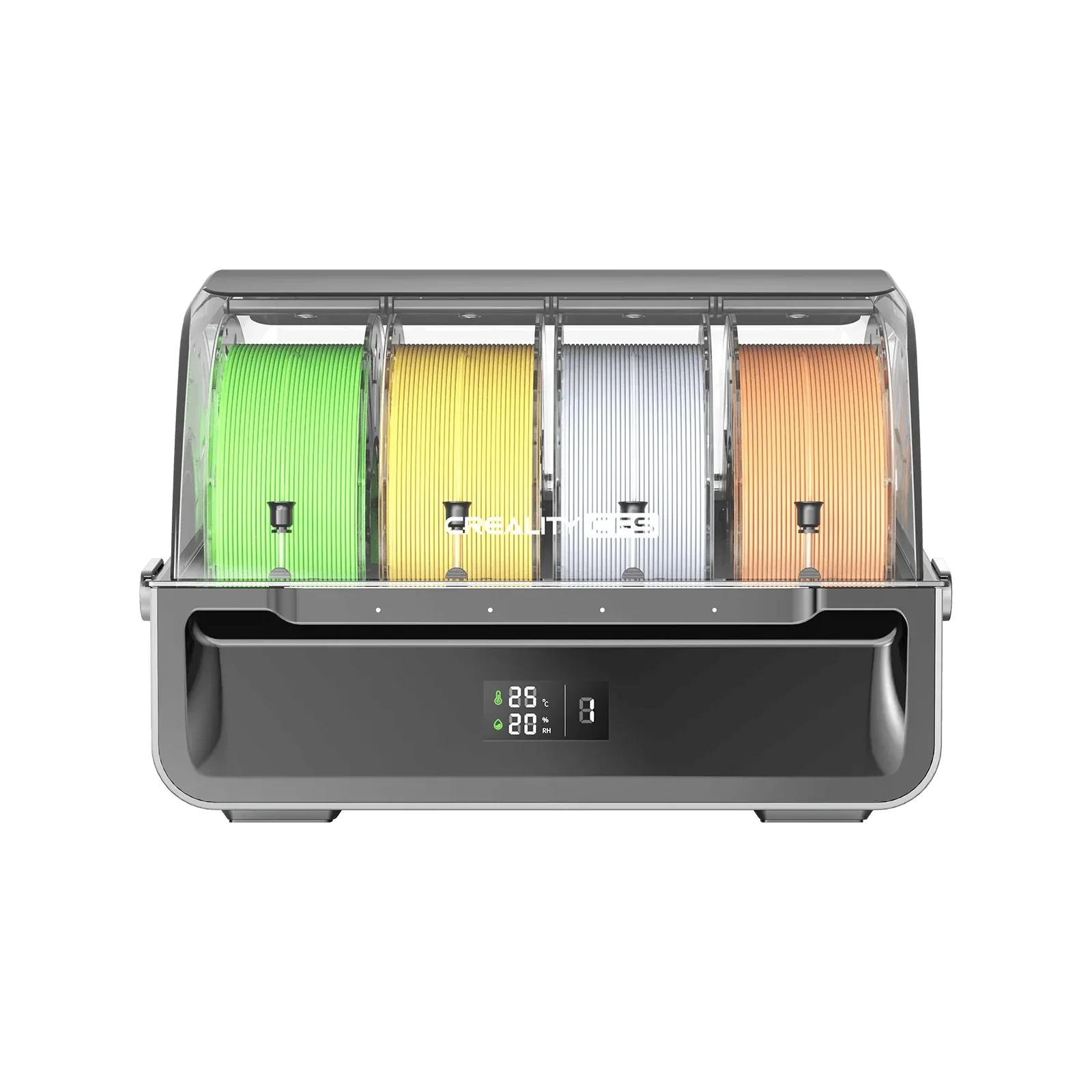
On the SparkX i7 with CFS Lite, print the bookmark body in one color and the text in another. One job. Zero extra steps. View and download the Custom Bookmark model.
Around the House: The Rooms Most Beginner Lists Skip
Here are four practical prints for the rooms nobody talks about.
3. Bathroom Toothbrush Holder
|
Detail |
Value |
|
Print Time |
1–2 hours |
|
Material |
PETG |
|
Supports Needed |
Minimal |
|
Difficulty |
Easy |
|
File Source |
Creality Cloud (free) |
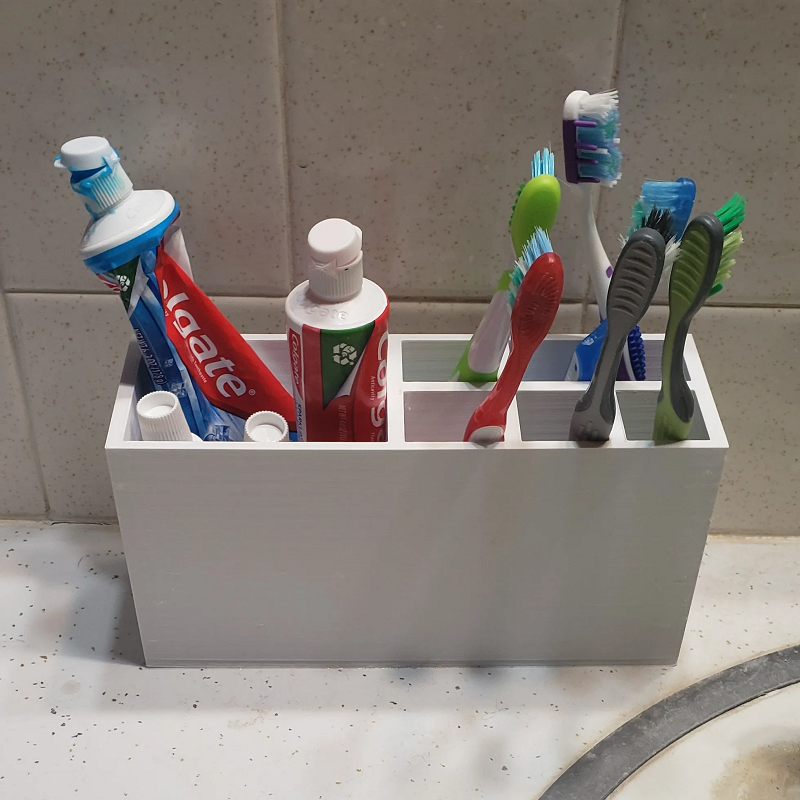
A slotted toothbrush holder or a hard soap dish with drainage gaps, both clear bathroom counter mess without spending a cent. Print these in PETG, not PLA. Bathrooms are damp, so PLA softens and deforms over time with routine steam and humidity exposure. PETG keeps its shape and survives far longer in that environment.
Search “toothbrush holder” on Creality Cloud. The community has already print-tested a wide range of options; you don't need to guess.
4. Bedside Headphone Hook
|
Detail |
Value |
|
Print Time |
45 min – 1 hour |
|
Material |
PLA or PETG |
|
Supports Needed |
None |
|
Difficulty |
Easy |
|
File Source |
Creality Cloud (free) |
A desk-edge or wall-hung hook that keeps your headphones off the floor at the bedside. The aim is simple: headphones within reach, not twisted on the nightstand. Print it once and use it each night. Moreover, this idea teaches cantilever geometry. The arm extends outward from the wall with no support underneath. Nailing that carries over to a lot of future tasks.
5. Succulent Planter with a Drainage Hole
|
Detail |
Value |
|
Print Time |
1–3 hours |
|
Material |
PLA (indoor only) or PETG |
|
Supports Needed |
None |
|
Difficulty |
Easy |
|
File Source |
Creality Cloud (free) |
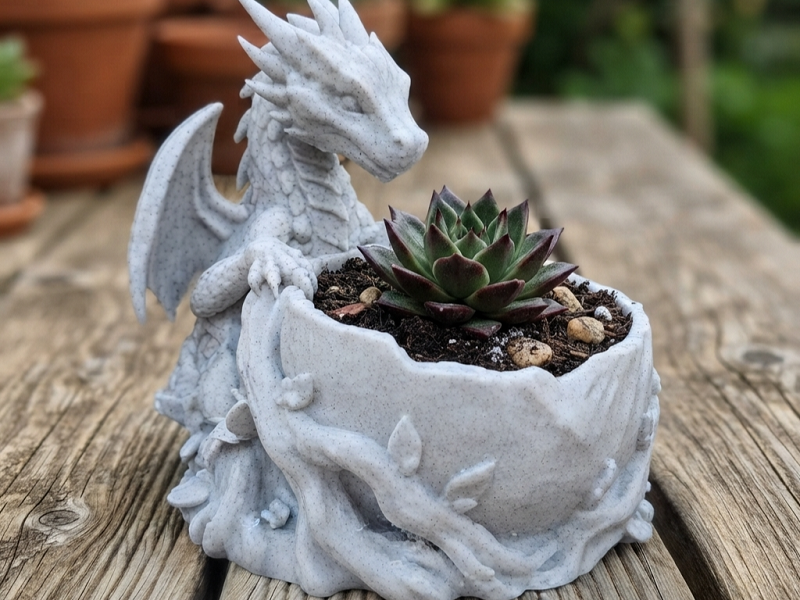
This is not a display item but a functional growing vessel. It maintains a small succulent or air plant with a drainage hole at the base so the roots remain healthy. When you slice it in Creality Print, try vase mode.
One click turns the model into a single continuous wall for quicker printing, a smoother finish, no internal structure to deal with. If you want a color contrast, print the body in PLA shade and the geometric ribbing in another using CFS Lite. No paint or post-processing is required. Just a cleaner-looking result.
6. Tealight Candle Sleeve
|
Detail |
Value |
|
Print Time |
1–2 hours |
|
Material |
PLA |
|
Supports Needed |
None |
|
Difficulty |
Easy |
|
File Source |
Creality Cloud (free) |
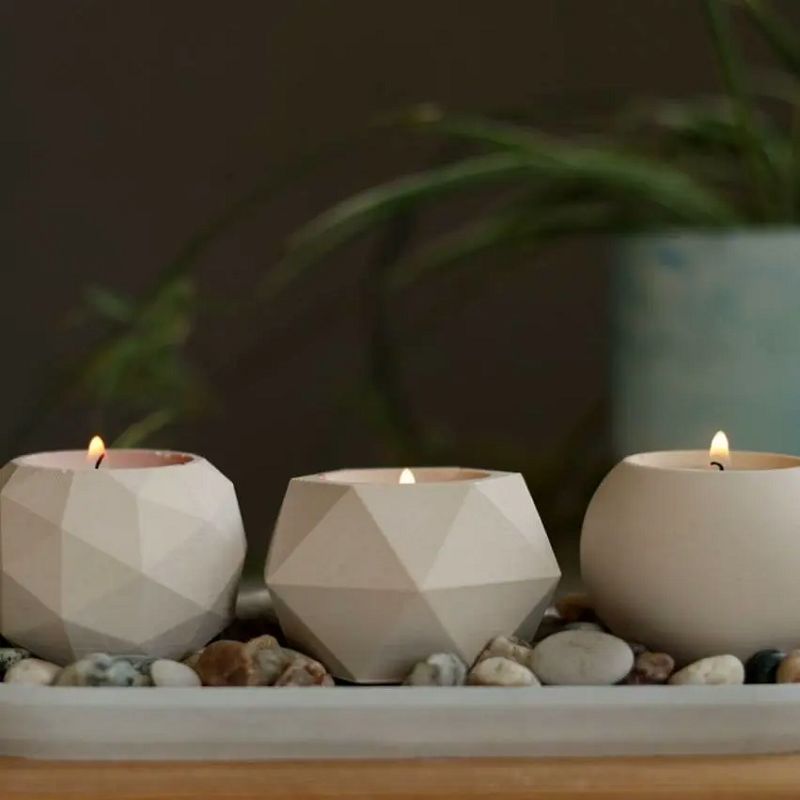
A lattice or geometric shell that slips over an LED tealight. Switch it on, and it throws patterned light and shadow across the wall. The result looks like it took real skill. The print does not.
Safety note: LED tealights only, never an open flame. PLA and heat do not mix safely.
Prints People Actually Want to Receive
A 3D printed gift works when it’s personal. These three are fast, affordable, and actually arrive safely, because they’re designed for a particular person, not only picked off a shelf.
7. Holiday Ornaments and Seasonal Decorations
|
Detail |
Value |
|
Print Time |
30 min – 2 hours per piece |
|
Material |
PLA (any color) |
|
Supports Needed |
Minimal |
|
Difficulty |
Beginner |
|
File Source |
Creality Cloud, large seasonal collection (free) |
As a beginner, you can 3D print Halloween props, Christmas ornaments, easter figures, Eid lantern frames, and Diwali tealight holders. Seasonal prints have a real audience, and most beginners skip them completely. Several websites carry a big, ready-to-print seasonal collection across holidays and traditions, no hunting across five different platforms.
8. Desktop Photo Stand
|
Detail |
Value |
|
Print Time |
1–2 hours |
|
Material |
PLA |
|
Supports Needed |
Minimal |
|
Difficulty |
Easy |
|
File Source |
Creality Cloud (free) |
A small angled stand with a slot for a 4×6 or 3×5 photo. It quietly earns its place on a desk. The kind of gift someone actually keeps because it gets used every day. Moreover, it teaches two practical skills: angled surface printing and slot tolerances. Both extend to more complex prints.
9. Mini Trophy or Personalized Award
|
Detail |
Value |
|
Print Time |
1–2 hours |
|
Material |
PLA or multicolor PLA |
|
Supports Needed |
Minimal |
|
Difficulty |
Easy |
|
File Source |
Creality Cloud / Creality Print |
A small medal or cup with a name and a message in elevated text. Gold text on a dark base. Team colors separated cleanly. The i7's CFS Lite handles the color split in a single print run, no painting involved.
This is the idea on this list that looks far harder than it actually is. That gap between effort and result is exactly what makes it worth giving.
Two Prints That Upgrade Game Night
Neither takes up shelf space. Both see use at every session.
10. Dice Tray
|
Detail |
Value |
|
Print Time |
1–2 hours |
|
Material |
PLA or PETG |
|
Supports Needed |
None |
|
Difficulty |
Easy |
|
File Source |
Creality Cloud (free) |
A shallow-walled rectangular tray that keeps dice rolling in one place. Now, you don’t have to chase a d20 across the table mid-game. The tray does one job and does it every session without fail. While printing, you learn corner geometry and wall-height consistency. Both are useful when you move to bigger structure prints later.
11. Trading Card Deck Box
|
Detail |
Value |
|
Print Time |
4–8 hours |
|
Material |
PLA or PETG |
|
Supports Needed |
Minimal |
|
Difficulty |
Easy–Moderate |
|
File Source |
Creality Cloud (free) |
A hinged or snap-lock box that keeps 60-100 sleeved cards, sized for Magic: The Gathering, Pokemon, and similar formats. You learn lid and latch geometry, tolerance fitting, and flat-large surface printing. The i7’s 260x260 mm build volume fits the whole box in a single job without dividing the file, something smaller printers cannot always handle.
Two Projects for Families with Young Kids
These two are practical print ideas that kids actually engage with, and that hold up to daily usage.
12. Toddler Shape Sorter or Letter Puzzle
|
Detail |
Value |
|
Print Time |
2–3 hours (full set) |
|
Material |
PLA with non-toxic sealant |
|
Supports Needed |
Minimal |
|
Difficulty |
Beginner |
|
File Source |
Creality Cloud (free) |
You can make a flat tray with cut-out shapes: square, circle, triangle, star, and matching plug pieces for toddlers to arrange. Getting the tolerances correct so every piece fits smoothly without rattling is a practical skill that appears in far more complicated prints down the road.
Safety Note: Typically, PLA is non-toxic; however, for children at the mouthing stage, apply a non-toxic top coat, or print in PETG with a stainless steel nozzle for added peace of mind.
A strong STEM gift for parents looking for something both educational and made with thought.
13. Kids' Bedroom Door Name Plaque
|
Detail |
Value |
|
Print Time |
1–3 hours |
|
Material |
PLA (any color) |
|
Supports Needed |
None |
|
Difficulty |
Ease |
|
File Source |
Creality Cloud / Creality Print |
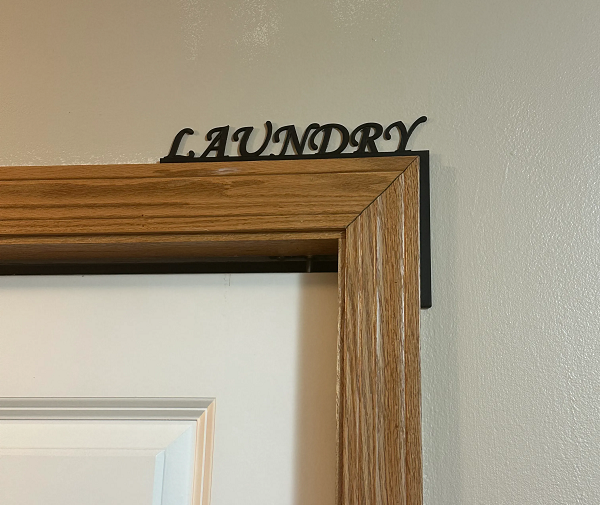
A wall plaque with the child’s name in bold, rounded font beside an icon, dinosaur, rocket, unicorn, whatever suits the room. The i7’s four-color CFS Lite prints the name in one color, the icon in a second, and the background in a third, one job, no manual swapping. If the correct icon is not on any website, CubeMe creates a customized shape form a photo reference in seconds.
Small Prints, Daily Use: Two Overlooked Accessories
These two take under two hours each and end up being some of the most-used things sitting on a dresser or desk.
14. Jewelry Display Dish
|
Detail |
Value |
|
Print Time |
45 min – 1.5 hours |
|
Material |
PLA or Silk PLA |
|
Supports Needed |
None |
|
Difficulty |
Easy |
|
File Source |
Creality Cloud (free) |
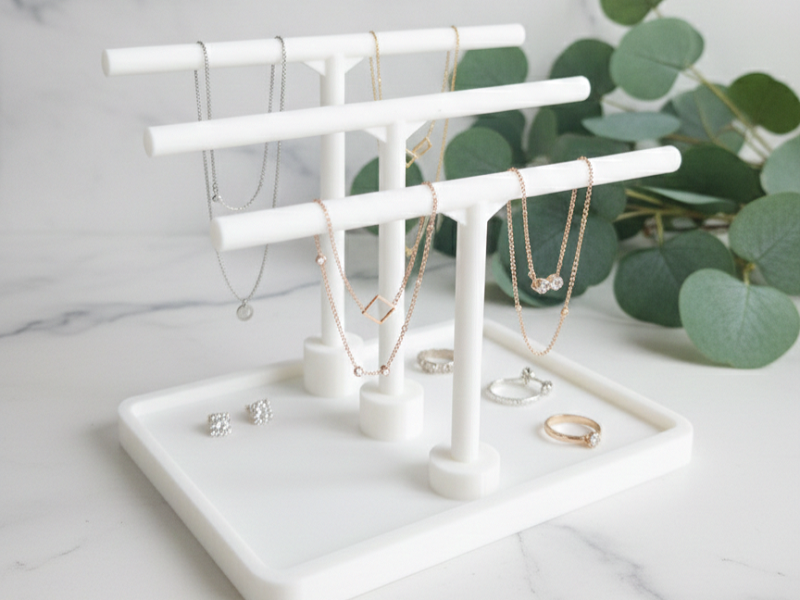
A shallow dish, hexagonal, scalloped edge, or a floral, for earrings, rings, and little pieces on a dresser. You learn thin-wall printing and curved surface quality. The two occur again in more detailed projects. Print it in Silk PLA, and the finish comes out glossy and smooth, less like a printed thing, more like something you actually bought.
15. Glasses or Sunglasses Stand
|
Detail |
Value |
|
Print Time |
1–2 hours |
|
Material |
PLA or PETG |
|
Supports Needed |
Minimal |
|
Difficulty |
Easy |
|
File Source |
Creality Cloud (free) |
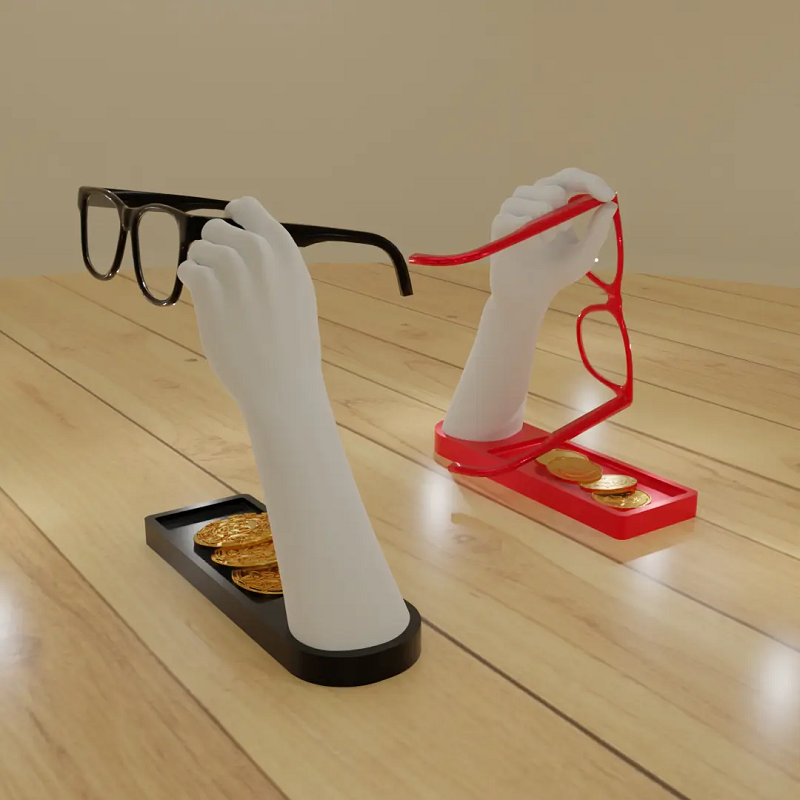
An upright stand with two curved arms that enfold glasses by the temples, off the desk, off the floor, lenses scratch-free. It teaches curved geometry and arm-angle tolerances, both of which carry directly into more complex prints. This is the print you didn't know you needed until you had it.
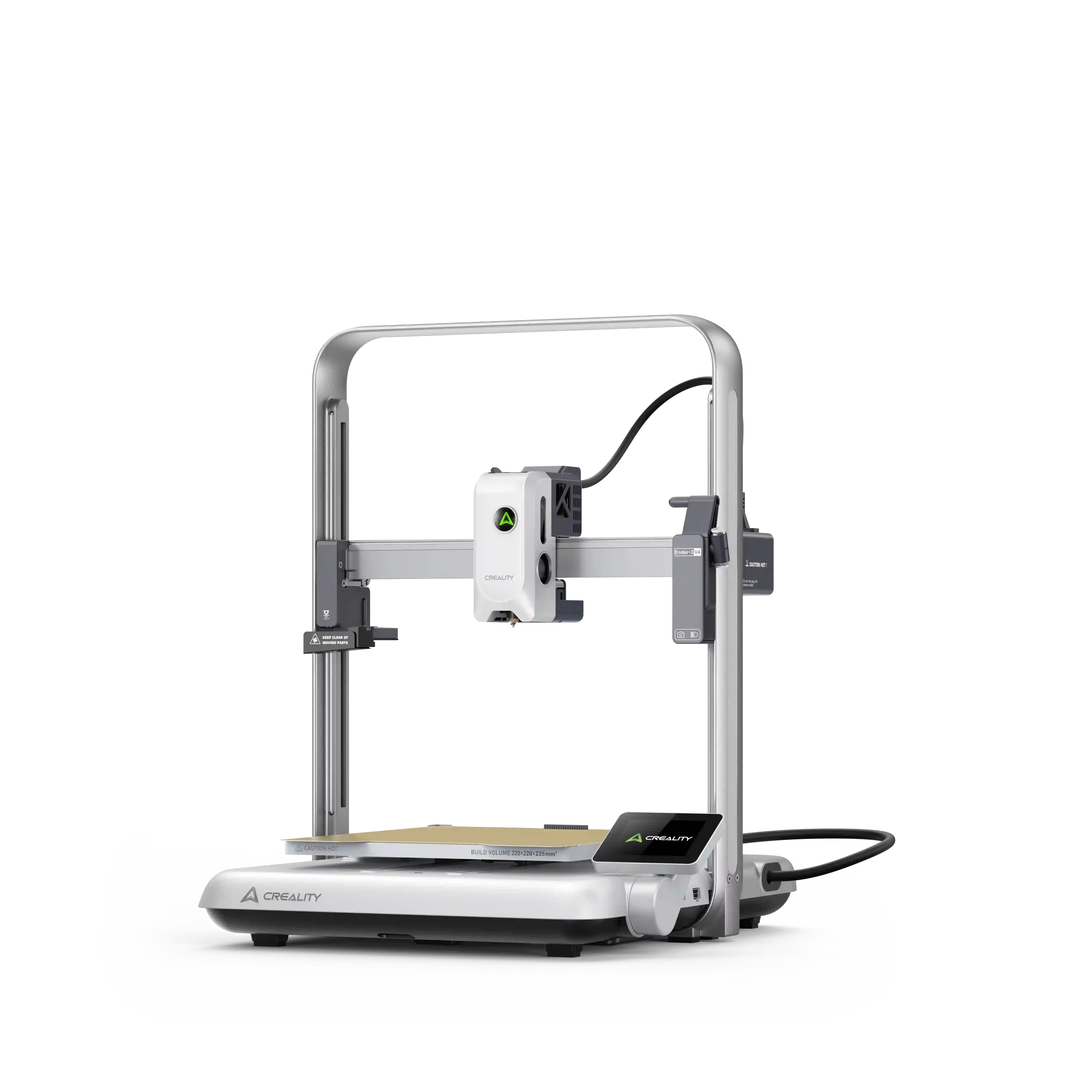
What Makes These Easier on the SparkX i7
None of the above 15 projects need a complex setup. However, the correct printer eliminates the friction that stops most beginners before their third job.
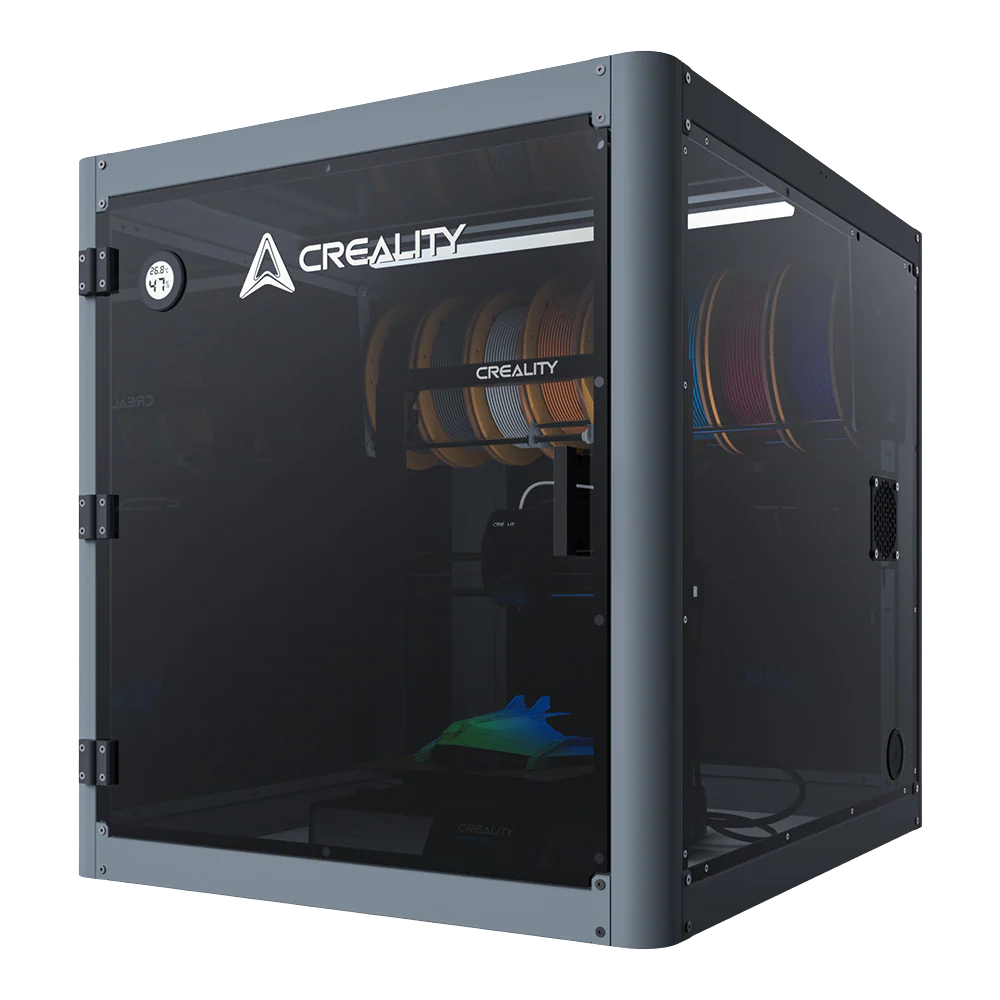
Here's what the SparkX i7 brings to a beginner's first month:
-
Arrives fully assembled (Color Combo), open the box, load filament, and start printing
-
Auto-calibration before every job, bed leveling, Z-offset, and input shaping all handled automatically, nothing to adjust between prints
-
720p AI camera, catches spaghetti failures and air printing in real time, before a bad run wastes a full spool
-
Night Mode, noiseless operation with all lights off; queue the deck box or ornament set before bed, wake up to a finished print
-
CFS Lite, prints multicolor ornaments, door plaques, and trophies in a single job with no painting and no manual swapping
You don't need to master the machine first. The i7 handles the setup so you can stay focused on the project.
Conclusion
Now, you’ve advanced from creating fun items to printing practical equipment, converting your printer into a real problem-solving tool. Fifteen projects, every one practical, beginner-friendly, and free to download from Creality Cloud. Print one project from a different section each week. By week four, try a multicolor print, the trophy, the ornament, or the kids' door plaque. That's a full first month with something worth keeping at every step.