








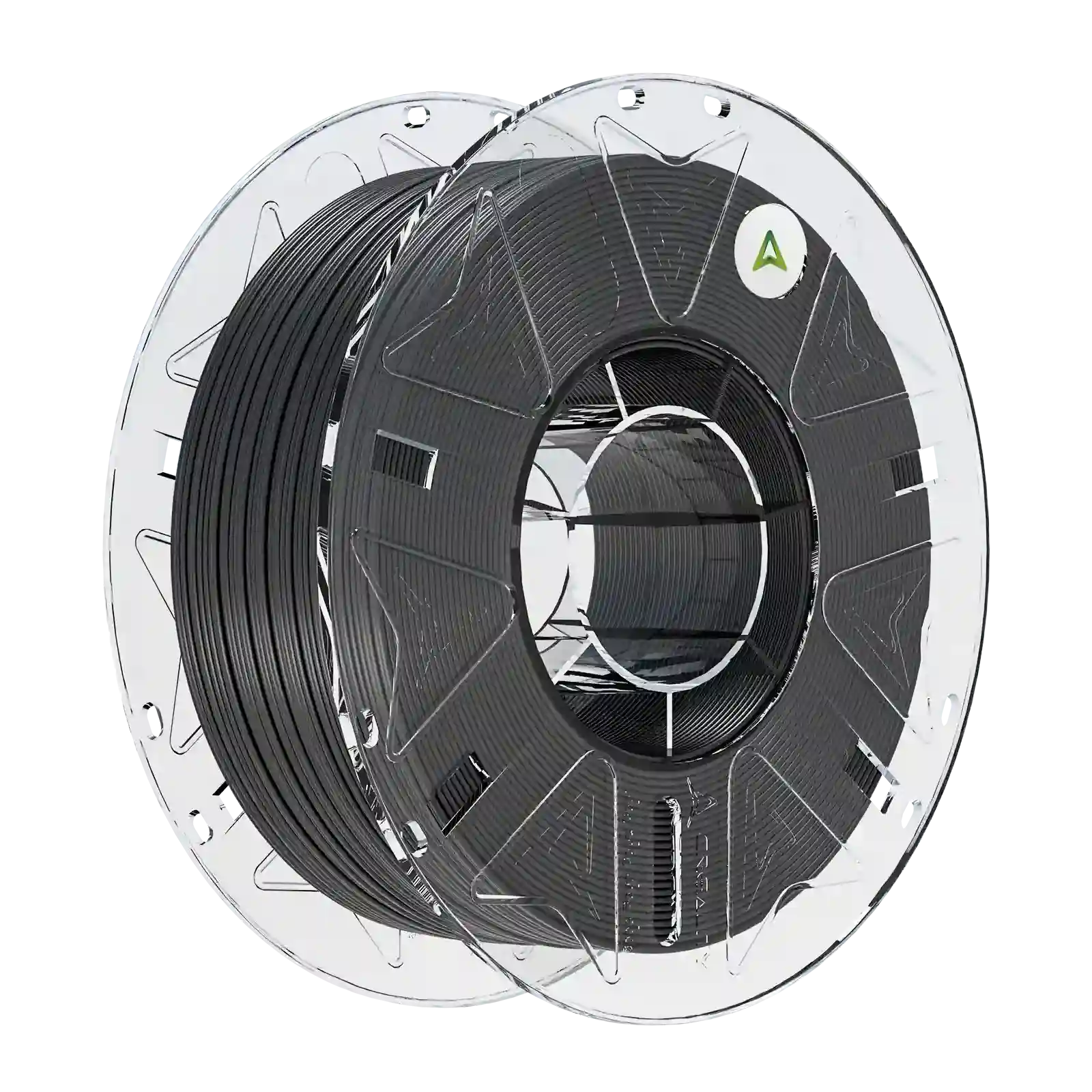
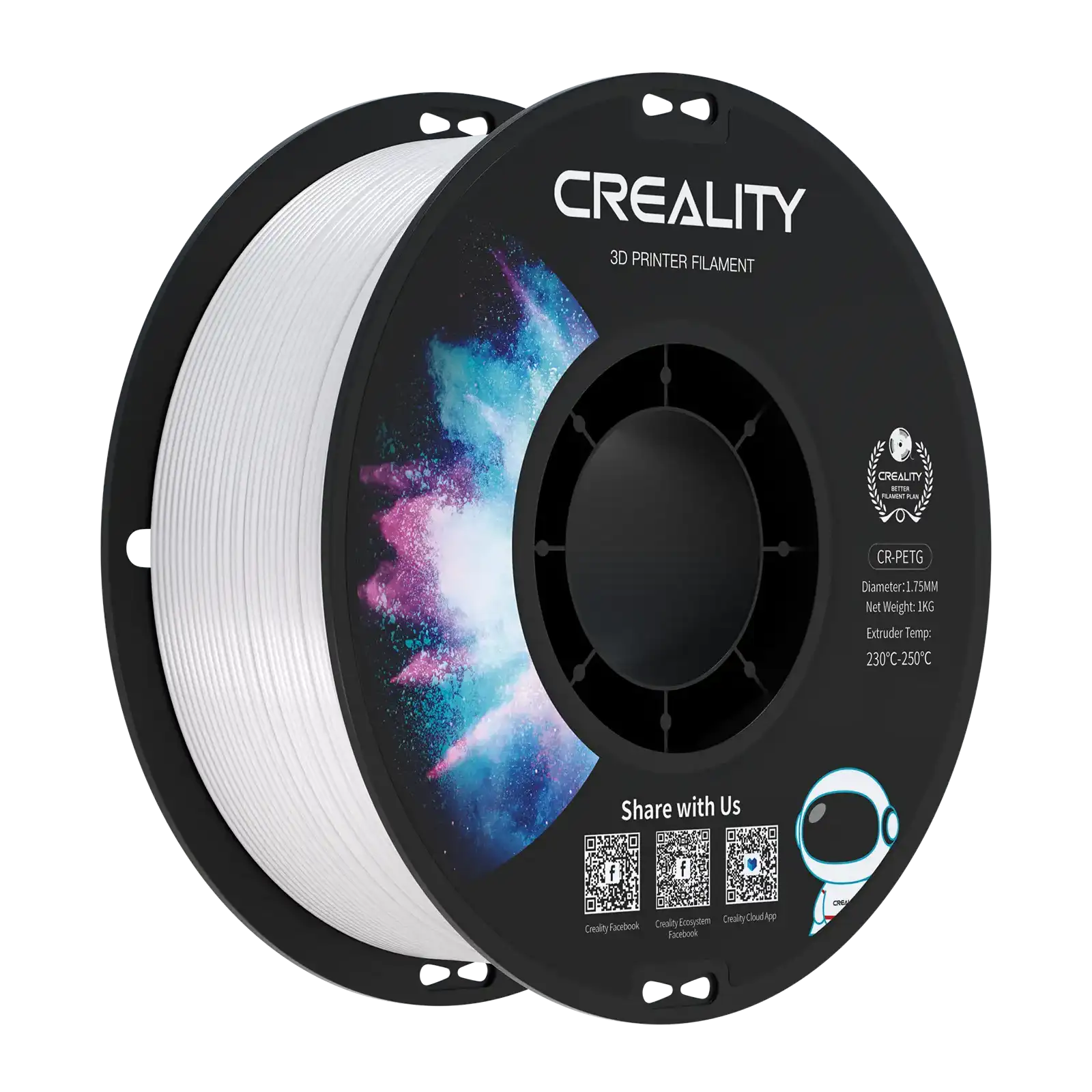
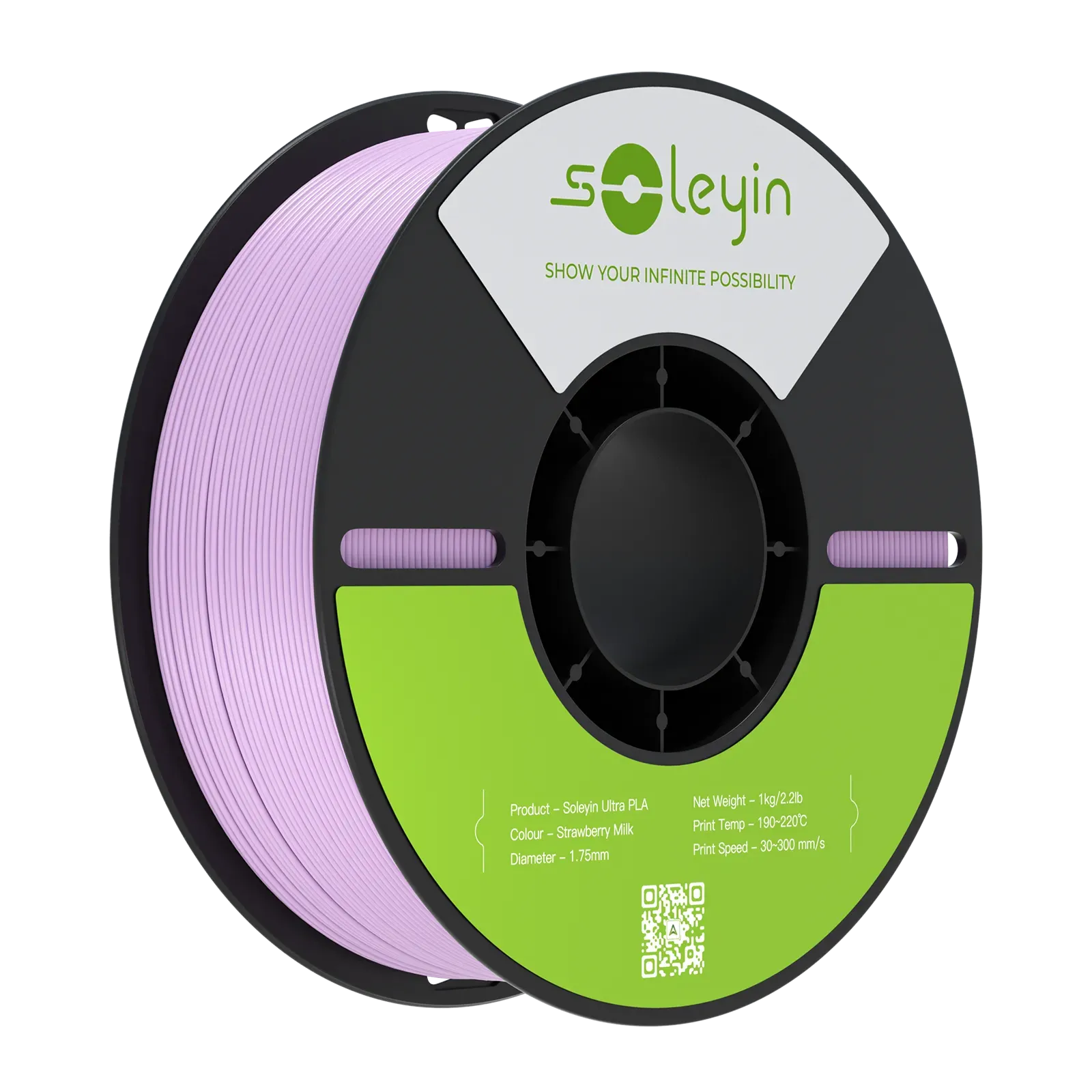
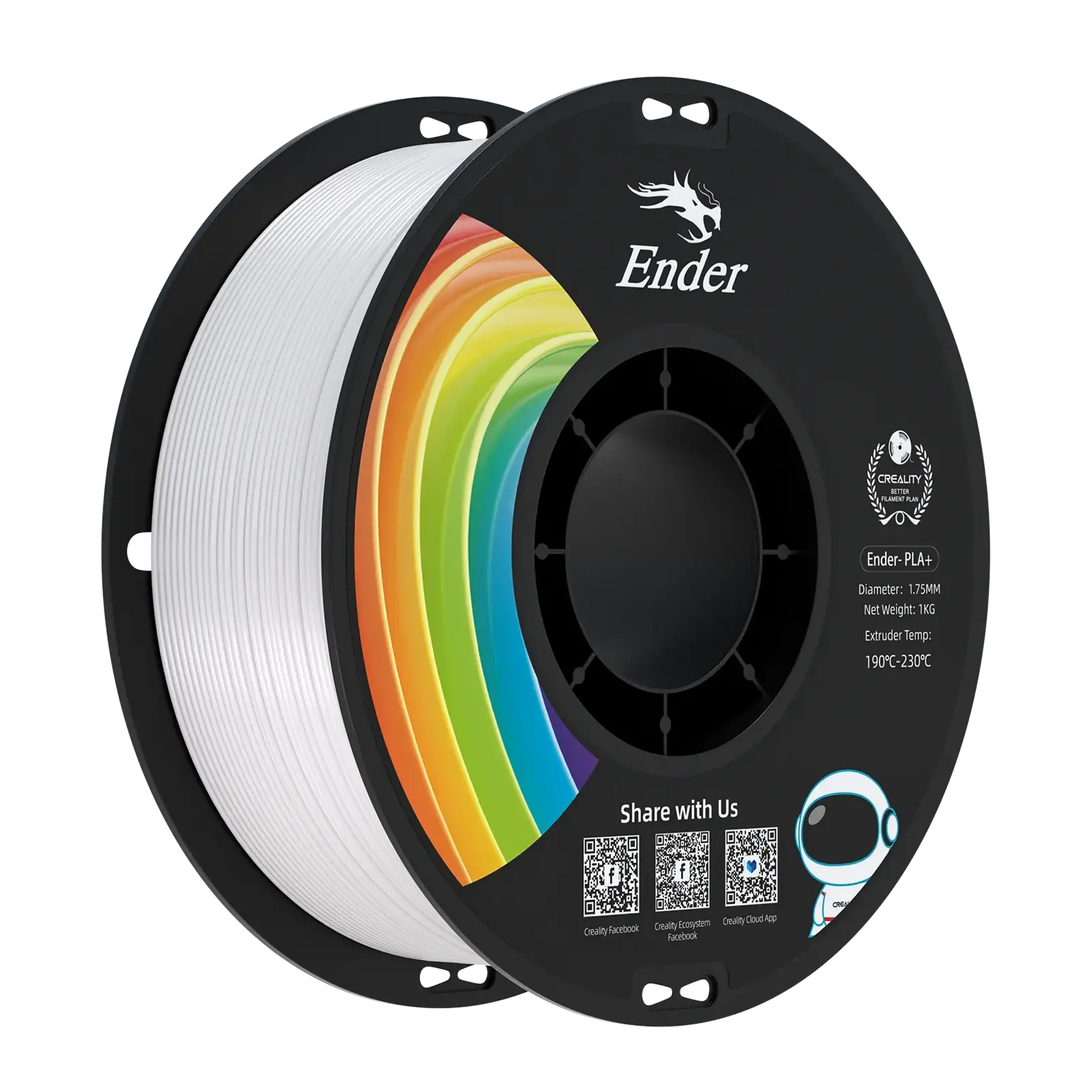






Print pops, clogs, weak parts, stringy webs, rough surfaces, and part snaps all these issues trace back to one cause: wet filament. FDM filament draws moisture from the air; a spool left open on a shelf can absorb enough moisture to change how it prints. The fix is easy. A simple 3d printer filament storage routine using airtight bins, dry boxes, or vacuum bags keeps spools dry and gives you the best results. Today’s guide covers how to store 3D printer filament properly, find the warning signs early, and when it’s time to dry a spool instead of just sealing it.
Quick Answer
Store filament sealed in an airtight container with fresh desiccant, and maintain brief room-air exposure. If a spool already shows these wet filament symptoms- stringing, popping, or brittleness- dry it with an active filament dryer before using it. Match your approach to the material: everyday PLA and PETG require less protection than moisture-sensitive nylon, TPU, or PC.
Why 3D Printer Filament Storage Matters
Nearly all 3D printer filament is hygroscopic. It means it pulls humidity directly from the air, even in a normal room. A few materials absorb it more slowly than others; however, none are completely immune.
Moisture isn't the only risk to a spool. A few other factors matter just as much:
-
Heat softens the plastic and can warp the spool itself
-
Sunlight breaks down some polymers over time
-
Dust settles into loose windings and can clog your nozzle
-
Rough handling, dropped spools, loose ends, and uncovered storage all speed up wear
Proper storage fixes all of this immediately. A dry, sealed, protected spool feeds more evenly through the extruder. Layers stick together better. Surfaces turn out smoother. Also, the spool itself survives longer, so you get full value from each roll you buy.
How to Tell If Filament Is Wet
Wet filament does not always disclose itself clearly. Discovering the signs early saves you wasted prints and wasted material.
Look for these signs while printing:
-
Bubbles or small steam wisps at the nozzle tip during extrusion
-
Hissing or popping sounds, moisture converting into steam as it hits the hot nozzle
-
Extreme stringing between separate parts of a print
-
Inconsistent or rough extrusion, surfaces that look textured or bumpy
-
Weak layer bonding, layers that detach or peel apart under light pressure
-
Brittle sections, filament that breaks rather than bending
Not all of these issues originate from moisture. Before you reject a spool as wet, analyze your print settings, nozzle condition, and printer mechanics too. A partially clogged nozzle or a loose extruder gear can copy several of these signs.
Best 3D Printer Filament Storage Methods
Each storage method compromises comfort against protection. Here’s how the main options compare at a glance:
|
Method
|
Function
|
Best For
|
Effort
|
|
Original packaging
|
Storage
|
New or rarely opened spools
|
Low
|
|
Vacuum bags
|
Storage
|
Spools not currently in use
|
Low–Medium
|
|
Airtight bins
|
Storage
|
Multiple spools kept together
|
Medium
|
|
Passive dry box
|
Storage
|
Spools in regular rotation
|
Medium
|
|
Heated dryer
|
Active drying (some models add storage)
|
Wet spools, sensitive materials, high-volume use
|
Medium–High
|
Original Resealable Packaging
-
Best for: New, unopened spools or occasional printing between sessions
-
Storage or drying: Storage only; slows moisture uptake, doesn't remove it
-
Setup: The factory bag and clip, plus the included desiccant packet
-
Daily use: This method gives you uick access, but you must reseal fully every time
-
Maintenance: Check the seal still closes tight; exchange the desiccant once it's spent
-
Limitations: Loses effectiveness after repeated opening; weak in humid climates or with frequent access
Vacuum Bags
-
Best for: Backup spools or materials you're storing between projects
-
Storage or drying: You only need to store it; no drying required. Less air means less moisture exposure, not moisture removal
-
Setup: A vacuum-seal bag or pouch, a hand pump or sealer, and fresh desiccant inside
-
Daily use: With this method, the routine usage becomes slow, as breaking the seal means resealing or bagging again before storage resumes
-
Maintenance: Inspect for punctures or weak seams, especially near the spool's edges
-
Limitations: The method is impractical for daily-use spools; one puncture defeats the whole setup
Airtight Bins
-
Best for: Hobbyists or small workshops storing several spools together
-
Storage or drying: Just storage is required. Though larger bins can support added humidity monitoring
-
Setup: A sealed bin with a gasket or locking lid, desiccant sized to the bin's volume, and ideally a hygrometer
-
Daily use: Moderate; opening the bin exposes every spool inside, not just the one you need
-
Maintenance: Regular desiccant checks and periodic seal inspection are important.
-
Limitations: Storing filament in airtight bins is a poor fit if you need frequent access to different materials throughout the day
Passive Dry Boxes
-
Best for: Spools in active rotation that still need daily moisture protection
-
Storage or drying: Storage only; maintains a low-moisture environment; doesn't actively dry filament
-
Setup: A sealed enclosure designed for filament, a desiccant tray or canister, a feed port if printing directly from the box, and a hygrometer
-
Daily use: Strong; many models feed filament straight to the printer, so the spool never has to come out
-
Maintenance: Make sure you do desiccant checks and replacement or regeneration; periodic seal and feed-port inspection
-
Limitations: This method does not dry an already-wet spool. Also, the performance depends on seal quality and how often it's opened
Heated Filament Dryers
-
Best for: Filament already showing wet filament symptoms, moisture-sensitive materials, and print farms cycling through spools fast
-
Storage or drying: Active drying is required. Some models also offer sealed storage once drying finishes
-
Setup: A dryer with temperature controls, correct spool spacing, and a feed tube for direct-feed models
-
Daily use: It’s routine usage varies by model. Some print directly from inside the dryer; others require moving the spool once drying is done
-
Maintenance: Confirm the unit holds a safe, appropriate temperature for the material, following the manufacturer's guidance
-
Limitations: The capacity of this method is limited to the dryer's spool count; uses more time and power than passive storage. Always confirm a spool can tolerate your chosen drying temperature. Never replace a household oven for a purpose-built dryer
Storage Needs by Filament Type
Different filaments absorb moisture at different rates. Grouping materials by sensitivity helps you determine how much protection each one truly requires.
Everyday Materials: PLA and PETG
PLA and PETG are the most user-friendly filaments to store. They absorb moisture more slowly than most other materials. Therefore, short exposure to room air rarely causes severe issues.
-
Keep them sealed between print sessions
-
Typically, a basic airtight container or dry box is enough for regular use
-
Monitor wet filament symptoms if a spool has sat open for a long time.
These filaments still benefit from good habits; they're just more forgiving of minor mistakes than moisture-sensitive materials.
Moisture-Sensitive Materials: TPU, Nylon, PC, PVA, and Engineering Composites
All these filaments absorb moisture faster and show neglect more quickly.
-
TPU: Flexible filaments take up moisture fast and can display it in print quality sooner than rigid materials
-
Nylon (PA): Among the most moisture-sensitive filaments available. Long air exposure is one of the fastest ways to destroy a spool
-
PC (polycarbonate): This filament is moisture-sensitive, with defects that appear clearly once it’s absorbed.
-
PVA: This is a water-soluble support material by design, which makes it specifically quick to pick up surrounding moisture.
-
Engineering composites (carbon- or glass-fiber blends): Sensitivity depends on the base polymer, so treat them with the same caution as their base material
For this group, prepare for tighter seals, closer monitoring, and more frequent active drying. Exact humidity limits and drying schedules vary by brand and formulation. So, always check the manufacturer's guidance for your specific spool rather than applying one rule across every material.
A Simple Filament Storage Routine
Good storage doesn't need to be complicated. A short routine, followed consistently, prevents most moisture problems before they start.
-
Tag the spool with the material and the date you opened it
-
Check for symptoms before you print: popping, stringing, or brittleness means it's time to dry, not just seal
-
Seal it instantly after each session, using whichever method fits your workflow
-
Add fresh desiccant and monitor it; replace or regenerate it once it's spent
-
Use a hygrometer where it's useful, especially for shared bins or dry boxes holding several spools
-
Inspect before printing; a quick visual and feel check catches problems before they show up mid-print
-
Record drying history: a short note on when and how long a spool was dried helps you find patterns over time
Follow this loop every time you touch a spool, and moisture stops being a guesswork.
Creality Solutions for Drying and Protected Storage
Not each spool requires the same level of protection. Creality provides two different tools for two different jobs.
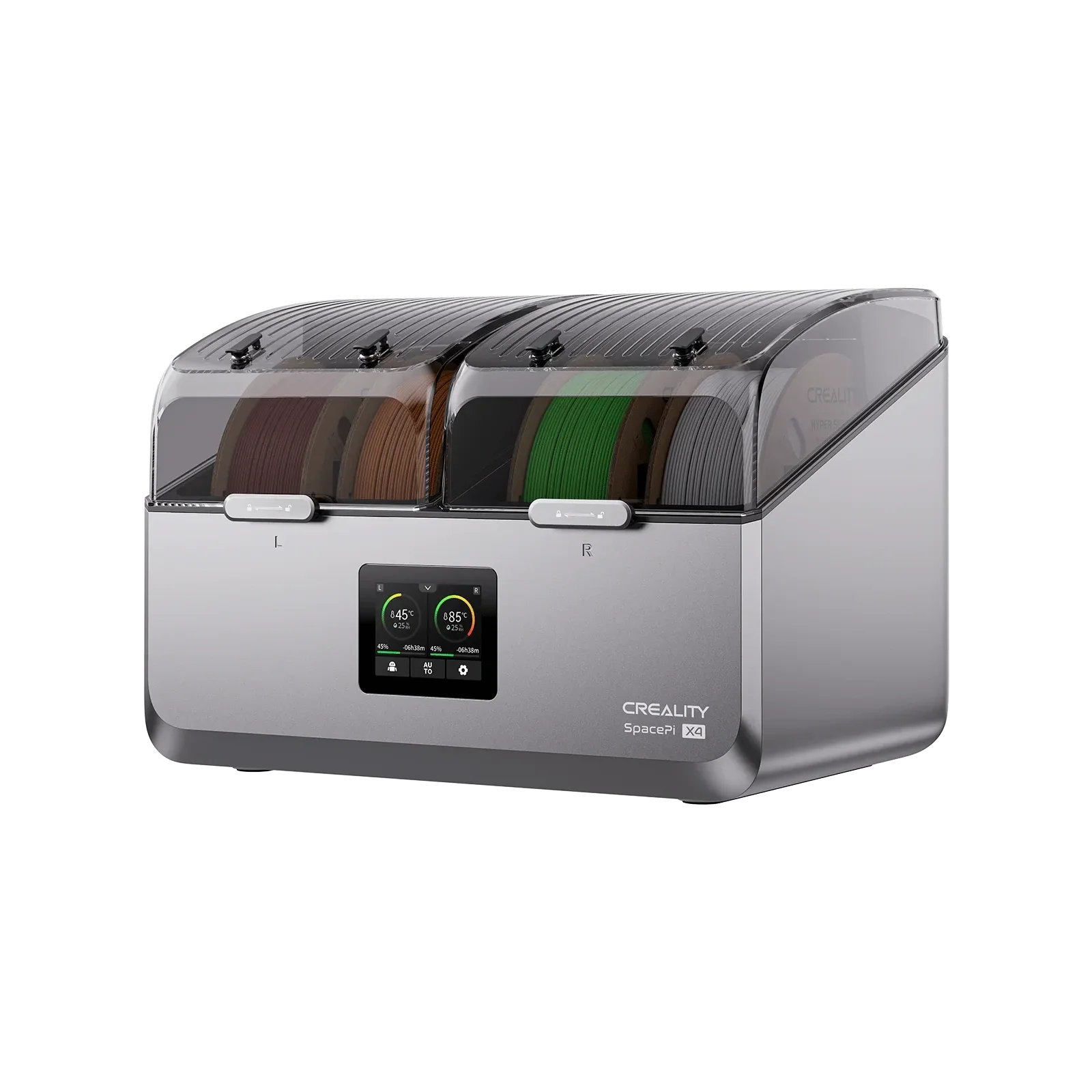
SpacePi X4: Active Drying for Multi-Material Workflows
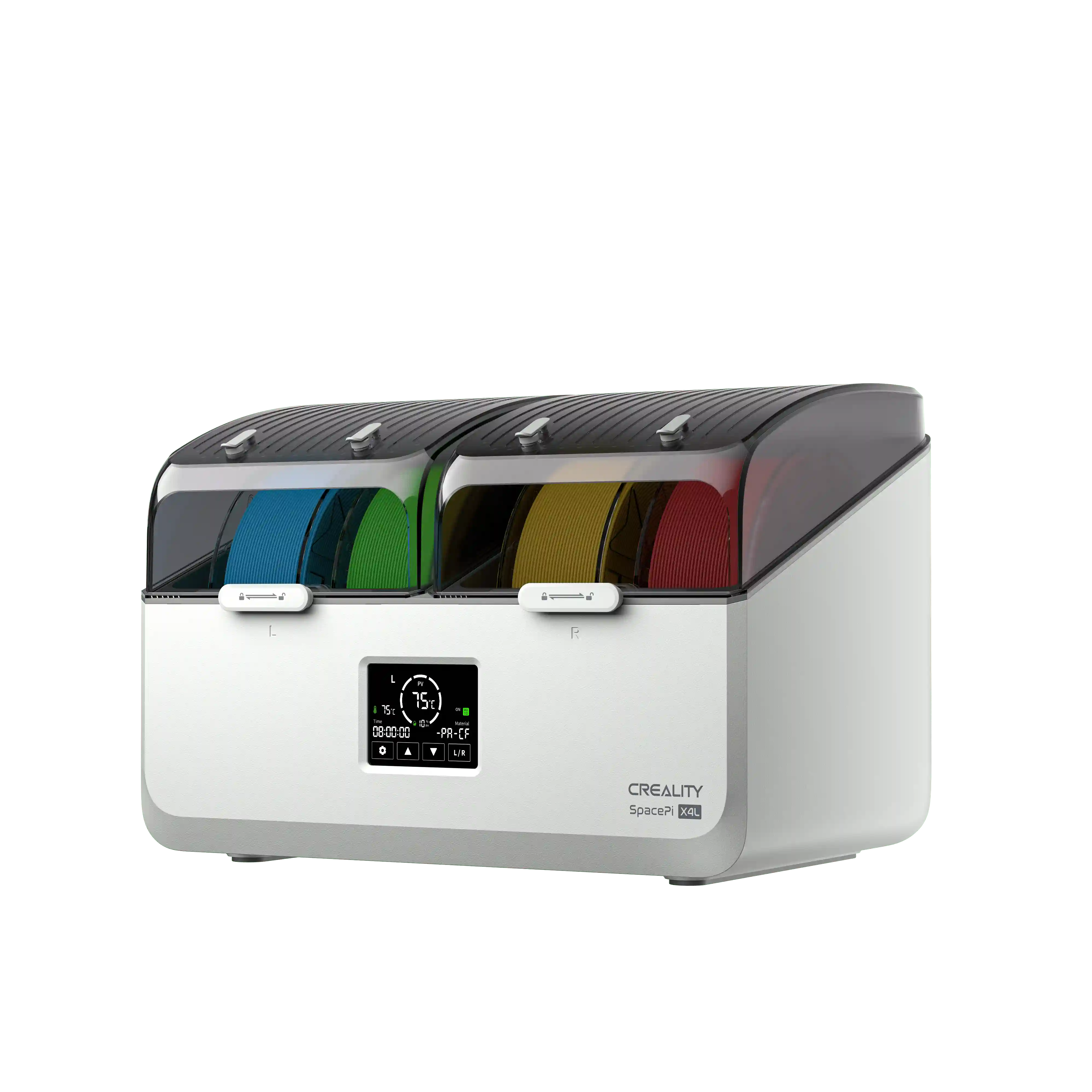
The Creality SpacePi X4 is designed for spools that require active drying, not only protection. It manages up to four spools at once through two independently controlled heating chambers. So, a moisture-sensitive nylon spool can dry at a higher temperature in one chamber while a PLA spool sits in the other.

Key features:
-
Dual independent heating chambers, with a temperature range up to roughly 85°C
-
Active dehumidification with desiccant regeneration
-
Direct-feed ports so dried filament can print straight from the unit
-
Built-in safety protections around temperature and fan control
This is why SpacePi X4 is a strong fit for multi-material printing, higher-volume workflows, or anyone regularly drying spools that indicate wet filament symptoms. As with any dryer, verify your particular filament can tolerate the temperature you set. Check the manufacturer’s guidance first, and always confirm current specs on Creality’s official pages.
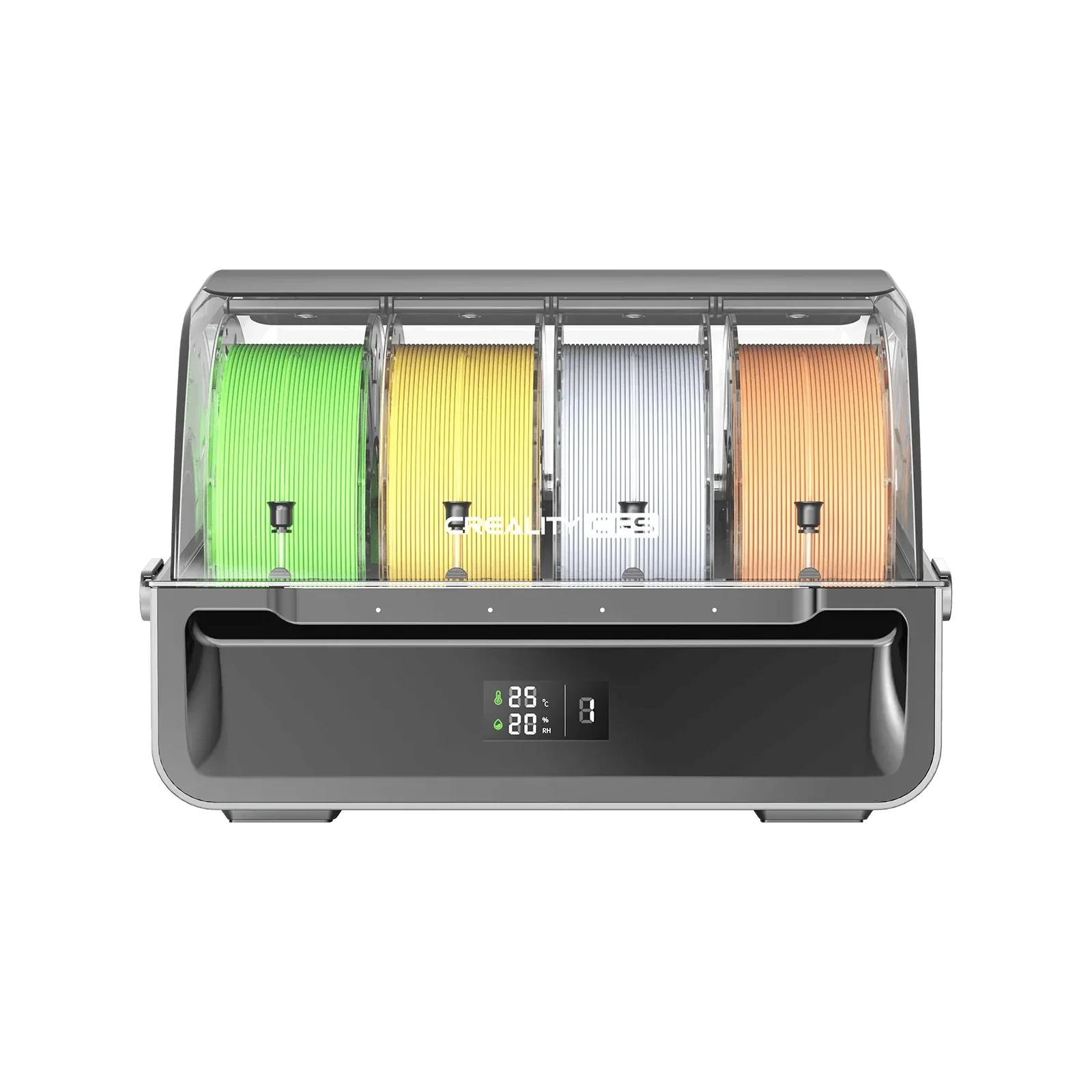
CFS: Desiccant-Assisted Storage and Feeding
The Creality CFS solves a different problem. It's an airtight storage and feeding system, not an active dryer. It keeps already-dry filament dry, it doesn't pull moisture out of a spool that has already absorbed it.
Key features:
-
Airtight design combined with desiccant to slow moisture uptake
-
Built-in temperature and humidity display, with alerts if humidity rises too high
-
Automatic filament recognition for tagged spools
-
Multiple units can link together to support multicolor printing setups
Take CFS like the second half of the routine: when a spool is dry, CFS maintains it that way while feeding it straight to a compatible printer. It is not a replacement for the SpacePi X4 when a spool actually requires drying first.
Conclusion
Good 3D printer filament storage ideas give you strong, clean, and consistent 3D prints. Dust, humidity, and heat are the greatest dangers for filament; however, easy solutions like airtight bins, vacuum bags, and passive dry boxes go a long way. Build the routine once, and it becomes second nature: label, seal, monitor, inspect, and print with confidence. If you're deciding between active drying and protected storage, compare the SpacePi X4 and CFS against your actual spool count and workflow to find the setup that fits how you really print.