
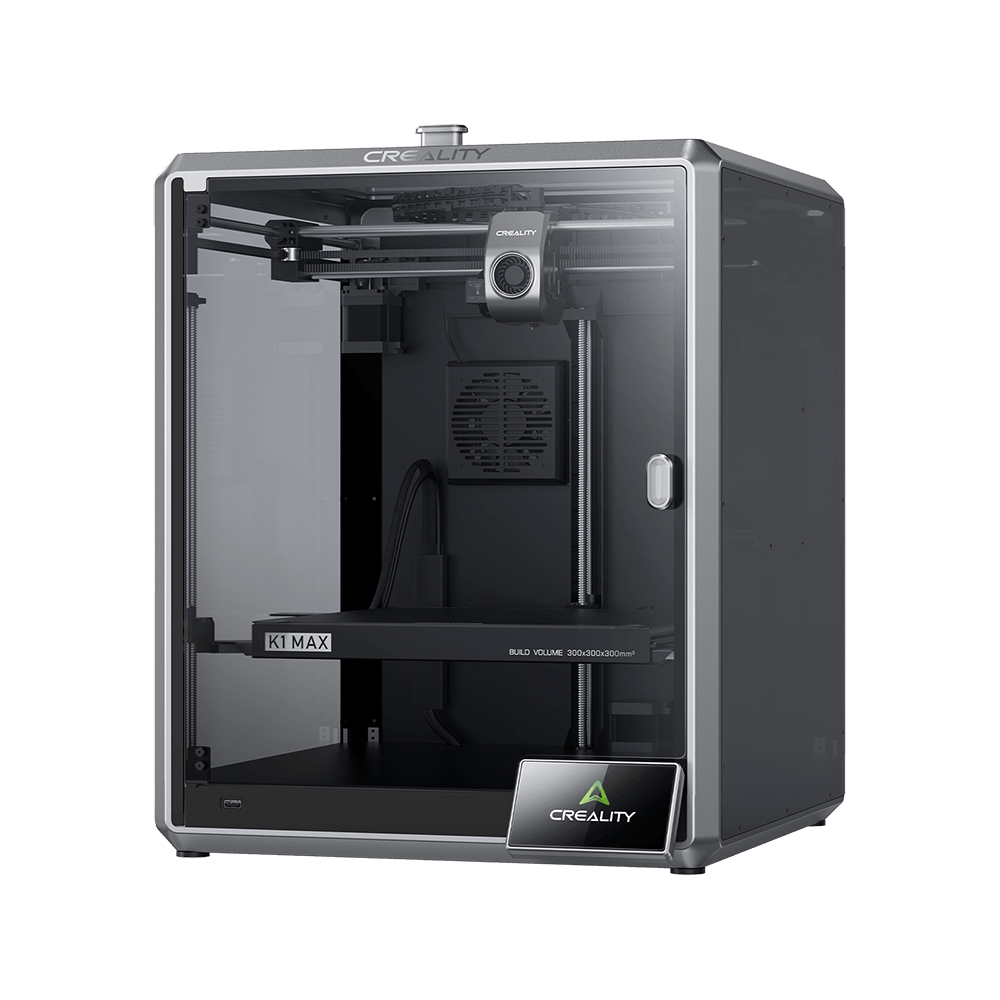
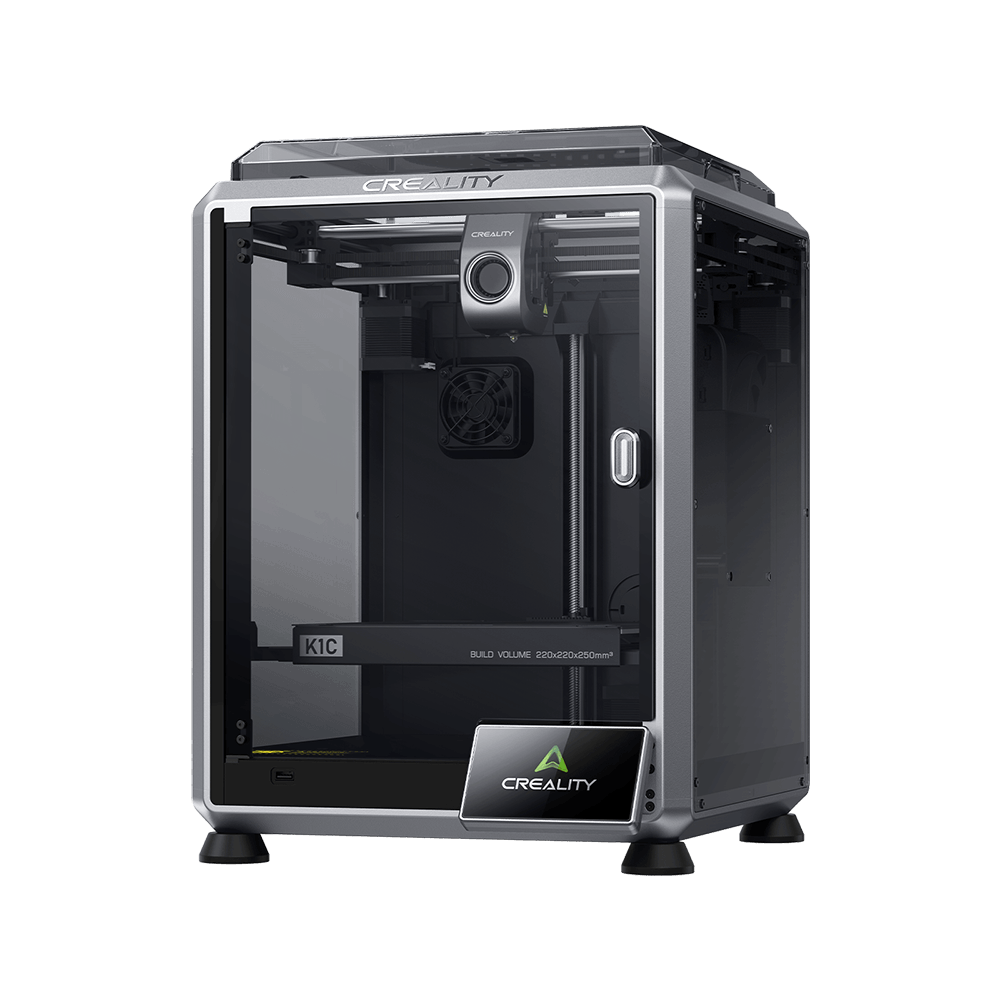
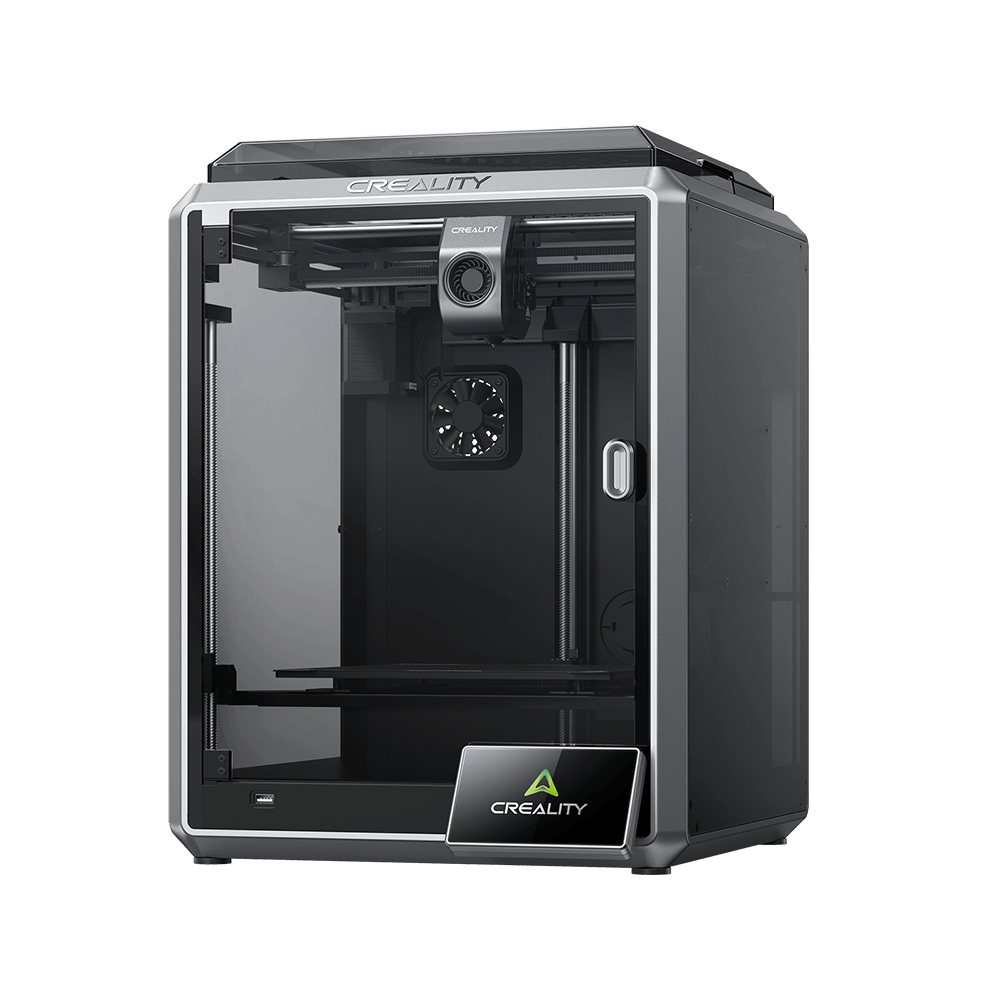
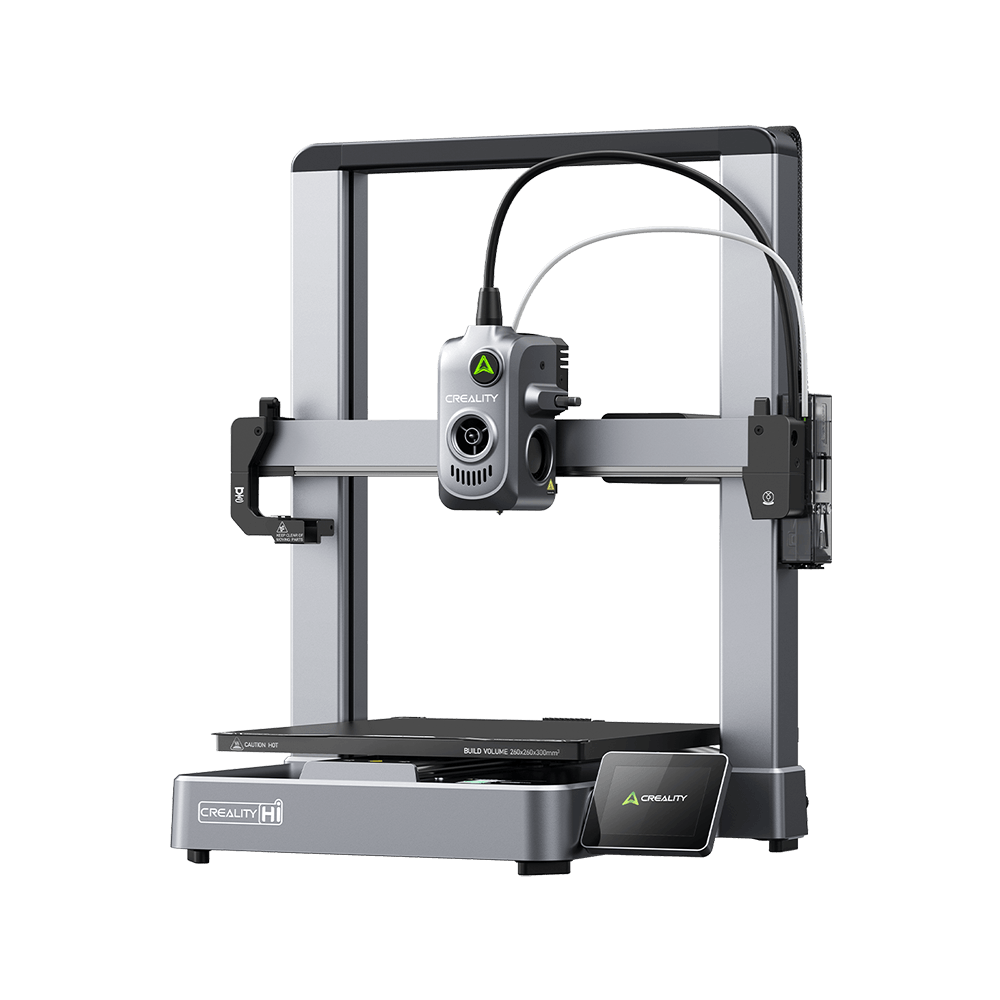
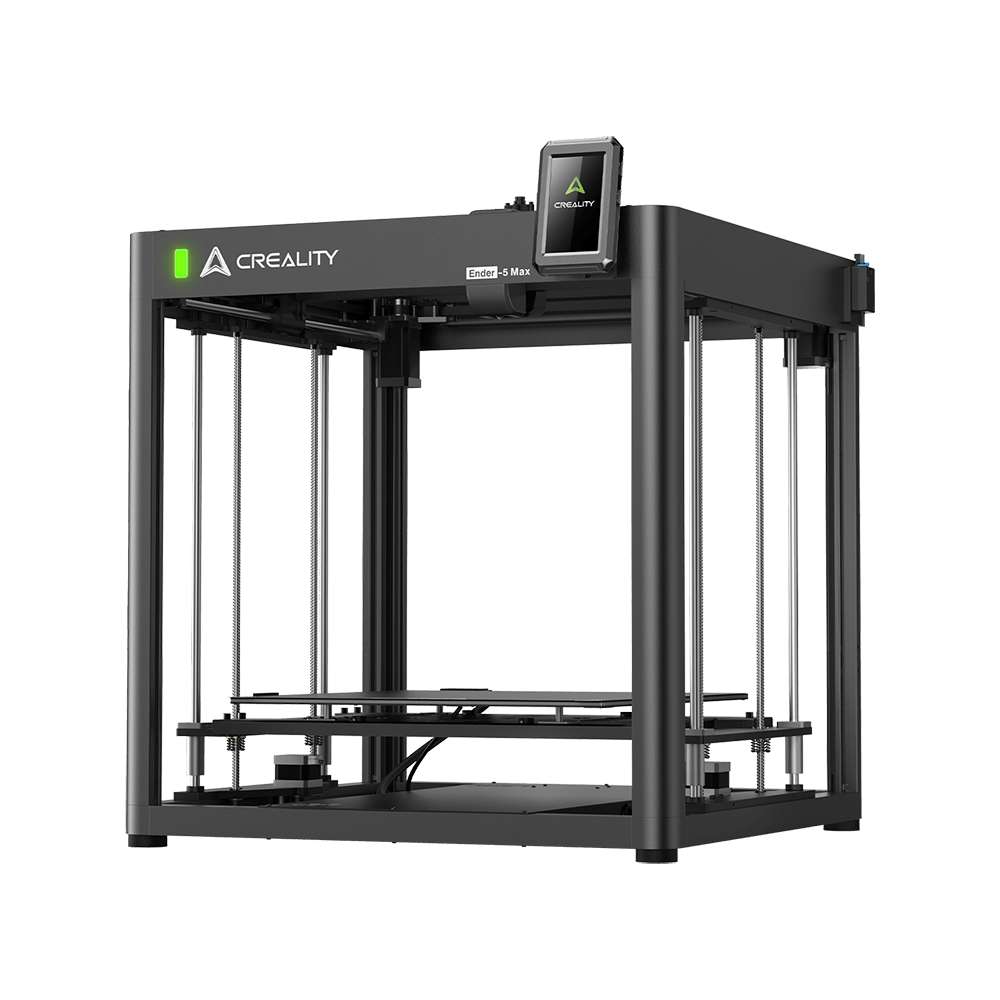
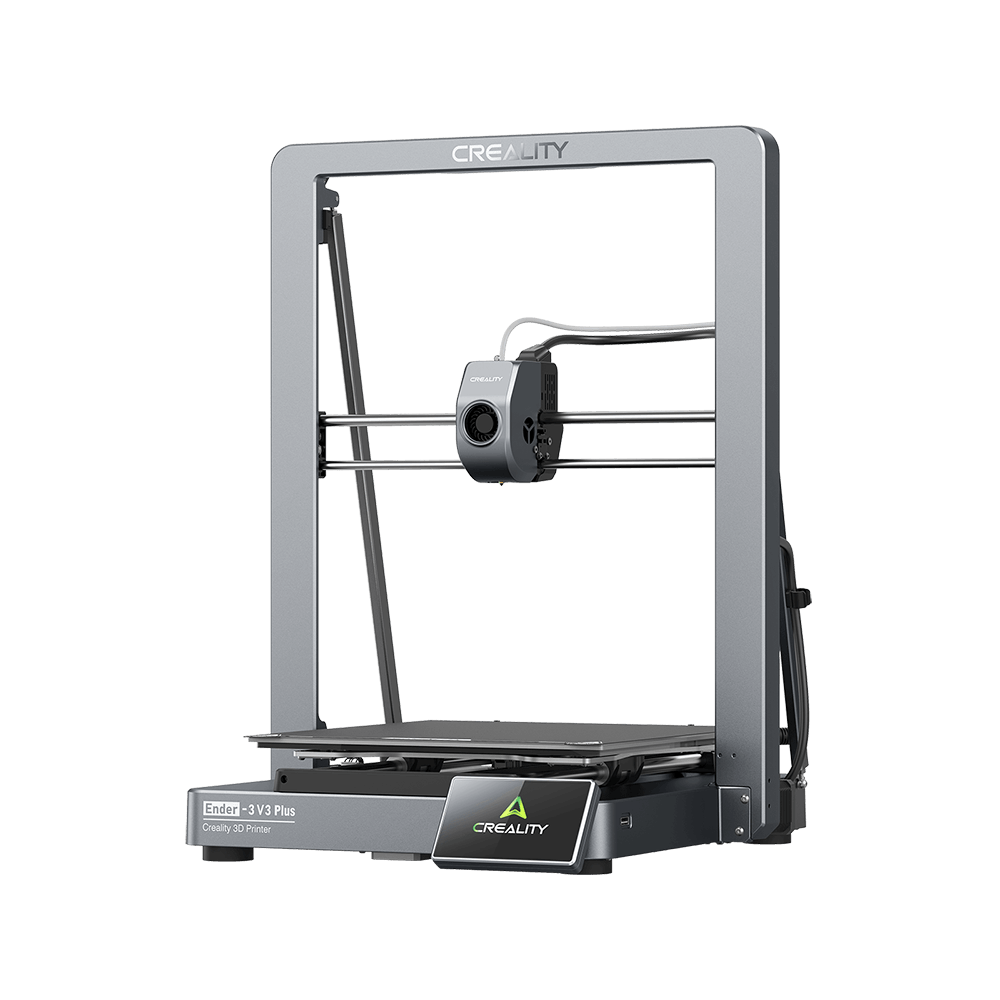
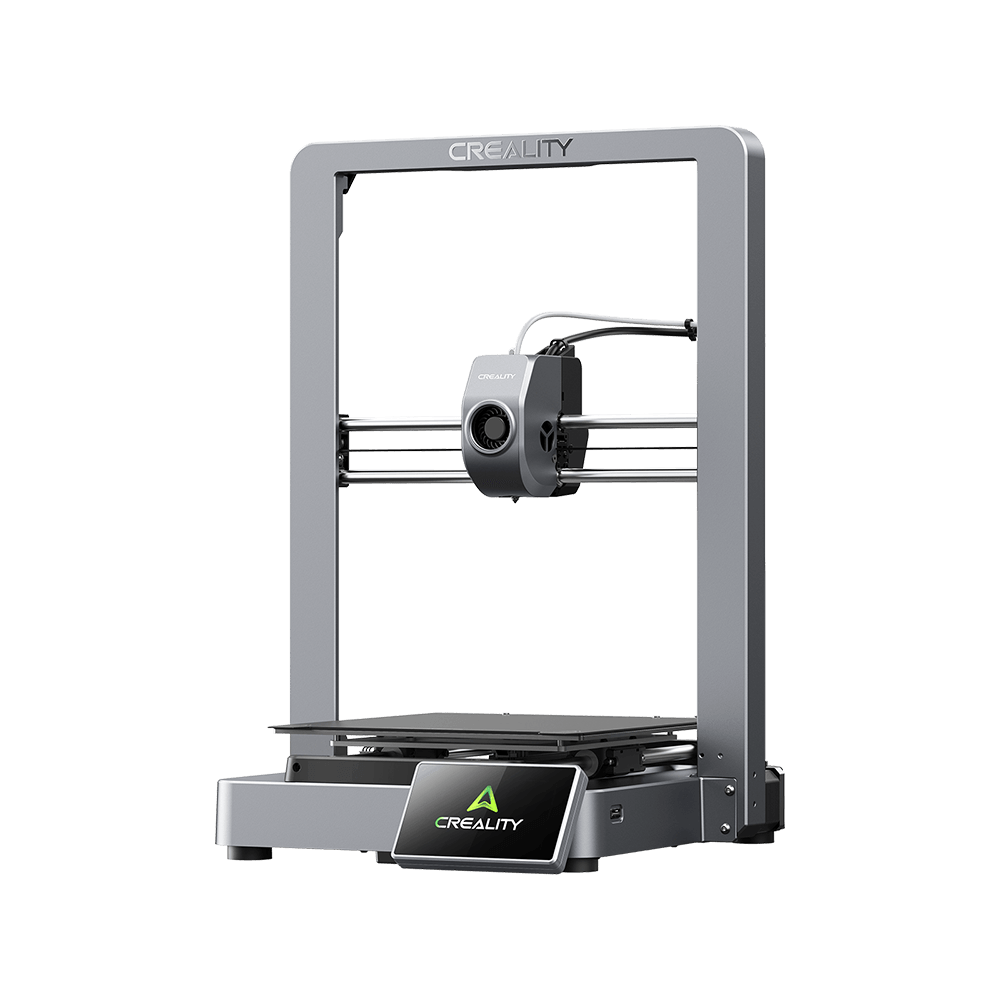
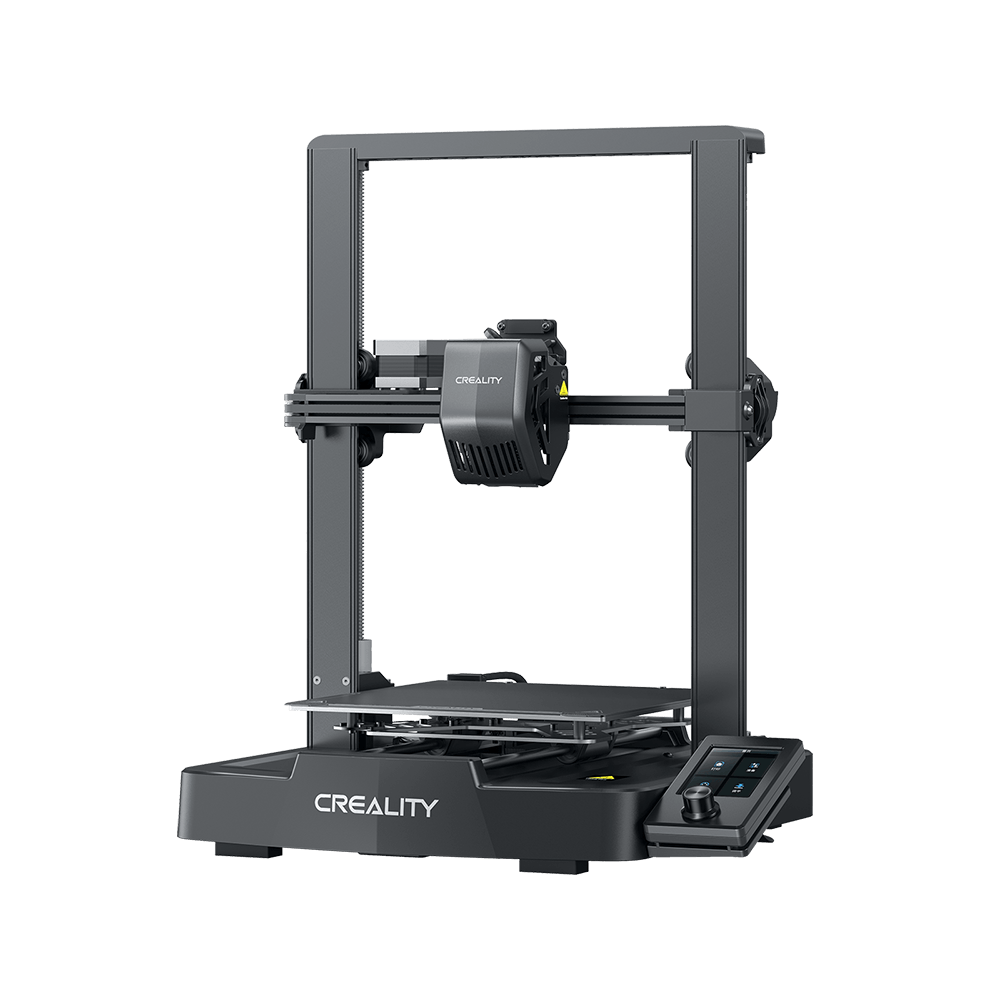
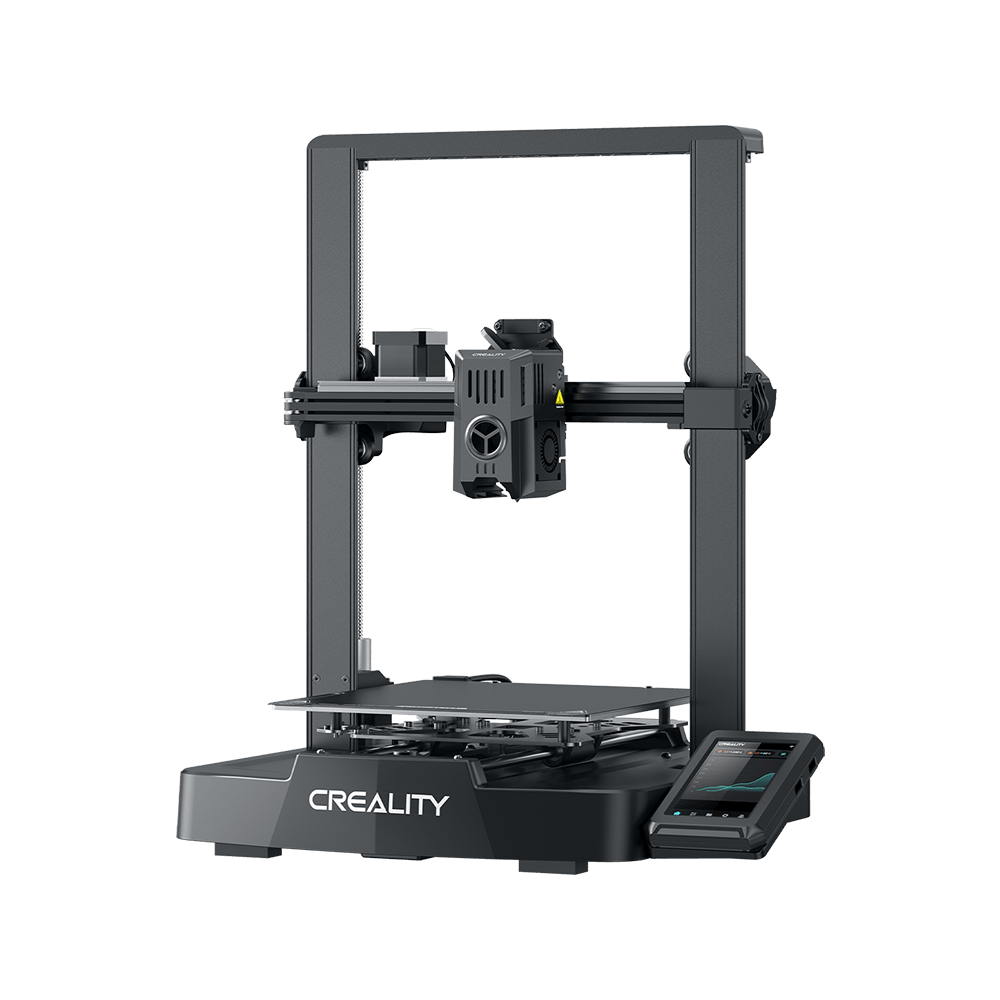
Creality Ender-3 3d printer has always been praised as the best-pick-up for 3D printing hobbyists due to its reliability and affordability. Since its release, Creality Ender-3 3d printer has achieved amazing sales records, a total annual shipment of 100,000 pieces.
With conclusions drawn from audiences, Creality Ender-3 3D Printer is an extraordinary 3D printer when you take the sub-$200 price tag into consideration.
Though it is actually a budget 3D printer, Creality Ender-3 3d printer can achieve performance comparable to many high-end machines in the market. For instance, the wide material compatibility will make it more versatile than its peer machine.
Before we probe into its filament compatibility and print performance, we would like to gain some understanding about its components which will affect the performance of various filaments.
Nozzle: The standard 0.4-mm brass nozzle made use of on the Creality Ender-3 3d printer will certainly give you superb printing performance with a wide range of filaments. You can't make use of unpleasant materials, though, because those would certainly eat through the brass very swiftly.
Heated bed: The Creality Ender-3 3d printer has an integrated heated bed that can reach temperature up to 110 ° C, which will allow you to print with products susceptible to bending, such as ABS.
PLA
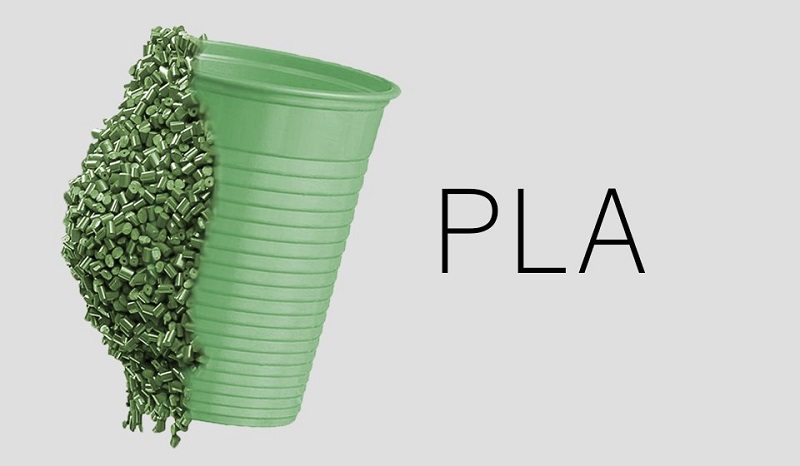
Polylactic Acid, commonly referred to as PLA, is among the most popular products used in desktop 3D printing. Because it can be printed at a reduced temperature and does not require a heated bed, it is the default filament of selection for many extrusion-based 3D printers.
PLA Printing Settings:
Printing temperature: 180-230 ° C. Normally, the specific printing temperature depends on the brand of PLA.
Hotbed temperature: PLA does not always require a heated bed, however, benefits dramatically from having on. Having a heated bed will certainly decrease the possibilities of warping. A modest 20-60 ° C helps a lot. If the temperature goes any higher, the PLA at the bottom layers might deform.
Bed adhesion: The build plate on Ender-3 provides a superb bed attachment for PLA. But for a smoother bottom surface, glass is a much better option. When utilizing glass, hairspray, or glue stick function the best. They provide your prints a good hold on the bed.
Print speed: PLA has no concerns as speed is taken into consideration. A basic recommended speed of 60 mm/s functions excellent, balancing high quality with printing time.
Retraction: PLA is a stiffer material, as well as thus it can be easily tuned. As the Ender 3 has a Bowden style setup, retraction settings are much higher. We only need to consider 2 factors here.
Retraction range: 5 mm
Retraction speed: 45 mm/sec
Part-cooling fan: This should be on. PLA is a drippy product, so it requires to be effectively cooled.
ABS
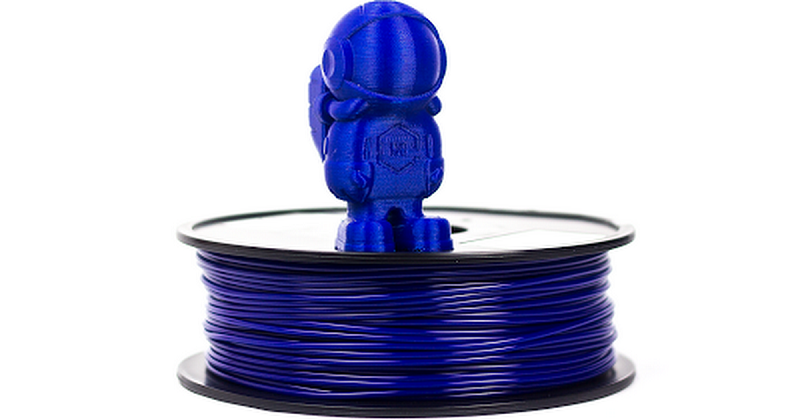
ABS (Acrylonitrile Butadiene Styrene) has a long background in the 3D printing community. This material was among the first plastics to be made use of with industrial 3D printers.
Many years later, ABS is still an incredibly popular material owing to its affordability and its excellent mechanical prosperities. ABS is known for its toughness and impact resistance, permitting users to print sturdy parts that will hold up to additional usage and wear.
LEGO building plates are made from ABS for the same reason! ABS likewise has a higher glass transition temperature, which implies ABS can endure much higher temperatures before it starts to deform. This makes ABS a great selection for outside or high-temperature applications.
When printing with ABS, please make sure to use an open space with great ventilation, as the material has a great tendency to have some smell. ABS likewise often tends to contract quite a bit as it cools, so regulating the temperature level of your print area and the part inside can have significant advantages.
ABS Printing Settings:
Printing temperature: ABS
Requires to be printed at a higher temperature than PLA. A printing temperature of 230°C is a great beginning factor. Although the printing temperature varies from different brands of filaments, the optimal temperatures vary from 210-250°C.
Hotbed temperature: ABS does not easily get warped, yet a heated bed does a good work of preventing this. A bed temperature level of 80-110°C should be really helpful. Since the Creality Ender-3 3d printer is capable of getting to such temperature levels, ABS is a wind to print.
Bed adhesion: ABS needs some adhesion. Otherwise, you might find the corners of your prints lifted up. A border or a raft will help in lowering the bending of the parts. Furthermore, you ought to also be using a glue stick or ABS slurry for better adhesion.
Print speed: The print speed for PLA doesn't have much difference from ABS. Printing at 60 mm/s works well for ABS too. You run the risk of layer bond as well as layer splitting if you print at any kind of higher speed.
Retraction: Same values as for PLA.
Retraction distance: 5 mm
Retraction speed: 45 mm/sec
Part-cooling fan: ABS likes to be cooled down gradually. If it's cooled instantly, it might warp, or have higher possibilities of layer splitting.
PETG
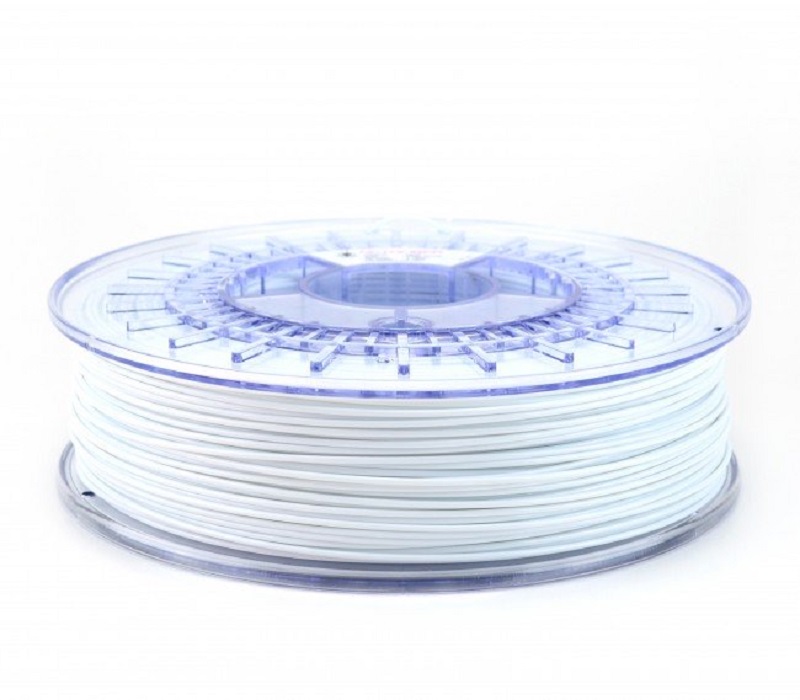
PETG is a Glycol Modified variation of Polyethylene Terephthalate (PET), which is commonly utilized to make water bottles. It is a semi-rigid material with great impact resistance, but it has a slightly softer surface that makes it prone to wear.
The material likewise benefits from great thermal conductivity, allowing the plastic to cool down efficiently with almost minimal warpage. There are a number of variations of this material in the market including PETG, PETE, and PETT.
PETG Printing Settings:
Printing temperature: The best printing temperature for PETG is at 220-250°C. Many PETG manufacturers have actually optimized their PETG filament so that it can be printed at a temperature lower than 240 ° C.
Hotbed temperature: The very first layers should be a little high. It assists with adhesion and also minimizes warping. A bed temperature for PETG is supposed to be set at 50-75°C.
Bed adhesion: You should utilize a releasing agent on a glass surface for PETG. Otherwise, you'll be having a chunk of glass in addition to your part. PETG adheres extremely well to blue painter's tape. Hairspray and gluestick also function well.
Print speed: PETG prints well at around 50-60 mm/s. With greater speeds, it will sacrifice print quality. There could also be under-extrusion issues. Therefore, you should print at 25-30 mm/s, also, for much better high quality.
Retraction: This can get more difficult, and nobody wants stringing or blobs on their prints. PETG needs greater retraction than PLA, but printing at too high speed might result in nozzle clogging.
Retraction range: Start with a 5 mm distance, and rise in 0.2 mm increments. The max is 7 mm.
Retraction rates: A beginning speed of 40 mm/s with 5 mm/s increments to call it in.
Part-cooling fan: Keep the part-cooling fan on, as it will certainly provide you very in-depth prints and aid you with decreased stringing as well as blobs. If you want a stronger part, you can also choose to turn off the fan.
First layer height: PETG shouldn't be squeezed on the bed. It should lay down smoothly, and hence the layer height of the first layer should be approximately 0.32 mm. It prevents the build-up of material on the nozzle, which would introduce blobs and strings.
TPU
Thermoplastic Polyurethane (TPU) is a flexible, abrasion-resistant polycarbonate. It's being utilized in a variety of producing procedures for both customers as well as commercial usage. In specific blends, it can end up being really soft, yet TPU product offers numerous benefits as well as functions. 3D printed parts with TPU are durable, and have the ability to endure ambient temperature up to 80°C.
Print temperature: TPU prints well at a temperature between 210°C and also 230°C.
Hotbed temperature: A heated bed isn't required, as TPU doesn't shrink or warp like other materials. Nevertheless, if you desire, you can restrict it to 60°C.
Bed adhesion: Blue painter's tape works simply great. You can additionally use a raft or a border, but they're not crucial.
Print speed: TPU is a flexible material, as well as printing it quickly will certainly lead to issues, like the filament obtaining wound up in the extruder gear. The suggested maximum speed is about 25-30 mm/s.
Retraction: Keep retraction settings as low as possible. Higher values of retraction will lead to filament winding up in the extruder.
Retraction Distance: 3 mm must do it to start. Increase the value by 0.2 mm at a time if you still have stringing issues.
Retraction rates: 25-30 mm/s.
Part-cooling fan: Leave the part-cooling fan on. This will certainly help in the energetic air conditioning of layers as well as likewise stop any kind of stringing or balls, thus boosting print quality.