

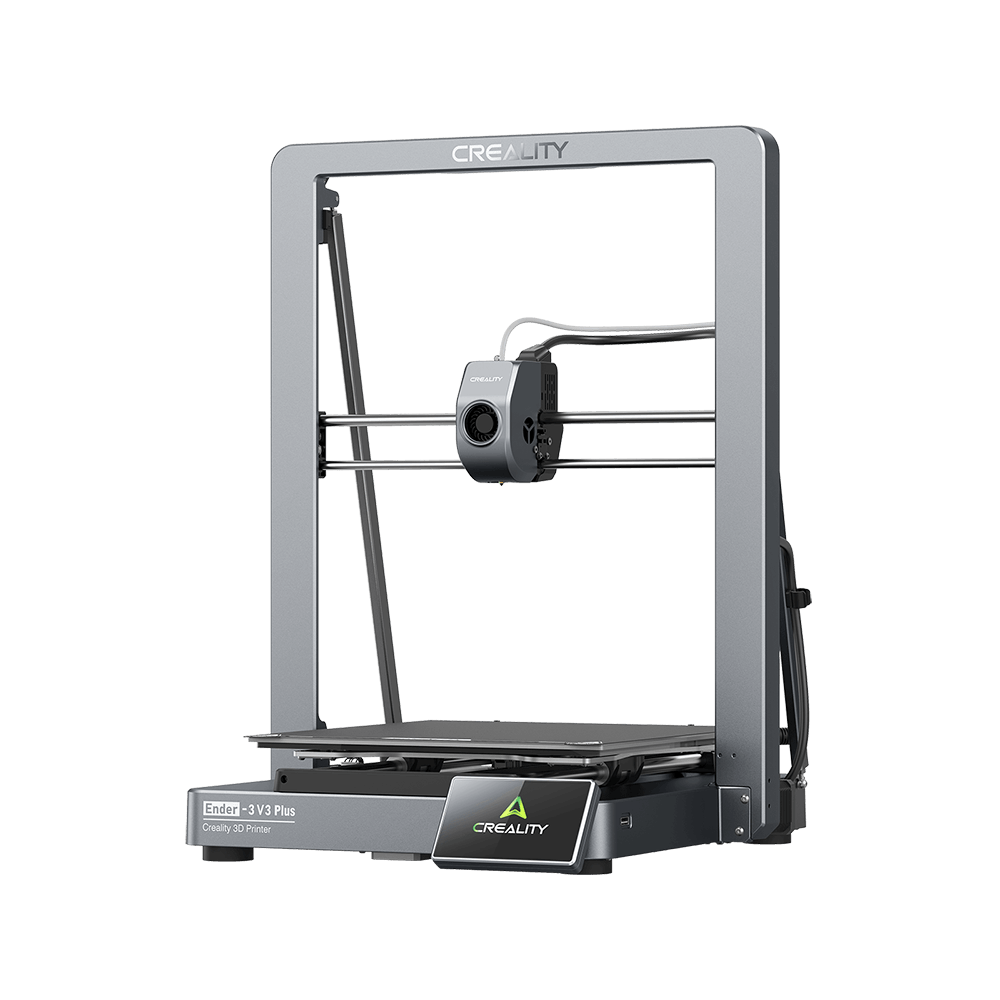
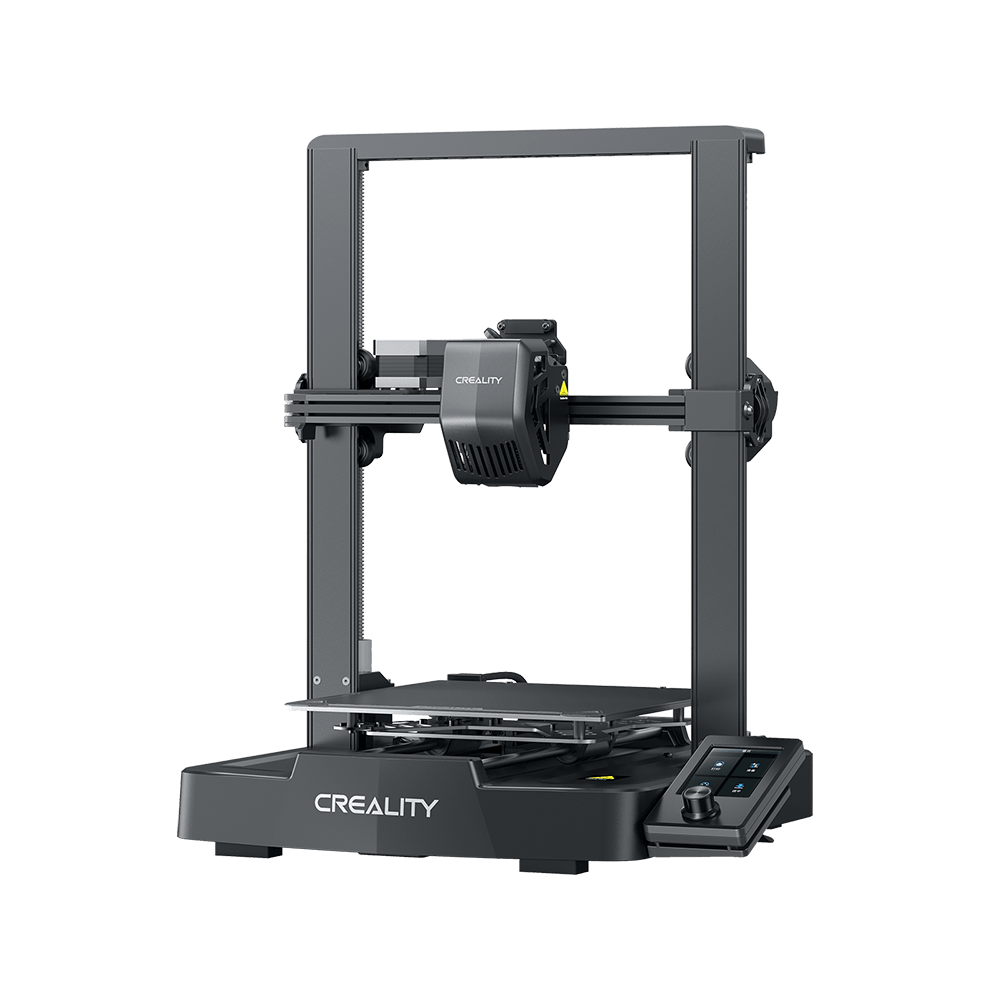
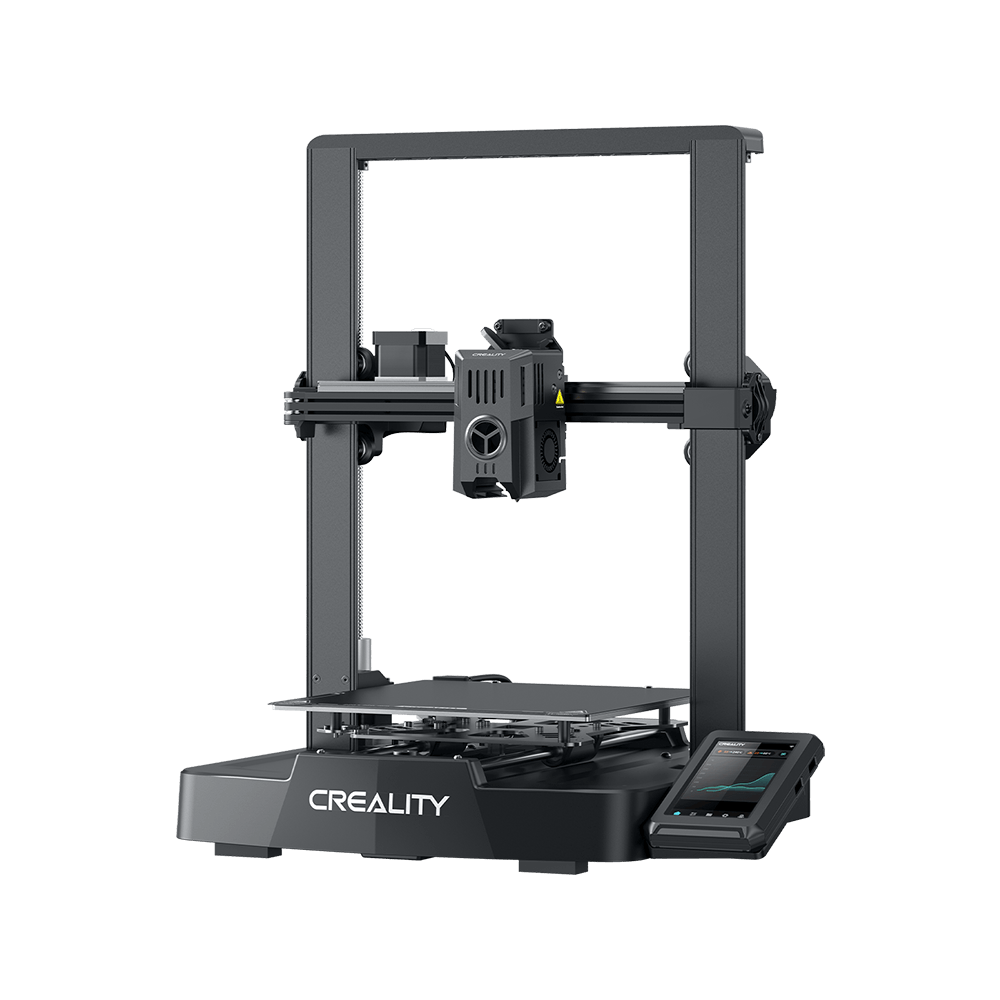
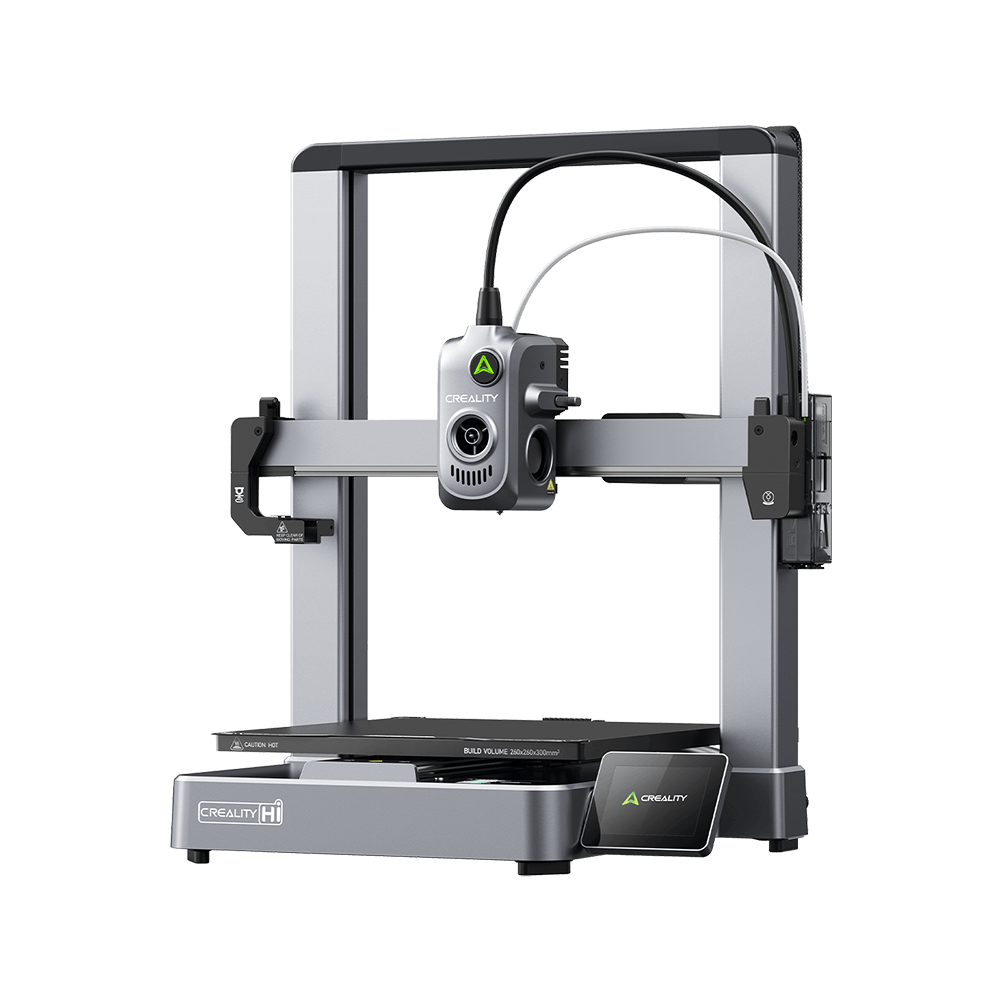


K1 SE
Vidéos
Paramètre
Télécharger
Centre d'aide
Service Produit
Paramètres
Fonctionnalité
Capteur RFID dans l'imprimante
Non
Kit d'éclairage
Oui
Filtre à air
Non
Température de la chambre
Non
Relais automatique de filament
Non
Récupération après une coupure de courant
Oui
Capteur de fin de filament
Oui
Puissance nominale et tension
100-120V~, 200-240V~,50/60Hz; 350W
Télécommande
Oui
Écran d'affichage
Écran tactile couleur de 4,3"
Caméra IA pour l'étalonnage (prise en charge du timelapse)
Optionnel
Caméra IA pour la surveillance (prise en charge du timelapse)
Optionnel
Mise en forme des entrées
Oui
Mode de nivellement
Nivellement automatique
Capteur RFID dans l'imprimante
Non
Kit d'éclairage
Oui
Filtre à air
Non
Température de la chambre
Non
Relais automatique de filament
Non
Récupération après une coupure de courant
Oui
Capteur de fin de filament
Oui
Puissance nominale et tension
100-120V~, 200-240V~,50/60Hz; 350W
Télécommande
Oui
Écran d'affichage
Écran tactile couleur de 4,3"
Caméra IA pour l'étalonnage (prise en charge du timelapse)
Optionnel
Caméra IA pour la surveillance (prise en charge du timelapse)
Optionnel
Mise en forme des entrées
Oui
Mode de nivellement
Nivellement automatique
Connectivité et logiciels
Langues de l'interface utilisateur
anglais/allemand/espagnol/français/italien/portugais/russe/turc/japonais/coréen/chinois
Stockage de fichiers
8 GB
Format de fichier imprimable
G-code
Logiciel de découpe
Creality Print
Mises à jour du micrologiciel OTA
Oui
Intégration cloud
Creality Cloud
Transfert de fichiers
USB, WiFi
Langues de l'interface utilisateur
anglais/allemand/espagnol/français/italien/portugais/russe/turc/japonais/coréen/chinois
Stockage de fichiers
8 GB
Format de fichier imprimable
G-code
Logiciel de découpe
Creality Print
Mises à jour du micrologiciel OTA
Oui
Intégration cloud
Creality Cloud
Transfert de fichiers
USB, WiFi
Show More
Tout afficher
Télécharger


Centre d'aide
FAQ
Questions générales
Is the K1 SE suitable for beginners?
Yes. Features like hands-free auto-leveling, pre-assembled setup, and a user-friendly touchscreen make the K1 SE ideal for newcomers. Even users without 3D printing experience can achieve high-quality prints with minimal learning curve.
How does the K1 SE handle print failures?
Which filaments are compatible with the K1 SE?
Does the K1 SE require assembly?
What is the build volume of the K1 SE?
What is the maximum printing speed of the K1 SE?
Tout afficher
Service Produit
Tout afficher