

Bienvenue chez Creality  Découvrez la K3 🔥

Creality
Tous les produitsAssistanceBlogTéléchargerCreality Cloud
Boutique
Série PhareSérie SPARKXSérie Ender Série HiScanner 3DGraveur laserSérie HALOT
K3
Nouveau
K3
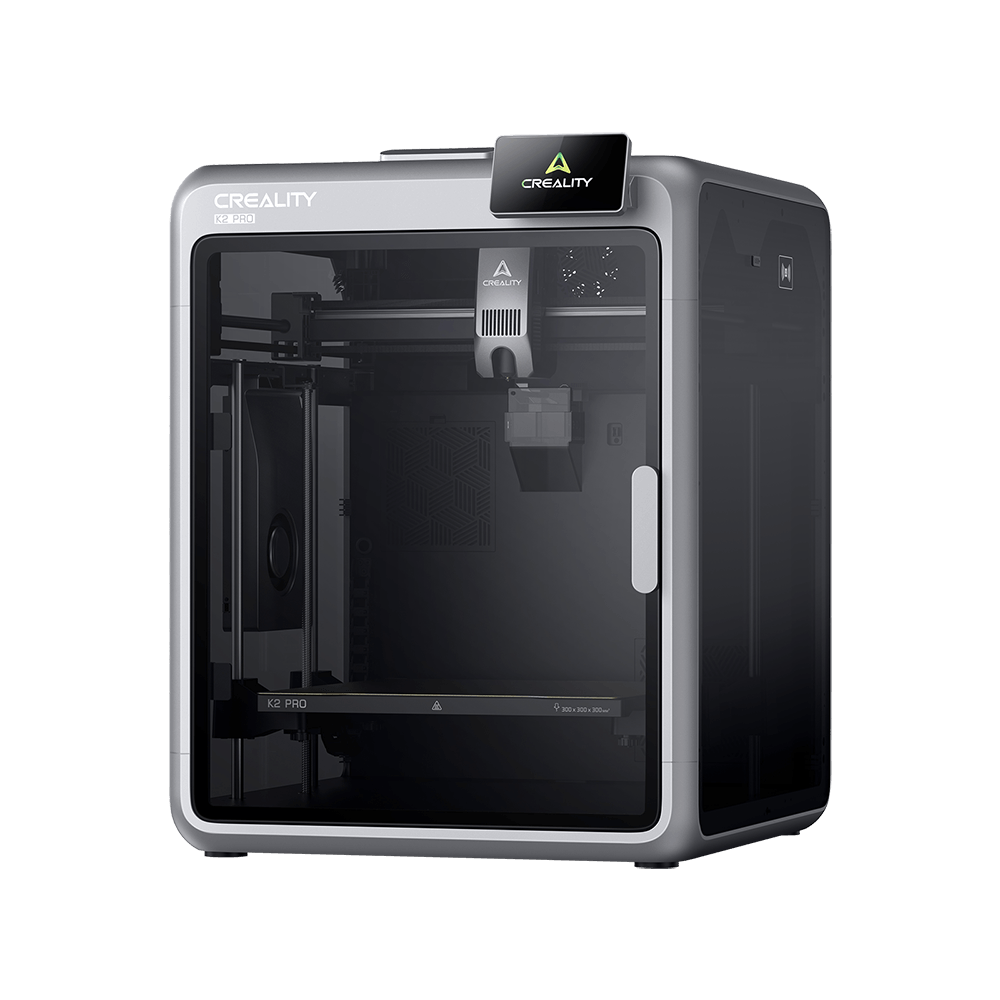
K2 Pro
K2 Pro
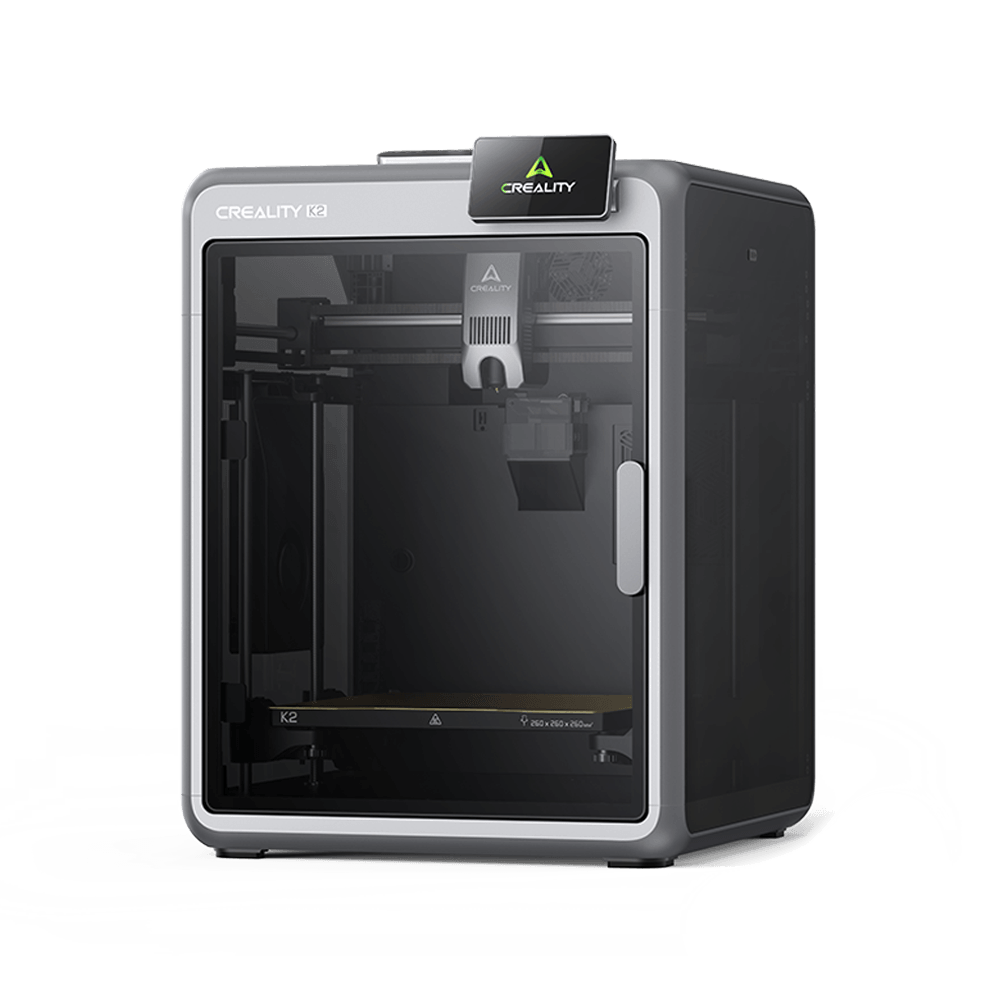
K2
K2
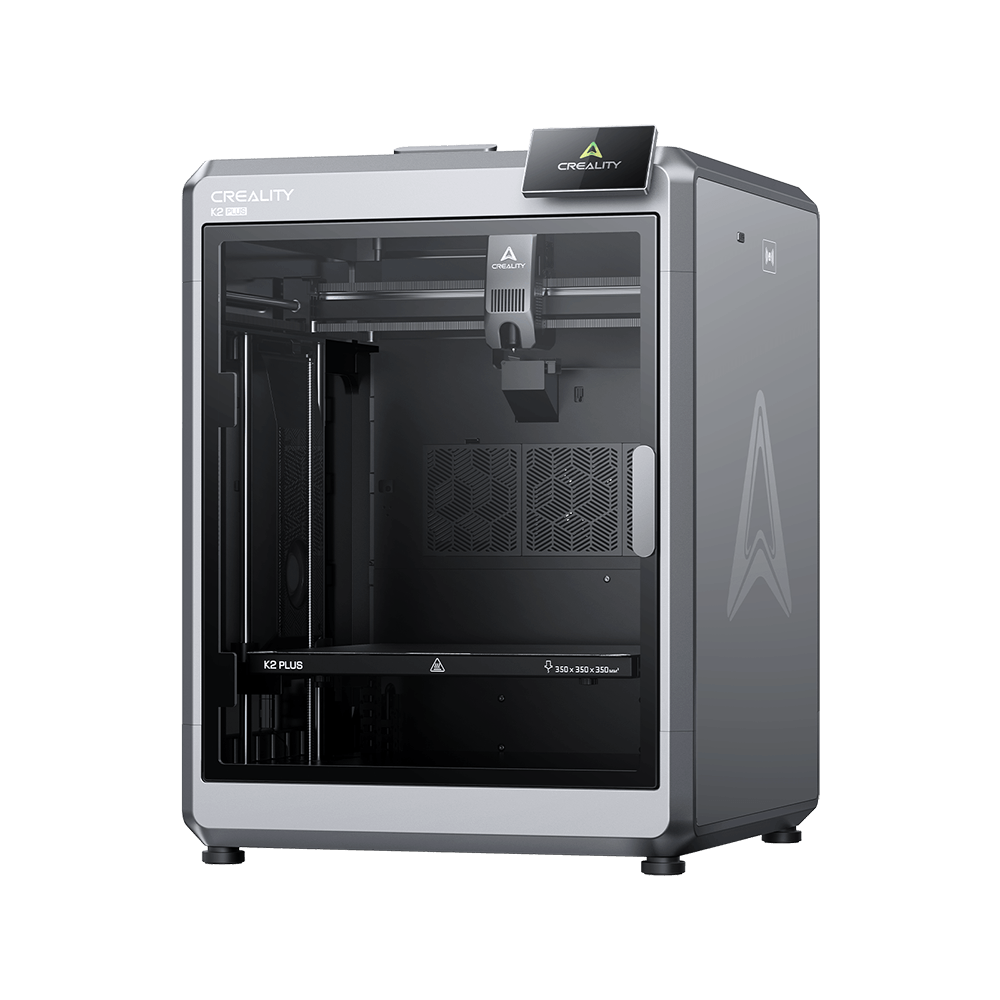
K2 Plus
K2 Plus
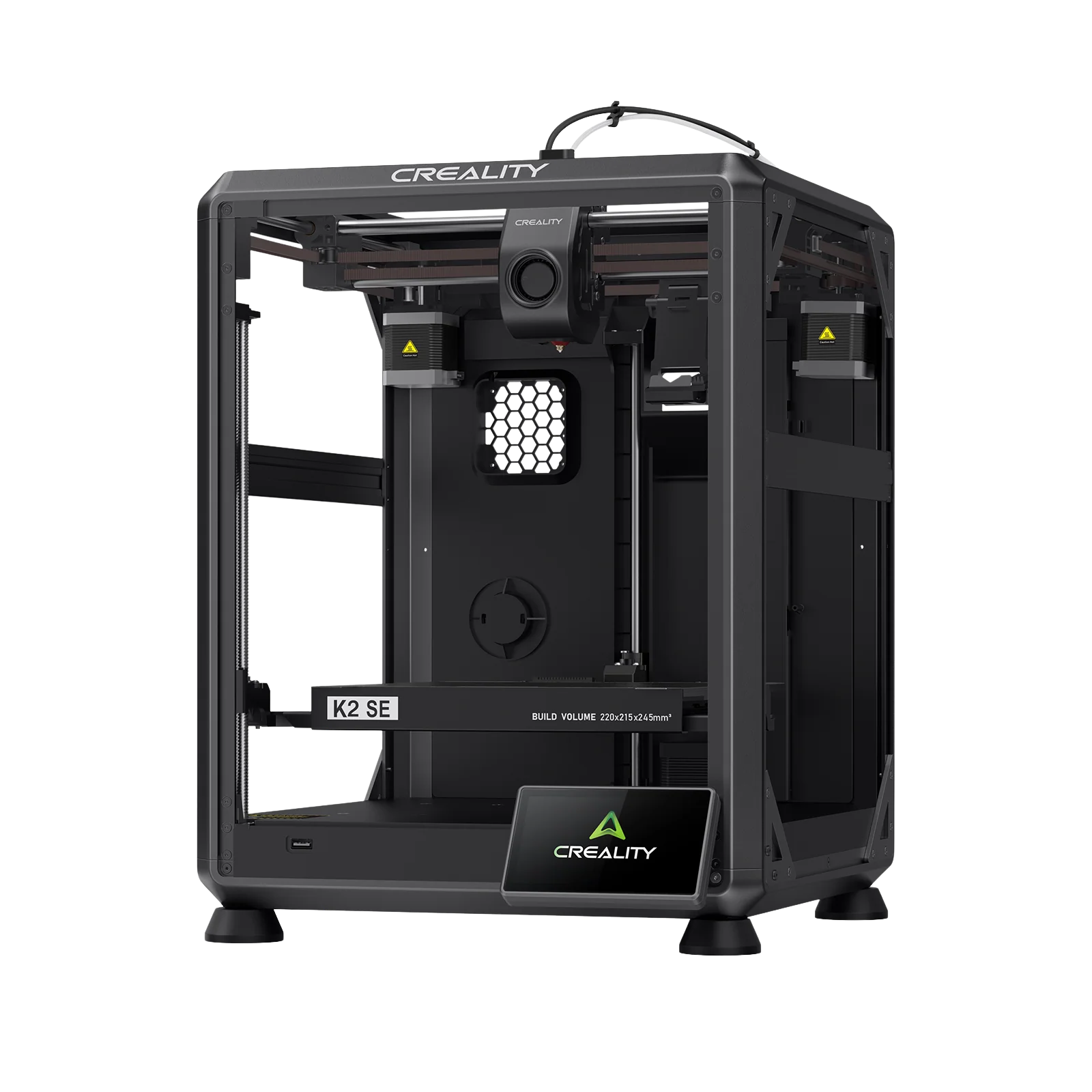
K2 SE
K2 SE
Plus de produits
Comparer
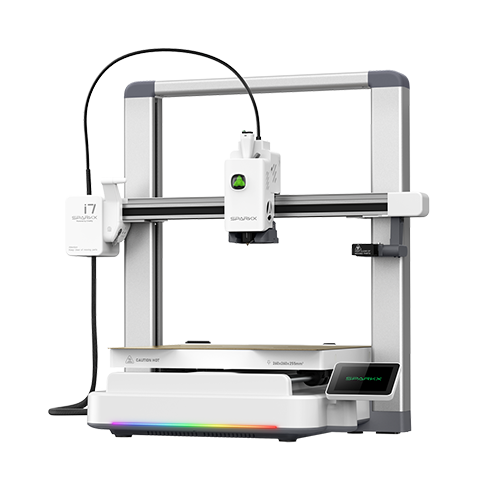
SPARKX i7
Nouveau
SPARKX i7
Plus de produits
Comparer
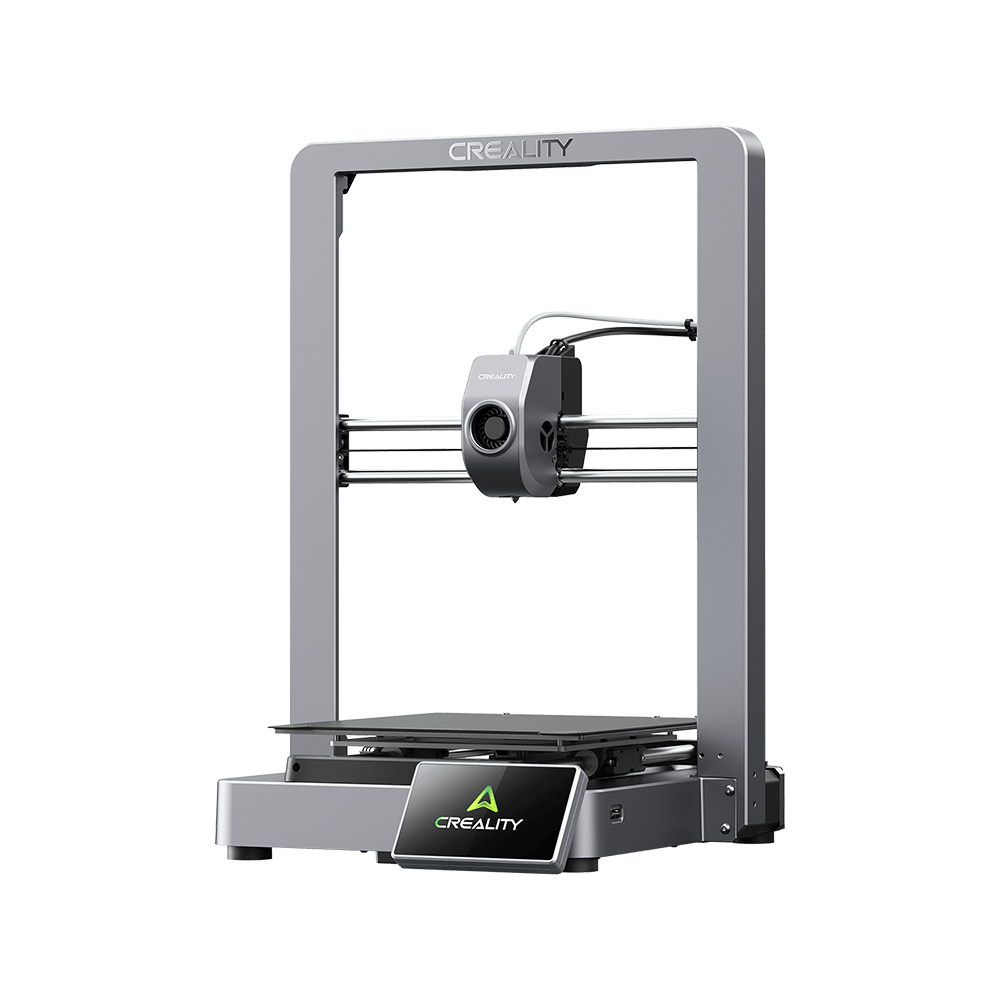
Ender-3 V4
Ender-3 V4
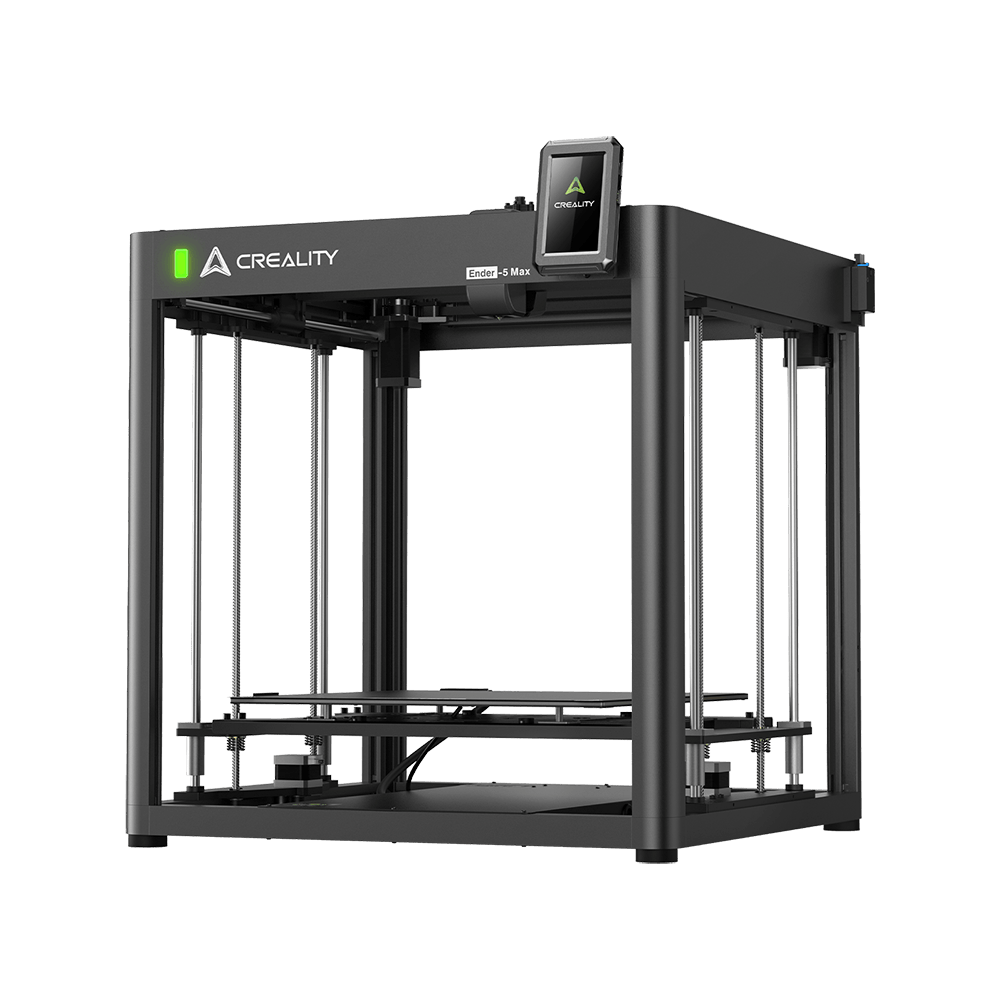
Ender-5 Max
Nouveau
Ender-5 Max
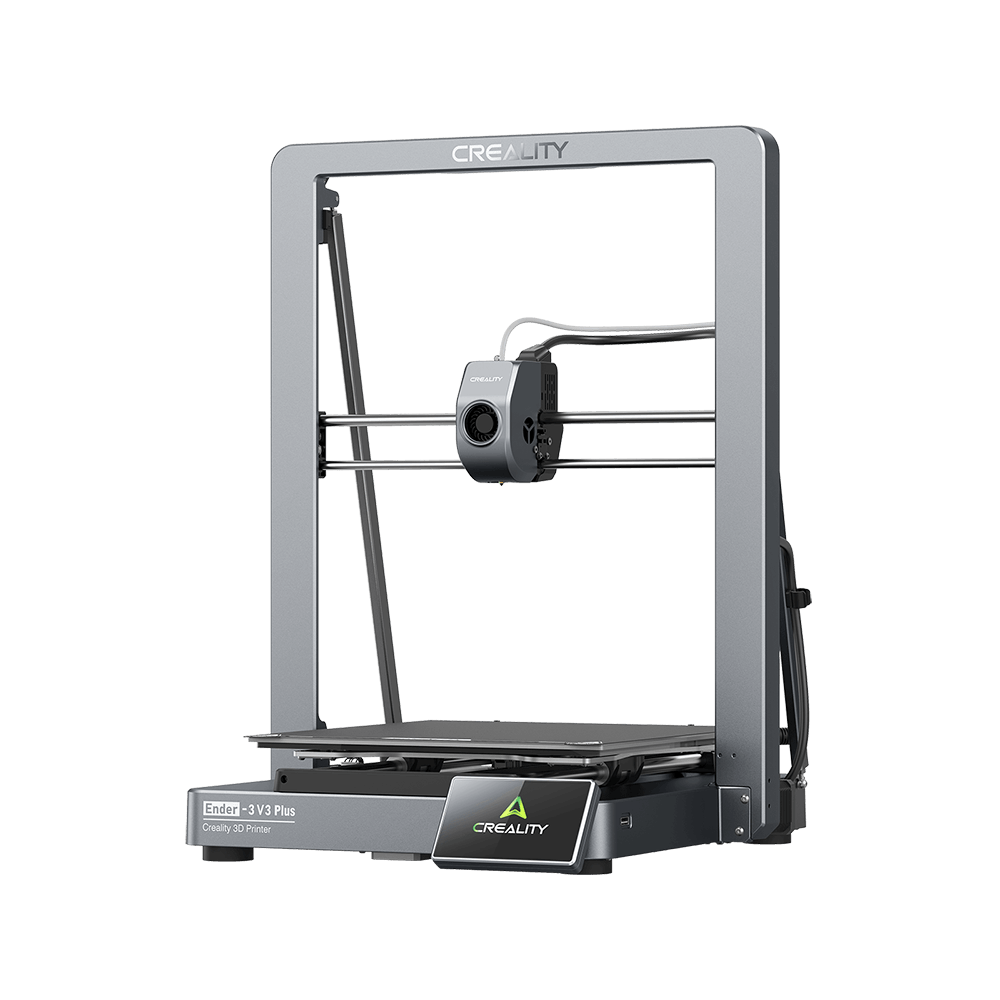
Ender-3 V3 Plus
Ender-3 V3 Plus
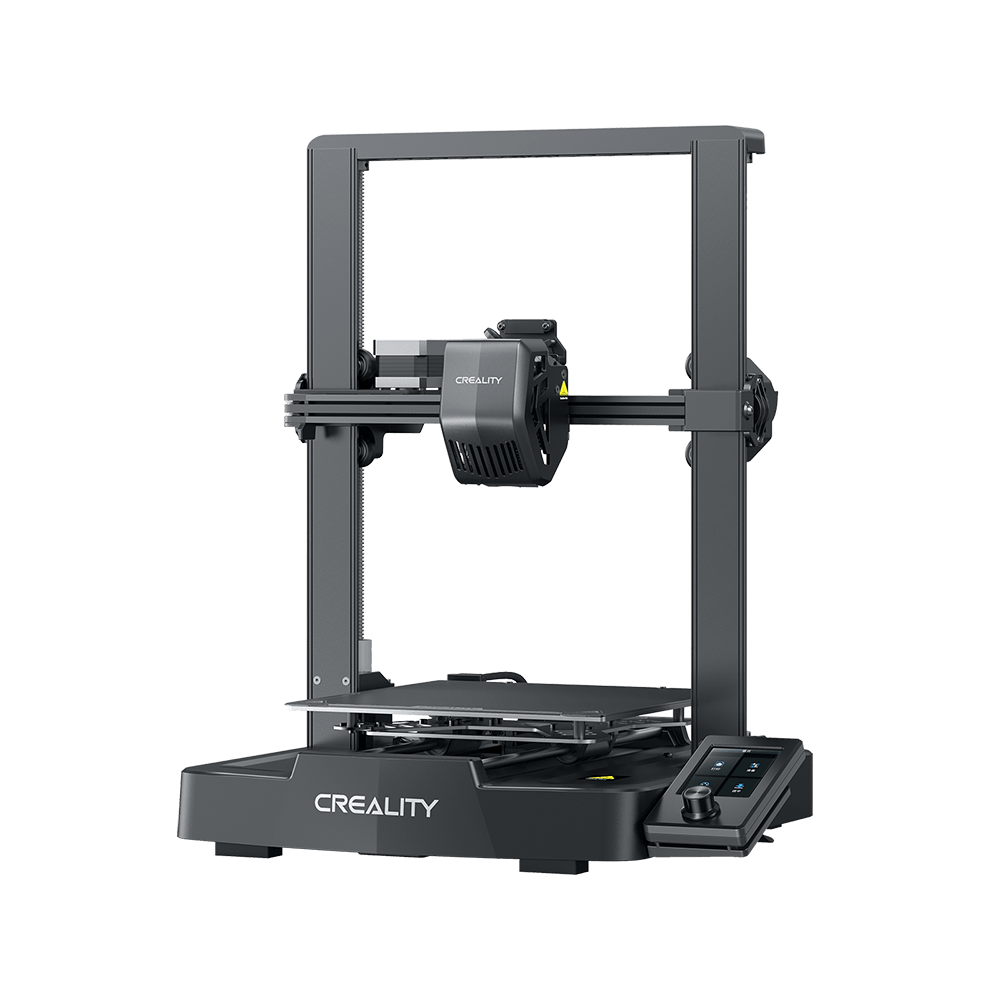
Ender-3 V3 SE
Ender-3 V3 SE
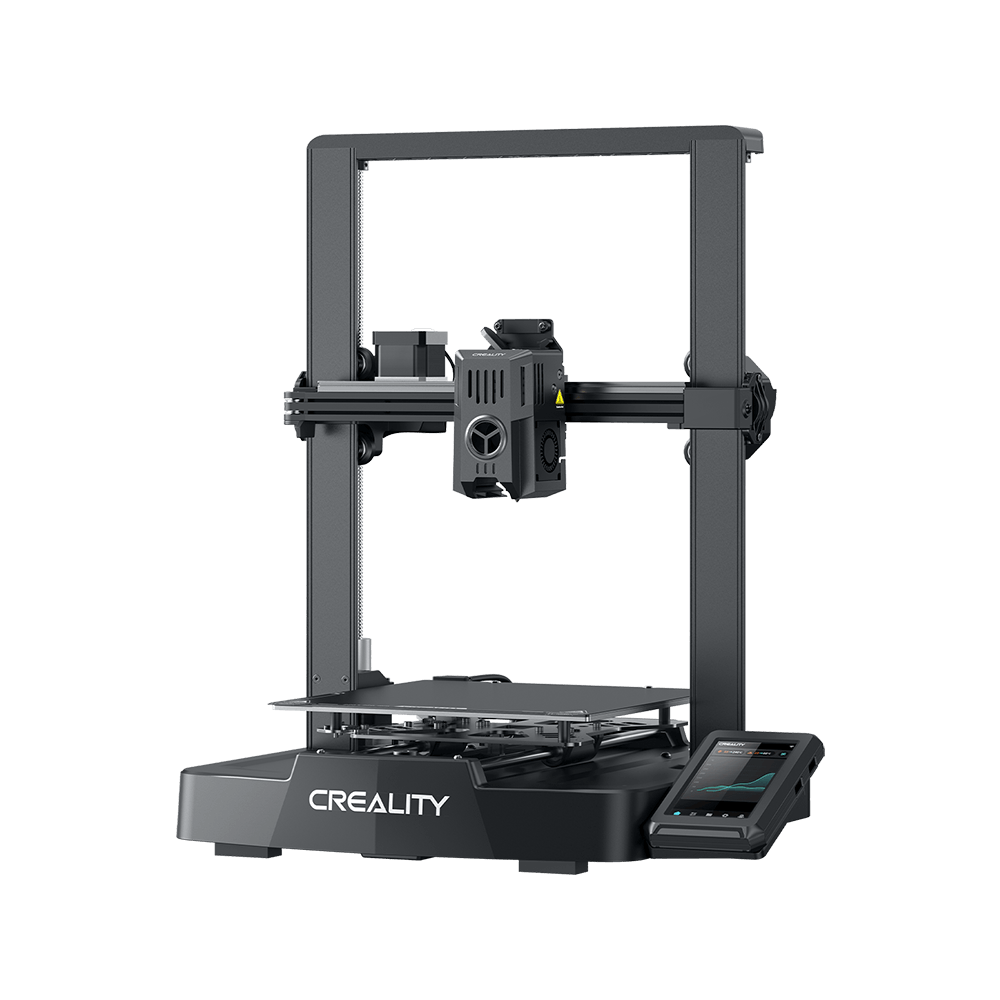
Ender-3 V3 KE
Ender-3 V3 KE
Plus de produits
Comparer
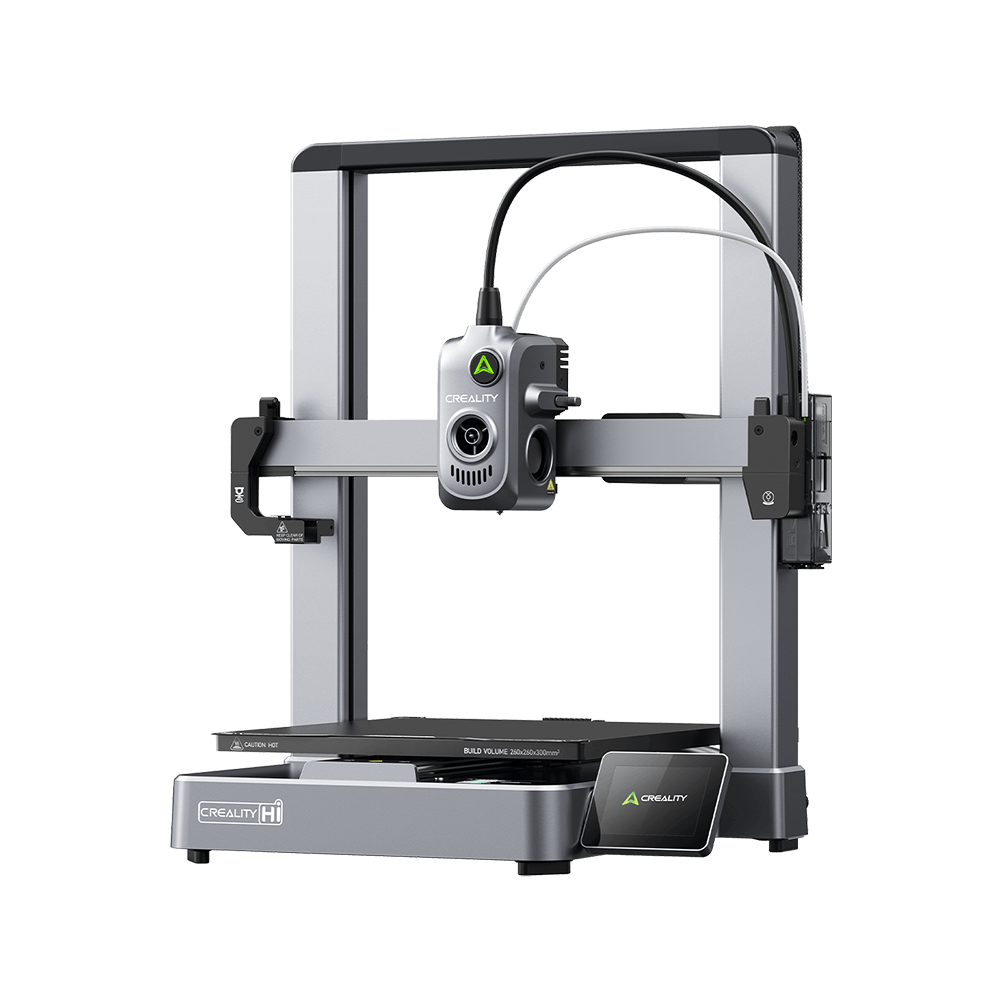
Creality Hi
Creality Hi
Plus de produits
Comparer
Creality Pika
Nouveau
Creality Pika
Plus de produits
Falcon A1C
Nouveau
Falcon A1C
Falcon T1
Nouveau
Falcon T1
Plus de produits
HALOT-MAGE S
HALOT-MAGE S
HALOT-MAGE
HALOT-MAGE
Plus de produits
Centre de téléchargement
Logiciels et micrologiciels
Modèles
Creality Cloud App
Centre de services
Centre d'aide
Wiki officiel
Assistance produit
Télécharger
Vidéo
Paramètres
En savoir plus
À propos de nous
Contactez-nous
Assistance après-vente
Centre de Blog / CR-10 Smart V1.0.10 Firmware Notification

Abonnez-vous à notre newsletter

Recevez des conseils sur l'impression 3D, des guides étape par étape et l'inspiration pour votre prochaine aventure d'impression 3D.

En vous abonnant, vous acceptez nos Conditions et Politique de confidentialité.

Réseaux Sociaux

  • YouTube
  • Facebook
  • Instagram
  • Tiktok
  • Twitter
  • Reddit
  • Discord

CR-10 Smart V1.0.10 Firmware Notification

Oct 22, 2021 09:11:11

cr-10 smart

After receiving feedback from a number of users regarding the leveling capabilities of the CR-10 SMART 3d printer, Creality's product researchers quickly responded with an update to the CR-10 SMART firmware. Following are the Tips for better leveling.

One-click upgrade to the latest firmware version v1.0.10. 

Don't know how to download and upgrade? Please keep checking.

First, please visit here to download the latest CR-10 SMART firmware,
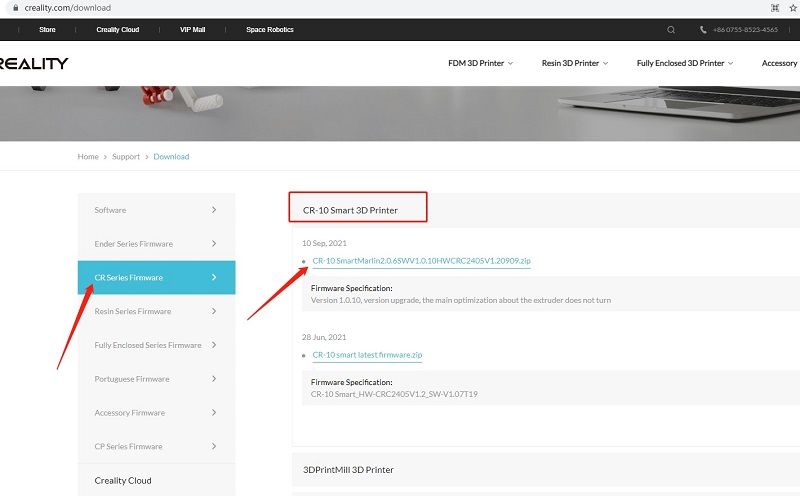
download

Second, watch the YouTube video to upgrade step by step:

For perfect printing, please also follow simple troubleshooting as below:

1. All pulleys must not be idle.

2. Check whether the catches snap into place.

3. Use measuring equipment to check whether the distance between both ends of the X-axis is the same.

4. Check the platform whether shaked.

5. Check all belts whether are properly tensioned.

6. Check screws securing both sides whether are locked.

7. Check the nozzle kit assembly whether is properly tensioned.

ACHETEZ ET APPRENEZ

  • Boutique
  • Où Acheter
  • Série Hi
  • Série Ender
  • Série K2

COMMUNAUTÉ

  • Creality Cloud
  • Forum
  • Discord
  • Reddit
  • Open Source

SOUTIEN

  • Assistance Produit
  • Centre de Téléchargement
  • Centre d’Aide
  • Centre Vidéo
  • Service Après-Vente
  • Wiki Officiel

À PROPOS

  • À propos de nous
  • Contactez-nous

Soyez les premiers informés

Recevez les dernières actualités de Creality.

En vous abonnant, vous acceptez nos Conditions et Politique de confidentialité.

  • YouTube
  • Facebook
  • Instagram
  • Tiktok
  • Twitter
  • Reddit
  • Discord
Politique de confidentialitéConditions générales de ventePolitique d'expédition
France(Français)

Droits d'auteur © 2026 Creality 3D Technology Co., Ltd. Tous droits réservés.