

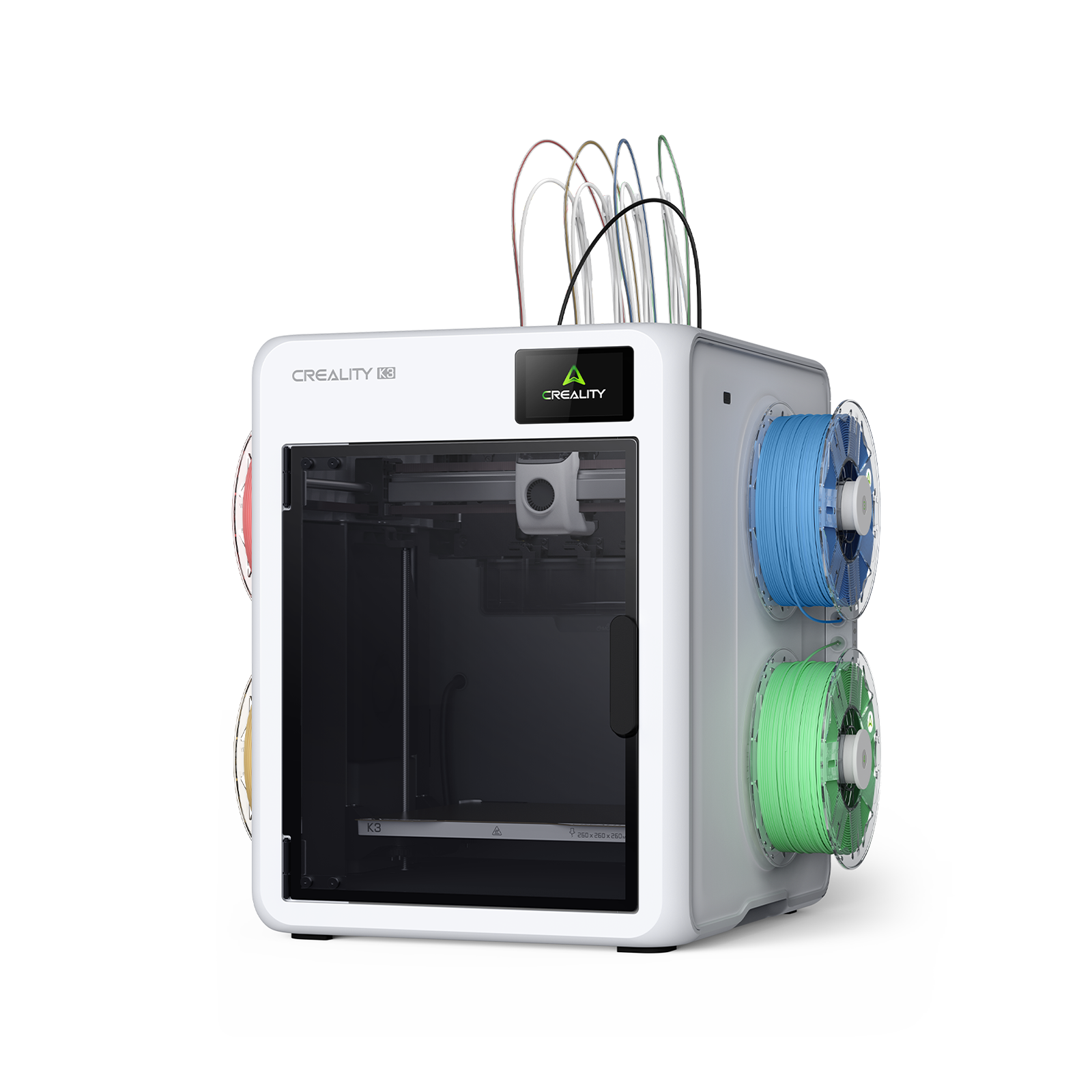
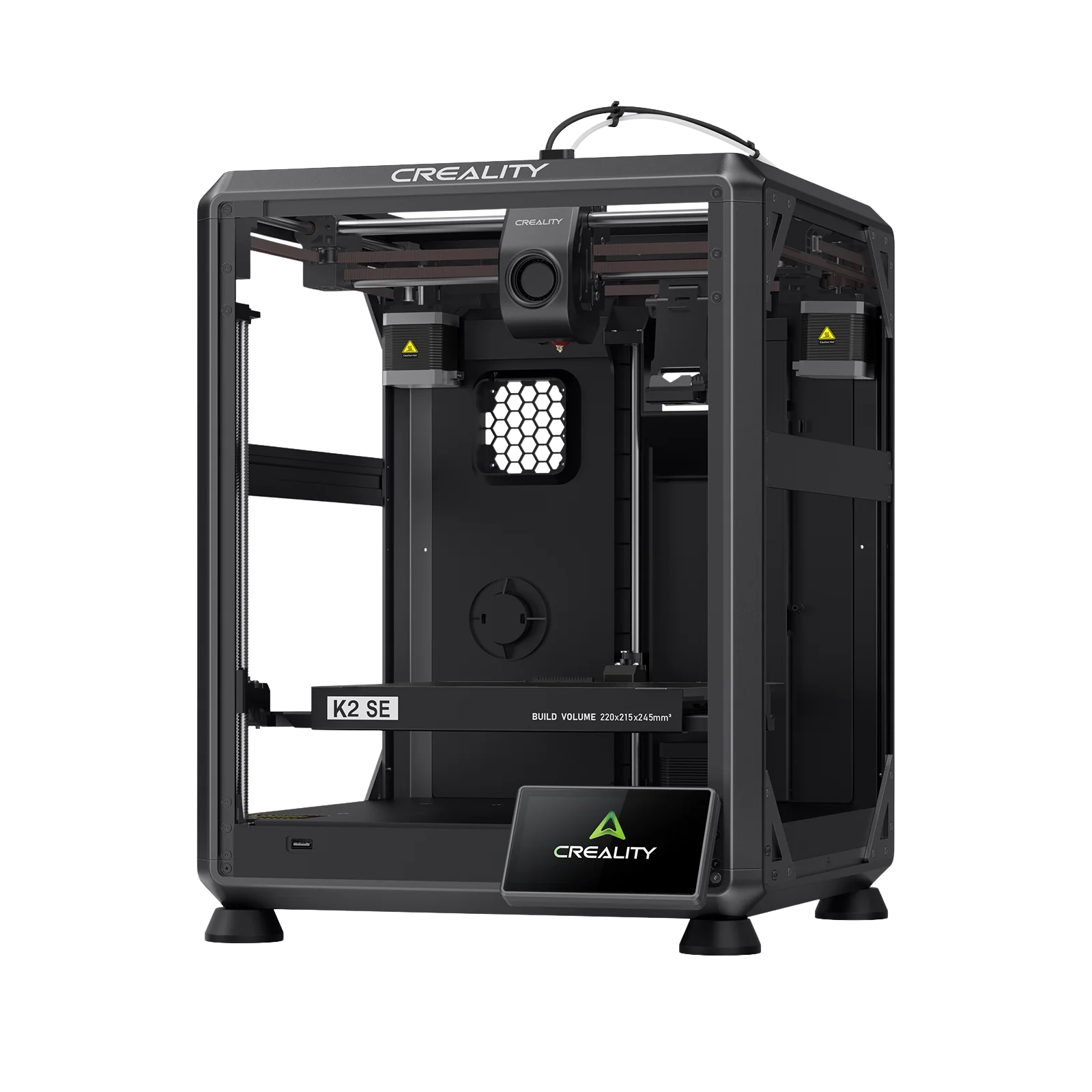
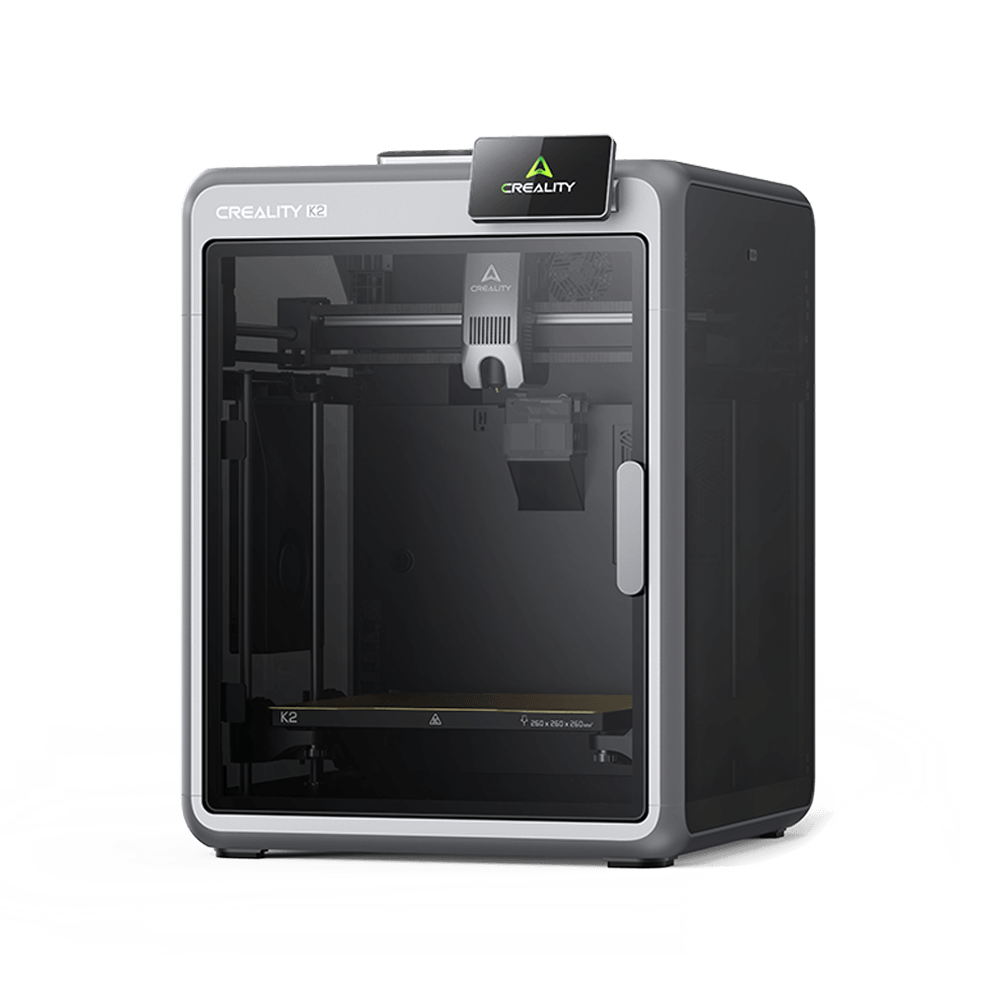
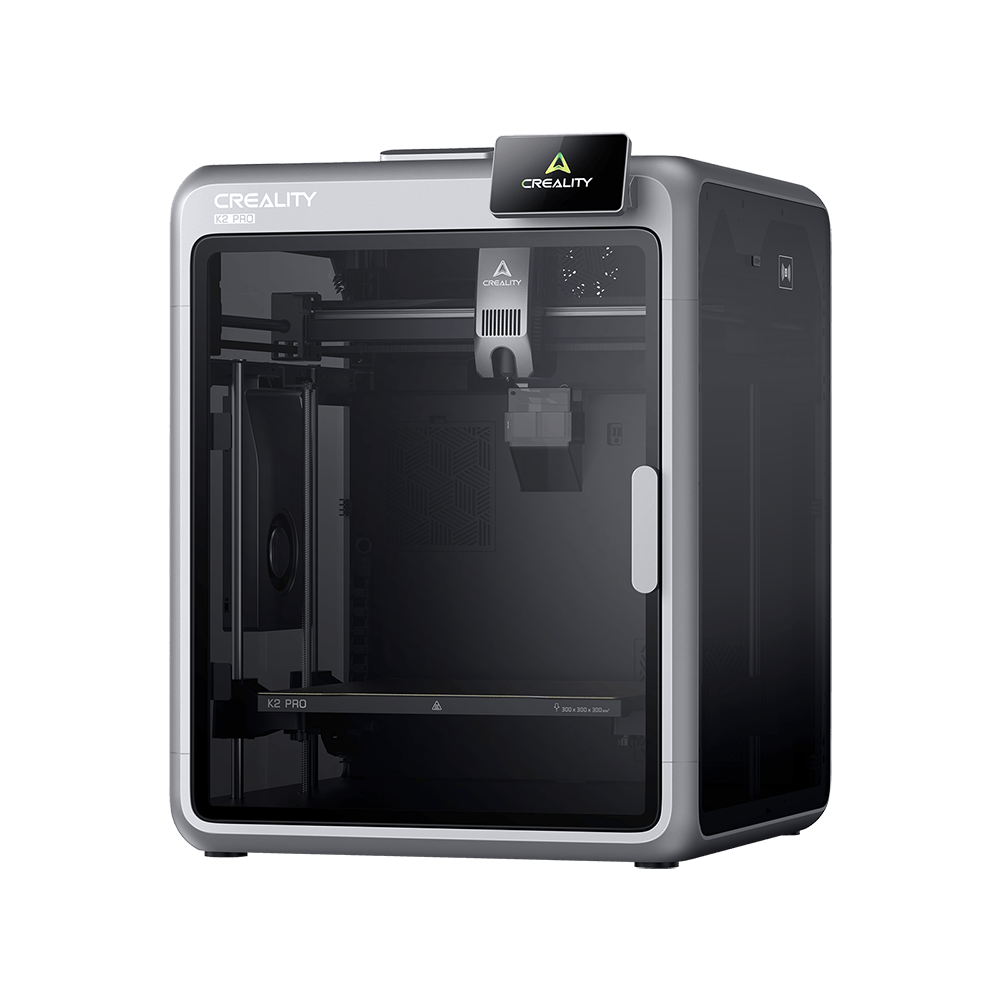
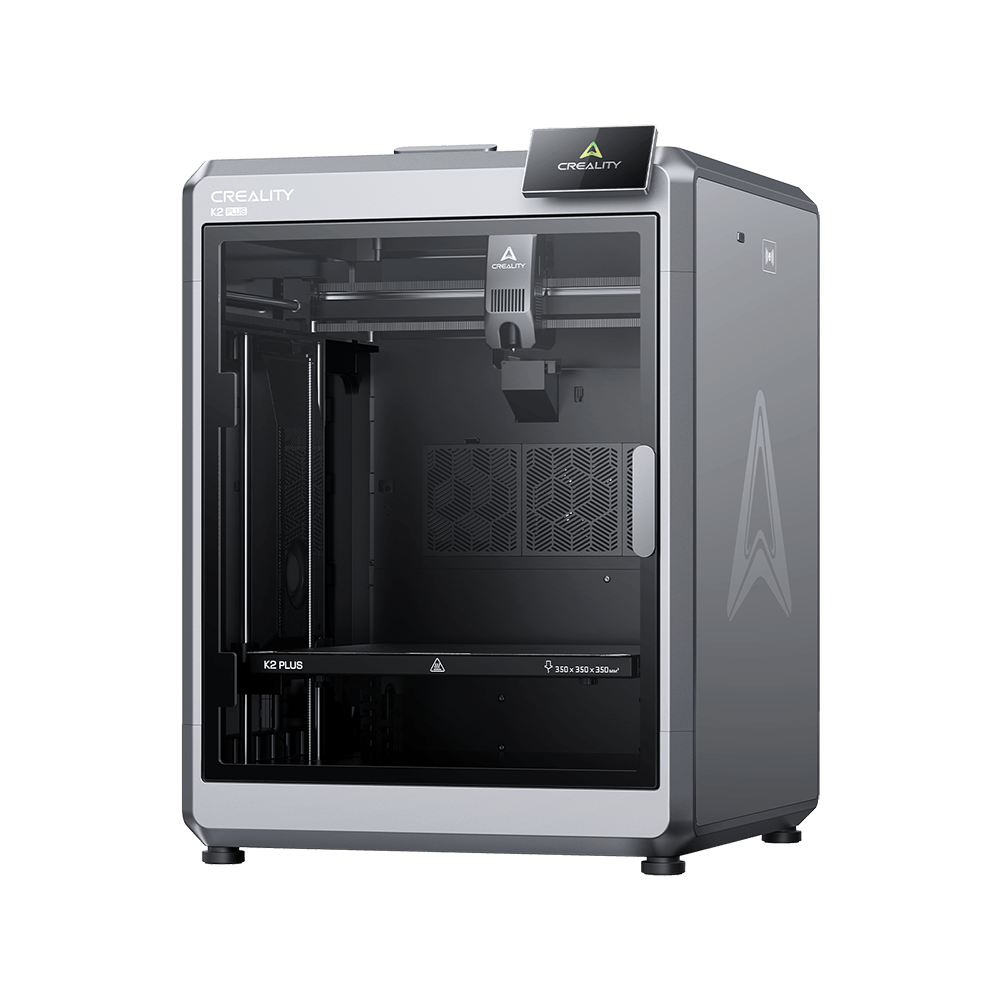



K2 Plus
Videos
Parámetro
Descargar
Centro de Ayuda
Servicio de Producto
Soporte
/K2 Plus
Videos
Unboxing Videos
Promotional Videos
Tutorial Videos
K2 Plus Combo Unboxing & Setup
K2 Plus Unboxing & Setup
Parámetros
Diseño y construcción
Estructura
Cerrada
Plataforma de impresión
Placa de construcción flexible
Peso neto
35 KG
Dimensiones de la impresora
495*515*640 mm
Volumen de impresión
350*350*350 mm
Estructura
Cerrada
Plataforma de impresión
Placa de construcción flexible
Peso neto
35 KG
Dimensiones de la impresora
495*515*640 mm
Volumen de impresión
350*350*350 mm
Especificaciones básicas
Filamentos compatibles
PLA/PETG/TPU/ASA/PET/ABS/PA/PC/CF/GF/PPA-CF/PPS/PPS-CF
Diámetro de filamento
1,75 mm
Temperatura de la cama caliente
≤ 120 ℃
Temperatura de boquilla
≤ 350 ℃
Material de boquilla
Tri-metal con punta de acero
Diámetro de boquilla
0,4 mm
Material del hotend
Todo metálico
Extrusor
Accionamiento directo
Sistema de movimiento
CoreXY
Aceleración
≤ 30000 mm/s²
Velocidad de impresión
≤ 600 mm/s
Altura de capa
0,05-0,3 mm
Precisión de impresión
100 ± 0.1 mm
Tecnología de impresión
FFF
Filamentos compatibles
PLA/PETG/TPU/ASA/PET/ABS/PA/PC/CF/GF/PPA-CF/PPS/PPS-CF
Diámetro de filamento
1,75 mm
Temperatura de la cama caliente
≤ 120 ℃
Temperatura de boquilla
≤ 350 ℃
Material de boquilla
Tri-metal con punta de acero
Diámetro de boquilla
0,4 mm
Material del hotend
Todo metálico
Extrusor
Accionamiento directo
Sistema de movimiento
CoreXY
Aceleración
≤ 30000 mm/s²
Velocidad de impresión
≤ 600 mm/s
Altura de capa
0,05-0,3 mm
Precisión de impresión
100 ± 0.1 mm
Tecnología de impresión
FFF
Show More
Ver todo
Descargar


Centro de Ayuda
FAQ
Preguntas generales
Does K2 Plus support LAN and Internet file transfer?
Does K2 Plus support LAN and Internet file transfer? What are the network specifications?
K2 Plus supports CrealityPrint 5 LAN control and file transfer. After binding the machine with Creality Cloud, users can control or transfer files to the printer via cloud services.
K2 Plus supports Creality Cloud connection, allowing users to:
- View the camera feed
- Operate the machine remotely
- Start a print from local files
- Receive print completion notifications
To bind the machine, open the Creality Cloud app and scan the QR code from the homepage. Currently, K2 Plus does not support Creality Cloud slicing. Our cloud slicing engine is being upgraded to a new multi-color slicing engine. The old engine is not compatible with K2 Plus. The migration is expected to be completed by December 2024, after which K2 Plus will be supported. Thank you for your patience.
K2 Plus supports both Wi-Fi and Ethernet connections.
- LAN: HTTP protocol & WebSocket interface, video stream via WebRTC protocol
- Cloud service: HTTP protocol & MQTT interface
- Wi-Fi specifications: 2.4GHz & 5GHz, IEEE 802.11 a/b/g/n/ac; 802.11ac supports up to 433.3 Mbps transfer speed.
What is the build volume of the K2 Plus?
How does the K2 Plus achieve high-speed printing without compromising quality?
What is the Creality Filament System (CFS)
How does the K2 Plus ensure consistent print quality across multiple colors?
What connectivity options are available with the K2 Plus?
Is the K2 Plus suitable for both beginners and professionals?
Ver todo


