

Bienvenido a Creality  MakerCup 2026 🔥

Creality
Store
  • Todos los productos
  • Software
  • Blog
  • Soporte
  • Creality Cloud
  • España (Español)
Cancel

Enlaces rápidos

    Creality
    Todos los productosSoftwareBlogSoporte Creality Cloud
    Store
    SPARKXSerie FlagshipSerie HiSerie Ender
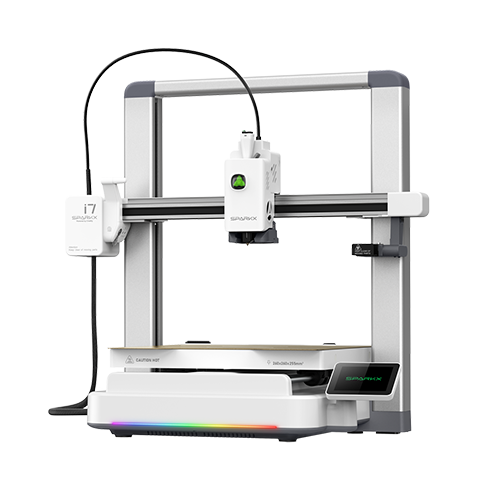
    SPARKX i7
    Nuevo
    SPARKX i7
    Más productos
    Comparar
    K2 SE
    Nuevo
    K2 SE
    K2
    Nuevo
    K2
    K2 Pro
    Nuevo
    K2 Pro
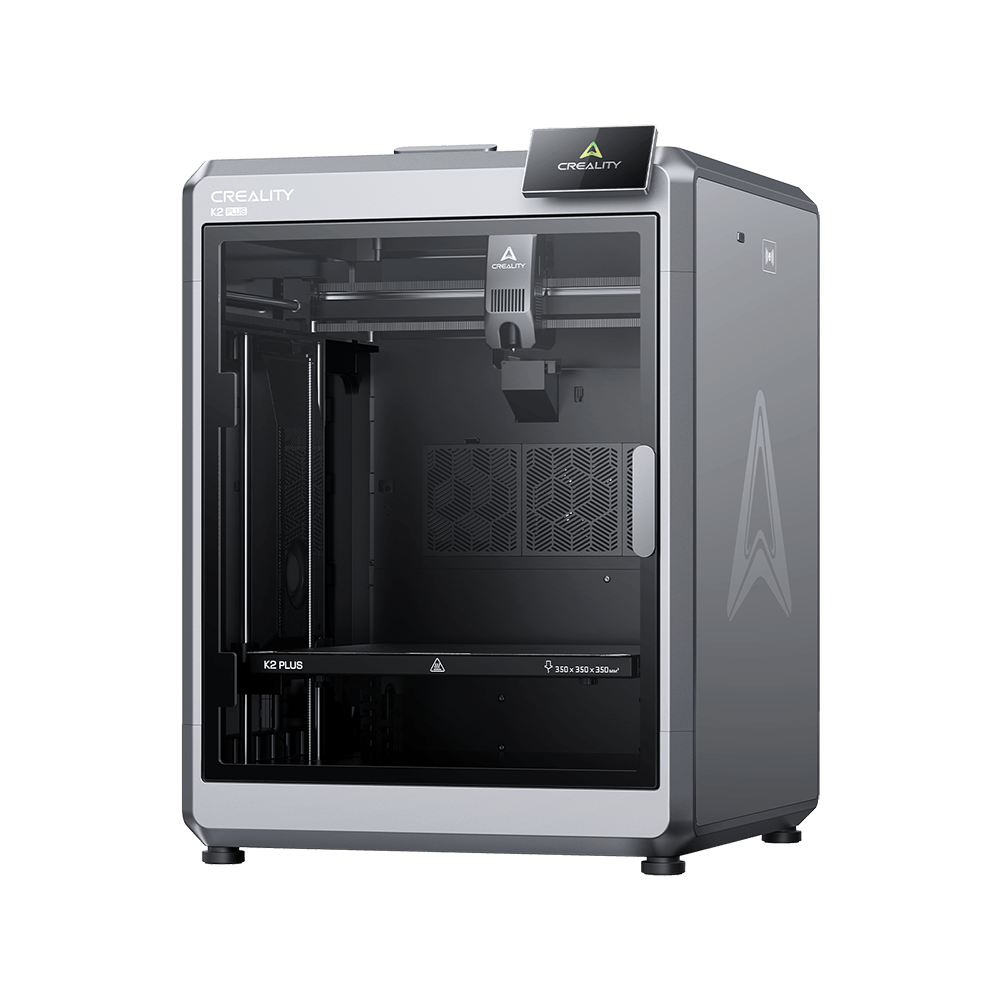
    K2 Plus
    K2 Plus
    K1 Max
    K1 Max
    Más productos
    Comparar
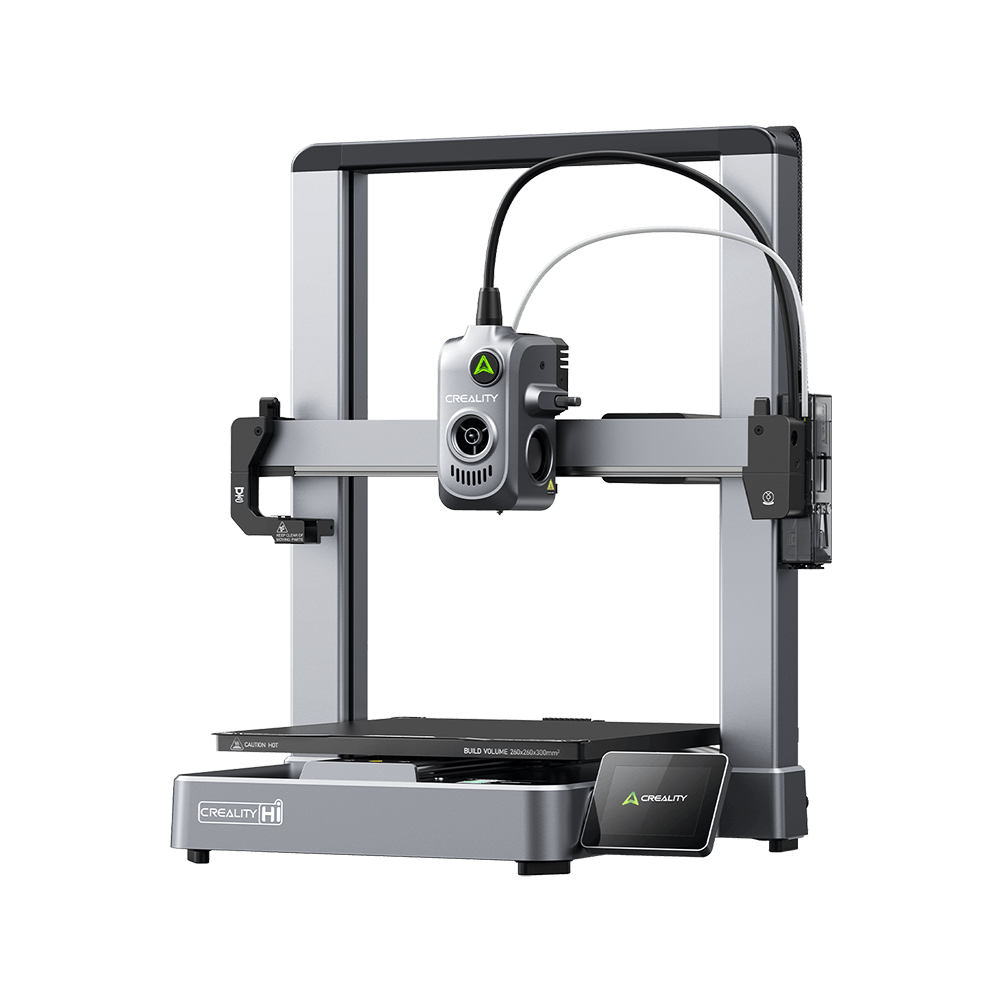
    Creality Hi
    Creality Hi
    Más productos
    Comparar
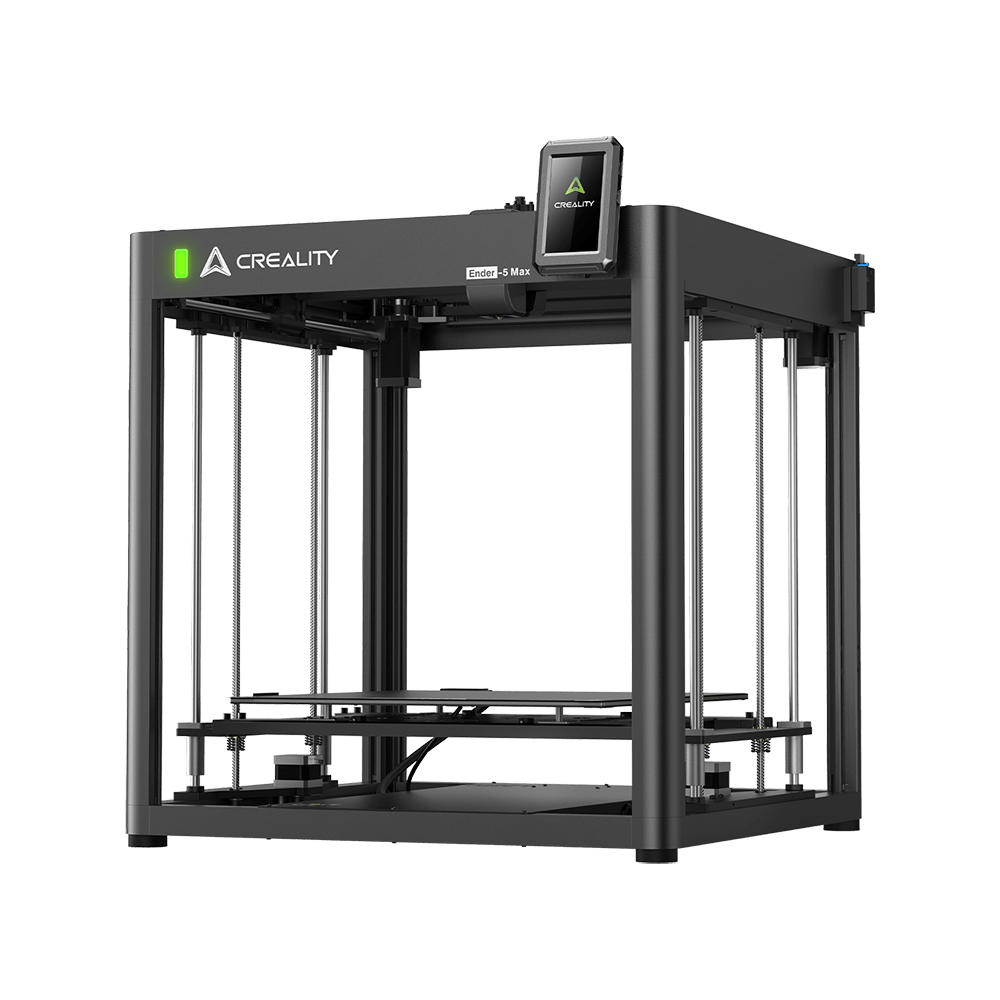
    Ender-5 Max
    Nuevo
    Ender-5 Max
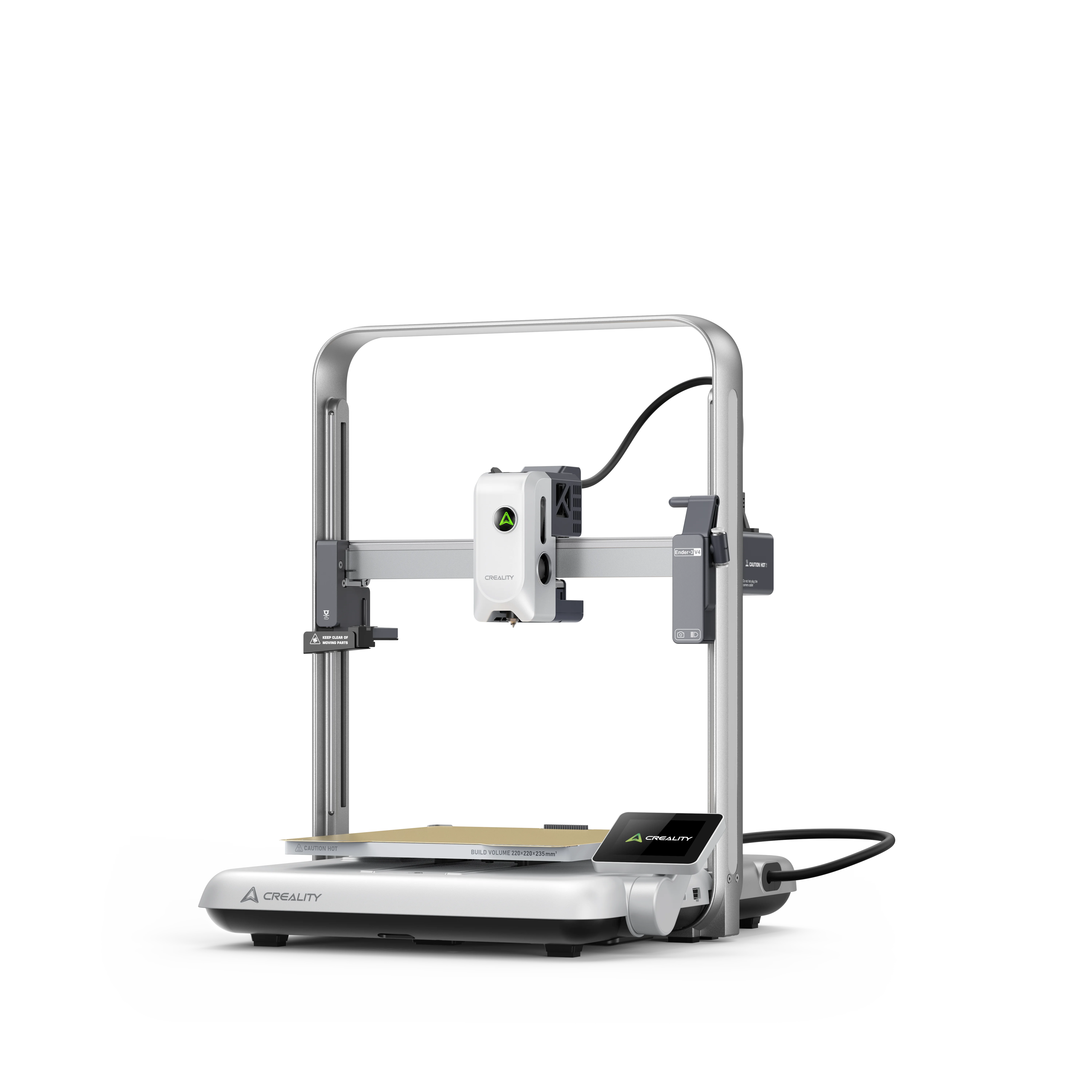
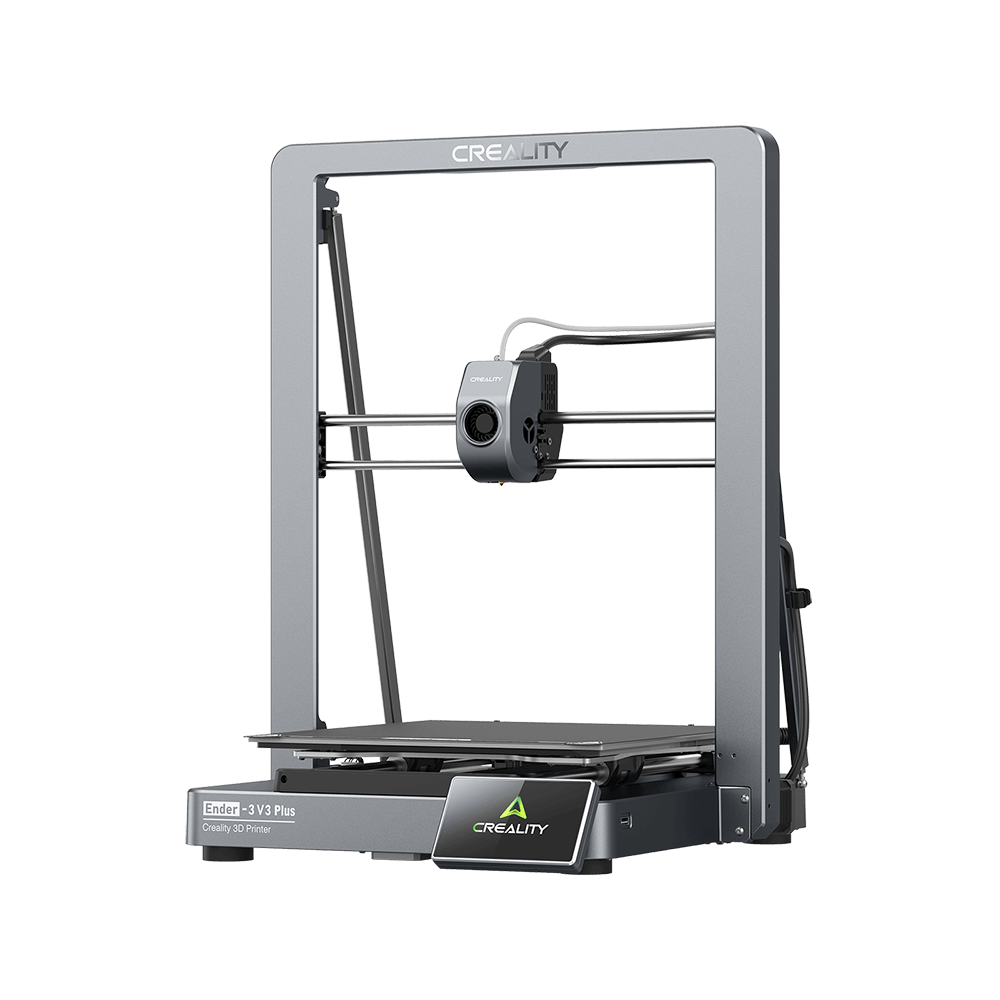
    Ender-3 V3 Plus
    Ender-3 V3 Plus
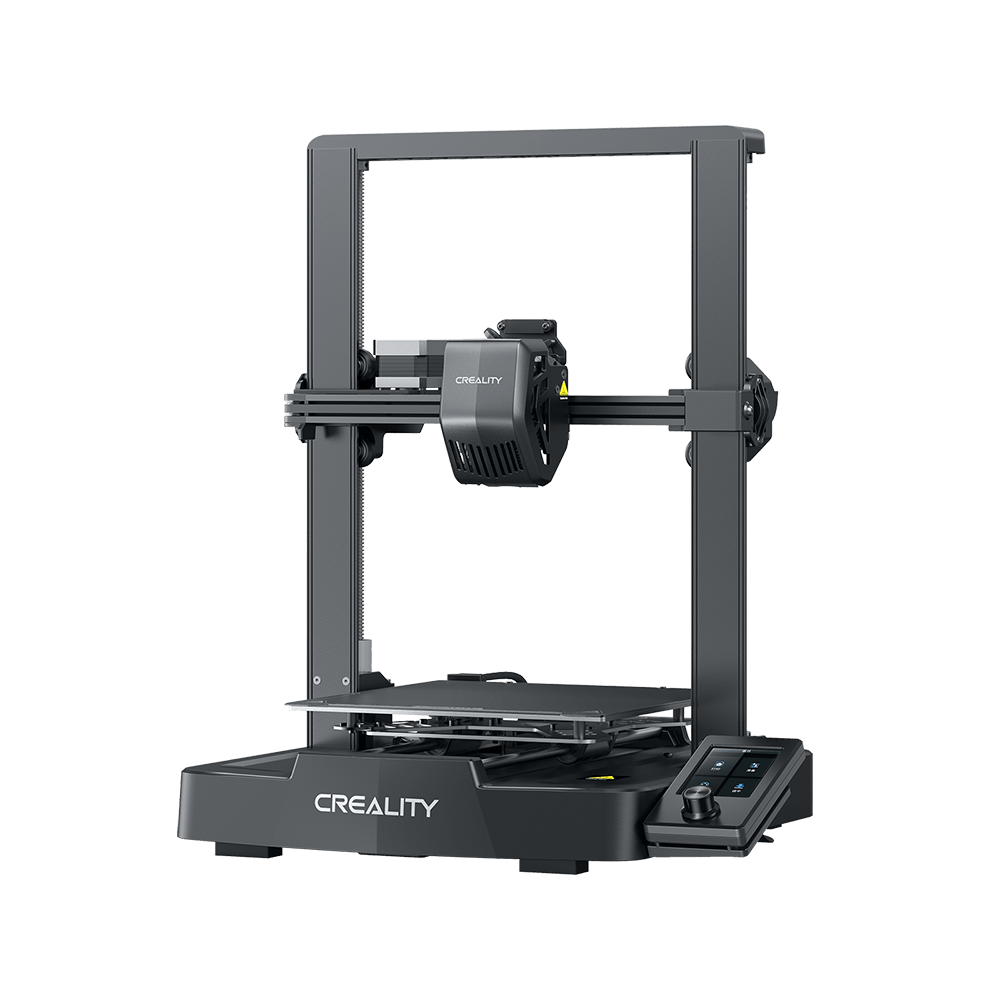
    Ender-3 V3
    Ender-3 V3
    Ender-3 V3 SE
    Ender-3 V3 SE
    Ender-3 V3 KE
    Ender-3 V3 KE
    Más productos
    Comparar
    Centro de descargas
    Software & firmware
    Modelos
    Aplicación Creality Cloud
    Centro de servicio
    Centro de ayuda
    Creality Wiki
    Soporte de producto
    Descargar
    Vídeo
    Parámetros
    Descubra más
    Sobre nosotros
    Contáctenos
    Asistencia posventa
    Centro de Blog / CR-10 Smart V1.0.10 Firmware Notification

    Únete a nuestro boletín

    Recibe conocimientos sobre impresión 3D, guías paso a paso e inspiración para tu próxima aventura de impresión 3D.

    Al suscribirte, aceptas nuestros Términos y Política de privacidad.

    Redes Sociales

    • YouTube
    • Facebook
    • Instagram
    • TikTok
    • Twitter
    • Reddit
    • Discord

    CR-10 Smart V1.0.10 Firmware Notification

    Oct 22, 2021 09:11:11

    cr-10 smart

    After receiving feedback from a number of users regarding the leveling capabilities of the CR-10 SMART 3d printer, Creality's product researchers quickly responded with an update to the CR-10 SMART firmware. Following are the Tips for better leveling.

    One-click upgrade to the latest firmware version v1.0.10. 

    Don't know how to download and upgrade? Please keep checking.

    First, please visit here to download the latest CR-10 SMART firmware,
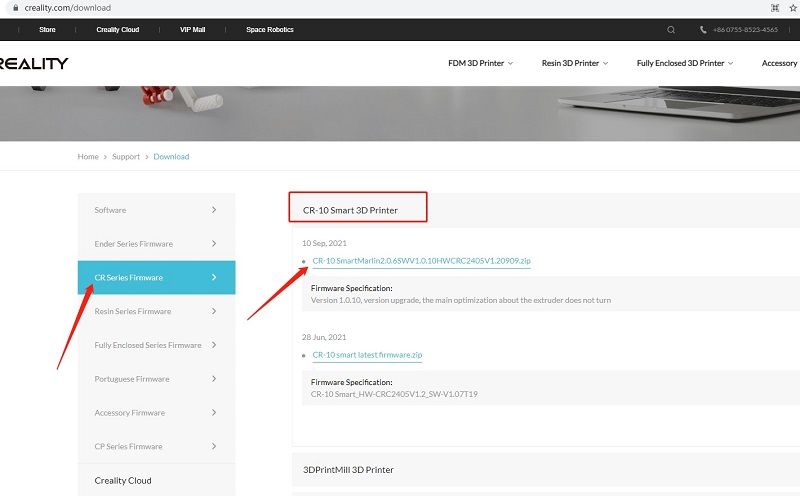
    download

    Second, watch the YouTube video to upgrade step by step:

    For perfect printing, please also follow simple troubleshooting as below:

    1. All pulleys must not be idle.

    2. Check whether the catches snap into place.

    3. Use measuring equipment to check whether the distance between both ends of the X-axis is the same.

    4. Check the platform whether shaked.

    5. Check all belts whether are properly tensioned.

    6. Check screws securing both sides whether are locked.

    7. Check the nozzle kit assembly whether is properly tensioned.

    COMPRA Y APRENDE

    • Tienda
    • Dónde Comprar
    • Serie K2
    • Serie Hi
    • Serie Ender

    COMUNIDAD

    • Foro
    • Creality Cloud
    • Discord
    • Reddit
    • Código Abierto

    SOPORTE

    • Soporte de Productos
    • Centro de Descargas
    • Centro de Ayuda
    • Centro de Videos
    • Posventa
    • Wiki Oficial

    ACERCA DE

    • Sobre Nosotros
    • Contáctanos

    Sé el primero en enterarte

    Recibe las últimas noticias de Creality.

    • YouTube
    • Facebook
    • Instagram
    • TikTok
    • Twitter
    • Reddit
    • Discord
    España(Español)

    Derechos de autor © 2026 Creality Co., Ltd. Todos los derechos reservados.