








































The Creality Sonic Pad has upgraded to V1.0.6.51.139. Below are new functions, come on and explore the new functions.
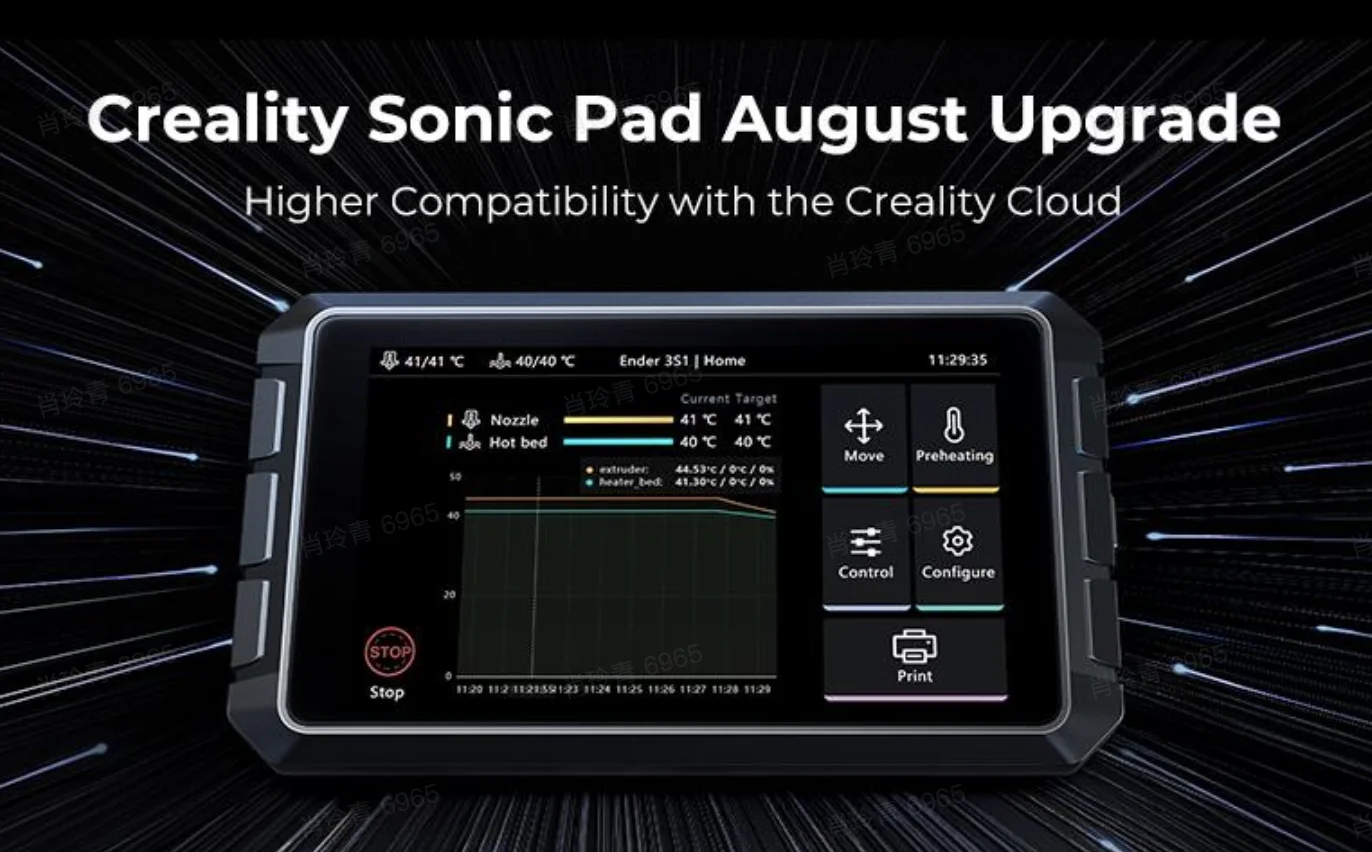
1. Added Creality Cloud Remote Video Viewing Function (APP+Web)
The new version supports the remote video viewing function from Creality Cloud. You can directly overview the working process and timelapse video on the Creality Cloud platform.
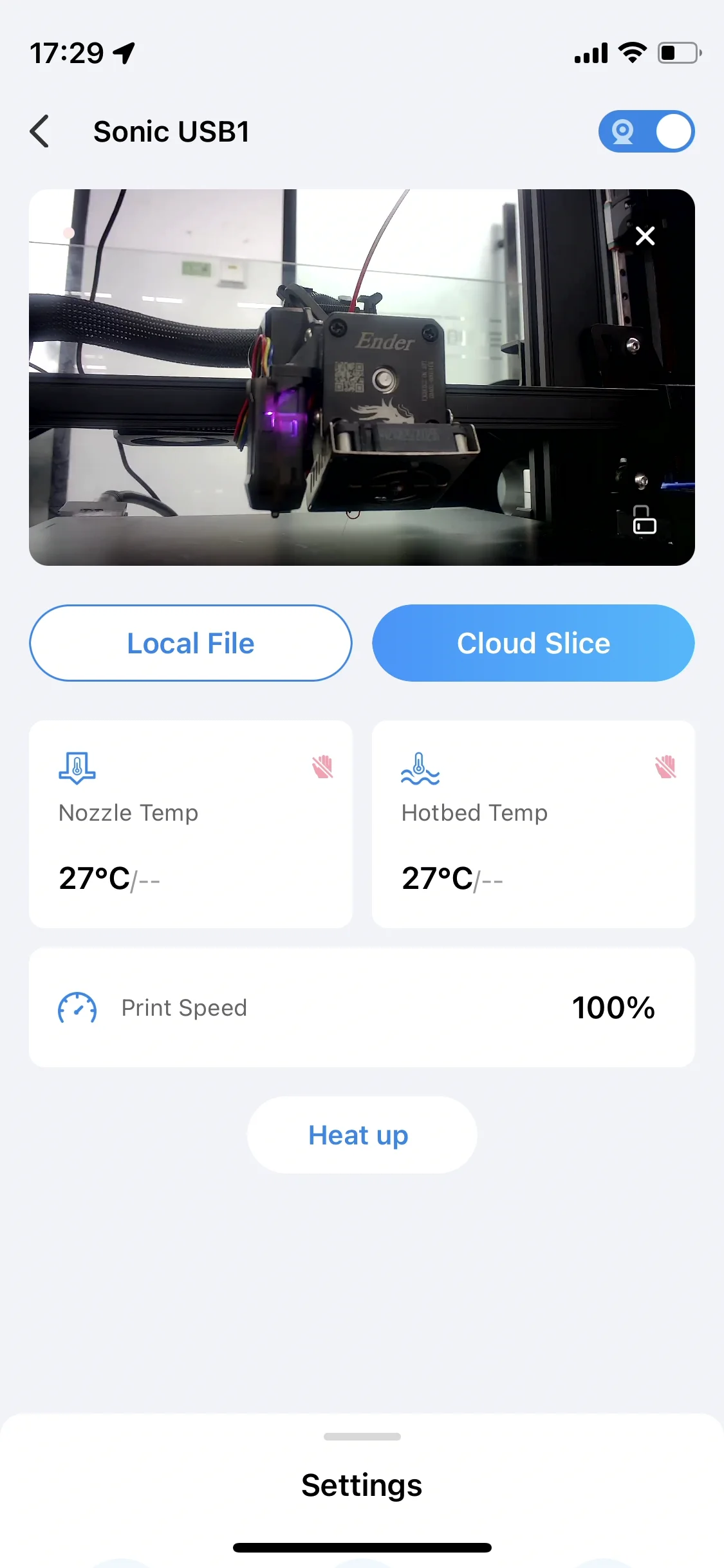
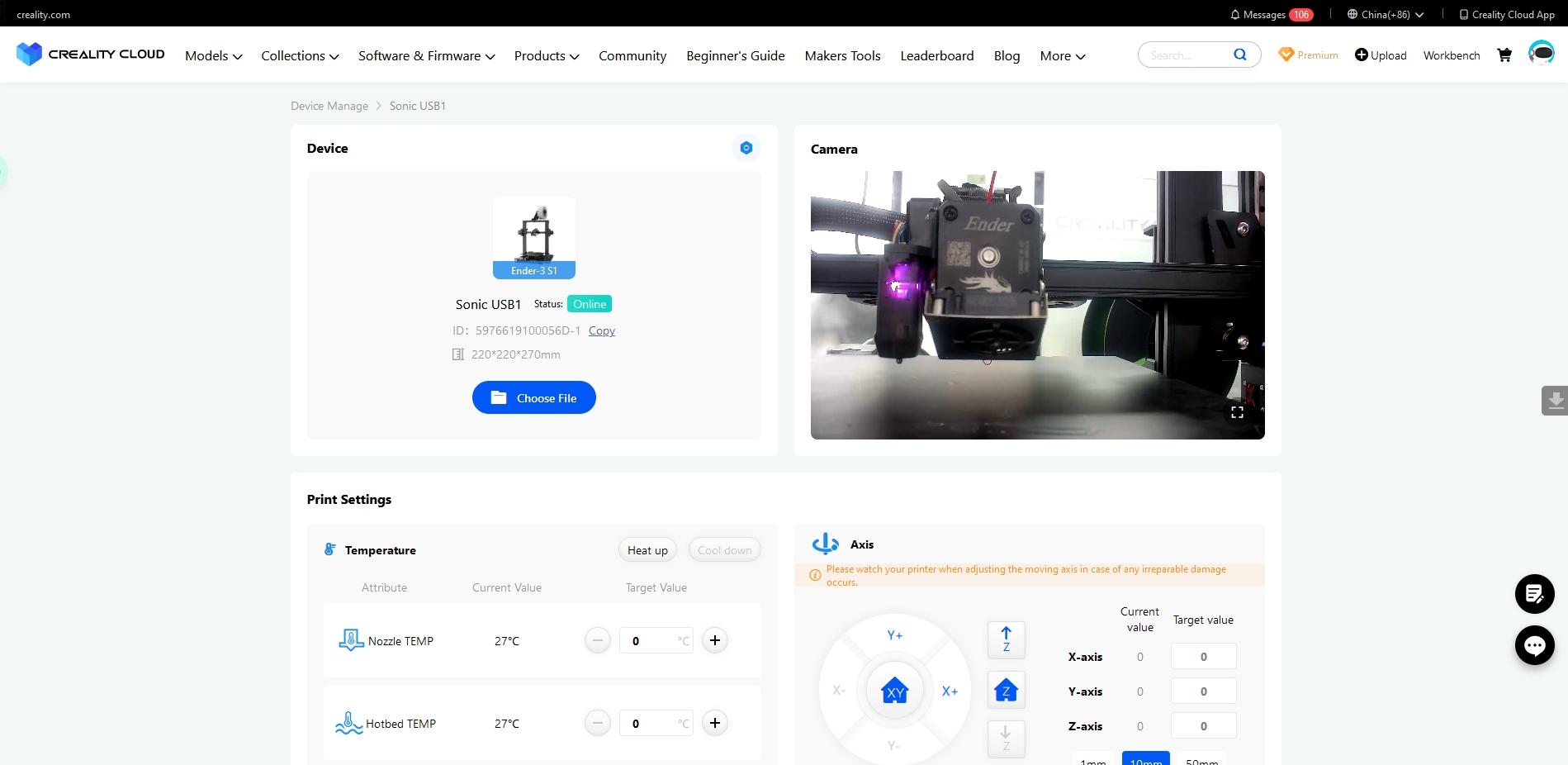
2. Fourteen new pre-configured machines supporting Creality Cloud
Fourteen new pre-configured machines that can support Creality Cloud through the Creality sonic pad, then Creality Cloud can support slicing/printing function and remote control function. Below is the machine list:
CR-6 SE
CR-10
CR-10 Smart
CR-10 V2
CR-200B
Ender-2 Pro
Ender-3 Pro
Ender-3 Max
Ender-3 Neo
Ender-3 S1 Plus
Ender-3 V2 Neo
Ender-5 Pro
Ender-7
Sermoon D1
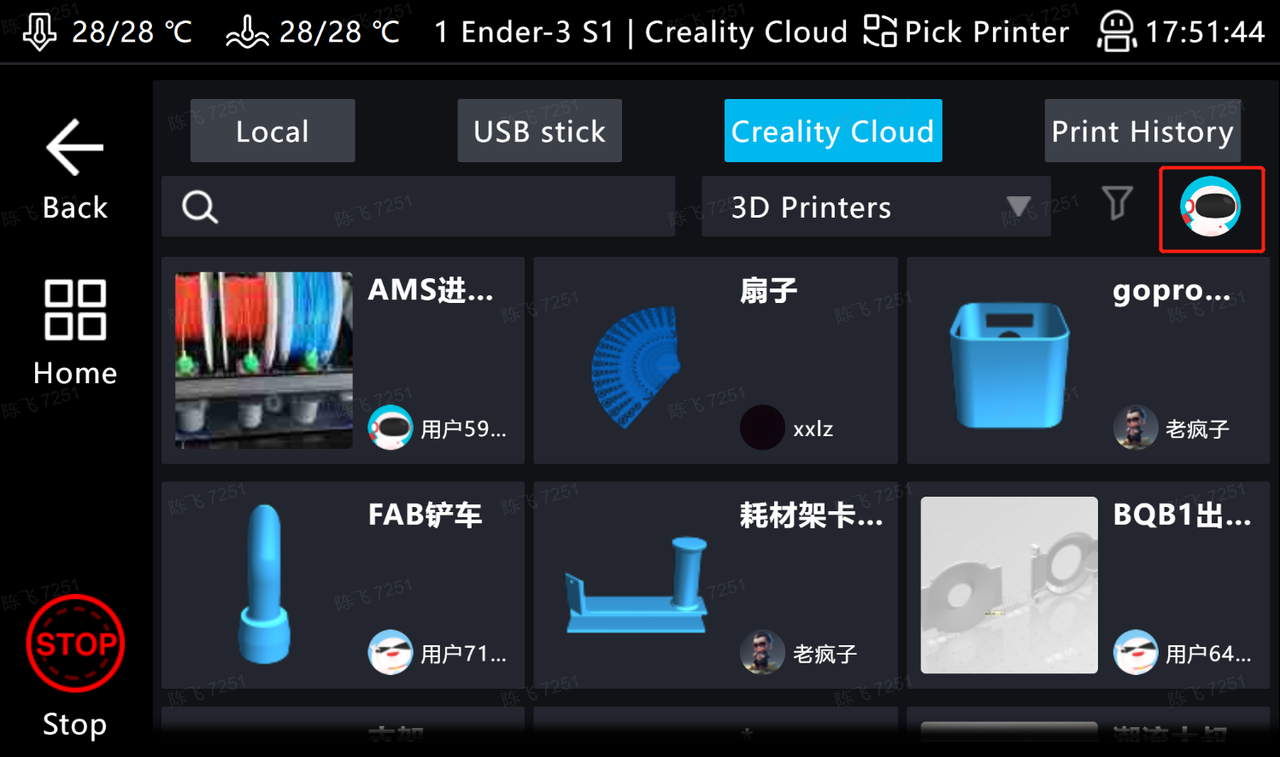
Tips: How to use this new function: Click print>Creality Cloud, and press the small icon to log into the Creality Cloud account.
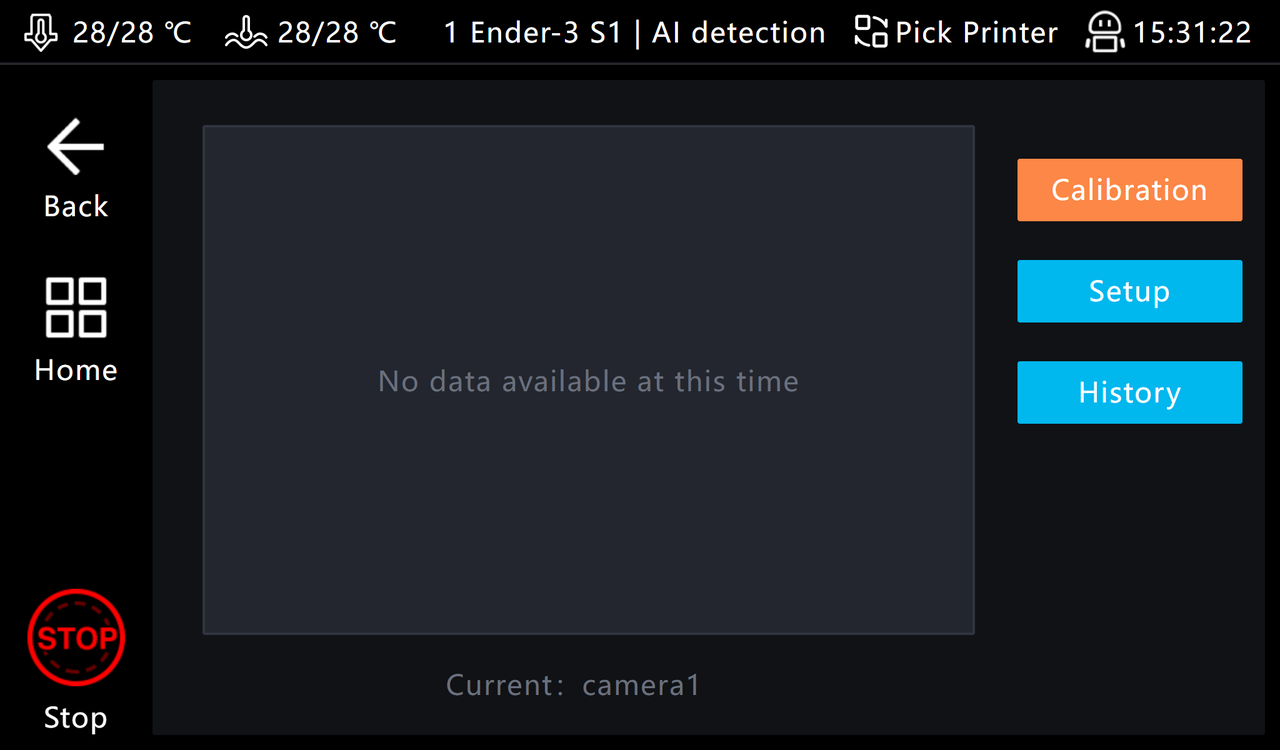
3. Optimize camera AI detection function
The machine will stop automatically when the filament is misaligned or tangled mass like spaghetti produced during the printing process.
Tips: The automatic stop is an optional function, and you need to manually operate it.
4. Optimize the laser engraving function and support the third-party slicing software LightBurn(V1.4.00)
The LightBurn slicing file can be imported to Creality Sonic Pad, and the machine starts laser engraving. The required LightBurn version is above V1.4.00.
Purchase from Official Store:
US https://to.store.creality.com/sonic-pad-us
EU https://to.store.creality.com/sonic-pad-us
UK https://to.store.creality.com/sonic-pad-uk
DE https://to.store.creality.com/sonic-pad-de
AU https://to.store.creality.com/sonic-pad-au
CA https://to.store.creality.com/sonic-pad-ca
Purchase from Official Amazon Store:
https://www.amazon.com/dp/B0BLJTB4Q3?maas=maas_adg_72EB2D6E138F8B139C335AC32FB27414_afap_abs&ref_=aa_maas&tag=maas