
🔥 New Products Livestream 🔥

Creality
3D PrintersEcosystem3D Footwear SupportSoftwareBlogCreality CloudInvestor Relations
FlagshipSPARKX3D ScannersHALOT Series
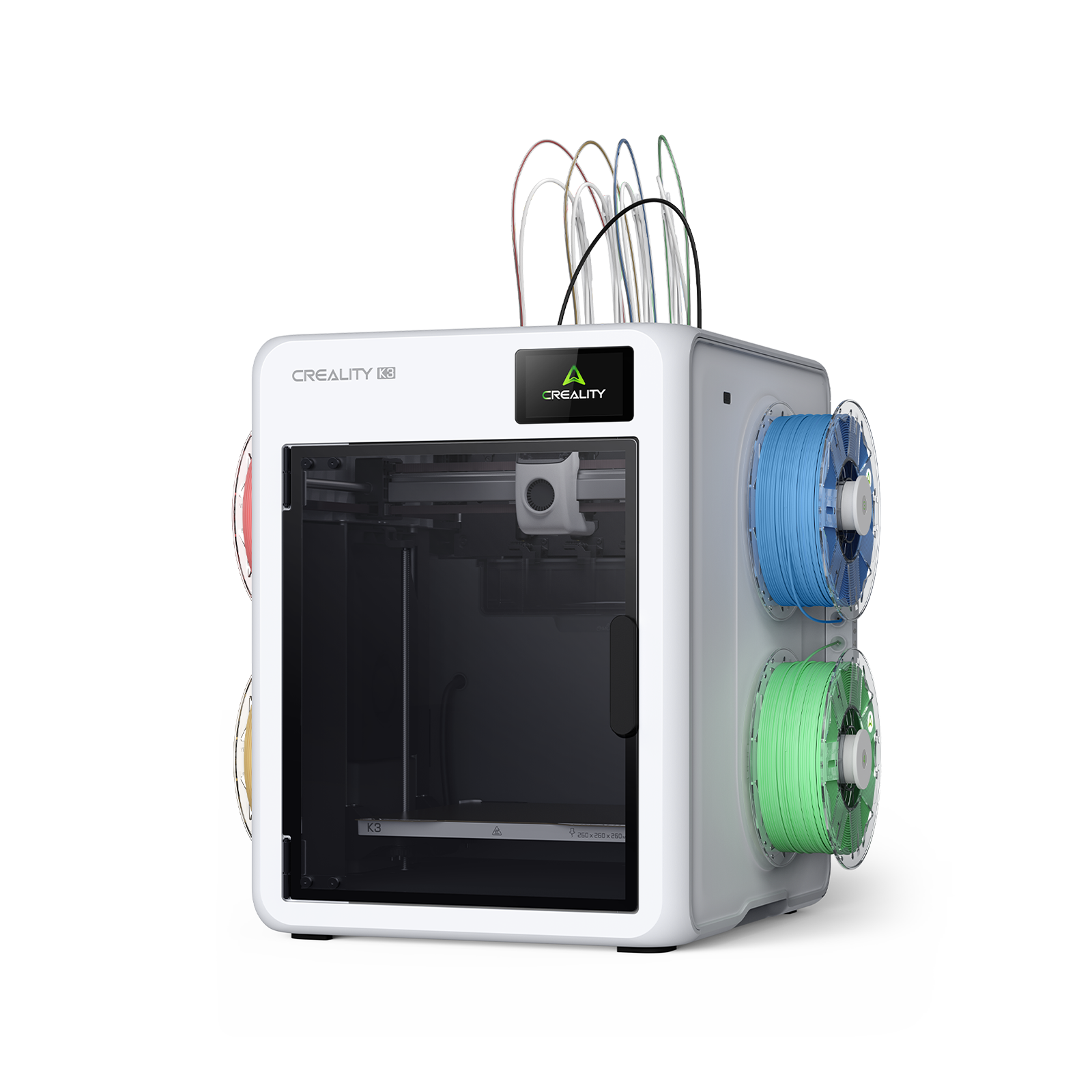
K3
K3
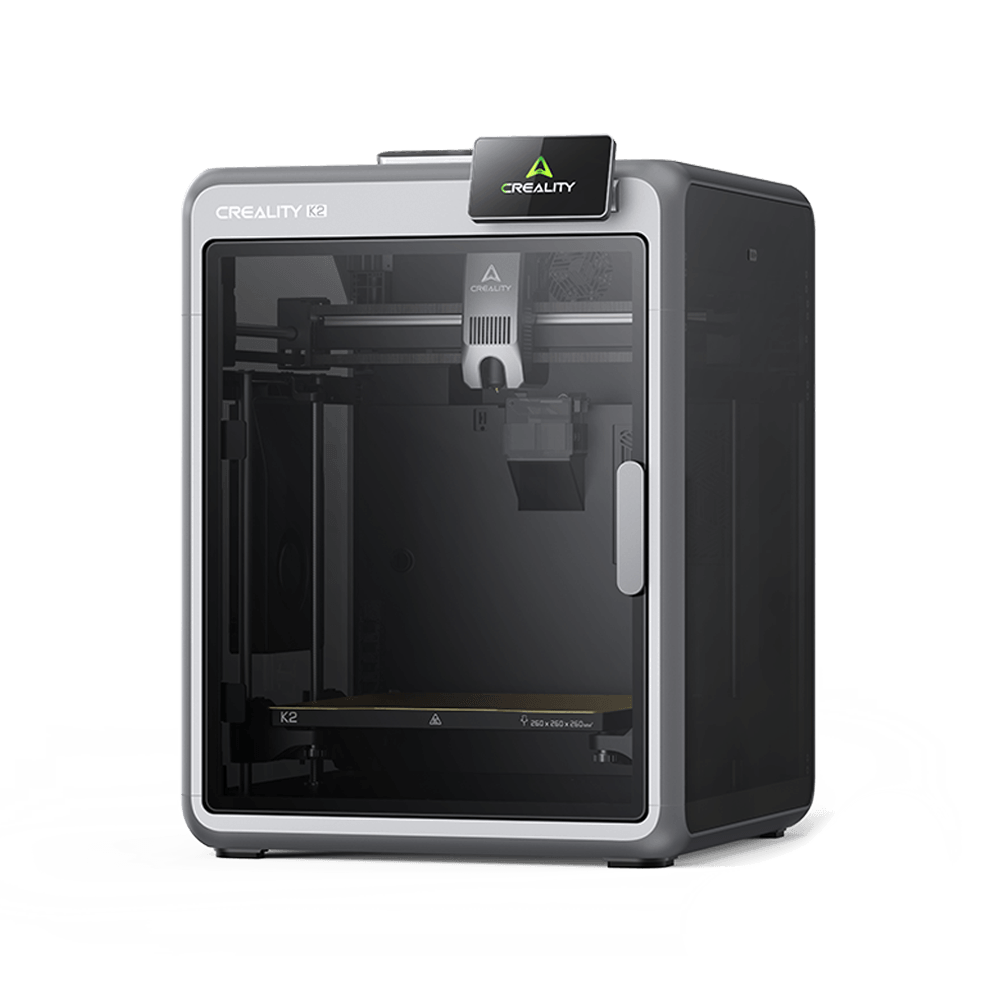
K2
K2
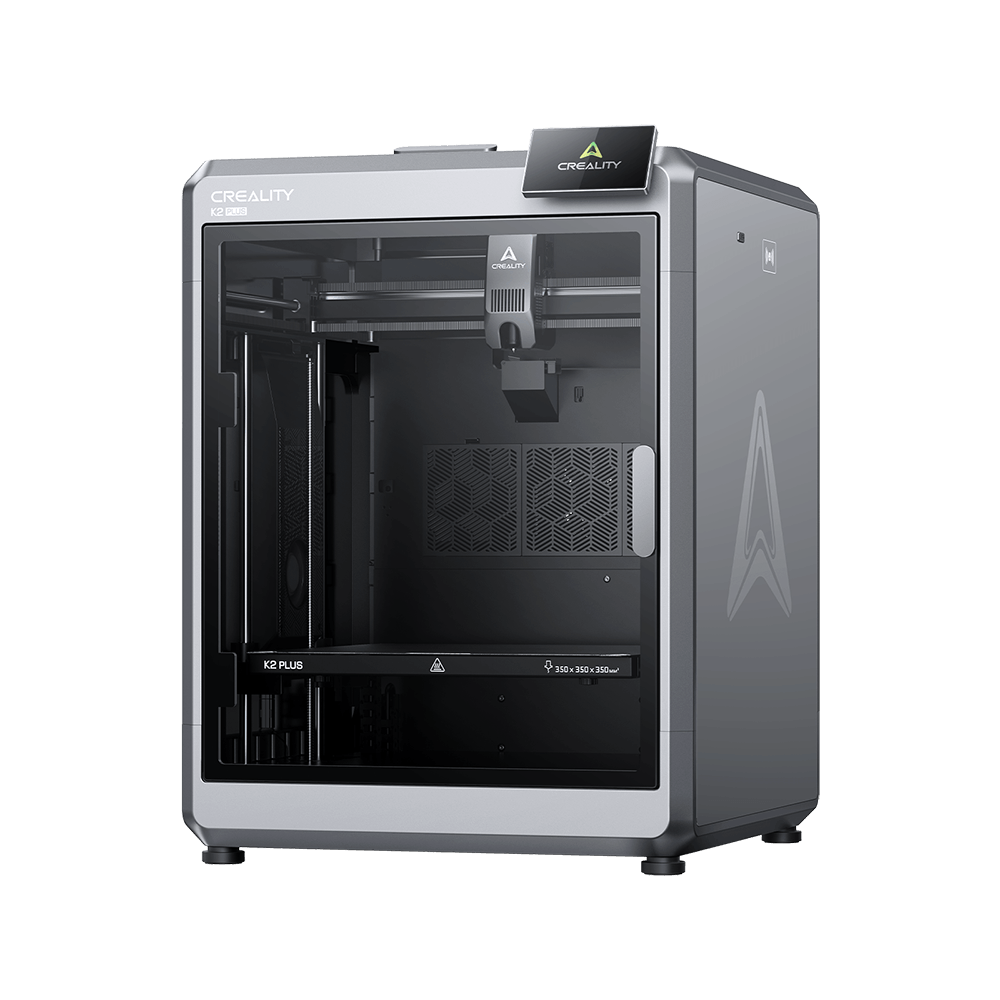
K2 Plus
K2 Plus
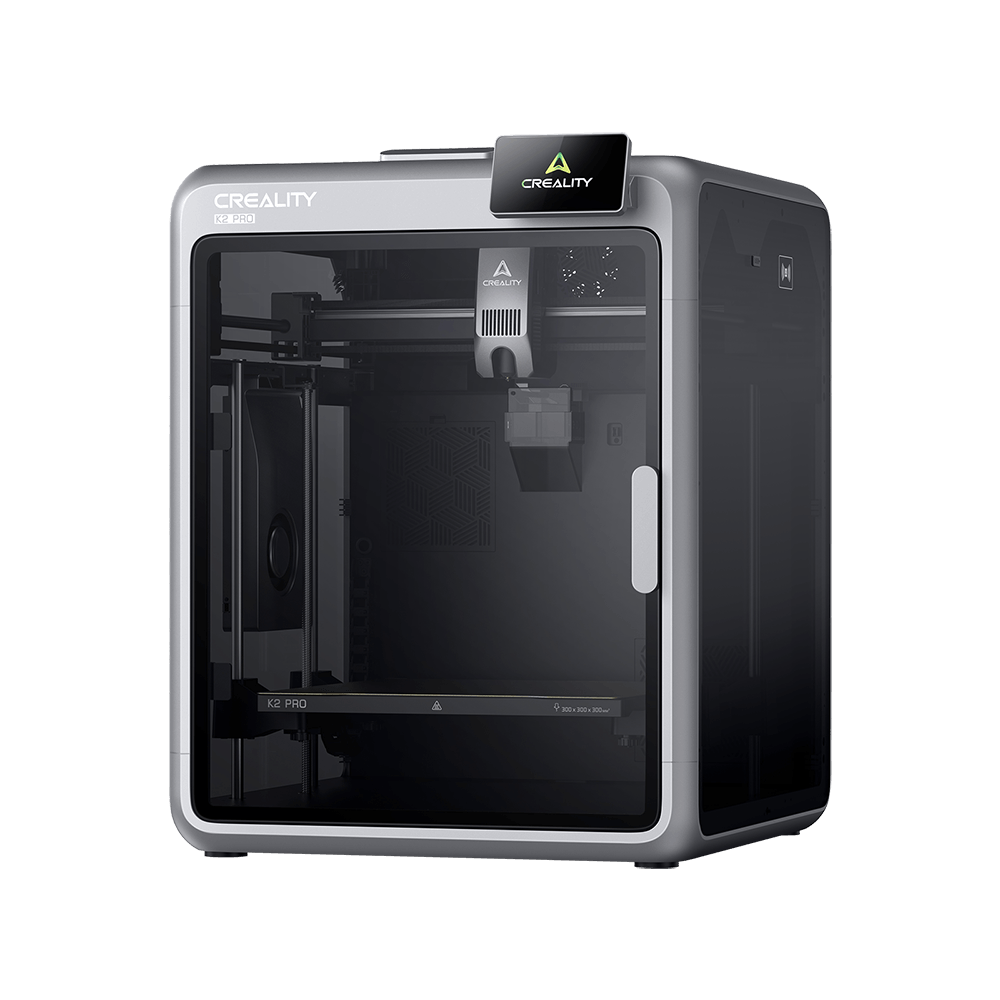
K2 Pro
K2 Pro
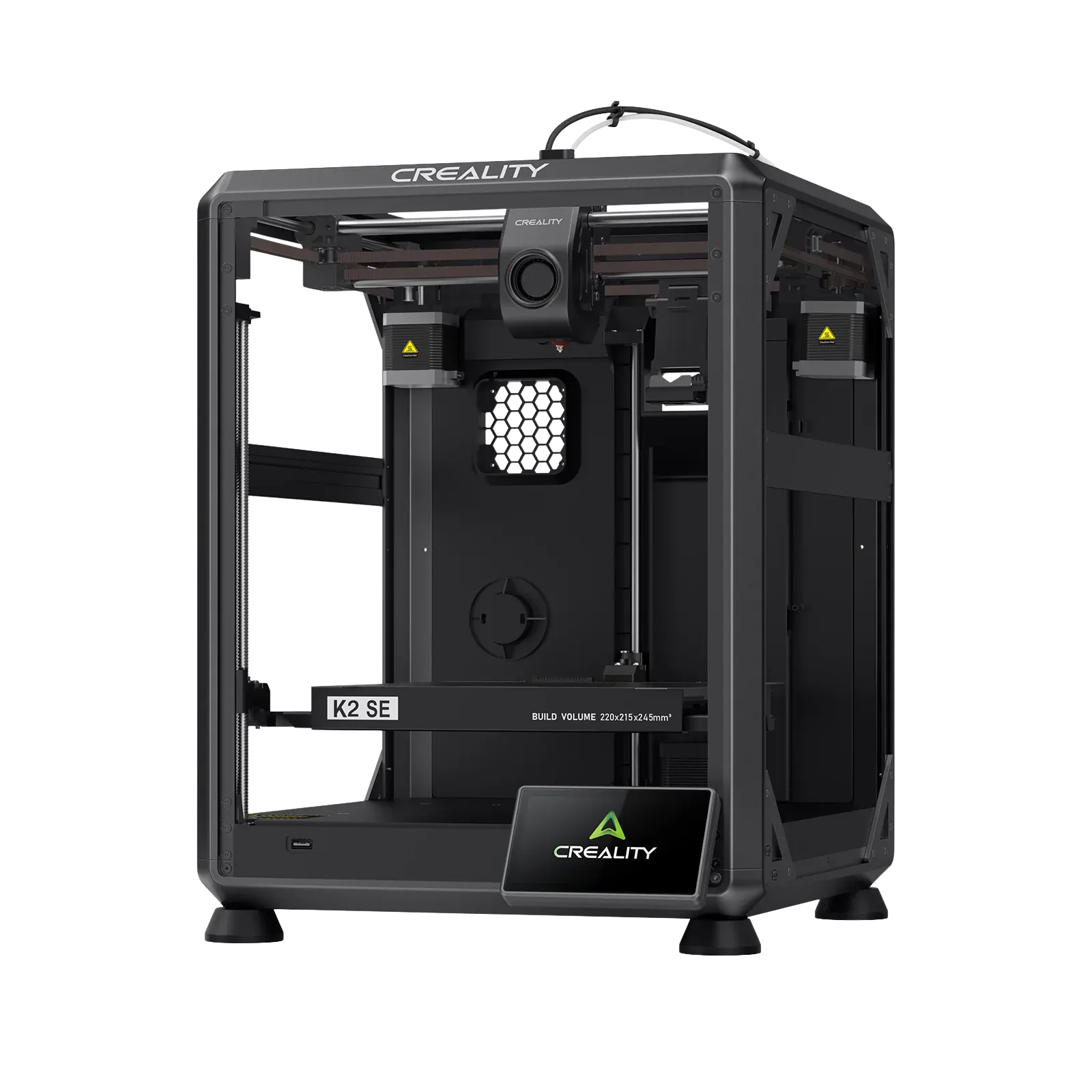
K2 SE
K2 SE
More Products
Compare
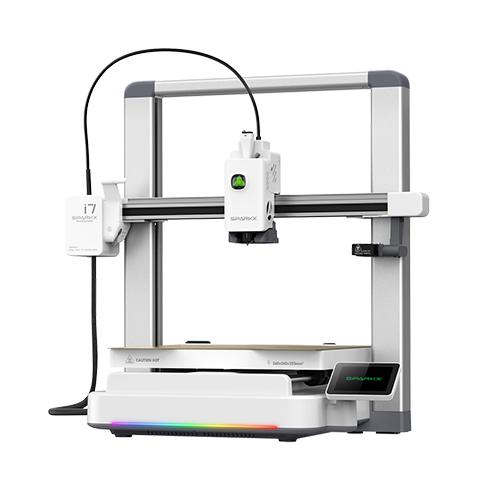
SPARKX i7
SPARKX i7
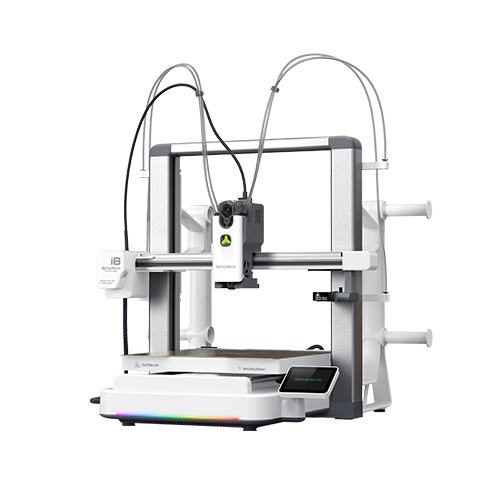
SPARKX i8
New
SPARKX i8
More Products
Compare
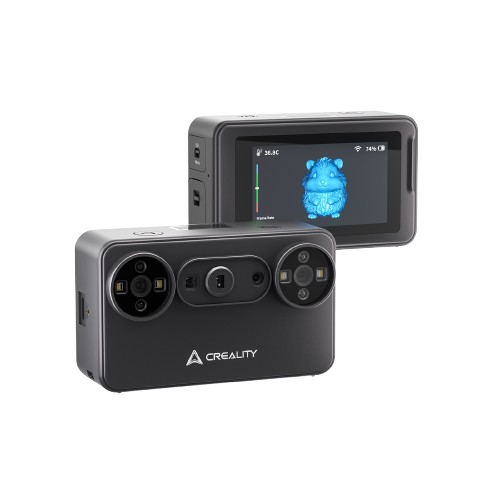
Creality Pika
Creality Pika
CR-Scan Raptor
CR-Scan Raptor
Creality Raptor Pro
Creality Raptor Pro
Creality RaptorX
Creality RaptorX
CR-Scan Ferret Pro
CR-Scan Ferret Pro
More Products
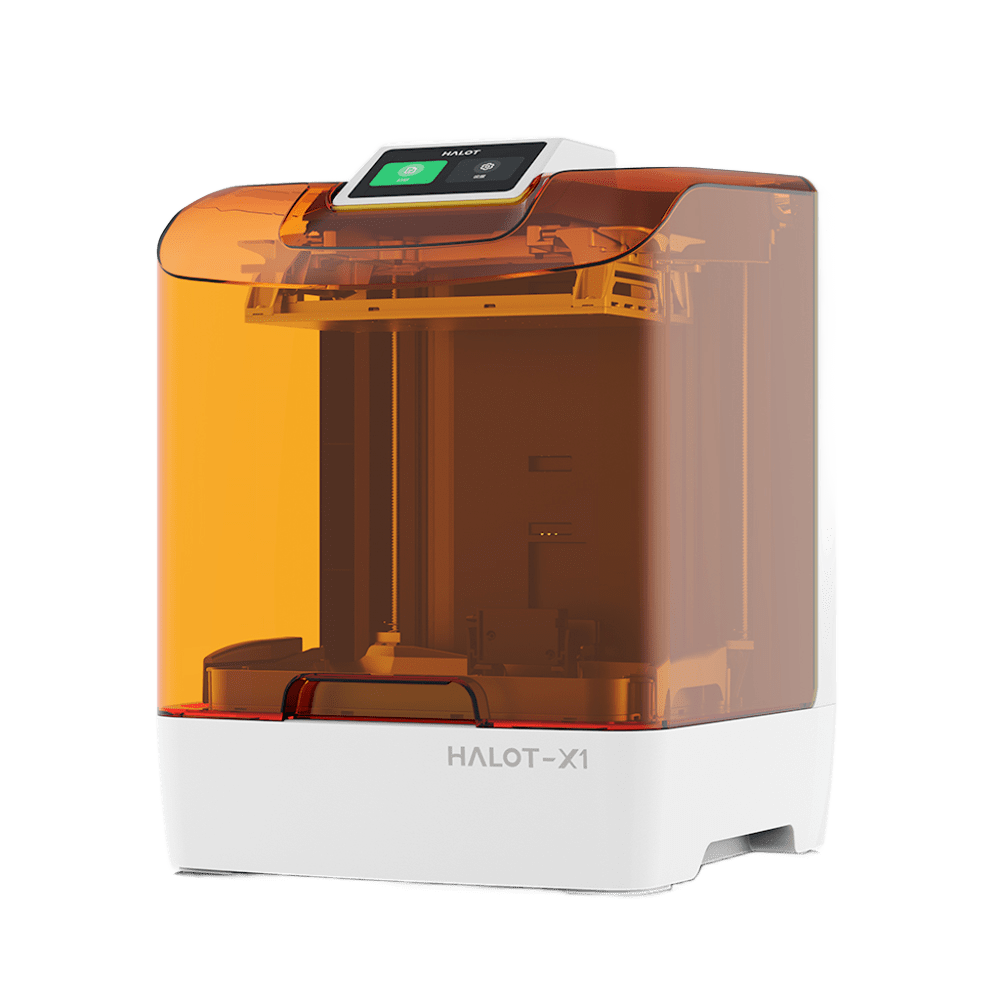
HALOT-X1
HALOT-X1
HALOT R6
HALOT R6
HALOT-MAGE S
HALOT-MAGE S
More Products
Filaments3D Scanners
Materials
Materials
More Products
Filament Guide
Creality Pika
Creality Pika
CR-Scan Raptor
CR-Scan Raptor
Creality Raptor Pro
Creality Raptor Pro
Creality RaptorX
Creality RaptorX
CR-Scan Ferret Pro
CR-Scan Ferret Pro
More Products
Service Center
Download Center
Product Support
Blog Center / CR-10 Smart V1.0.10 Firmware Notification

Join Our Newsletter

Subscribe to our newsletter for 3D printing insights, step-by-step guides, and inspirations for your next 3D printing adventure.

By subscribing, you agree to our Terms and Privacy Policy.

Social Media

  • Youtube
  • Facebook
  • TikTok
  • Instagram
  • Twitter
  • Reddit
  • Discord
  • LinkedIn

CR-10 Smart V1.0.10 Firmware Notification

Oct 13, 2026 13:49:00

cr-10 smart

After receiving feedback from a number of users regarding the leveling capabilities of the CR-10 SMART 3d printer, Creality's product researchers quickly responded with an update to the CR-10 SMART firmware. Following are the Tips for better leveling.

One-click upgrade to the latest firmware version v1.0.10. 

Don't know how to download and upgrade? Please keep checking.

First, please visit here to download the latest CR-10 SMART firmware,
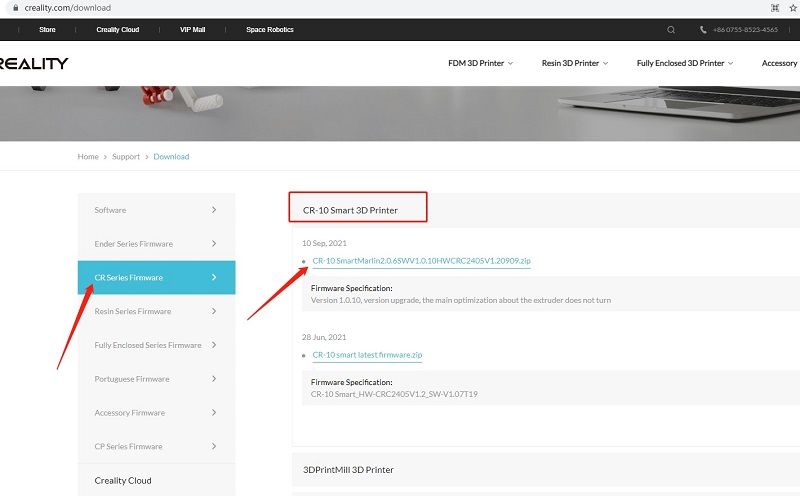
download

Second, watch the YouTube video to upgrade step by step:

For perfect printing, please also follow simple troubleshooting as below:

1. All pulleys must not be idle.

2. Check whether the catches snap into place.

3. Use measuring equipment to check whether the distance between both ends of the X-axis is the same.

4. Check the platform whether shaked.

5. Check all belts whether are properly tensioned.

6. Check screws securing both sides whether are locked.

7. Check the nozzle kit assembly whether is properly tensioned.

SHOP

  • Store
  • Falcon Store
  • Where to Buy
  • K Series
  • Hi Series
  • Ender Series

COMMUNITY

  • Forum
  • Creality Cloud
  • Discord
  • Reddit
  • Open Source

SUPPORT

  • Downloads
  • Help Center
  • Video Guides
  • Warranty & Repairs

ABOUT

  • About Us
  • Contact Us
  • Distributors
  • Investor Relations
  • Affiliate Program

Be the First to Know

Get the latest news from Creality.

By subscribing, you agree to our Terms and Privacy Policy.

  • Youtube
  • Facebook
  • TikTok
  • Instagram
  • Twitter
  • Reddit
  • Discord
  • LinkedIn
Privacy PolicyTerms of SalesShipping PolicyFeedback
United Kingdom(English)

Copyright © 2026 Creality Co., Ltd. All rights reserved.