

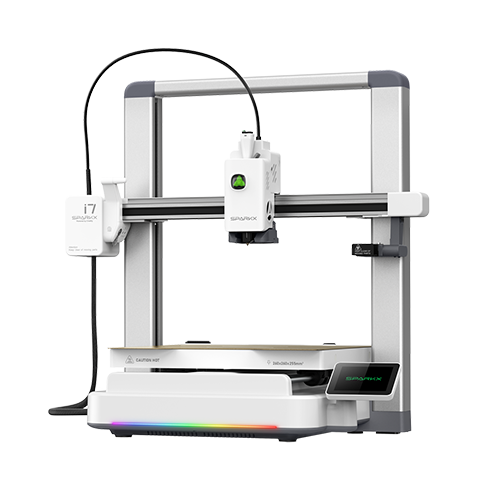
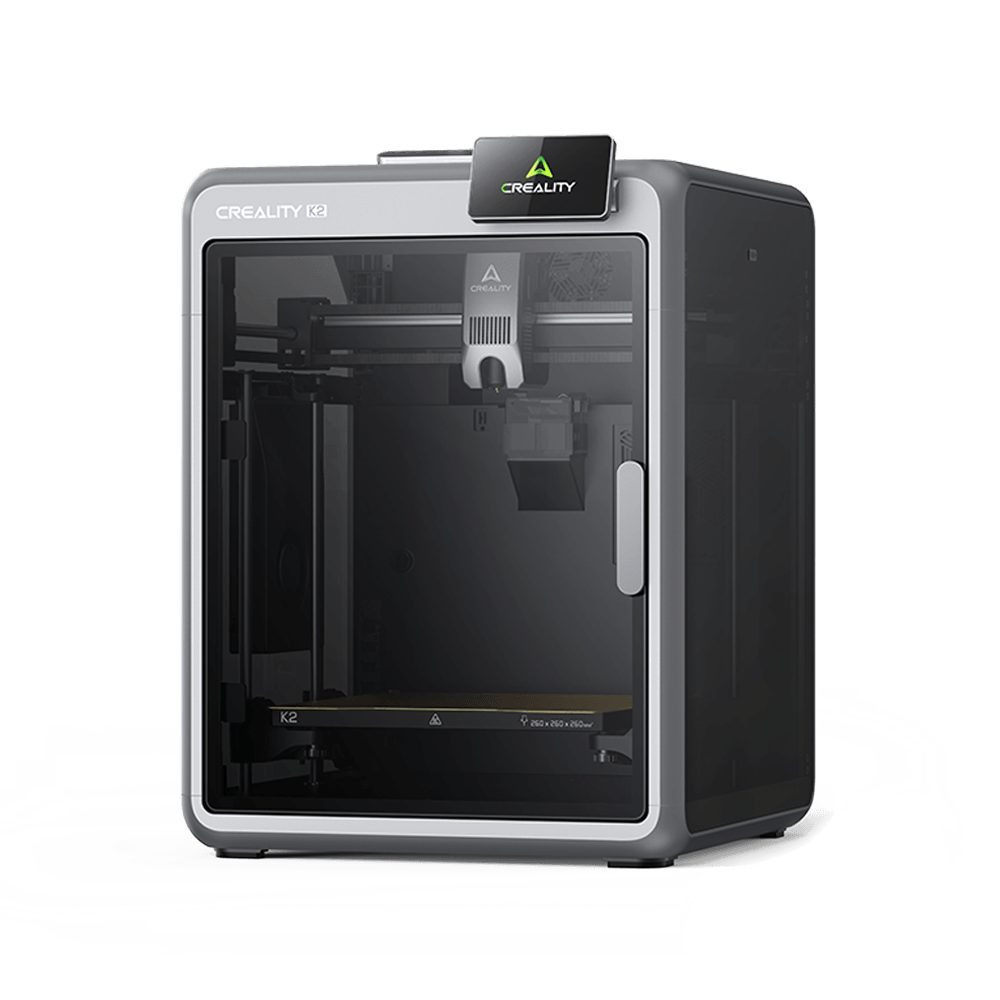
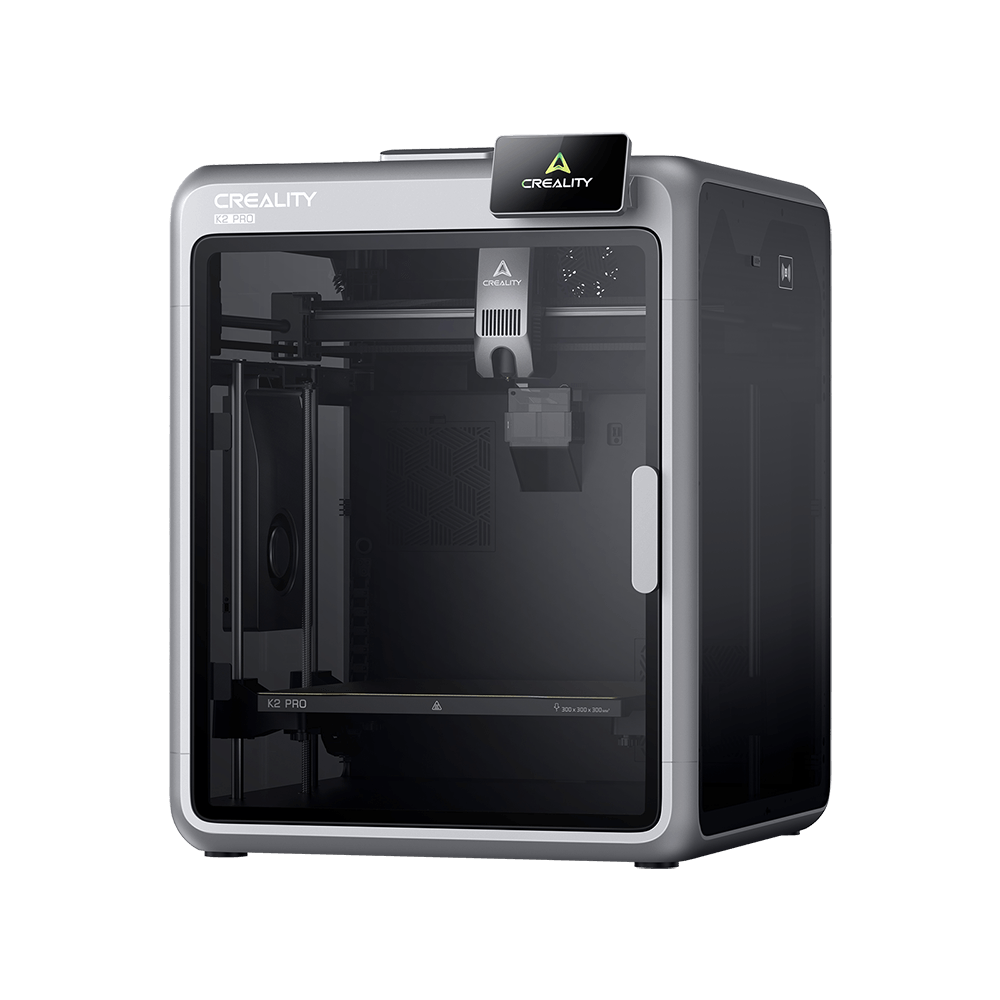
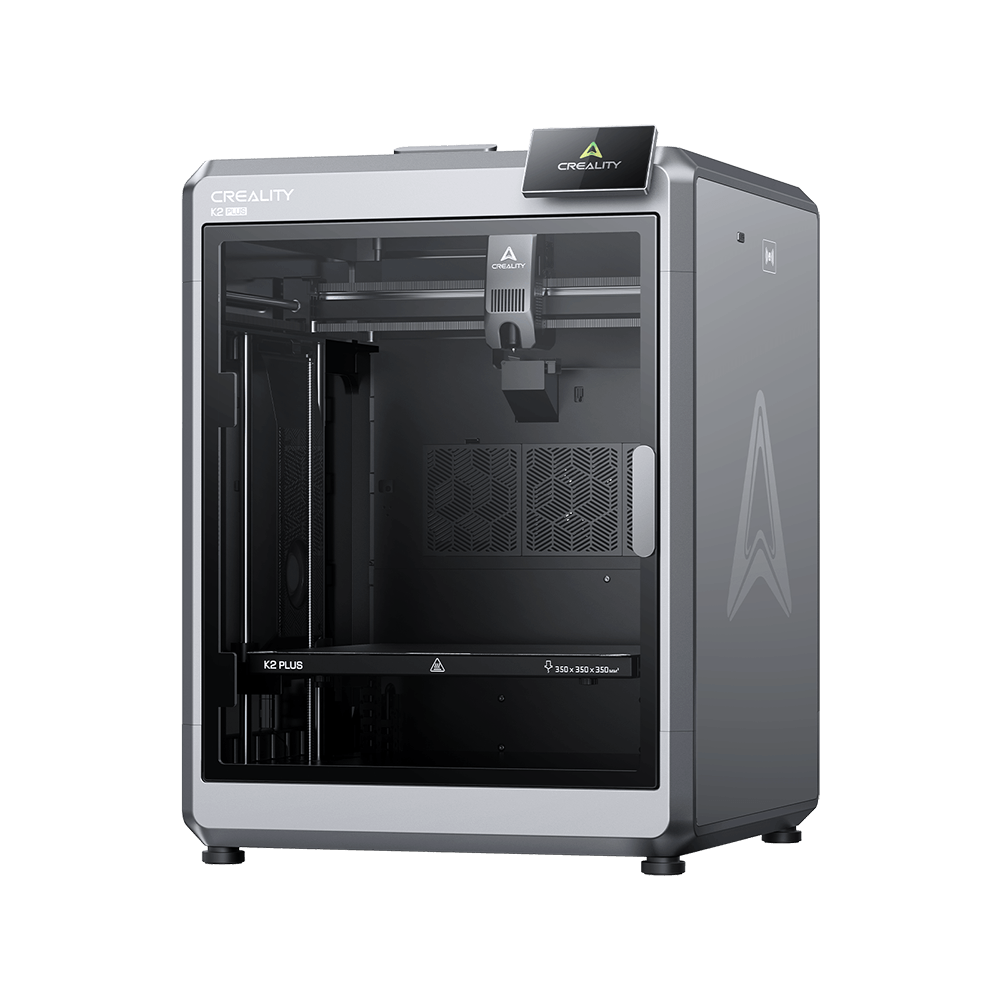
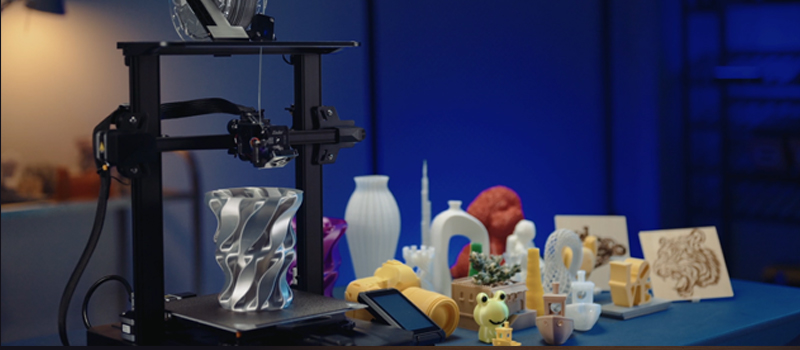
For most FDM 3D printers, the user can only control the printer from the printer screen, which means that the printer must be within reach when the user wants to start printing. In today's technologically advanced 21st century, this is kind of out of date. So, making the printer intelligent is a new feature that some users are looking forward to.
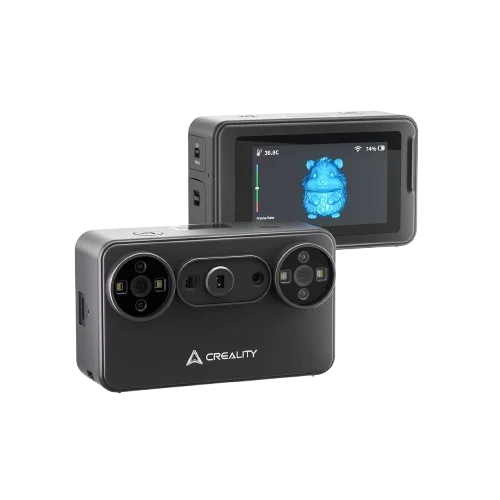
The FDM printer is a digital product but not networked. In order to be intelligent, media is needed to connect the printer to the network. Creality Box is a high performance and cost effective product to fulfil this function.
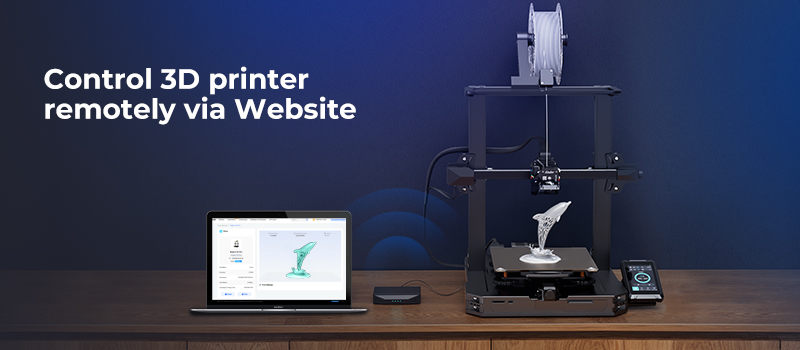
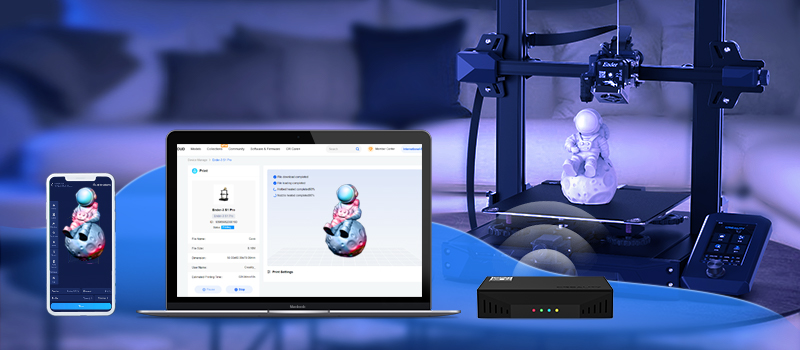
Creality Box is connected to the Creality Cloud via the internet, to control remotely and monitored in real-time using the Creality Cloud mobile app, PC software, or the Creality Cloud website. This article focuses on giving you clear with the control functions on the web side of the Creality Cloud.
By connecting the Creality Box to the 3D printer without having to download and install any software, the user can access the Creality Cloud web to control the printer remotely from anywhere in the world, whether they are currently using a mobile phone, iPad or computer. Creality Box is truly wireless in the sense that you can stay online with your printer anywhere, regardless of area or device.
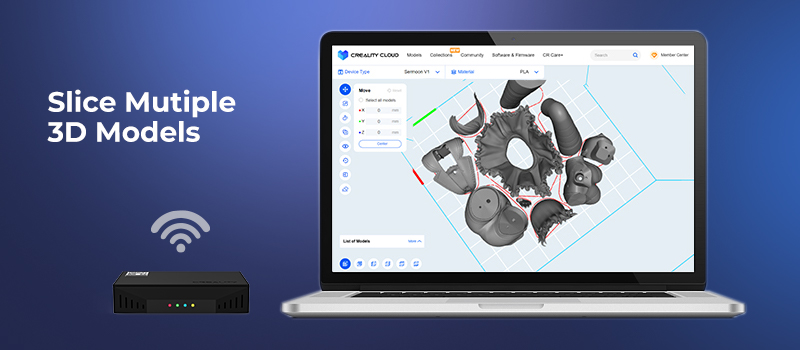
In addition to other regular features, Creality Cloud has been updated with multi-model slicing function. Users can also connect to the printer via the Creality Box and make batch slices possible on your Creality Cloud web, slicing multiple 3D models at once and providing granular control to your print. Meanwhile, the built-in slicer has a toolbar list that users can adjust the setting parameters to suit their needs.
Besides, if you want to use other CAD or slicing software, you can upload your model via the Creality Cloud web after modeling and slicing on your computer, or transfer the Gcode model to a printer and print the model.
Join us to enjoy Creality Cloud and Creality Box more features!