

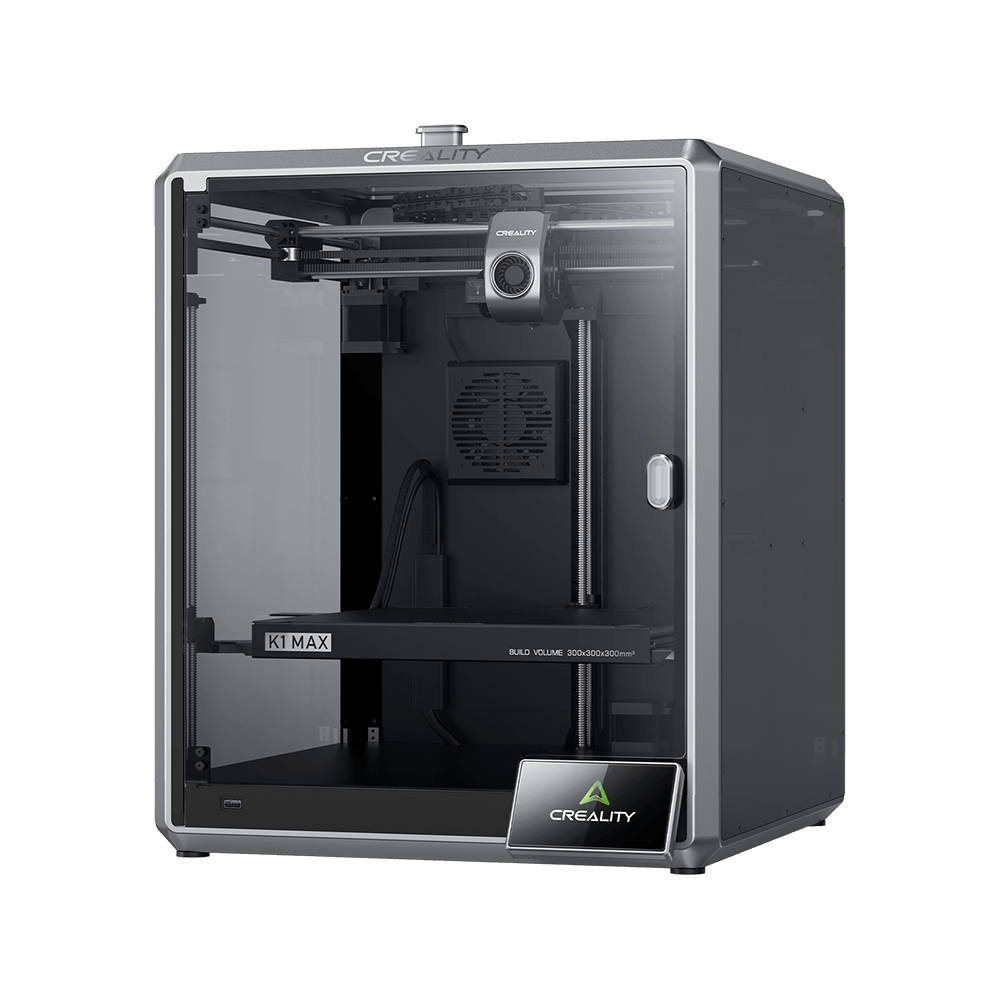
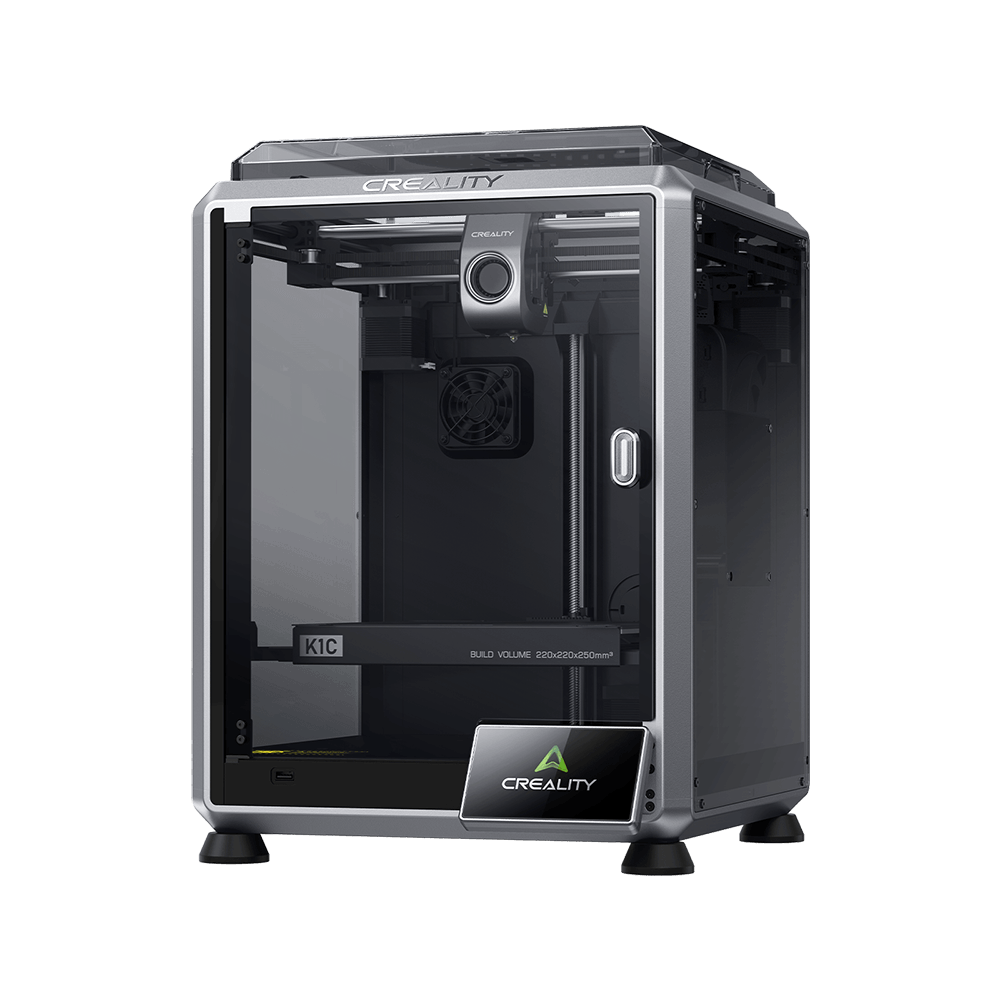
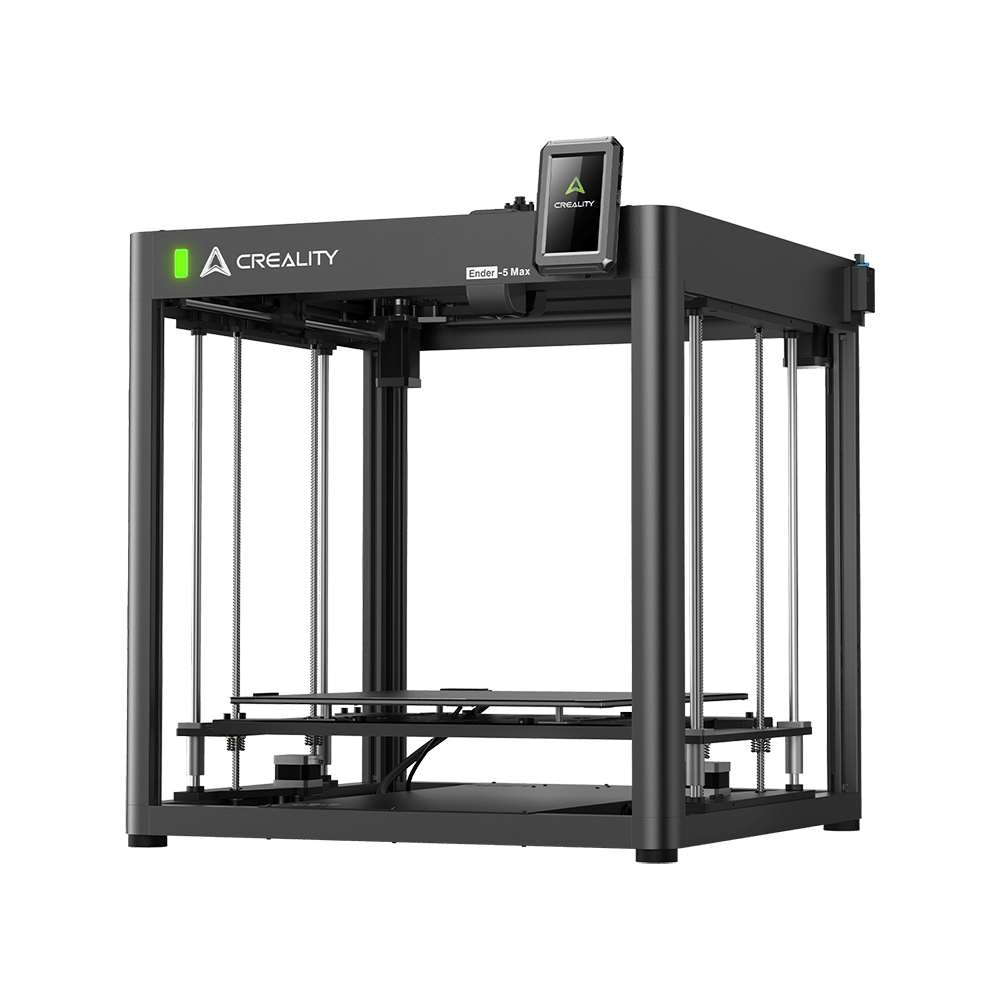
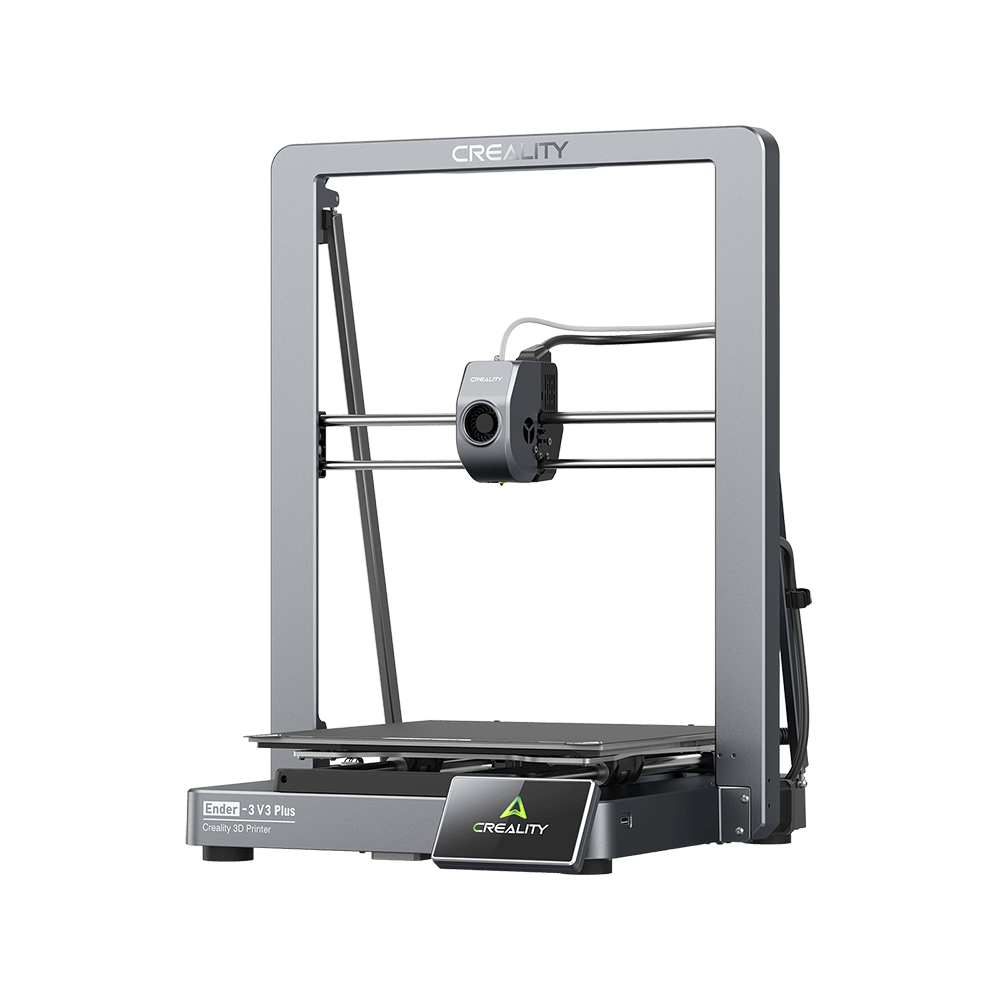

In a 3D printer, the motion controller, namely the 3D printer motherboard, is a core part responsible for the electronic functioning, such as parsing g-code files, regulating temperature, and moving motors. The motion controller is so essential like a brain inside the 3D printer that keeps track of a lot of things. Without a motion controller board, the 3D printer can barely do anything except for turning certain components on or off via manual click of a switch.
In 3D printing communities, there are mainly two camps, namely the 8-bit motherboard camp, and the 32-bit motherboard camp. The major difference lies in the internal architecture of the chip.
The number of bits tells you the size of the registers (8 bits per register), number of memory addresses (only 2^8 = 256 addresses), and the largest numbers they can process (again, 2^8 = 256 integers, or integers 0 through 255). In this way, the 8-bit can processes 8-bits of data at any particular time. The 32-bit can theoretically handle numbers reaching 2^32. In general, this means that a 32-bit can handle quadruple the amount of data, making it technically more data-efficient.
One primary of the primary advantages of a 32-bit microcontroller over an 8-bit microcontroller is its superior processing speed. A typical 8-bit microcontroller usually runs at 8 Mhz while a 32-bit microcontroller can be clocked up to hundreds of Mhz.
1. Speed – 32-bit motherboard can process more date than the 8-bit motherboard during the same time period. However, the differences on 3D printer is merely not big, because the speed and acceleration are static, and dynamic acceleration is not used, so there is no significant difference between 8-bit and 32-bit processors
2. Print Quality – The 8-bit motherboard and the 32-bit motherboard doesn’t affect too much on the print resolution. Normally, the slicing software will compensate for slow and complex calculations by reducing resolution, so as not to introduce overextrusion and zits.
3. Avoiding firmware problems – Many software-based hacks have been created to compensate for the lack of hardware floating point in 8 bit processors. Firmware updates can completely bog down an 8 bit processor if they have not been tested under a variety of conditions.
4. Upgradability: On the currently used 8-bit controllers, upgradability is limited, mainly limited to data processing capabilities, but when using 32-bit processors, relative upgradability is better.