


If you've just started to use a 3D printer or are in the market for one, you might be wondering: does 3D printing cause a smell? Are 3D printing fumes bad for you? They're fair questions—especially if you're printing at home where there could be kids around or in small, enclosed spaces.
In this guide, you’ll learn what causes 3D printer fumes, which filaments smell the most, and how to reduce odors for a safer printing experience.
Why Does 3D Printing Smell?
If you understand how a 3D printers work, it makes sense: the smell comes from heating plastic. When a filament is melted—usually between 180°C and 300°C (356°F to 572°F)—a chemical process called thermal decomposition takes place. This breaks down the material and releases volatile organic compounds (VOCs) and other particles into the air, which creates that signature 3D printing odor.
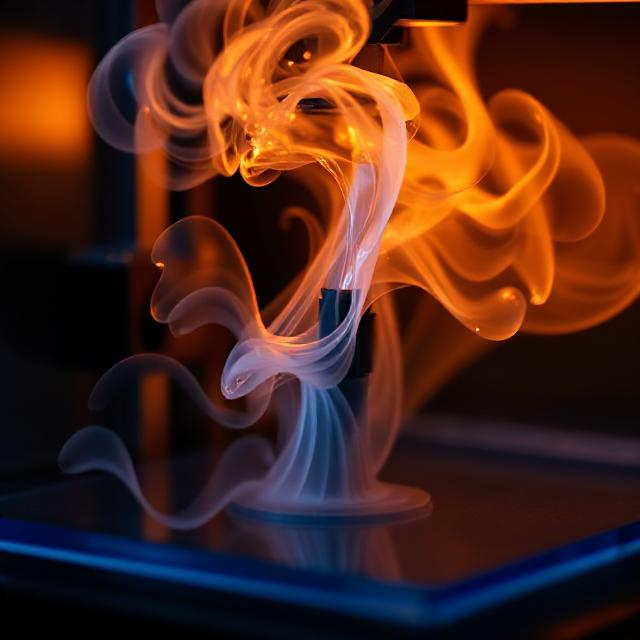
In this process, different factors contribute to the intensity of 3D printer smells.
-
Printing temperature: Higher temps means stronger odors.
-
Filament quality: Poor-quality filaments contain fillers or impurities with a poorer odor.
-
Material type: ABS and PETG tend to have poorer smells than PLA.
-
Printer condition: Hotend overheating or poor ventilation leads to more odors.
-
Room environment: Poorly ventilated, closed rooms reinforce odors.
Good material selection, ventilation, and printer maintenance reduce foul 3D printing odors.
What Does 3D Printing Smell Like?
The smell produced during 3D printing largely depends on the type of filament being used. Some materials give off mild or even sweet scents, while others emit strong, unpleasant chemical odors.
|
Filament Type
|
Smell Description
|
Odor Intensity
|
Notes
|
|
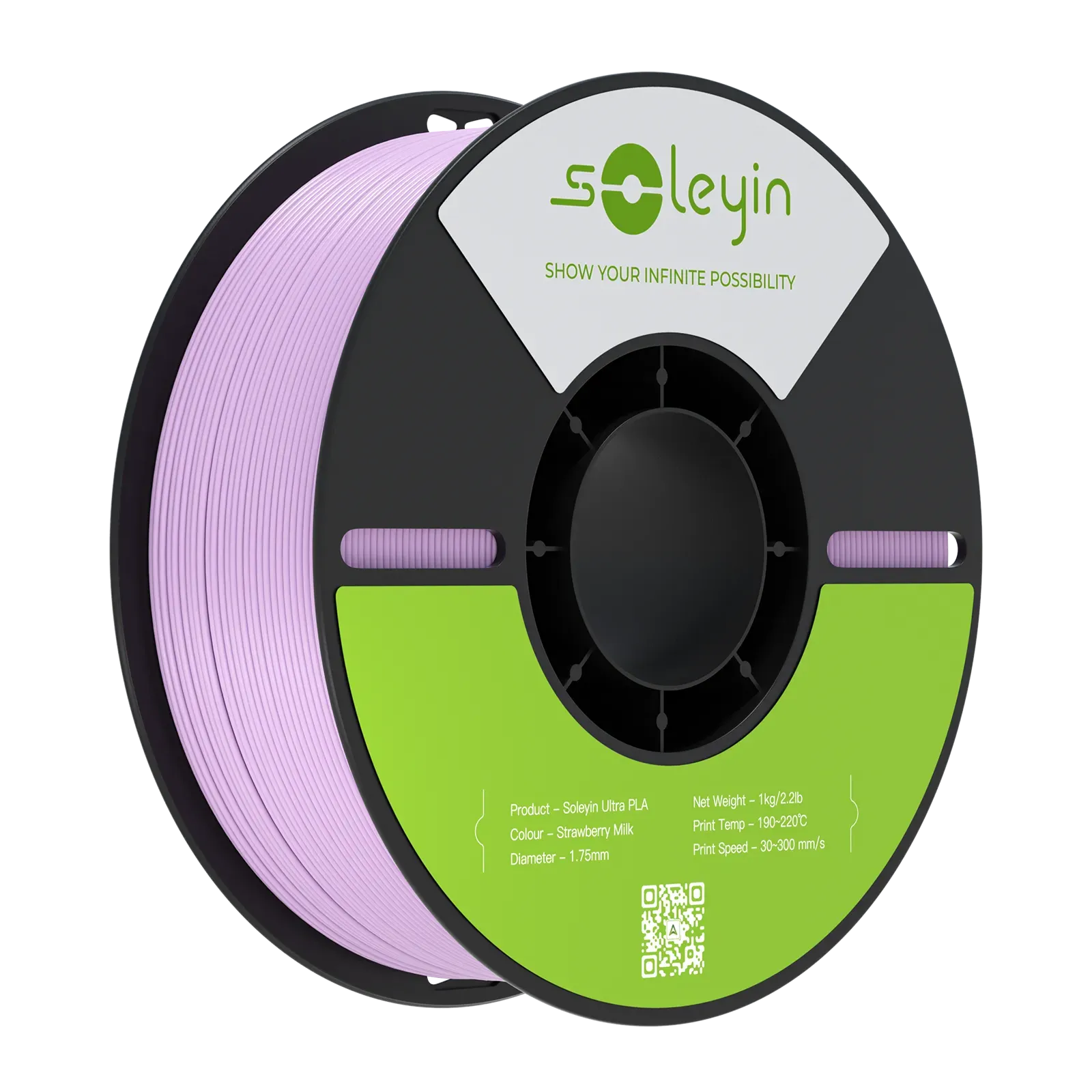
PLA (Polylactic Acid)
|
Sweet, like corn syrup, waffles, or burnt sugar
|
Low
|
Derived from corn starch; commonly used indoors due to mild scent
|
|
ABS(Acrylonitrile Butadiene Styrene)
|
Strong, chemical, like burning plastic or petroleum
|
High
|
Often considered unpleasant; needs ventilation
|
|
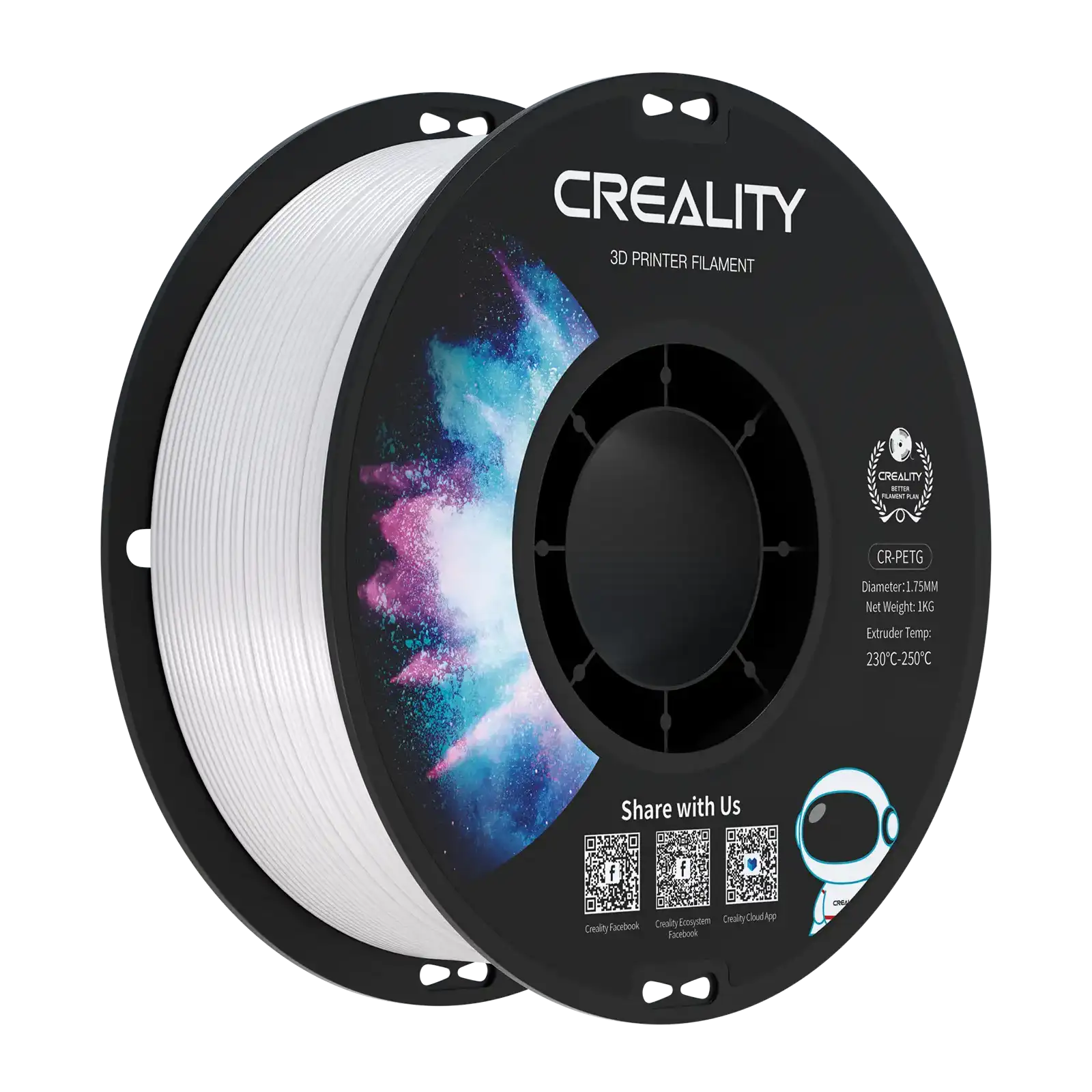
PETG(Polyethylene Terephthalate Glycol)
|
Mild plastic smell
|
Medium
|
Less offensive than ABS, but stronger than PLA
|
|
Wood-filled Filaments
|
Smells like burning wood
|
Medium to High
|
Popular for aesthetic prints; natural wood particles
|
|
Metal-filled Filaments
|
Metallic or chemical scent
|
Medium
|
May vary depending on metal content
|
|
Scented Filaments
|
Vanilla, cherry, coffee, etc.
|
Usually low
|
Specifically designed to smell pleasant while printing
|
Are 3D Printer Fumes Toxic or Harmful?
The short answer is: it depends. While 3D printers do release ultrafine particles (UFPs) and volatile organic compounds (VOCs) into the air during operation, the toxicity level varies based on:
-
Filament type
-
Printer setup
-
Ventilation
-
Duration of exposure
Related Post: Is 3D Printing Really Safe or Toxic?
Filament Type
Which filaments are dangerous? Actually, not all 3D printing materials carry the same level of risk. Here comes a full review of all the popular filaments on the market. Just take a look at it:
|
Filament Type
|
Safety Level
|
Key Risks
|
Recommendations
|
|
PLA (Polylactic Acid)
|
✅ Low
|
Minimal harmful emissions; larger particles unlikely to penetrate lungs
|
Safe for home use with basic ventilation; ideal for beginners
|
|
ABS (Acrylonitrile Butadiene Styrene)
|
⚠️ Moderate
|
Emits styrene (a possible carcinogen); strong odor; respiratory irritation
|
Use in a ventilated or enclosed space with filters; avoid use in bedrooms/living areas
|
|
PETG
|
⚠️ Moderate
|
Emits more fumes than PLA; may still cause irritation with prolonged exposure
|
Ensure good airflow; safer than ABS but not emission-free
|
|
PEEK / PEI / Ultem / Nylon
|
❌ High
|
High-temperature materials emit significant VOCs; some may be toxic
|
Requires industrial-grade enclosures and ventilation systems
|
|
Carbon Fiber-Filled
|
❌ High
|
Can release ultrafine carbon particles when extruded
|
Wear PPE (like respirators); use proper air filtration and ventilation
|
|
Metal-Filled / Wood-Filled / Glow-in-the-Dark
|
⚠️ Variable
|
Additives can alter emission profiles; may contain unknown irritants or compounds
|
Check manufacturer safety data sheets (SDS); print in well-ventilated area
|
Are PLA fumes toxic?
No, PLA fumes are generally not toxic. PLA is made from natural materials like cornstarch and produces minimal emissions with a mild, sweet smell, making it one of the safest filaments for indoor 3D printing.
Printer Setup
How your 3D printer is set up can make a big difference in how much you're exposed to fumes.
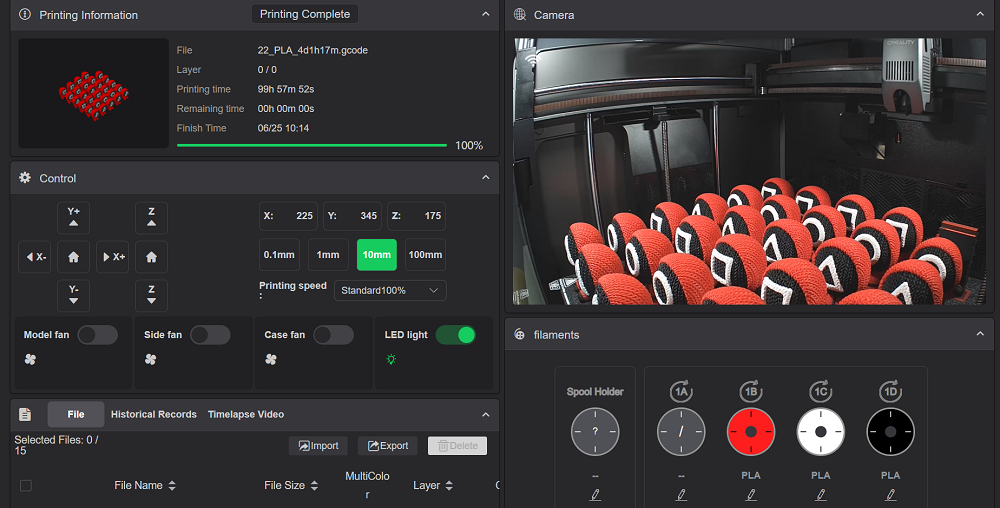
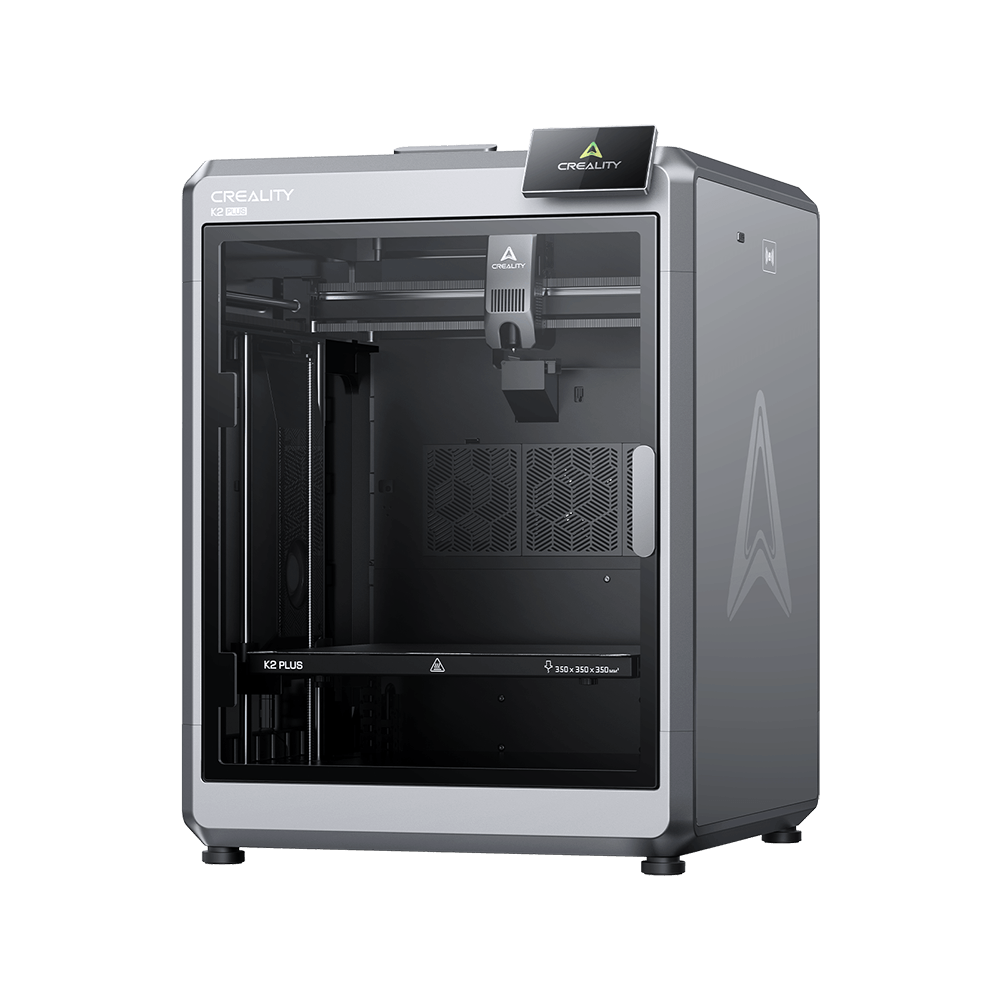
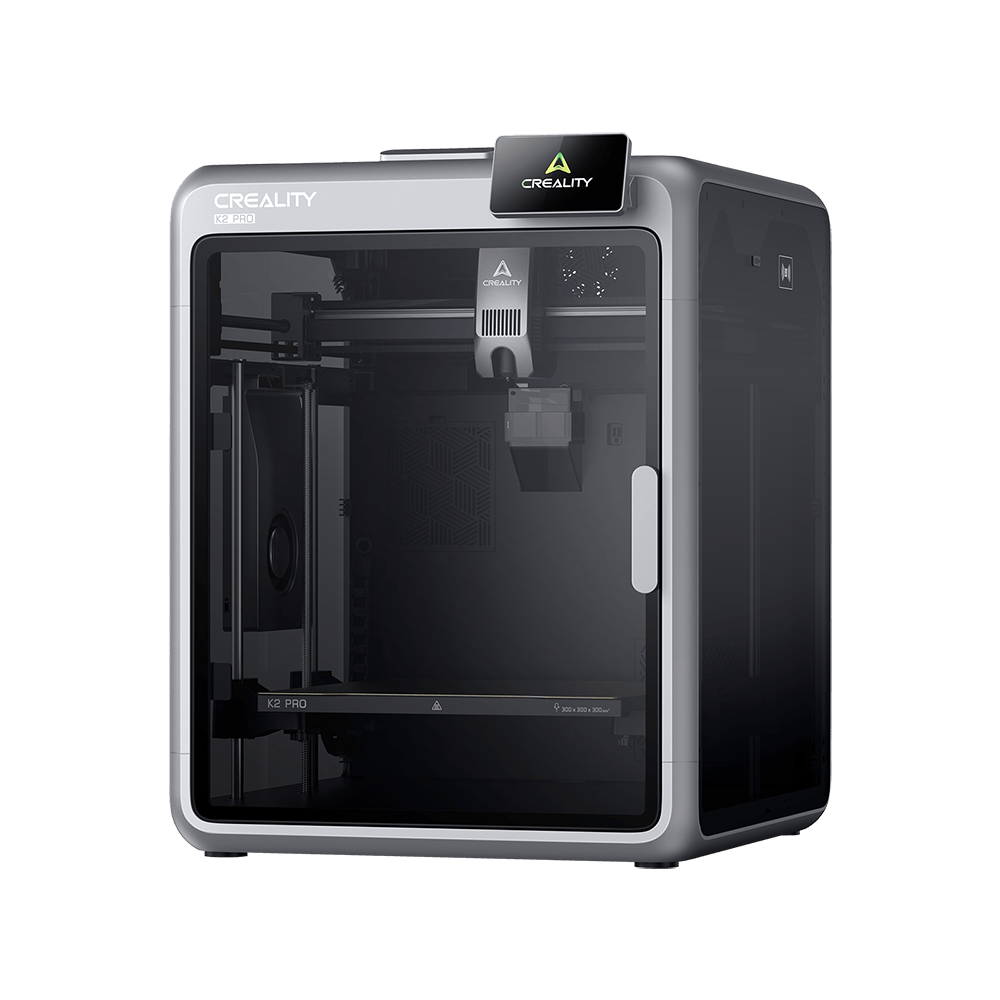
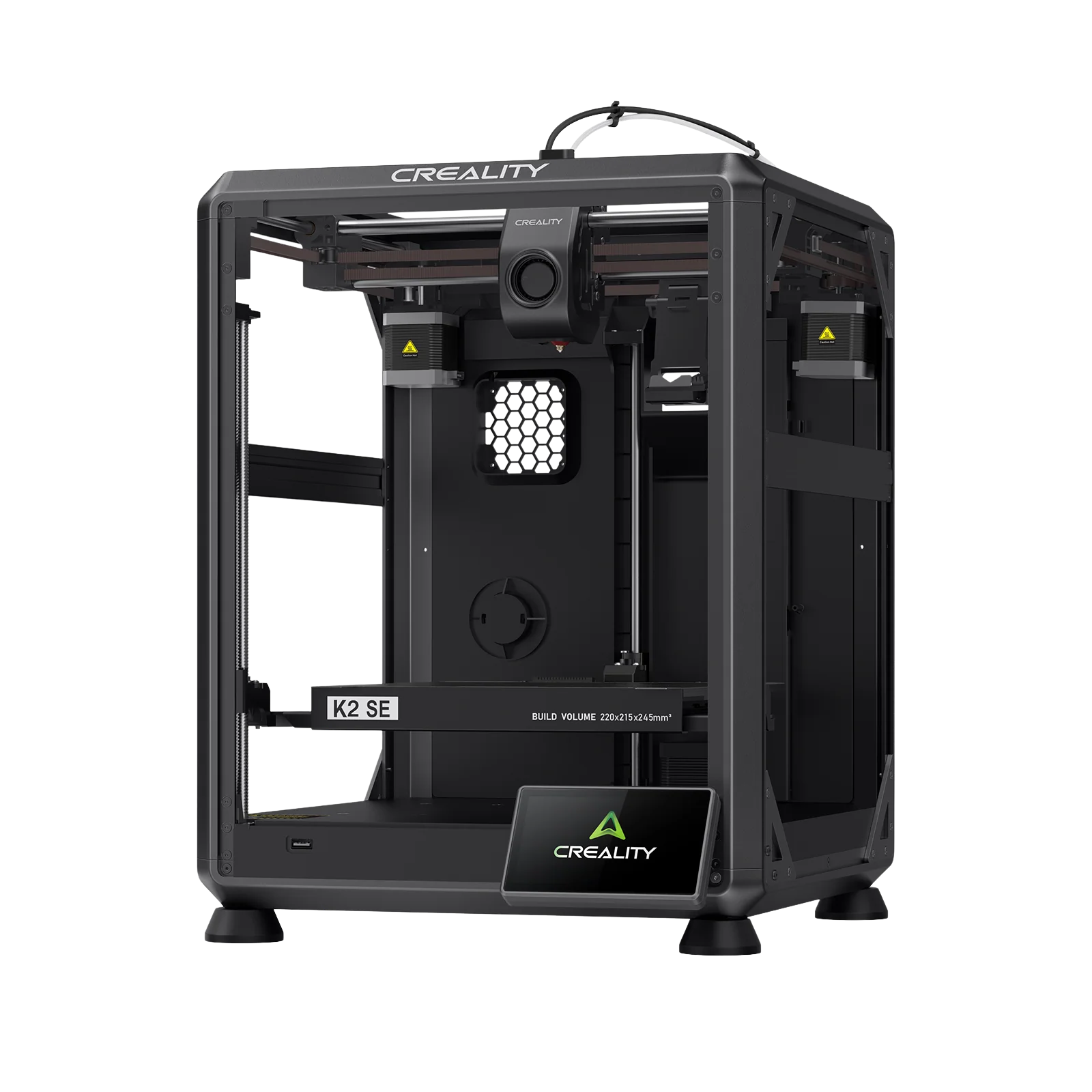
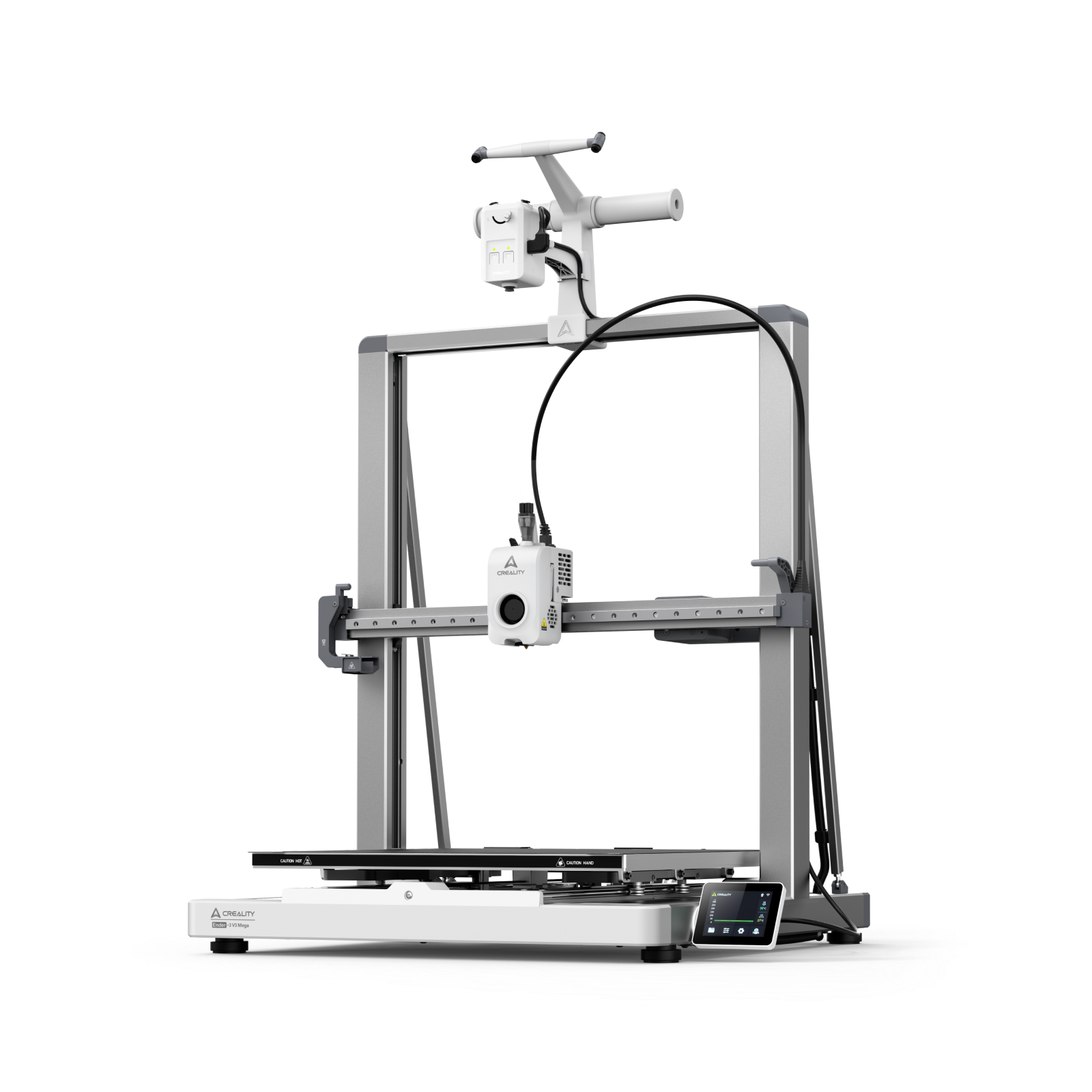
Enclosure VS open-frame: Enclosed printers trap fumes inside, which can reduce your immediate exposure—but only if there’s proper filtration. Open-frame models let fumes spread into the room, so ventilation is key.
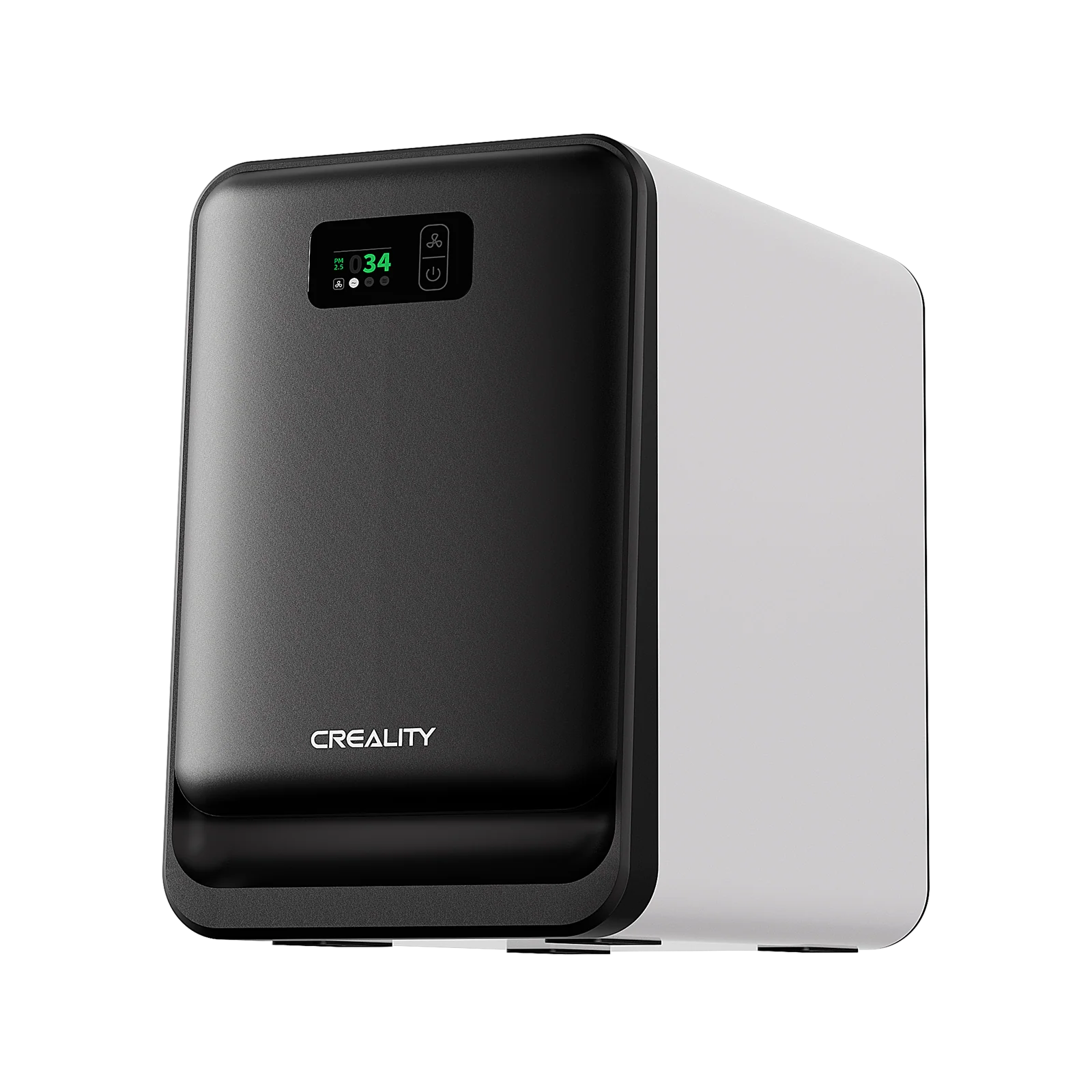
Built-in filter: Enclosures with HEPA and activated carbon filters do the best job at reducing harmful particles and odors. If you’re printing indoors, this setup is highly recommended.
Filament storage: Moisture in filaments can lead to more fumes when printing. Knowing how to store your filament is conducive to keeping emissions low and print quality high.
Ventilation
Airflow is one of the most important factors in reducing exposure to 3D printing fumes.
-
Good ventilation: Opening windows, using fans, or running an air purifier with HEPA and carbon filters helps clear the air and reduce exposure.
-
Poor or no airflow: In closed rooms with no ventilation, fumes and particles linger—raising the risk of irritation or health issues.
-
Local Exhaust Ventilation (LEV): A ducted hood or fume extractor directly above your printer can remove fumes at the source, keeping the air cleaner and safer.
Duration of Exposure
Time matters—how long you’re near the printer affects your health risk.
-
Short, occasional prints in ventilated areas pose little danger.
-
Long sessions in enclosed, poorly ventilated spaces = higher exposure and potential health effects.
Is it bad to breathe near a 3D printer?
Occasional exposure isn’t usually harmful, especially if you’re printing with PLA and using proper ventilation. But if you’re printing often, or using materials like ABS or nylon, it’s smart to limit exposure and use filters or ventilation systems to stay safe.
How to Reduce the Smell in 3D Printing
Admittedly, the smell of 3D printing cannot be avoided. But with a few smart steps, you can reduce the odor and make your printing space safer and more pleasant. Here's a simple guide to help:
Step 1: Ensure proper ventilation
-
Open windows or doors to let fresh air circulate.
-
Use exhaust fans or a ducting system to move fumes outside.
-
If you're printing indoors with poor airflow, place a fan near the window to push air out.
Step 2: Use a printer enclosure with filters
-
Go for a 3D printer with an enclosure or build one around your setup.
-
Install HEPA and activated carbon filters—they help trap harmful particles and reduce smells.
-
Many commercial enclosures come pre-equipped, or you can DIY one with off-the-shelf parts.
Step 3: Choose low-odor materials
-
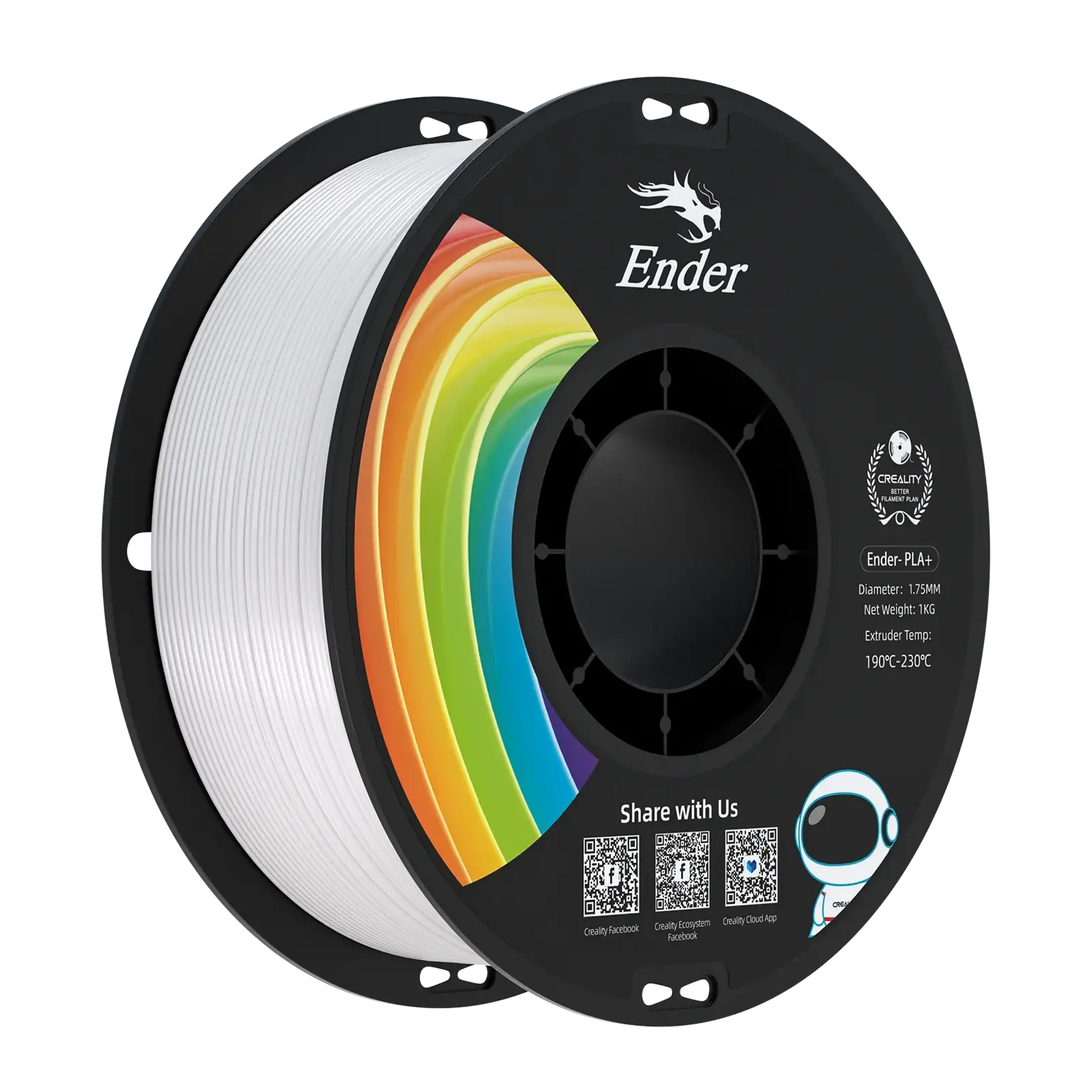
Stick with PLA when possible—it’s low-emission and has a mild, sweet scent.
-
Avoid filaments like ABS or high-temp plastics unless you have top-notch ventilation.
-
Cheap filaments often smell worse—opt for trusted brands to reduce unwanted odors.
Step 4: Maintain printers & add air purifiers
Clean your hotend regularly—burnt residue can cause lingering smells.
Don’t overheat materials; high temps = more fumes.
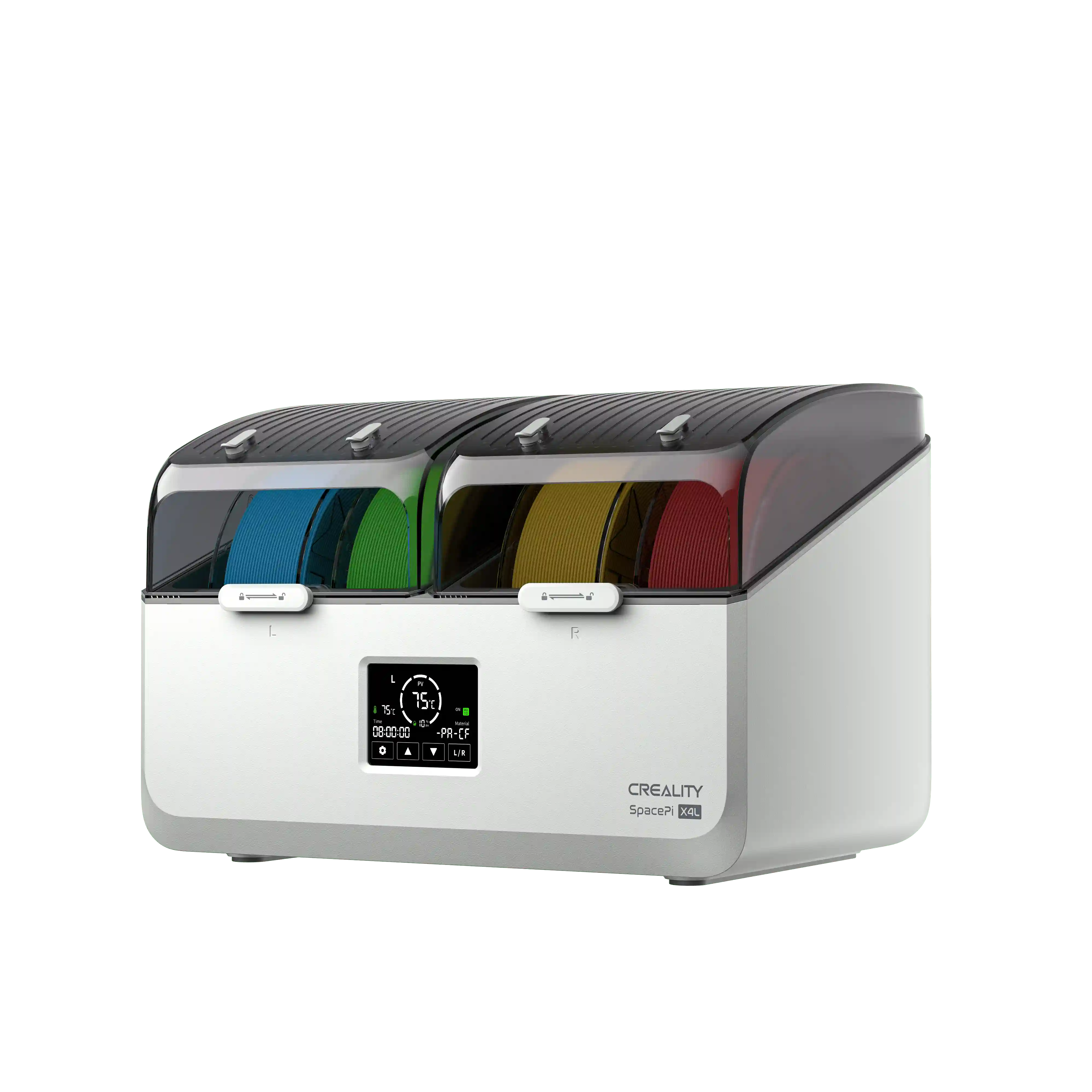
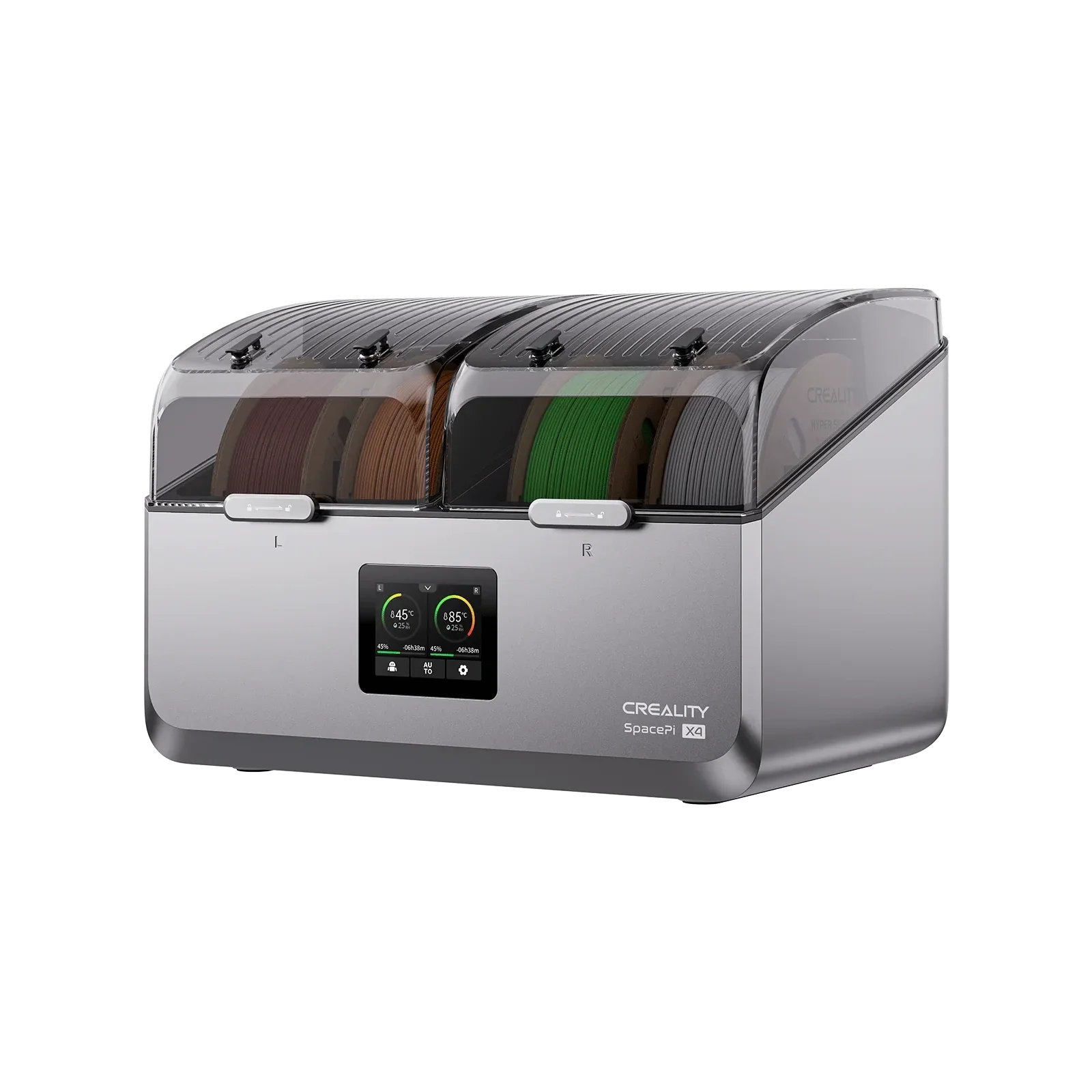
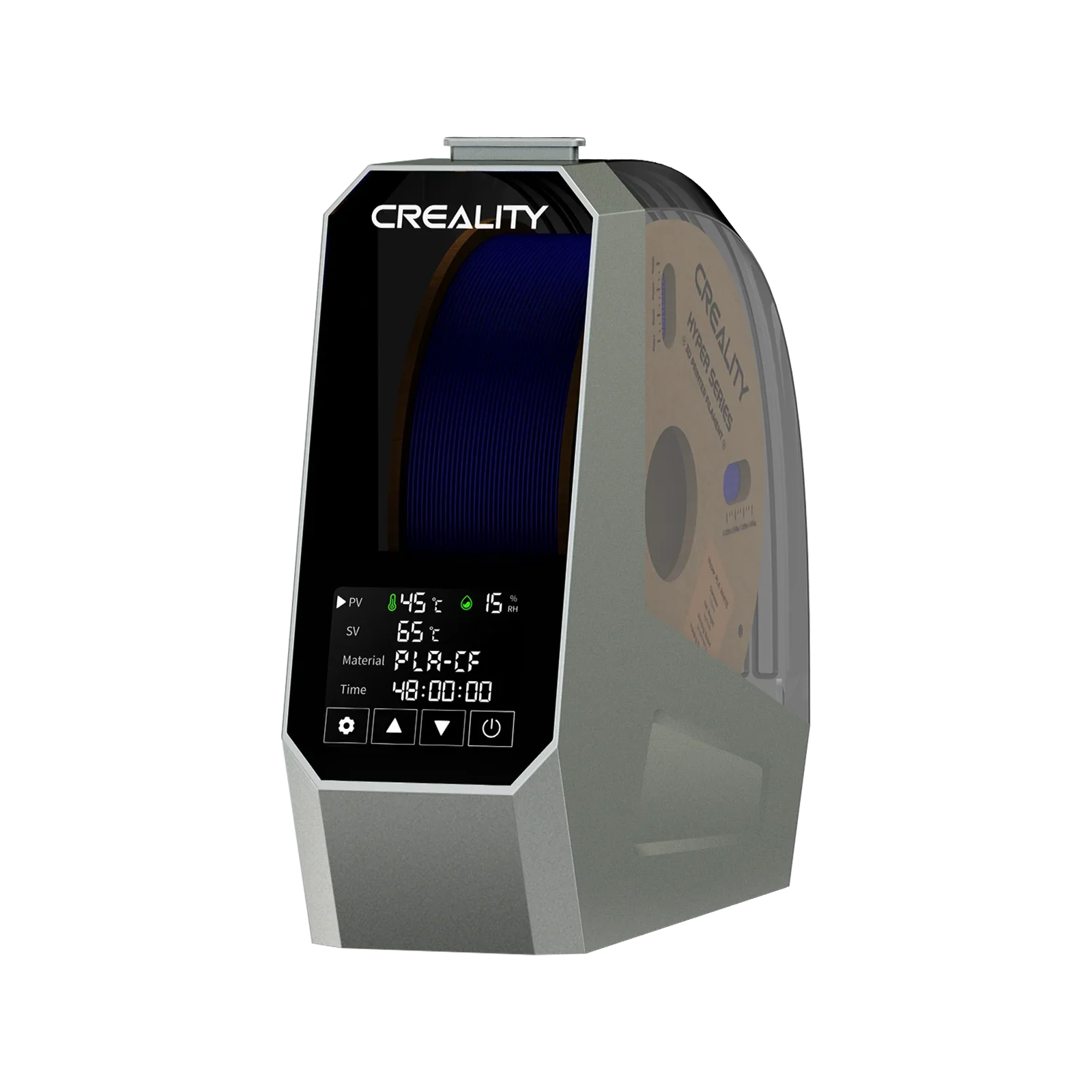
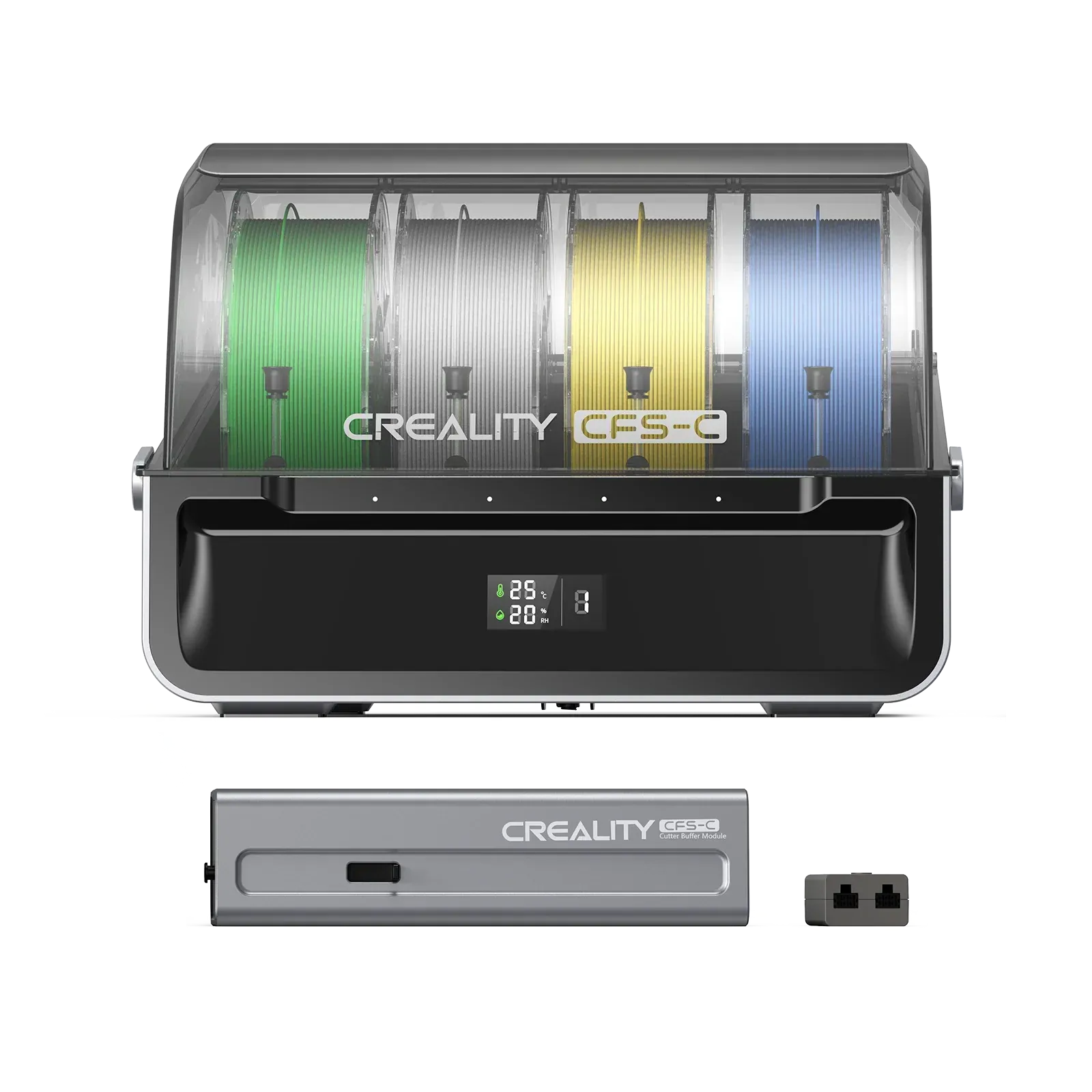
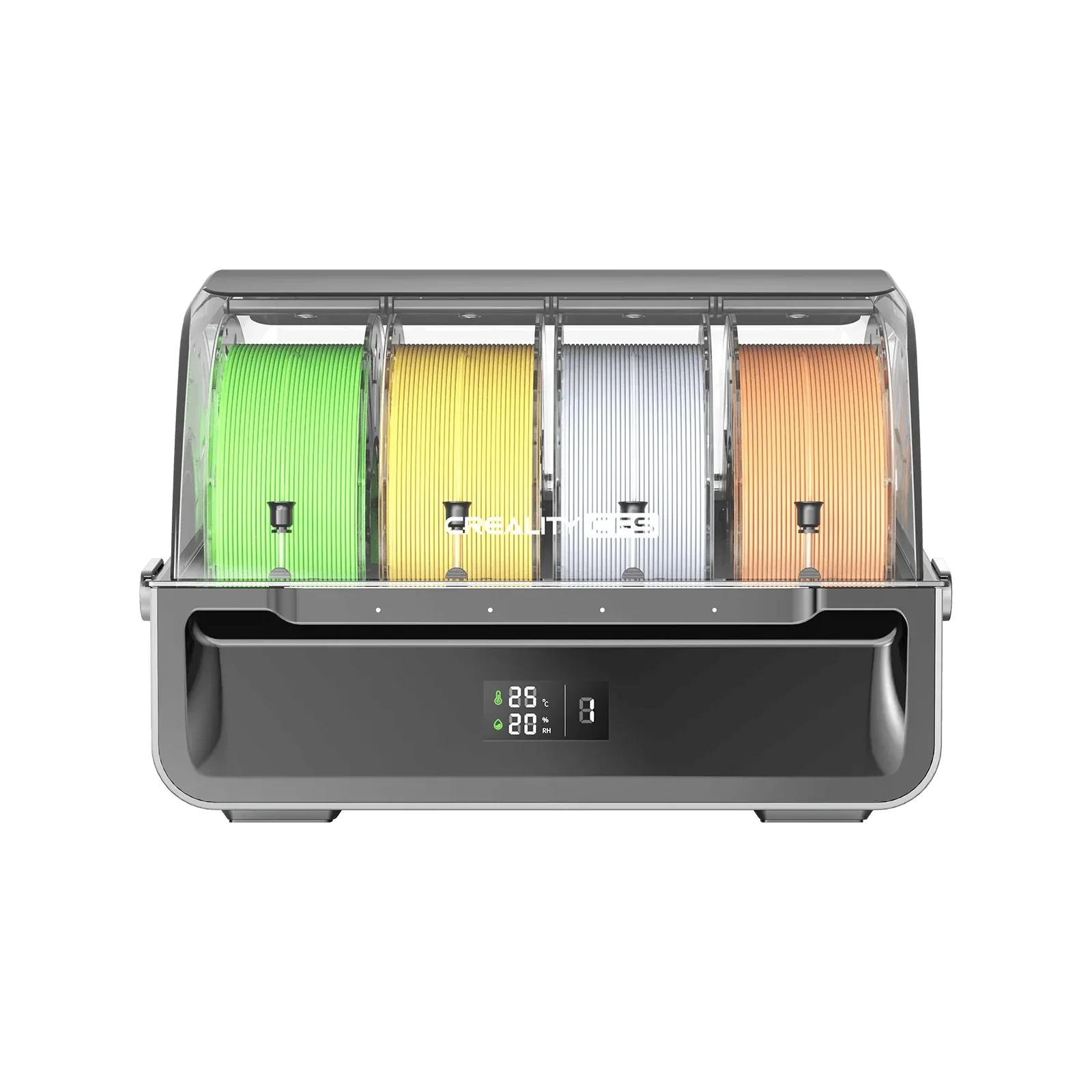
Store filaments in airtight containers or dry boxes to keep them from degrading.
Use an air purifier with HEPA and carbon filters to capture particles and smells, especially in smaller or shared spaces.
FAQs about the Smell During 3D Printing
Q: What's the safest way to 3D print indoors?
A: Whenever feasible, use PLA filament, ensure good ventilation, or utilize an enclosure with filtration, and never have prolonged direct contact with printing vapors.
Q: Can I eliminate 3D printing odors completely?
A: No. But good ventilation, filter systems, and material selection can reduce them to nearly undetectable levels for most applications.
Q: Are 3D printing fumes bad for you?
A: 3D printing fumes may irritate the respiratory system and other health conditions, particularly with prolonged exposure or poor ventilation. Health effects largely vary with materials used and the print environment.
Q: Is being in a room with a 3D printer bad?
A: It is not inherently dangerous to be in a room with a 3D printer, but there should be proper ventilation. The safety would lie in the material being used, ventilation of the room, and exposure time.
Wrapping Up
3D printing does cause a smell, but properly with the right materials, ventilation, and filtration, you can manage them easily and safely. Employ low-emission materials like PLA, good airflow, and enclosed setups with filters. With a few smart precautions, you'll have a more comfortable, safer printing environment—and better results to show for it too.