


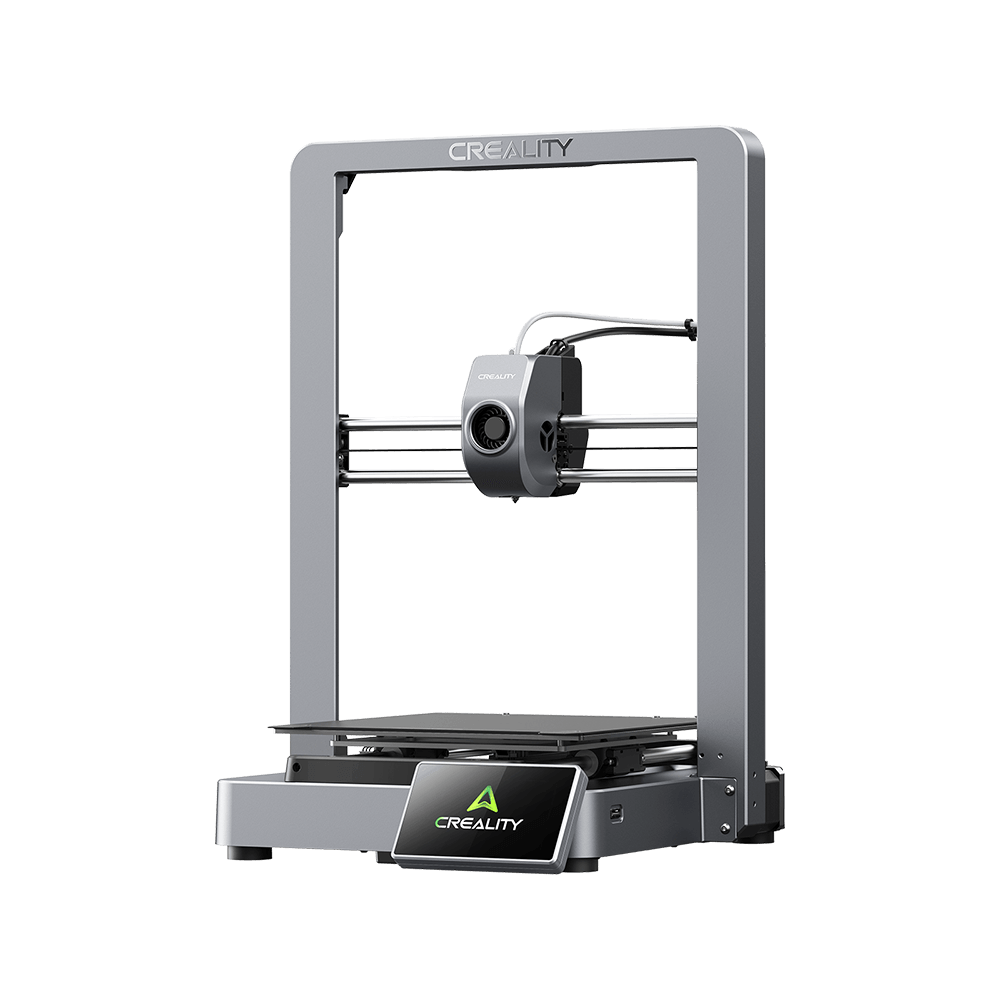
K1C
فيديوهات
معامل
تحميل
مركز المساعدة
خدمة المنتج
المعاملات
Design & Build
Frame
Build Plate
Flexible Build Plate
Net Weight
12.4kg
Printer Dimension
355*355*482
Build Volume
220*220*250
Frame
Build Plate
Flexible Build Plate
Net Weight
12.4kg
Printer Dimension
355*355*482
Build Volume
220*220*250
Connectivity & Software
UI Languages
English/German/Spanish/French/Italian/Portuguese/Russian/Turkish/Japanese/Korean/Chinese
File Storage
8GB
Printable File Format
G-Code
Slicing Software
Creality Print, Cura 5.0 and later version
OTA Firmware Updates
Yes
Cloud Integration
Yes
File Transfer
WiFi
UI Languages
English/German/Spanish/French/Italian/Portuguese/Russian/Turkish/Japanese/Korean/Chinese
File Storage
8GB
Printable File Format
G-Code
Slicing Software
Creality Print, Cura 5.0 and later version
OTA Firmware Updates
Yes
Cloud Integration
Yes
File Transfer
WiFi
Show More
عرض الكل
تحميل


مركز المساعدة
الأسئلة الشائعة
أسئلة عامة
How easy is it to perform maintenance or replace parts on the K1C?
Maintenance is streamlined thanks to the modular extruder and quick-swap tri-metal nozzle. Routine tasks like nozzle cleaning, filament replacement, and bed adjustments can be done in minutes to minimize downtime.
How does the K1C prevent and alert me to print failures?
What types of filaments are compatible with the K1C?
Do I need prior 3D printing experience to start using the K1C?
How large of a model can I print on the K1C?
Can the K1C maintain high-quality prints at very fast speeds?
عرض الكل
خدمة المنتج
عرض الكل