

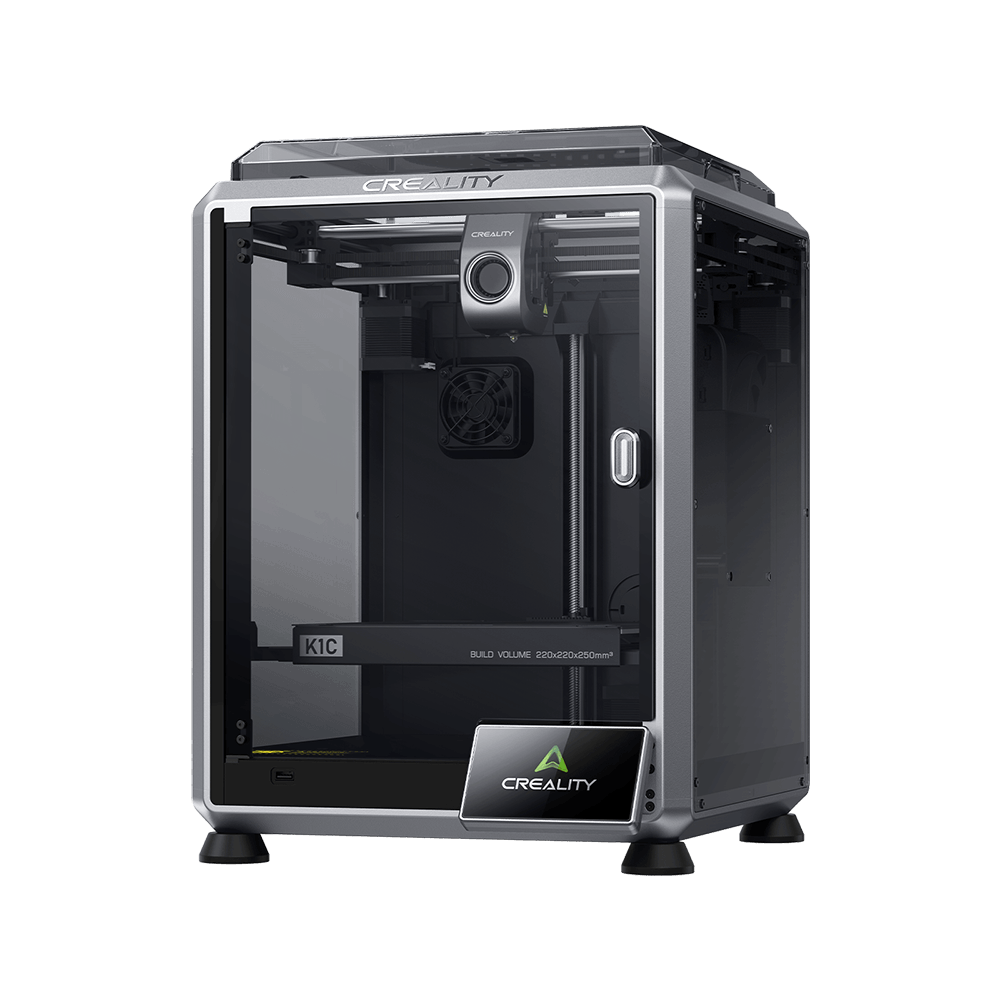
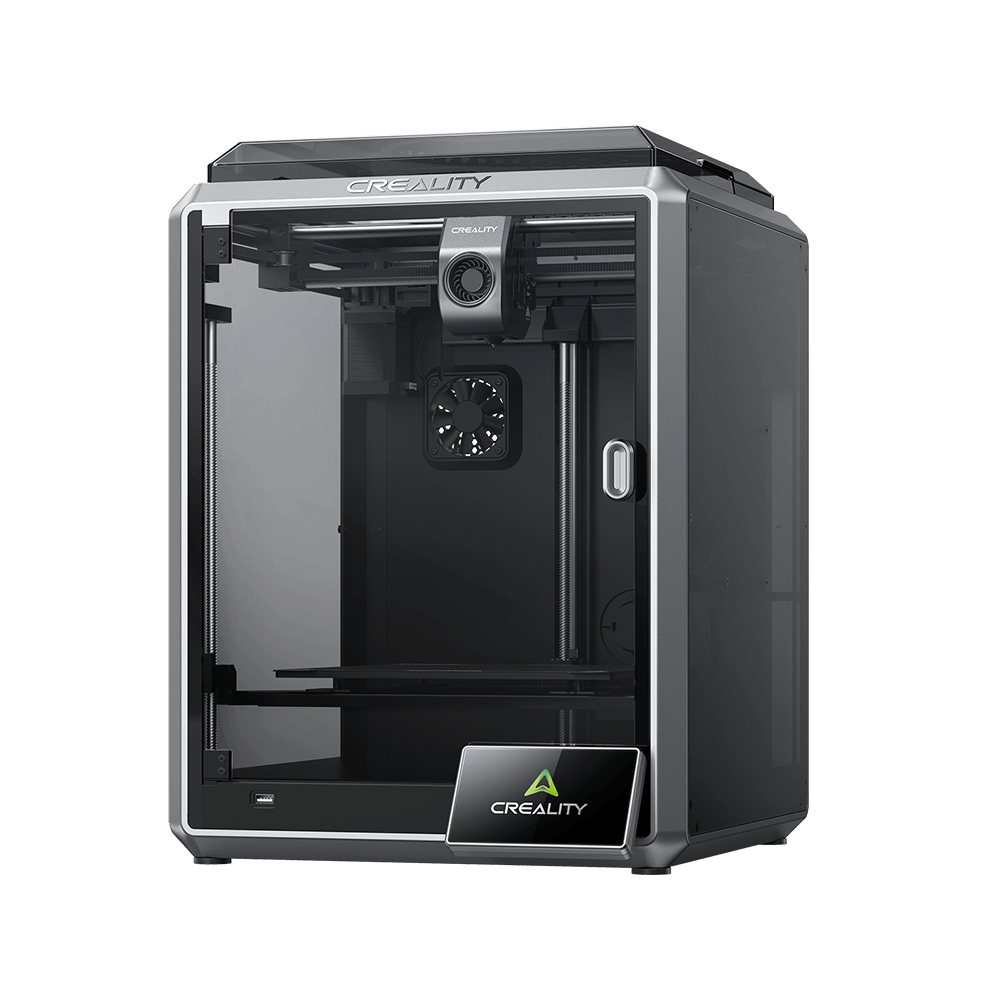
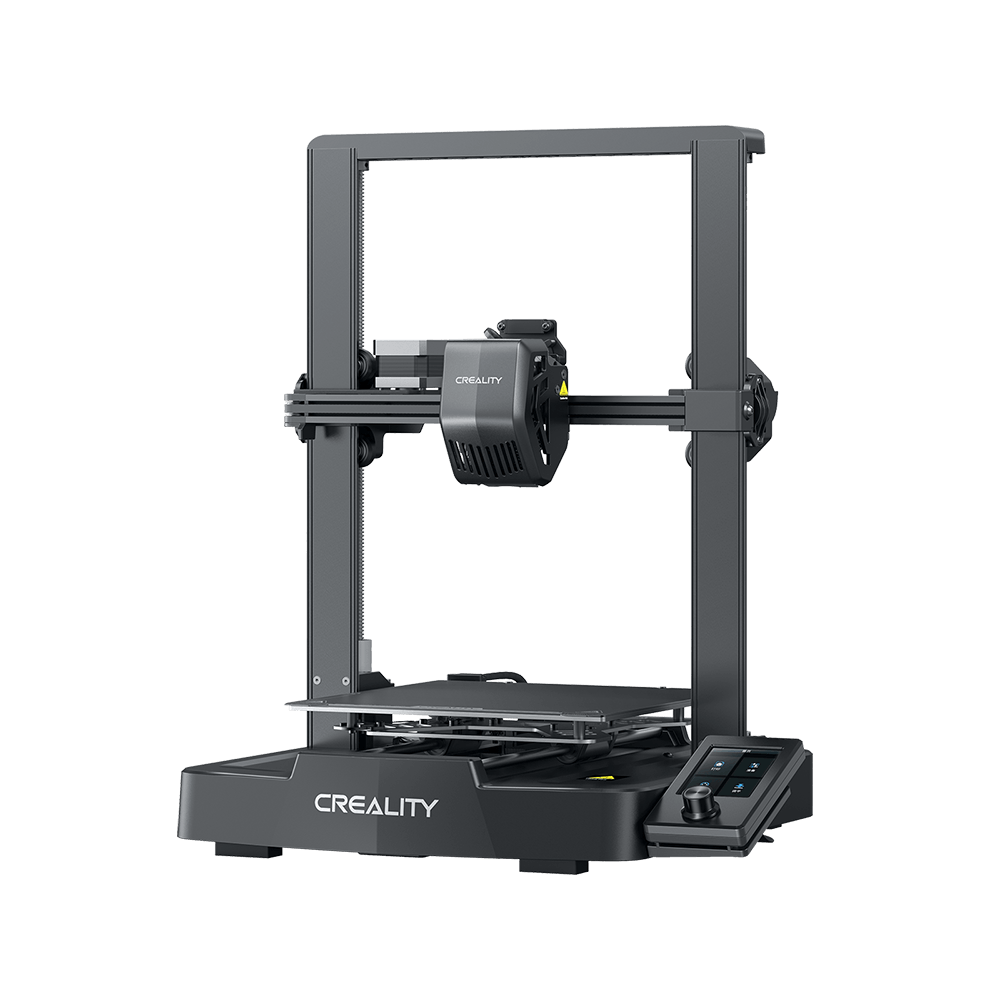
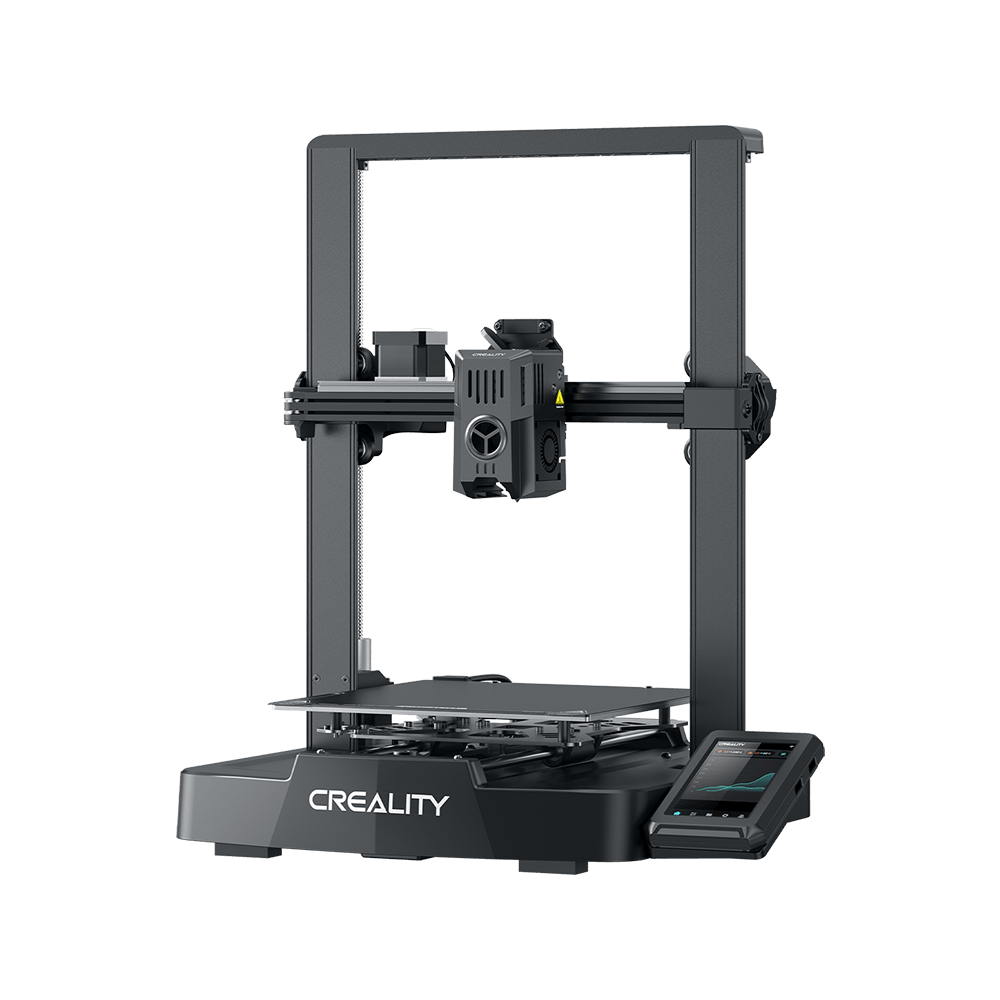
K1 SE
동영상
매개변수
다운로드
도움말 센터
제품 서비스
매개변수
Design & Build
프레임
오픈형
빌드 플레이트
에폭시 수지 빌드 플레이트
순중량
12.5 kg
제품 크기
355*355*480 mm
출력 크기
220*220*250 mm
프레임
오픈형
빌드 플레이트
에폭시 수지 빌드 플레이트
순중량
12.5 kg
제품 크기
355*355*480 mm
출력 크기
220*220*250 mm
Connectivity & Software
지원 언어
영어/독일어/스페인어/프랑스어/이탈리아어/포르투갈어/튀르키예어/러시아어/일본어/한국어/중국어
저장 용량
8 GB
출력 파일 형식
G-code
슬라이싱 소프트웨어
Creality Print 5.1 이상 버전
OTA 펌웨어 업데이트
지원
클라우드 연동
Creality Cloud
파일 전송 방식
USB, WiFi
지원 언어
영어/독일어/스페인어/프랑스어/이탈리아어/포르투갈어/튀르키예어/러시아어/일본어/한국어/중국어
저장 용량
8 GB
출력 파일 형식
G-code
슬라이싱 소프트웨어
Creality Print 5.1 이상 버전
OTA 펌웨어 업데이트
지원
클라우드 연동
Creality Cloud
파일 전송 방식
USB, WiFi
Show More
모두 보기
다운로드


도움말 센터
FAQ
일반 질문
Is the K1 SE suitable for beginners?
Yes. Features like hands-free auto-leveling, pre-assembled setup, and a user-friendly touchscreen make the K1 SE ideal for newcomers. Even users without 3D printing experience can achieve high-quality prints with minimal learning curve.
How does the K1 SE handle print failures?
Which filaments are compatible with the K1 SE?
Does the K1 SE require assembly?
What is the build volume of the K1 SE?
What is the maximum printing speed of the K1 SE?
모두 보기
제품 서비스
모두 보기