

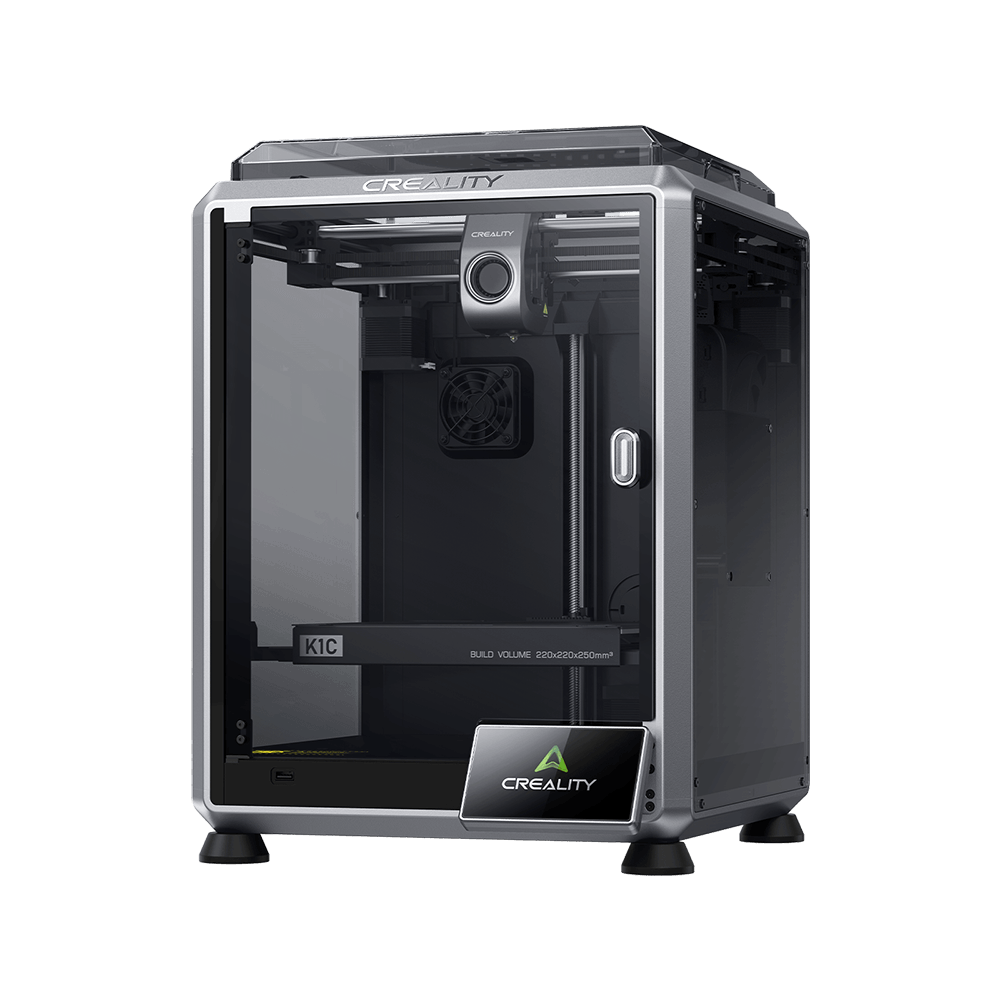
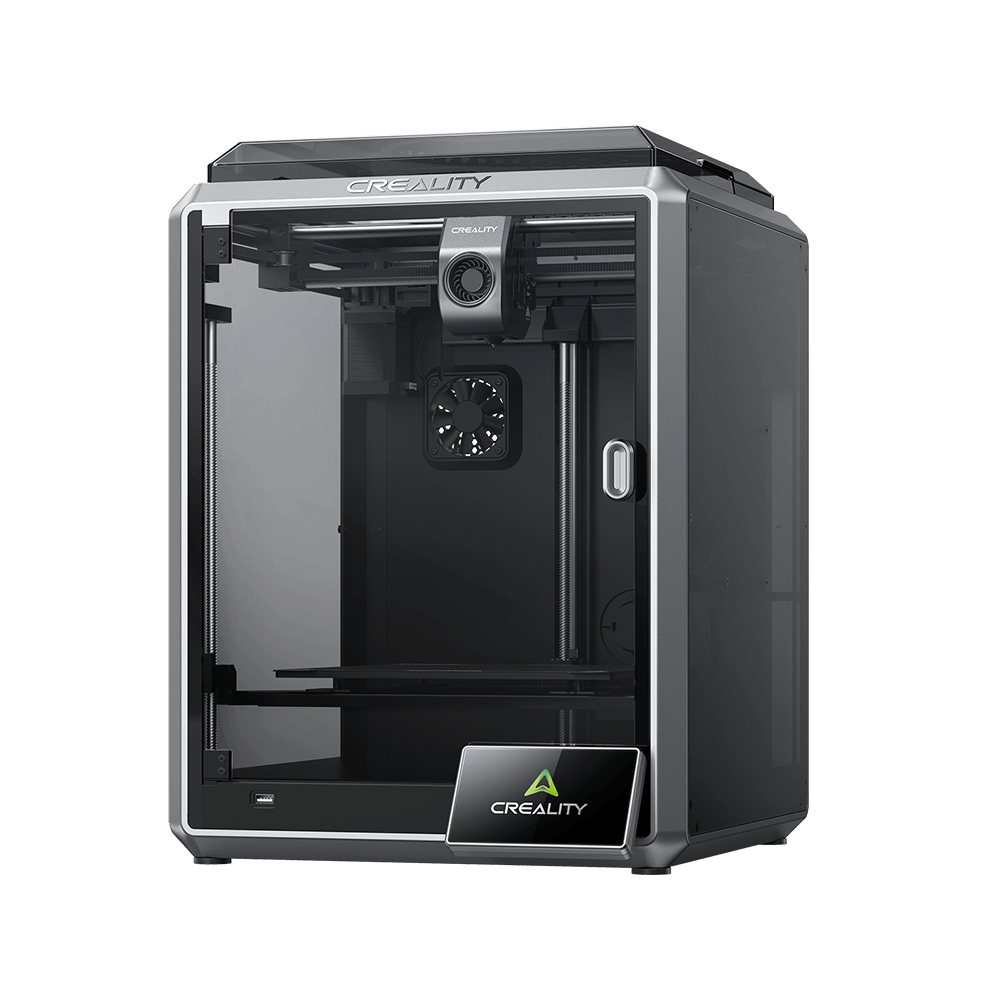
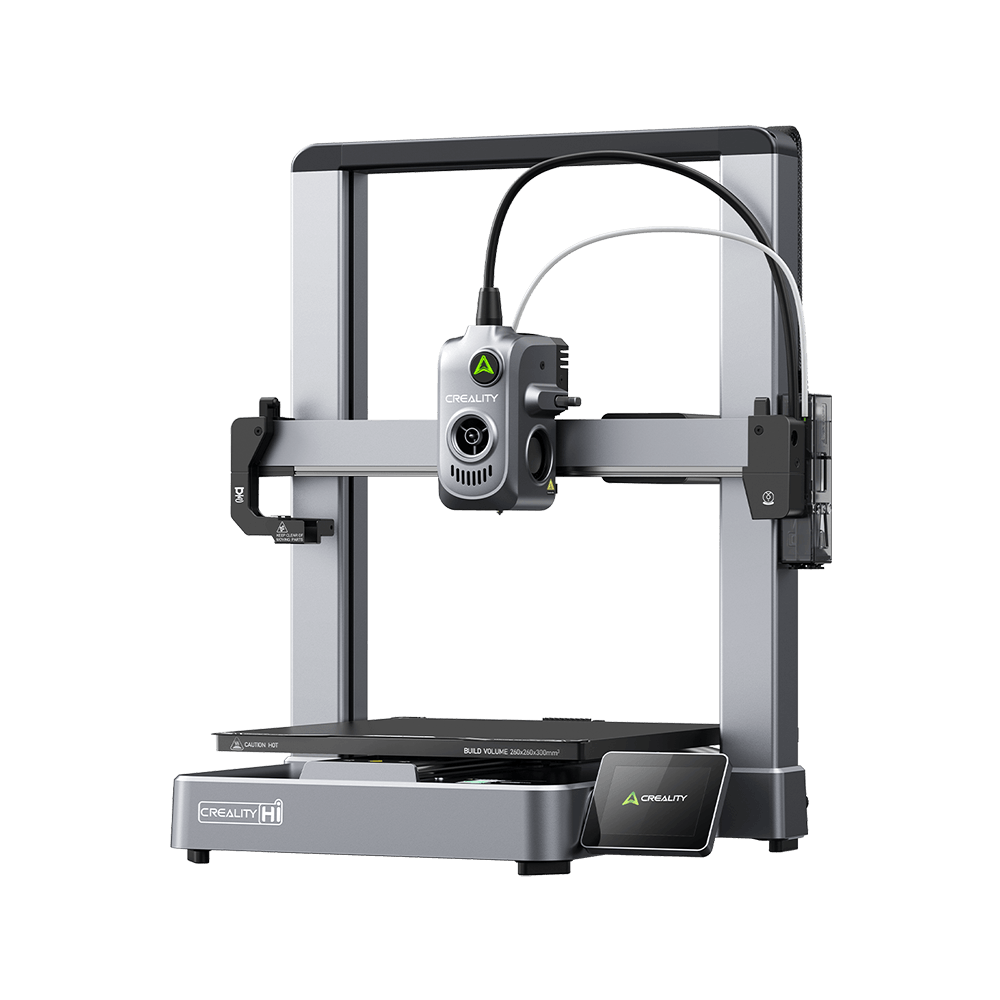
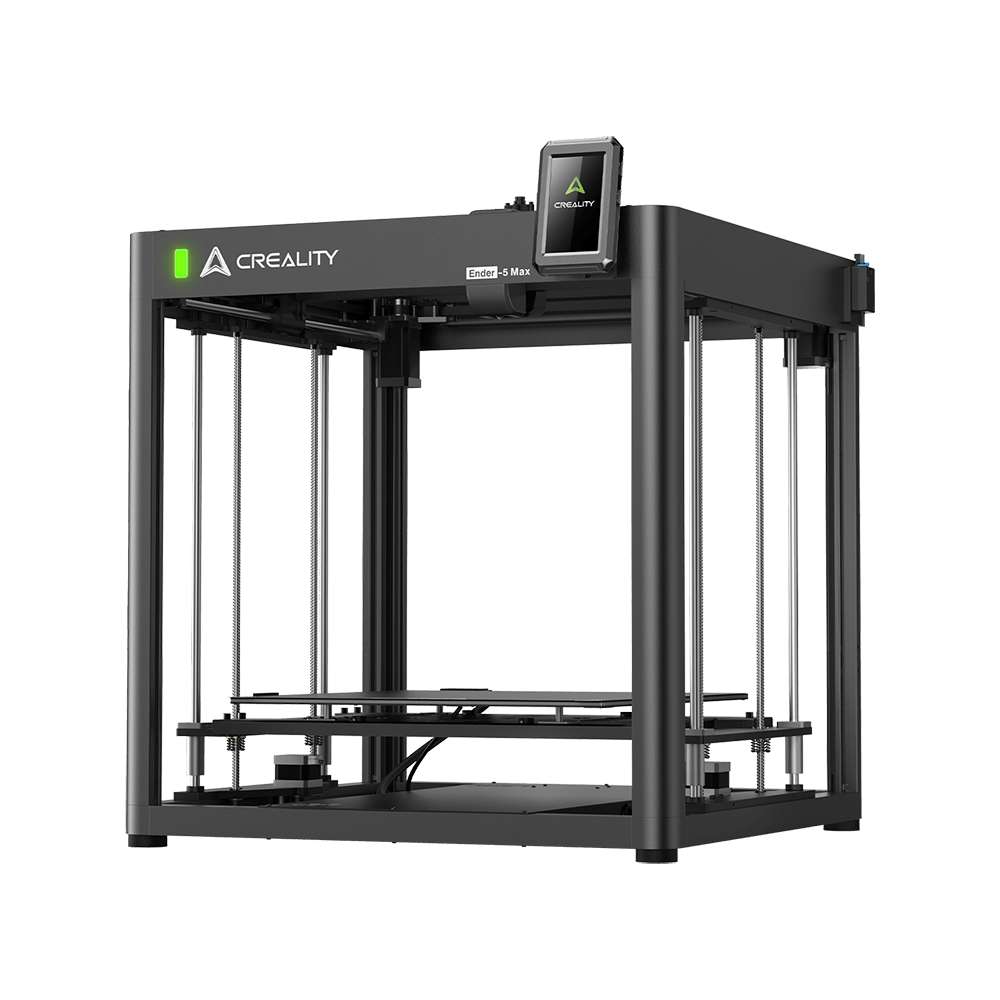
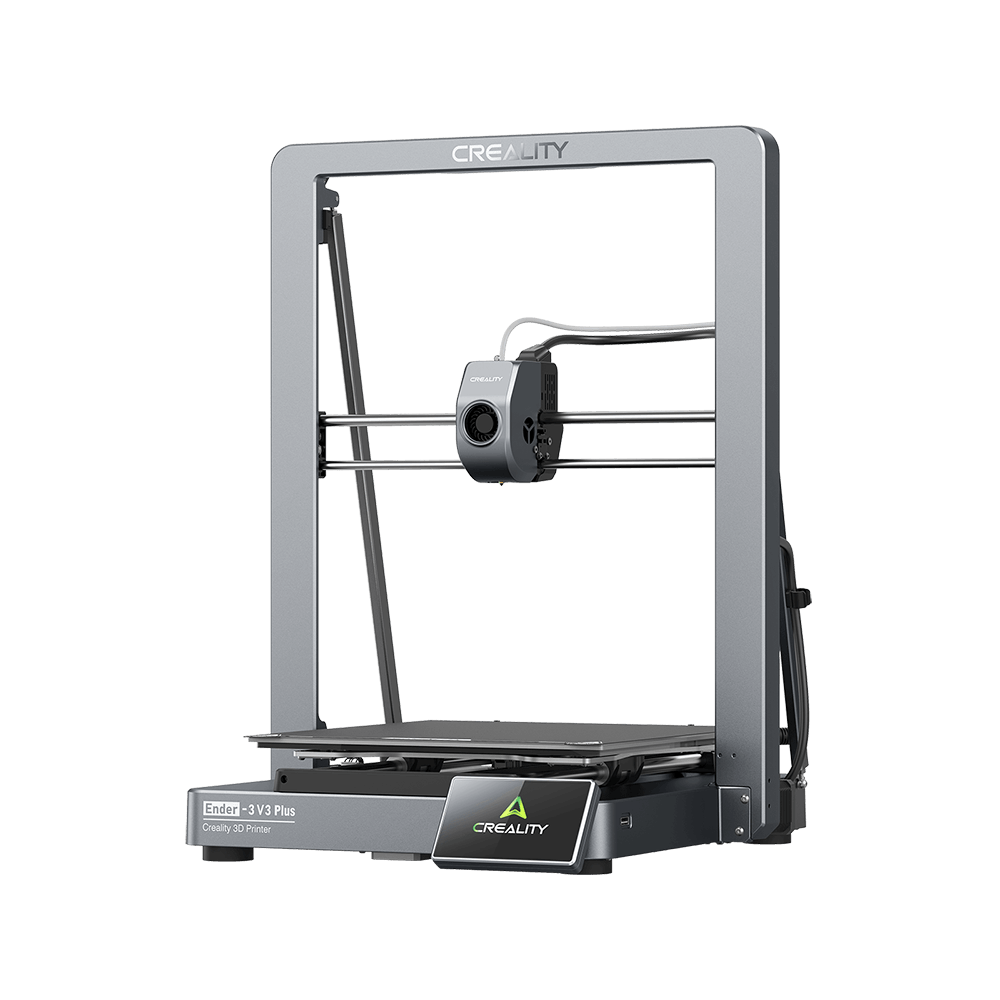
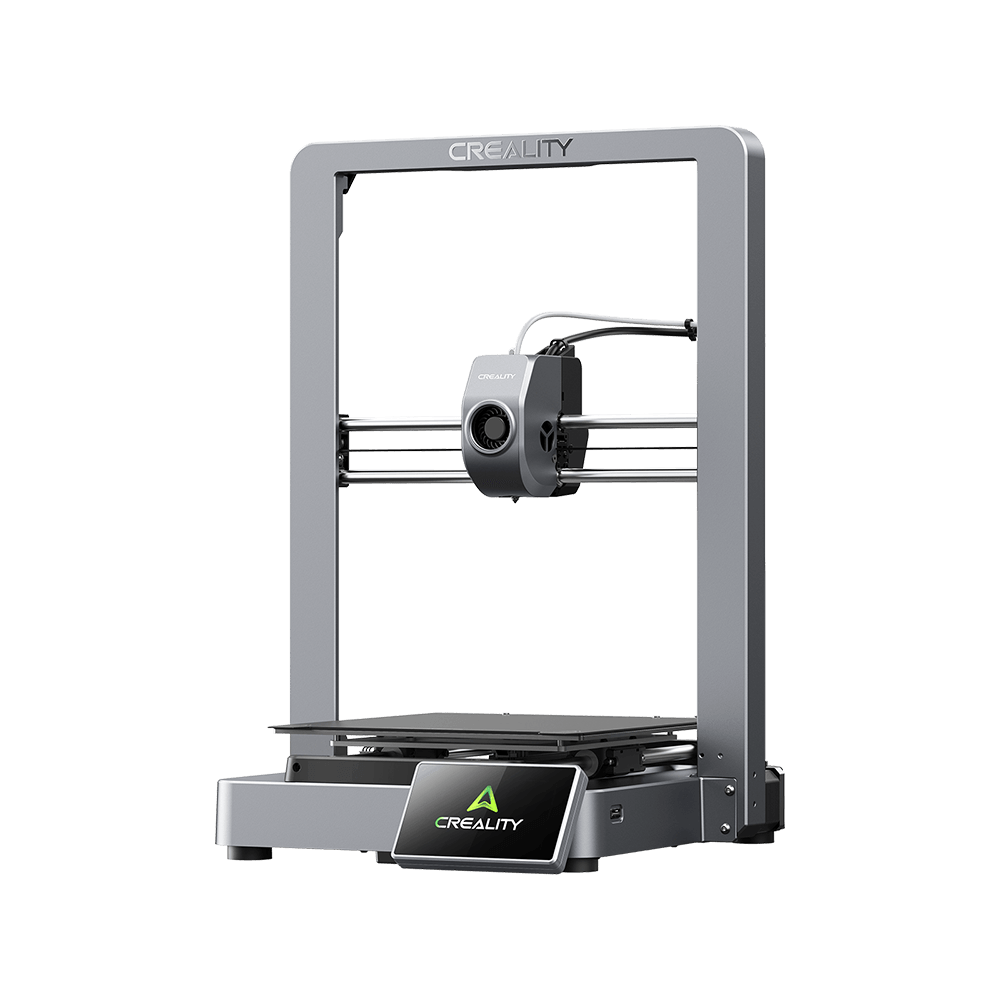
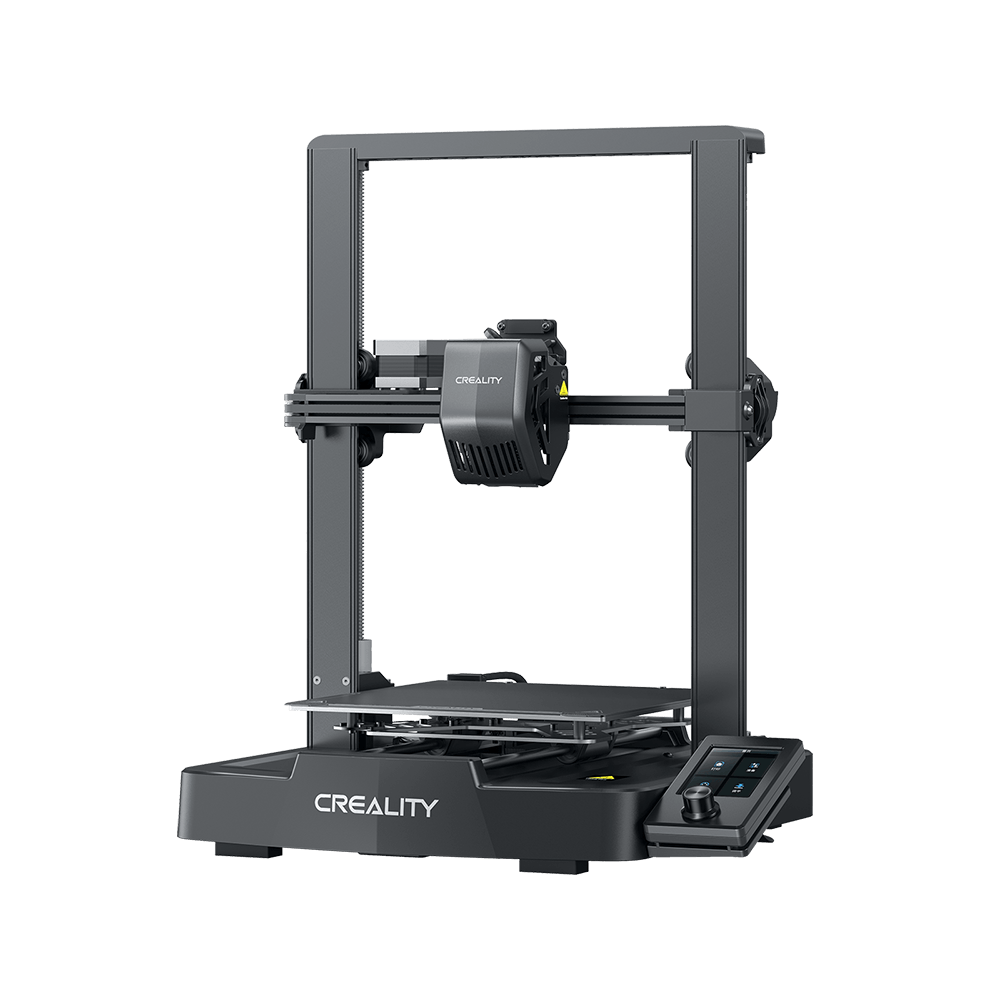
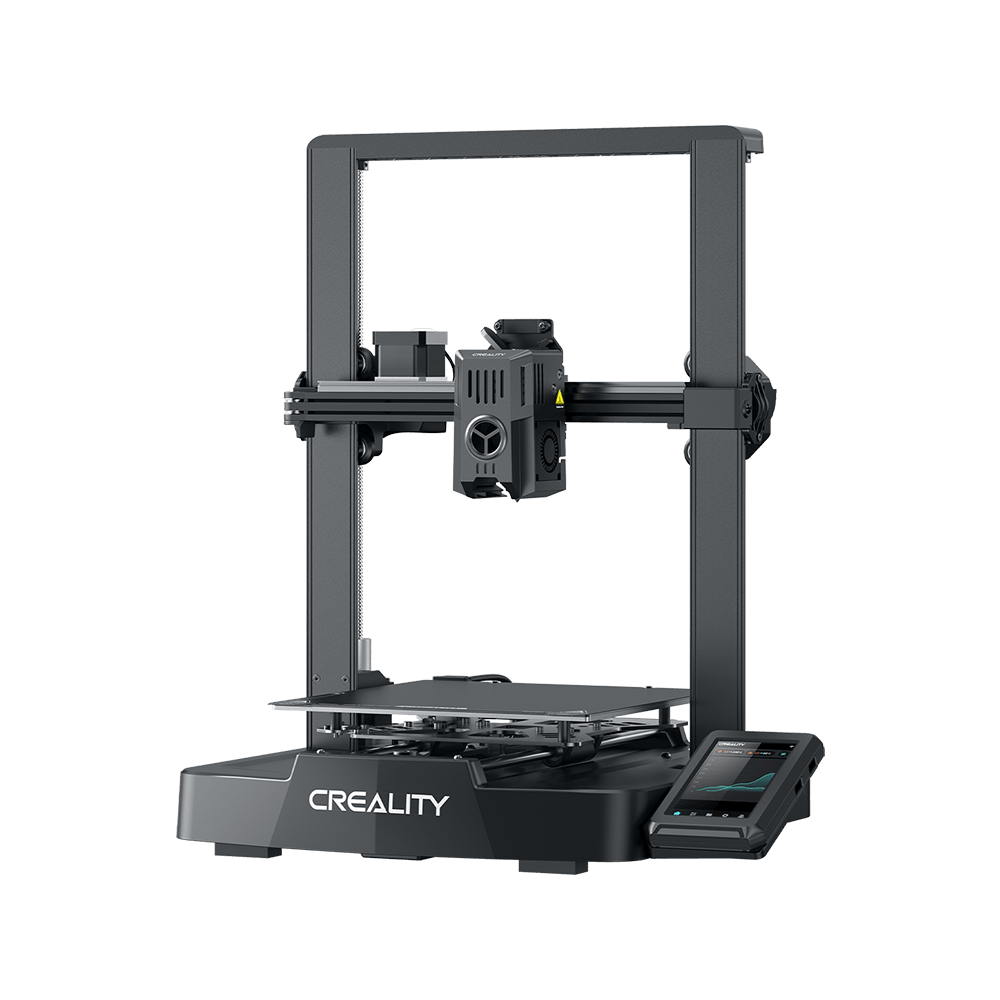
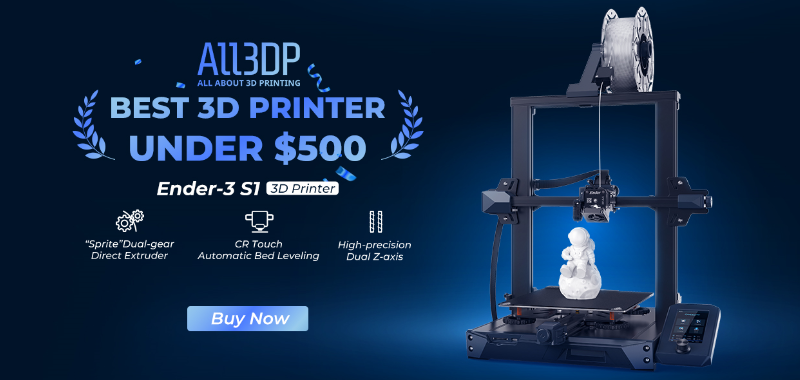
The Ender-3 S1 is the new generation bestseller of DIY 3D printers in the Creality Ender-3 printer family, equipped with high-quality accessories such as the "Sprite" extruder, CR touch auto-leveling and dual Z-axis, greatly improving print quality and making it the best 3D printer in the 3D industry with the best print performance for under $500. But Ender-3 S1 offers so much more than just the function of original accessories that users can upgrade the printer to enjoy the different Ender-3 S1.
Upgrading and modifying DIY printers help to the quality of prints and upgrade the printing experience. Providing the best peace of mind users can have while expanding printer’s capabilities, to experience the fun and sense of achievement of retrofitting.
High Temperature Printing Solutions

As 3D printers become increasingly popular, high-temperature filaments are may be used in everyday printing, such as PC, PA, or PLA filaments with special materials such as wood, carbon fiber, marble, etc. The Ender-3 S1 comes originally with a printing hotend that can support a printing temperature of 260°C, which cannot meet the demand for printing high-temperature filaments.
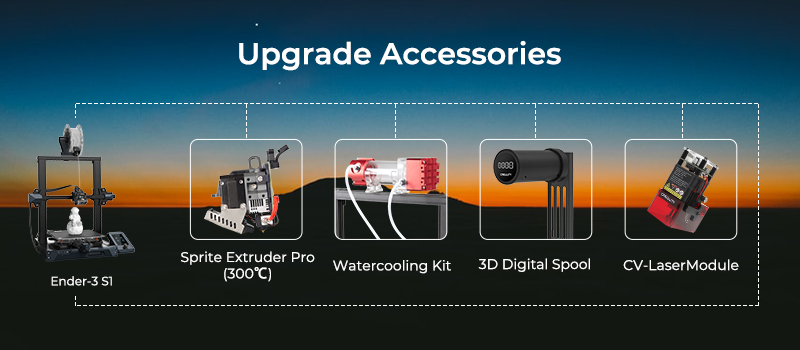
Sprite Extruder Pro with an all-metal design that supports the printing of high-temperature filament up to 300°C. Wider range of filaments can be chosen by users to meet different printing needs without worrying about clogged and other extrusion accidents.
Sprite Extruder WaterCooling Kit
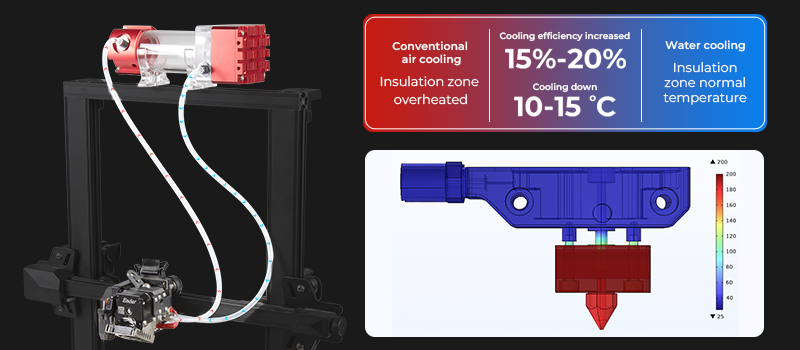
The cooling method of water coolant circulation is widely used in computer products, and Creality development has applied this technology to 3D printers to provide more efficient cooling performance and improve printing quality.
Compared to traditional cooling systems - air cooling, watercooling can increase cooling efficiency by 15-20%, reduce the temperature in the insulation zone by 10-15°C and temperature will be stabilized more quickly for smoother filament feed-in.
Watercooling is a great advantage for the printing of special filaments such as engineering plastics. For example, ABS materials require a constant temperature and humidity in order to ensure print quality.
Users can run an Ender-3 S1 in an enclosure and install a water cooling kit for efficient heat dissipation to get perfect printing works.
Digital Spool Rack

When printing models, 3D printer users often face a situation when there is a small filament left over, it is difficult to accurately determine whether the filament can support the print for a new model, or be abandoned.
Creality digital spool rack can help to solve this problem.
Digital spool rack accurately weighs and displays the amount of filament remaining, which combined with the slicing software, users can determine whether the remaining filament is meet for the model to be printed, thus avoiding any shortage of filament that could affect the complete printing and reduce waste. Digital spool rack has built-in bearings to improve the smoothness of the filament feed-in.
PEI Printing Plate Upgrade
Choosing a printing plate is a frustrating task. Normally if a platform plate with good adhesion means the printed model will be difficult to remove. Conversely, the plates that are easy to remove model tend to have poor adhesion. When using a scraper to remove models, there is a fear of damaging the platform plate. So, How to choose a printing plate that has good adhesion, wear resistance and easy model removal? We would recommend that to choose PEI printing plate.
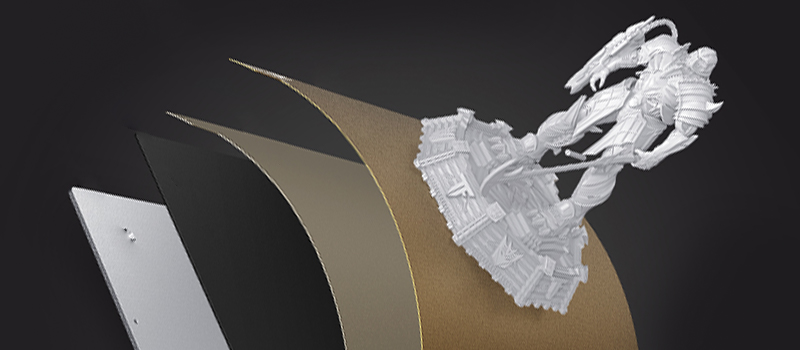
The PEI printing plate surface with PEI coating material which is fast heating up and has strong adhesion.
The main body is made of elastic steel plate, which has good flexibility and can be easily removed model by bending the platform board, and it is durable and will not be deformed.
Retrofit to Laser Engraving Machine
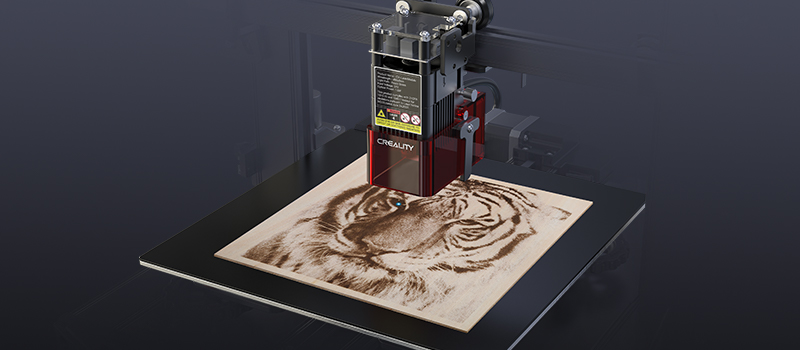
Printers are not just printers.
Want to turn your Ender-3 S1 into a laser engraver? You need a laser module.
Replace the Sprite extruder with a CV-Laser module (Available in 1.6w or 5w power, users can choose according to their engraving needs). Start the creative laser engraving journey.
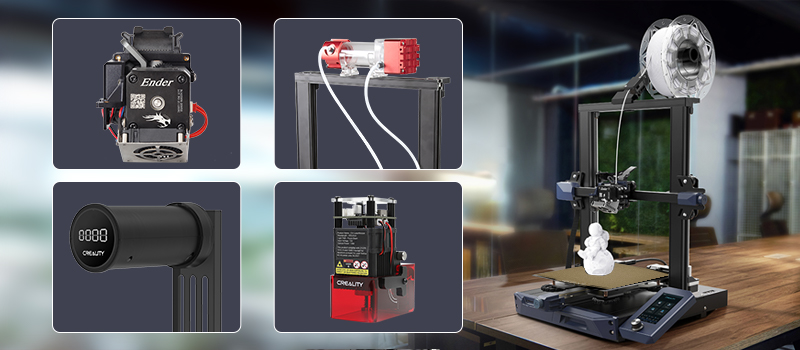
Indeed, your printer can do so much more. It's time to get creative!
More great upgrade ideas, kindly share them on the Creality Cloud and let more people discover your creative modifications.