

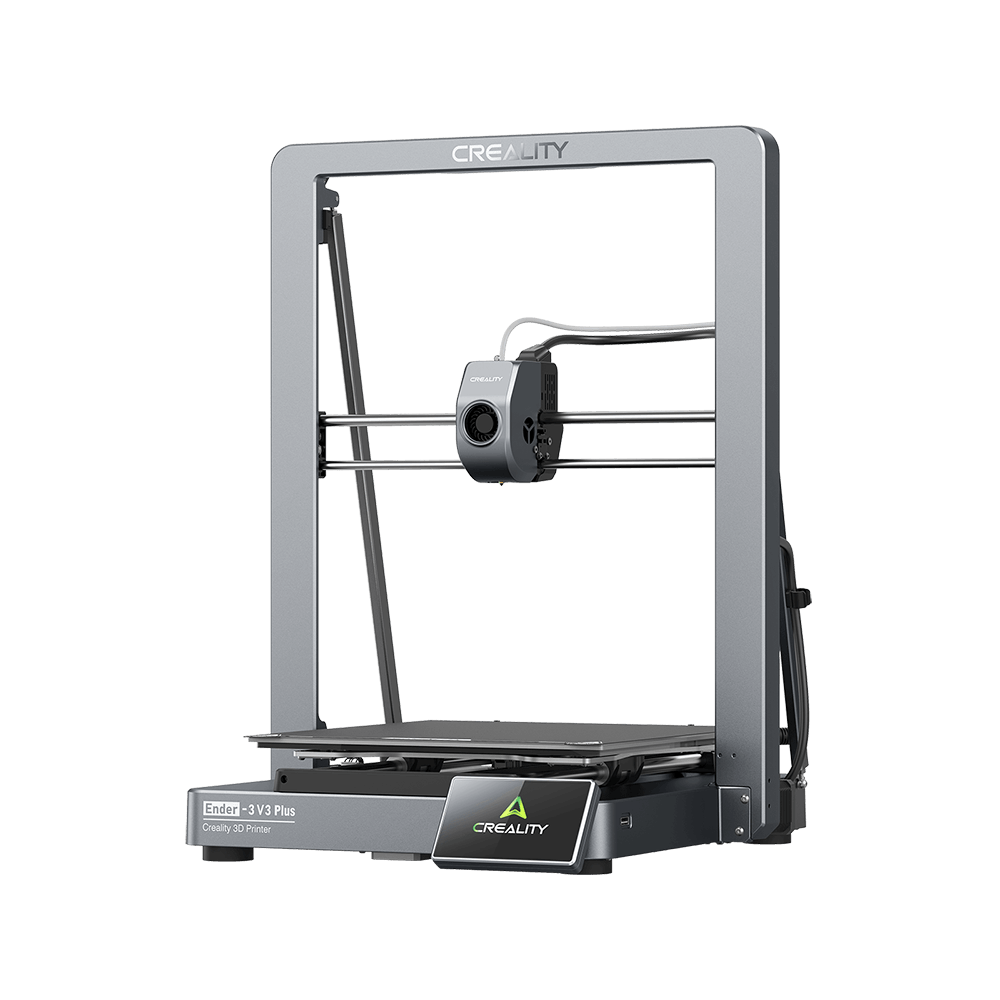
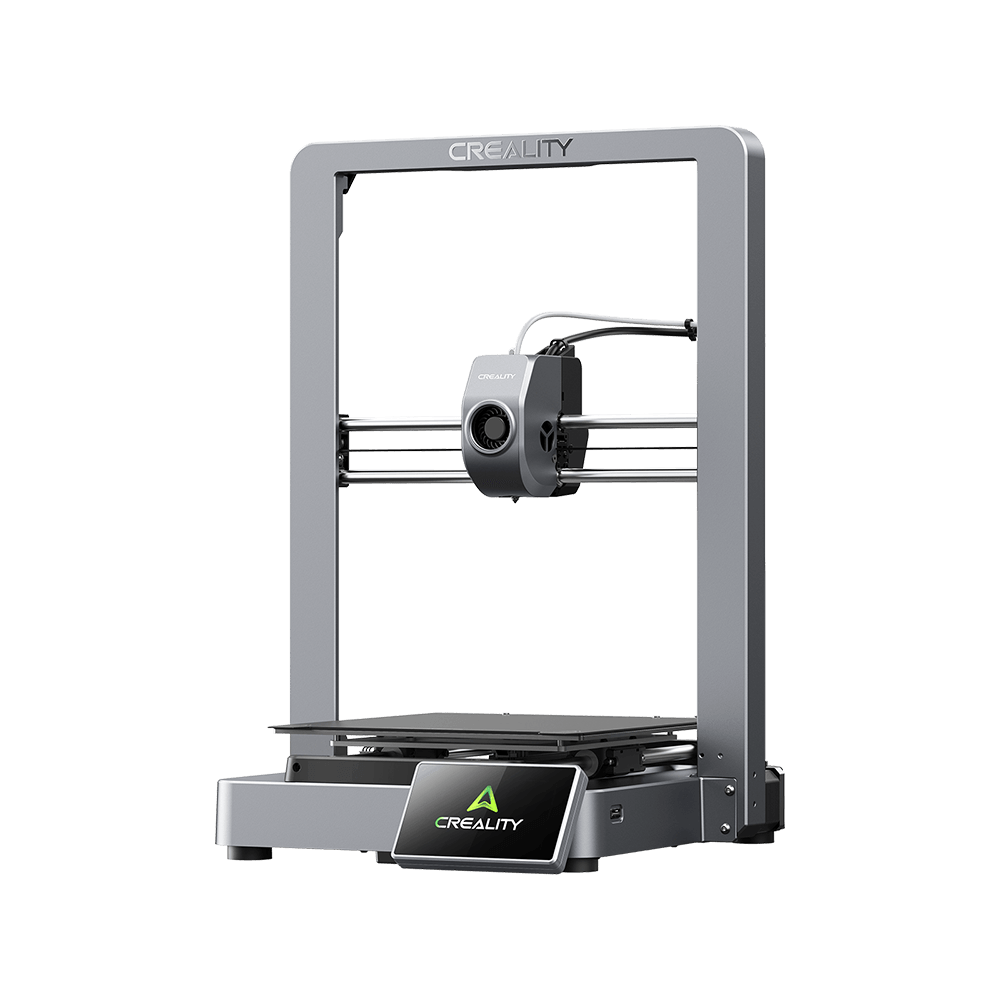
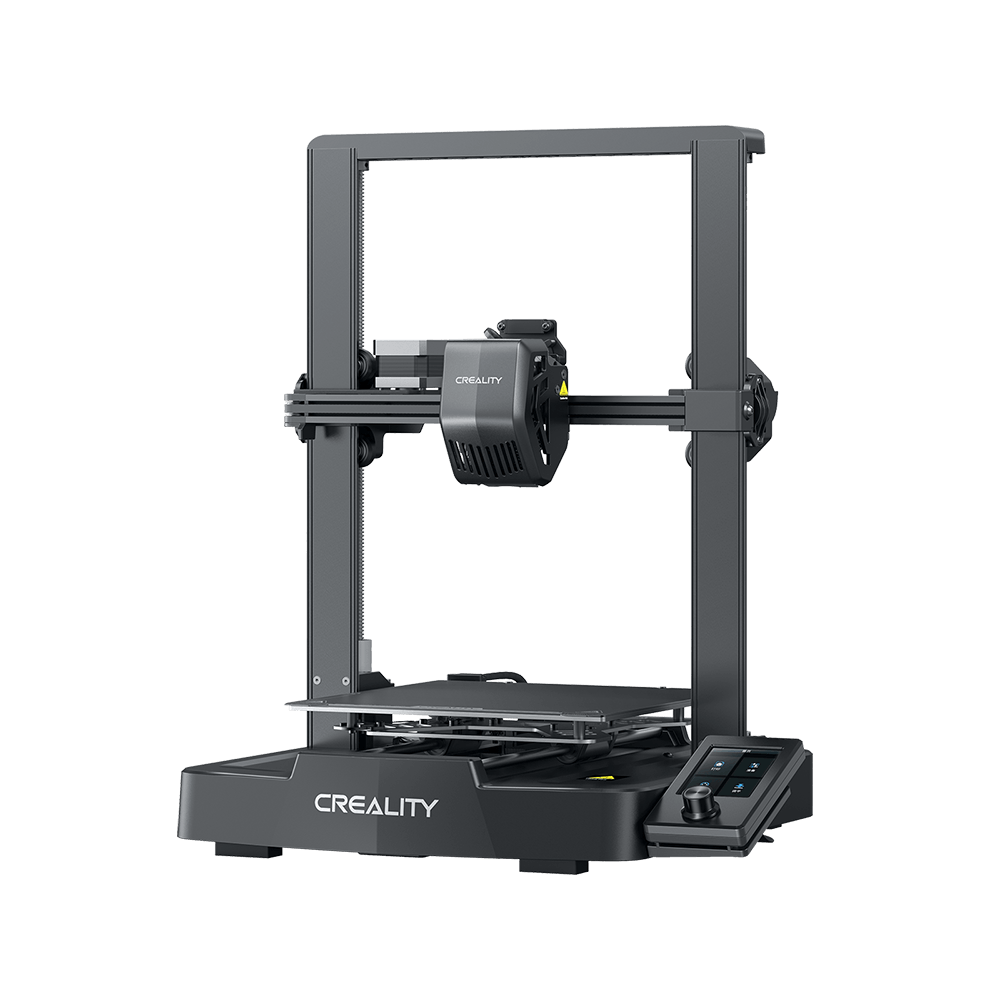
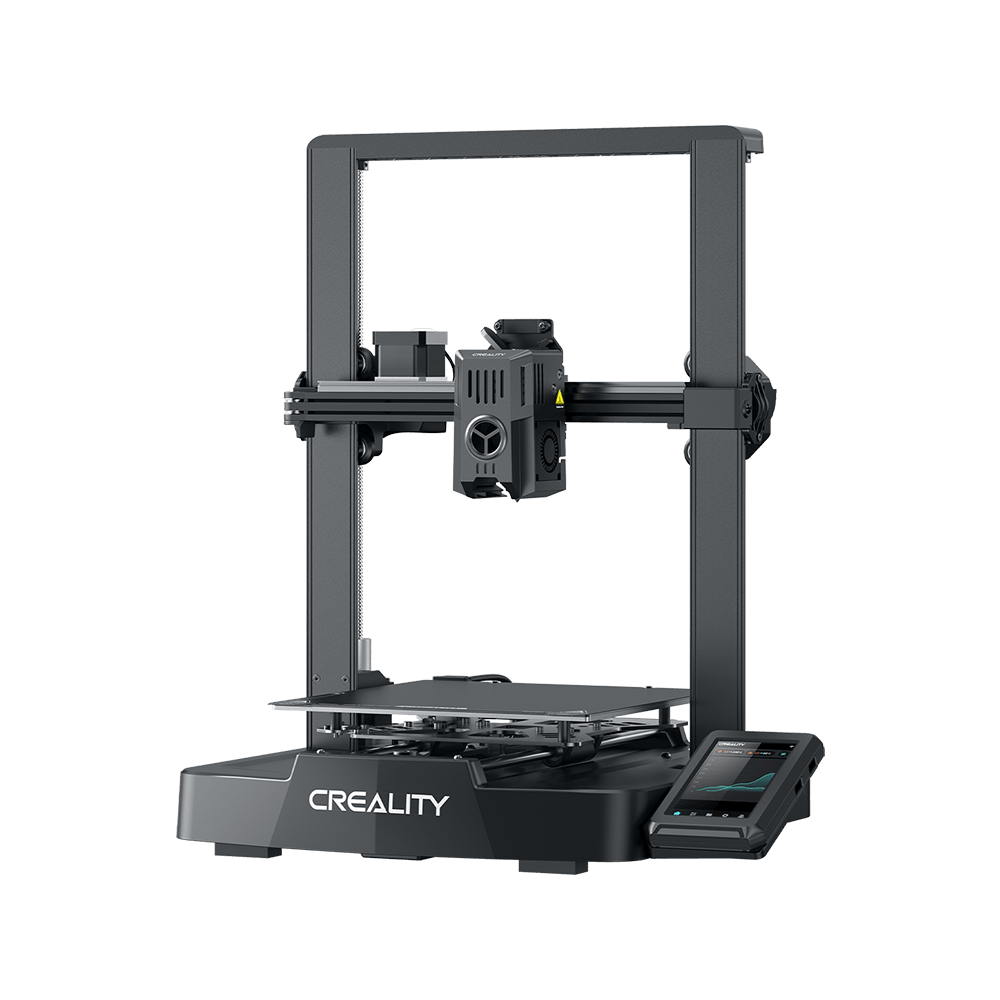
Creality the Ender-3 S1 has got unanimous approval and favorable comments from domestic and international users and made a stir in the world after it launched.
The Ender-3 S1 Pro – an upgrade on the Ender-3 S1, is quite excellent under the high-temp condition, creating more possibilities for 3D printing.
Let’s make a closer look and see what is unique about the Ender-3 S1 Pro.
High-Temp Passion, Good with Multiple Filaments
For the Ender-3 S1 Pro, the most attracting thing is its good performance under high-temp conditions. The nozzle made of brass can stand up to 300°C printing.
It is compatible with multiple filaments, such as PLA, ABS, PVA, Wood, TPU, PETG, and PA, creating numerous possibilities for the imagination. There is no need to change the nozzle even printing with different filaments, which is time-saving with enhanced efficiency.
“Sprite”, Small but Powerful
The Ender-3 S1 Pro uses the self-developed “Sprite” full Metal Dual-gear Direct Extruder. Same as its name, “Sprite”, it is small but powerful – weighing only 334g, but the extrusion force can be up to 80N.
It enables smooth feeding when printing with diverse filaments, including those flexible materials, providing users with a stable and reliable printing journey.
Hassle-Free Leveling
Equipped with CR Touch, the 16-points automatic leveling ensures perfect leveling by measuring the distance between the nozzle and the heat bed and accurately completes compensation. Therefore, the Ender-3 S1 Pro is friendly, especially for 3D printing beginners.
Interaction via the 4.3-Inch Color Touch Screen
The 4.3-inch color touch screen enables click-to-control. It supports the switch among nine languages, making the printer more manageable for people from various regions worldwide.
Moreover, the touch screen will automatically dim out for energy-saving if there is no action for three minutes, echoing the energy conservation policy.
Quick Assembly – Easy to Handle
The Ender-3 S1 Pro is of modularized structure. 96% of the print body is pre-installed. Thus, the assembly can complete within six steps, allowing users to begin their printing quickly with no complicated assembly steps.
Bend to Remove the Print
The build surface of the Ender-3 S1 Pro is covered by a PEI spring steel build plate, which is durable. It not only has good adhesion to the printed models but is also bendable, enabling a slight flex to remove the print.
In this way, no need to worry about model toppling or the difficulty to remove the print, the Ender-3 S1 Pro helps solve these problems for users.
Impressed with Human-Centered Design
A LED light strip is equipped at the top of Z-axis, providing even fill-in light and allowing a precise observation in the dark. In addition, a handle is added to the build surface for easier pulling out under the high-temp condition. Safe enough for every user.
Creation Potential, More Possibilities
The Ender-3 S1 Pro offers both laser engraving and liquid cooling heatsink for choice. Users can make a purchase according to personal preference. The laser engraving module can customize favorite images.
The liquid cooling heatsink is good at heat dissipation, speeding up the cool-down process and helps achieve high-precision printing.
Before we jump to the end, let’s have a quick look at the comparison between the Ender-3 S1 and its Pro version.
In addition to the machine dimension and net weight, the Pro version got upgrades in seven aspects, including the build plate, extruder, nozzle temperature, display, supported filaments and supported languages.
By optimizing the equipment as well as functions, Creality aims to make 3D printing more user-friendly, more reliable and more creative.
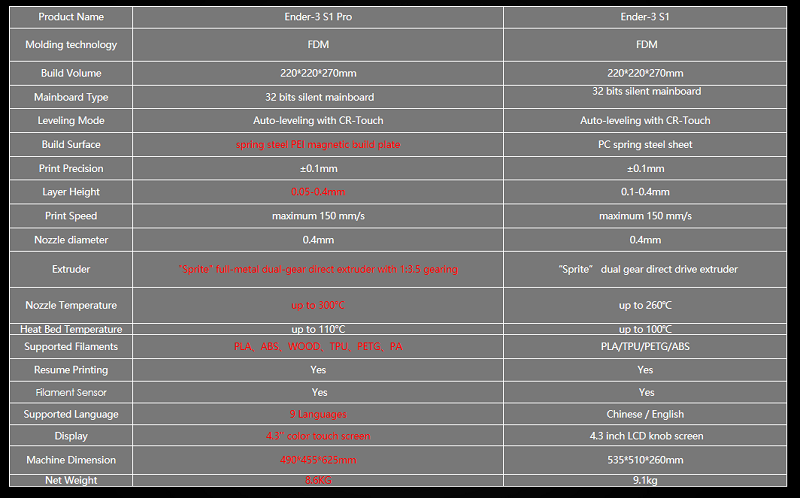
(The difference between Ender-3 S1 and Ender-3 S1 Pro)
Creality celebrated its 8th anniversary on April 9th this year and during the ceremony, Creality launched its new DTC website as well as the official store, where users can obtain basic information and buy The Ender-3 S1 Pro directly.
Along with the Ender-3 S1 Pro, Creality also brings the Ender-3 S1, CR-Laser Falcon, Sermoon V1 & V1 Pro, CR-10 Smart Pro and the HALOT-ONE PRO & PLUS to consumers.
Furthermore, the Ender-3 S1 Pro is compatible the laser module, which enables users to combine 3D printing with laser engraving and cutting.
Creality Box 2.0 is also optional, which can help realize remote slicing and printing for The Ender 3 S1 Pro, providing users with abundant model resources and allowing users to have fun.
If the Ender 3 S1 Pro meets your requirements, keep an eye on it. The Pro version, pricing $499, will be available soon and Creality’s The Ender 3 S1 sells at $399. If you like it, why not pick one and add a little bit joy to life?
Source by 3D Printerly.