






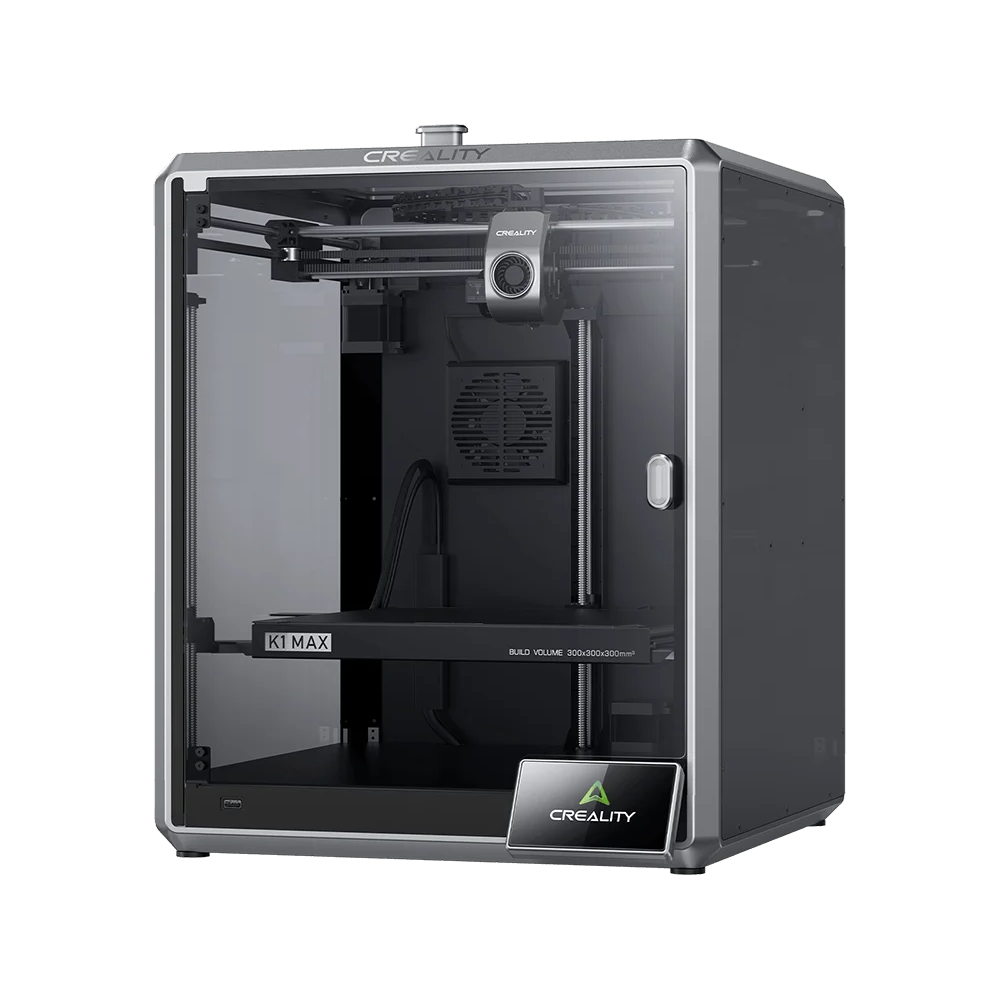




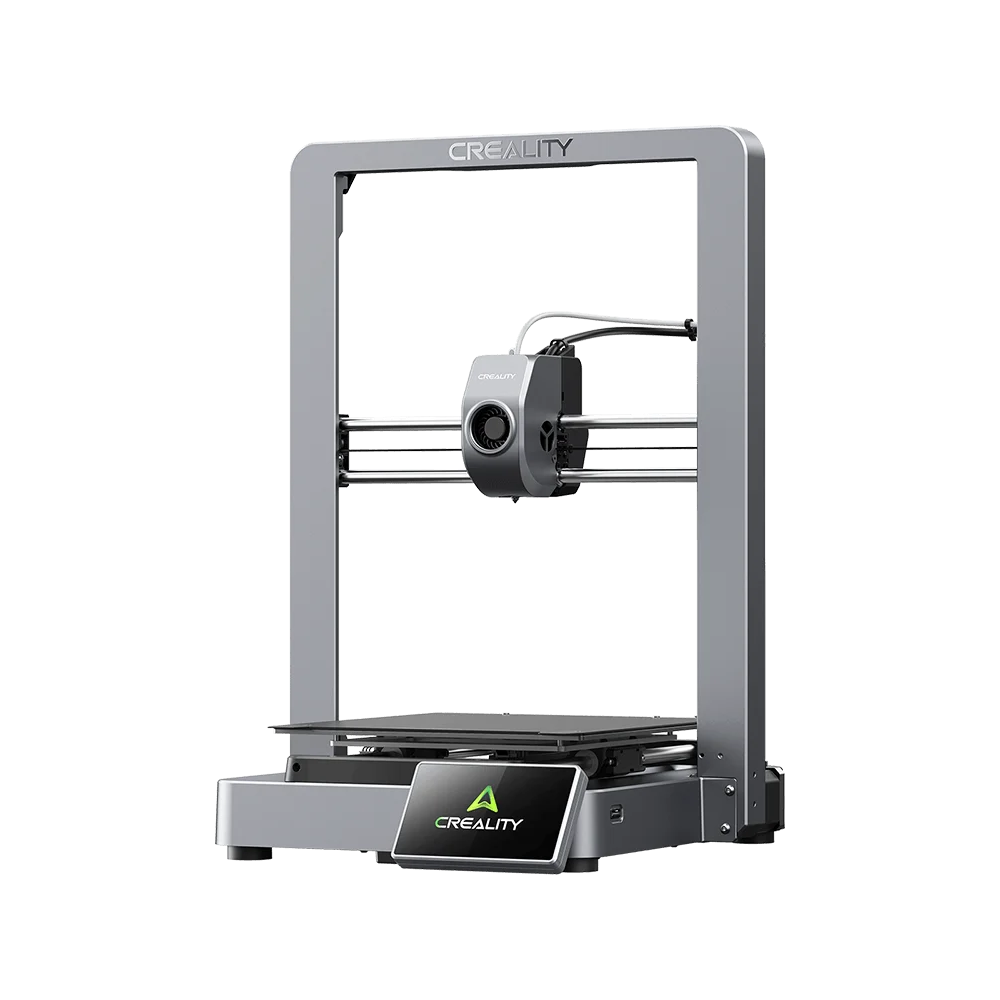

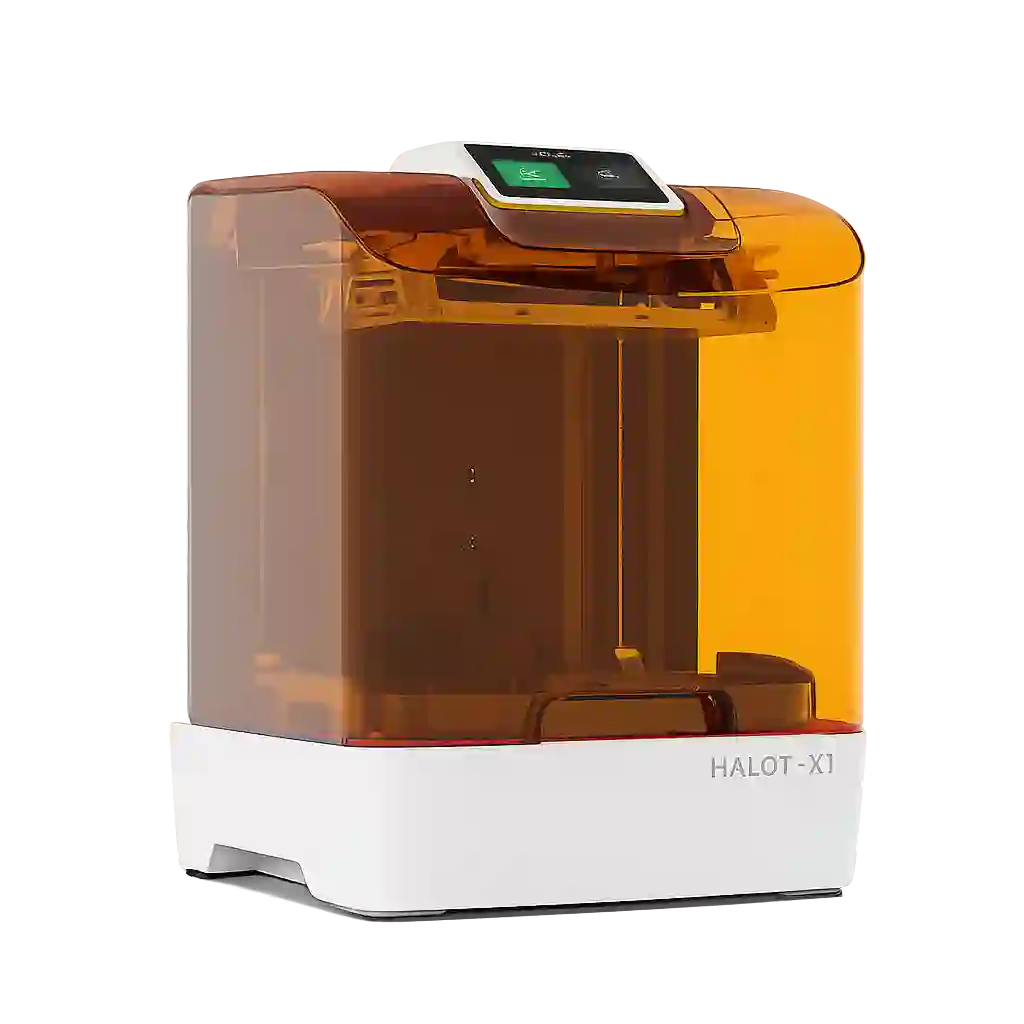























The allure of an all-in-one device is undeniable—combining a 3D printer with laser cutting and other functionalities into a single package appears to offer space savings and convenience.
Innovators in this field deserve recognition for their bold attempts to redefine manufacturing capabilities through integrated solutions.
However, when you take a closer look at the design and functionality, there are strong reasons to believe that investing in separate, specialized machines might be the smarter choice—especially if the cost is well above $2,000.
The Problem of Interference and Contamination
One major concern is the inherent interference between the two functions. Consider the laser module: as it burns and cuts, it produces smoke, debris, and even fine sawdust. This byproduct isn’t just a cosmetic nuisance—it poses a significant risk to the motion system components, which are often hidden in hard-to-reach places. The chemicals released from burning various materials could settle on sensitive parts like sensors, motors, rails, and belts, leading to premature wear or even failure. In contrast, a dedicated 3D printer remains isolated from such risks, ensuring that its mechanical components continue to operate in an environment optimized solely for printing.
Efficiency and Bottlenecks in a Single Device
Despite claims of multifunctionality, a single device handling two distinct tasks will almost always face limitations. From a manufacturing perspective, relying on one machine for both functions means that whenever the printer is in use, your entire laser production process could come to a standstill. Even if the device performs both tasks well in isolation, the extra structural impact on the build volume can compromise overall efficiency. For businesses with tight production schedules and critical throughput requirements, this could mean more downtime and increased maintenance costs compared to having two dedicated devices that can operate independently.
Flexibility and Scalability
Dedicated machines offer greater flexibility and scalability. Users can select devices that best fit their specific needs and upgrade or replace individual machines as technology advances or as their requirements evolve. An all-in-one device may not provide the same level of adaptability, potentially leading to limitations as user demands change.
Different User Groups, Different Skill Sets
There is also a significant usability issue to consider. The operation of a laser cutter versus a 3D printer demands different levels of expertise and safety precautions. Laser modules, in particular, have a steep learning curve and require strict adherence to material guidelines. The risks associated with using a laser—especially when it comes to burning unsuitable materials—could lead to costly accidents or even damage to the machine. This bifurcation in skill levels means that while one user might be perfectly comfortable with 3D printing, they might inadvertently misuse the laser function, triggering unexpected incidents. Separate machines allow each device to be tailored to its specific audience, reducing the chance of user error and the resulting consequences.
Conclusion
While the promise of an all-in-one 2-in-1 machine may seem attractive at first glance, the reality is far more complex. The potential for cross-contamination between the laser and 3D printing functions—not to mention the additional maintenance needed to handle debris and chemical residues—raises serious concerns.
Even though there is a version available without the laser module, the very possibility of incorporating laser functionality still affects the overall design. It limits the 3D printer’s performance by taking up valuable space, adding extra heat, and ultimately increasing the cost. For businesses and serious hobbyists alike, the bottlenecks and compromises introduced by this design mean that investing in two separate, specialized machines remains the more reliable, efficient, and cost-effective option in the long run.