

Have you ever been troubled with creating an STL file for 3d printing? Especially for entry-level users, mastering 3D printing skills is really a daunting task.
But creating STL files is of great importance because 3D prints cannot even be produced without an STL file and the print quality highly depends on the parameter settings of the files.
Now you no longer need to worry about it, the following are the best 3D modeling software, both for beginners and professionals. They are sure to provide you with an enjoyable printing experience through a simple user interface, easy operation, and smart settings.
1. Blender Where to download:https://www.blender.org/
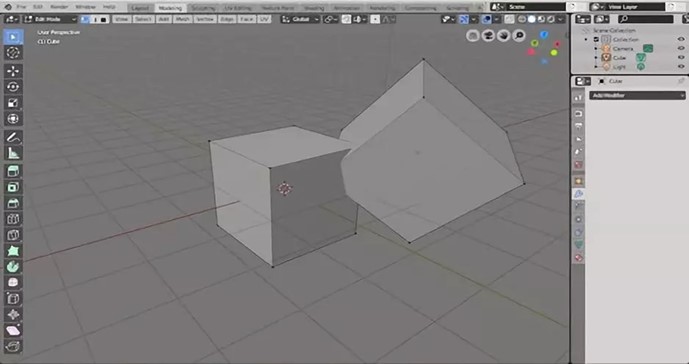
If you are on a budget at present or you are often tortured by boring STL files, the Blender will be the crime of choice. Blender is free software for both beginners and professionals, and it is easy and fun to use.
No matter what you want to do and what kind of job you are undertaking, this software is able to satisfy your various needs. It supports the entirety of the 3D pipeline—modeling, rigging, animation, simulation, rendering, compositing, etc. The software’s users are all over the world including and not limited to individual artists, professionals, hobbyists, scientists, etc.
2. OnShape Where to download:https://www.onshape.com/
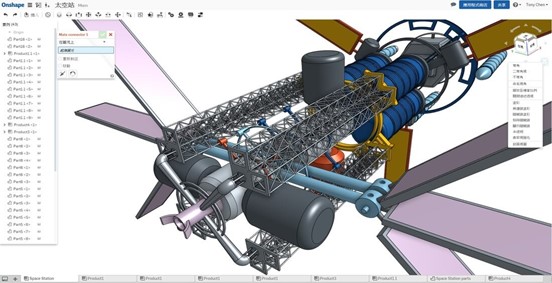
Perhaps some of you are going to start up a business or work as product designers, then Onshape is sure to bring you a lot of conveniences and modernize your design process. It is the only platform that unites CAD, data management, collaboration tools, and real-time analytics.
As long as your laptop or mobile device has an internet connection, you can start designing your 3D model files anywhere and anytime.
The most attractive features are its spare parts and technical design. Its accuracy and its precision provide lots of benefits to users such as creating component part that needs to be assembled.
3. Sculptris Where to download: https://pixologic.com/sculptris/
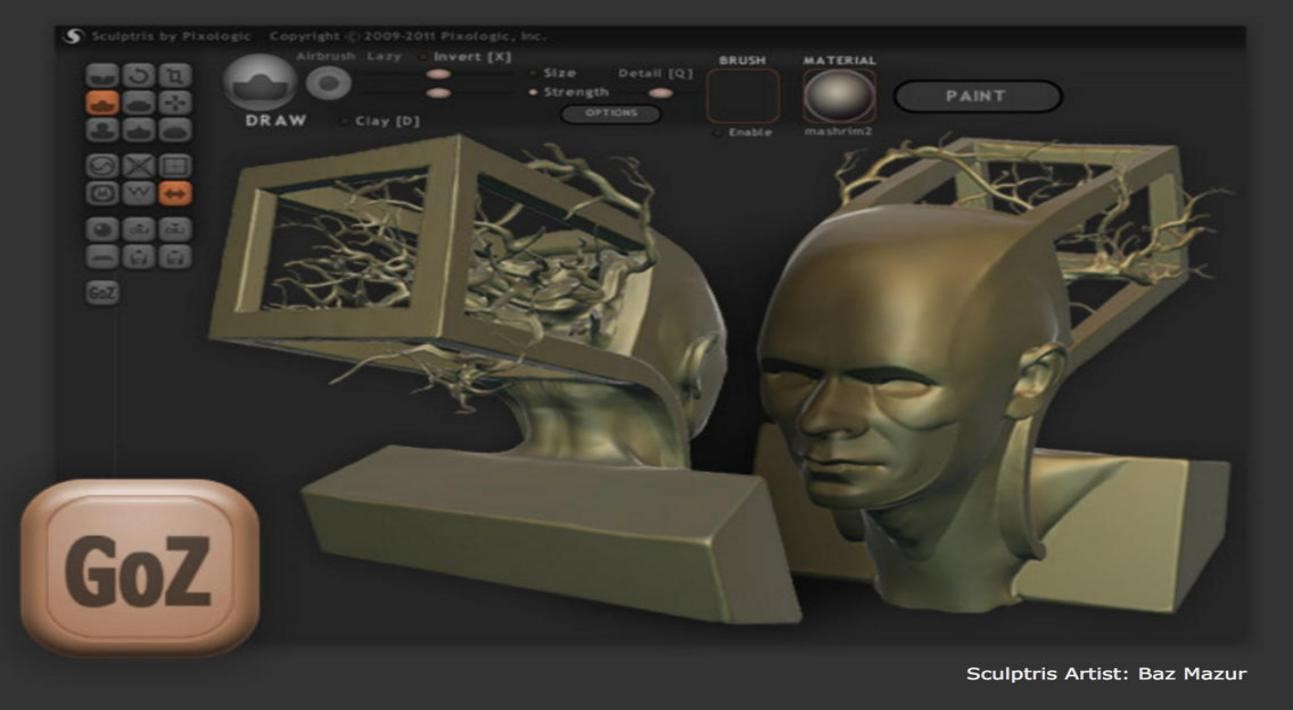
Sculpture lovers, Sculptris is good software you should never miss. It’s multiple functions and streamlined interface helps you jump into sculpting immediately. The most important thing is that Sculptris shares many similarities with ZBrush, the most widely-used digital sculpting application.
Once you grasped the skills of Sculptris, you will find it’s easier to learn ZBrush. So just start your digital sculpting journey with Sculptris!
4. SketchUp Where to download:https://www.sketchup.com/
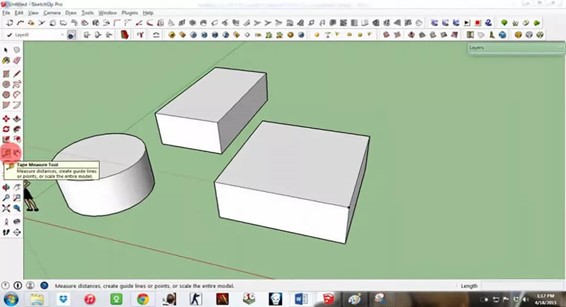
SketchUp, we can tell from its name that this software may provide a wide range of drawing applications. Do you know that SketchUp is developed by Google? But it is now owned by Trimble.
It is known as 3D modeling on the web. Using line drawing, push-pull surfaces, and shape rotation, the software makes it easy to create any type of of3D model. Imagine you can choose anything available to print, is it a truly exciting thing?
5. Wings 3D Where to download:http://www.wings3d.com/
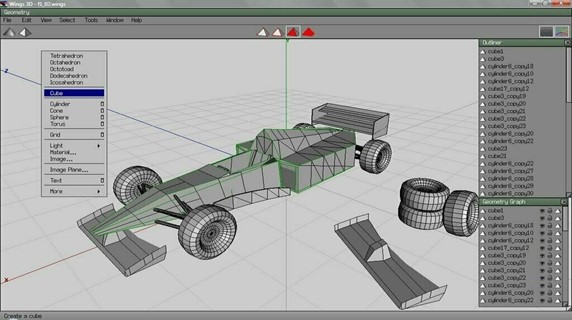
When you were new to 3d modeling, did you spend extra time to learn technical terms or knowledge and extra money to buy entry-level lessons? Now you don’t need to do these things anymore.
For beginners, Wings 3D provides a comprehensive uniform surface on a linear polygon mesh to promote their understanding. Users can quickly change or modify the grid and easily finishes editing textures, lighting, materials, and so on. Wings 3D is completely free for use in both personal and commercial projects.
6. SelfCAD Where to access:https://www.selfcad.com/
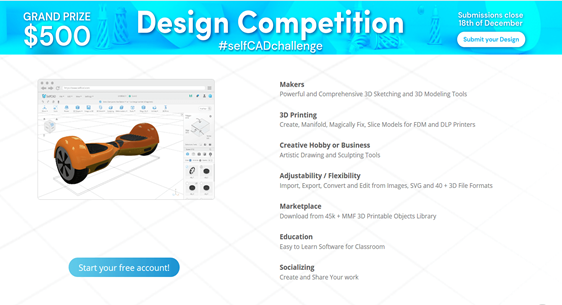
This software perhaps is not strange to you. SelfCADis an online computer-aided designsoftwarefor3D modelingand3D printing, which is a perfect solution for both the professional and hobbyist.
After learning the 3d modeling software, you need to have a good 3d printer to realize your printing ideas. So If you’re interested in 3d printer, please email to cs@creality.com, our sales manager will give you a 3d printer solution soon, thanks.