

Bienvenido a Creality  Conoce la K3 🔥

Creality
Todos los productosSoftwareBlogSoporte Creality Cloud
Tienda
Serie FlagshipSPARKXSerie EnderSerie HiEscáner 3DGrabados LáserSerie HALOT
K3
Nuevo
K3
K2 SE
K2 SE
K2
K2
K2 Pro
K2 Pro
K2 Plus
K2 Plus
Más productos
Comparar
SPARKX i7
Nuevo
SPARKX i7
Más productos
Comparar
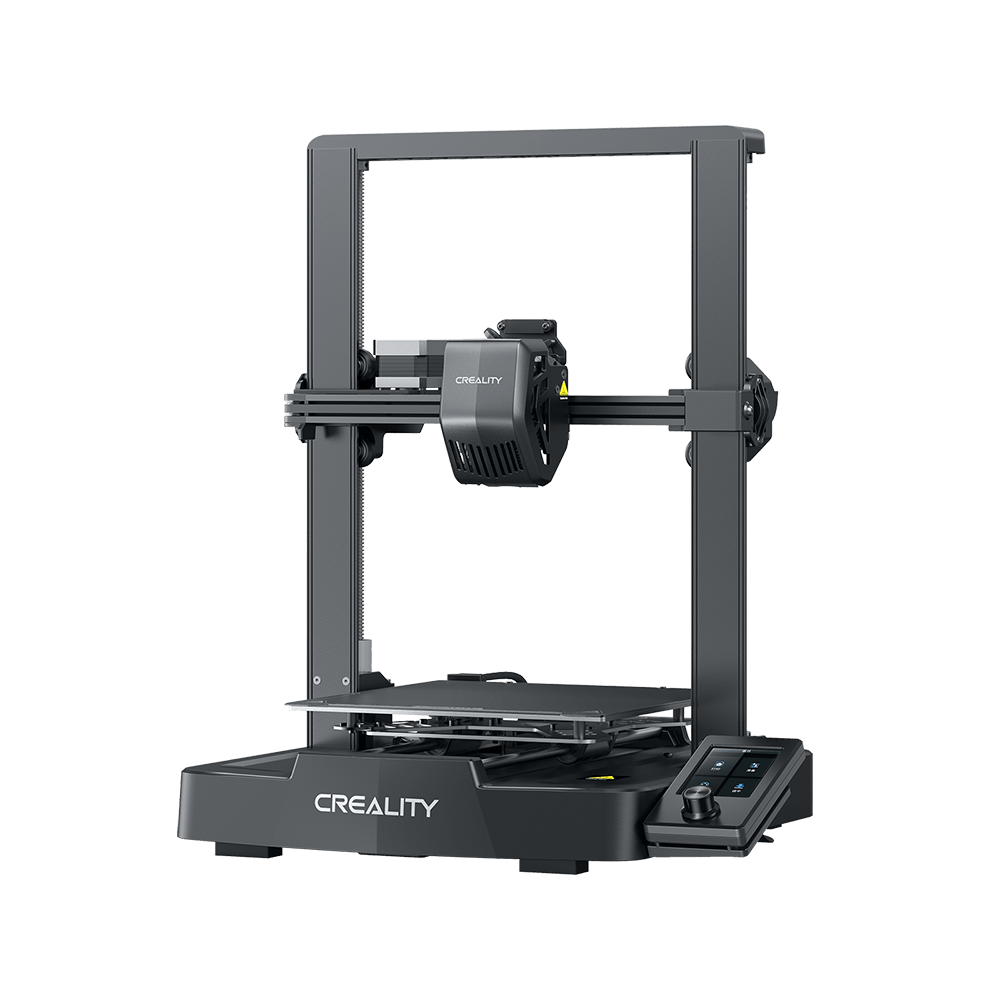
Ender-3 V4
Ender-3 V4
Ender-5 Max
Ender-5 Max
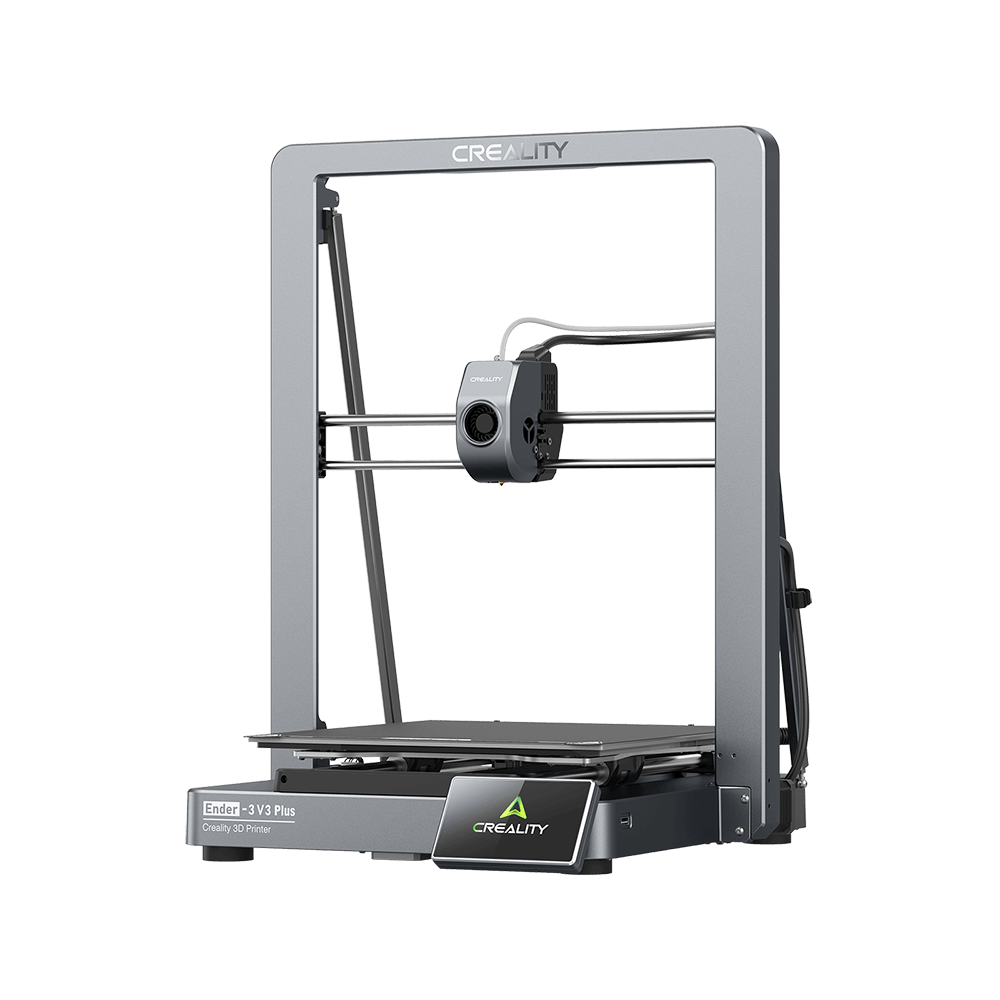
Ender-3 V3 Plus
Ender-3 V3 Plus
Ender-3 V3 SE
Ender-3 V3 SE
Ender-3 V3 KE
Ender-3 V3 KE
Más productos
Comparar
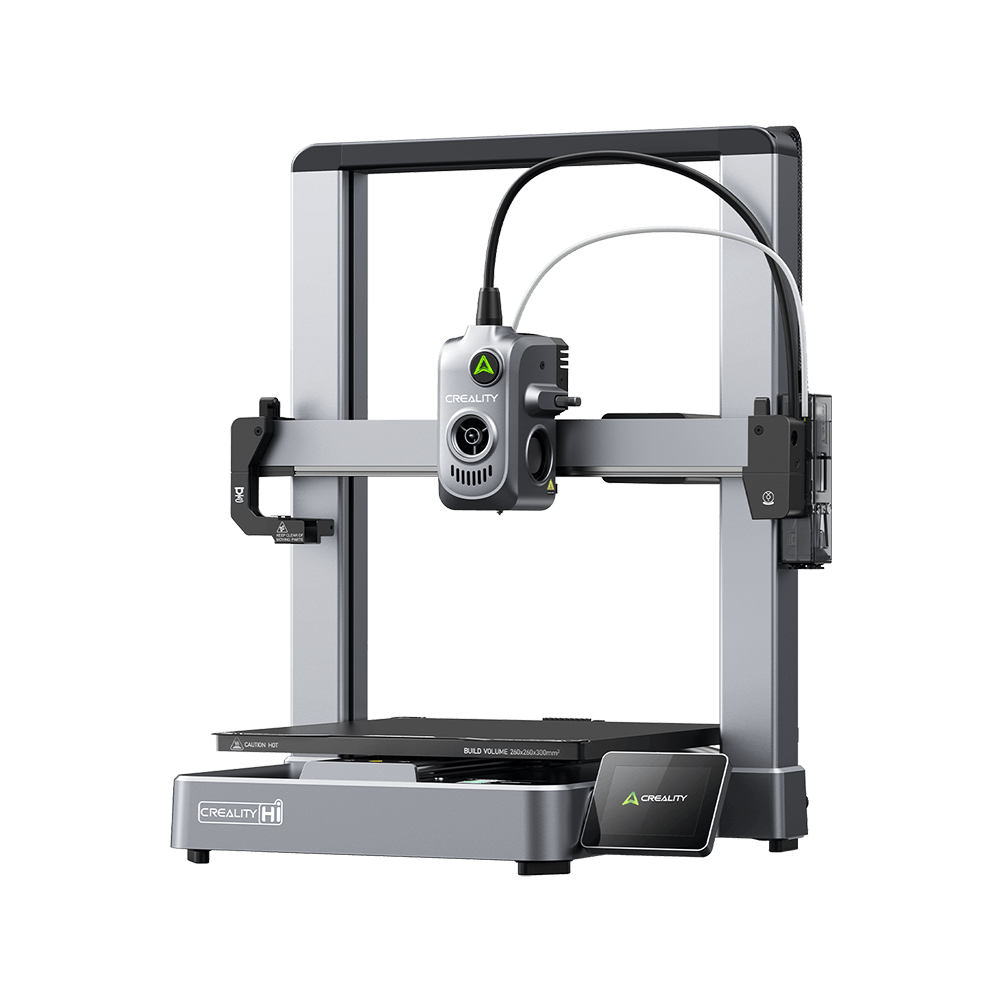
Creality Hi
Creality Hi
Más productos
Comparar
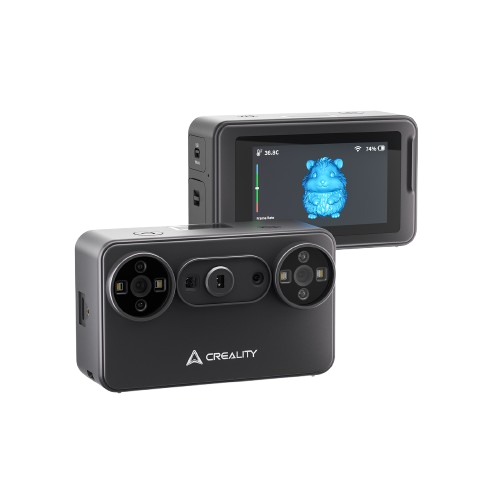
Creality Pika
Nuevo
Creality Pika
Más productos
Falcon A1C
Nuevo
Falcon A1C
Falcon T1
Nuevo
Falcon T1
Más productos
HALOT-MAGE S
HALOT-MAGE S
HALOT-MAGE
HALOT-MAGE
Más productos
Centro de descargas
Software & firmware
Modelos
Aplicación Creality Cloud
Centro de servicio
Centro de ayuda
Creality Wiki
Soporte de producto
Descargar
Vídeo
Parámetros
Descubra más
Sobre nosotros
Contáctenos
Asistencia posventa
Centro de Blog / How to Control your 3D Printer Remotely via a Website?

Únete a nuestro boletín

Recibe conocimientos sobre impresión 3D, guías paso a paso e inspiración para tu próxima aventura de impresión 3D.

Al suscribirte, aceptas nuestros Términos y Política de privacidad.

Redes Sociales

  • YouTube
  • Facebook
  • Instagram
  • TikTok
  • Twitter
  • Reddit
  • Discord

How to Control your 3D Printer Remotely via a Website?

May 27, 2022 16:53:15

For most FDM 3D printers, the user can only control the printer from the printer screen, which means that the printer must be within reach when the user wants to start printing. In today's technologically advanced 21st century, this is kind of out of date. So, making the printer intelligent is a new feature that some users are looking forward to.
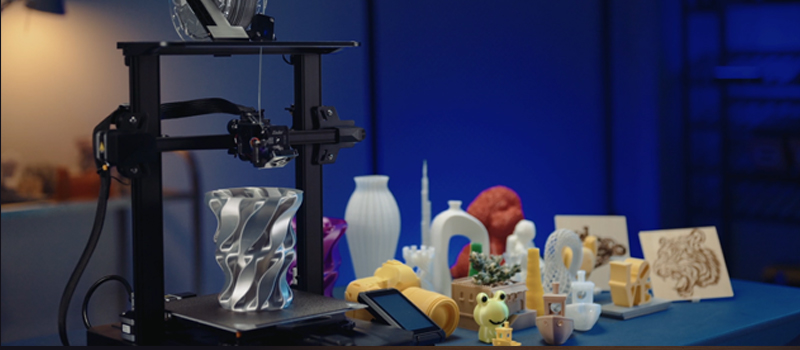
The FDM printer is a digital product but not networked. In order to be intelligent, media is needed to connect the printer to the network. Creality Box is a high performance and cost effective product to fulfil this function.
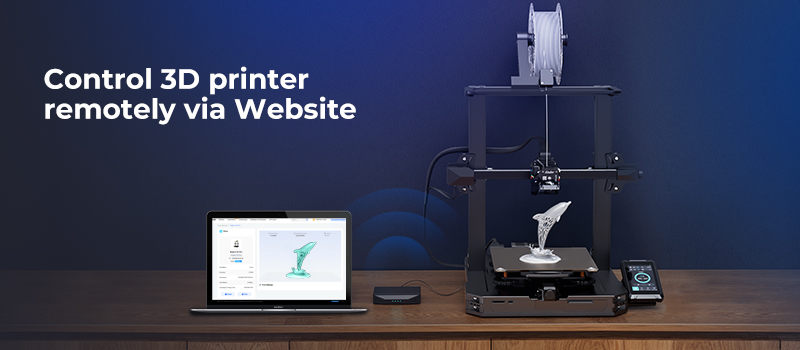
Creality Box is connected to the Creality Cloud via the internet, to control remotely and monitored in real-time using the Creality Cloud mobile app, PC software, or the Creality Cloud website. This article focuses on giving you clear with the control functions on the web side of the Creality Cloud.

By connecting the Creality Box to the 3D printer without having to download and install any software, the user can access the Creality Cloud web to control the printer remotely from anywhere in the world, whether they are currently using a mobile phone, iPad or computer. Creality Box is truly wireless in the sense that you can stay online with your printer anywhere, regardless of area or device.
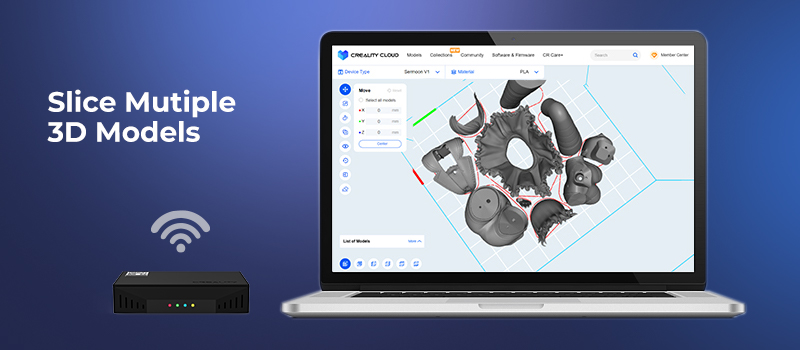
In addition to other regular features, Creality Cloud has been updated with multi-model slicing function. Users can also connect to the printer via the Creality Box and make batch slices possible on your Creality Cloud web, slicing multiple 3D models at once and providing granular control to your print. Meanwhile, the built-in slicer has a toolbar list that users can adjust the setting parameters to suit their needs.

Besides, if you want to use other CAD or slicing software, you can upload your model via the Creality Cloud web after modeling and slicing on your computer, or transfer the Gcode model to a printer and print the model.
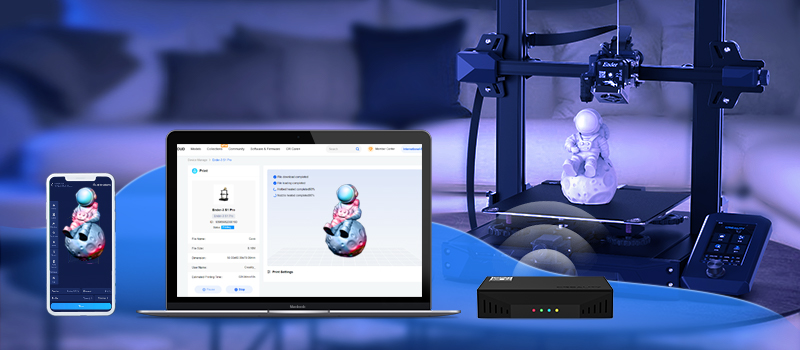
Join us to enjoy Creality Cloud and Creality Box more features!

COMPRA Y APRENDE

  • Tienda
  • Dónde Comprar
  • Serie K2
  • Serie Hi
  • Serie Ender

COMUNIDAD

  • Foro
  • Creality Cloud
  • Discord
  • Reddit
  • Código Abierto

SOPORTE

  • Soporte de Productos
  • Centro de Descargas
  • Centro de Ayuda
  • Centro de Videos
  • Posventa
  • Wiki Oficial

ACERCA DE

  • Sobre Nosotros
  • Contáctanos

Sé el primero en enterarte

Recibe las últimas noticias de Creality.

Al suscribirte, aceptas nuestros Términos y Política de privacidad.

  • YouTube
  • Facebook
  • Instagram
  • TikTok
  • Twitter
  • Reddit
  • Discord
España(Español)

Derechos de autor © 2026 Creality Co., Ltd. Todos los derechos reservados.