

Willkommen bei Creality  MakerCup 2026 đŸ”„

Creality
Store
  • Alle Produkte
  • Software
  • Blog
  • UnterstĂŒtzung
  • Creality Cloud
  • Deutschland (Deutsch)
Cancel

Schnellzugriffe

    Creality
    Alle ProdukteSoftwareBlogUnterstĂŒtzungCreality Cloud
    Store
    SPARKXFlaggschiffHi-SerieEnder-Serie
    SPARKX i7
    Neu
    SPARKX i7
    Mehr Produkte
    Vergleichen
    K2
    Neu
    K2
    K2 Pro
    Neu
    K2 Pro
    K2 Plus
    K2 Plus
    K2 SE
    Neu
    K2 SE
    K1 Max
    K1 Max
    Mehr Produkte
    Vergleichen
    Creality Hi
    Creality Hi
    Mehr Produkte
    Vergleichen
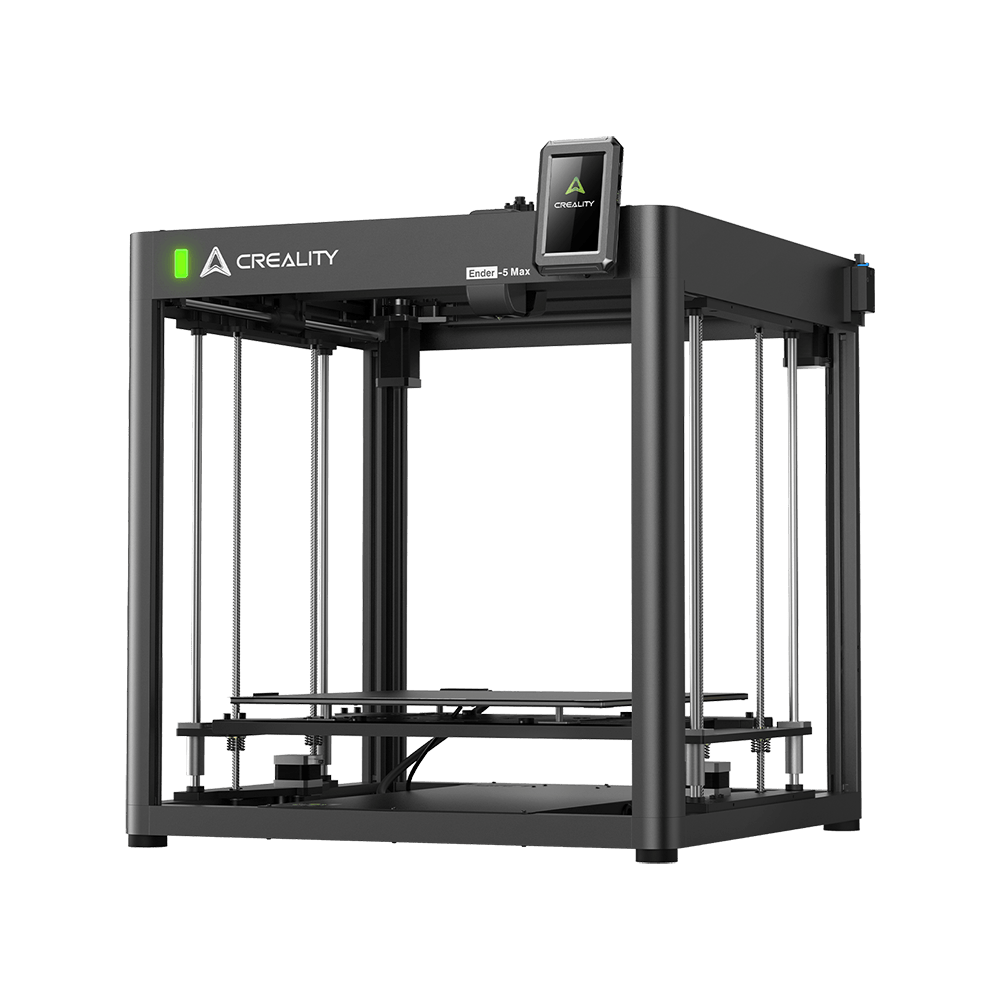
    Ender-5 Max
    Neu
    Ender-5 Max
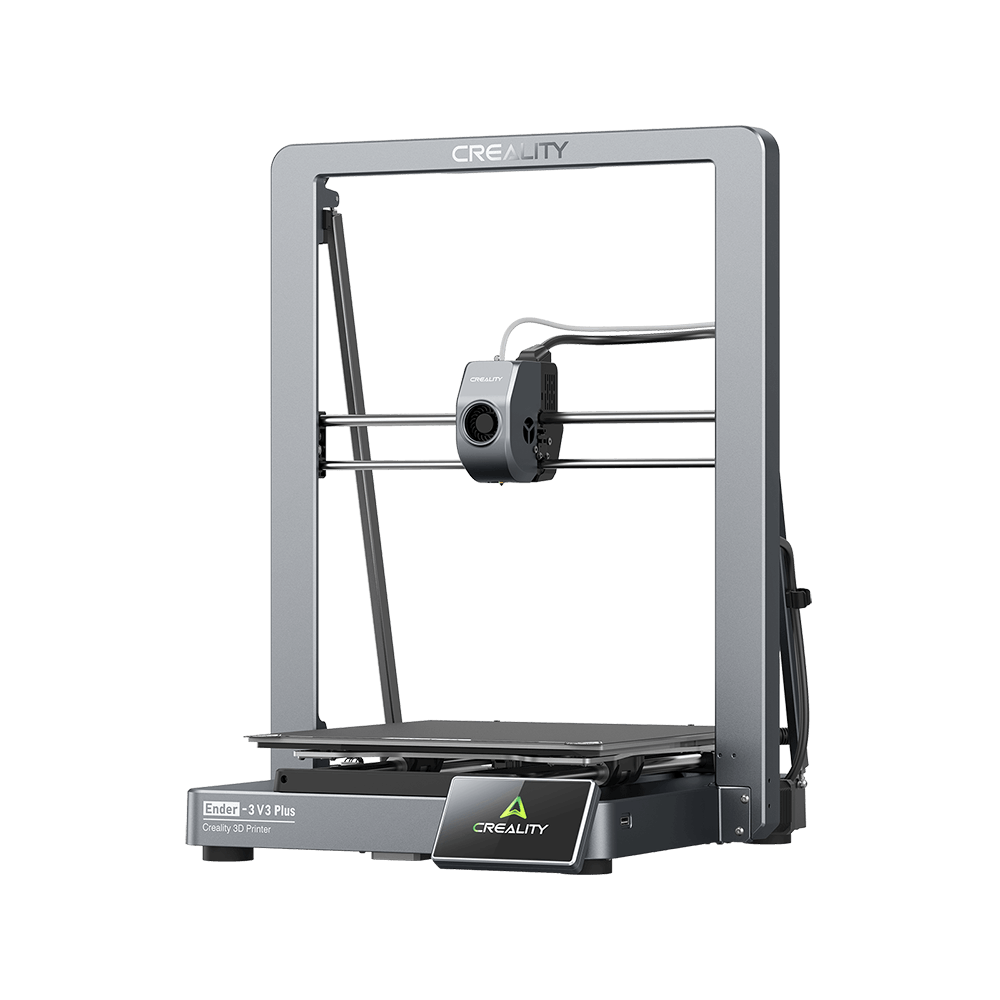
    Ender-3 V3 Plus
    Ender-3 V3 Plus
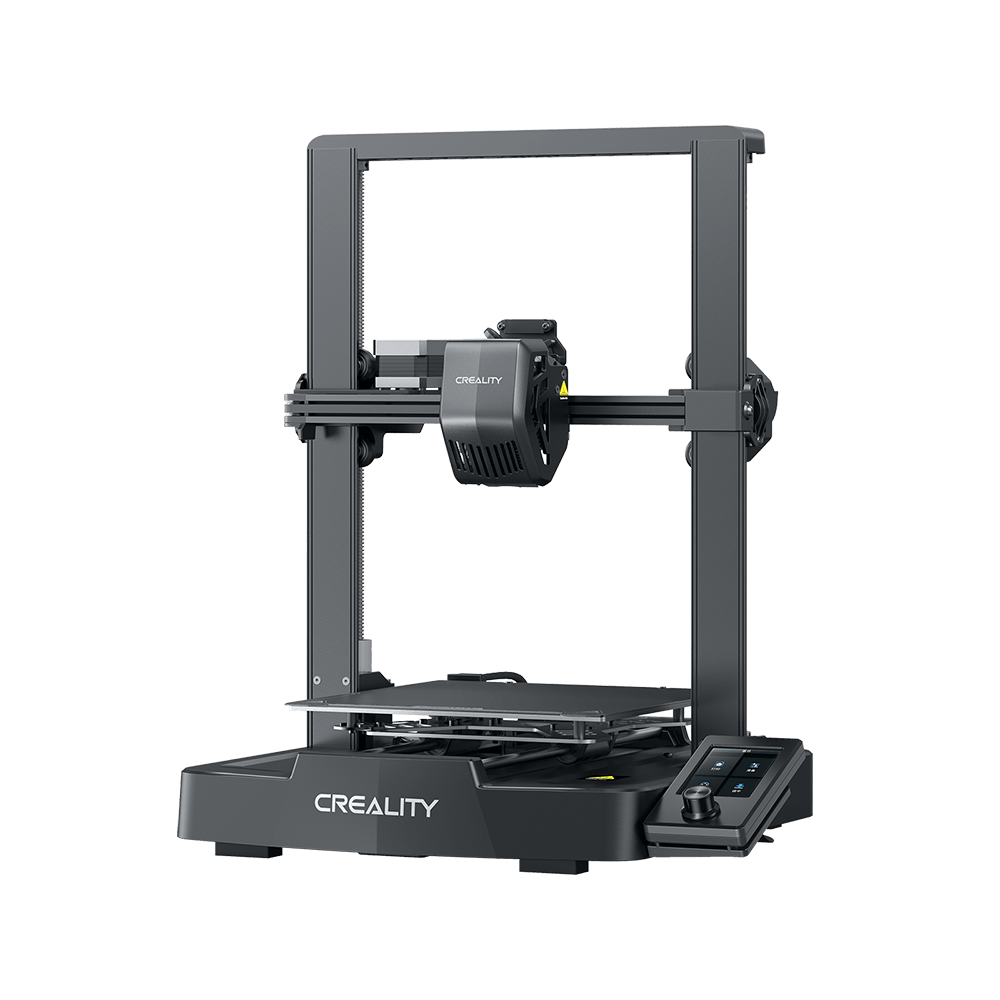
    Ender-3 V3
    Ender-3 V3
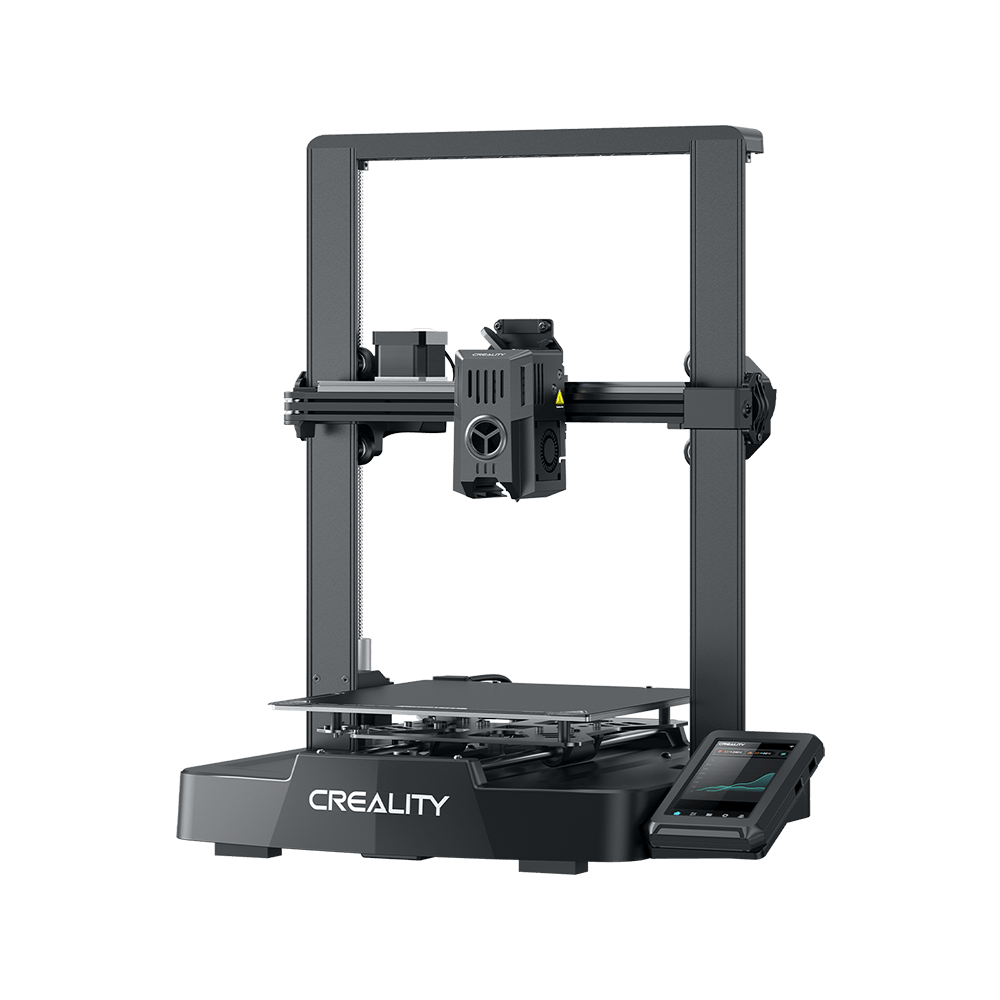
    Ender-3 V3 SE
    Ender-3 V3 SE
    Ender-3 V3 KE
    Ender-3 V3 KE
    Mehr Produkte
    Vergleichen
    Download-Center
    Software & Firmware
    Modelle
    Creality Cloud App
    Servicezentrum
    Hilfe-Center
    Creality Wiki
    ProduktunterstĂŒtzung
    Download
    Video
    Parameter
    Mehr entdecken
    Über uns
    Kontakt
    Kundendienst
    Blog-Center / CR-10 Smart V1.0.10 Firmware Notification

    Newsletter abonnieren

    Erhalten Sie spannende Einblicke in den 3D-Druck, Schritt-fĂŒr-Schritt-Anleitungen und Inspiration fĂŒr Ihr nĂ€chstes 3D-Druckprojekt.

    Mit dem Abonnieren stimmen Sie unseren Bedingungen und Datenschutzrichtlinie.

    Soziale Medien

    • YouTube
    • Facebook
    • Instagram
    • TikTok
    • Twitter
    • Reddit
    • Discord.com

    CR-10 Smart V1.0.10 Firmware Notification

    Oct 22, 2021 09:11:11

    cr-10 smart

    After receiving feedback from a number of users regarding the leveling capabilities of the CR-10 SMART 3d printer, Creality's product researchers quickly responded with an update to the CR-10 SMART firmware. Following are the Tips for better leveling.

    One-click upgrade to the latest firmware version v1.0.10. 

    Don't know how to download and upgrade? Please keep checking.

    First, please visit here to download the latest CR-10 SMART firmware,
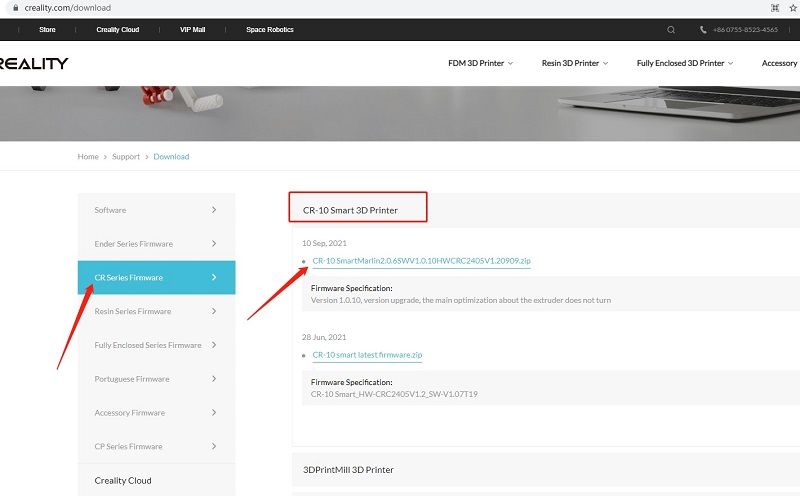
    download

    Second, watch the YouTube video to upgrade step by step:

    For perfect printing, please also follow simple troubleshooting as below:

    1. All pulleys must not be idle.

    2. Check whether the catches snap into place.

    3. Use measuring equipment to check whether the distance between both ends of the X-axis is the same.

    4. Check the platform whether shaked.

    5. Check all belts whether are properly tensioned.

    6. Check screws securing both sides whether are locked.

    7. Check the nozzle kit assembly whether is properly tensioned.

    Einkaufen & Lernen

    • Store
    • Falcon Store
    • HĂ€ndler finden
    • K2-Serie
    • Ender-Serie
    • Hi-Serie

    COMMUNITY

    • Forum
    • Creality Cloud
    • Discord
    • Reddit
    • Open Source

    UnterstĂŒtzung

    • Support
    • Downloads
    • Hilfe
    • Videos
    • Kundendienst
    • Wiki

    Firma

    • Über uns
    • Kontakt uns

    Als Erster informiert sein

    Erhalten Sie die neuesten Neuigkeiten von Creality.

    • YouTube
    • Facebook
    • Instagram
    • TikTok
    • Twitter
    • Reddit
    • Discord.com
    Deutschland(Deutsch)

    Urheberrecht © 2026 Creality 3D Technology Co., Ltd. Alle Rechte vorbehalten.